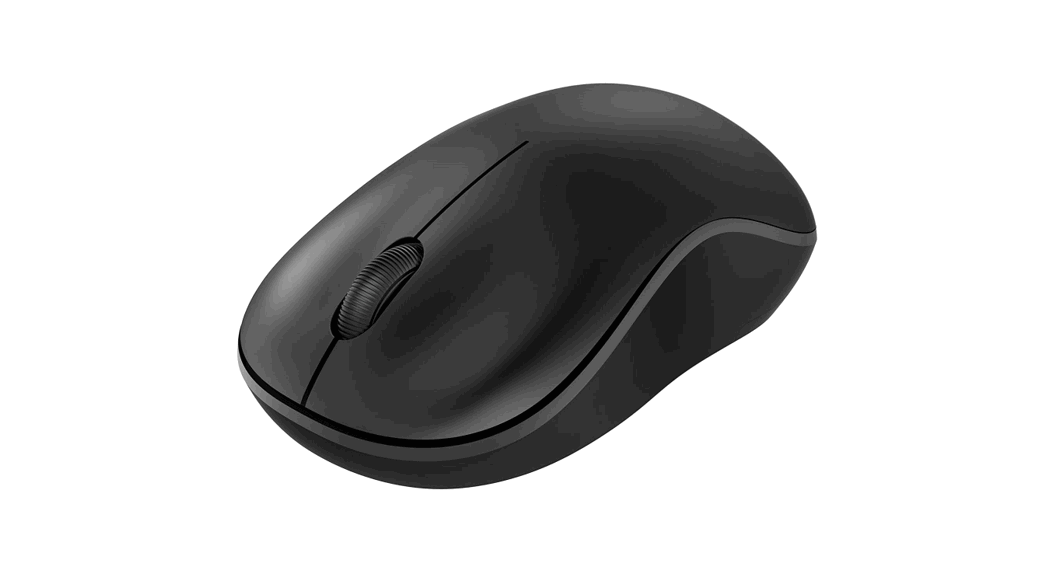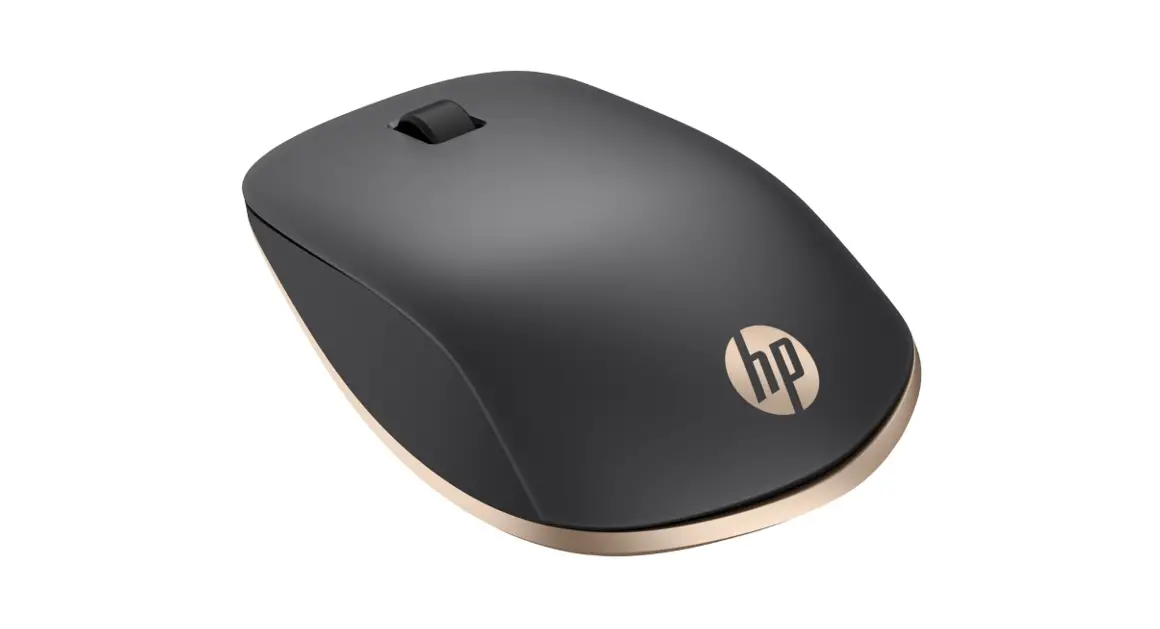

Color Side 1: BLACK
Color Side 2: BLACK
Flat size:15.588 x 20.67 in.
Finished size: 3.897 x 4.134 in.
Fold 1:4-panel accordion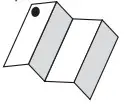 Fold 2: 5-panel accordion
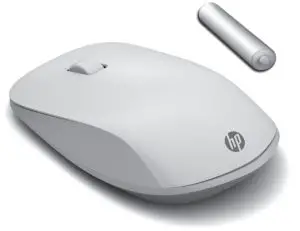
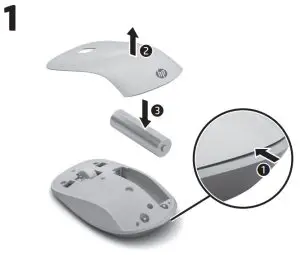
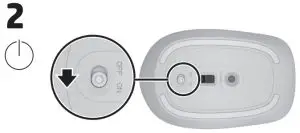
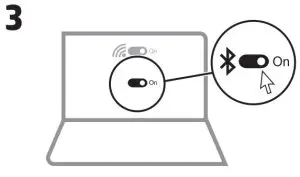

 www.hp.com/support
 To download the Bluetooth Pairing User Guide, go to http://www.hp.com/support.
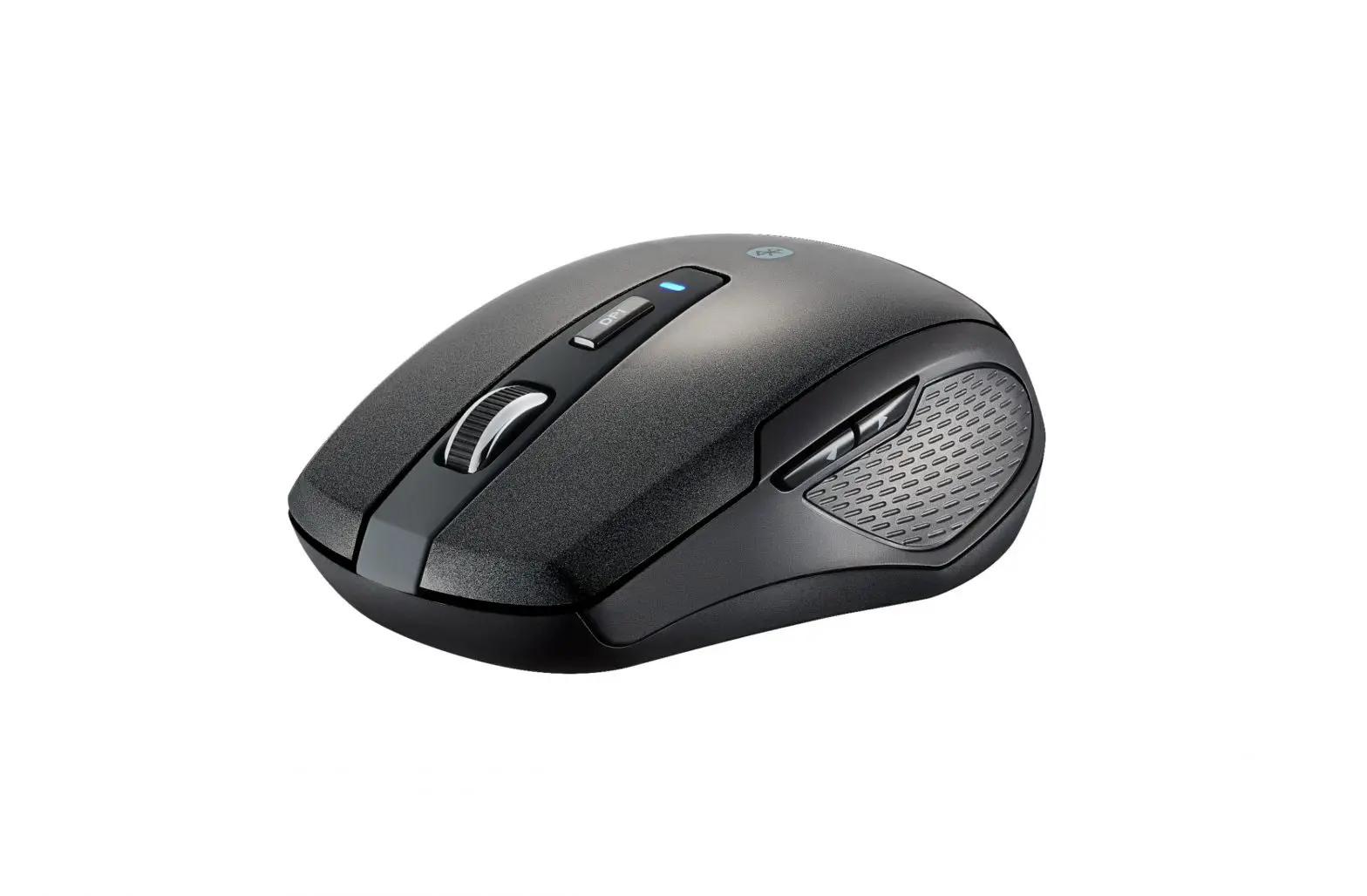
| Light status | Description |
| Solid blue | The mouse is paired. |
| Two blue blinks and a pause | The mouse is reconnecting to a previously paired device. |
| Slowly blinking blue | The mouse is in pairing mode. |
| Slowly blinking amber | The battery is low. Replace the battery. |
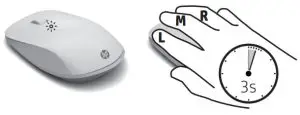
Action: Press L+M+R for 3 seconds
| LED Response | |
| Flashes 1 time | 1000 DPI Setting |
| Flashes 2 times | 1200 (default) DPI Setting |
| Flashes 3 times | 1600 DPI Setting |
| Flashes 4 times | 2000 DPI Setting |

http://www.hp.com/go/regulatory
For regulatory information, scan the QR code or go to www.hp.com/go/regulatory.
RMN HSA-P013M
© Copyright 2021 HP Development Company, L.P. Bluetooth is a trademark owned by its proprietor and used by HP Inc. under license. The information contained herein is subject to change without notice. The only warranties for HP products and services are set forth in the express warranty statements accompanying such products and services. Nothing herein should be construed as constituting an additional warranty. HP shall not be liable for technical or editorial errors or omissions contained herein.
First Edition: August 2021
Printed in China M85032-B21