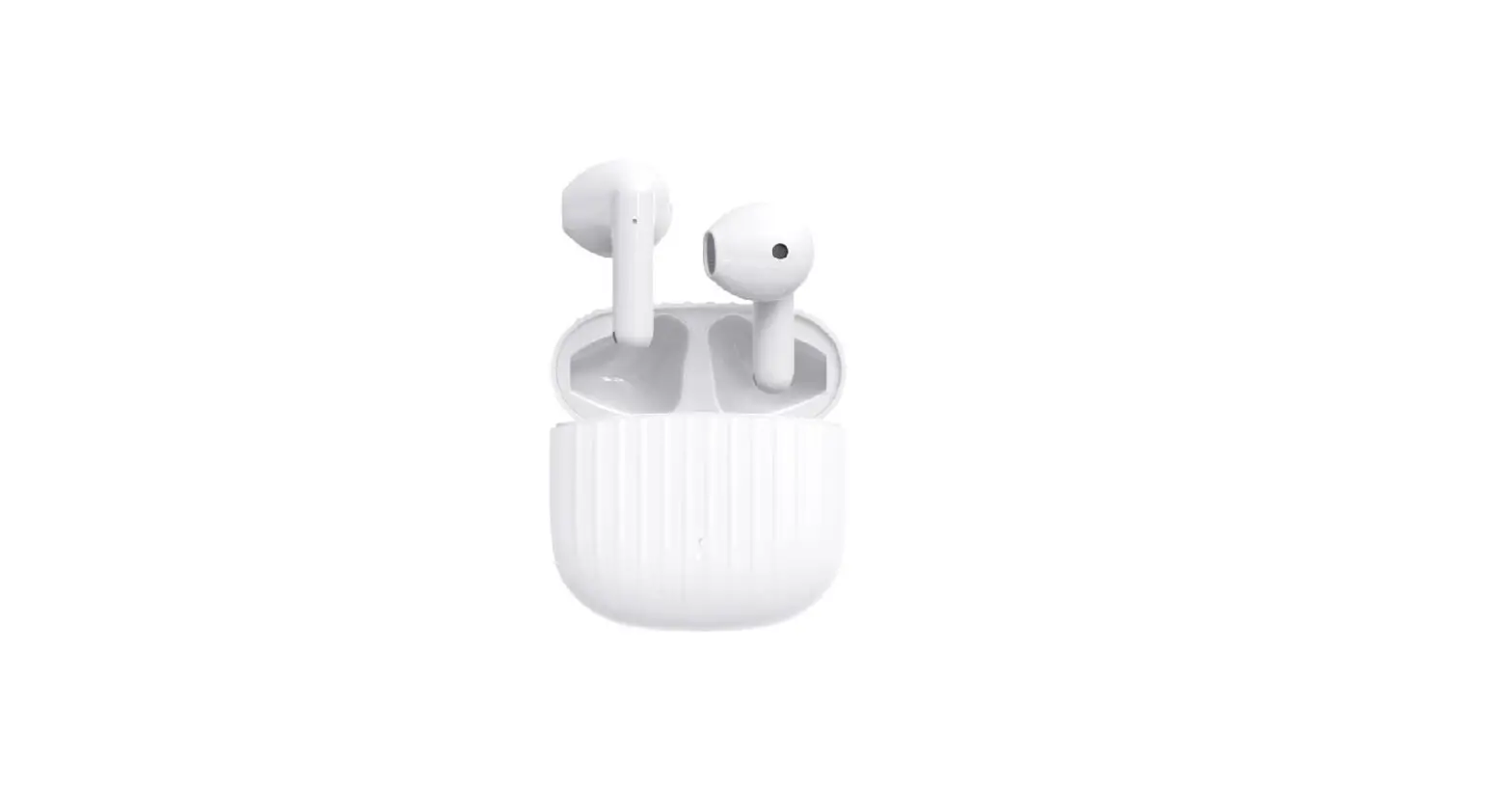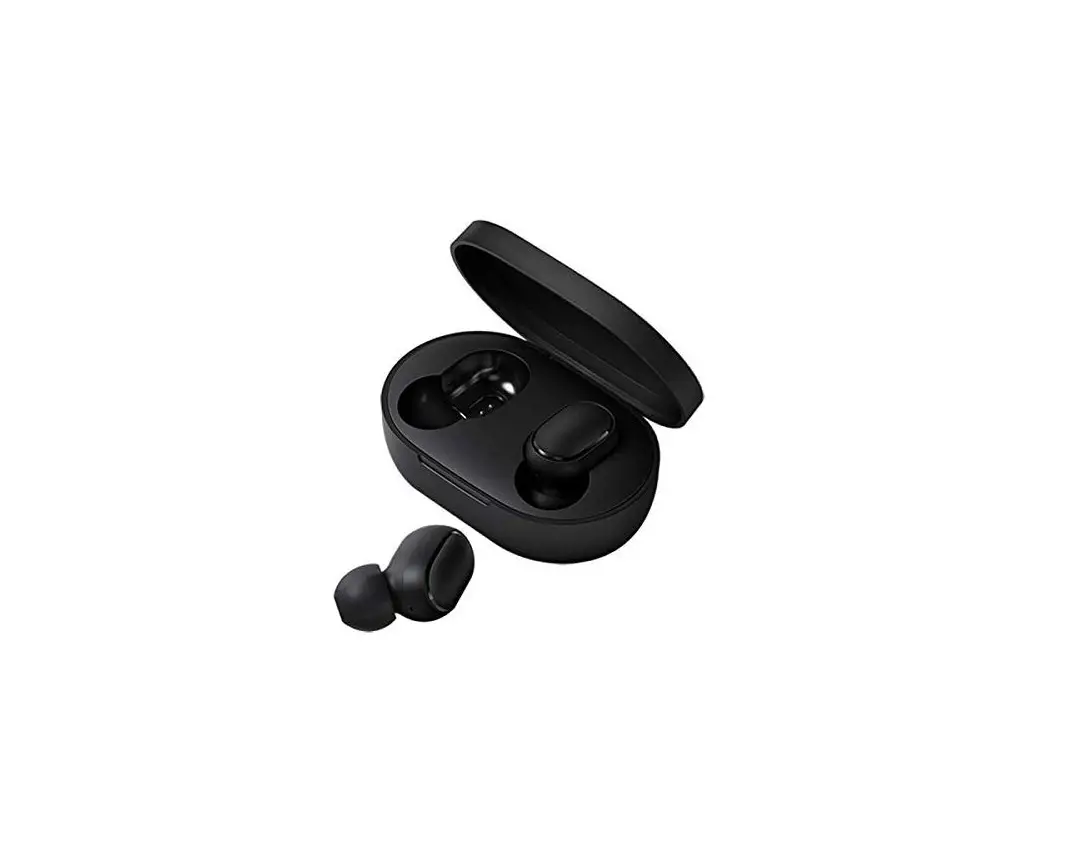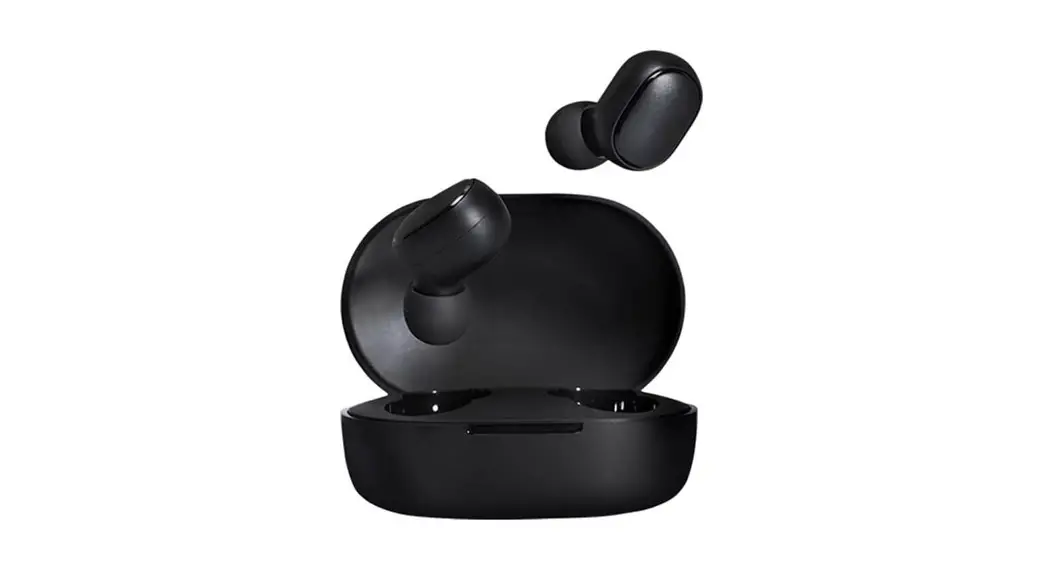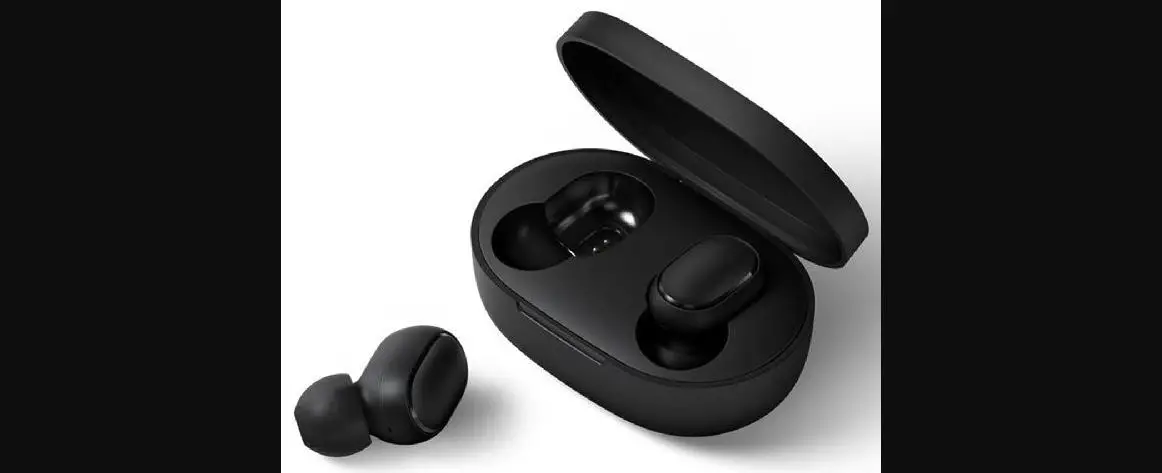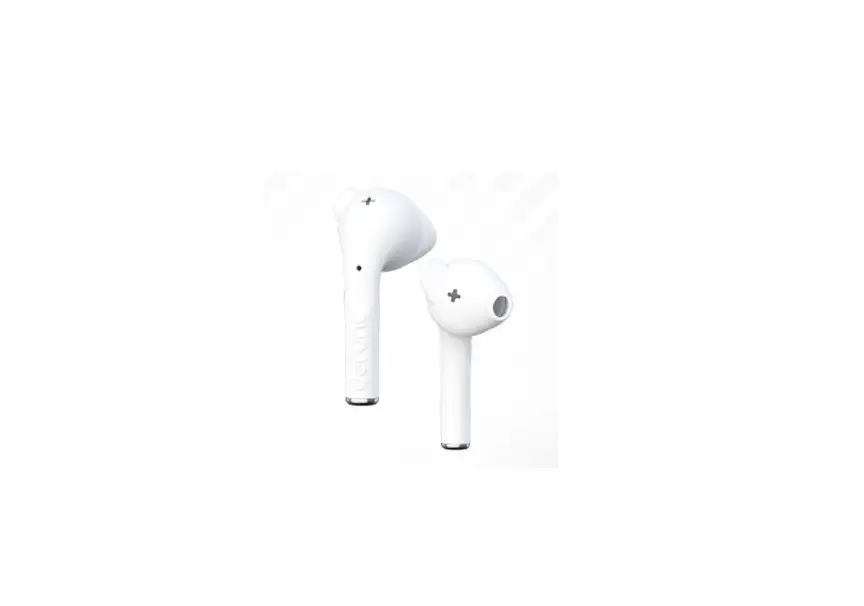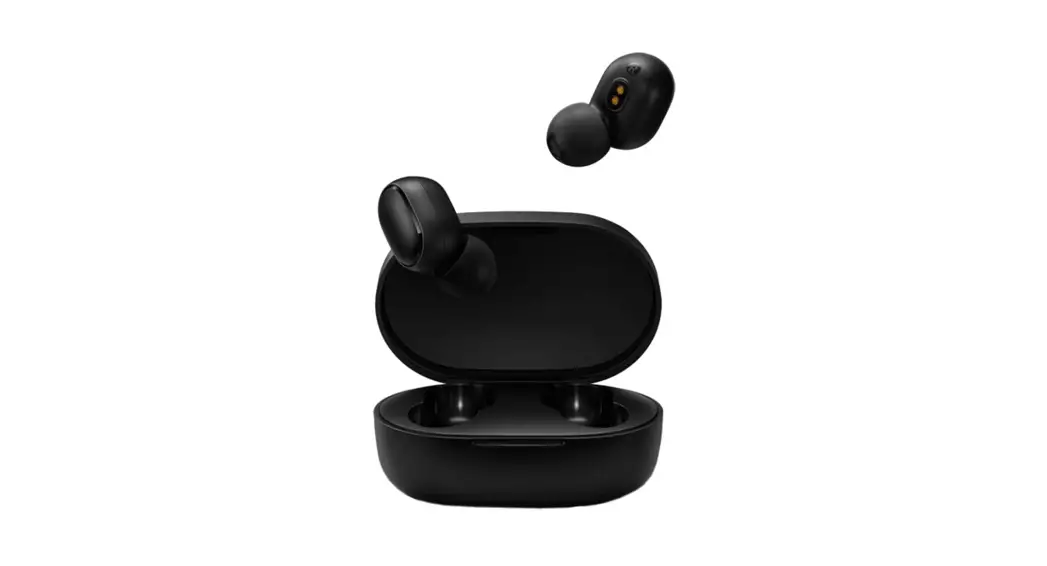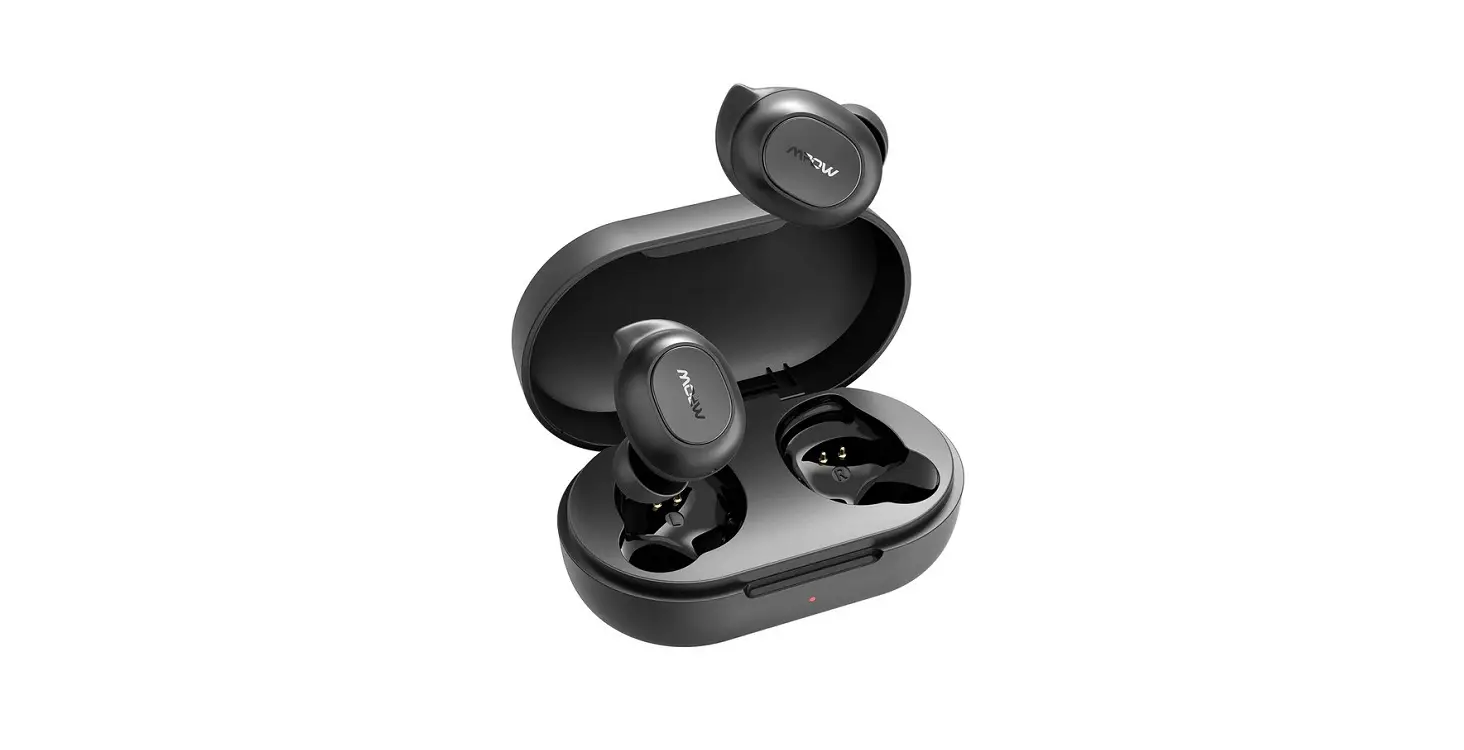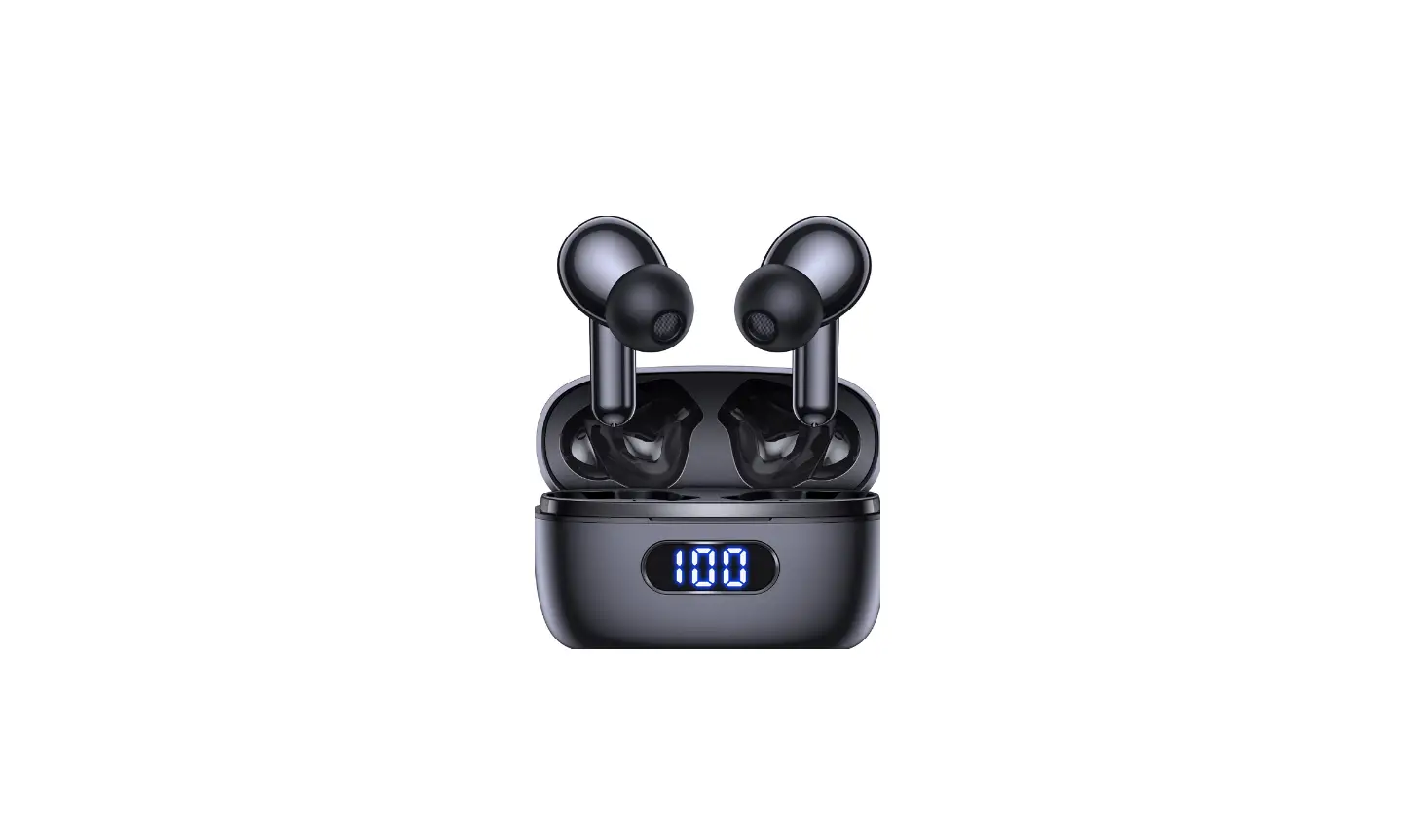
PhoneWorld PW510 True Wireless Earbuds User Manual
PAIRING & CONNECTION
- STEREO MODE
Take both earbuds out of the charging case, they will auto power on. The left and right will connect each other automatically.
Activate your phone’s Bluetooth , search name “PhoneWorld 510″and connect (If you put either earbud back into charging case during stereo mode, the other one will continue work, if you take it out again, it will automatically reconnect to the other one again). - MONO MODE
Take either earbud out of the charging case, they will automatically power on in pairing mode.
Activate your phone’s Bluetooth’ , search name “PhoneWorld 510” and connect. After the first connection, in future use, it will auto connect with your phone no matter if using mono mode or stereo mode. - POWER OFF & CHARGE
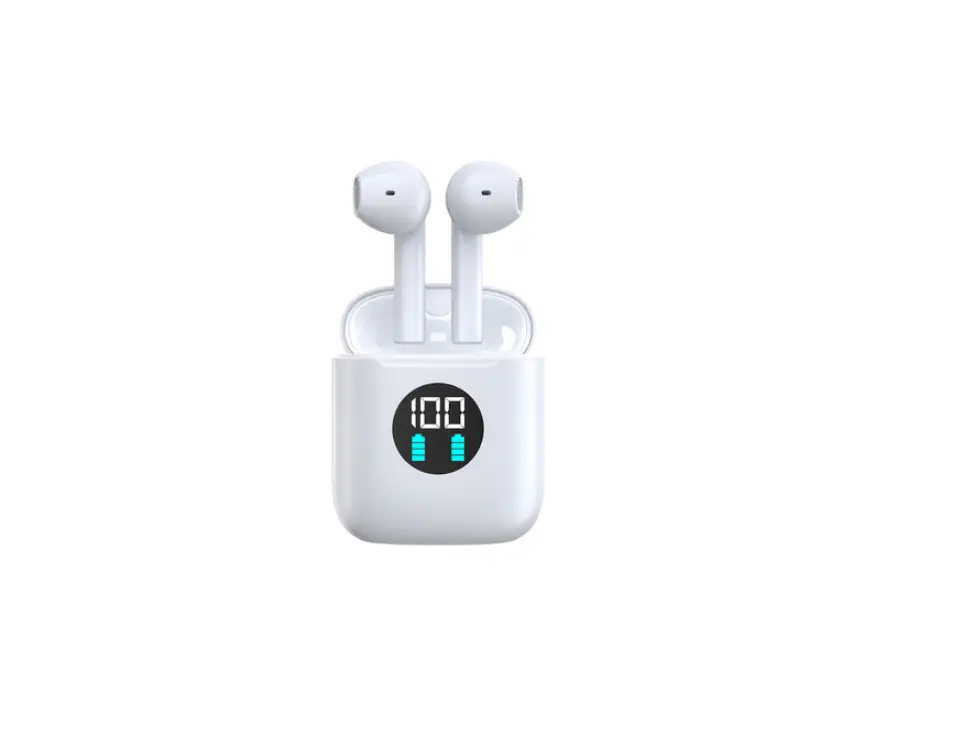
When you put the earbuds into charging case, they will automatically power off and recharge.
Charging case will auto detect the earbuds battery, if fully charged, the charging case will stop recharging the earbuds.
When charging the earbuds, the LED will flash red. When fully charged, the LED will turn off.
When charging the case, the LED will flash red. When fully charged, the LED will stay red.
PRODUCT OVERVIEW
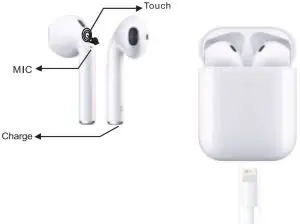
INSTRUCTIONS
- Power ON or OFF: Touch and hold L or R earbuds for 5 seconds
- Active Siri or OK Google: Touch and hold L or R earbuds for 3 seconds
- Play or Pause, Answer or End Calls: Touch L/R earbuds once
- Next Track: Touch R earbud Twice
- Last Track: Touch L earbud Twice
- Increase Volume Mr: Touch R earbud Triple
- Decrease Volume: Touch L earbud Triple
CAUTIONS
- The product should be stored in a dry environment and avoid oil, water, moisture and dust etc that may affect the performance.
- Avoid using stimulus, organic solvents or items containing these ingredients to clean the product.
- The usage of product should be correct as user manual. Please also pay attention to the influence of environment on the product. In order to ensure steady connection, please keep the distance between the earbuds and phones within 10 meters.
- If the earbuds are failed to connect or with poor connection, please do not take apart the product or the accessories on your own. Please note we are not responsible for man-made factors.
- If the charging case battery runs out, charge the charging case first. If charging case battery is normal, then try to clean the charging pin of the earbuds as it may have dust or sweat on them after long use.Please charge the product from time to time if you don’t often use it to ensure the battery life.
- You may experience sound cuts out in Bluetooth® or WiFi surroundings. This is normal.
SPECIFICATIONS
- Wireless Version: V5.0+EDR
- Protocols Supported: A2DP/HFP/HSP/AVRCP
- Transmission Distance: 10M
- Bluetooth Frequency: 2.4G
- Playing Time: 5∼7Hours
- Earbuds Battery : 35mAh per side
- Charging Case Battery: 250mAh
- Standby Time: 120Hours
- Charging Voltage/Current: 5V/1A