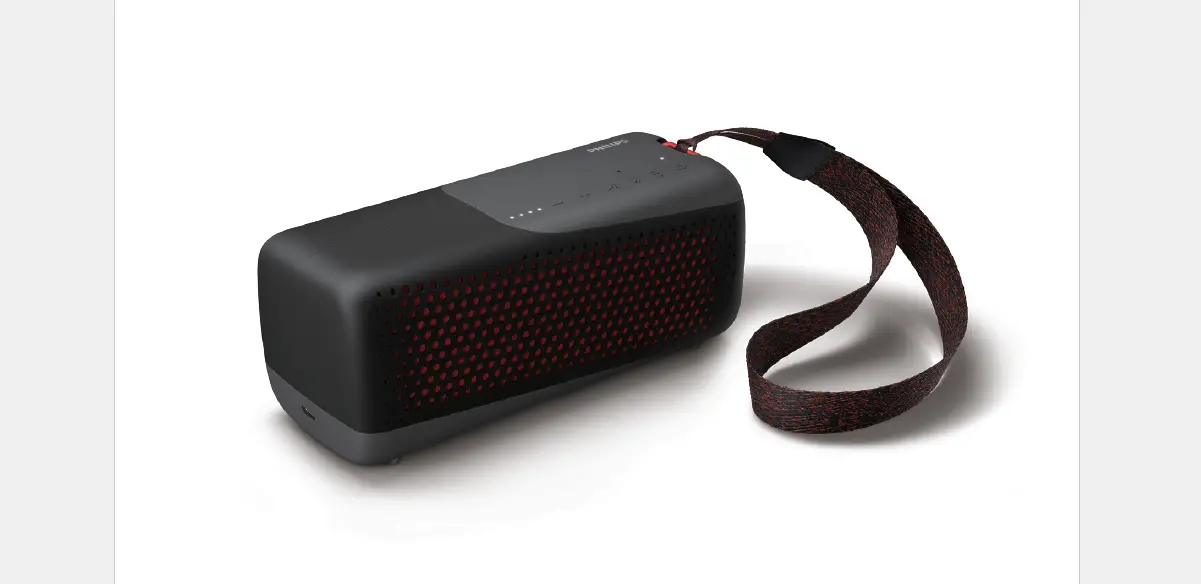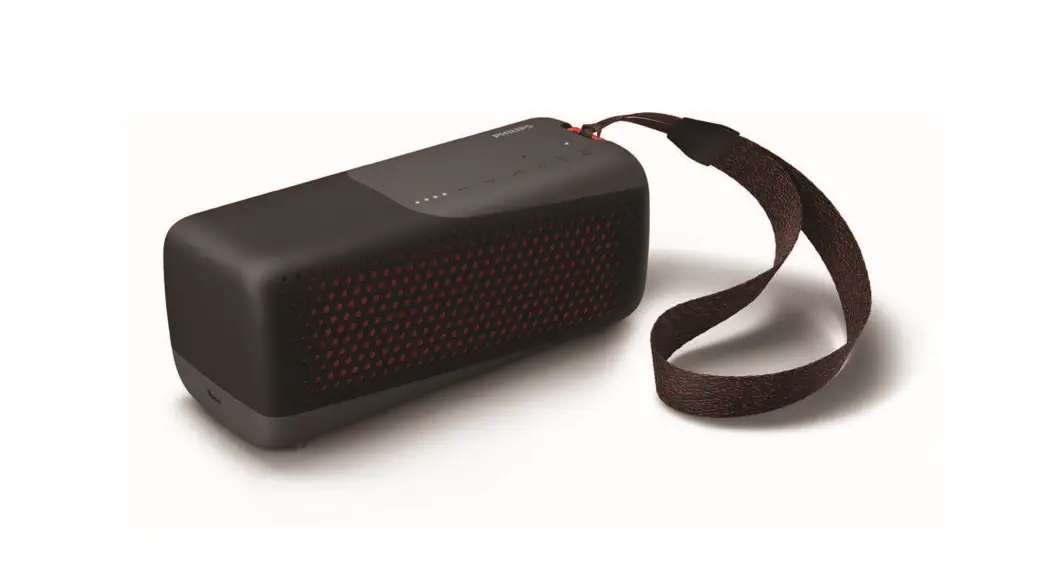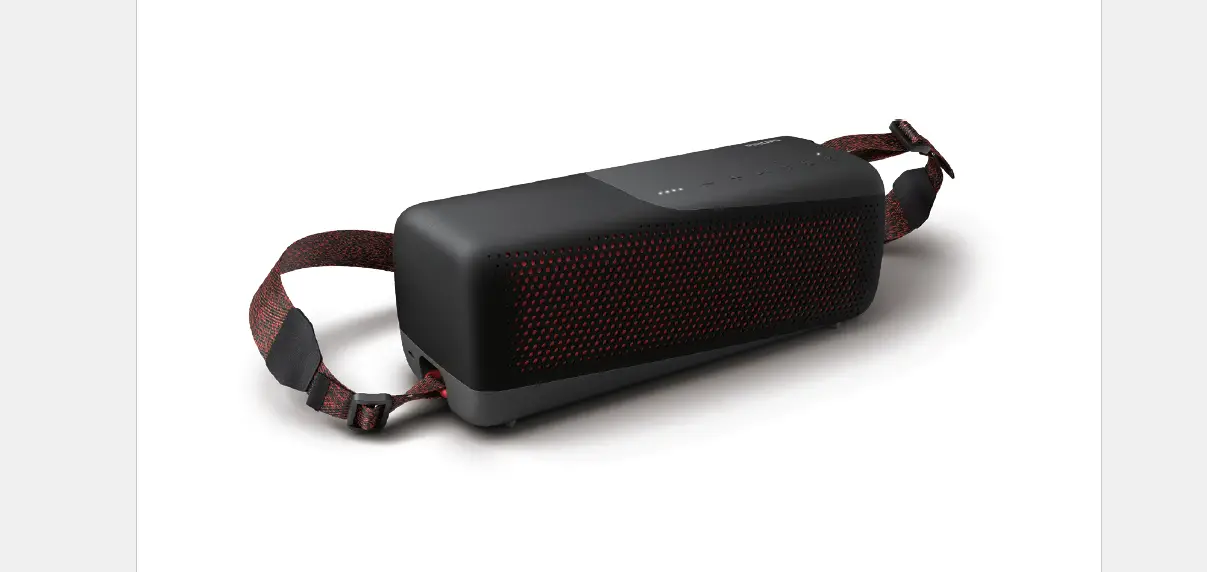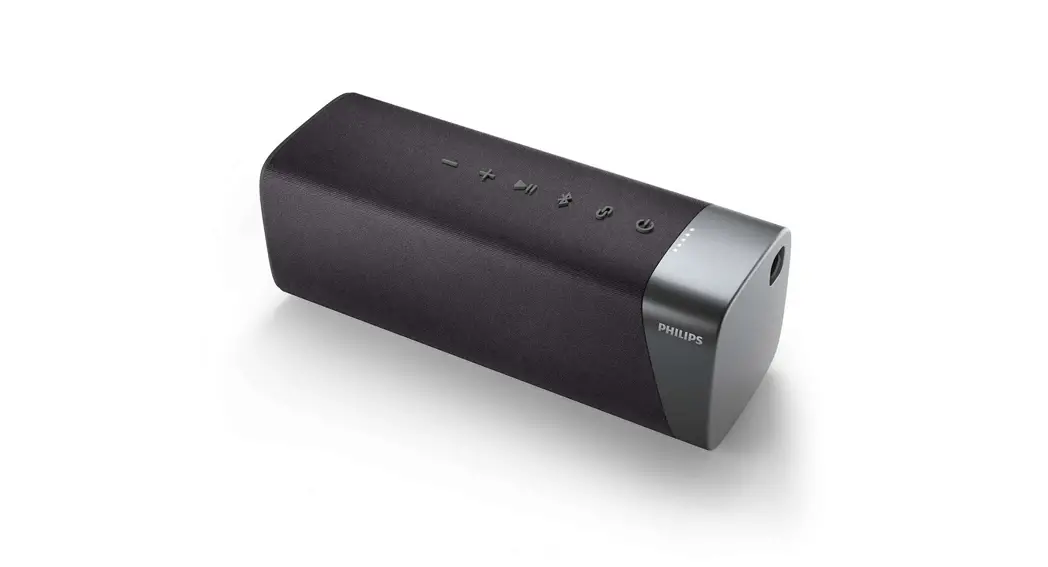
 TAS5505 Wireless Speaker
User Manual
4 Play from Bluetooth devices
With this speaker, you can enjoy audio from your Bluetooth device.
 Note
Note
- Make sure that the Bluetooth function is enabled on your device.
- The maximum distance for pairing the speaker and your Bluetooth device is 20 meters (66 feet).
- Keep away from any other electronic device that may cause interference.
- Press
 to turn the speaker on, it will enter Bluetooth pairing mode automatically.
You can also press and hold for 2 seconds to enter Bluetooth pairing mode.
 - Enable Bluetooth and select “Philips S5305” in the Bluetooth list on your device for pairing.
 If a message prompts for permission for Bluetooth connection, confirm it.If a password is required, enter 0000 and then confirm.
 - Play audio on your Bluetooth device to start streaming music.
 to turn the speaker on, it will enter Bluetooth pairing mode automatically.
 If a message prompts for permission for Bluetooth connection, confirm it.
| LED indicator | Description |
| Blinking blue quickly | Ready for pairing |
| Blinking blue slowly | Reconnecting the last connected device |
| Solid blue | Connected |
Note
- To disconnect a device, press and hold for 2 seconds until the LED indicator blinks blue quickly.
- When you turn on the speaker, it always automatically tries to reconnect the last successfully connected device.
- To clear the pairing information, press and hold for 8 seconds until the LED indicator slowly blinks cyan for 3 times.
Control playback
During playing the music,
 Press to pause or resume play
Press twice to play the next track Adjust the volume
Control phone call
 Press to answer or end a call
Press and hold to reject a callAdjust the volume
Pairing for stereo mode
Two identical wireless speakers (Philips S5305) can pair with each other for stereo sound.
Note
- Any speaker can be used as the primary speaker.
- The speaker connected to a Bluetooth device can only be used as the primary speaker.
- Before stereo pairing, make sure that the secondary speaker is under Bluetooth pairing mode.
- The maximum distance for pairing the speaker and your Bluetooth device is 20 meters (66 feet).
- In stereo mode, the button operation on the secondary speaker is as same as that of the primary speaker.
- Pressto power on both speakers, they will enter Bluetooth pairing mode automatically. The speaker connected to your Bluetooth device will be used as the primary speaker.
- On the primary speaker, press and hold to
 enter stereo pairing mode until the LED indicator blinks blue and green alternately.You will hear a prompt sound when successfully connected.The LED indicator lights up blue and green alternately on the primary speaker.The LED indicator lights up in blue on the secondary speaker.
 - Press
 on either speaker. The music will be played through both speakers.
To exit the stereo mode, press and hold the on either speaker.
Other features
Play from an external audio device
With this speaker, you can enjoy music from an external audio device such as an MP3 player.
- Connect an audio cable to the
 socket on the speaker and the headphone socket on an external audio device.The speaker will switch to AUX IN mode automatically.The LED indicator lights up in green.
 - Control playback and volume through the connected external audio device.
 socket on the speaker and the headphone socket on an external audio device.
Multi-color LED light
The speaker is equipped with a multi-color LED light on both sides. When playing the music, the color and brightness of the multi-color LED light vary by the audio signal.
Pressturn the multi-color LED light on or off.
Product information
Note
- Product information is subject to change without prior notice.
General information
| Power supply: | 5V  2A 2A |
| Built-in Lithium battery | 3.7V, 4800mAh |
| Dimensions (Wx H x D) | 191x72x70mm |
| Weight (main unit) | 0.58kg |
Amplifier
| Output power | 20W |
| I Frequency response | 20 – 20000 Hz |
| Signal to noise ratio | > 70db |
Speakers
| Impedance | 3 |
| I Maximum input power | 20W |
| Size | 40x80mm |
Bluetooth
| Bluetooth version | 5.0 |
| Frequency range | 2402-2480MHZ |
| Maximum transmission power | 4dBm |
| Compatible Bluetooth profiles | A2DP |
| Bluetooth range | approx.20m |
Troubleshooting
 Warning
- Never remove the casing of the speaker.
To keep the warranty valid, never try to repair the speaker yourself.
If you encounter problems when using this speaker, check the following points before requesting service. If the problem remains unsolved, go to the Philips website (www.philips.com/welcome). When you contact Philips, ensure that the speaker is nearby and the model number and serial number are available.
General
No power
- Make sure the speaker is fully charged.
- Make sure the USB socket of the speaker is properly connected.
- As a power-saving feature, the speaker turns off automatically 15 minutes after no audio signal is received or no audio device is connected.
No sound
- Adjust the volume on this speaker.
- Adjust the volume on the connected device.
- In AUDIO IN mode, make sure that music playback through Bluetooth is stopped.
- Make sure that your Bluetooth device is within the operational range.
No response from the speaker
- Restart the speaker.
Bluetooth
The audio quality is poor after connection with a Bluetooth-enabled device
- The Bluetooth reception is poor. Move the device closer to this speaker or remove any obstacle between them.
Fail to find [Philips S5305] on your Bluetooth device for pairing
- Press and hold for 2 seconds to enter Bluetooth pairing mode, and then try again.
Cannot connect with your Bluetooth device
- The Bluetooth function of your device is not enabled. Refer to the user manual of your device to find out how to enable the function.
- This speaker is not in pairing mode.
- This speaker is already connected to another Bluetooth-enabled device.
Disconnect and try again.
Notice
Any changes or modifications made to this device that are not expressly approved by MMD Hong Kong Holding Limited may void the user’s authority to operate the product.
Compliance

Hereby, MMD Hong Kong Holding Limited declares that this product is in compliance with the essential requirements and other relevant provisions of Directive 2014/53/EU. You can find the Declaration of Conformity on www.philips.com/support.
Care of the environment
Disposal of your old product and battery
 Your product is designed and manufactured with high-quality materials and components, which can be recycled and reused.
 This symbol on a product means that the product is covered by European Directive 2012/19/EU.
 This symbol means that the product contains batteries covered by European Directive 2013/56/EU which cannot be disposed of with normal household waste.
Inform yourself about the local separate collection system for electrical and electronic products and batteries. Follow local rules and never dispose of the product and batteries with normal household waste. Correct disposal of old products and batteries helps prevent negative consequences for the environment and human health.
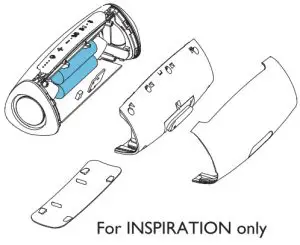
Removing the disposal batteries
To remove the disposable batteries, see the battery install section.
Environmental information
All unnecessary packaging has been omitted. We have tried to make the packaging easy to separate into three materials: cardboard (box), polystyrene foam (buffer), and polyethylene (bags, protective foam sheet.) Your system consists of materials that can be recycled and reused if disassembled by a specialized company. Please observe the local regulations regarding the disposal of packaging materials, exhausted batteries, and old equipment.
FCC Statement
This device complies with Part 15 of the FCC Rules. Operation is subject to the following two conditions: (1) This device may not cause harmful interference, and (2) This device must accept any interference received, including interference that may cause undesired operation.
Warning: Changes or modifications not expressly approved by the party responsible for compliance could void the user’s authority to operate the equipment.
Note: This equipment has been tested and found to comply with the limits for a Class B digital device, pursuant to Part 15 of the FCC Rules.
These limits are designed to provide reasonable protection against harmful interference in a residential installation.
This equipment generates, uses, and can radiate radio frequency energy and, if not installed and used in accordance with the instructions, may cause harmful
interference to radio communications. However, there is no guarantee that interference will not occur in a particular installation. If this equipment does cause harmful interference to radio or television reception, which can be determined by turning the equipment off and on, the user is encouraged to try to correct the interference by one or more of the following measures: (1) Reorient or relocate the receiving antenna. (2) Increase the separation between the equipment and receiver. (3) Connect the equipment into an outlet on a circuit different from that to which the receiver is connected. (4) Consult the dealer
or an experienced radio/TV technician for help.
RF Warning Statement
The device has been evaluated to meet general RF exposure requirements. The device can be used in portable exposure conditions without restriction.
Trademark notice
 The Bluetooth word mark and logos are registered trademarks owned by the Bluetooth SIG, Inc. and any use of such marks by MMD Hong Kong Holding Limited is under license. Other trademarks and trade names are those of their respective owners.

Philips and the Philips Shield Emblem have registered trademarks of Koninklijke Philips N.V. and are used under license.
This product has been manufactured by and is sold under the responsibility of MMD Hong Kong Holding Limited or one of its affiliates, and MMD Hong Kong Holding Limited is the warrantor in relation to this product.
TAS5305_00_UM_ V1 .0
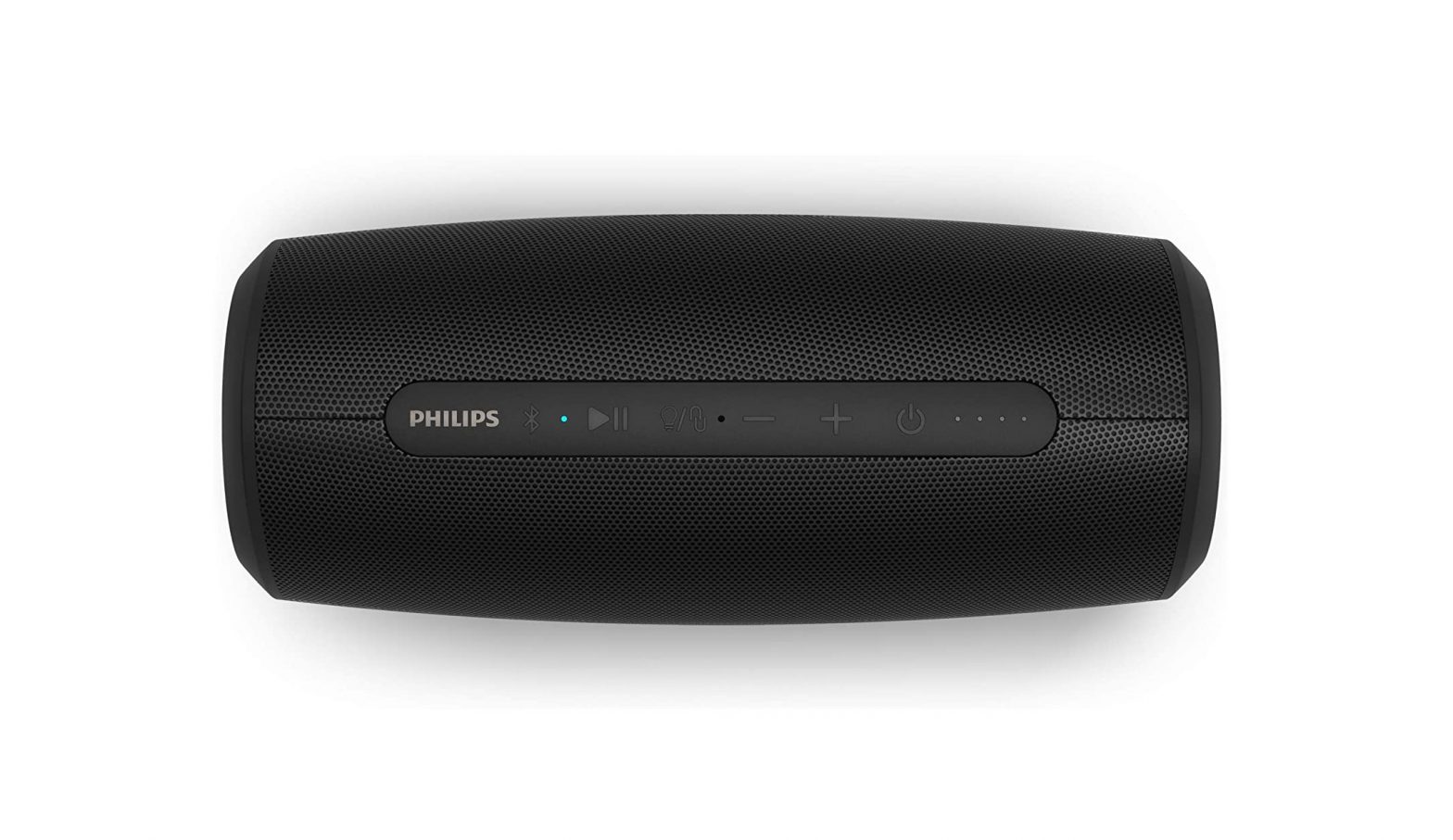
![Philips Wireless Speaker [s5305] User Manual](https://static-data1.manualsee.com/1/img/423/16120/2020/12/Philips-Wireless-Speaker-S5305-FEATURED-1568x764.png "Philips Wireless Speaker [s5305] User Manual")