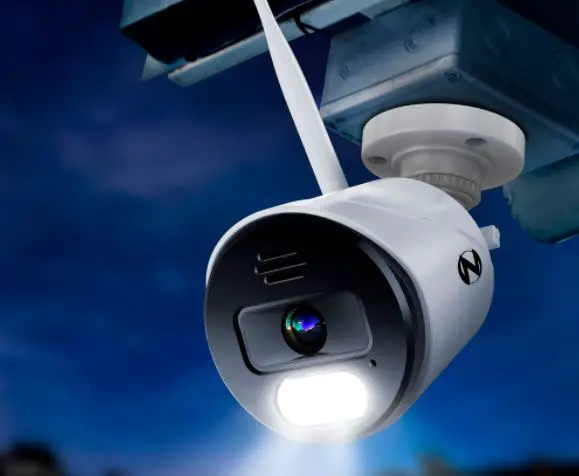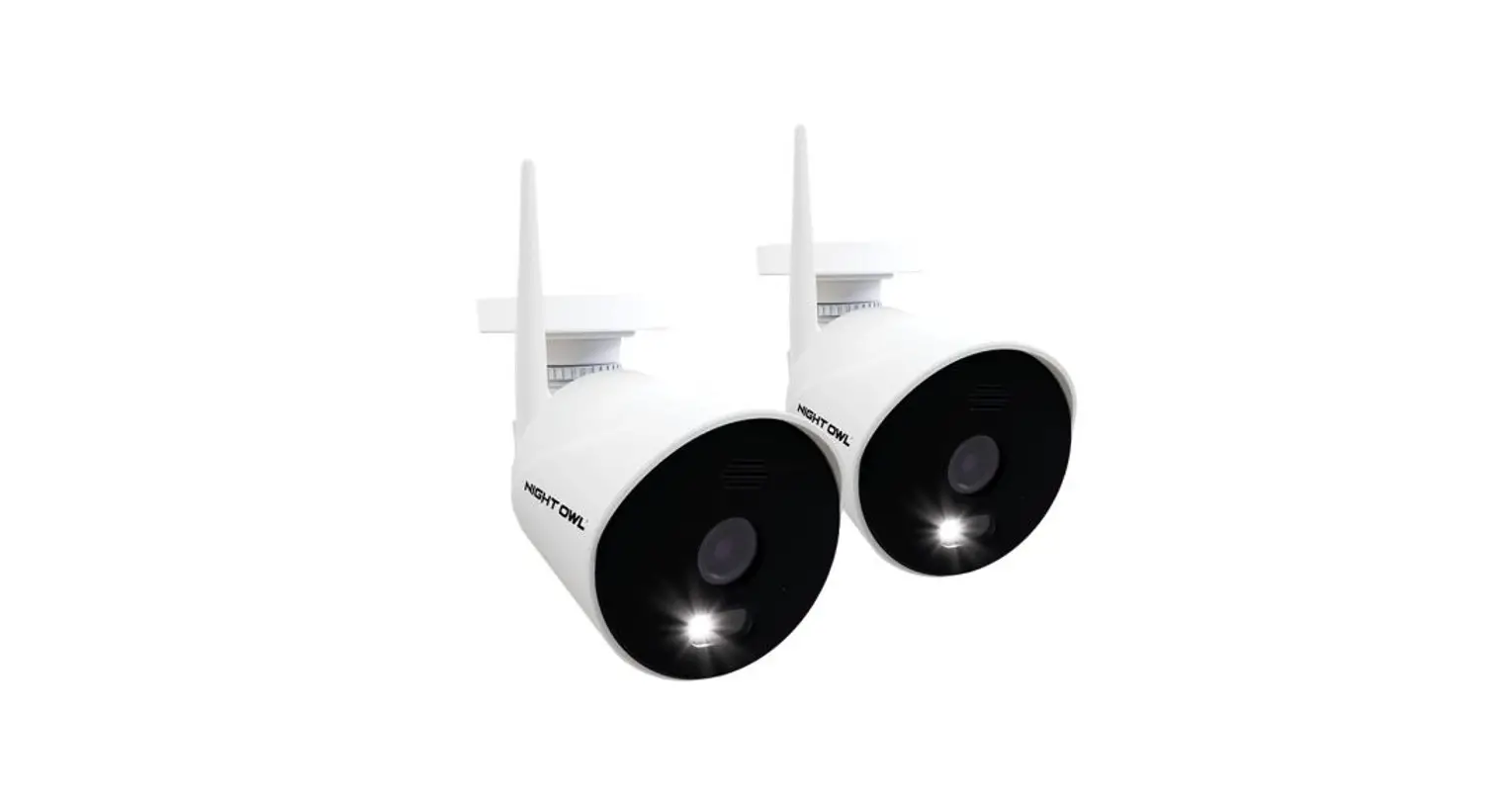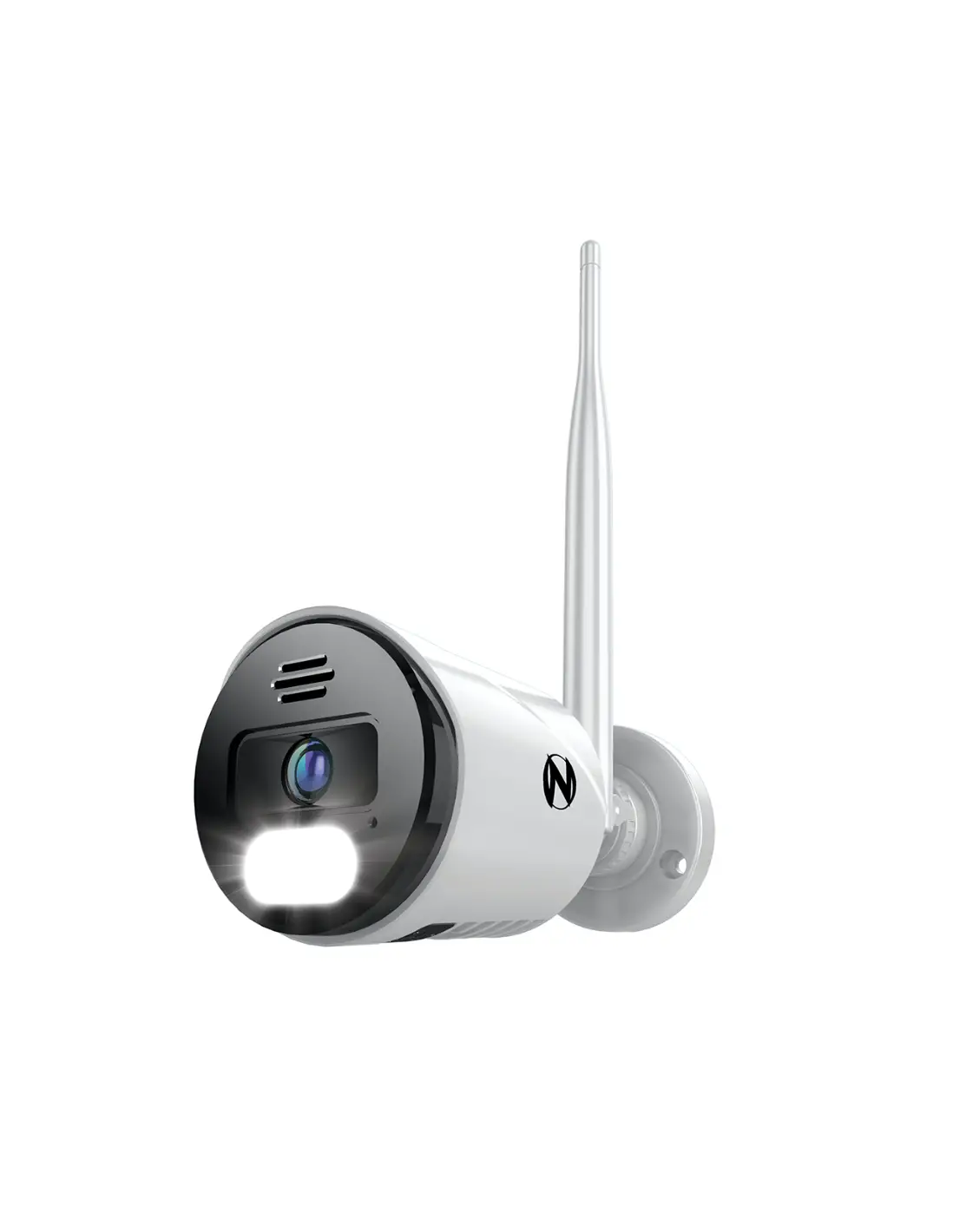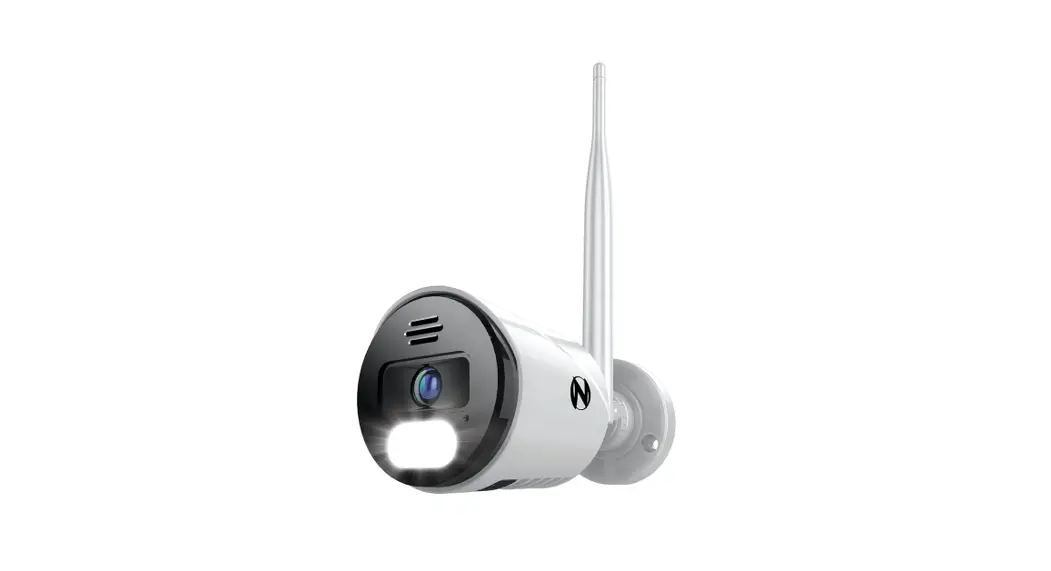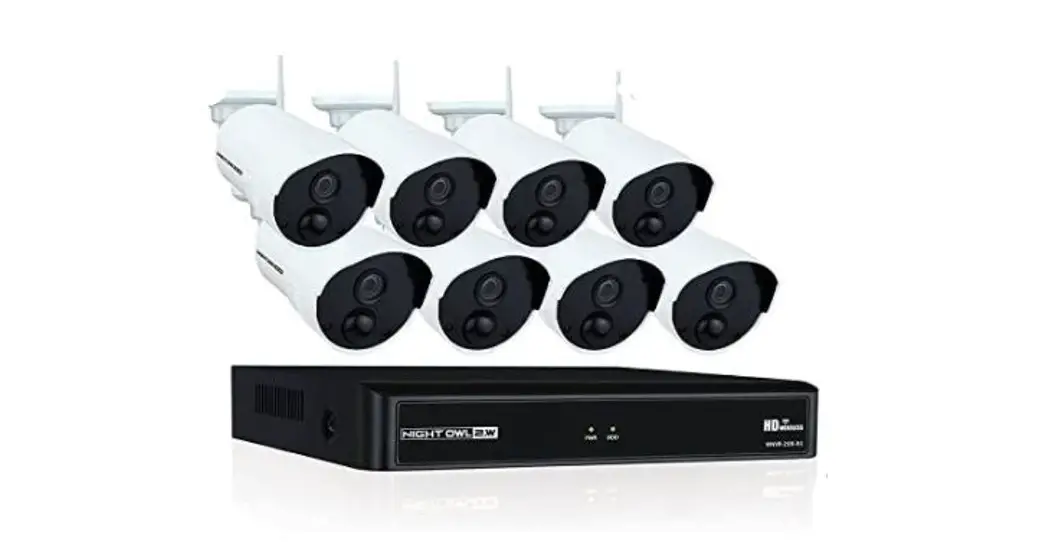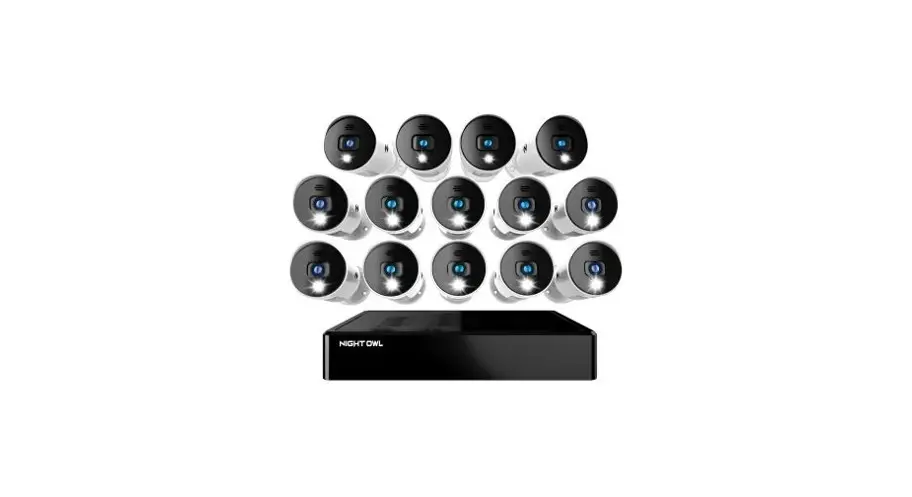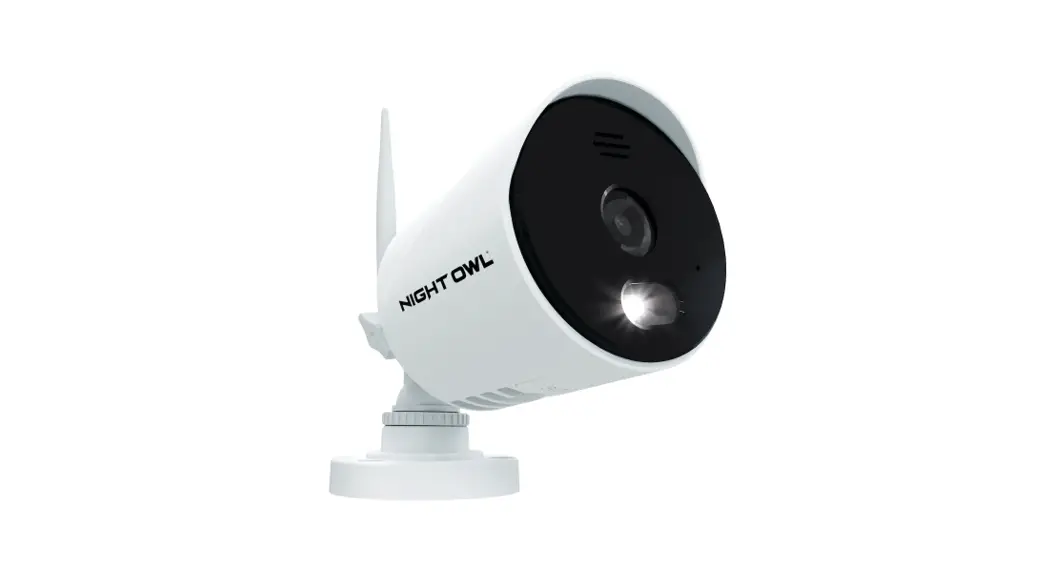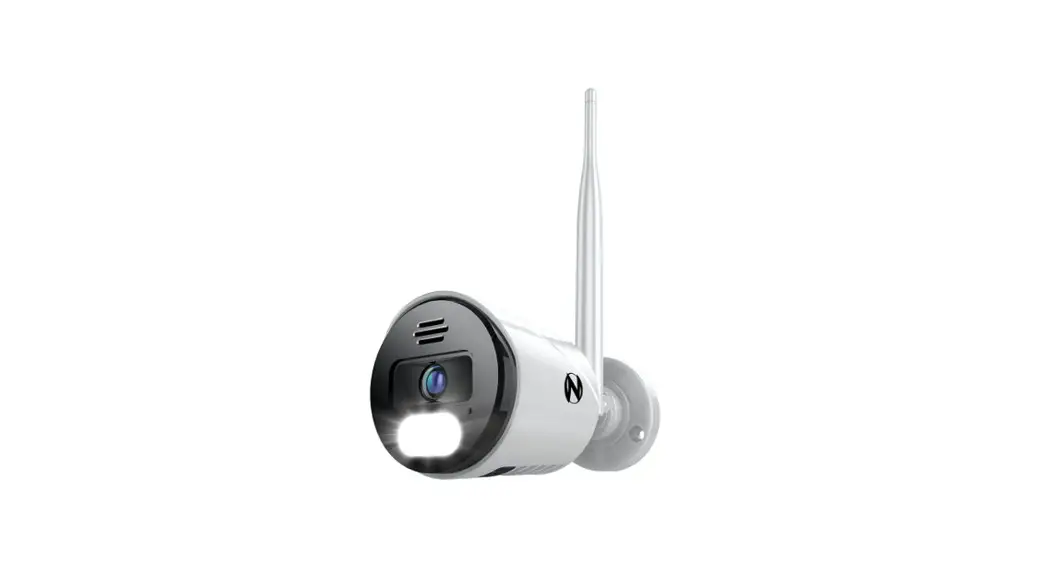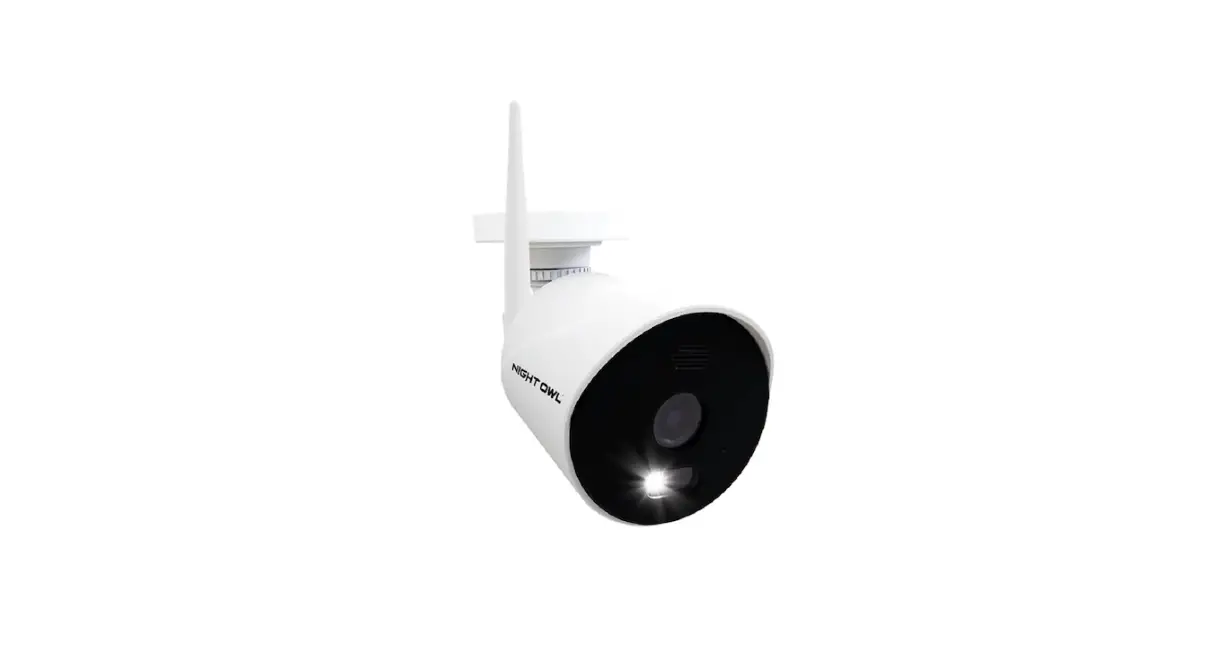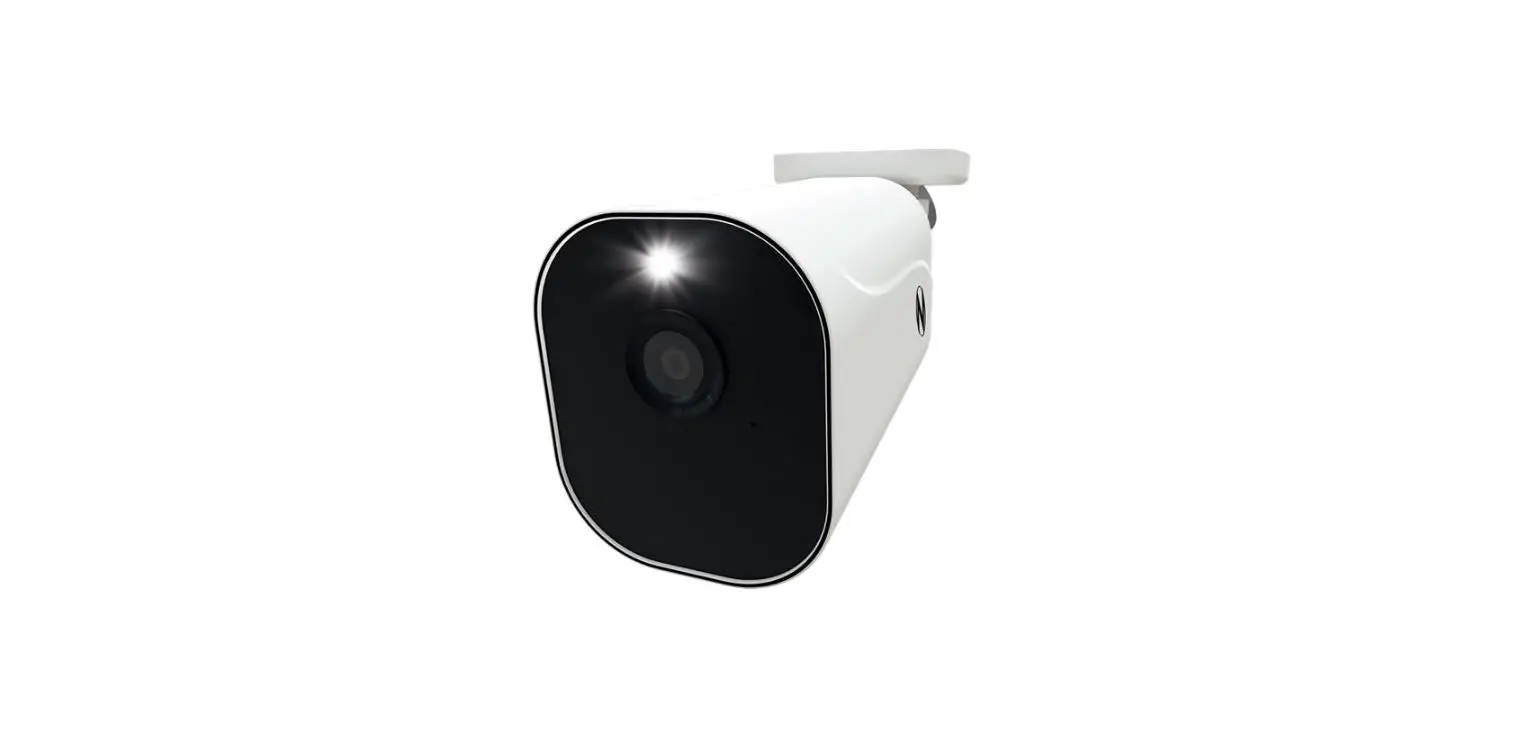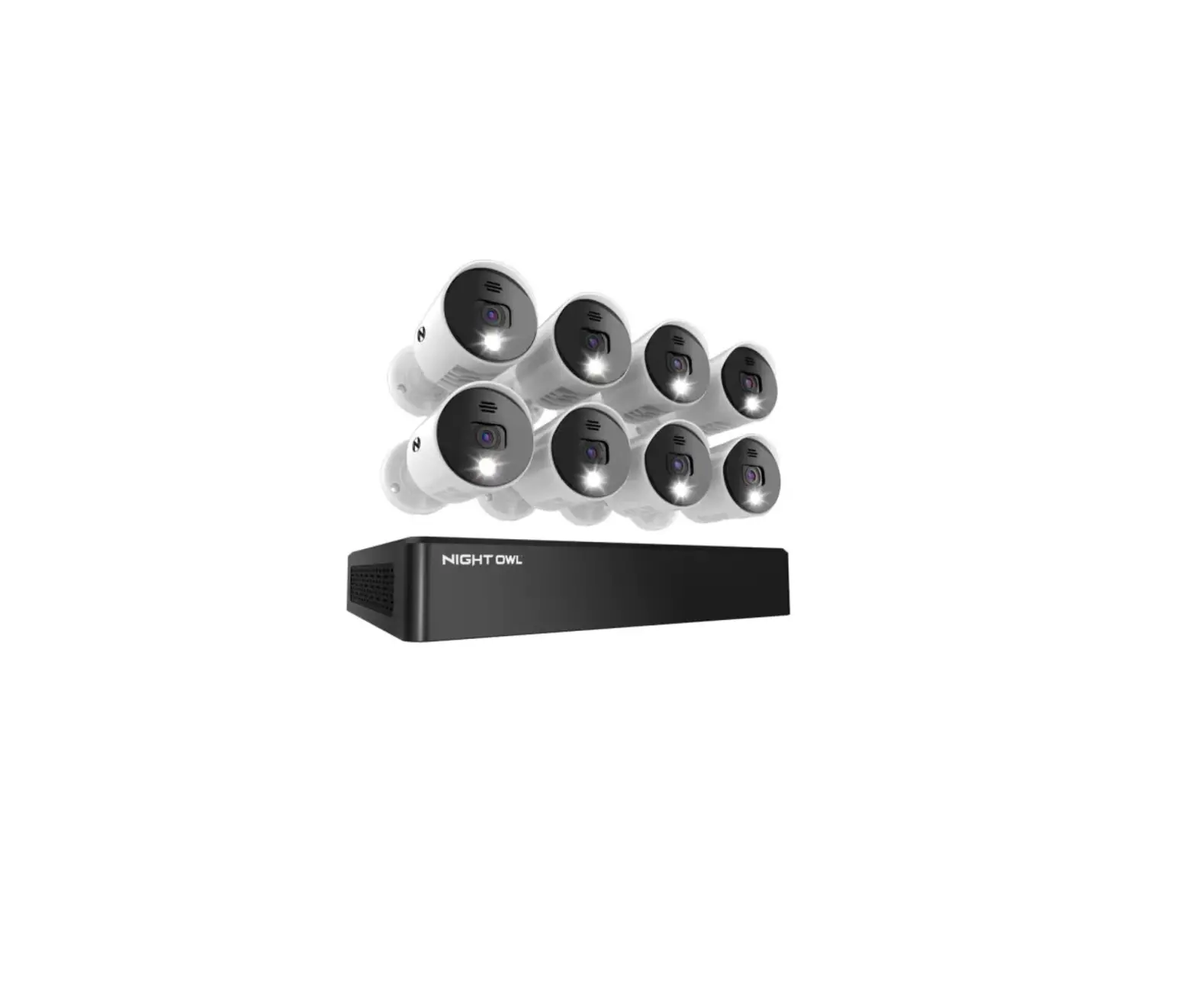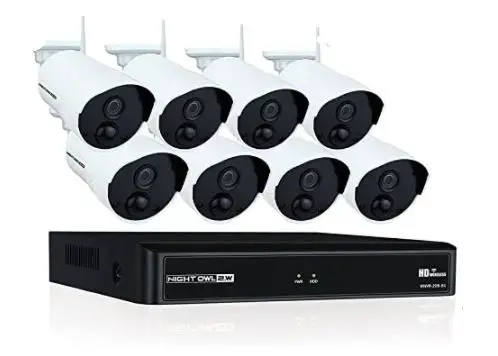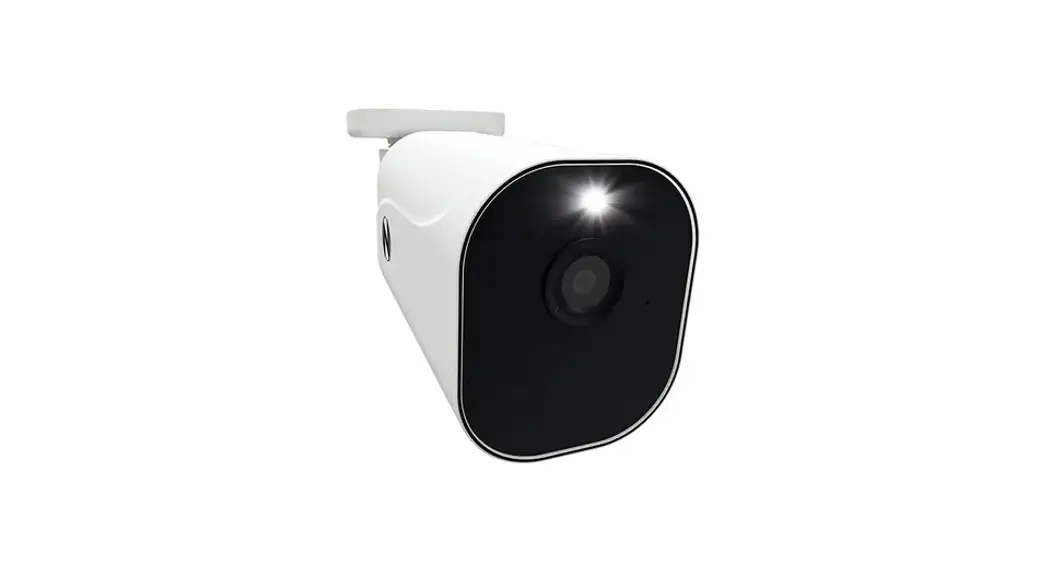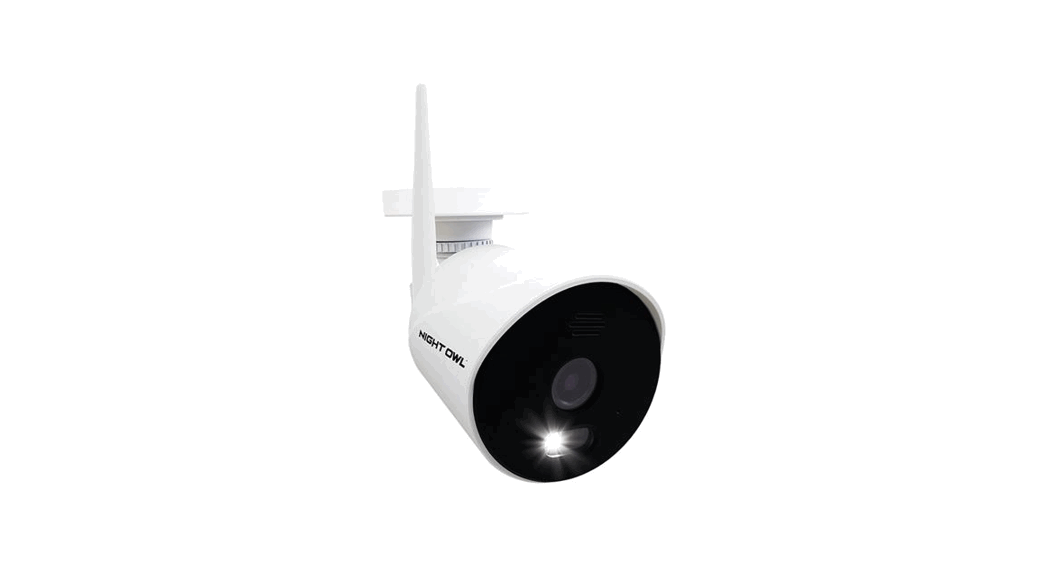
 DVR-BTD2-81 WIFI Camera
User Guide
 STOP: Only install a camera in its final location AFTER it’s paired and setup is complete.
Flexible Setup Options:
Option 1:
Standalone Camera – Connecting to your Wi-Fi Network:
- First Time User? Download Night Owl Protect. Create an account and log in with your username and password. Already have an account? Log in with your username and password!

- Tap “Add New” or “+” and the app will guide you through the setup process.

Option 2:
Add on Camera – Connecting to your Night Owl Recorder:
2a Wired Bluetooth® DVR:
| Series: | Model #’s: | |||
| BTD2 / BTD8 | DVR-BTD2-81 | DVR-BTD2-16 | DVR-BTD8-8 | DVR-BTD8-82 |
| DVR-BTD8-41 | DVR-BTD2-161 | DVR-BTD8-81 |
IMPORTANT – To add a Wi-Fi IP camera to your wired DVR both devices must be connected to the same Internet (Local Area Network).
- Ensure your wired DVR has been added to your Night Owl Protect account.
- Power on your new Wi-Fi IP camera using the provided power adapter.
- Log in to the Night Owl Protect App from your Smart Device.
- Tap on “Add New” or “+” and follow the simple on-screen steps.
NOTE: Our WNIP8 Series cameras cannot be added to our BTD2 Series DVRs.
2b Wi-Fi Bluetooth® NVR
| Series: | Model #’s: |
| BTWN8 | WNVR-BTWN8-1 |
- Power on your new Wi-Fi IP camera using the provided power adapter.
- Log in to the Night Owl Protect App from your Smart Device.
- Tap on your existing BTWN8 Series Wi-Fi NVR.
- Tap on “Add New” or “+” to add your new Wi-Fi IP camera.
- Follow the on-screen steps to pair your new Wi-Fi IP camera.
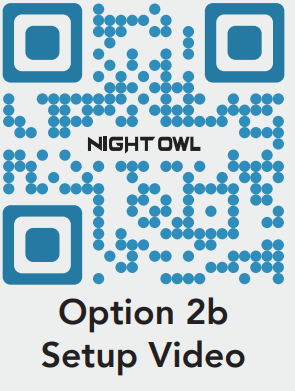
NOTE: Internet is not required for pairing, but is required for remote viewing features.
Product images in setup videos may vary by model, but the setup is the same.
2c Wi-Fi NVR
| Series: | Model #’s: |
| WNIP2 | WNVR-WNIP2-1 |
- Power on your new Wi-Fi IP camera using the provided power adapter.
- Ensure your existing WNIP2 Series Wi-Fi NVR is connected to a TV/Monitor (minimum 1080p resolution) via HDMI cable.
- Right click on the screen using your system’s mouse and then click on the “
 “ Startup Wizard.
 - Follow the on-screen steps to pair your new Wi-Fi IP camera.
 “ Startup Wizard.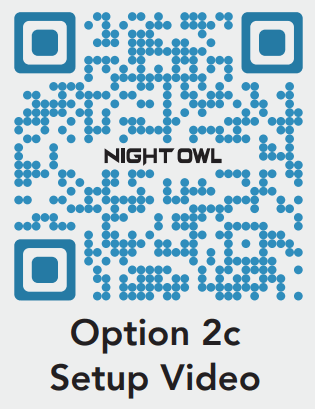
NOTE: Our WNIP2 Series Wi-Fi NVR is ONLY compatible with our WNIP2 Series cameras.
NEED HELP?
Why Call? Our Support Site Has it All!
For system manuals, troubleshooting guides, FAQs, video tutorials and more:
- Please visit Support.NightOwlSP.com
- Enter WNIP2-CM (for our 1080p Wi-Fi IP Cameras) or WNIP8-CM (for our 4K Wi-Fi IP Cameras) into the Search bar.
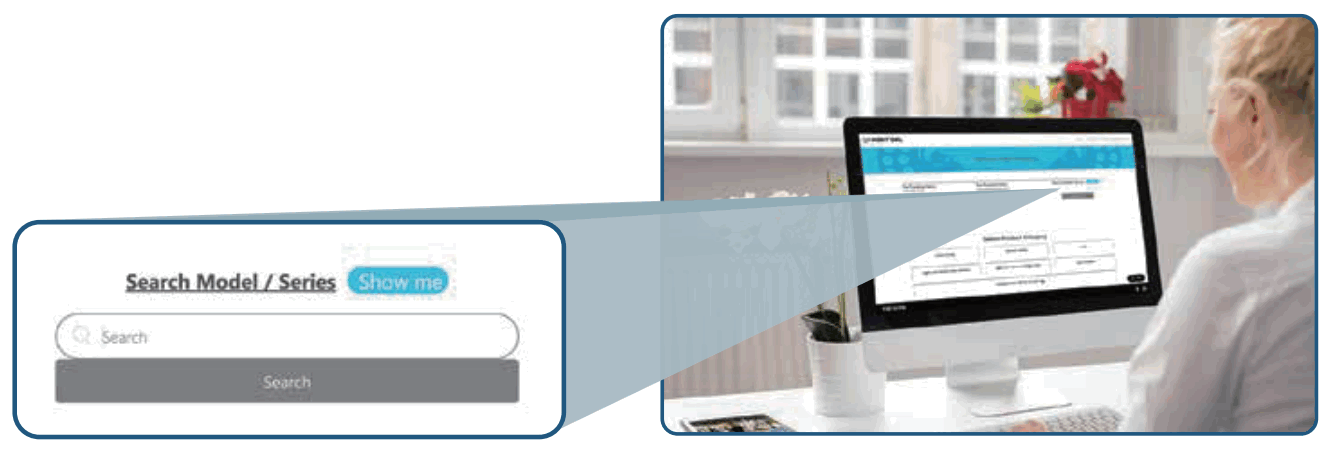
 For more Support Videos, go to www.youtube.com/nightowlsp
FCC RADIATION NORM FCC
This device complies with Part 15 of the FCC Rules. Operation is subject to the following two conditions: (1) this device may not cause harmful interference, and (2) this device must accept any interference received, including interference that may cause undesired operation. FCC Compliance Statement These limits are designed to provide reasonable protection against frequency interference in residential installation. This equipment generates, uses, and can radiate radio frequency energy, and if not installed or used in accordance with the instructions, may cause harmful interference to radio communication. However, there is no guarantee that interference will not occur in television reception, which can be determined by fuming the equipment off and on. The user is encouraged to try and correct the interference by one or more of the following measures:
- Reorient or relocate the receiving antenna.
- Increase the separation between the equipment and the receiver.
- Connect the equipment into an outlet on a circuit different from that to which the receiver is connected.
- Consult the dealer or an experienced radio/TV technician for help. CAUTION,
The Federal Communications Commission warns the user that changes or modifications to the unit not expressly approved by the paarty, responsible for compliance could void the user’s authority to operate the equipment.
This equipment should be installed and operated with a minimum distance of 8 inches between the radiator and your body.