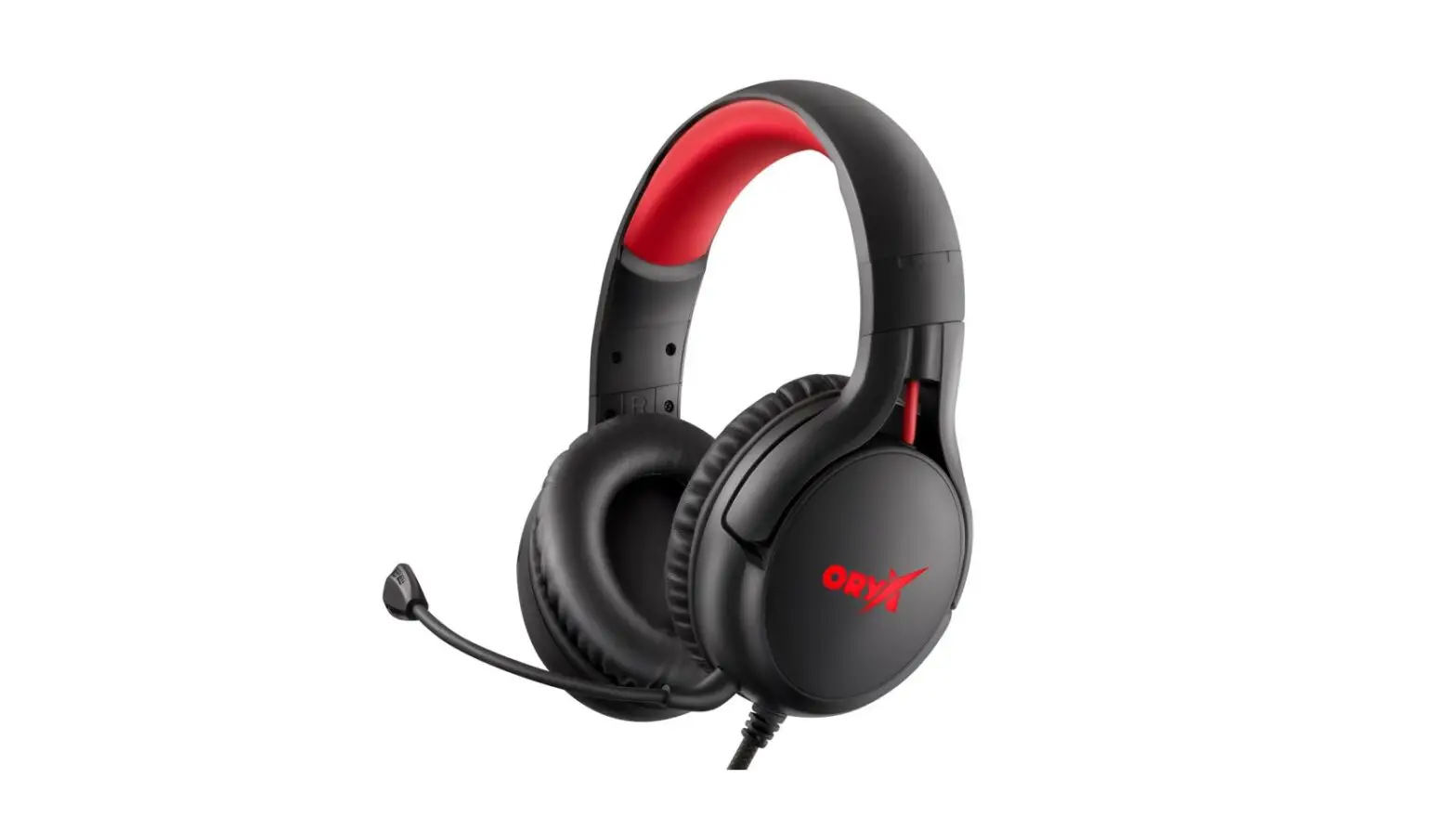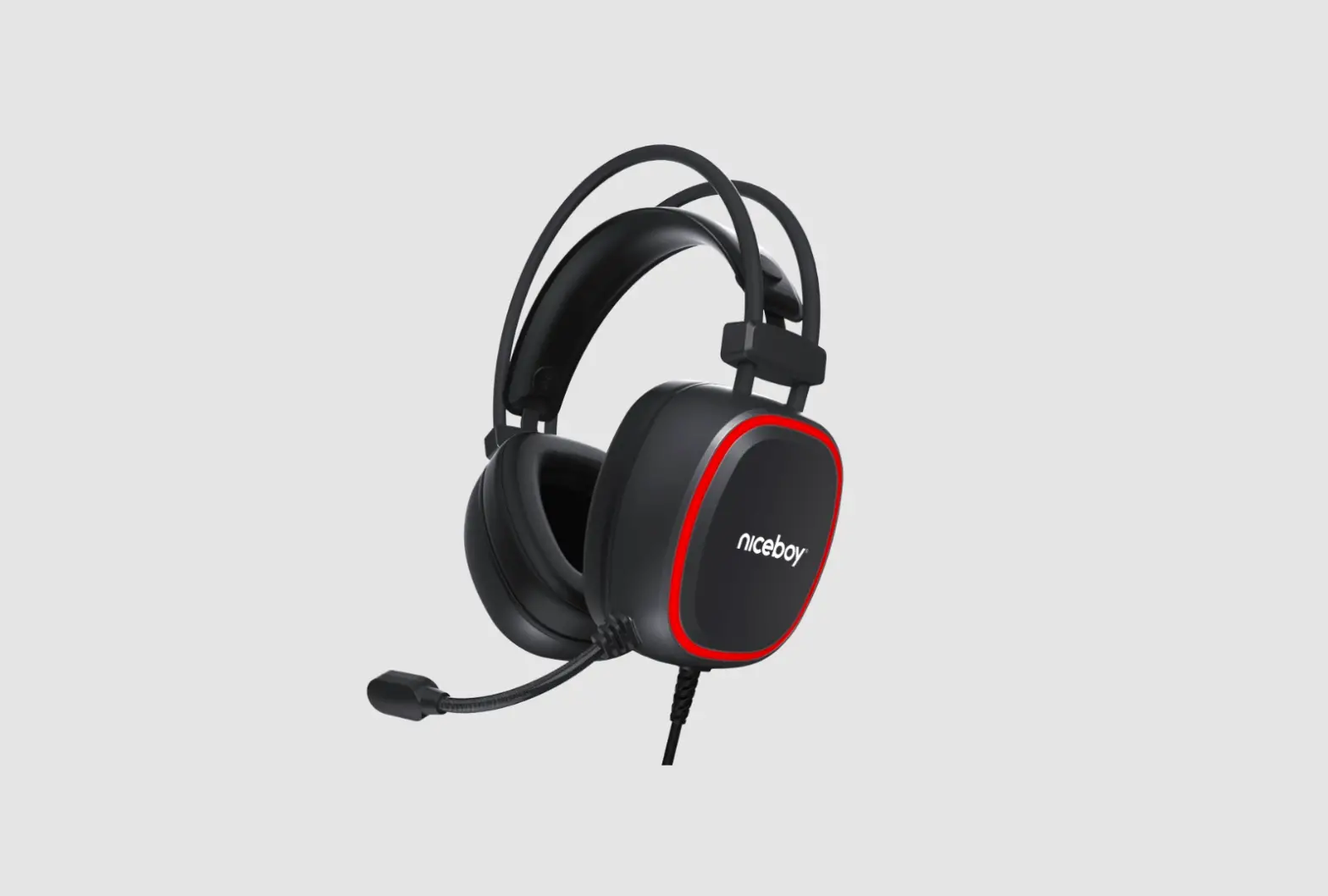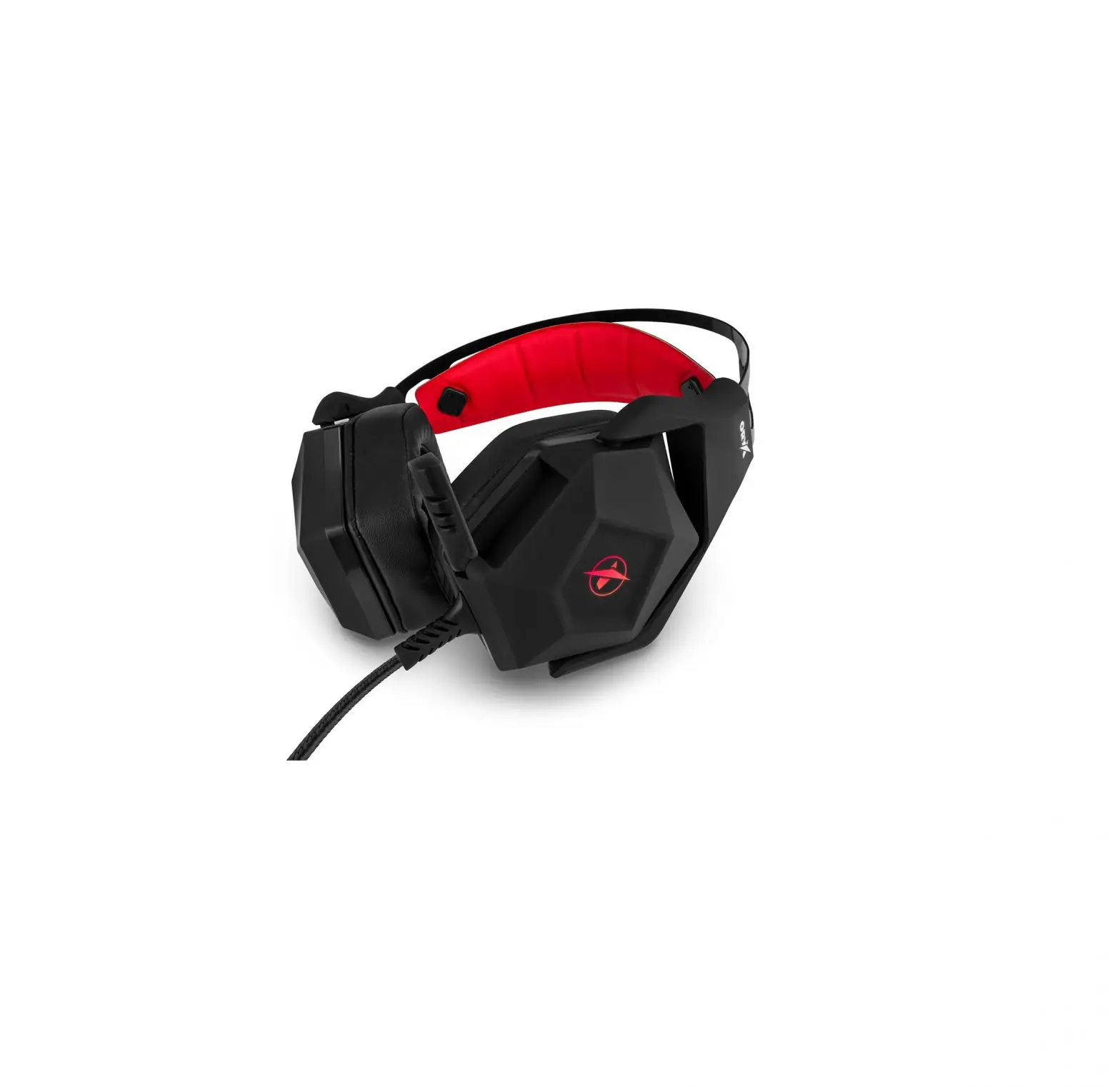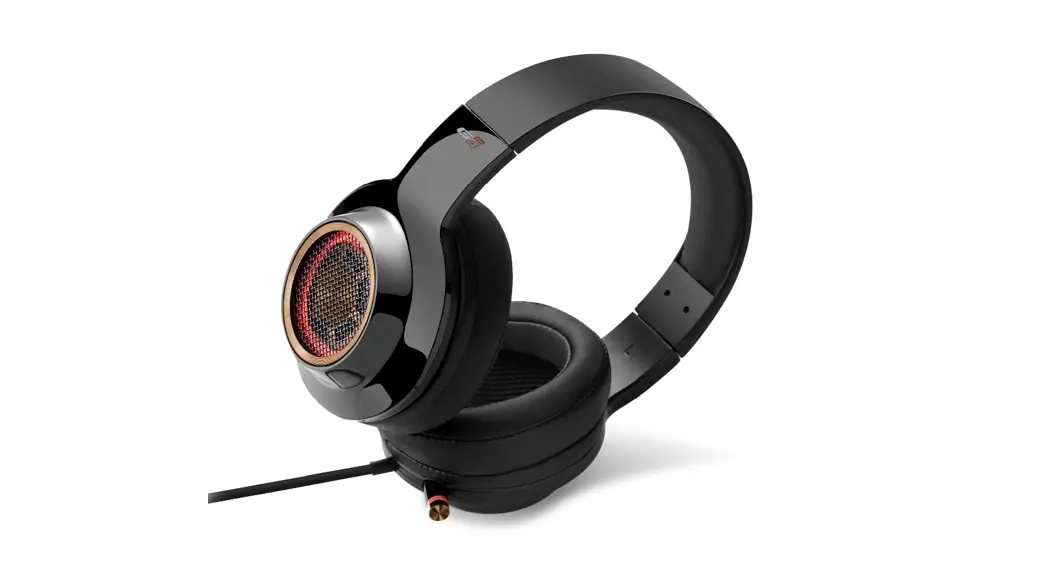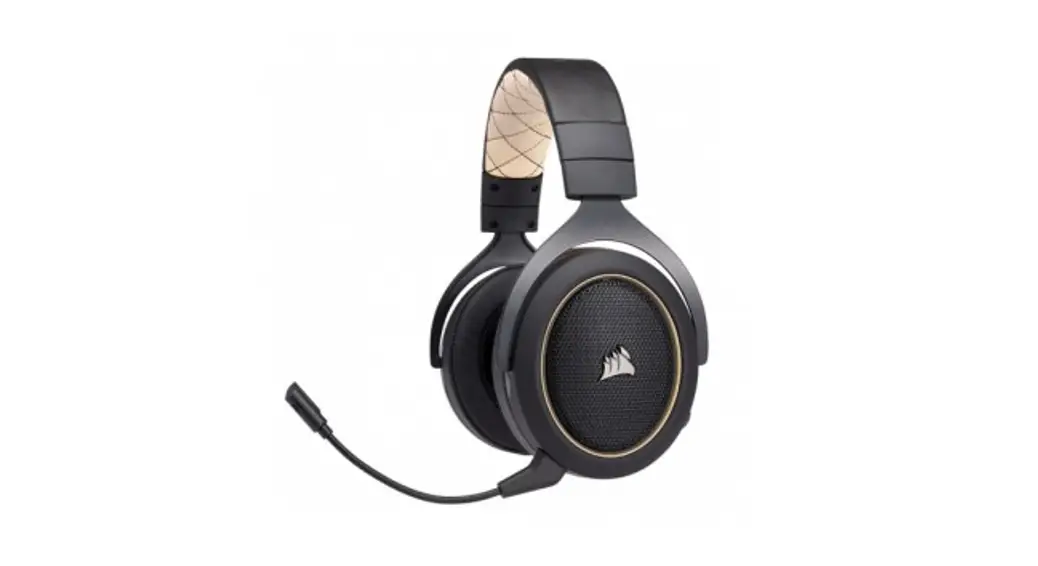

ORYX X700 LEGEND
User Manual / Gaming Headset
PACKAGE CONTENTS
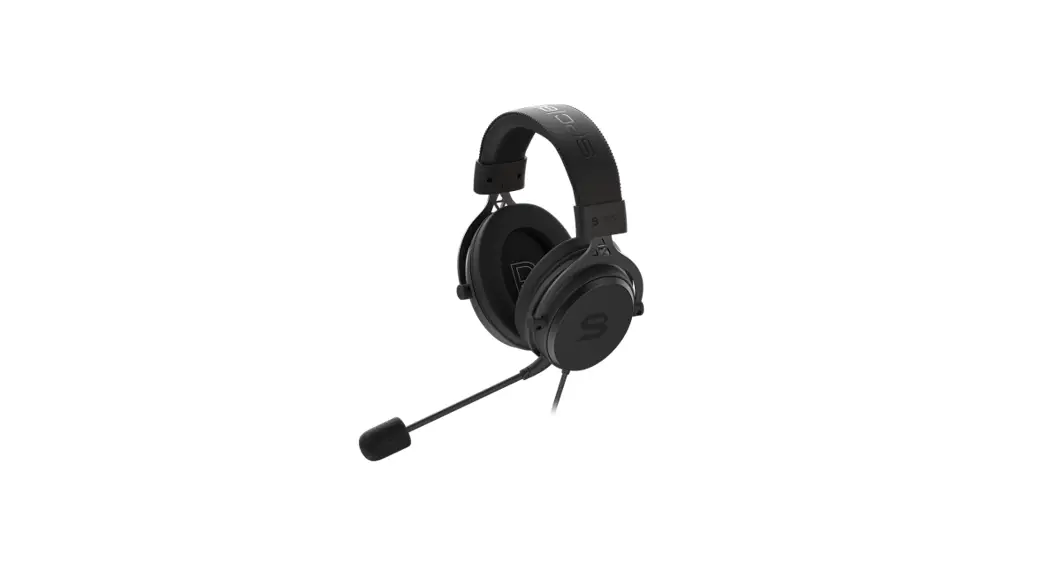
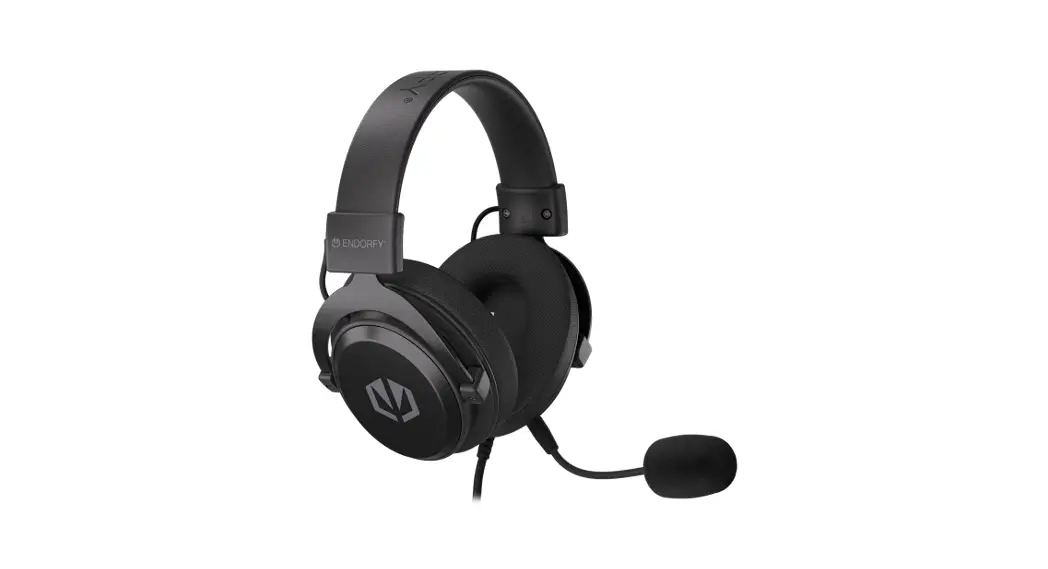
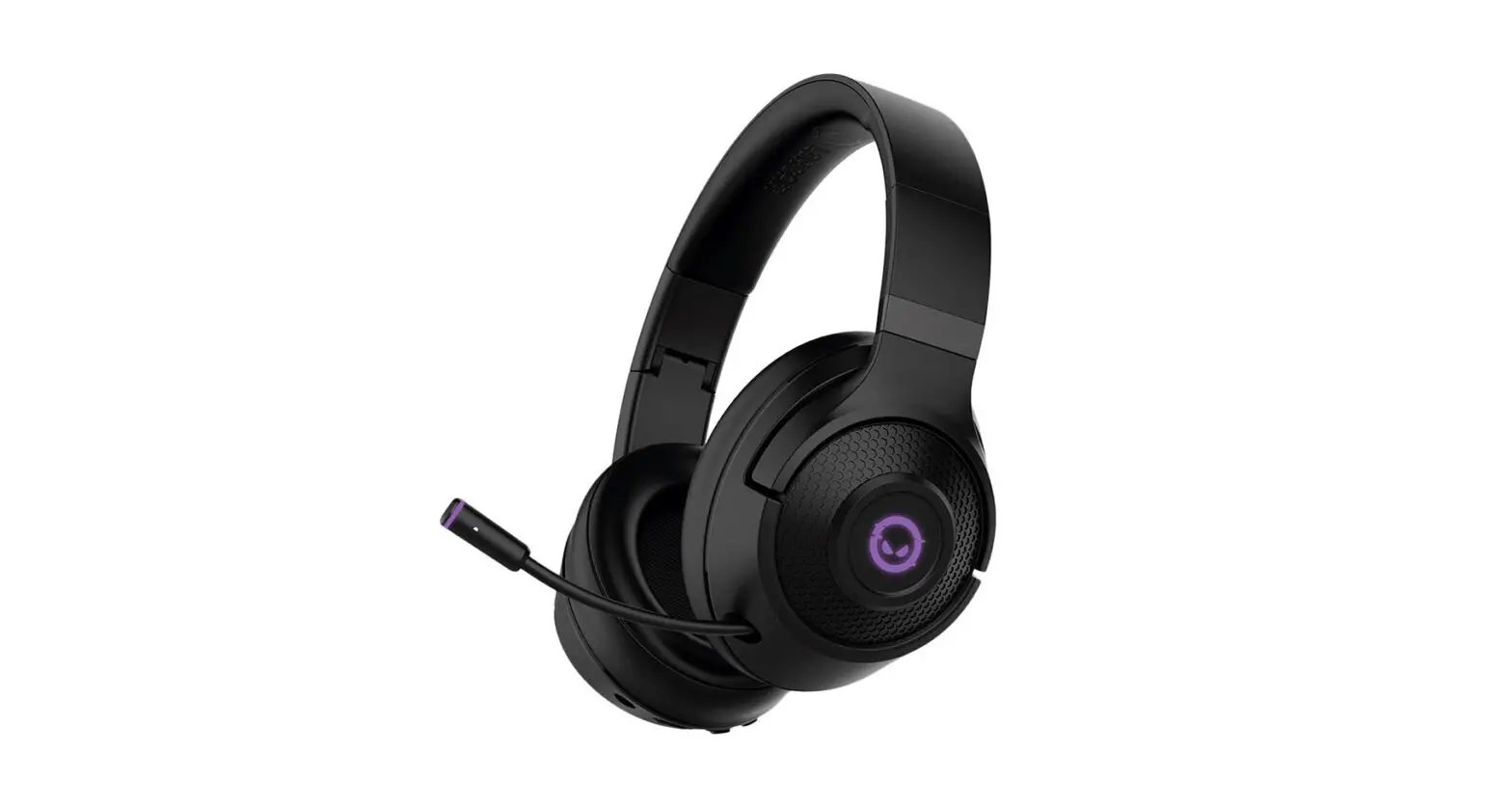
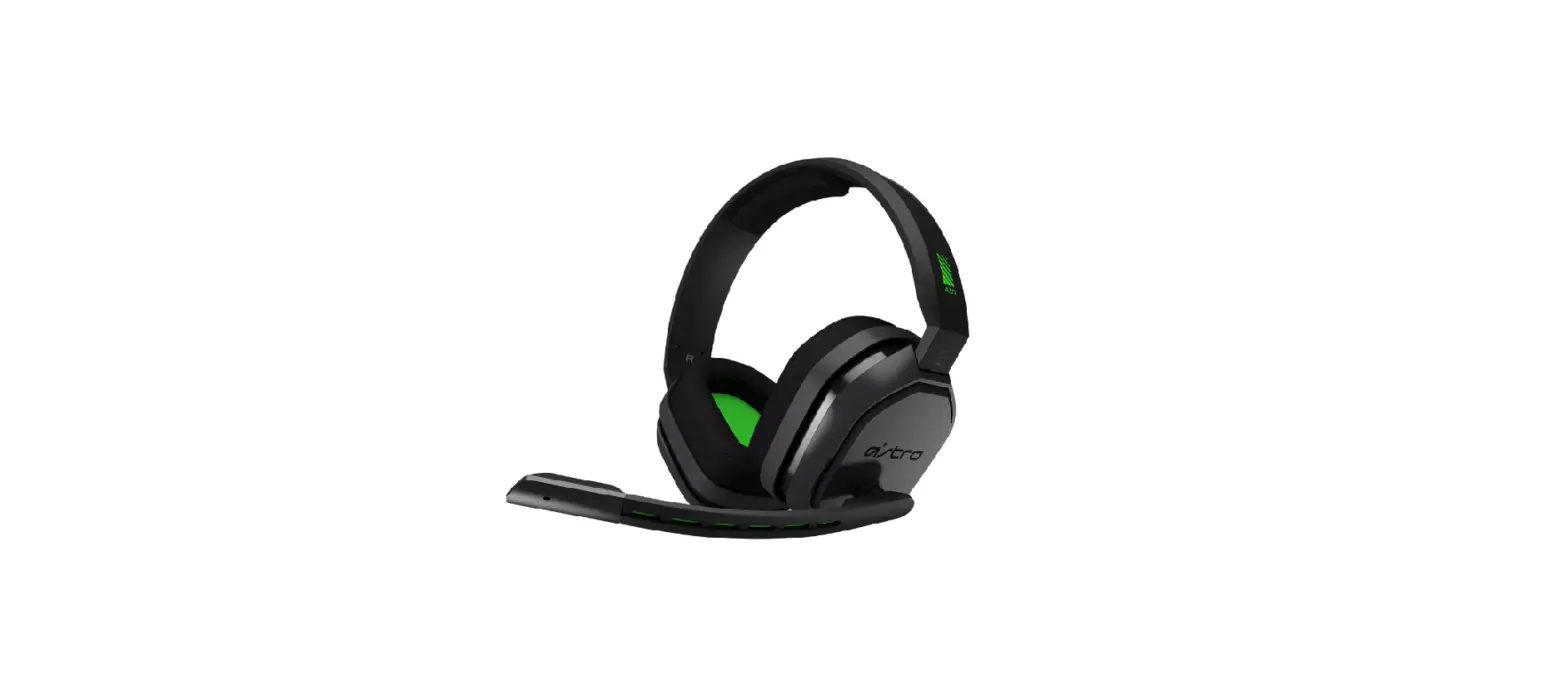
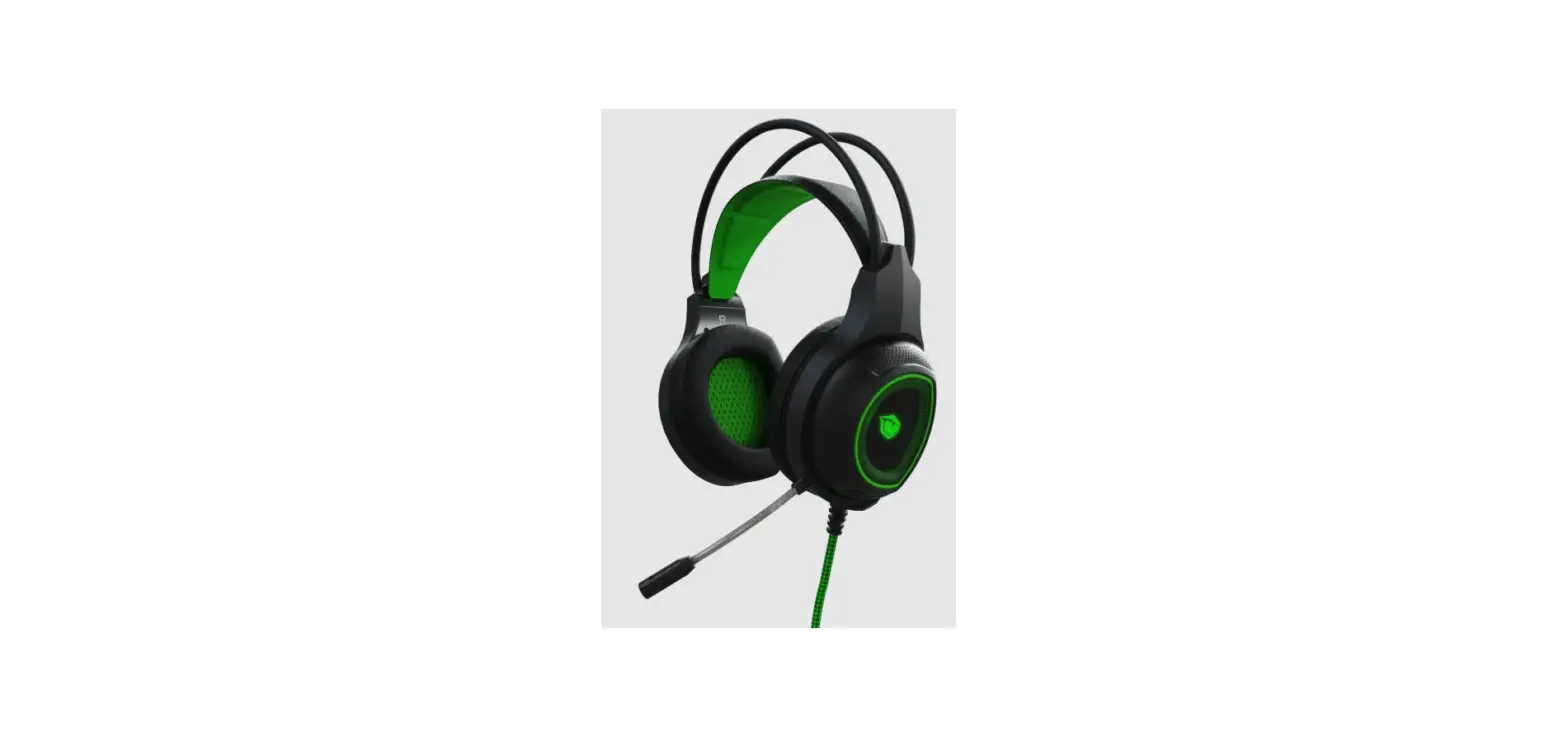
Headphones Niceboy ORYX X700 LEGEND Manual
CONNECTION
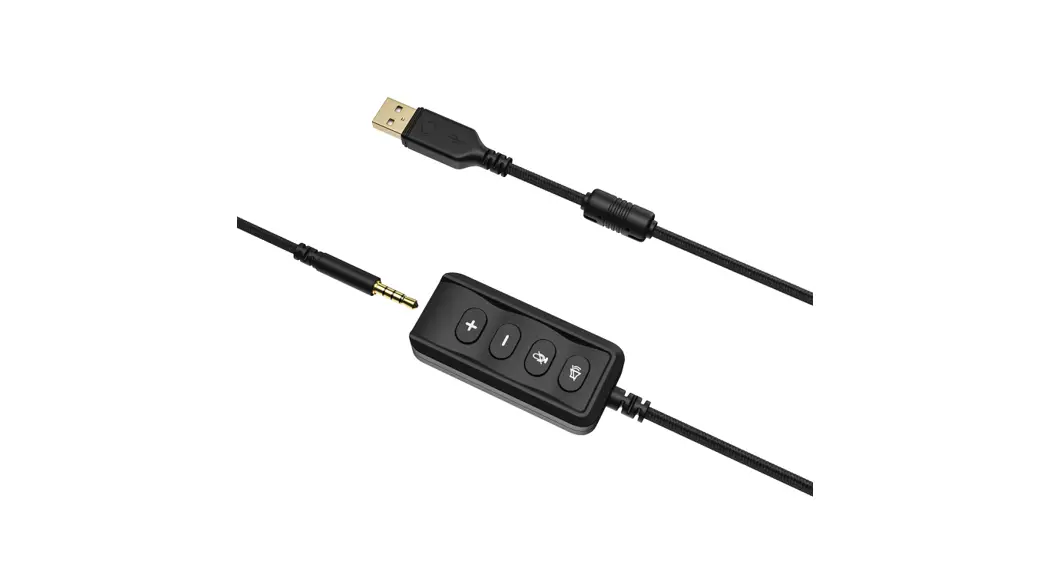
Plug the headphones into your computer/console via the USB/3,5mm connector and switch to the Niceboy Oryx X700 LEGEND (Control Panel> Sound> Set Default Playback and Recording to ,Nice boy ORYX X700 LEGEND”)
For additional functions, we advise you to download the software Nice boy ORYX X700 LEGEND which is available on web page
https://niceboy.eu/en/support/software.
SPECIFICATION
| Impedance: Sensitivity: Frequency response: Operating current: Speaker unit diameter: Connectivity: Output sound pressure: Harmonic distortion: Microphone sensitivity: Supported OS: Cord length: Virtual 7.1 sound: | 32 Ω 110+/-3 db 20Hz-20KHz ≤100 mA 55 mm USB 2.0 110dB ± 3dB THD <=0.1% -42db ± 3dB Windows 10/PS4/PS5/XboxOne 2,1 m Yes |
CONTROL SETTINGS
Volume +
Volume –
Microphone mute
Sound mute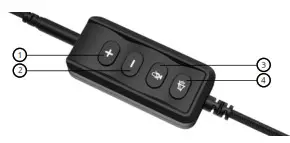 ADDITIONAL INFORMATION
Avoid using the headphones on places exposed to too low or high temperature (0 °C and more/ 45 °C and more) or humidity (20 % and less/ 90 % and more) Avoid storing the headphones on places exposed to too low or high temperature (-20 °C and more/ 60 °C and more) or humidity (90 % and more) Keep the product away from rain, moisture, or liquids This product meets all the main requirements imposed on it by the EU Directive.
Importer to EU: RTB media s.r.o., Pretlucka 16,
Prague 10, 100 00, Czech Republic, ID: 294 16 876
Made in China.
 Niceboy - oficiální česká distribuce