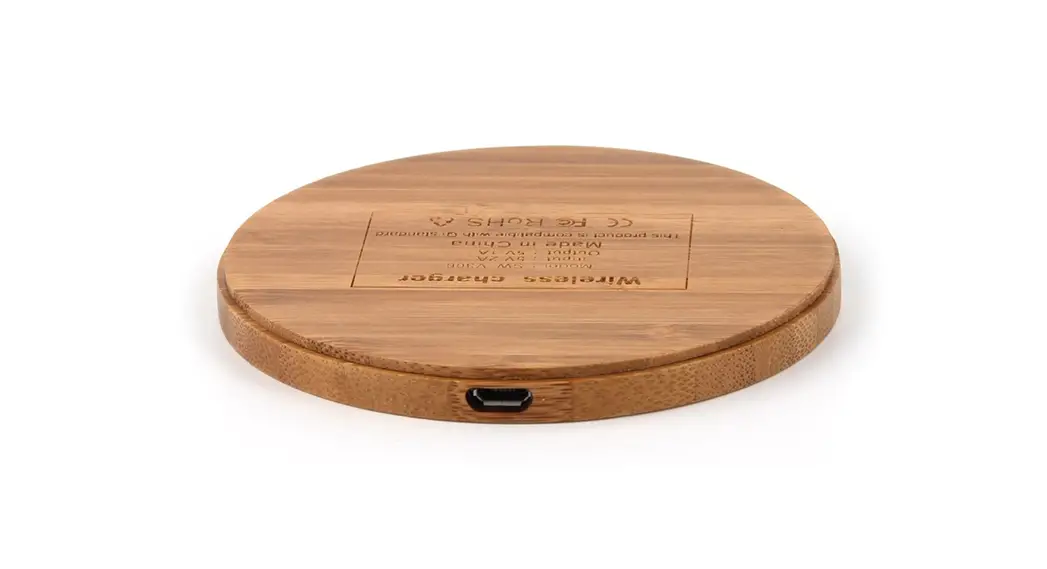
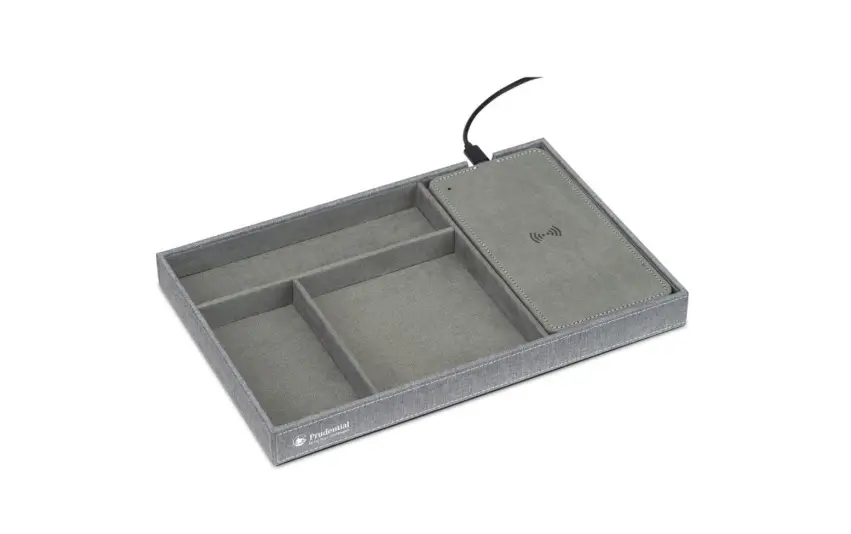
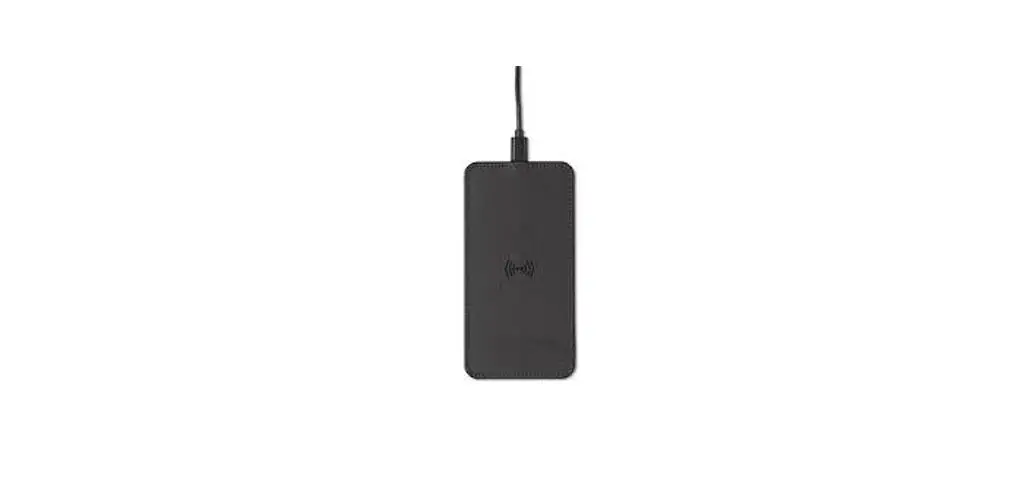
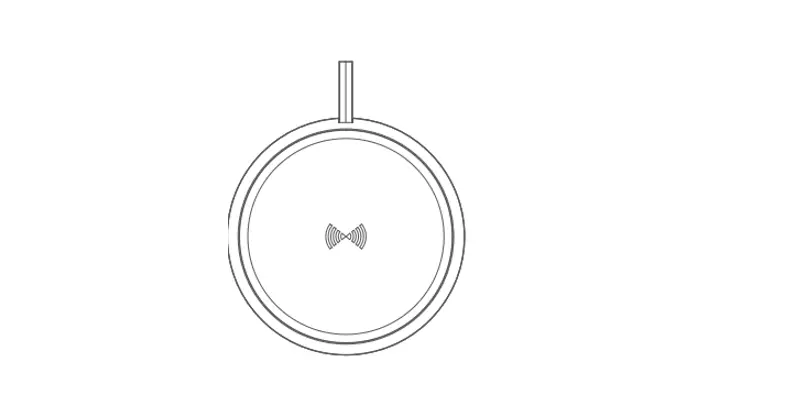
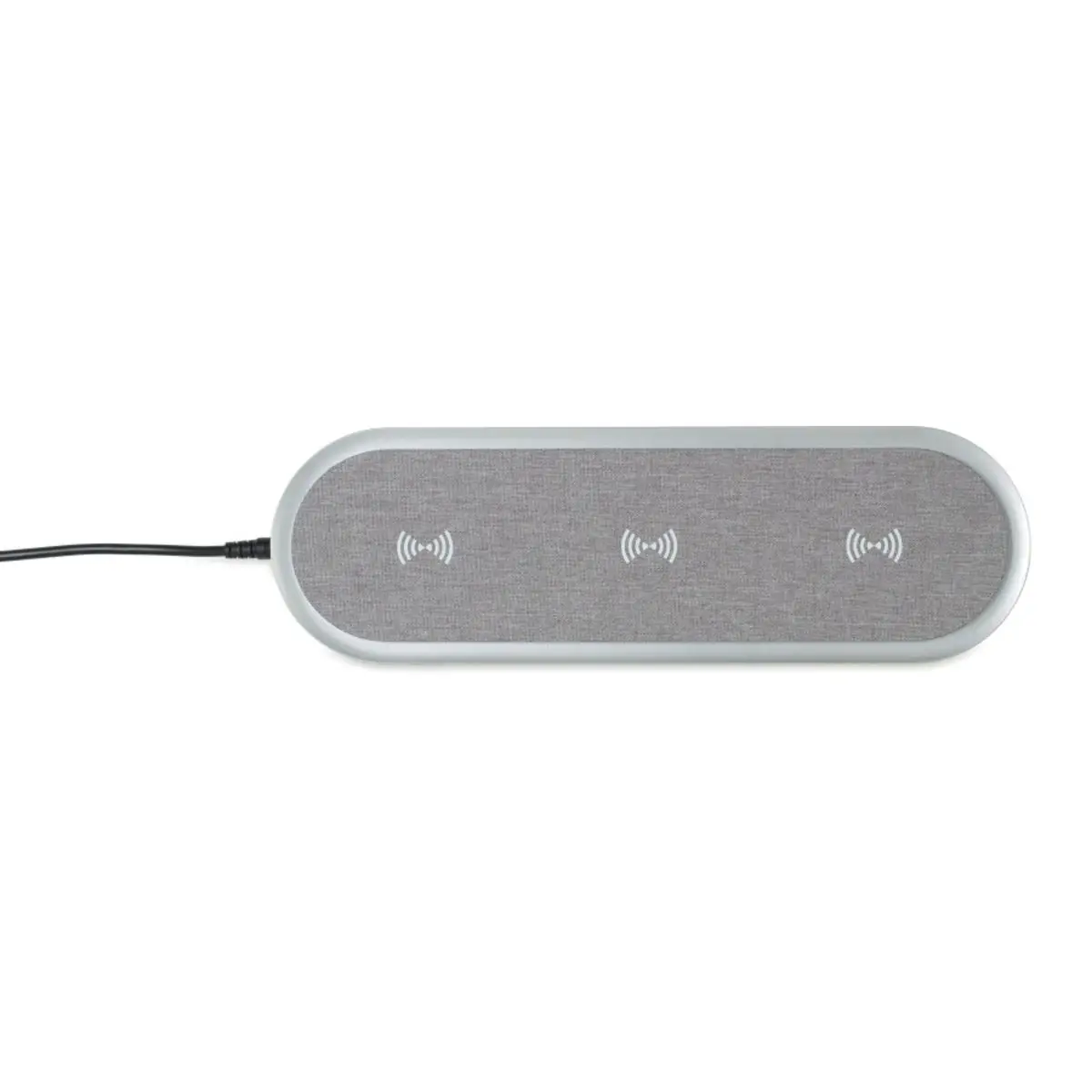
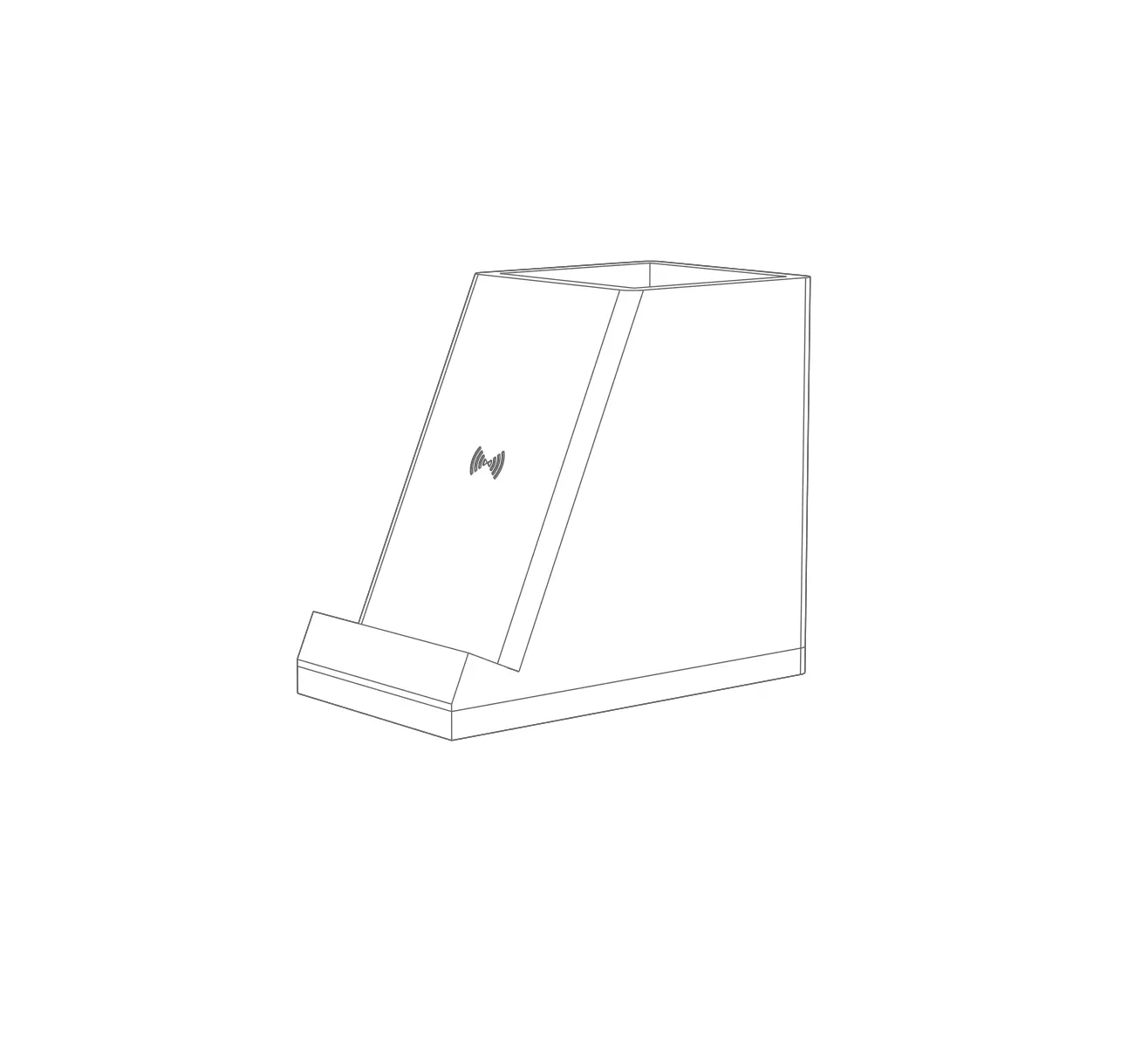
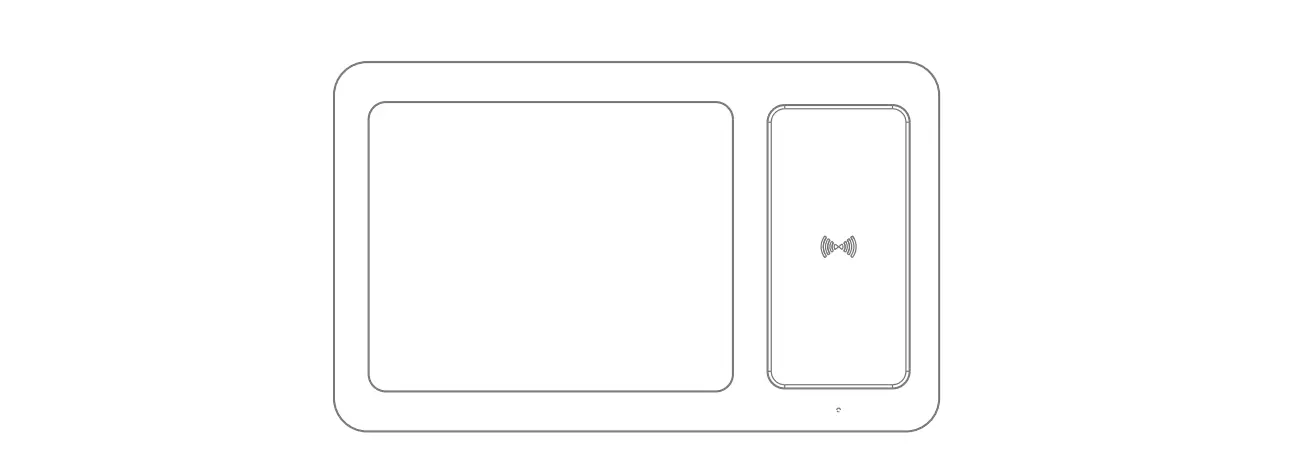
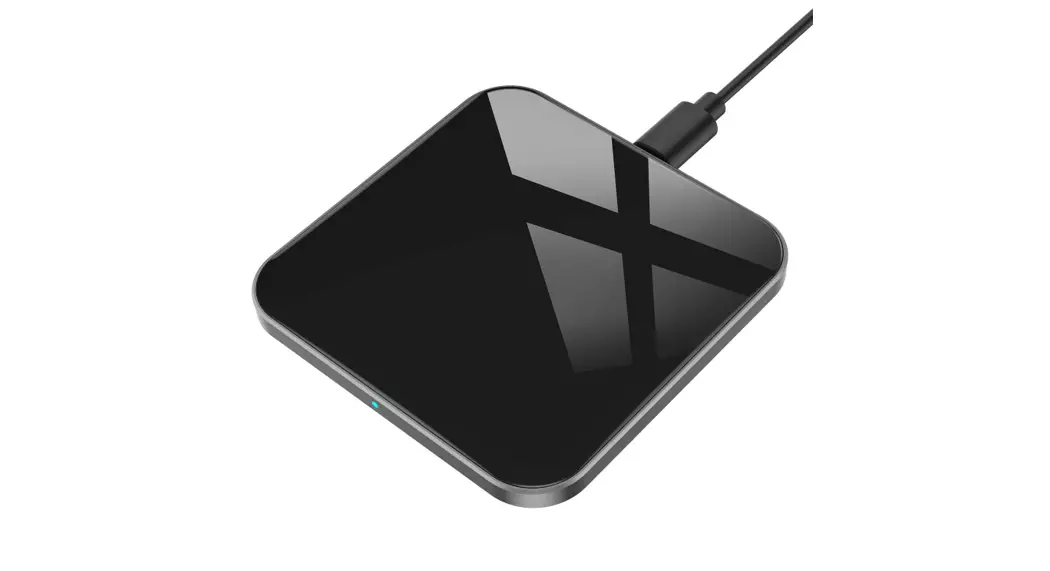
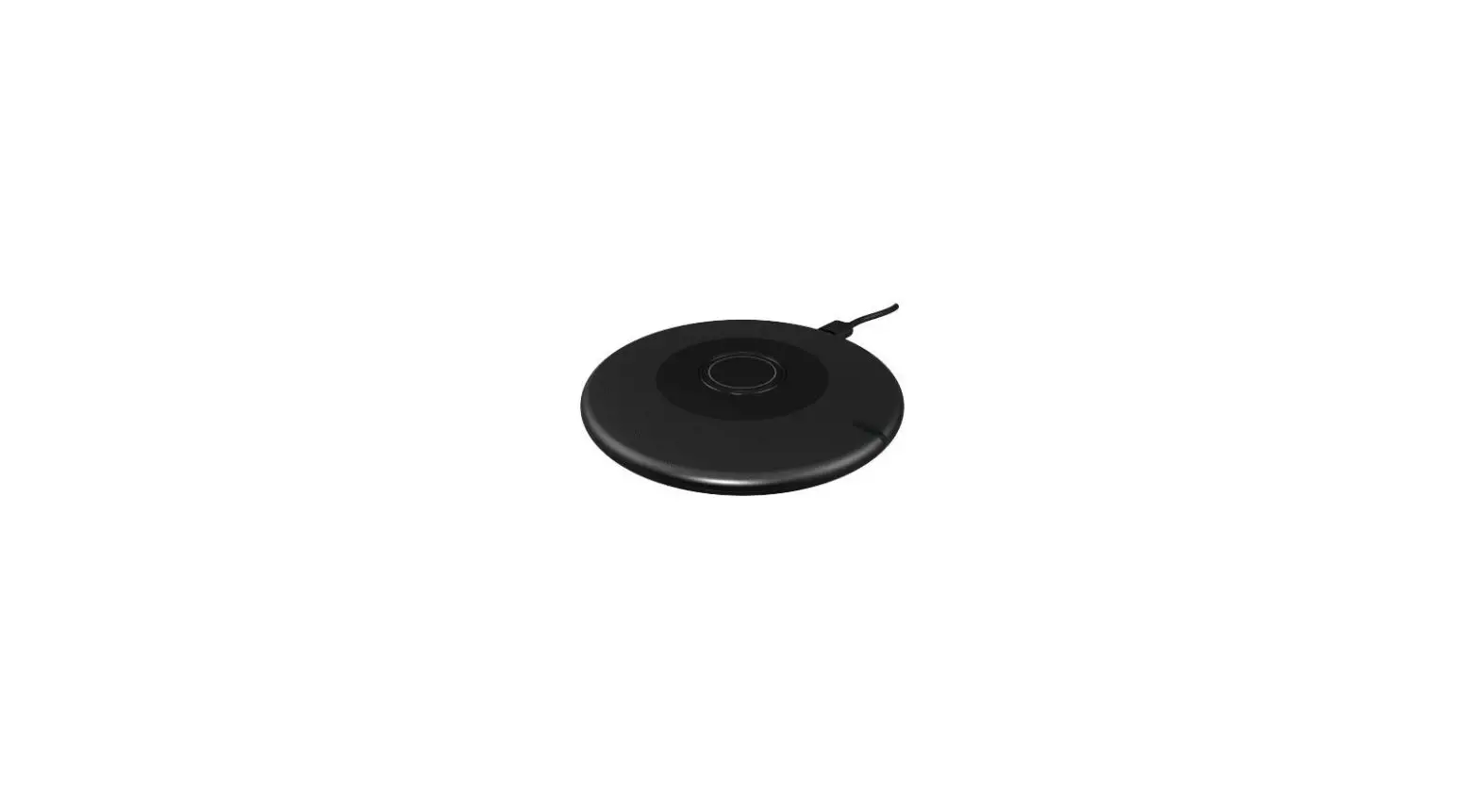
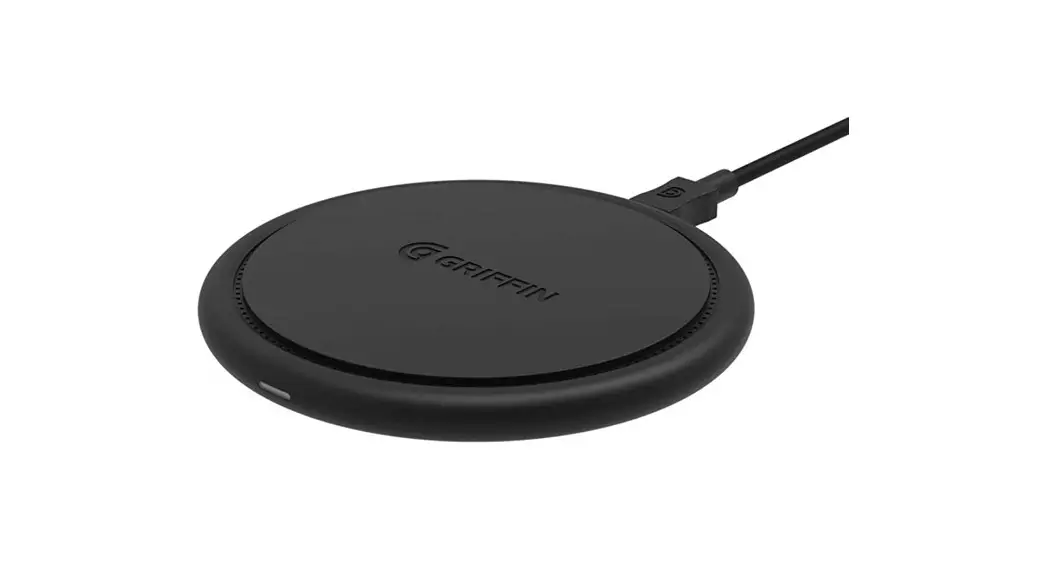
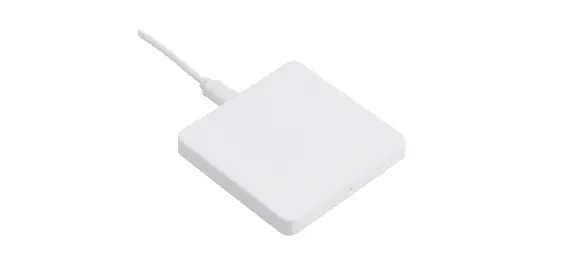
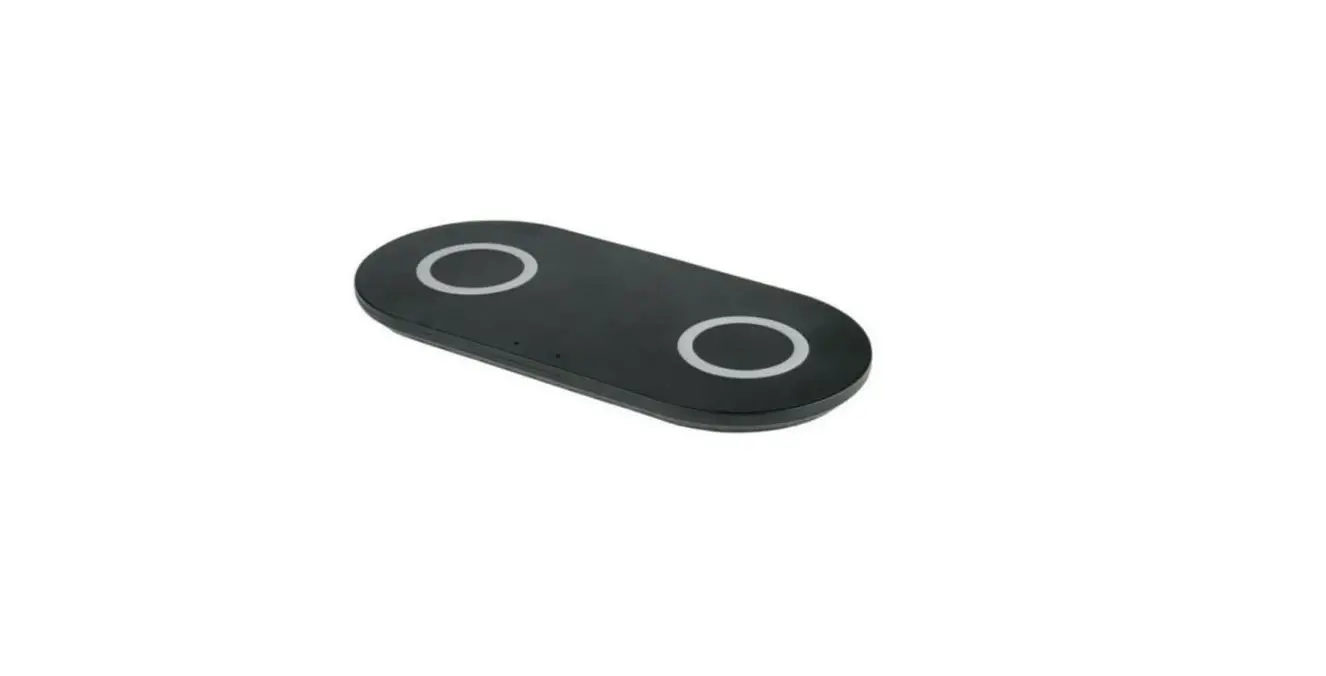
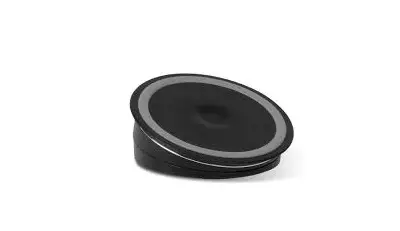
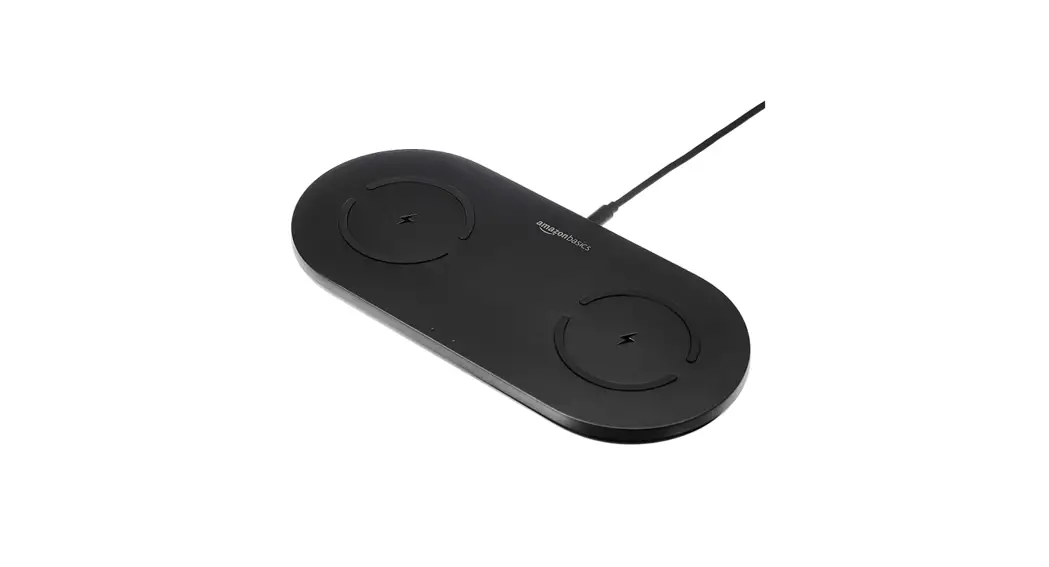
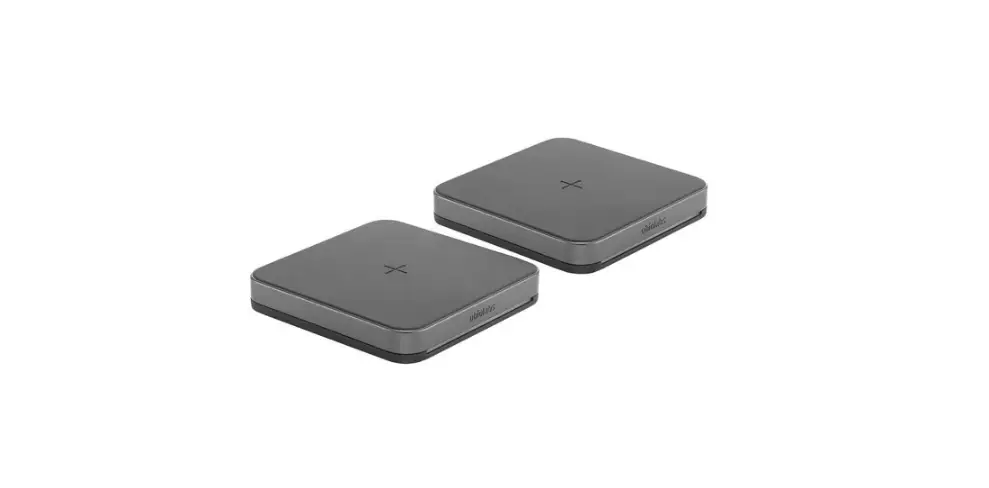
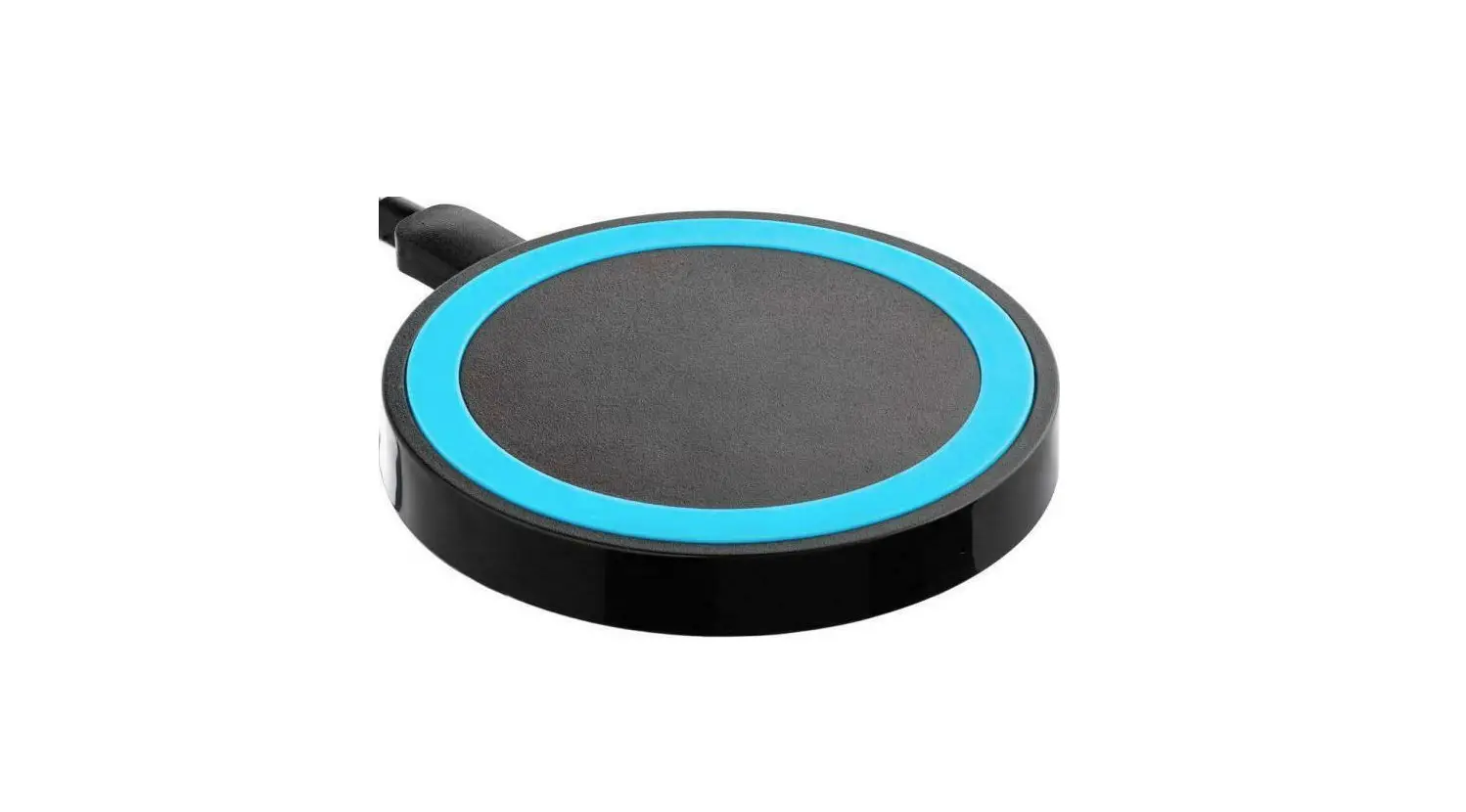
101790 Auden Aluminum Wireless Charging Pad
Product Information:
The Auden Aluminum Wireless Charging Pad is a Qi certified
wireless charger that allows you to charge your device without the
hassle of cords and cables. It has an IC number of 21530-101790 and
an FCC ID of 2AGR4-101790. The charging pad has an input of
5V/2.0A, 9V/2.0A and output of 5W/7.5W/10W with a charging
transmission distance of 5mm and efficiency of 75%. The product
size is 100*10.5mm.
Indicator:
The charging pad has an LED indicator that shows the status and
protection function of the device. The LED blue light indicates
standby mode, the LED green light indicates charging mode, and the
blue light flashing indicates that the device is not correctly
placed on the wireless charger, over temperature protection, or
detects metal on the back of the device.
Product Usage Instructions:
- Plug the power adapter into a wall socket (Note: Only the
QC2.0/QC3.0 Standard power adapter can support fast charging,
adapters are not included with the product). - Connect the USB-A side of the power adapter to the wall socket
and the USB-C side to the wireless charger’s side. - The LED light on the charging pad will illuminate blue,
indicating that it’s ready to charge your device. - Place your device on the wireless charger.
- The LED light on the charging pad will change from blue to
green when your device is being charged.
Note: The Auden Aluminum Wireless Charging Pad complies with
Industry Canada’s license-exempt RSSs and is subject to the
following two conditions. The device comes with an instruction
manual, and the product size is 100*10.5mm.
Auden Aluminum Wireless Charging Pad
Overview
IC: 21530-101790 FCC ID: 2AGR4-101790
Instruction Manual
Indicator
Specification
Qi Certified Input: 5V/2.0A, 9V/2.0A Output: 5W/7.5W/10W Charging fr Transmission Distance: 5mm Efficiency: 75% Product size: 100*10.5mm
page 02
Wireless charger
Operation
1. Plug the power adapter into the wall socket (adapter not included) 2. USB-A side connects to the power wall adapter, USB-C side connects to the wireless charger side, the LED light will illuminate blue which means the unit is ready to charge your device. 3. Place your device on to the wireless charger, the LED light will change from blue to green which denotes the device is being charged. Power Adapter
USB Micro Cable Type-C interface
Note: Only the QC2.0/QC3.0 Standard power adapter can support this product’s fast charging. Adapters are not included with the product.
page 03
Indicator
Indicating status and protection function
1. LED blue light: Standby 2. LED green light: Charging 3. Blue light flashing: device is not correctly placed on the wireless charger, over temperature protection, or detects metal on the back of the device
Packing · Auden Aluminum Wireless Charging Pad · USB-A to USB-C Type Charging Cable · User Manual
page 04
FCC Statement This device complies with part 15 of the FCC rules. Operation is subject to the following two conditions: (1) This device may not cause harmful interference, and (2) this device must accept any interference received, including interference that may cause undesired operation. Changes or modifications not explicitly approved by the party responsible for compliance could void the user’s authority to operate this equipment. Note: this equipment has been tested and found to comply with the limits for a Class B digital device, pursuant to part 15 of the FCC rules. These limits are designed to provide reasonable protection against harmful interference in a residential installation. This equipment generates, uses and candidate radio frequency energy and, if not installed and used in accordance with the instructions, may cause harmful interference to radio communications. However, there is no guarantee that interference will not occur in a particular installation. If this equipment does cause harmful interference to radio or television reception, which can be determined by turning the equipment off and on, the user is encouraged to try to correct the interference by one or more of the following measures:
· Reorient or relocate the receiving antenna. · Increase the separation between the equipment and receiver. · Connect the equipment into an outlet on a circuit different from that to which the receiver is connected. · Consult the dealer or an experienced radio/TV technician for help. The equipment complies with FCC radiation exposure limits set forth for an uncontrolled environment. During the operation of device a distance of 15 cm surrounding the device and 20 cm above the top surface of the device must be respected.
ISED Statement This device complies with Industry Canada’s license-exempt RSSs. Operation is subject to the following two conditions:
This device may not cause interference; and This device must accept any interference, including interference that may cause undesired operation of the device. Le présent appareil est conforme aux CNR d’Industrie Canada applicables aux appareils radio exempts de licence. L’exploitation est autorisée aux deux conditions suivantes: l’appareil ne doit pas produire de brouillage; l’utilisateur de l’appareil doit accepter tout brouillage radioélectrique subi, même si le brouillage est susceptible d’en compromettre le fonctionnement.
This equipment complies with Canada radiation exposure limits set forth for an uncontrolled environment. During the operation of device a distance of 10 cm surrounding the device and 10 cm above the top surface of the device must be respected. Cet équipement est conforme Canada limites d’exposition aux radiations dans un environnement non contrôlé. au cours de l’opération de l’appareil sur une distance de 10 cm autour de l’appareil et de 10 cm au – dessus de la surface supérieure de l’appareil doit être respecté.
page 05
page 06
page 07
page 08