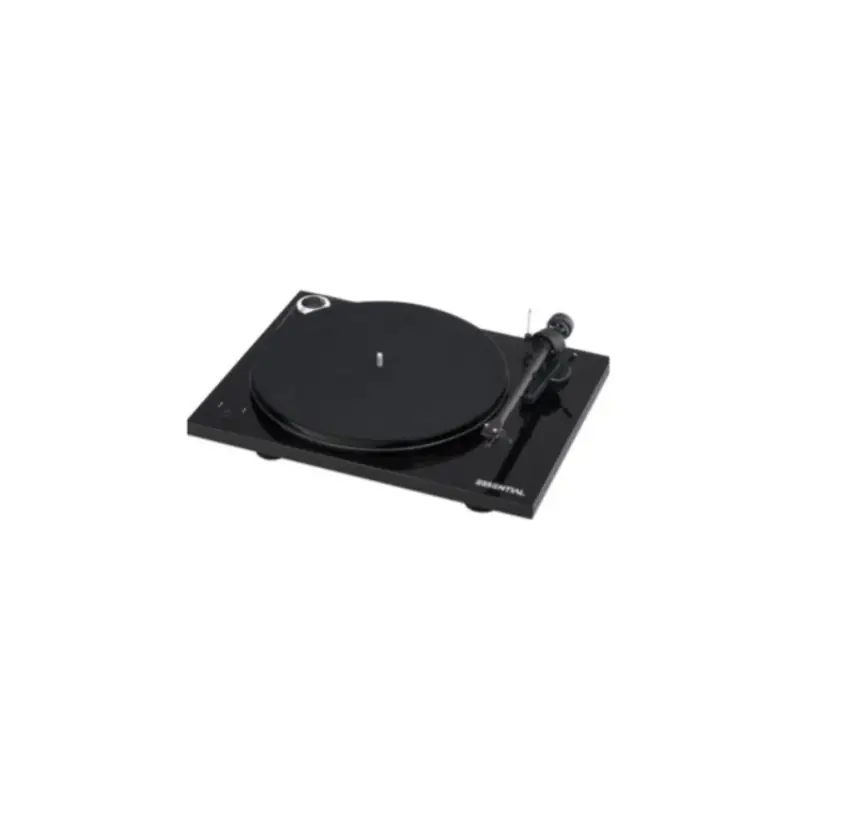
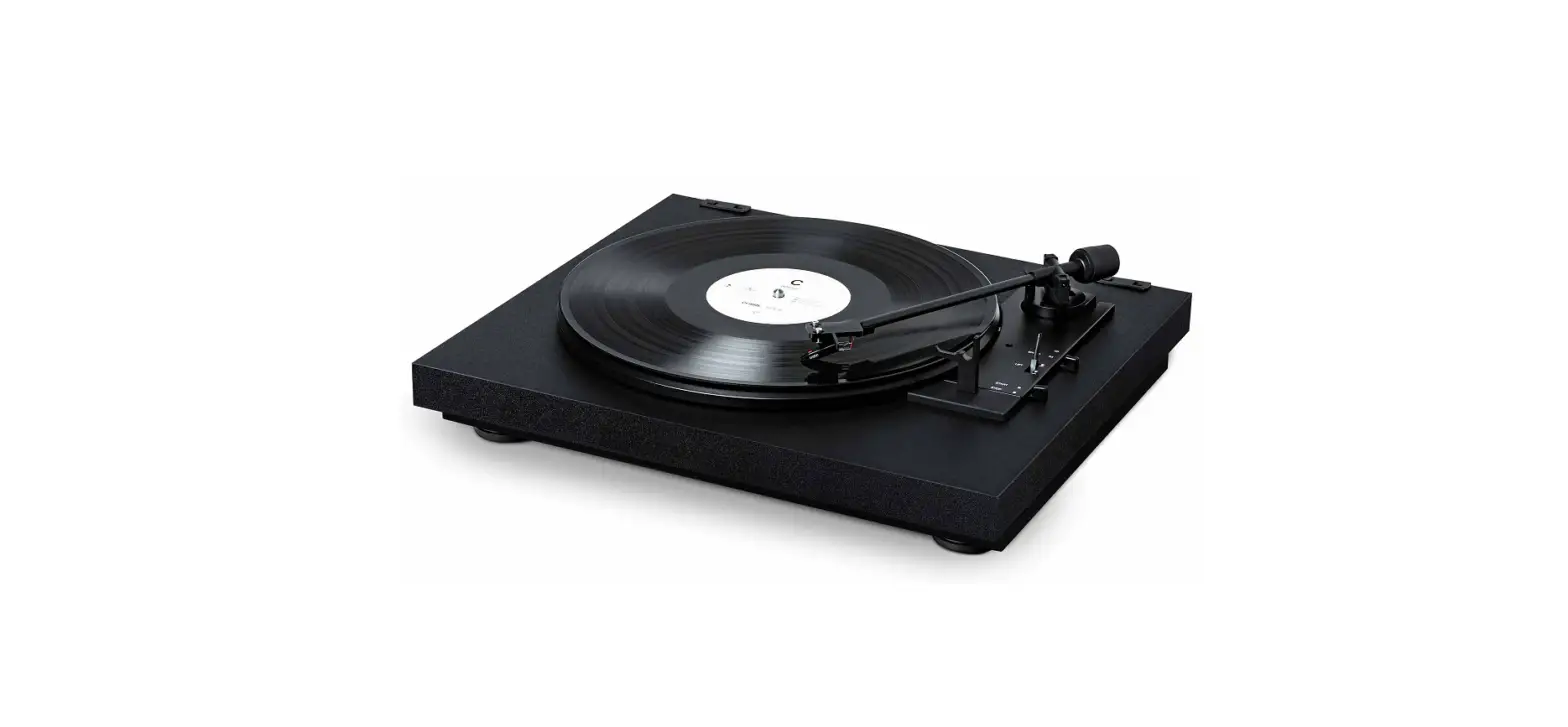
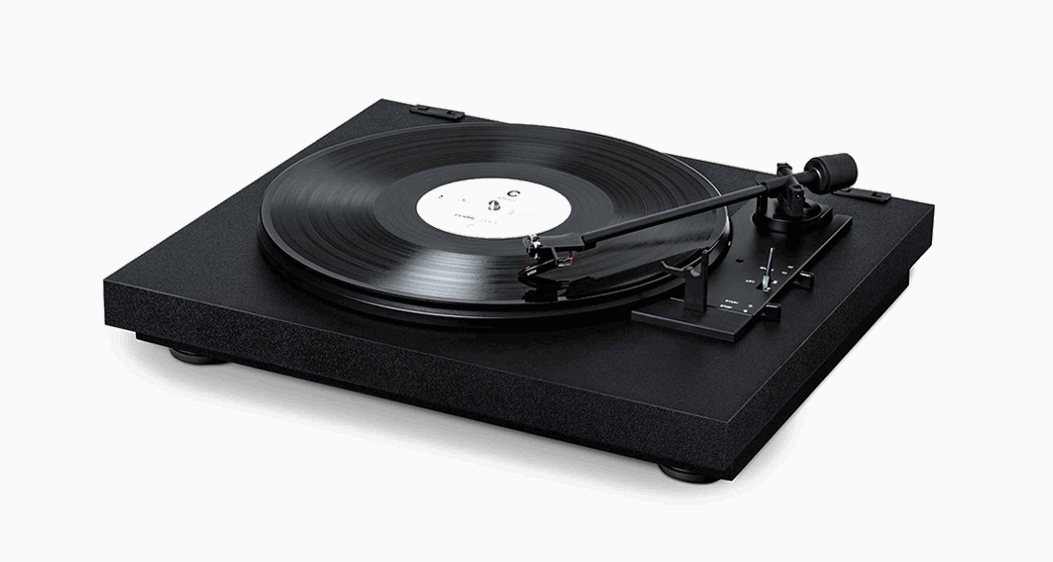
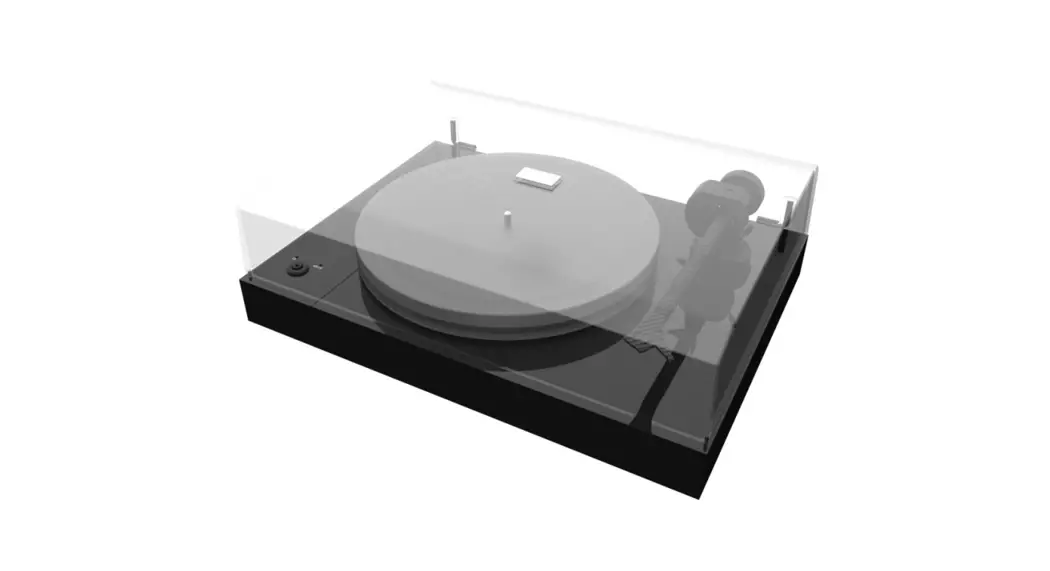
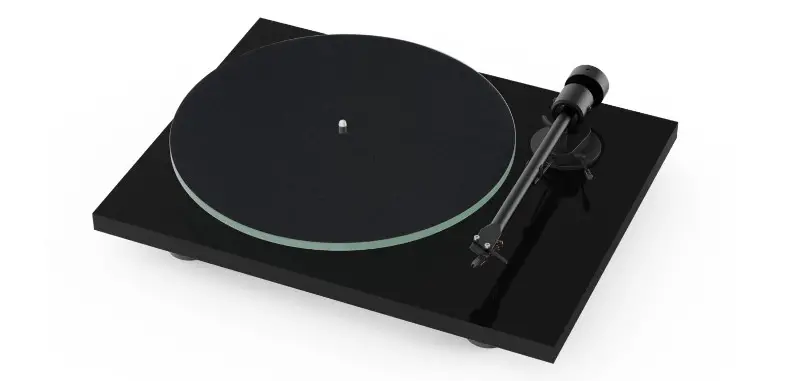
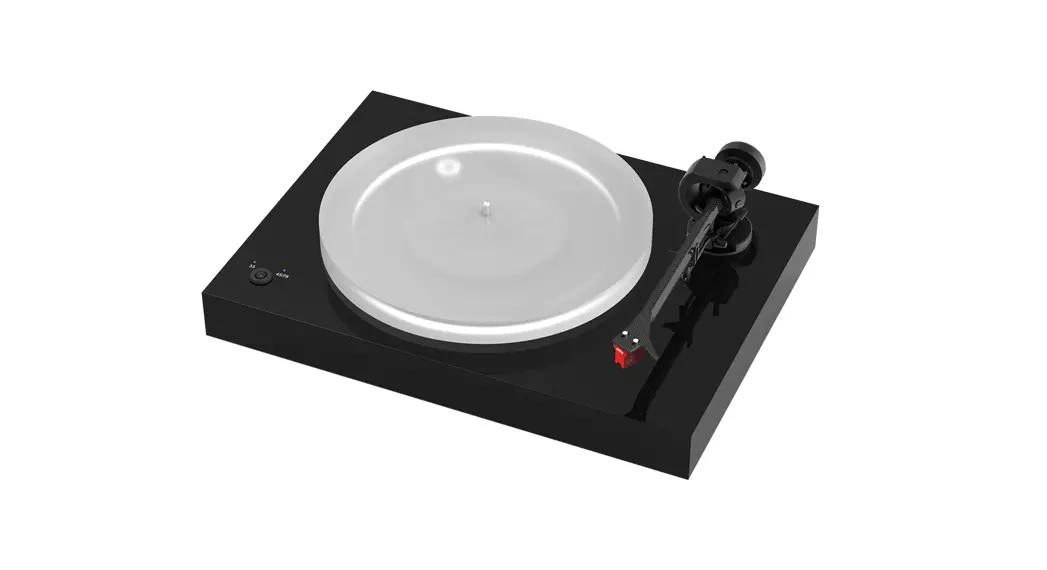
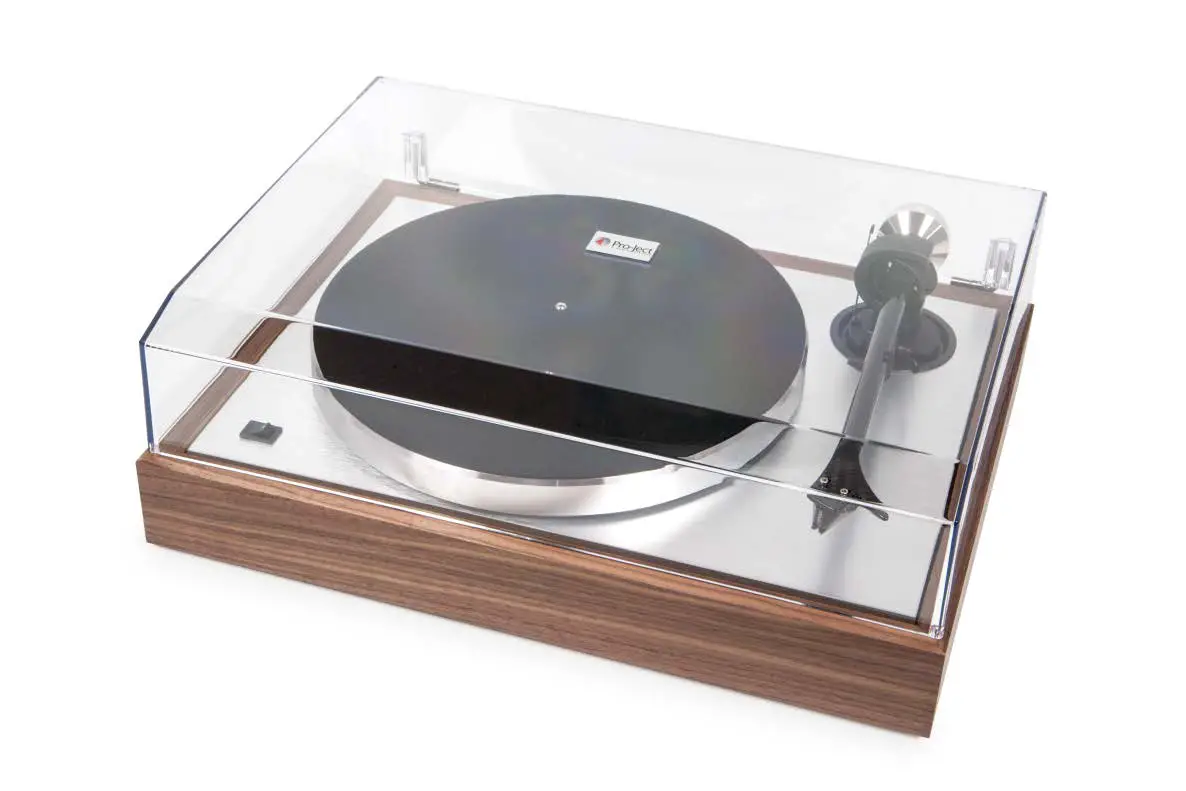
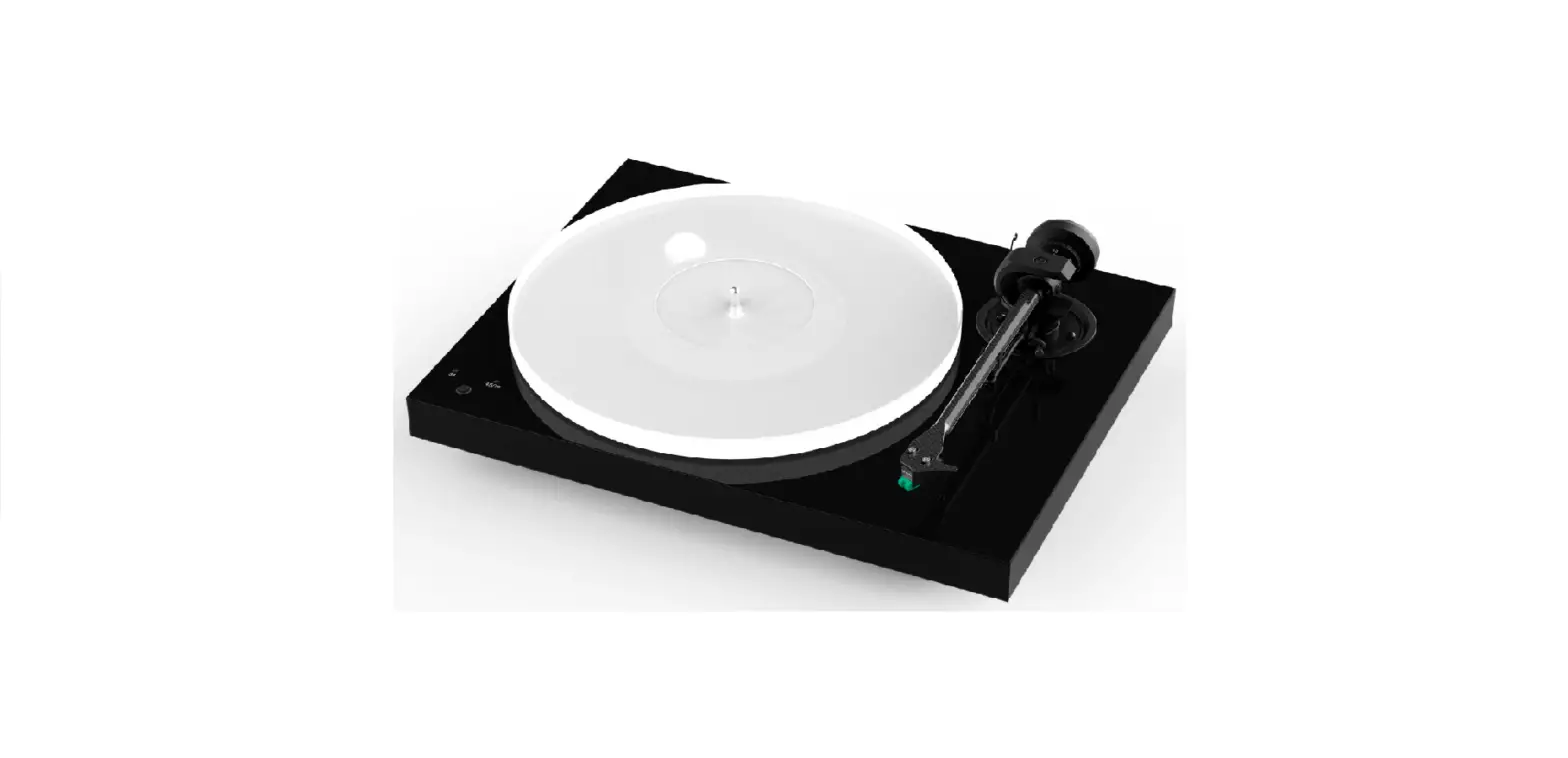
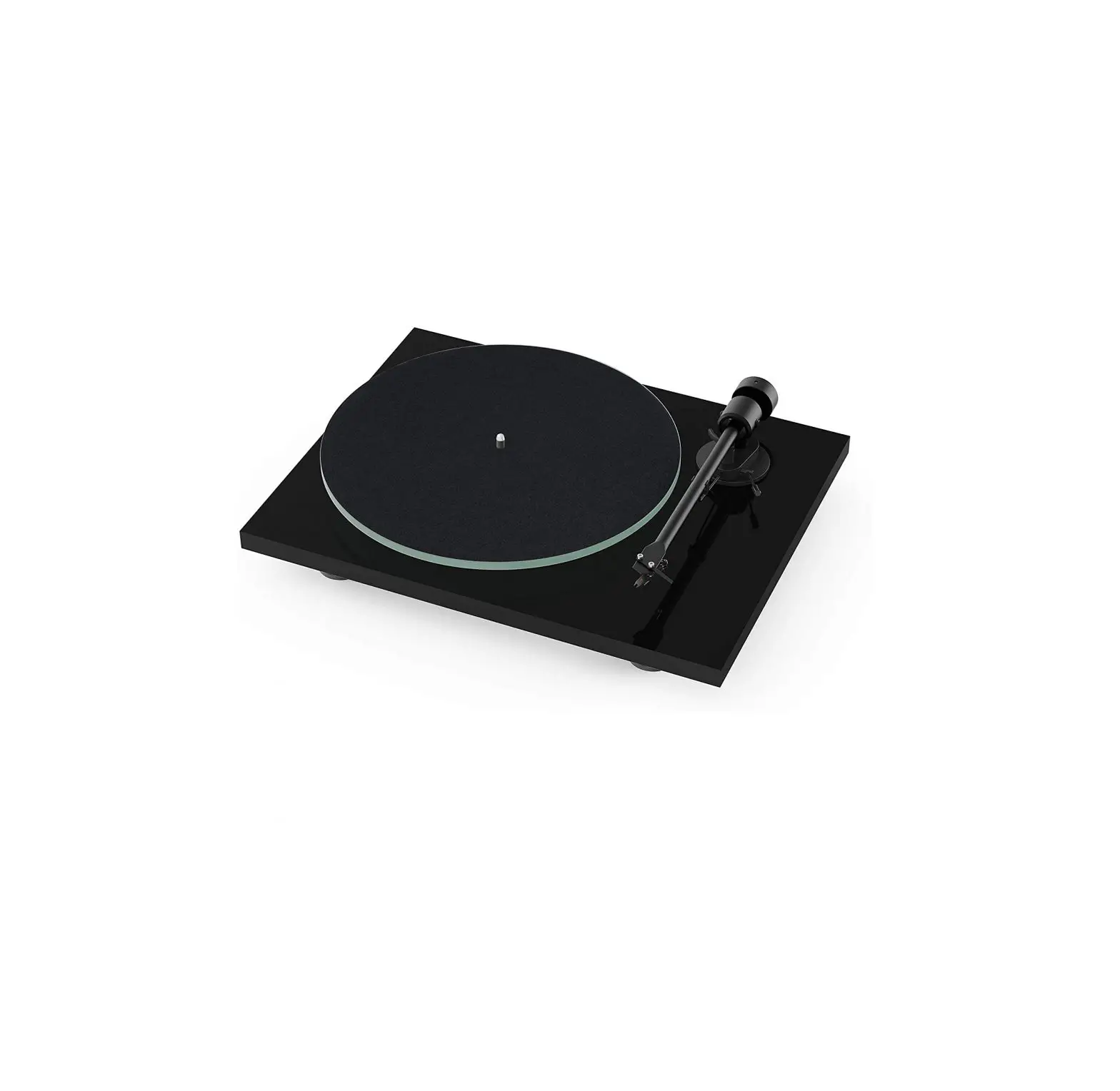
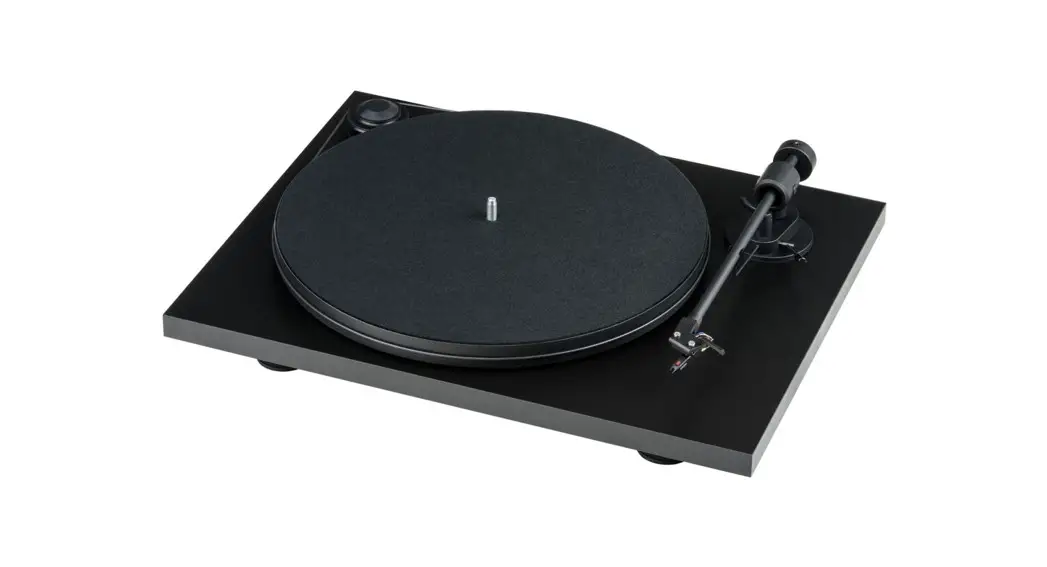
A2 Automatic Turntable Audio System
Product Information
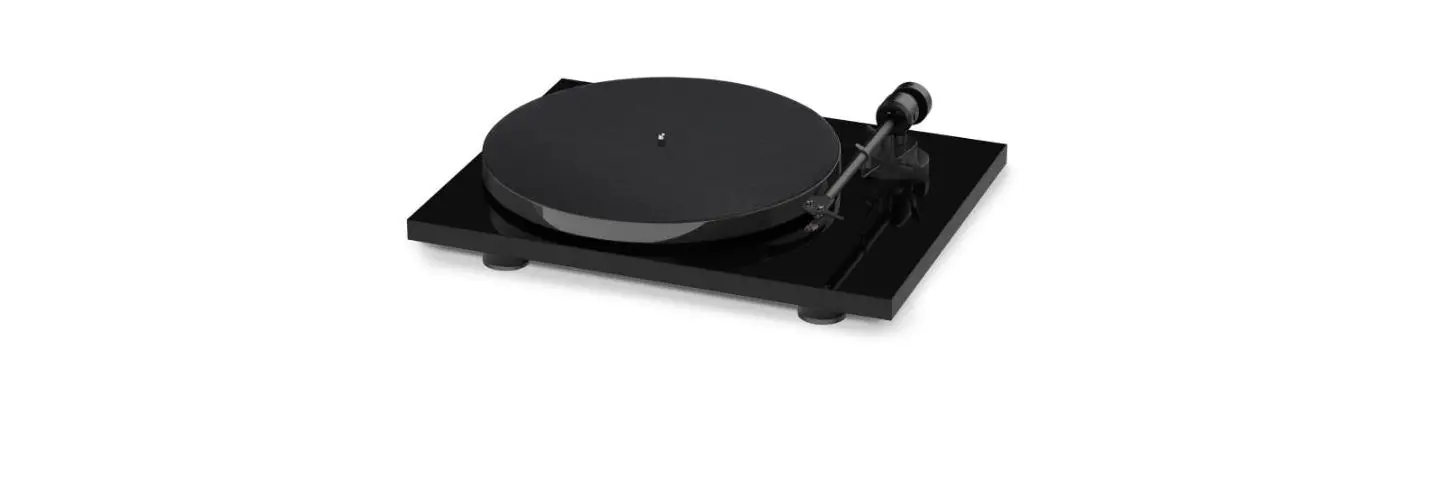
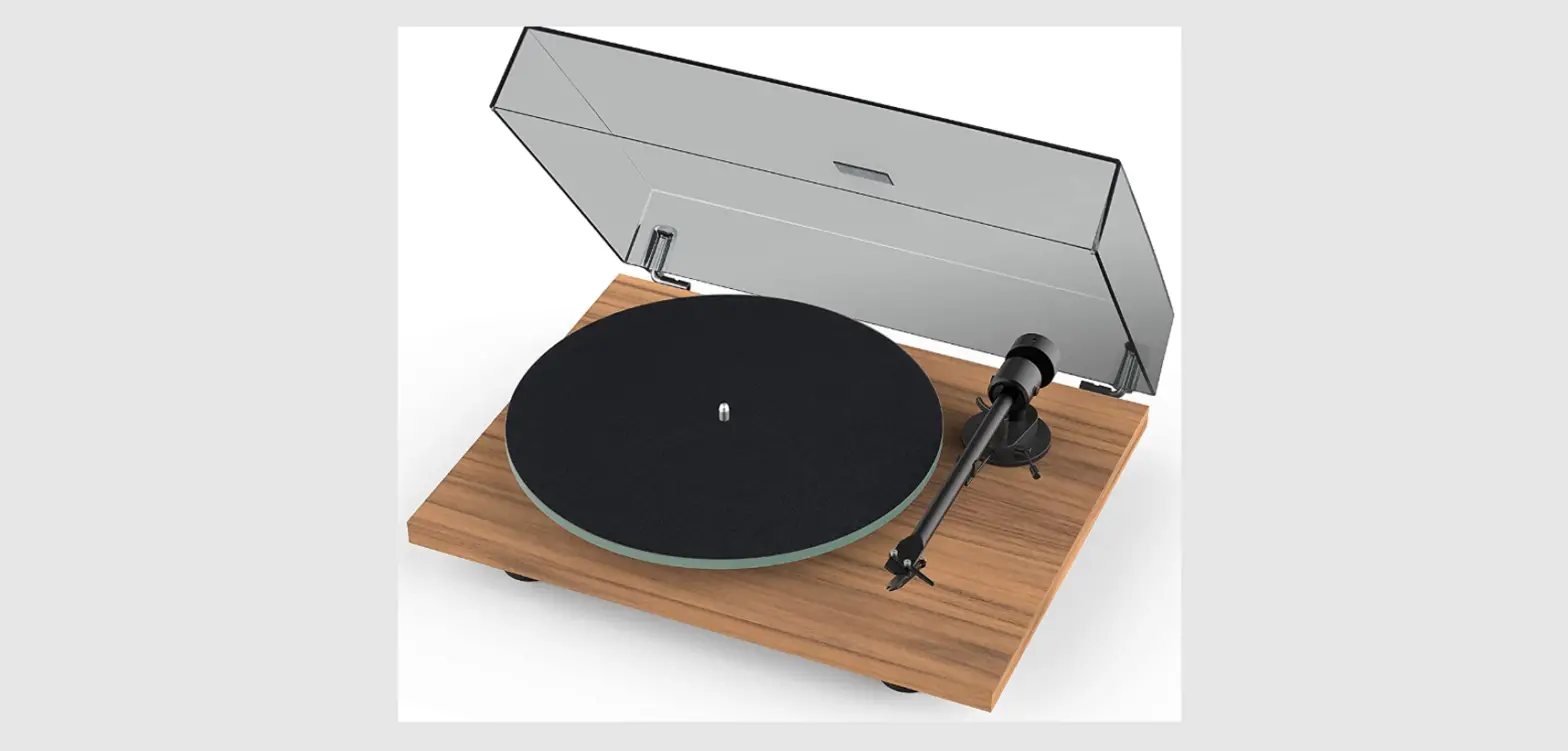
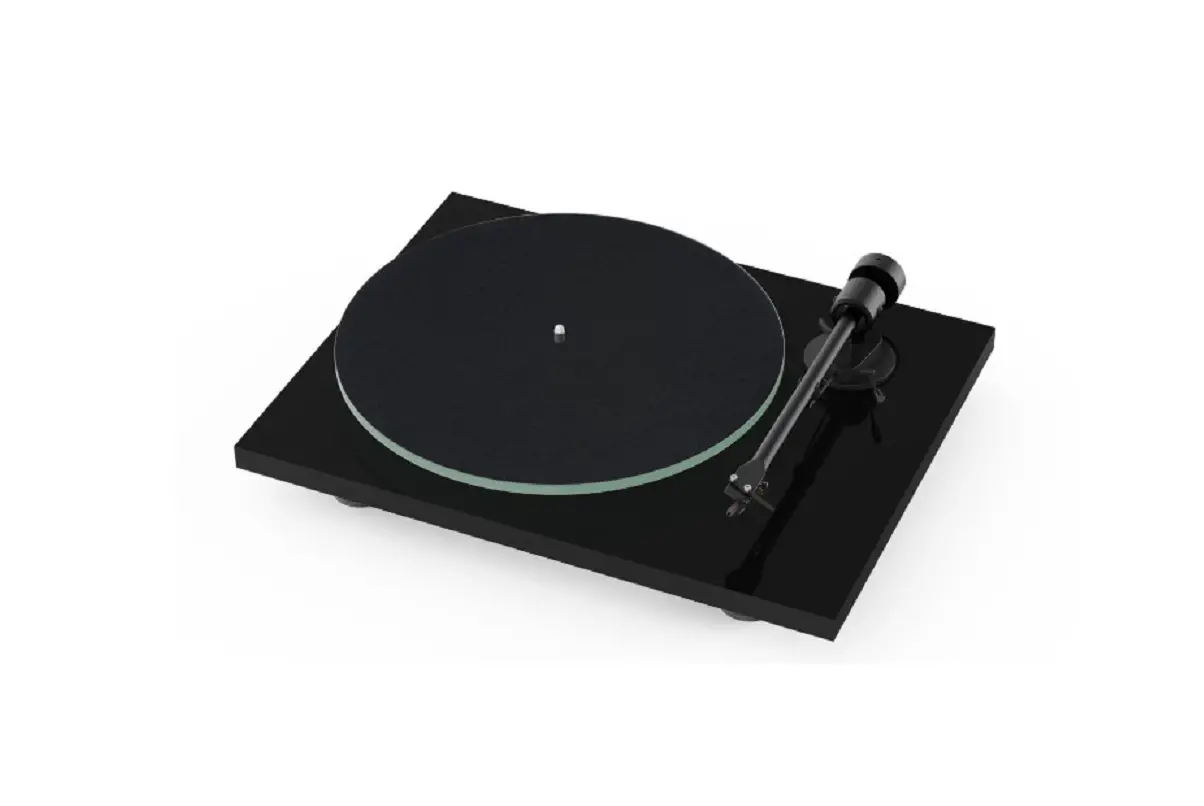
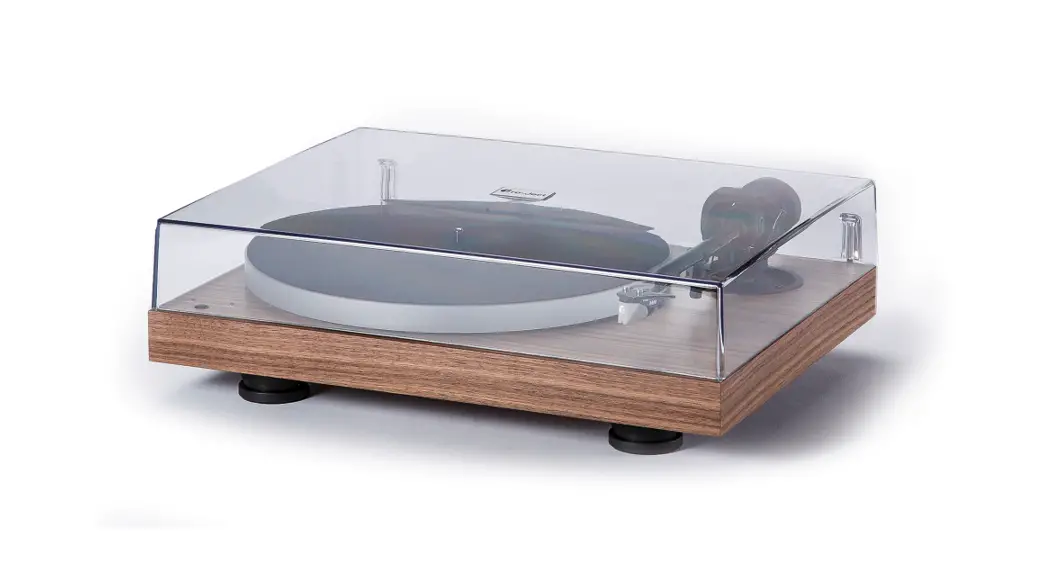
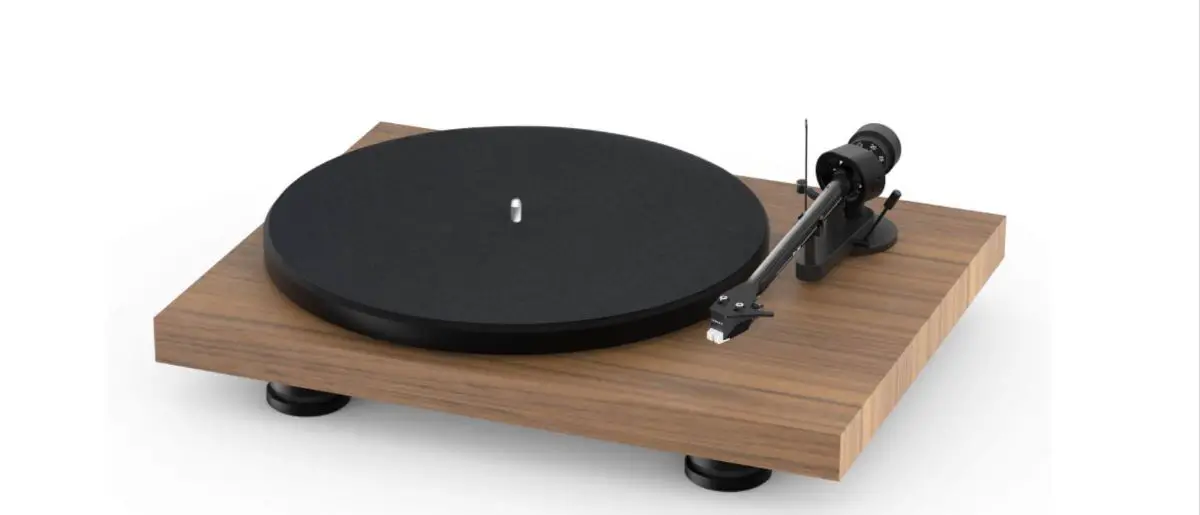
The Pro-Ject A2 is a record player manufactured by Pro-Ject
Audio Systems. It is a handcrafted turntable that has been
rigorously tested by skilled technicians to ensure years of
enjoyable and trouble-free service. The turntable comes partially
disassembled to prevent damage during shipping, and it is important
to check for any damage or missing parts before operation. The
power supply is used to connect and disconnect the unit from the
mains, and safety precautions should be taken to avoid handling the
power cord with wet or damp hands. The device should be kept away
from liquids, naked flame sources, and damp or wet locations.
Plastic bags should also be kept away from children to prevent any
risk of suffocation. The packaging material is designed to protect
the turntable during transit, and it is recommended to keep the
original packaging for future transportation.
Product Usage Instructions
- Unpacking and setup of the turntable: Refer to
the Setup Guide (k) included in the packaging for step-by-step
instructions on unpacking the turntable and setting it up. - Connection to an amplifier or phono
preamplifier: Connect the Pro-Ject A2 turntable to an
amplifier or phono preamplifier using the provided Connect it E
phono cable with earthing wire. Ensure proper connections are
made. - Starting and stopping record playback: Use the
Start/Stop lever (11) to start and stop record playback on the
turntable. - Tracking force setting: Adjust the tracking
force using the Tracking Force Adjustment (3) to ensure optimal
playback performance. - Anti-skating setting: Set the anti-skating
using the Anti-skating Adjustment (4) to prevent the tonearm from
pulling towards the center of the record. - Adjusting drop-off point: Use the 7/12 Drop
Off switch (9) to adjust the drop-off point of the tonearm. - Cartridge installation, stylus exchange:
Follow the instructions in the Setup Guide (k) for cartridge
installation and stylus exchange. - Maintenance and cleaning: Refer to the
Maintenance and Cleaning section in the user manual for
instructions on how to properly maintain and clean the Pro-Ject A2
turntable.
For more detailed information, refer to the user manual provided
with your Pro-Ject A2 turntable.
INSTRUCTIONS FOR USE
Pro-Ject A2
Dear Music Lover,
Congratulations and thank you for choosing Pro-Ject Audio Systems record player.
Your A2 turntable has been handcrafted and rigorously tested by skilled technicians to give you years of enjoyable, trouble-free service. Please contact your dealer if you require additional assistance.
Important: Your turntable was shipped partially disassembled in order to avoid damage to sensitive parts. Please check immediately to make sure that neither the packaging nor the device was damaged in transit. If you are missing parts or if the unit is damaged, please do not operate and contact your dealer.
Safety instructions
The power supply is used to connect and disconnect the unit from the mains. Make sure that the plug is easily accessible at all times. Hold the plug when unplugging the power cord. Never handle the power cord while your hands are wet or damp.
! Avoid letting liquids enter the device. Never place any item containing liquid, like a flower vase, on
or near the device. Never spill any liquid on the device. Never place any naked flame sources, like lighted candles, on or near the device. The product shall not be used in damp or wet locations, next to a bathtub, sink, swimming pool or any other similar conditions. Keep plastic bags away from children to prevent any risk of suffocation.
General Information
3
Controls, features and connections
3
In the packaging
3
Setup
1. Unpacking and setup of the turntable
5
2. Connection to an amplifier or phono preamplifier
5
3. Starting and stopping record playback
5
4. Tracking force setting
6
5. Anti-skating setting
6
6. Adjusting drop-off point
7
7. Cartridge installation, stylus exchange
7
8. Maintenance and cleaning
7
Technical specifications
8
Troubleshooting, warranty, service
9
Please do your part to help protect the environment: No immediate disposal of packaging material: Pro-Ject packaging is carefully designed to protect your component from damage in transit and you are strongly urged to keep the original packaging in order to safely ship or otherwise transport your turntable in the future.
However, the packaging materials were chosen to be environmentally friendly, so if you must discard the packaging, please recycle.
2
© Pro-Ject Audio Systems · Pro-Ject A2 · Revision 2023.08.02
GENERAL INFORMATION
Controls, features and connections
1
PLATTER with FELTMAT
2
COUNTERWEIGHT
3
TRACKING FORCE ADJUSTMENT
4
ANTI-SKATING ADJUSTMENT
5
TONEARM TUBE
6
HEADSHELL WITH FINGER LIFT AND PRE-MOUNTED CARTRIDGE
7
TONEARM REST with LOCK
8
REPLAY SPEED SWITCH
9
7″/12″ DROP OFF SWITCH
10
TONEARM LIFT LEVER
11
START/STOP LEVER
12
DUSTCOVER HINGE HOLDERS
13
PHONO RCA OUTPUT
14
GROUND TERMINAL
15
POWER SUPPLY SOCKET
In the packaging
a
TURNTABLE
b
CONNECT IT E PHONO CABLE WITH EARTHING WIRE
c
FELTMAT
d
DUSTCOVER
e
SINGLES ADAPTER (not pictured below)
f
POWER SUPPLY
g
PLATTER
h
SUB-PLATTER TRANSPORT PROTECTION
i
DRIVE BELT
j
COUNTERWEIGHT
k
SETUP GUIDE WITH TRANSLATIONS (not pictured below)
a c
h f
d
j g
b
i
3 © Pro-Ject Audio Systems · Pro-Ject A2 · Revision 2023.08.02
1 8
12 2 3 4 10 9 7 11 6
5
15
13
14
4
© Pro-Ject Audio Systems · Pro-Ject A2 · Revision 2023.08.02
SETUP
Please also refer to your Setup Guide (k) included in your A2 packaging for step-by-step instructions for unpacking your new A2, setting it up and playing your first record.
1. Unpacking and setup of the turntable
Unpack the turntable (a) and place it on a level surface. Remove the dustcover (d), the sub-platter protection (g) and the red transport spacers (see setup guide). Put the belt over the pully & sub-platter. Put the platter (g) on the turntable and secure it with the fastening clip. Put the felt mat on the platter. Put the counterweight (j, 2) on the tonearm. Plug the power supply (f) first into the power socket on the turntable (15) and then into your mains power.
2. Connection to an amplifier or phono preamplifier
Your A2 needs to be connected to suitable MM phono preamp or to a suitable MM phono input on your amplifier (sometimes labelled gram, disc or RIAA) using our supplied Connect it E phono cable. Take care to connect the left and right channels correctly. On the Connect it E cable, right is marked red and left is marked white. On your A2, right is marked red and left is marked black. On your amplifier or phonopreamp, the right channel is usually marked red, the left channel black or white. Check the manual supplied with your amplifier for relevant information. The earthing wire should be connected to the ground terminal on your amplifier or phono-preamp (if provided) and your A2 (14).
3. Starting and stopping record playback
Automatic start: Put on a record and set your replay speed (8) to the RPM of your record. Most long play records need to be played with 33 RPM. Smaller 7″ singles with 45 RPM. Also put the singles adapter (e) on the platter (1) spindle to play 7″ singles. Select your automatic drop-off point (9). 7″ is for singles and 12″ for regular fulllength LPs. Remove the stylus protection cover. Move the lift lever (10) to the position. Push the START/STOP lever (11) to START to engage the automatics and start playing your record. The platter will start turning and the tonearm will automatically move to the selected start position and lower down to the record. When the record is finished the tonearm will be lifted and move back into its resting position automatically as well.
The start position is different between LPs and singles. Singles with a smaller 7″ diameter are usually 45RPM. And bigger 12″ LPs can exist as 33RPM and 45RPM. Doublecheck your replay speed and the record you are playing, in case your tonearm moves to the wrong position.
78 RPM records in 10″ format must be started manually, as the automatics can be set to 7″ singles or
! 12″ LPs only. To do this, set the playback speed to 78 RPM and follow the Manual start instructions
below.
Manual start: It is also possible to start playing records manually. To do this make sure the lift lever (10) is in the position. Manually place the tonearm above the part of the record or song, from where you want to start playback. The platter will start spinning automatically as soon as you move the tonearm. Move the lift lever (10) to the position to lower the tonearm onto the record. When the record is finished, the tonearm will move back into its resting position automatically.
Starting playback manually is necessary for 10″/78RPM records and recommended for advanced users or when you want to play only a certain song of a record or start playing the record further into it. Take care to not damage the stylus (needle) when doing so.
5 © Pro-Ject Audio Systems · Pro-Ject A2 · Revision 2023.08.02
Stopping playback: Push the START/STOP lever (11) to STOP to stop playing the record at any time during playback. The tonearm will move back into its resting position automatically. Move the lift lever (10) back to the position to ensure the tonearm rests in its lifted position. Playback can also be stopped manually at any time without affecting the function of the automatics system. Move the lift lever (10) to the position to stop playback at the desired point and then return the tone arm manually to the tone arm holder.
4. Tracking force setting
Make sure the stylus protection cover is removed. Make sure the lift lever (10) is in the position, take the tonearm out of its rest, place it somewhere between the platter and the rest and balance the tonearm by turning the counterweight on the rod left and right until the tonearm is level.
Once it is level, put it back in its rest. Turn the tracking force adjustment wheel (3) to set the desired tracking force.
The Ortofon 2M Red requires 1.7g tracking force => set the wheel to the mark between 1.5 and 2 The Sumiko Rainier (shipped on the USA version) requires 2g tracking force => set the wheel to 2
5. Anti-skating setting
Set the anti-skating by turning the anti-skating adjustment ring (4) to the desired level. Anti-skating is generally set to the same level as your tracking force.
The Ortofon 2M Red requires 1.7g tracking force => set anti-skating to 1.7 The Sumiko Rainier (shipped on the USA version) requires 2g tracking force => set anti-skating to 2
6
© Pro-Ject Audio Systems · Pro-Ject A2 · Revision 2023.08.02
6. Adjusting drop-off point
The drop-off point for the automatics (the exact location where the automatics lower the tonearm on the record when pushing the start button) does usually not need to be adjusted. However, there is variance from record to record, which makes it useful to be able to fine tune the point for some records.
Next to the 12″/7″ selector (9) there is a small hole, that allows you to reach a slotted screw to fine tune the drop off point. Make sure the 12″/7″ selector (9) is in the 12″ position. The 7″ position blocks access to the screw underneath. Take a slotted screw driver and slowly turn the screw in either direction by just a few degrees (which direction does not matter). Make only small adjustments and see where the tonearm now lands. After turning the screw 360° you will be back in the original position. This fine tuning affects both the 12″ and 7″ drop-off location.
7. Cartridge installation, stylus exchange
Your A2 turntable comes with a cartridge which has already been factory aligned and is ready for playback immediately.
For advanced users, in case you want to switch cartridges, install your new cartridge into the headshell, using the appropriate hardware included with your new cartridge. All cartridges with half inch mounting holes can be fitted.
Connect the cartridge as indicated below:
· White · Red · Green · Blue
left channel L+ right channel R+ right channel Rleft channel L-
For correct cartridge alignment, use a cartridge alignment protractor of your choice (not included with your A2 turntable). If unfamiliar with this setup, please refer to your dealer.
A damaged or worn stylus may harm your record collection and should be replaced. Please remove the stylus protection before pulling the stylus from the cartridge and replace for a new one. Exchange stylus for the pre-mounted cartridge Ortofon 2M Red: Stylus 2M Red. If in doubt, consult your local dealer or distributor.
8. Maintenance and cleaning
Your record player requires little or no regular maintenance. Remove dust with a slightly moistened antistatic cloth. Never use a dry cloth because this will create static electricity which attract more dust! Antistatic cleaning fluids are available at specialist stores but must be applied sparingly to avoid damage to rubber parts. It is recommended to fit the needle cover before cleaning or maintenance is carried out to avoid damage.
! Always disconnect the record player from the mains power supply as a precaution before maintenance!
7 © Pro-Ject Audio Systems · Pro-Ject A2 · Revision 2023.08.02
Technical specifications Pro-Ject A2
Nominal speeds Speed variance Wow and flutter Signal to noise Effective tonearm mass Effective tonearm length Overhang Power consumption Outboard power supply Dimensions (W x H x D) Weight
33/45/78 RPM 33: ±0.27% 45: ±0.22% 33: ±0.14% 45: ±0.12% 74dB ULM (ultra light mass) design principle 8.3″ (211 mm) 19,5mm 1,5W 15V/800mA DC, suitable for your country’s mains supply 430 x 150 x 365 mm 7,3 kg net / 10 kg with packaging
Technical specifications MM-Cartridge Ortofon 2M Red
Frequency range Channel separation Output voltage Recommended load impedance Compliance/stylus type Recommended tracking force Weight
20-22.000Hz
22dB /1kHz
5.5mV 47kohms/amplifier connection MM-input 20µm/mN elliptical
17.5mN
7.2g
8
© Pro-Ject Audio Systems · Pro-Ject A2 · Revision 2023.08.02
Potential incorrect use and fault conditions
Pro-Ject turntables are manufactured to the highest standards and undergo strict quality controls before leaving the factory. Faults that may possibly occur are not necessarily due to material or production faults but can sometimes be caused by incorrect use or unfortunate circumstances. Therefore, the following list of common fault symptoms is included.
The platter doesn’t turn although the unit is switched on:
The unit is not connected to the mains power supply. No mains at the socket. Drive belt is not fitted or has slipped off.
No signal through one or other channel or both channels:
No signal contact from the cartridge to the internal tonearm wiring or from that to the arm lead or from that to the phono box or between that and the amplifier. This could be due to a faulty plug, broken wire or solder joint or simply loose plug/socket connection. Phono input not selected at amplifier. Amplifier is not switched on. Amplifier or speakers are defective or muted. No connection to the loudspeakers.
Strong hum on phono input:
No earth connection from cartridge or arm or arm cable to amplifier, or earth loop.
Distorted or inconsistent sound from one or both channels:
Record player is connected to wrong input of amplifier, or MM/MC switch incorrectly set. Needle or cantilever damaged. Wrong RPM., drive belt overstretched or dirty, platter bearing without oil, dirty or damaged
Service
Should you encounter a problem which you are not able to alleviate or identify despite the above information, please contact your dealer for further advice. Only when the problem cannot be resolved there should the unit be sent to the responsible distributor in your country.
Guarantee repairs will only be affected if the unit is returned correctly packaged. For this reason, we recommend keeping the original packaging.
Never return a record player without making sure that is it safely disassembled and correctly packaged in the original packaging according to the diagrams on the last page of this user guide. Please remove these parts and pack them separately: lid, counterweight, anti-skating weight and belt.
Fit the cartridge protection cap and the transport lock for the tonearm tube, prior to carefully packaging the record player.
Warranty
The manufacturer accepts no responsibility for damage caused by not adhering to these instructions for use and/or by transportation without the original packaging. Modification or change to any part of the product by unauthorized persons, release the manufacturer from any liability over and above the lawful rights of the customer.
Pro-Ject Audio Systems is a Registered Trademark of H. Lichtenegger.
This guide was produced by: Pro-Ject Audio Systems Copyright © 2023. All rights reserved.
The information was correct at the time of going to press. The manufacturer reserves the right to make changes to the technical specification without prior notice as deemed necessary to uphold the ongoing process of technical development.
9 © Pro-Ject Audio Systems · Pro-Ject A2 · Revision 2023.08.02