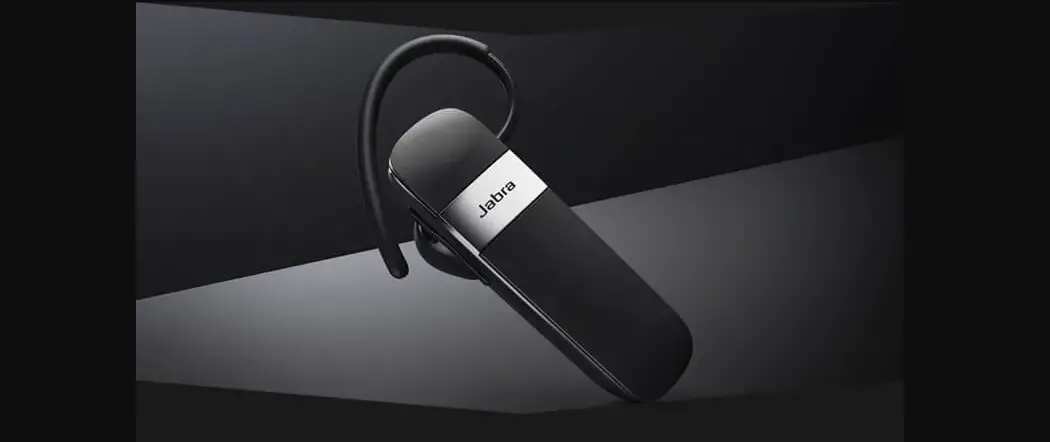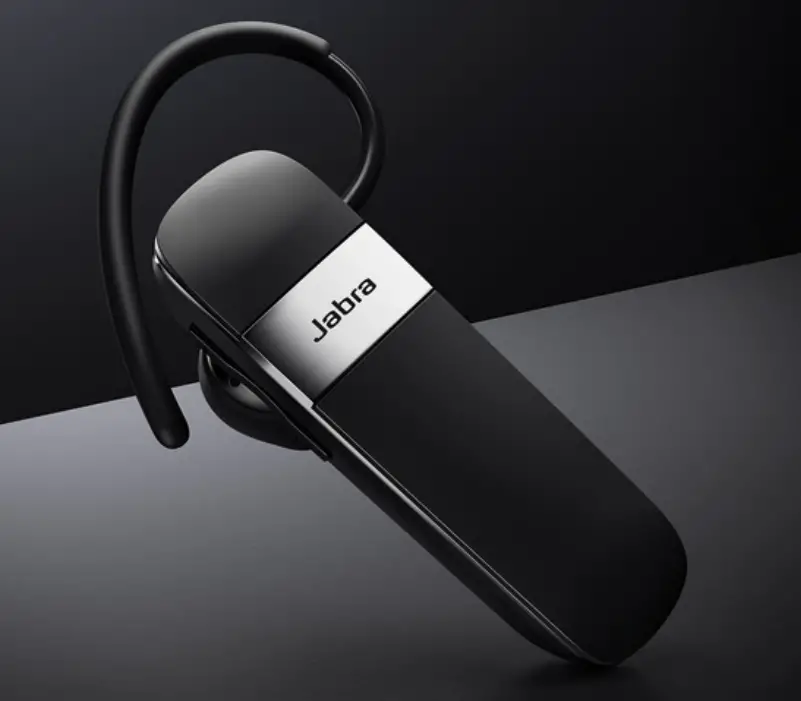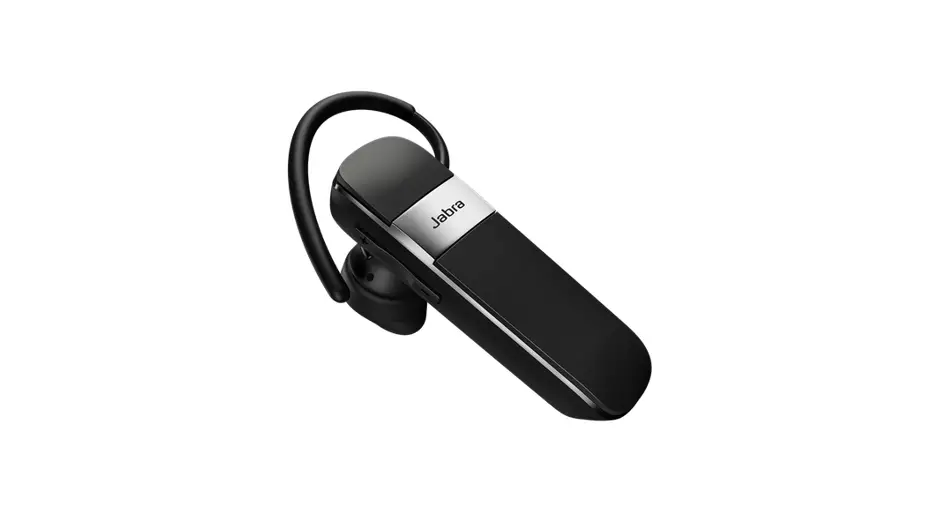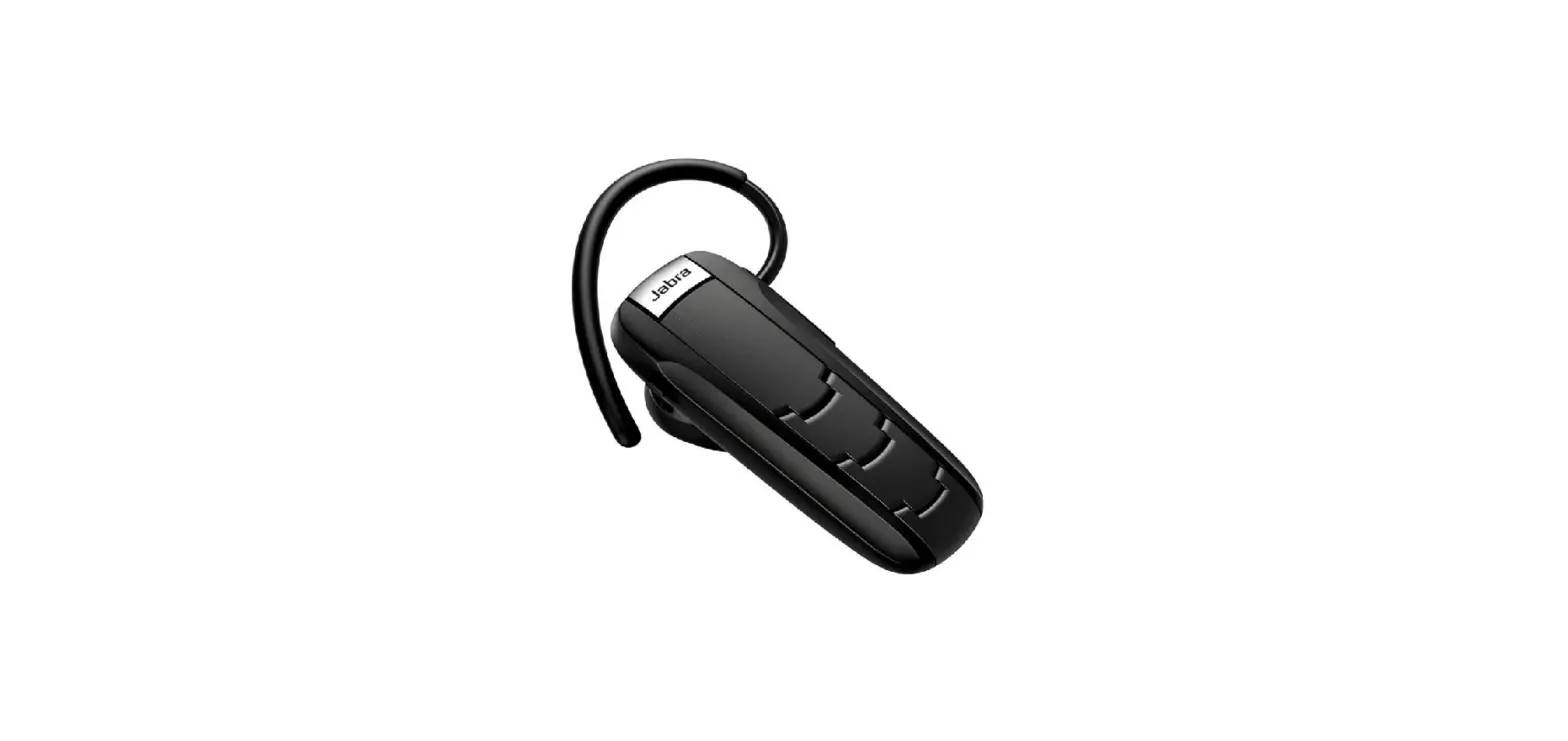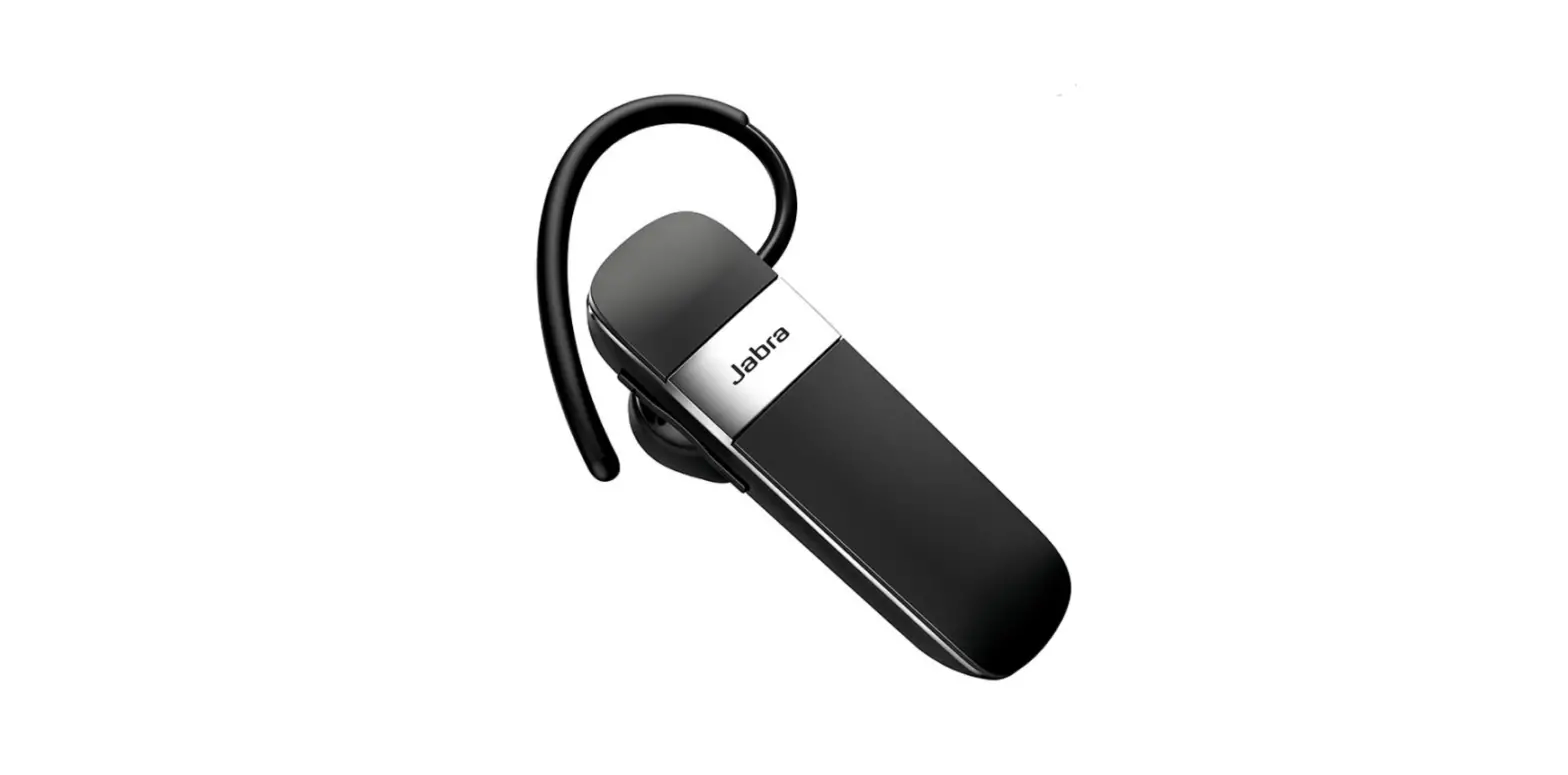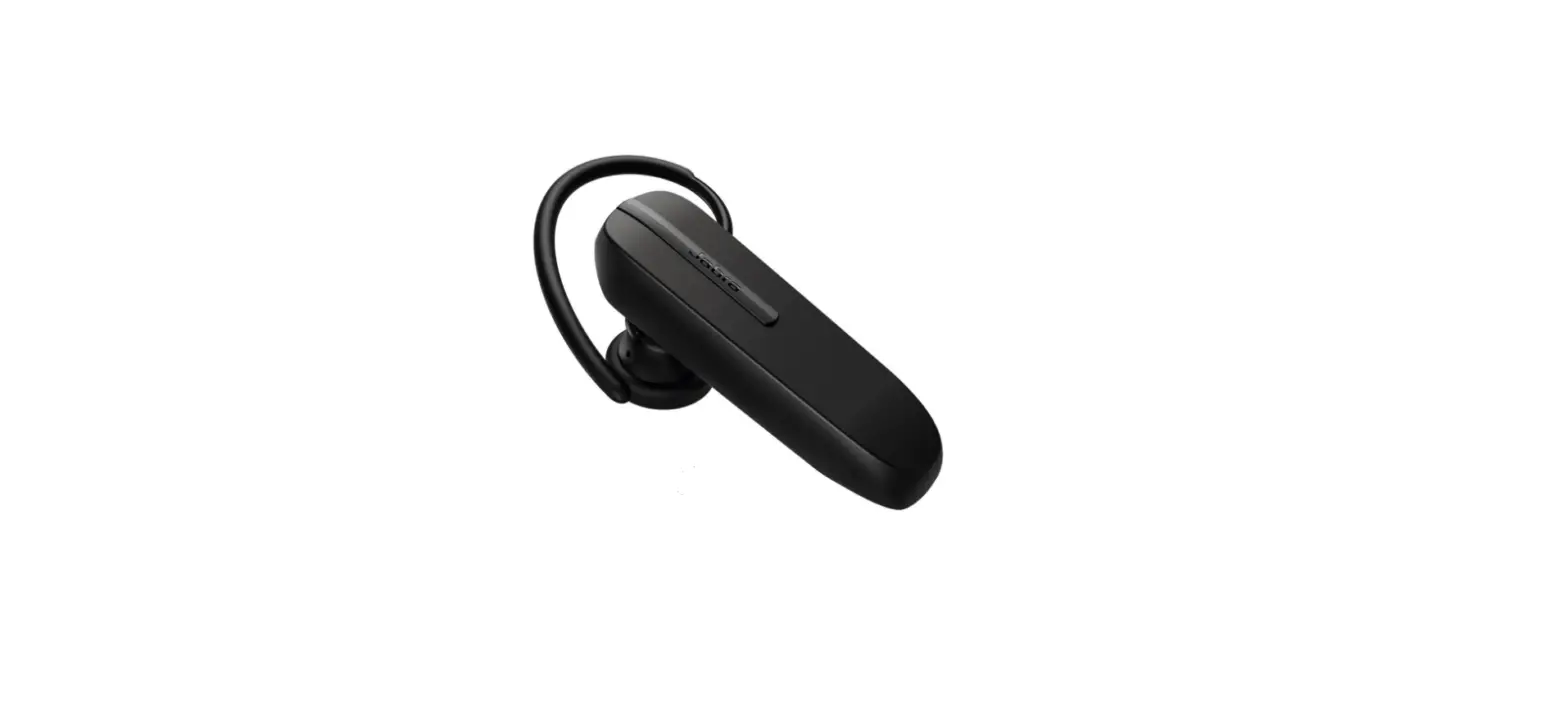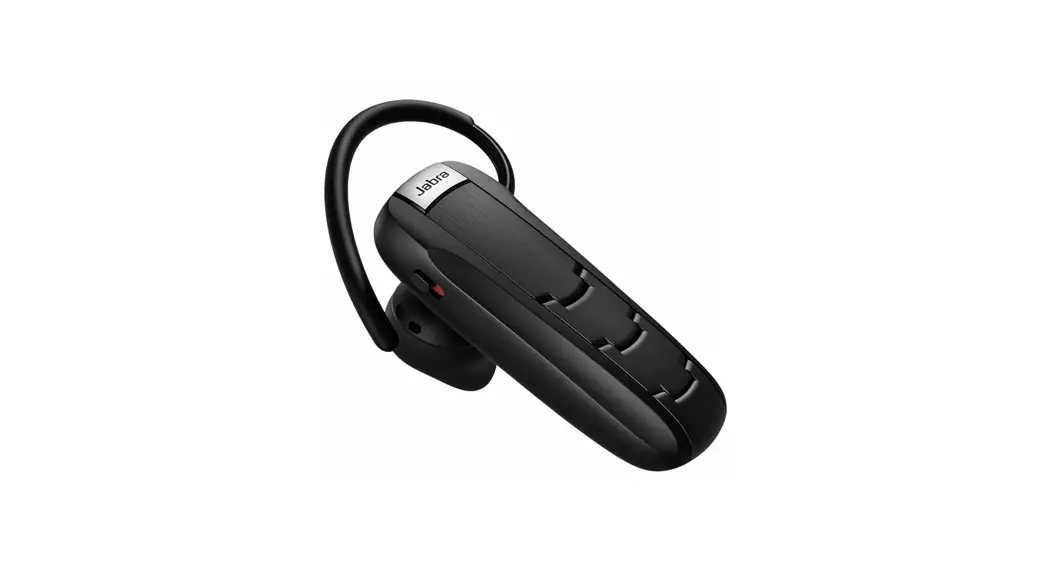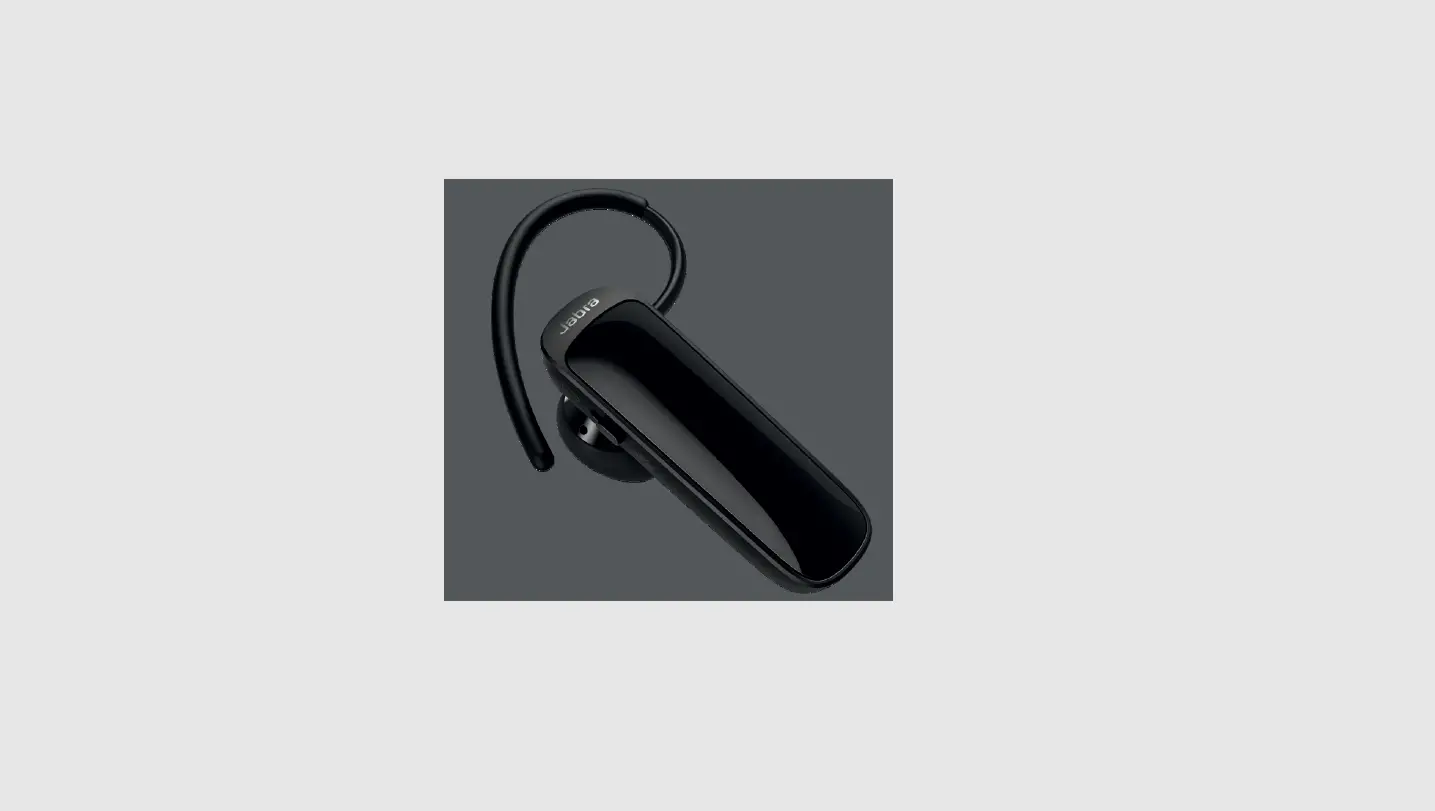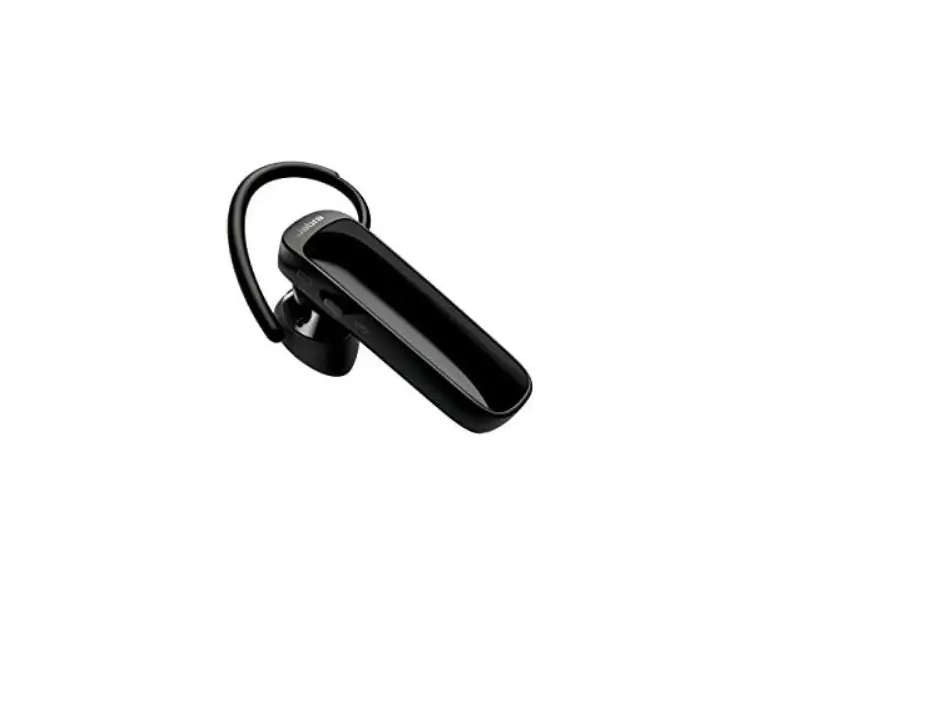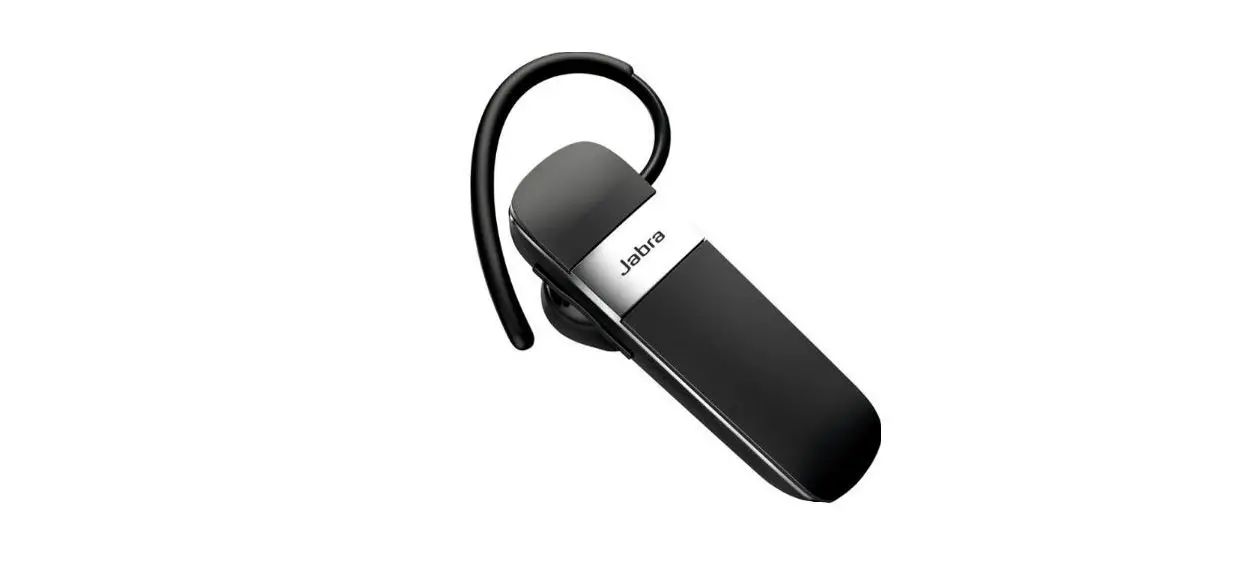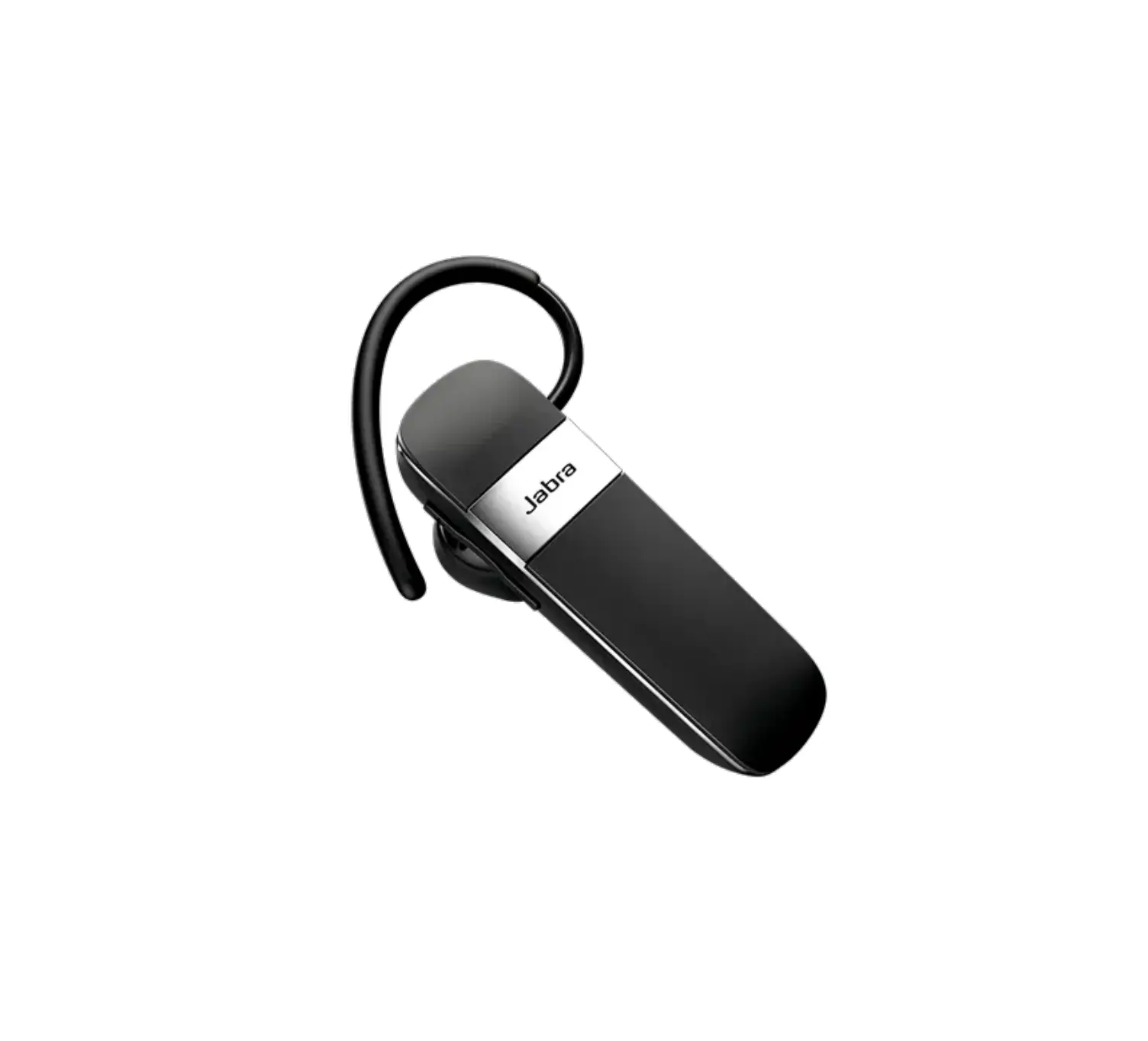
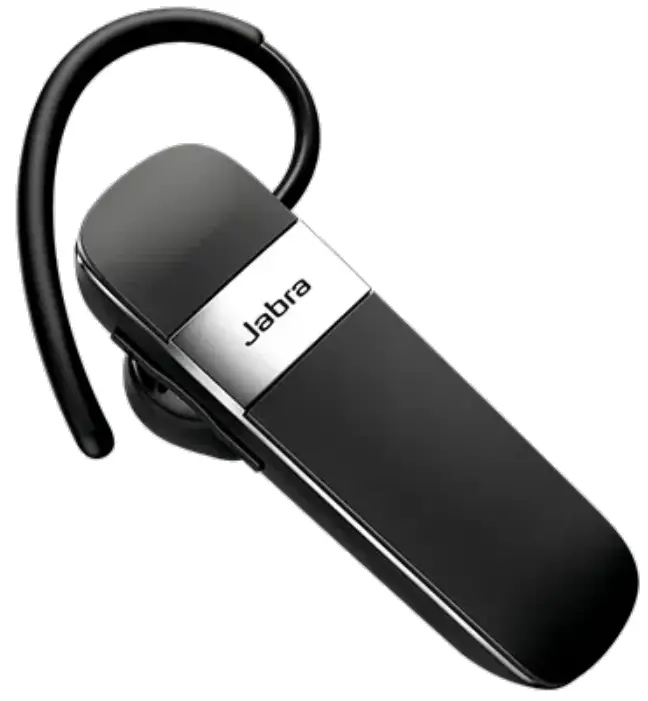
Jabra Talk 15 SE Bluetooth Headphones
What can I do if the pairing steps are not successful
If the pairing steps are not successful, try the following troubleshooting steps. Try re-pairing after you complete each troubleshooting step.
- Restart your mobile device by turning it off and on.
- Restart your Jabra device by turning it off and on.
- Ensure your Jabra device is in pairing mode. See the following section, Related Frequently Asked Questions, for guidance on how to pair your Jabra device.
- On your mobile device, turn Bluetooth off and on.
- Try to pair your Jabra device using a different mobile device. This is to confirm that a different mobile device will find and pair with your Jabra device.
- Ensure your Jabra device is updated with the latest firmware version.
- Reset your Jabra device. See the following section, Related Frequently Asked Questions, for guidance on how to reset your Jabra device.
- If you still cannot pair your Jabra device with your mobile device, contact support.
 [FAQTitle] | Jabra Talk 15 SE | FAQ | Jabra Support