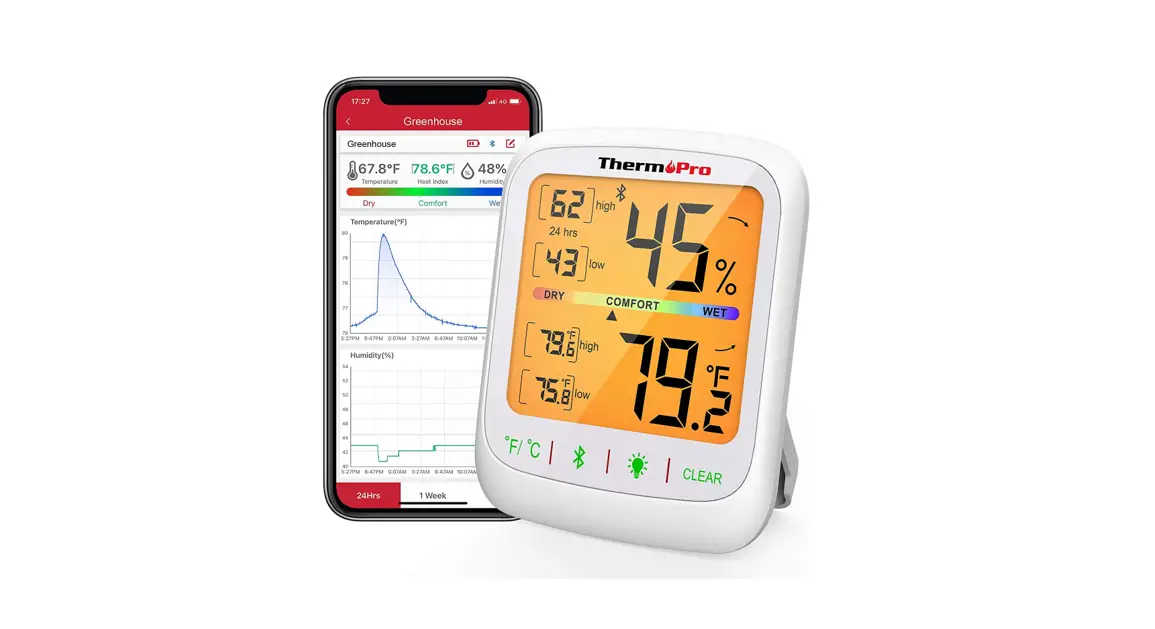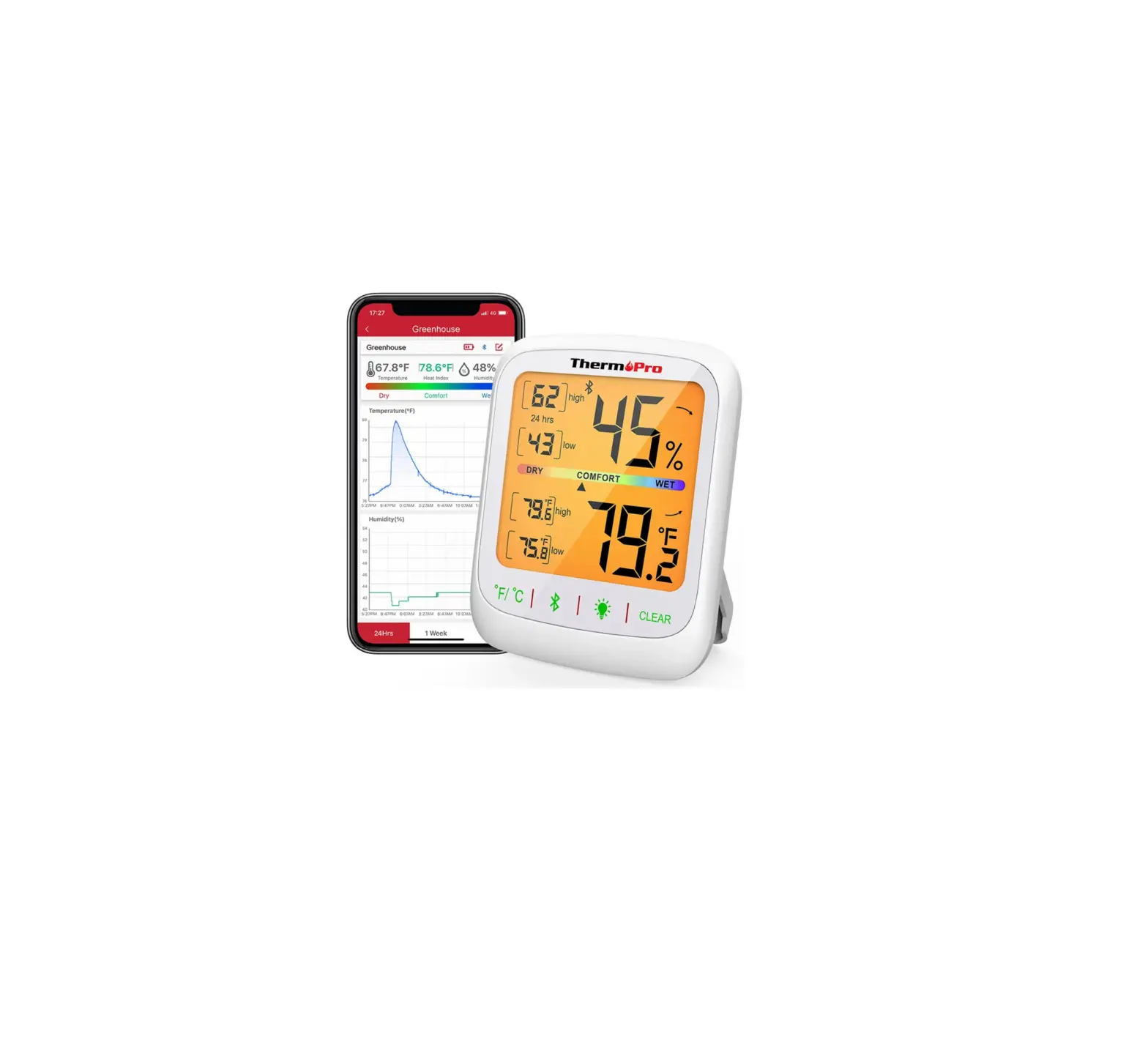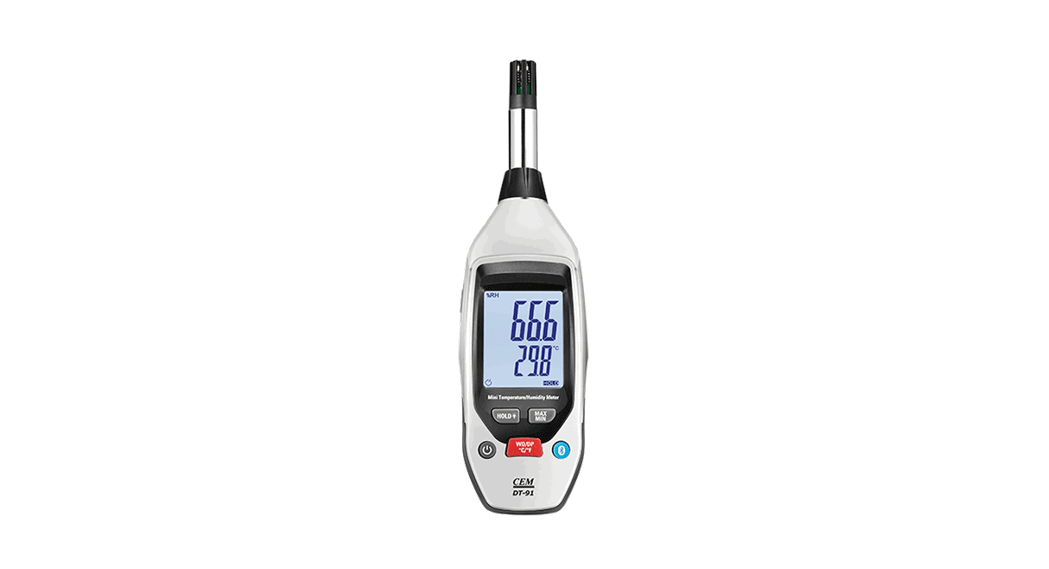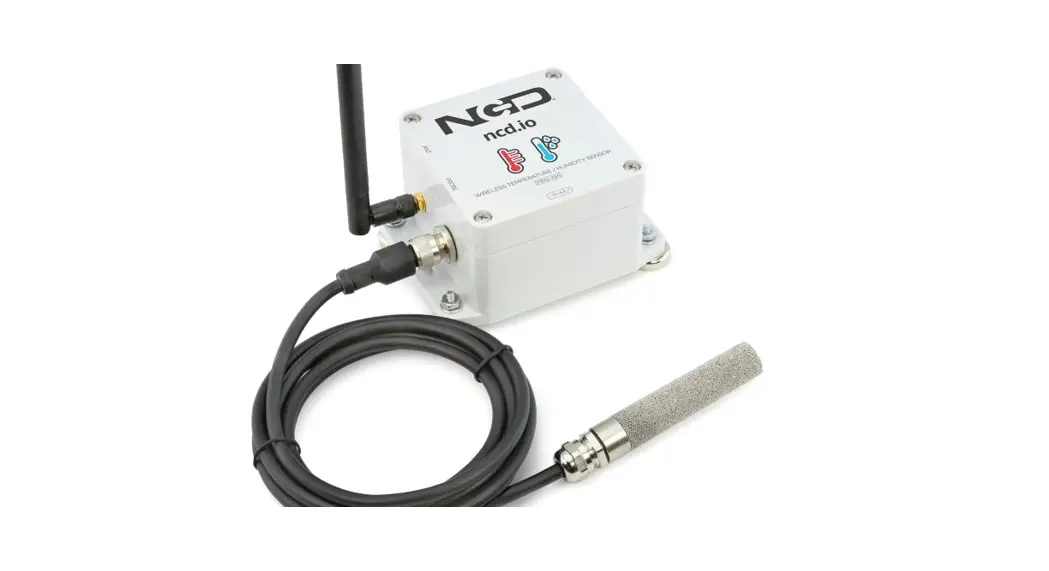

AST401/AST402 Bluetooth Temperature
and Humidity Sensor User Guide
Applicable Model: T399L
Change History
| File Name | AST401/AST402 Bluetooth Temperature and Humidity Sensor User Guide | ||
| Project | T399L | Creation Date Update Date | 2021-05-08 |
| Subproject | Accessory User Guide | Total Pages | 7 |
| Version | V1.0 | Confidential | External Documentation |
Copyright and Disclaimer
Copyright © 2021 MEITRACK. All rights reserved. are trademarks that belong to Meitrack Group and its subsidiary.
The user manual may be changed without notice.
Without the prior written consent of Meitrack Group, this user manual, or any part thereof, may not be reproduced for any purpose whatsoever or transmitted in any form, either electronically or mechanically, including photocopying and recording.
Meitrack Group shall not be liable for direct, indirect, special, incidental, or consequential damages (including but not limited to economic losses, personal injuries, and loss of assets and property) caused by the use, inability, or illegality to use the product or documentation.
Product Overview
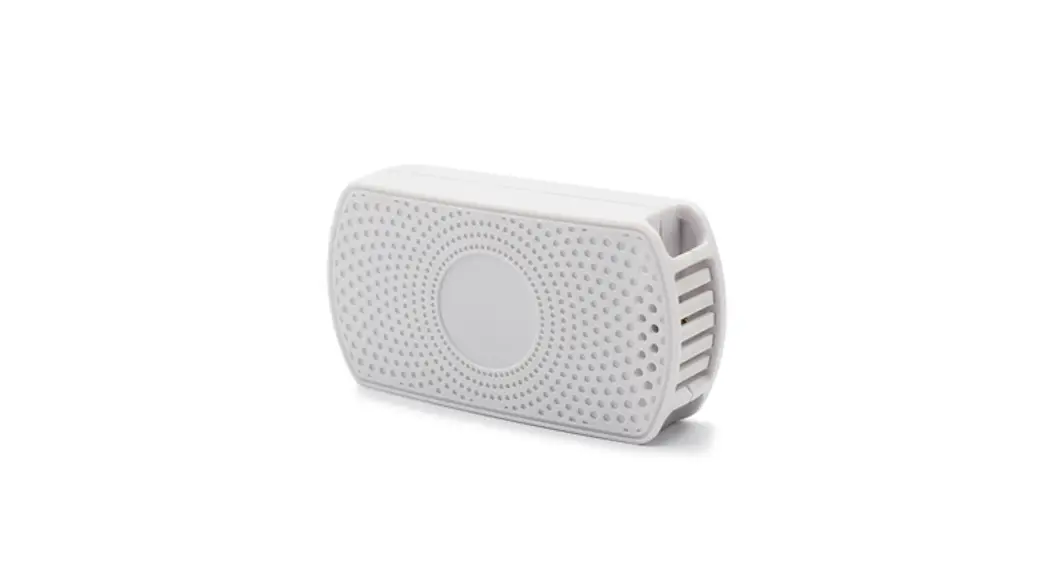
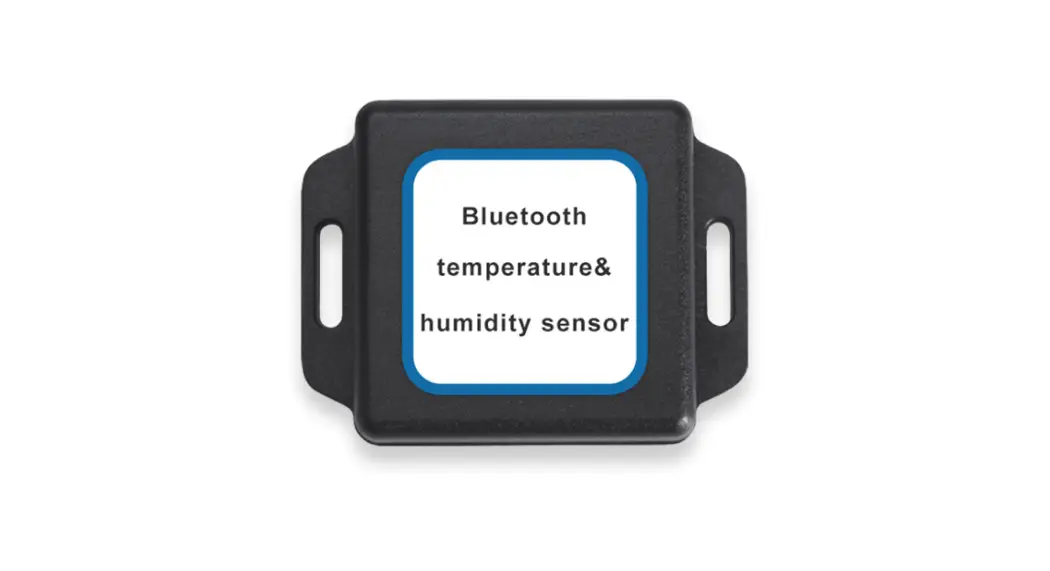
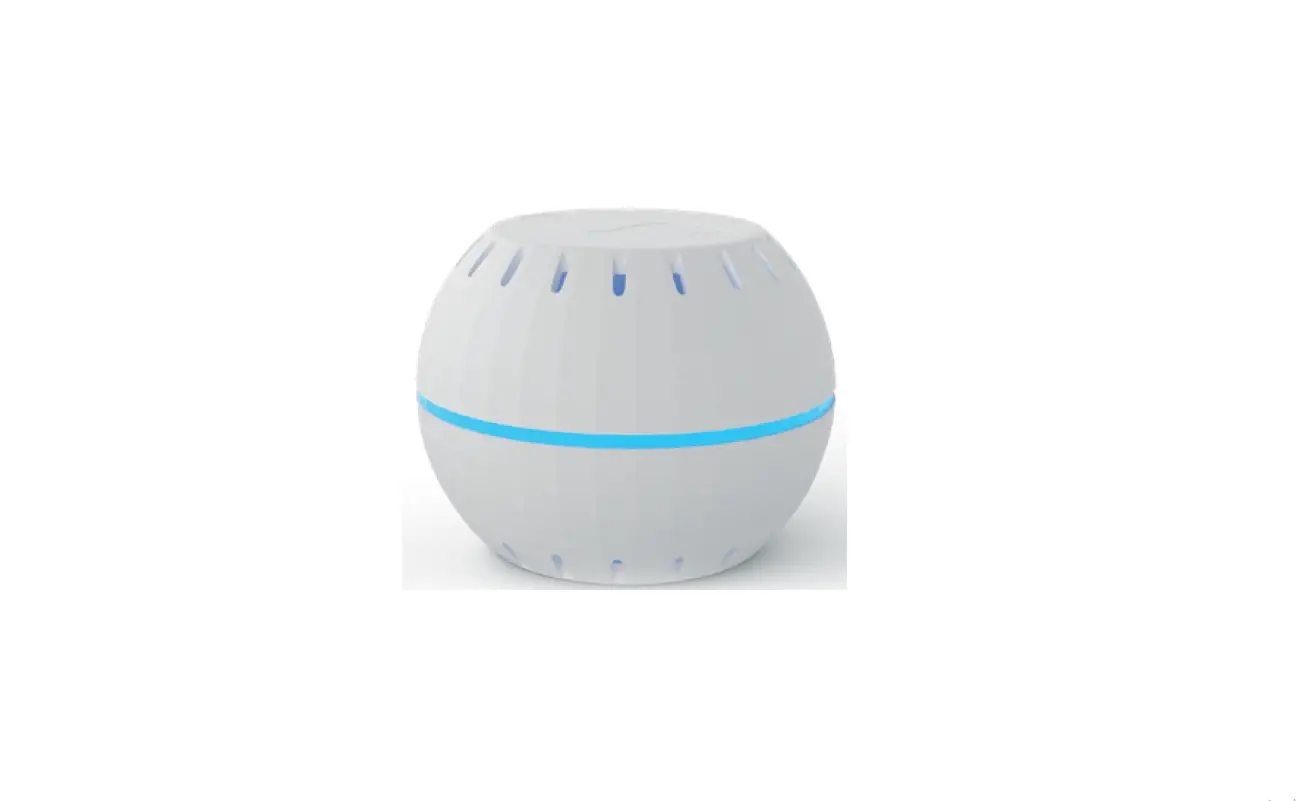
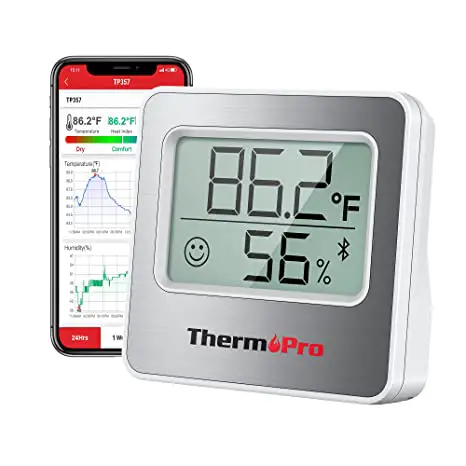
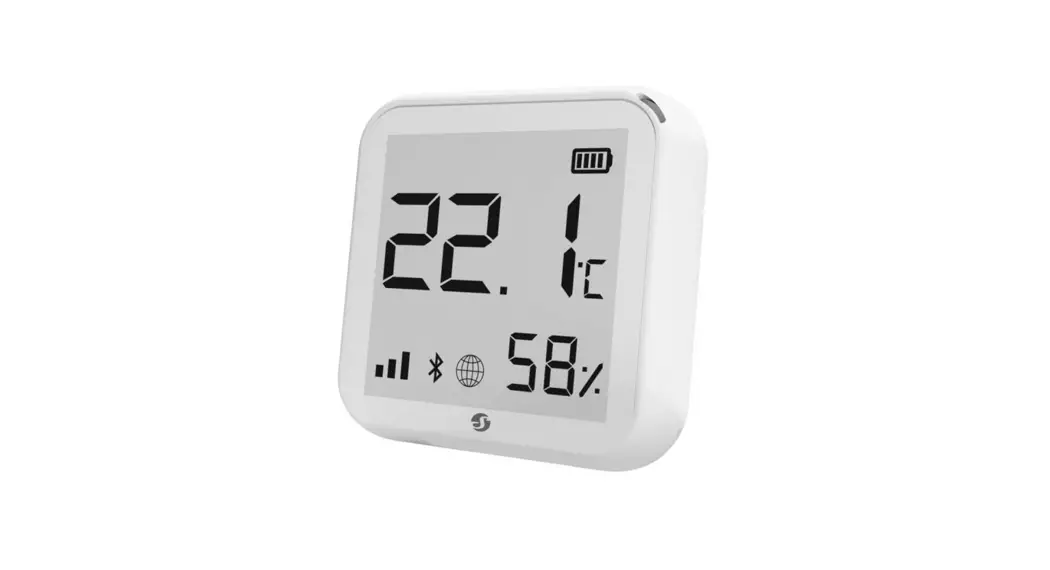
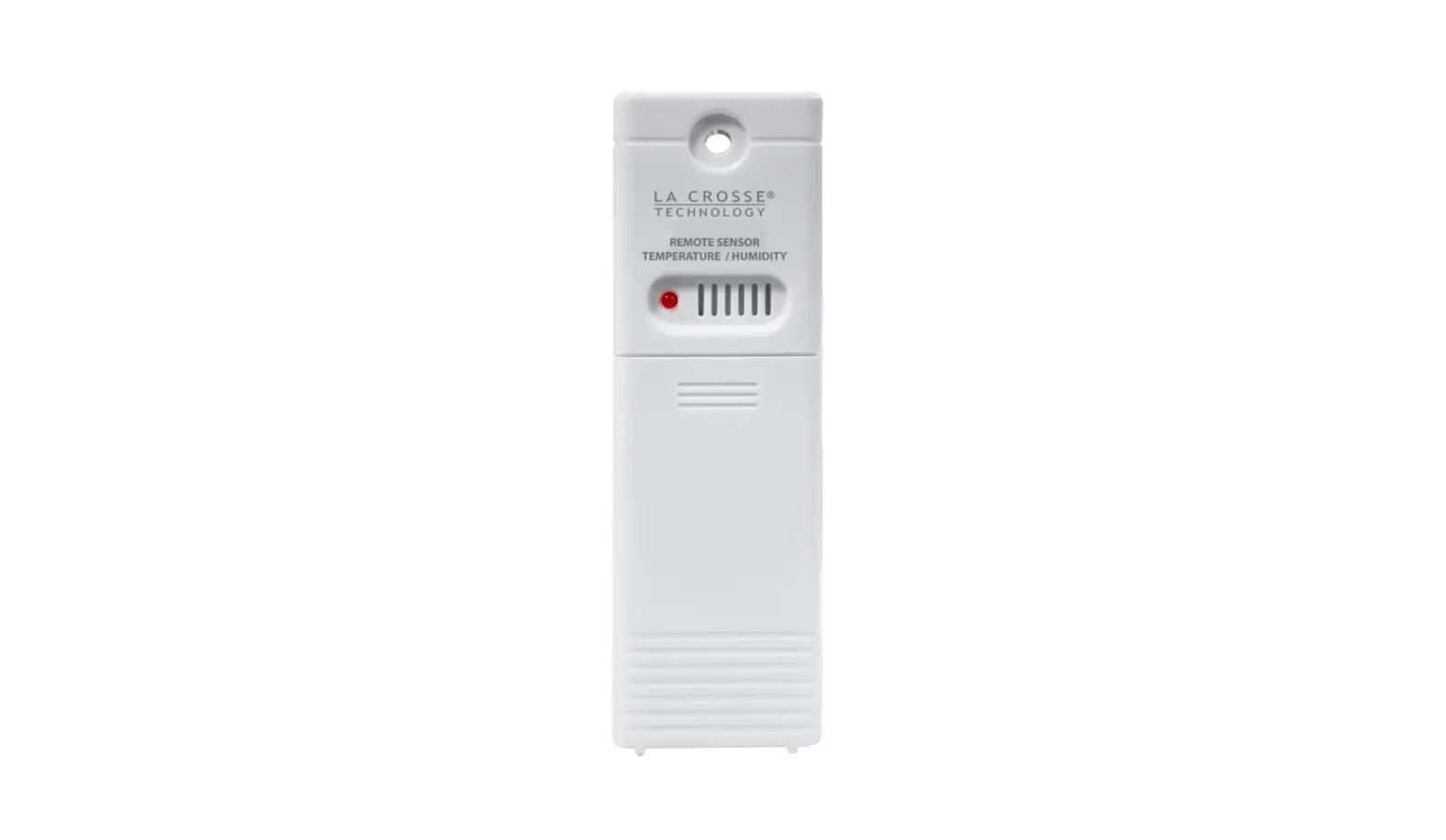
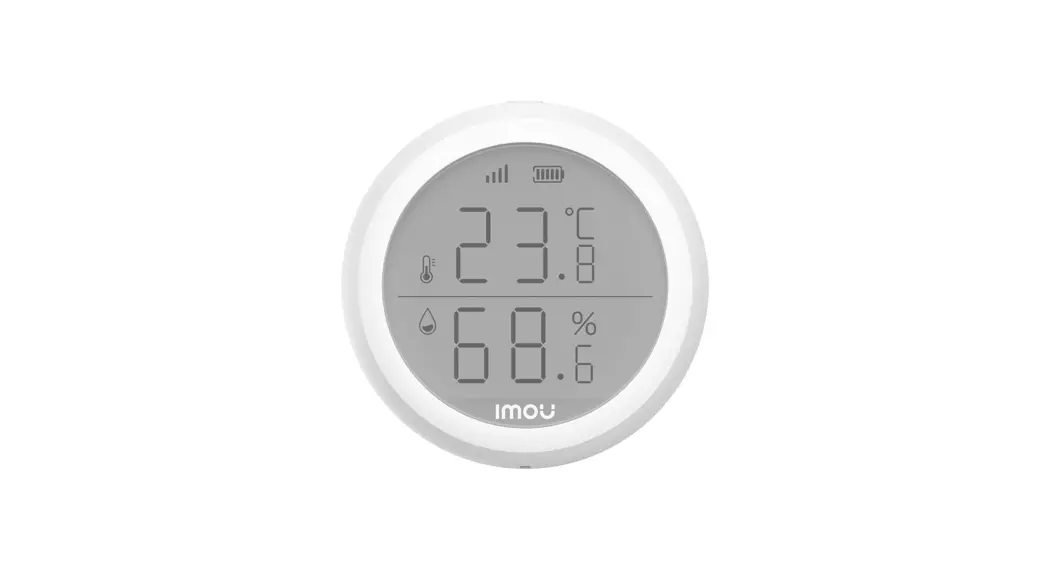
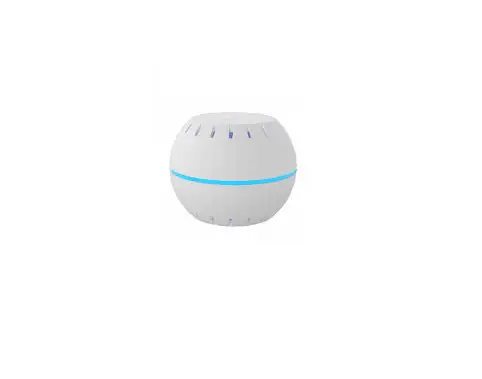
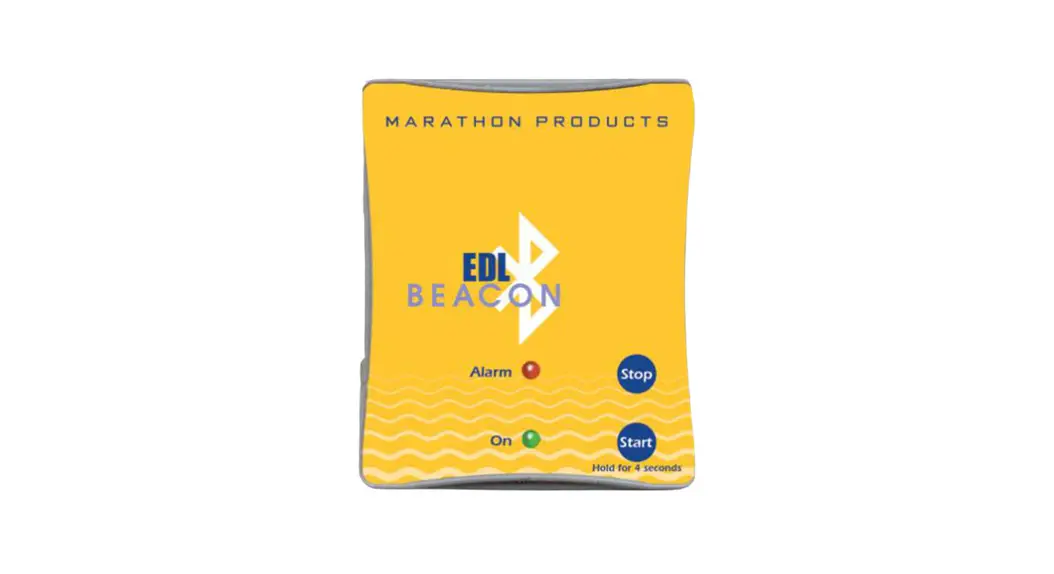
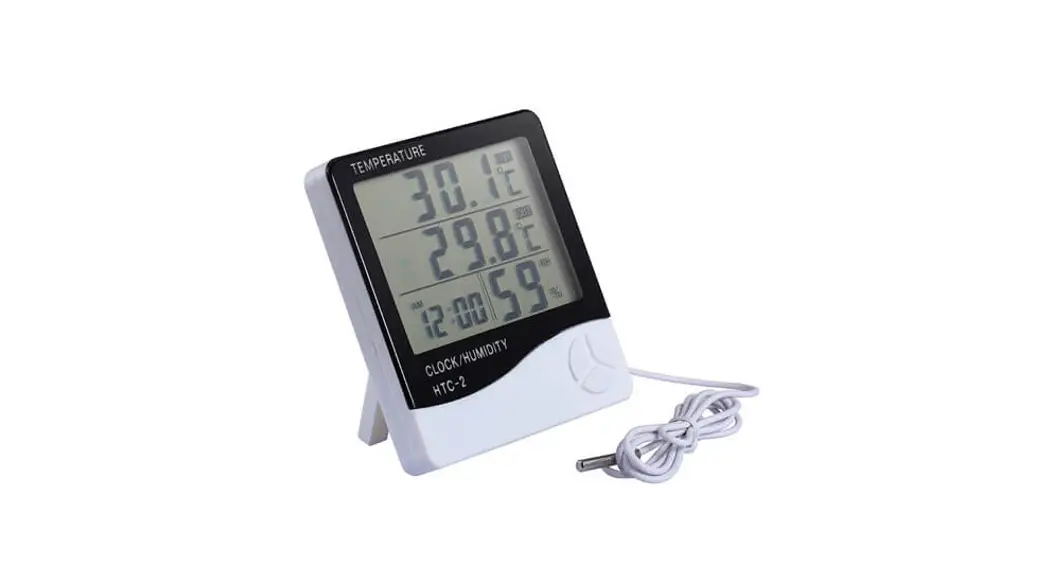
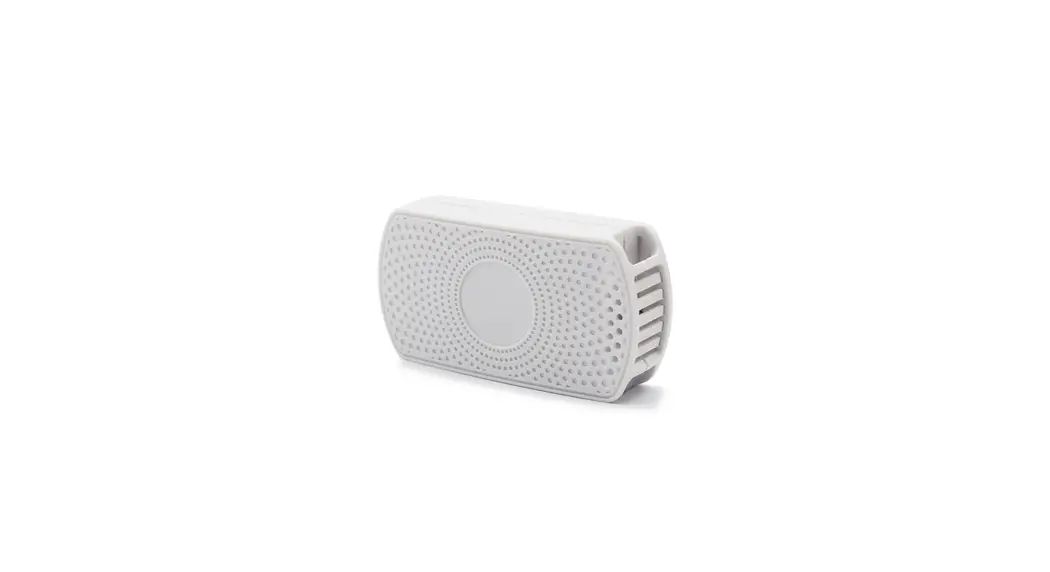
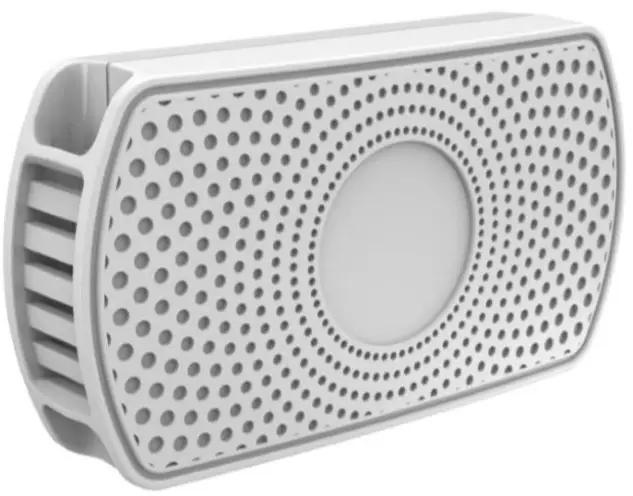
The AST401/AST402 is a portable temperature and humidity sensor featuring IP66 water resistance rating. The device is equipped with internal BLE 4.2 for wireless transmission, avoiding complex connections of communication cables, pipelines, and power cables. In this way, users can quickly install the device according to actual conditions. This reduces installation time and increases working efficiency. This device is equipped with a built-in battery to supply power, which can work for more than three years. It can be used for industrial monitoring, civil monitoring, machinery manufacturing monitoring, and environmental measurement, such as the laboratory, cleanroom, collection room,
home, greenhouse, weather station, national defense science and technology research, posts and telecommunications, tobacco, chemical engineering, environmental protection, archives preservation and cultural relics protection, computer room, warehouse, medicine warehouse, medical health, hotel, food warehouse, grain, etc.
The highlights of the device are as follows:
- IP66 water resistance rating
- Temperature acquisition accuracy < ±0.5°C. Humidity acquisition accuracy: 0.05% RH.
- Built-in battery with 3–5 years of battery life
- At most 4 temperature and humidity sensors simultaneously supported by the T399L-GFB5
Main Device and Accessories
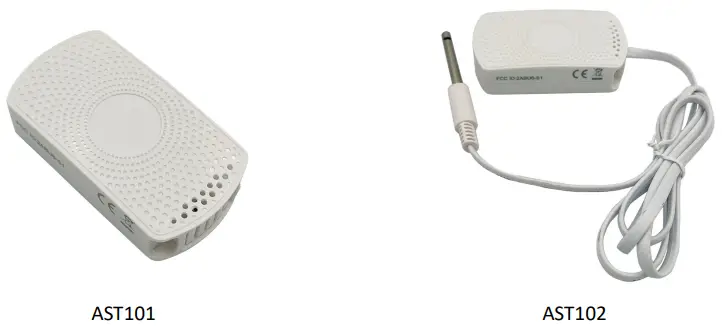
AST101: internal Bluetooth temperature and humidity sensor
AST102: external Bluetooth temperature and humidity sensor. A cable one meter in length.
Product Specifications
4.1 Receiver Specifications
| Item | Specifications |
| Water resistance rating | IP66 |
| Outer case | ABS plastic |
| Dimension | 70.6 mm x 38 mm x 17.8 mm |
| Weight | AST101: 37.5g AST102: 62g |
| Battery | 2 FR03 lithium iron batteries |
| Voltage | 3 V |
| Average power consumption | 35 uA |
| Quiescent current | < 3 uA |
| Peak current | < 8 mA |
| Battery capacity | 1250 mAh |
| Temperature measuring range | -20°C to 55°C |
| Temperature measuring accuracy | 0.05°C |
| Humidity measuring range | 0%–100% RH |
| Humidity measuring accuracy | 0.05% |
| Measurement error | ±5% RH |
| Sampling period | 1 times per second |
| Transmission distance | 10 meters |
Operation Instructions
To turn on the AST101/AST102, press and hold down the power button for three seconds. Then the blue LED indicator is on for two seconds.
To turn off the AST101/AST102, press and hold down the power button for three seconds. Then the blue LED indicator blinks five times.
When the device is working, the blue LED indicator is off by default.
5.1 Setting the Bluetooth Temperature and Humidity Sensor
- Connect the T399L to the computer through the USB cable, start Meitrack Manager, and then set the Bluetooth temperature and humidity sensor.
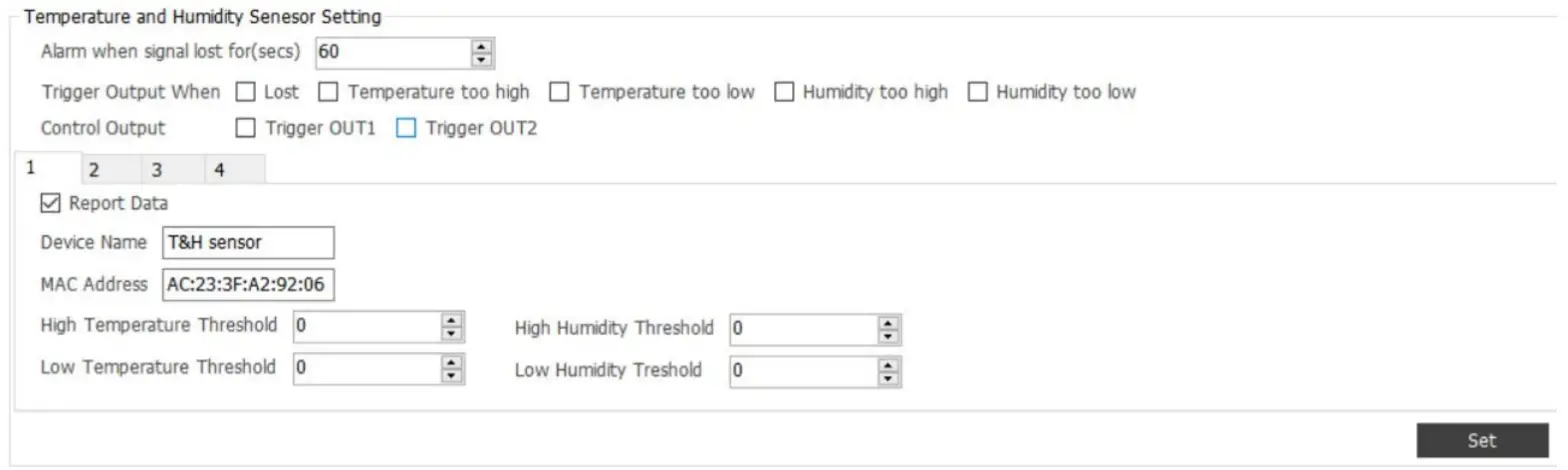 Alarm when signal lost for(secs): If the Bluetooth temperature and humidity sensor fails to be detected within the specified period, an alert is generated.
Trigger output when: Output 1 or output 2 is controlled when Bluetooth signals are lost, the temperature is too high or low, or the humidity is too high or low.
Control output: Output 1 or output 2 is controlled.
Report Data: Upload Bluetooth data or not.
MAC Address: indicates the MAC code of the Bluetooth temperature and humidity sensor.
Note: If the MAC code of the Bluetooth temperature and humidity sensor fails to be found, set it by Meitrack Manager app. - Start the Meitrack Manager app, detect the T399L, and set the Bluetooth temperature and humidity sensor.
1) Start the Meitrack Manager app. Trackers will be detected automatically. After a tracker is detected, select one and click Confirm. Then the device configuration page is displayed.
If a tracker fails to be detected, connect the white cable (input 2) of the device to the power cable (12–36 V) and the analog device to ACC ignition cable. Then the device is switched to a broadcasting mode for one minute.
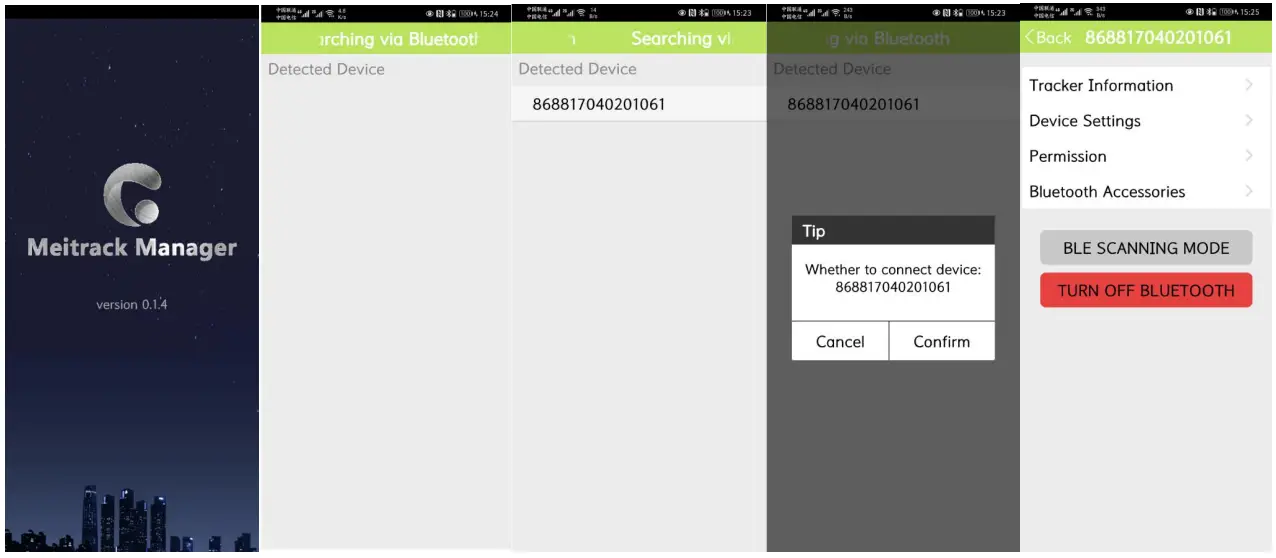
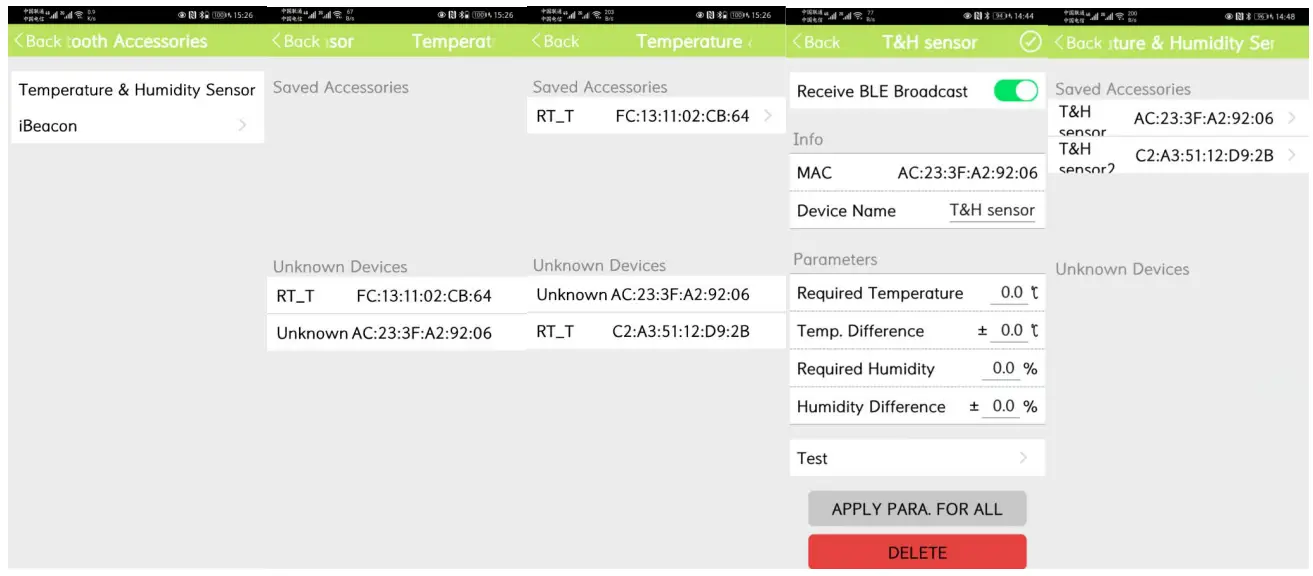
2) Set Bluetooth temperature and humidity sensor parameters.
Select Temperature & Humidity Sensor. The MAC code of nearby Bluetooth temperature and humidity sensors will be detected automatically. Then select one sensor and set sensor parameters as required, as shown in the following figures.
Installation Instructions
6.1 Warnings
The device can be stuck on the surface of the following materials: aluminum, galvanized steel, enamel steel, stainless steel, ceramics, glass/epoxy resins, acrylic acid, PBT, ABS, PC, and hard PVC.
Clean the adhesive surface. Please make sure that the adhesive surface is dry and dust-free.
Please stick the device at a temperature of 21°C to 38°C.
Note: The device is operated in a low temperature. Before sticking the device, heat the adhesive surface by using a blower, or stick it at a suitable temperature for more than half an hour and then use the device at a low temperature.
After sticking the device, press the device for 1–2 seconds and repeat it several times to ensure that the device is-sticked properly.
If you have any questions, do not hesitate to email us at [email protected].
AST401/AST402 Bluetooth Temperature and Humidity Sensor User Guide
Copyright © Meitrack Group 2021. All rights reserved.