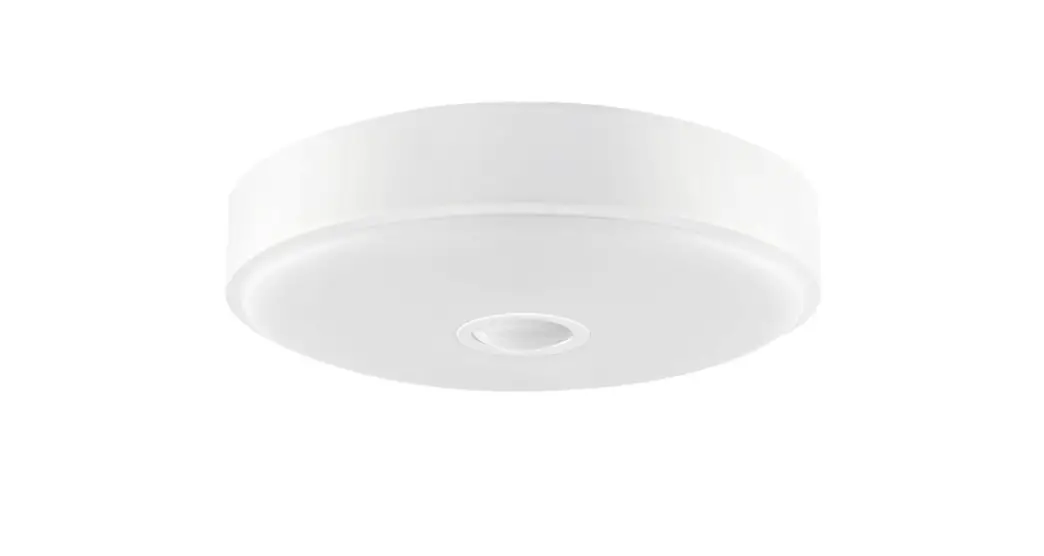
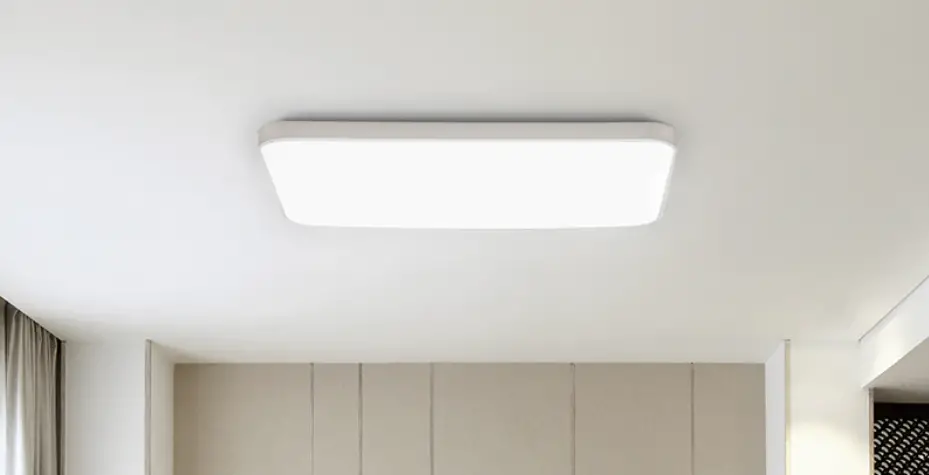
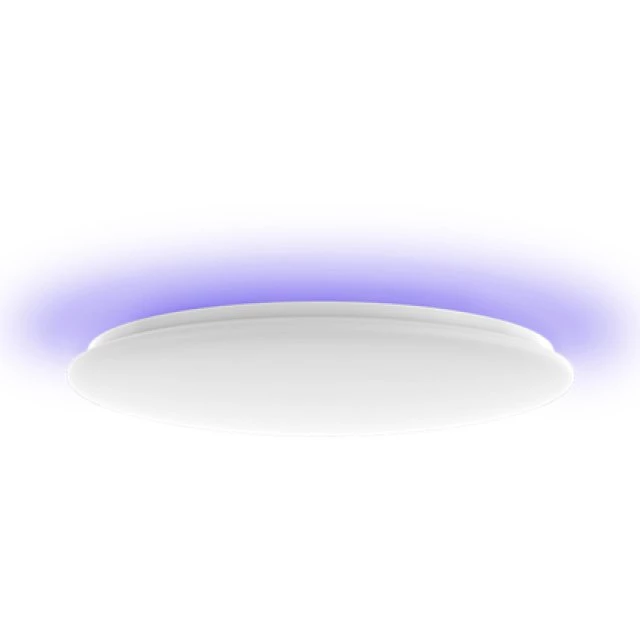
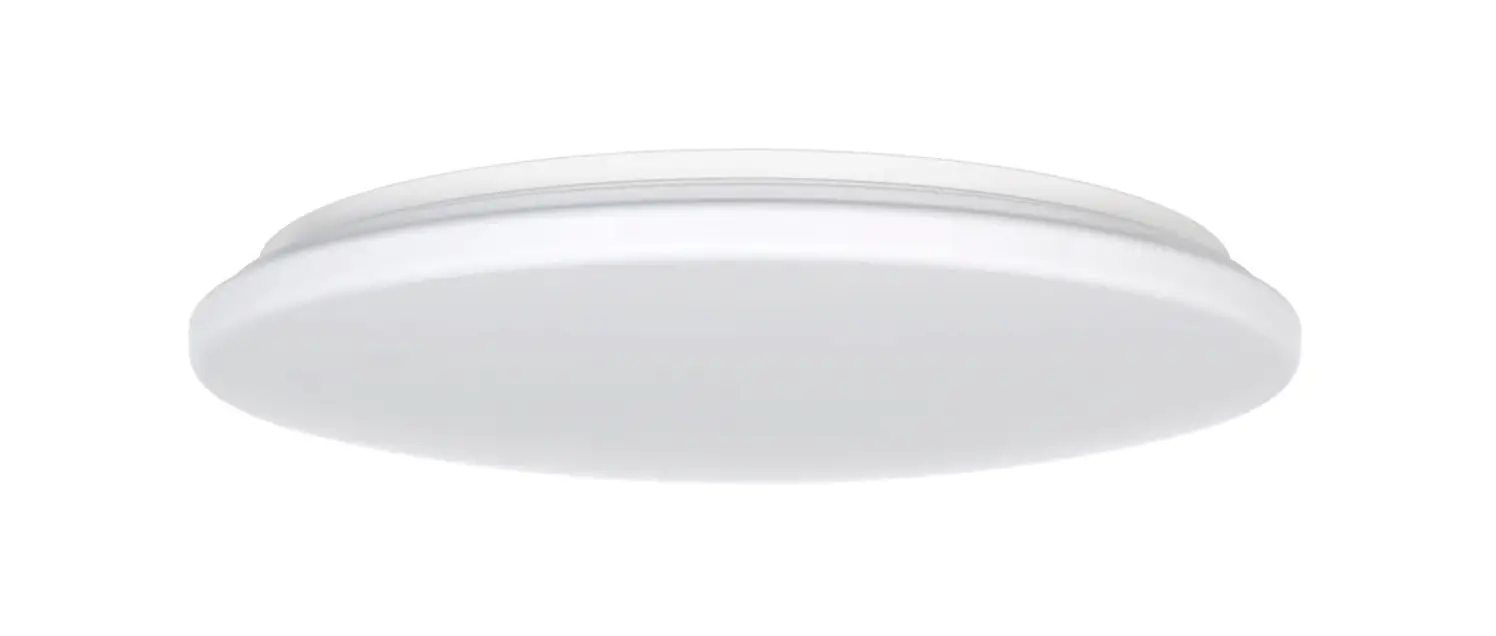
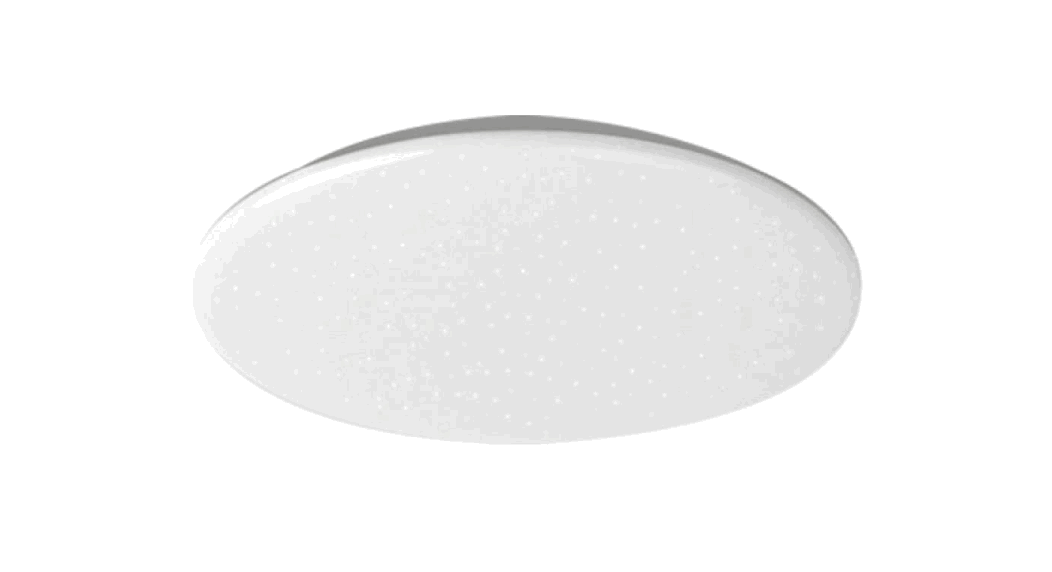
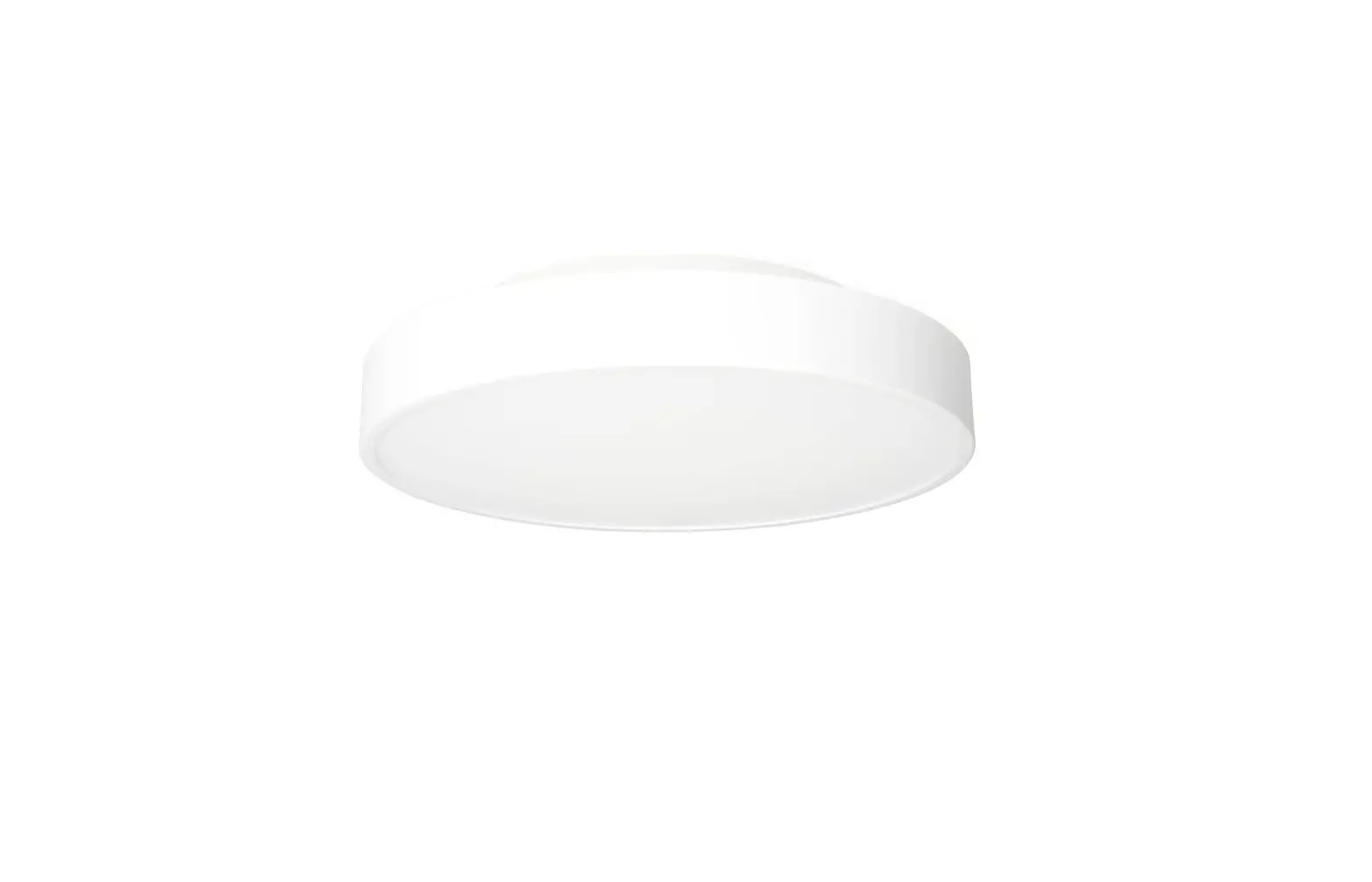
Ceiling Light C2001
Product Information
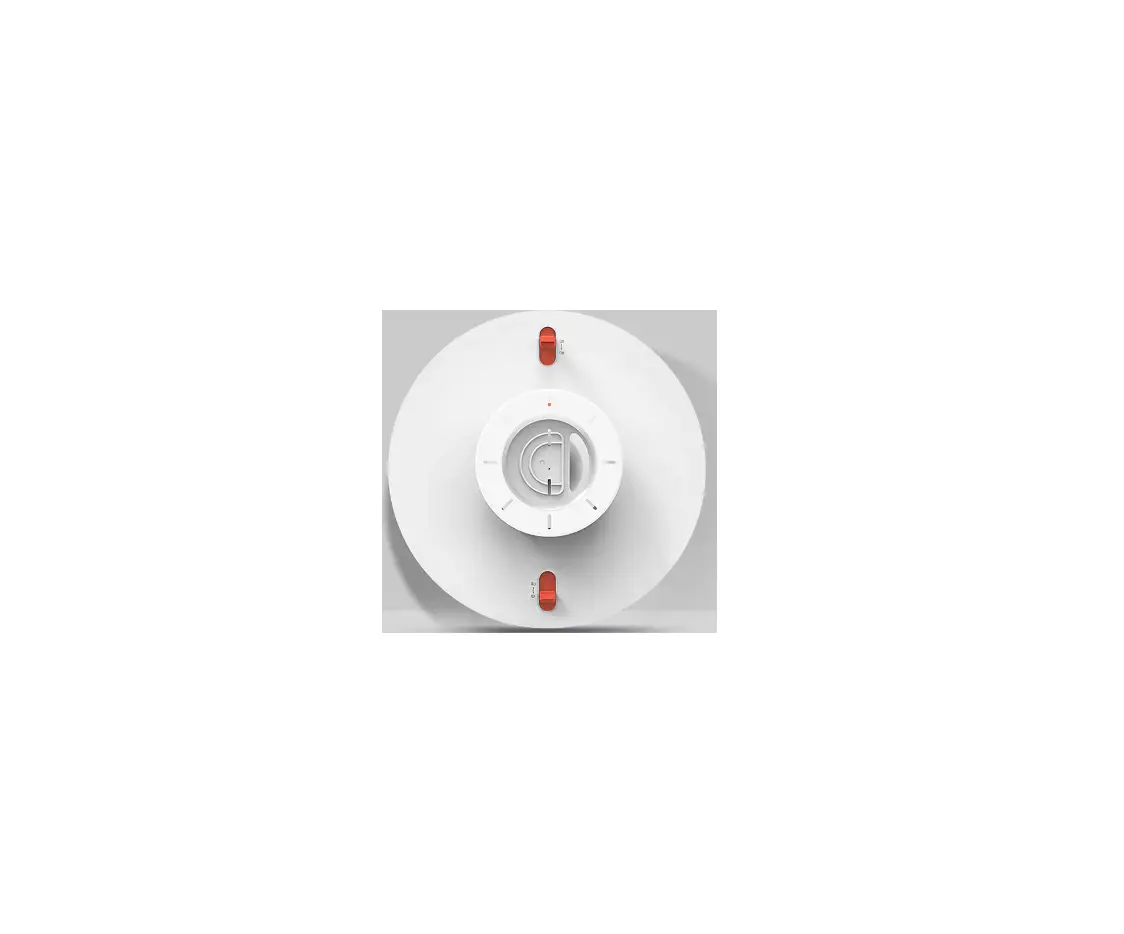
The Yeelight Ceiling Light C2001 is a versatile and stylish
lighting solution for any room. It features a lock switch for easy
installation and maintenance. The light body has a front and
reverse view for flexible installation options. The base plate
provides stability and secure mounting. The ceiling light comes
with a remote control for convenient operation.
Product Usage Instructions
- Open the package and take out the ceiling light. Push the lock
switch inward and remove the base. Please note that mounting or
maintenance should be performed by an electrical professional to
avoid any danger. - Method A: Use an impact drill 6 mm in diameter
to make two mounting holes with a length of 25 mm in the wall.
Insert the expansion tube into the mounting hole and thread the
power cord through the wiring hole. Use self-tapping screws to fix
the base on the ceiling and ensure it is securely mounted. - Method B: Check that the two mounting points
on the light box are intact. Thread the power cord through the
wiring hole. Use metric screws to fix the base on the light box on
the ceiling and verify the base is securely mounted. - The wiring hole is suitable for power leads with a
cross-sectional area of 1.5-2.5 mm2. Strip the power cord by 11-13
mm and connect the neutral, live, and ground wires to the ceiling
light. Connect the wires to the corresponding wiring holes marked
with N, L, and ground. Press the red button on the wiring hole
before unplugging the power cord. - Hold both sides of the light body with both hands (avoid
pressing the light-emitting surface). Align the light body with the
fixed base and gently push both sides upwards at the same time.
When you hear the click sound, the mounting is complete. - After mounting, always rotate the light body left and right and
pull it up and down to ensure that the lock switch is locked in
place. Improper mounting may cause the product to fall.
Connect to Yeelight App
The Yeelight Ceiling Light C2001 can be controlled through the
Yeelight App, allowing you to configure it with other Yeelight
products. Follow these steps:
- Download the Yeelight App from your preferred App store or scan
the provided QR code to download and install the App. - Go to the Yeelight App homepage and click the “+” button in the
upper right corner to add your device. - Follow the instructions on the App for device configuration.
Once successfully added, you can find the device in the device
list.
Note: The operation procedure may vary due to App updates.
Please refer to the App instructions. The product can also be
controlled through Mi home, Google Home App, and Amazon Alexa.
Download and install one of these Apps from an App store and
configure your device as instructed on the App.
Yeelight Ceiling Light C2001 User Manual
EN Product Description
Lock switch
Front view of light body
Reverse view of light body
Self-tapping screw mounting hole
Wiring hole
Base plate
Holder mounting hole Threading hole
× 2
Self-tapping screw
× 2
Expansion tube
× 2
Metric screw
× 1
Remote control 1
EN
Mounting Instructions
1. Open the package and take out the ceiling light. Push the lock switch inward and remove the base.
*In order to avoid any danger, please ask an electrical professional to perform mounting or maintenance.
* Before mounting, make sure to
disconnect the power supply to prevent
Caution, risk of electric shock
electric shock. Mounting should be
performed in strict accordance with the
instructions. Improper mounting is liable
to cause accidents such as fall, fire, and
electric shock.
2. Mount the Base
Method A: Use an impact drill 6 mm in diameter to make two mounting holes with a length of 25 mm in the wall (as shown in the following figure). Put the expansion tube into the mounting hole, and then thread the power cord through the wiring hole. Use self-tapping screws to fix the base on the ceiling, and verify the base is securely mounted. (Recommended)
Method B: Check that the two mounting points on the light box are intact. Then, thread the power cord through the wiring hole. Use metric screws to fix the base on the light box on the ceiling, and verify the base is securely mounted.
2
EN
3. The wiring hole is suitable for power leads with a cross-sectional area of 1.5-2.5 mm2. Strip the power cord by 11-13 mm, and connect the neutral, live, and ground wires to the ceiling light.
1113mm
*A solid or stranded hard wire is used as the power lead.
Connect the neutral, ground, and live wires to the wiring holes marked with N, and L in turn. (When unplugging the power cord, press the red button on the wiring hole first, and then pull it out).
Arrange the power cord as shown in the figure, and check for firm wiring.
* This product must be grounded.
4. Hold both sides of the light body with both hands. (Be careful not to press the light-emitting surface.) Align the light body with the fixed base, and gently push both sides upwards at the same time. When you hear the “click” sound, the mounting is complete.
5. Once you have finished mounting, always rotate the light body left and right and pull the light body up and down to ensure that the lock switch is locked in place.
Rotate left and right
Pull up and down
Rotate left and right
* Always check for proper mounting after you have finished. Improper mounting may cause the product to fall.
3
EN
Connect to Yeelight App
This product can be controlled on Yeelight App and be configured to interact with other Yeelight products.
Download App
Search for “Yeelight” in an App store or scan the QR code on the right to download and install the App.
Add Device
Go to the Yeelight App homepage, and click “+” in the upper right corner to add your device.
Proceed with the configuration as instructed on the App. Once you’ve added a device successfully, you can find it in the device list.
Note: The operation procedure may differ from what’s described here due to App updates. Please proceed as instructed on the App. This product can also be controlled on Mi home, Google Home App, and Amazon Alexa. You can download and install one of these Apps from an App store, and configure your device as instructed on the App. After you have finished the configuration, you can use the App to control the light.
Apple HomeKit Smart Control
1. Open the Home app on your iPhone or iPad. 2. Tap “Add Accessories” and follow the instructions to scan the QR code either on
the back cover of the user manual or on the junction box, or enter the 8-digit setup code above the QR code to grant the Apple Home app access.
* Make sure a Wi-Fi network with Internet access is available (this product does not support 5 GHz
networks). To control this HomeKit-compatible accessory, it is recommended that you use iOS 9.0 or above. The HomeKit setup code is in the user manual and on the junction box, do not lose it. When adding the product to the Home app after the factory settings are restored, you will need the HomeKit setup code again. In case the user manual is lost, remove the lampshade and scan the QR code or enter the setup code on the junction box. iPad and iPhone are the trademarks of Apple Inc., and they are registered in the United States and other countries. 4
EN
Restore to factory settings
Use the wall switch to turn the ceiling light on and off five times consecutively (turn off the ceiling light and wait for two seconds, then turn it on and wait for two seconds, this counts as one time). The ceiling light then starts breathing and automatically restarts afer five seconds, and the factory setings of the ceiling light have been restored. Note: When using the ceiling light in a new network environment, you need to restore the factory setings and connect to the network again.
Use the Remote Control
Make sure the remote control and the ceiling light are in the same room. Turn on the light and do the following within 60 seconds: Press the “OFF” and “M” buttons on the remote control at the same time, and then release them immediately. At this point, the indicator light on the remote control starts to flash, indicating that the connection is being made. The connection is successful until the light flashes cyclically.
Light on
Adjust color temperature
Increase brightness
Light off
Daylight/moonlight mode
Reduce brightness
5
EN
Specifications
Model: YLXD036 for C2001C450 YLXD037 for C2001C550
Power Factor: 0.9 Operating Temperature: 25° C Operating Humidity: 085% RH Color Temperature: 27006500 K Rated Input: 220240V 50/60Hz Max. 0.23A Rated Power: 50 W (81 × 1 W/LED module) for C2001C450
50 W (84 × 1 W/LED module) for C2001C550 Compatible with: Android 4.4 & iOS 9.0 or above Wireless Connectivity: Wi-Fi IEEE 802.11 b/g/n 2.4 GHz, Bluetooth 4.2 BLE Operating Frequency: 2412-2472 MHz (Wi-Fi) 2402-2480 MHz (BT) Maximum Output Power: 17.21 dBm (Wi-Fi) 5.08 dBm (BT-LE )
Product Features
Adjustable color temperature
Adjustable brightness
Cozy moonlight
High color rendering index
Voice control
6
Quick setup
Smart interaction
Firmware upgrade
EN
Precautions
Make sure the voltage is consistent with the ceiling light’s operating voltage before use. Using the mismatched voltage may damage the ceiling light and cause safety hazards.
Do not replace the light source of the ceiling light by yourself. The light source should only be replaced by the manufacturer, afer-sales service, or a qualified electrician.
The ceiling light generates heat during working. Please keep it is well ventilated for heat dissipation. This ceiling light can be controlled by an app or remote control (not included, sold separately). Turning
off the ceiling light by remote control or app does not cut it off from the electricity, hence, do not touch, replace, or disassemble this ceiling light. Otherwise, it may cause an electric shock, injury, or even death. The light installation requires a qualified electrician, and the wiring must comply with IEEE electrical standards or national standards. The ceiling light should be installed in a stable location to prevent it from dropping down or falling off. Under normal use of condition, this equipment should be kept a separation distance of at least 20cm between the antenna and the body of the user. For indoor use only. The light source contained in this luminaire shall only be replaced by the manufacturer or his service agent or a similar qualified person.
EU Declaration of Conformity
Hereby, Qingdao Yeelink Information Technology Co., Ltd. declares that the radio equipment type YLXD036/YLXD037 is in compliance with Directive 2014/53/EU.
WEEE Disposal and Recycling
All products bearing this symbol are waste electrical and electronic equipment (WEEE as in directive 2012/19/EU) which should not be mixed with unsorted household waste. Instead, you should protect human health and the environment by handing over your waste equipment to a designated collection point for the recycling of waste electrical and electronic equipment, appointed by the government or local authorities. Correct disposal and recycling will help prevent potential negative consequences to the environment and human health. Please contact the installer or local authorities for more information about the location as well as terms and conditions of such collection points.
7