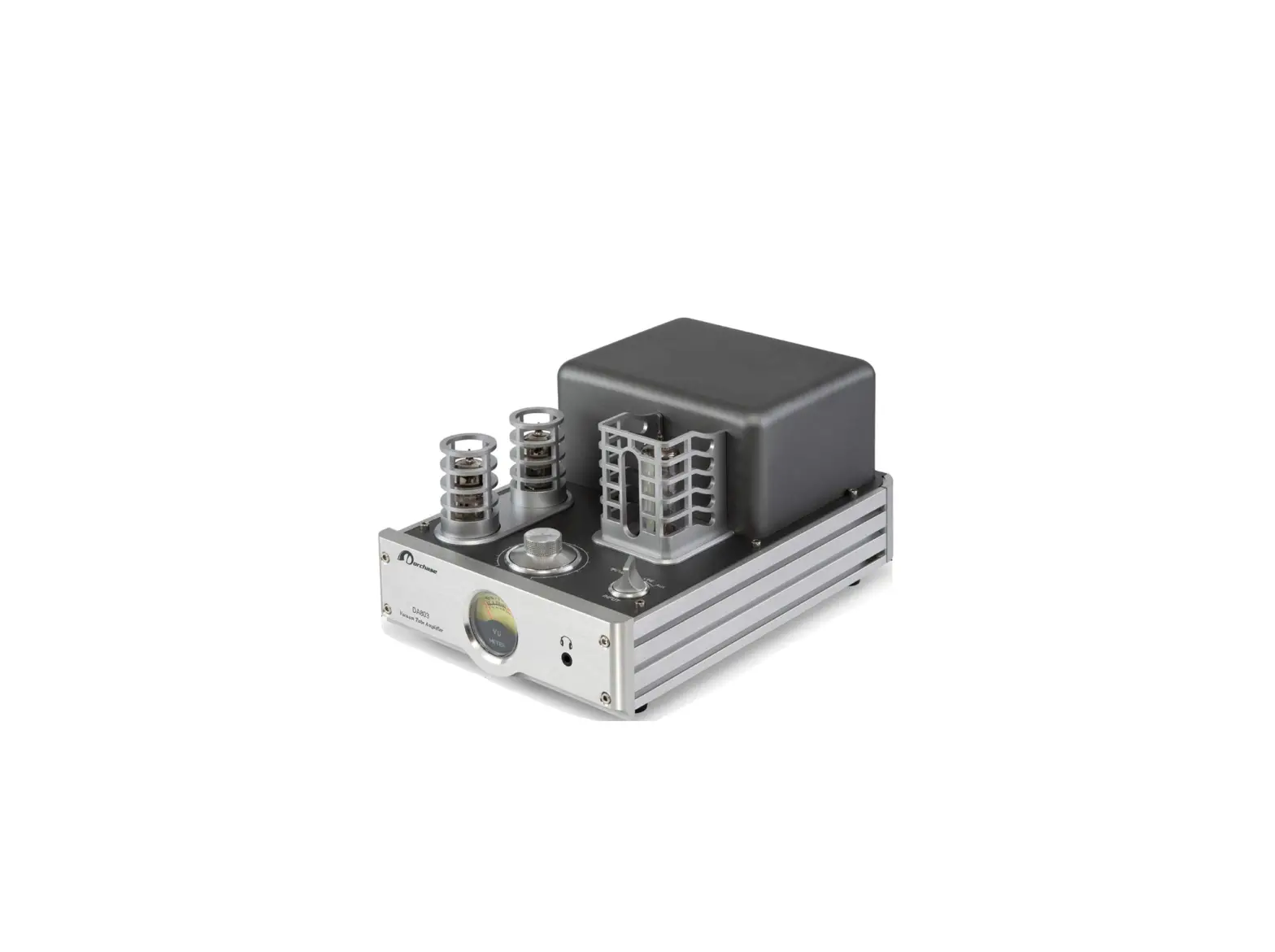
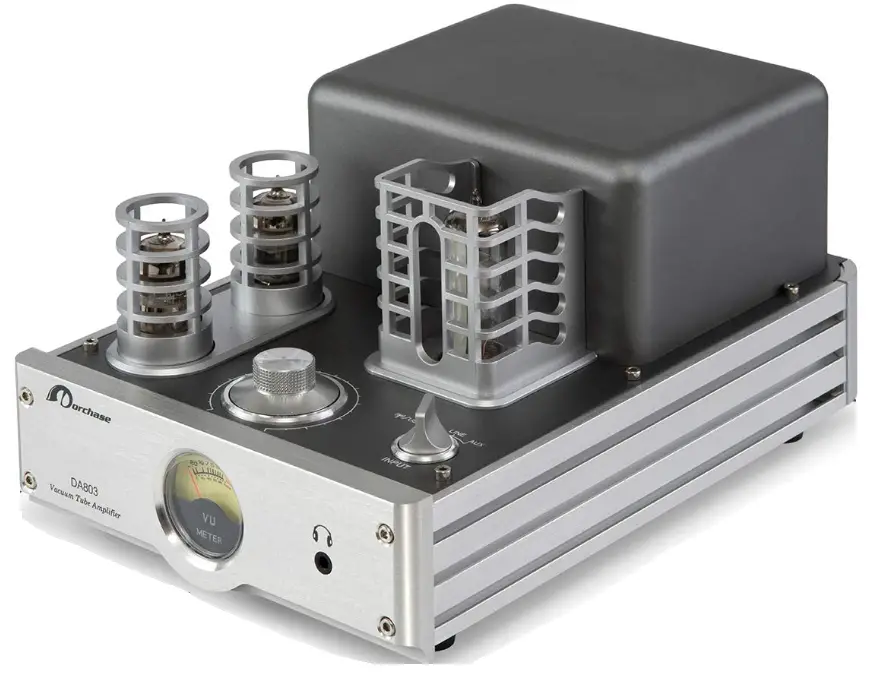
Dorchase Industrial DA803S Hybrid Integrated Amplifier
BLUETOOTH CONNECTION
- Switch on Bluetooth function on smart devices and search for “DA803 BT” and CONNECT.
- If the amplifier cannot be connected, please try to remove the previous saved devices and redo above step 1.
ACCESSORIES
- Power cord
- USB Cable
- Users’ Guide
- Antenna
Output Power: 2x35W
Frequency Range: 20Hz – 20kHz
S/N Ratio: ≤86db
Output Impedance: 4Ω, 8Ω
Input Source: LINE IN, AUX, BLUETOOTH, USB DAC
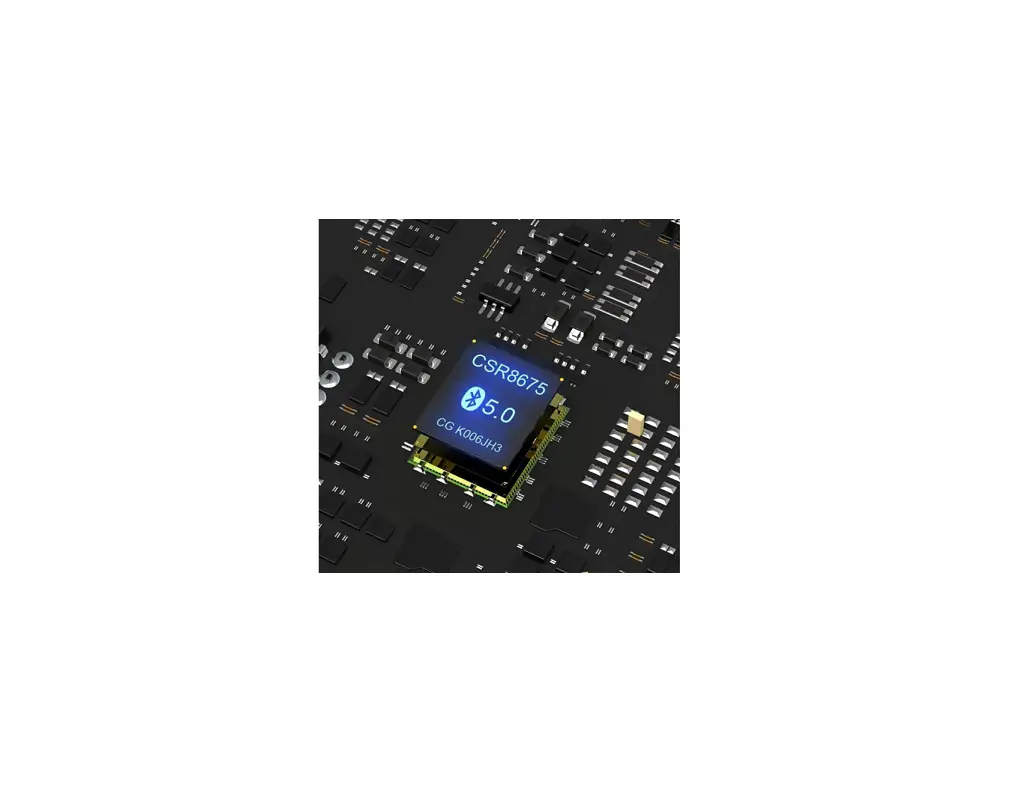
Bluetooth Version: CSR4.0 SUPPORT APTX
Bluetooth Name: DA803 BT
USB DAC Name: DA803 DAC
Voltage: 115/230AC 50/60Hz
Max. Consumption Power: 120W
Tubes: 6N1, 6N2, 6E2
Dimension: 176 x 274 x 131 mm
Weight: 4.5 kg
Thank you for choosing
DORCHASE DA803S Hybrid Integrated Amplifier
Please take time to read this guide carefully before installing your speakers to this amplifier as it contains all the information you need to achieve optimal sound and performance. We highly recommend you retain both packaing and this User’s Guide for future use.
SAFETY REMINDER
Cautions! To reduce the risk of electric shock, do not remove any screws of this amplifier.
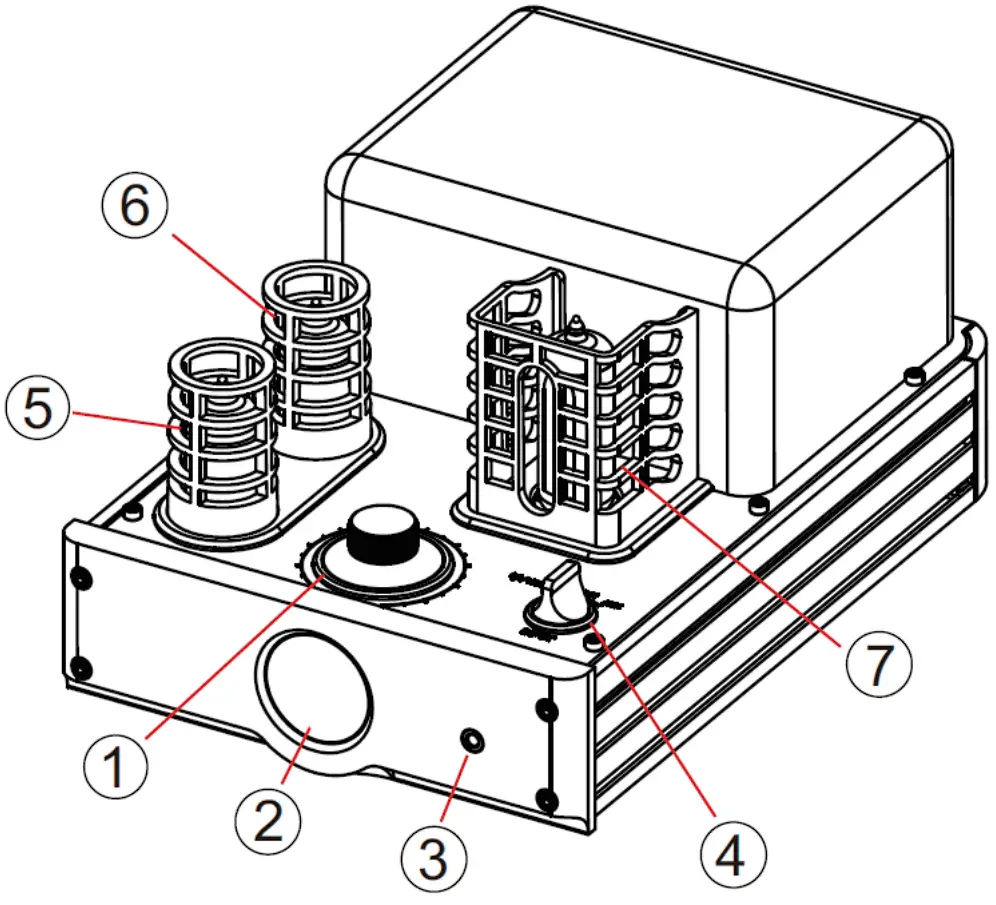
PRODUCT OVERVIEW
- Volume control
- UV Meter
- 3.5 jack
- Input
- Tube 6N2
- Tube 6N1
- Tube 6E1

- LINE IN
- PRE-OUT
- AUX (3.5 jack)
- Bluetooth Antenna
- USB/DAC Connector
- Right Speaker Out
- Left Speaker Out
- Power Switch
- Fuel
- 115V/230V Switch
(MUST SET THE CORRECT VOLTAGE BEFORE SWITCHING ON THE AMPLIFIER)
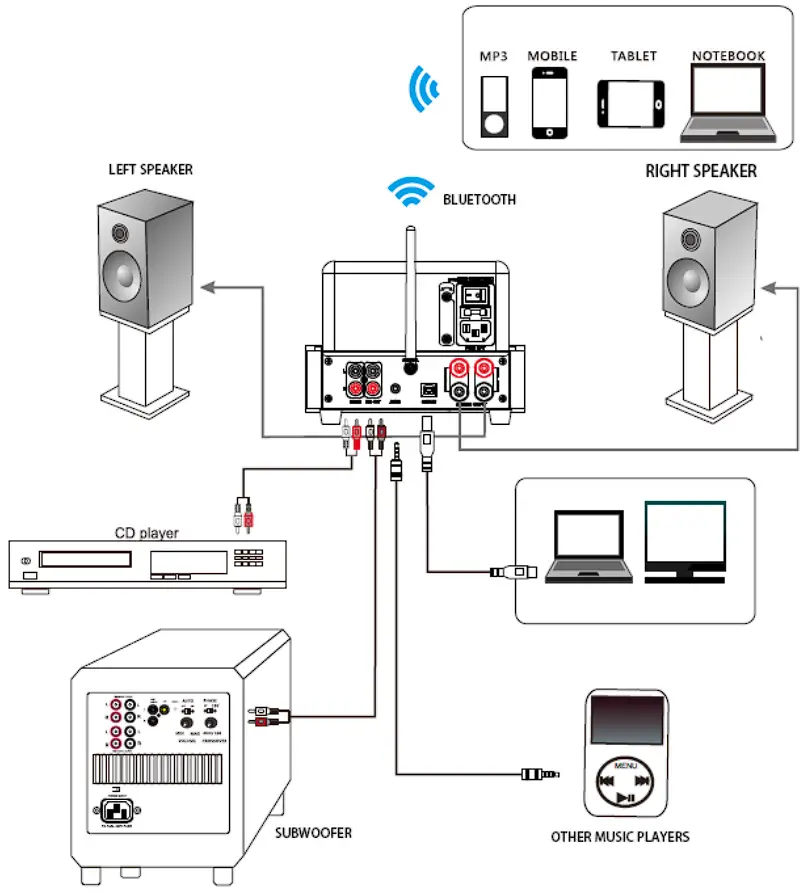
CONNECT TO THE SPEAKERS AND SOURCE
- Before connecting the amplifier, make sure it is POWER OFF.
- Make sure the connection of the amplifier and other equipments are
- Connect the speaker wires to the amplifiers at the right terminals.
- Assemble the Bluetooth Antenna pointing upwards.
§ 15.19 Labelling requirements.
This device complies with part 15 of the FCC Rules. Operation is subject to the following two conditions: (1) This device may not cause harmful interference, and (2) this device must accept any interference received, including interference that may cause undesired operation.
§ 15.21 Information to user.
Any Changes or modifications not expressly approved by the party responsible for compliance could void the user’s authority to operate the equipment.
§ 15.105 Information to the user.
Note: This equipment has been tested and found to comply with the limits for a Class B digital device, pursuant to part 15 of the FCC Rules. These limits are designed to provide reasonable protection against harmful interference in a residential installation. This equipment generates uses and can radiate radio frequency energy and, if not installed and used in accordance with the instructions, may cause harmful interference to radio communications. However, there is no guarantee that interference will not occur in a particular installation. If this equipment does cause harmful interference to radio or television reception, which can be determined by turning the equipment off and on, the user is encouraged to try to correct the interference by one or more of the following measures:
-Reorient or relocate the receiving antenna.
-Increase the separation between the equipment and receiver.
-Connect the equipment into an outlet on a circuit different from that to which the receiver is connected.
-Consult the dealer or an experienced radio/TV technician for help.