G1 Ultra Slim 2.4GHz Wireless Arc Touch Mouse
Product Information:
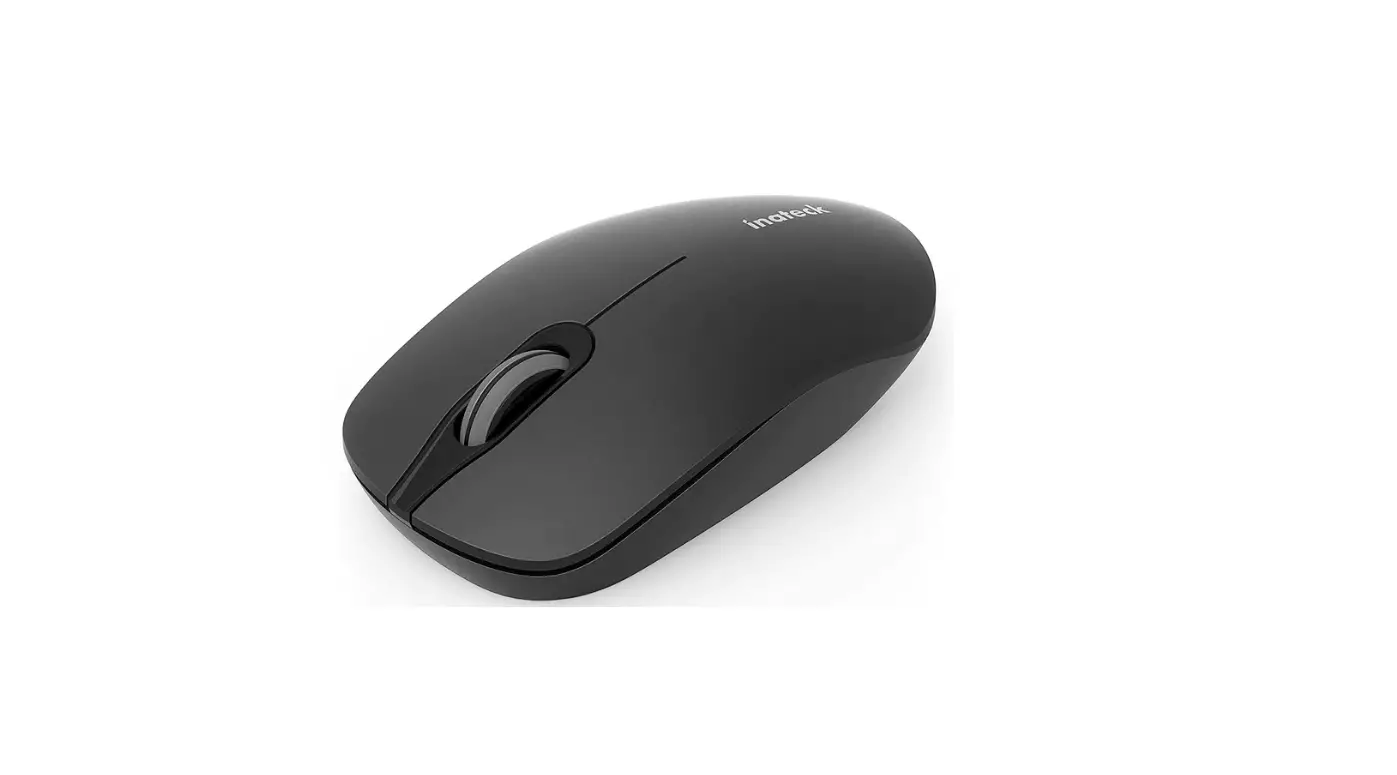
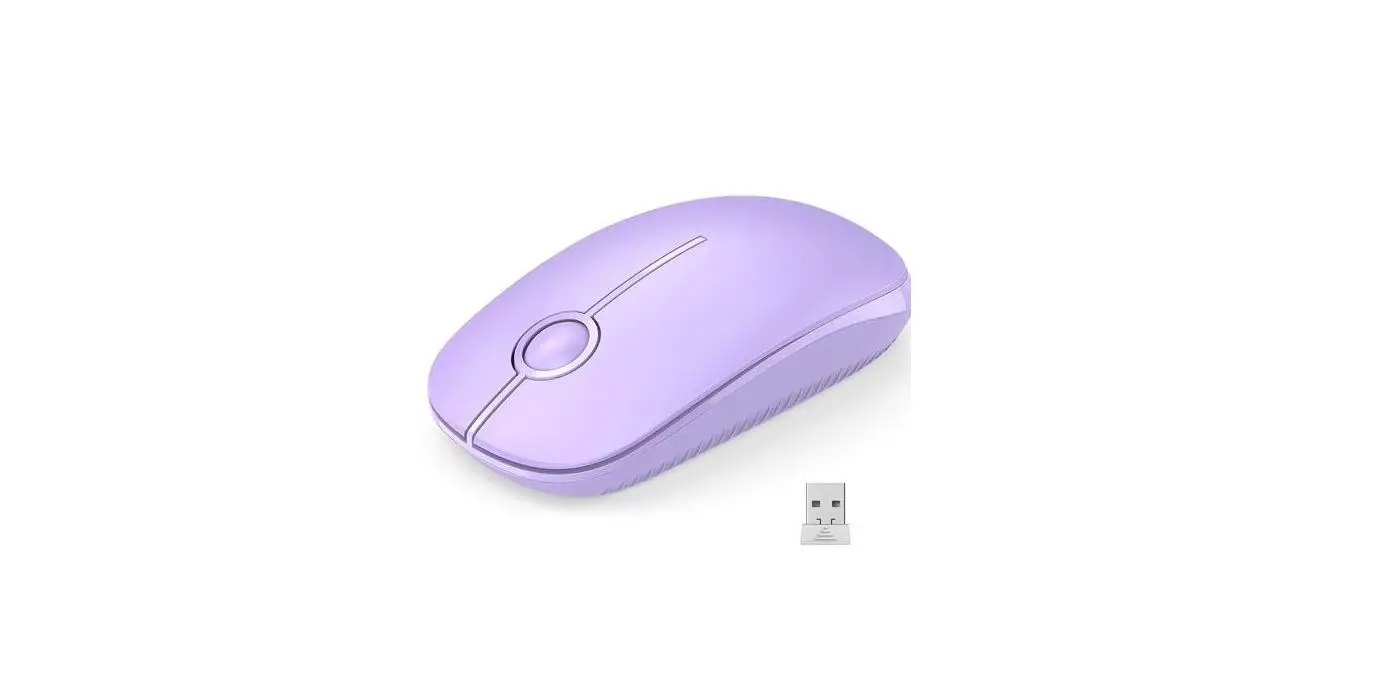
The WUDEMWWFE UM 2.4GHz Wireless Arc Touch Mouse is an
ultra-slim, lightweight, and portable mouse that can be easily
plugged into your computer’s USB port. It comes with a USB receiver
that can be stored in the magnetic holder underneath the mouse. The
mouse requires 2 pcs 1.5V AAA batteries (not included) to operate.
It is compatible with various systems like Windows 7/8/10/XP/Vista,
Mac OS, Chrome OS, Android, and Linux. The mouse has been evaluated
to meet general RF exposure requirements and can be used in
portable exposure conditions without restriction.
Product Usage:
- Put two 1.5V AAA batteries into the battery compartment of the
mouse. Bend the mouse to turn on power and flatten it to turn it
off. - Insert the USB receiver into a USB port on your computer. The
device is plug and play, and you don’t need to install any software
or drivers. - Store the USB receiver in the magnetic holder underneath the
mouse for safekeeping when not in use. - Flick your finger up or down to scroll quickly. Tap at the top
or bottom to page up or page down. - If the touch bar becomes insensitive or unresponsive, it may be
time to replace the battery with a new one. Make sure to use a new
1.5V AAA battery as the touch bar requires a higher voltage to
operate. - If the mouse cursor and touch bar are unstable or do not work,
replace the battery with a new one.
Note: Any changes or modifications not approved
by the party responsible for compliance could void the user’s
authority to operate the equipment. If you face any issues while
using the mouse, you can consult the dealer or an experienced
radio/TV technician for help.
WUDEMWWFE
UM
2.4GHz Wireless Arc Touch M ouse
Ultra-Slim | Lightweight | Portable | Plug and Play
1. Put into the battery, bend the m ouse. 2. Insert the USB Receiver into a USB port on your com puter. Plug and Play. USB Receiver Storage: Stow the USB Receiver in the m agnetic holder underneath the m ouse.
Packing List:
1x Arc Wireless M ouse, 1x USB Receiver, 1x User M anual.
3
Requires 2 pcs 1.5V AAA batteries (not included)
IM PORTANT: 1. The mouse needs a new 1.5V AAA battery, otherwise the touch bar may become insensitive or unresponsive as the touch bar requires a higher voltage to operate. 2. When the mouse cursor and touch bar are unstable or do not work, it is time to replace the battery with a new one.
1
ON
OFF
Bend the m ouse to turn on power. Flatten to turn off. 2
Flick your finger up or down to scroll quickly.
Tap at the top or bottom to page up or page down.
4
Sp ecif icat io n s
-Com patible system s: Windows 7/ 8/ 10/ XP/ Vista, M ac OS, Chrom e OS, Android, Linux
-Application: PC, Laptop, Other devices with USB port -Scrolling Type: Touch Scroll -Connection style: 2.4GHz Wireless -DPI: 1600 -Hand Orientation: Left and Right -M ouse Size: 126.5*56.5*16.5 m m -Power Supply: 2*AAA battery (not included) -Weight: 50g -Wireless transm i ssion distance: 10m -Current: 8-15M A@3V -The strength of button: 60-70± 10g -Buttons life: 3 m illion tim es.
5
FCC Warning
This device complies with part 15 of the FCC Rules. Operation is subject to the following two conditions: (1) This device may not cause harmful interference, and (2) this device must accept any interference received, including interference that may cause undesired operation.
Any Changes or modifications not expressly approved by the party responsible for compliance could void the user’s authority to operate the equipment.
Note: This equipment has been tested and found to comply with the limits for a Class B digital device, pursuant to part 15 of the FCC Rules. These limits are designed to provide reasonable protection against harmful interference in a residential installation. This equipment generates uses and can radiate radio frequency energy and, if not installed and used in accordance with the instructions, may cause harmful interference to radio communications. However, there is no guarantee that interference will not occur in a particular installation. If this equipment does cause harmful interference to radio or television reception, which can be determined by turning the equipment off and on, the user is encouraged to try to correct the interference by one or more of the following measures:
-Reorient or relocate the receiving antenna.
-Increase the separation between the equipment and receiver.
-Connect the equipment into an outlet on a circuit different from that to which the receiver is connected.
-Consult the dealer or an experienced radio/TV technician for help.
The device has been evaluated to meet general RF exposure requirement. The device can be used in portable exposure condition without restriction.