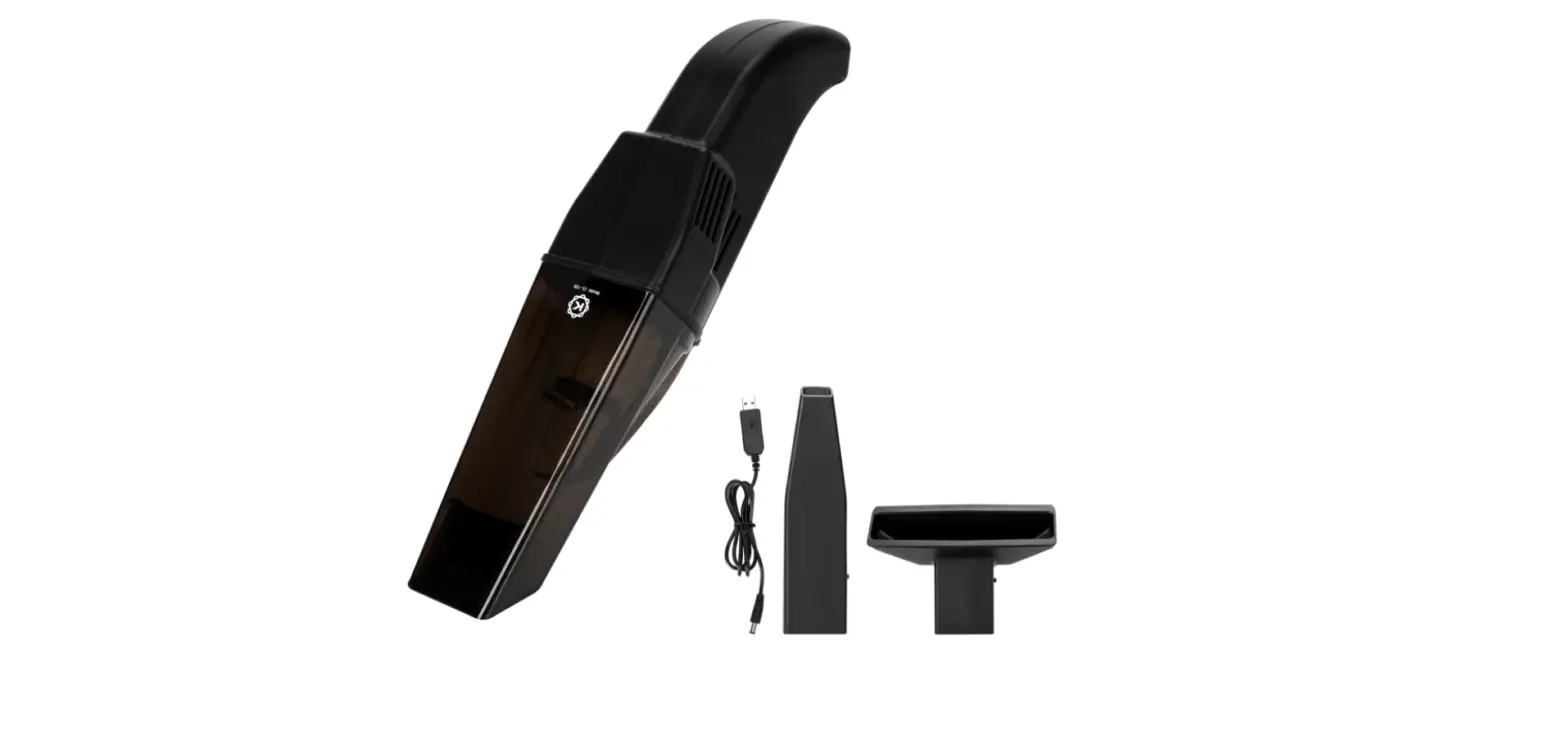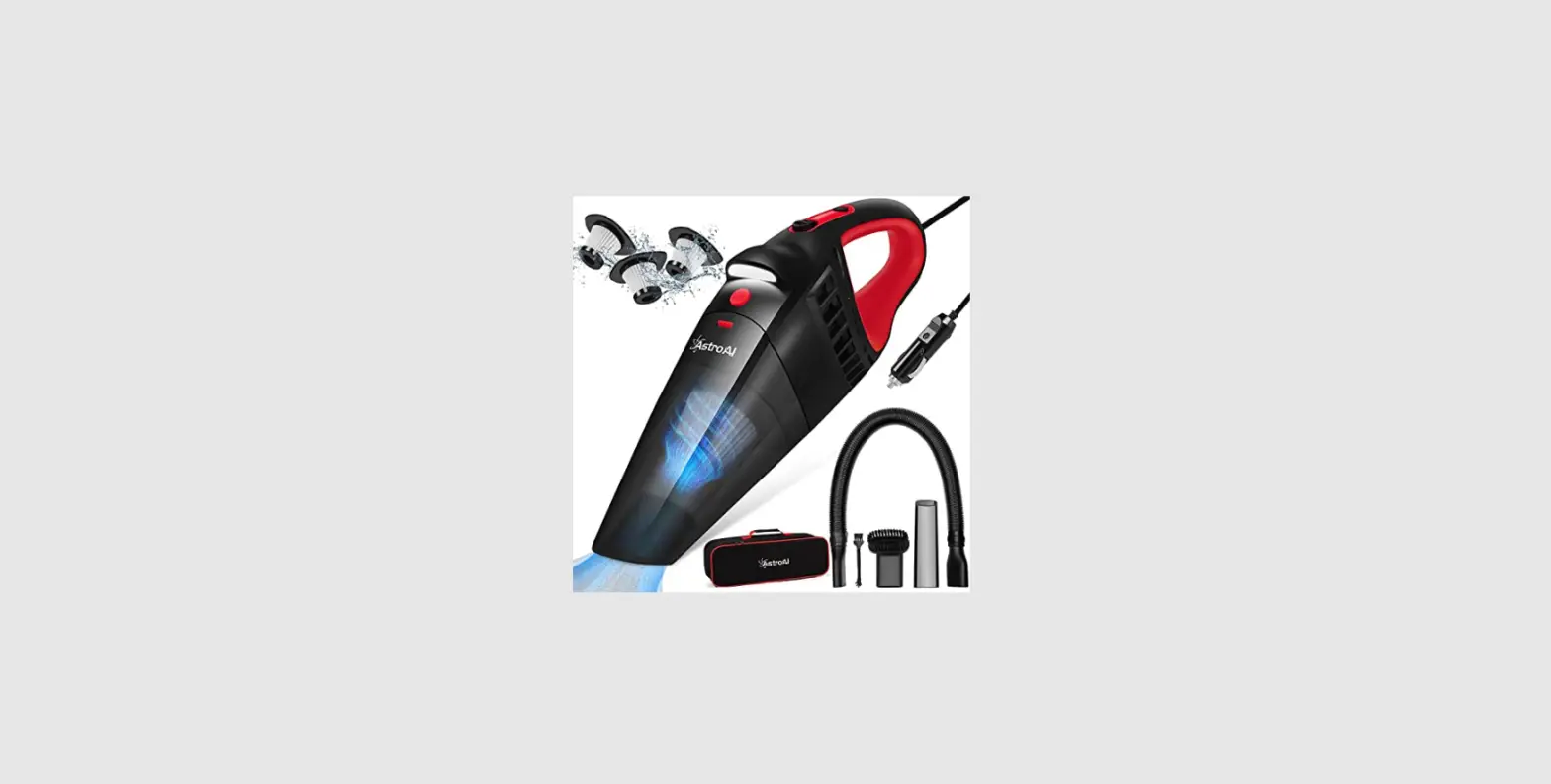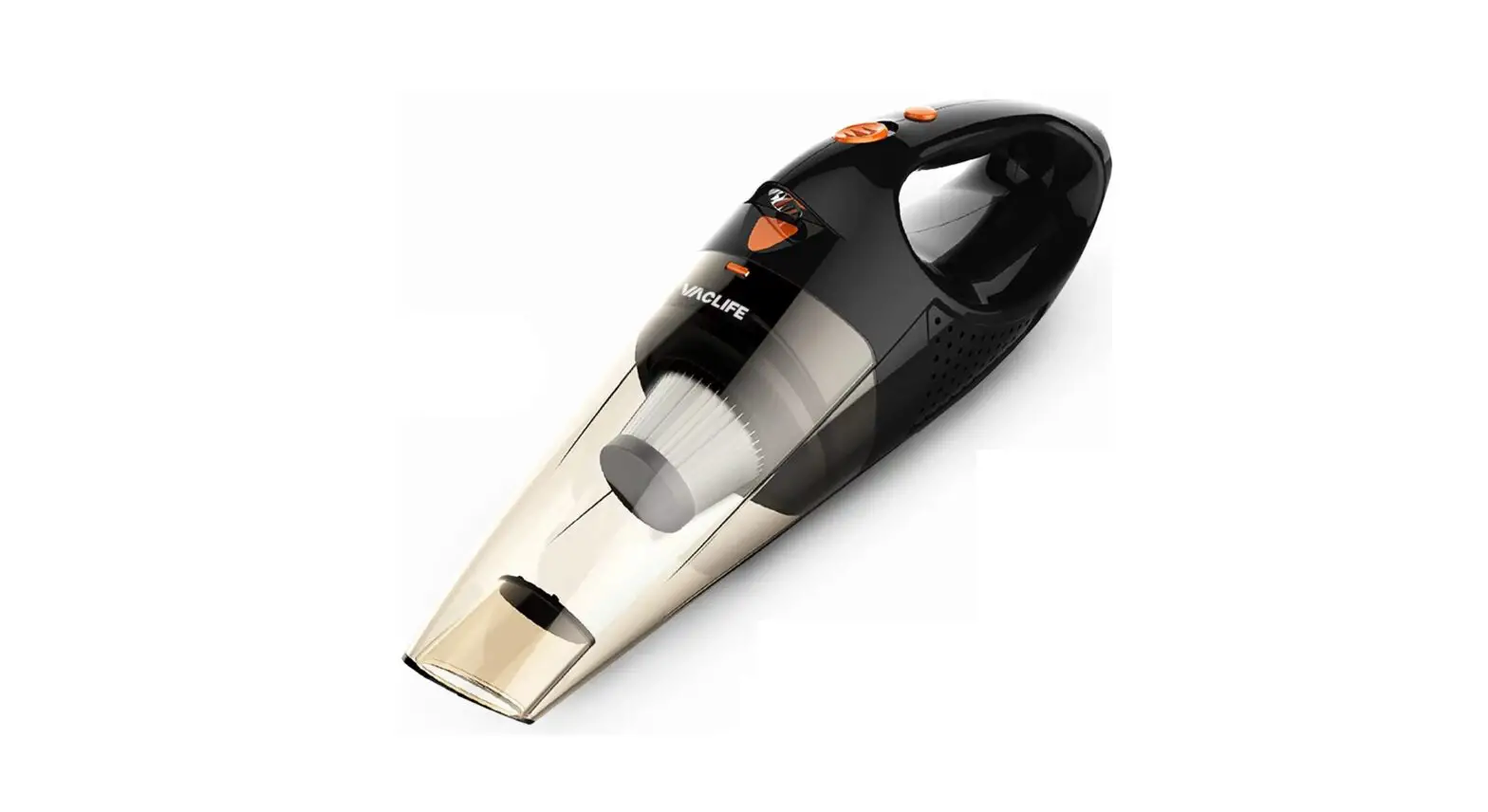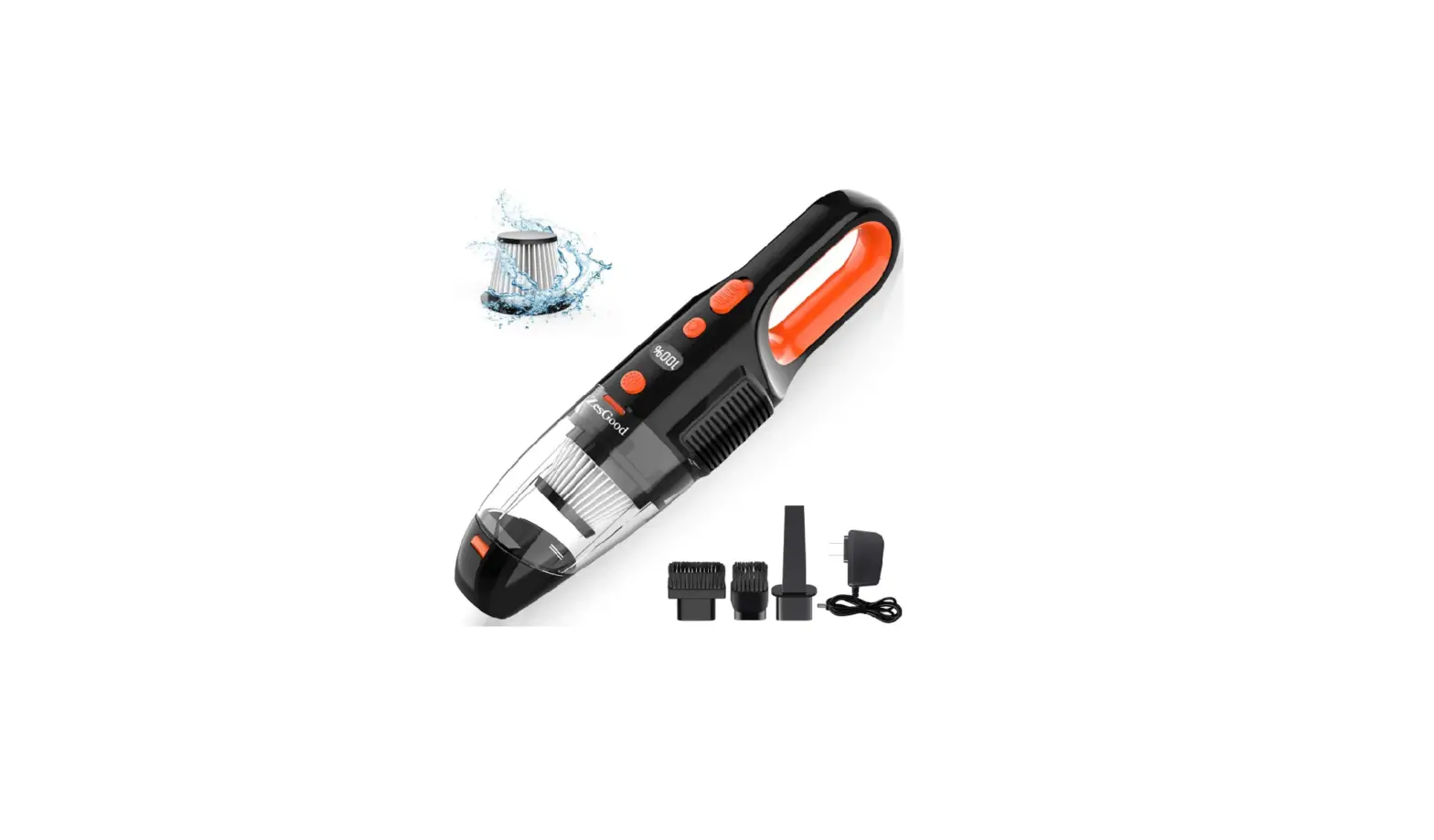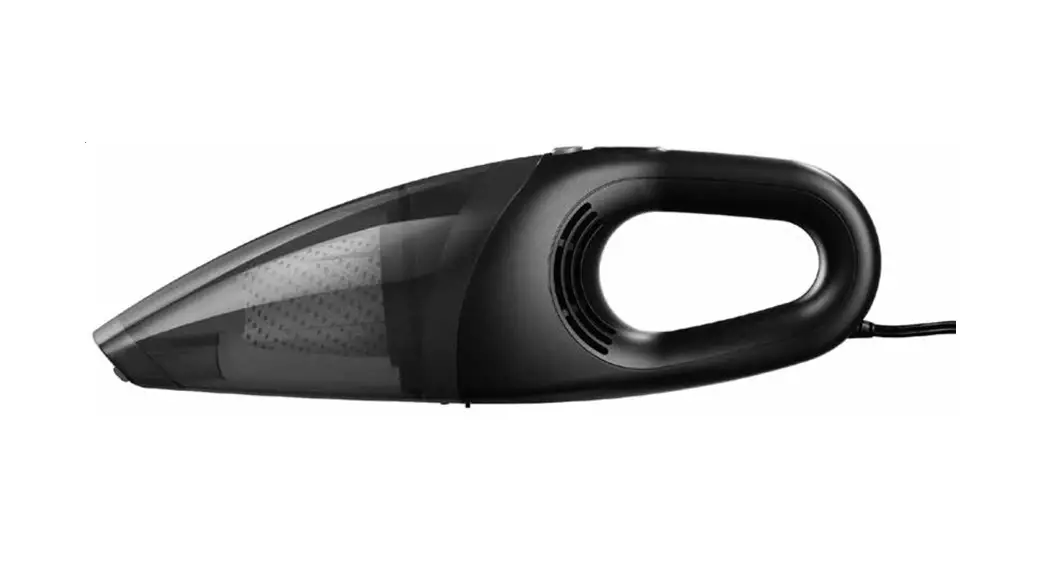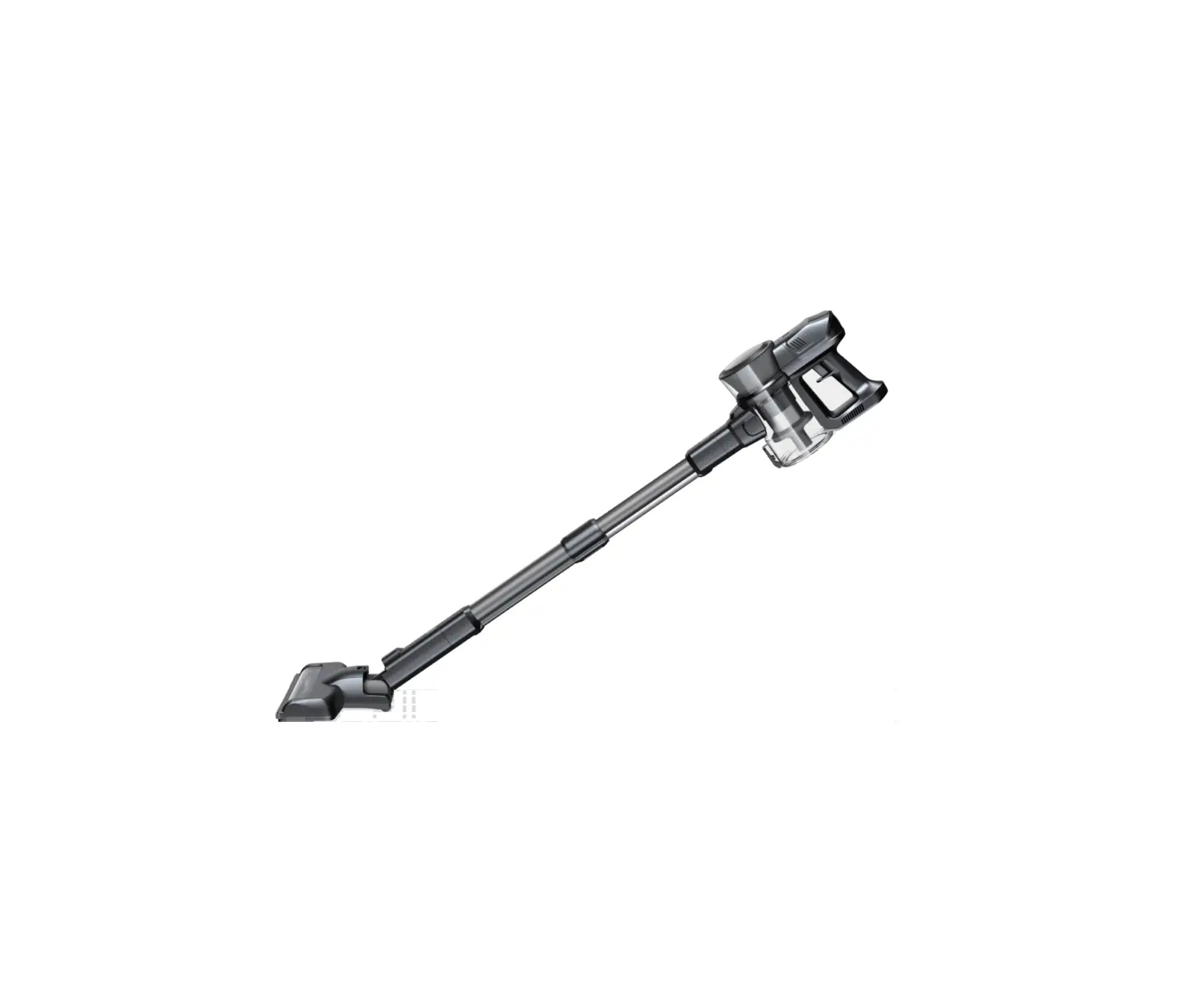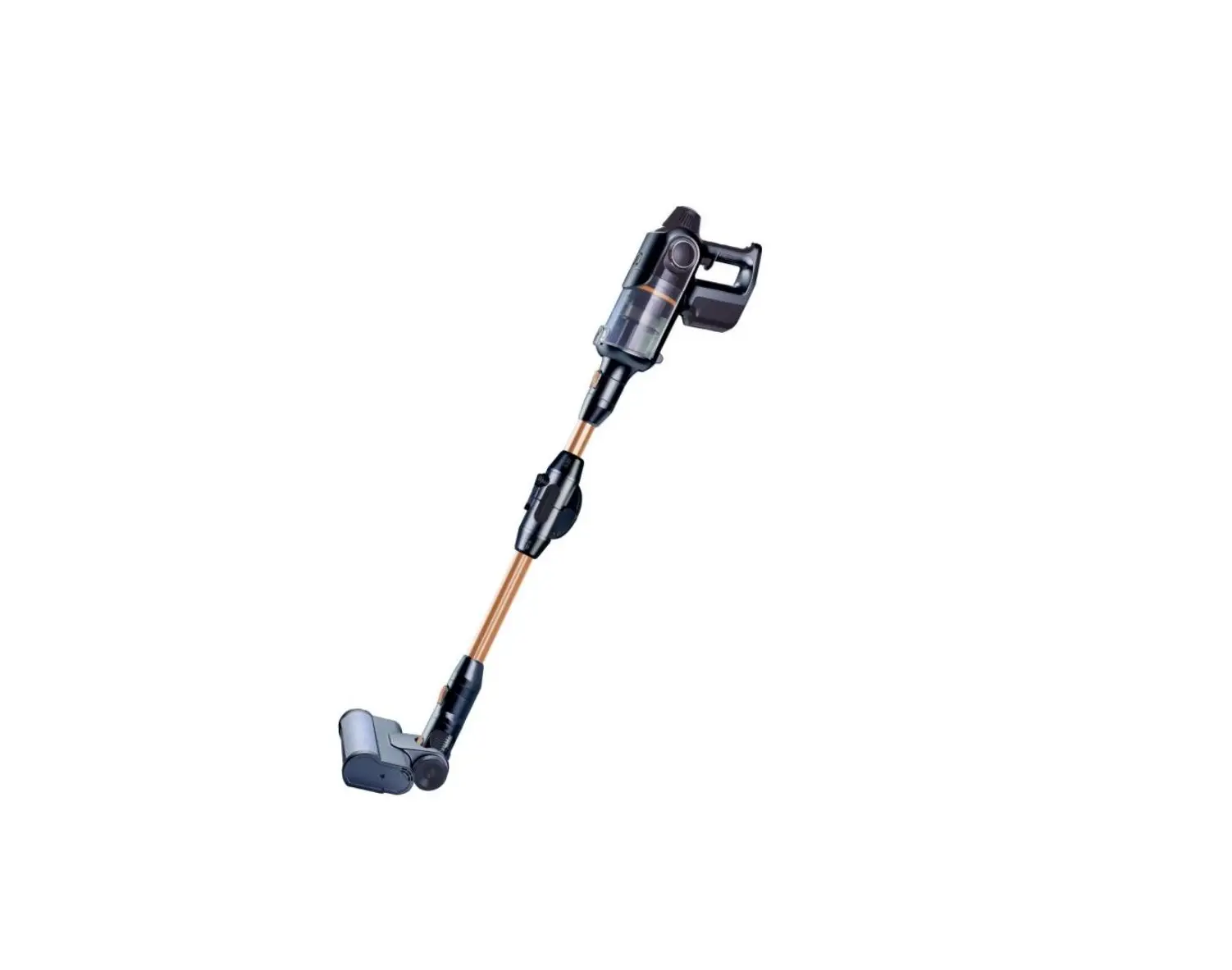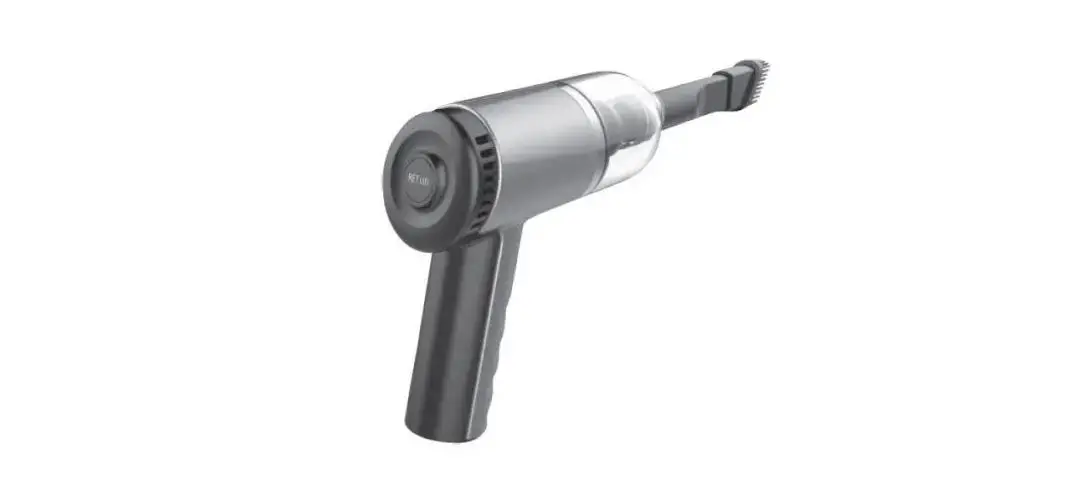
KOBOT CL-102 Portable Cordless
Car Vacuum User Manual
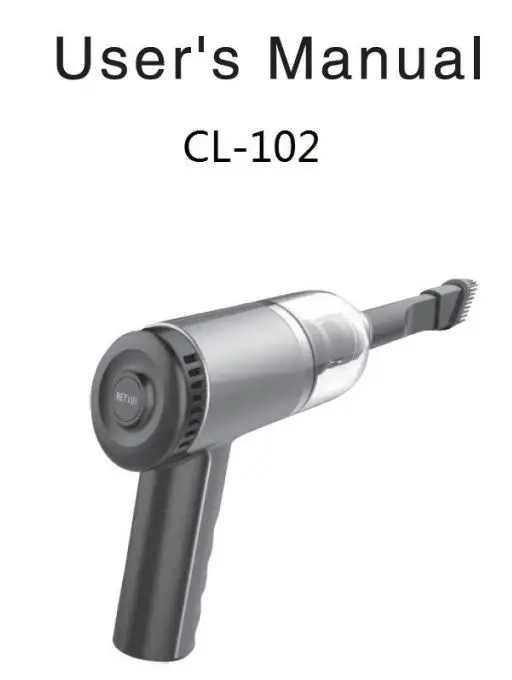
Product Introduction
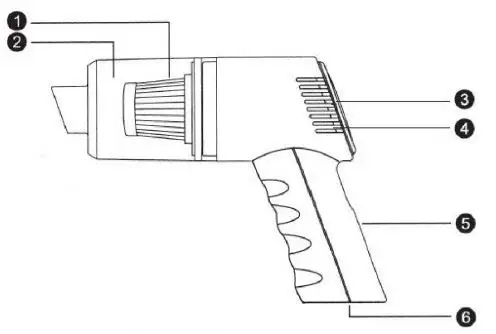
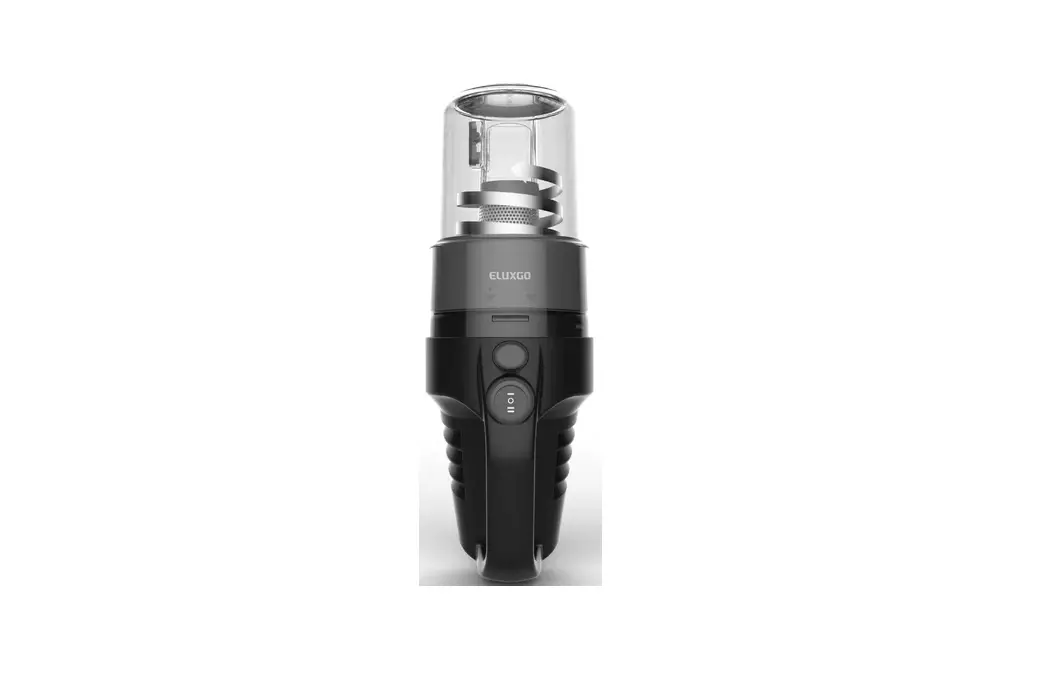
- Filter
- Dust bin
- Power Switch
- Exhaust vents
- Handel
- Power Supply Input
Accessories and Attachments
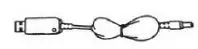
Charging Cords
a. USB Charging Cord
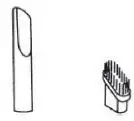
Attachments
Multi-function suction nozzle combination
a. Crevice Tool
b. Brush Tool
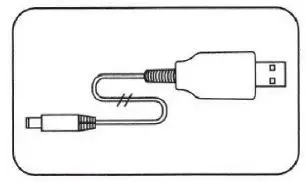
USB Charging Cord
- Connect USB charging cord to a power adapter (not included) or directly to a USB port and charge the battery to full.
Installation and Usage of Attachments
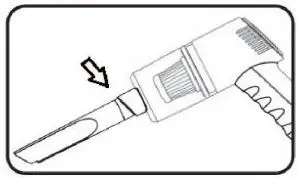
Crevice Tool: For use around narrow gaps and edges. Connect crevice tool 10 main body as shown in diagram
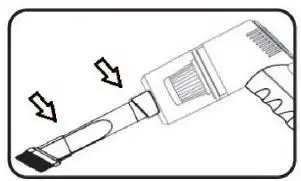
Brush Tool: for use on surfaces requiring softer surface cleaning Can connect to crevice tool as shown ln dia1ram or to main body directly
Cleaning Instructions
- Rotate the dustbin counterclokwise to remove the dustbin from the vacuum body
- 21. Remove the HEPA filter from the dustbin
2b. Empty The Dublin Contents Into The Trash - lf needed, use a sll1htlyd1mpclothtowfpe inside the dustbin. The filter cranberry under water, however, allow ample time to dry completely before reinstl1incback to the dustbin to use .
Tore Install The Dustbin And Falter, insert the fi1ter back in to the dustbin, then rotate the dustbin clockwise into place.