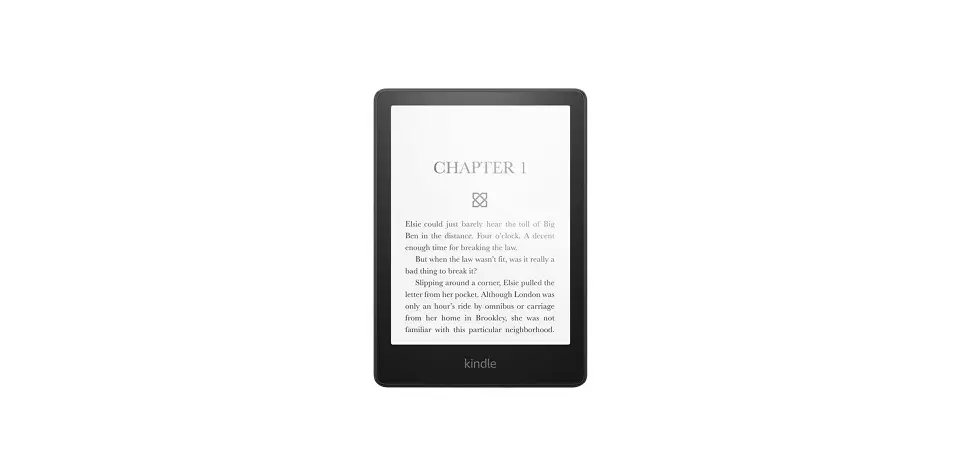
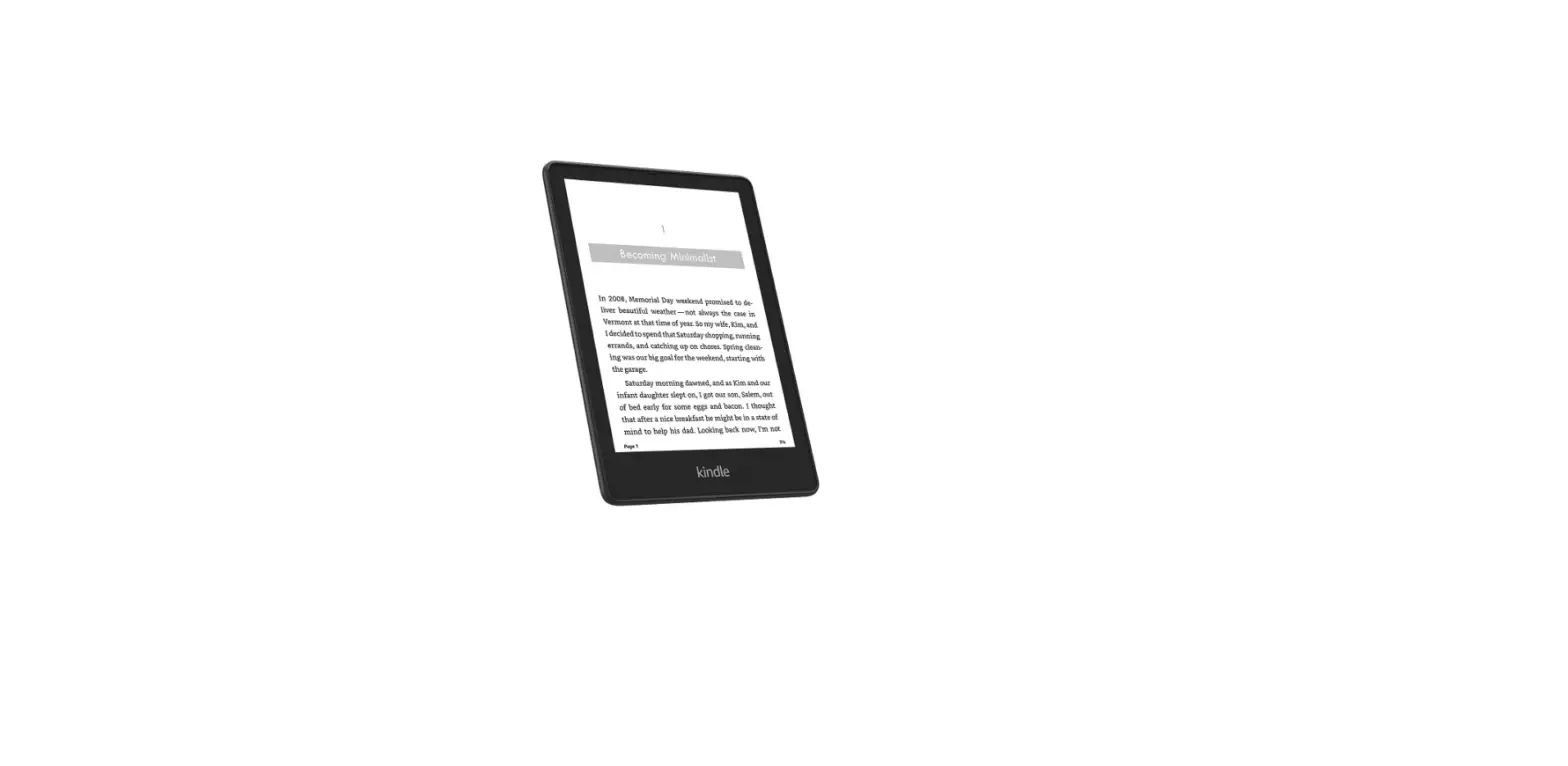
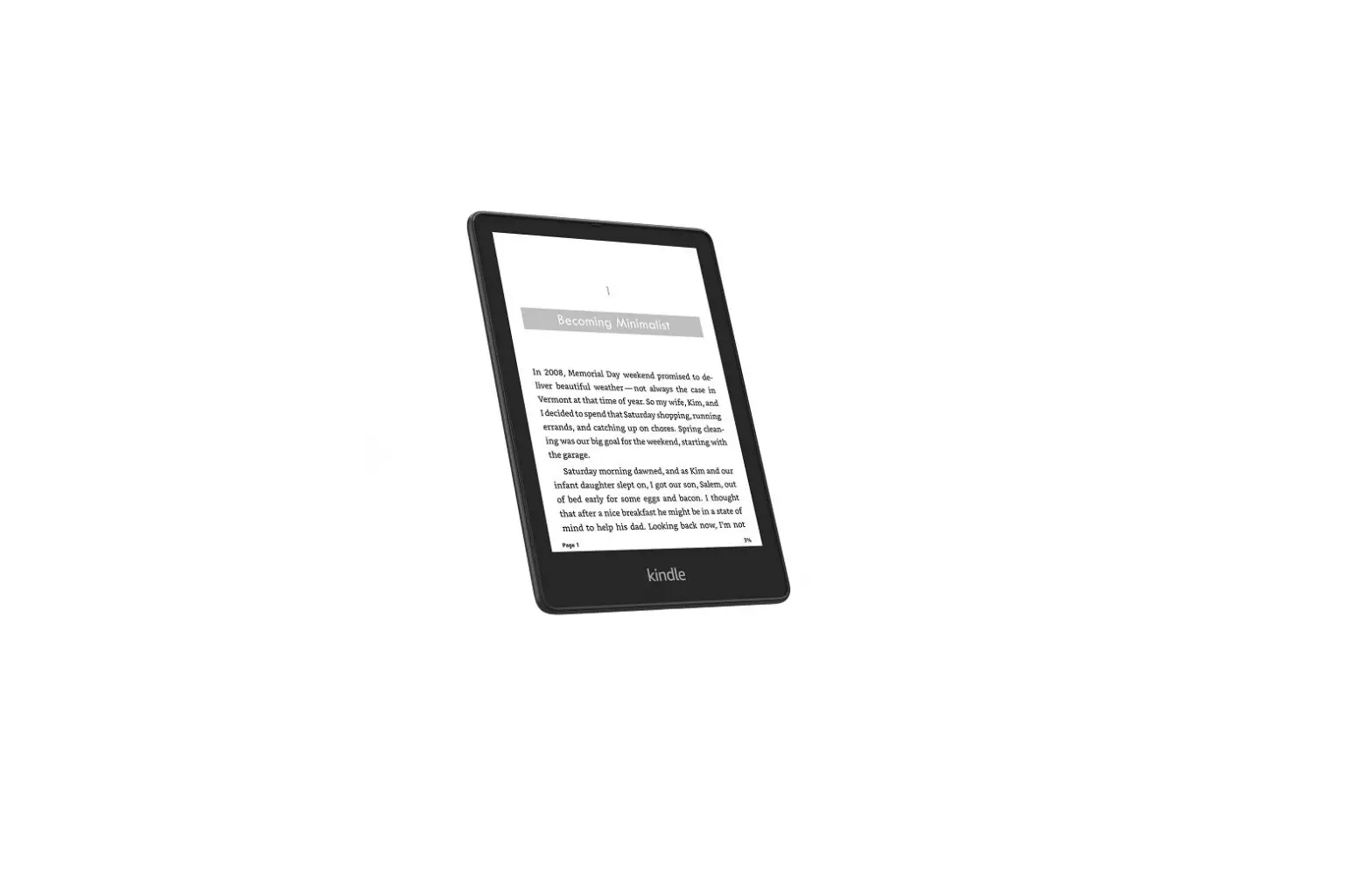
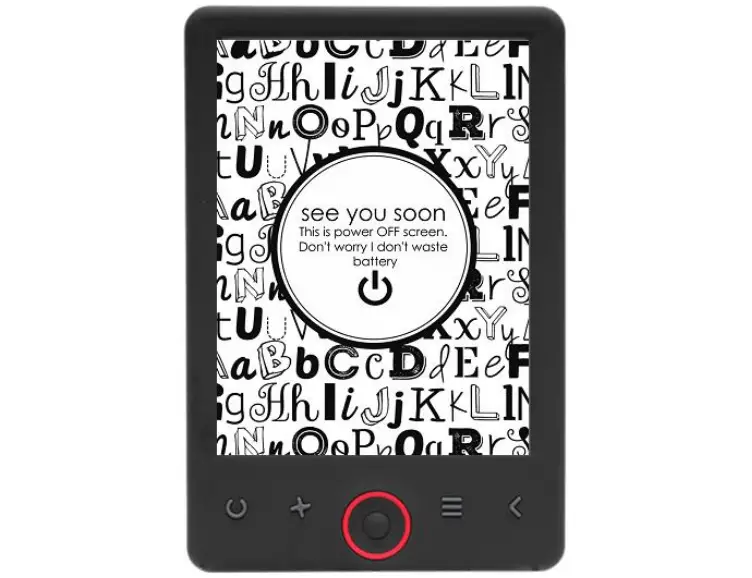
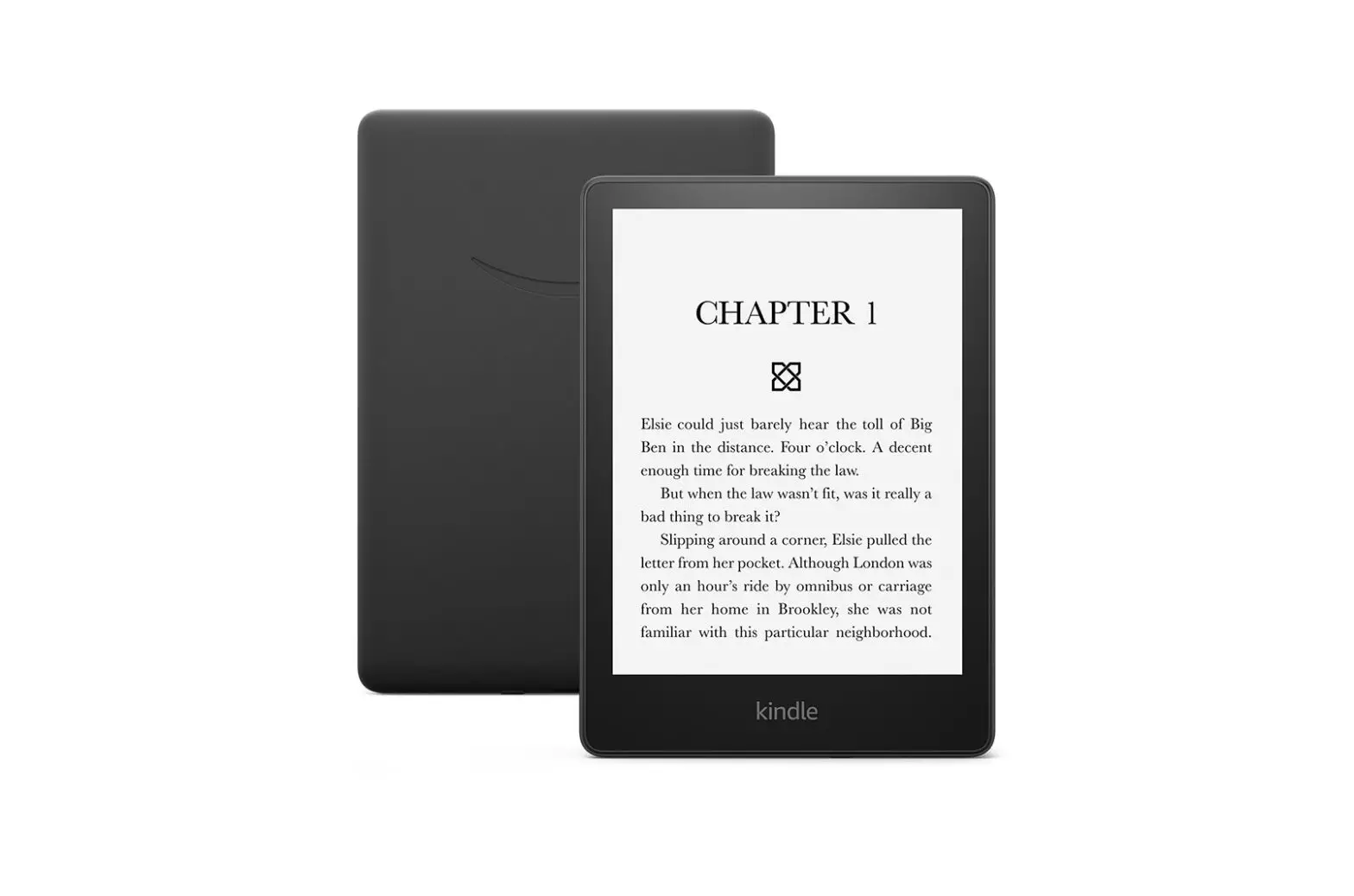
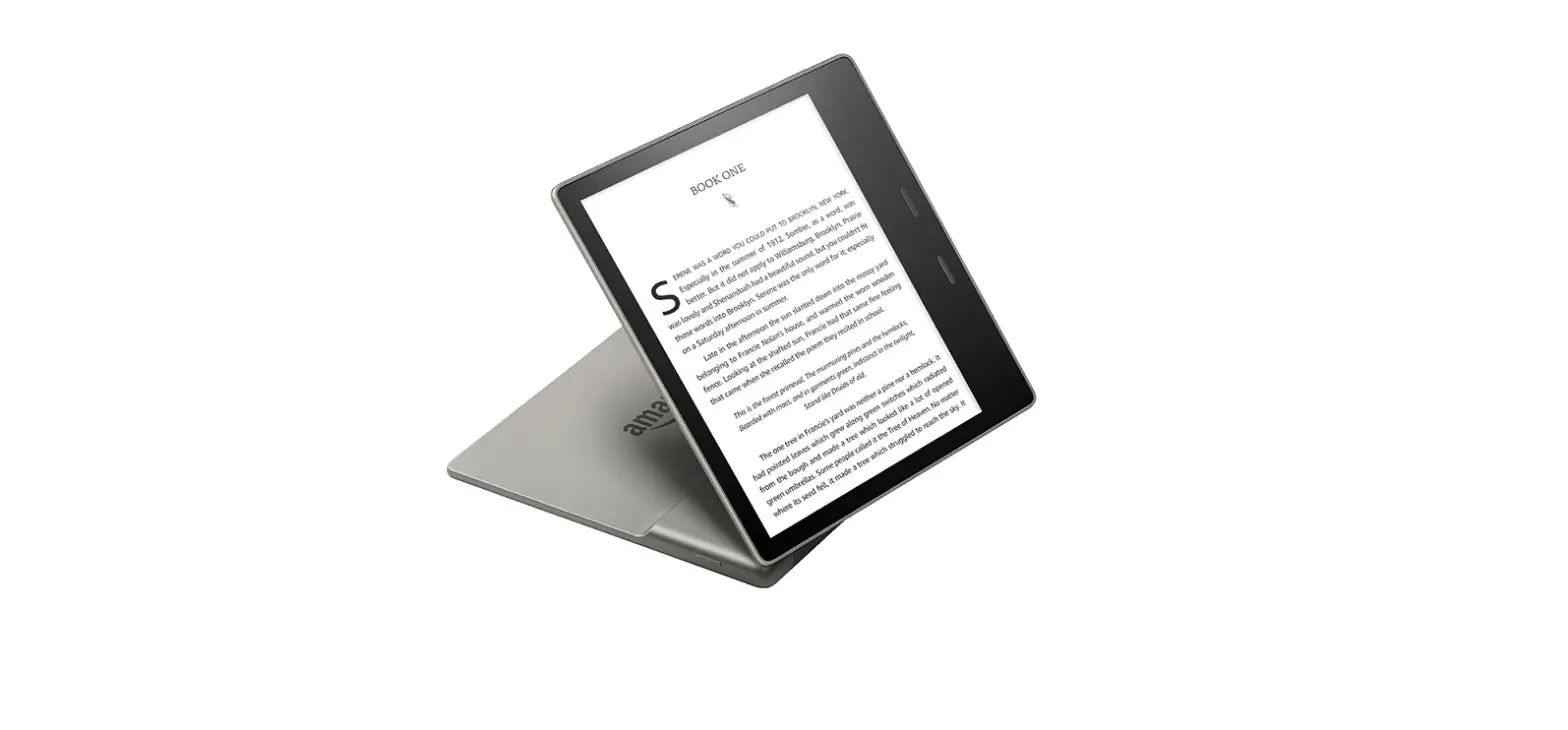
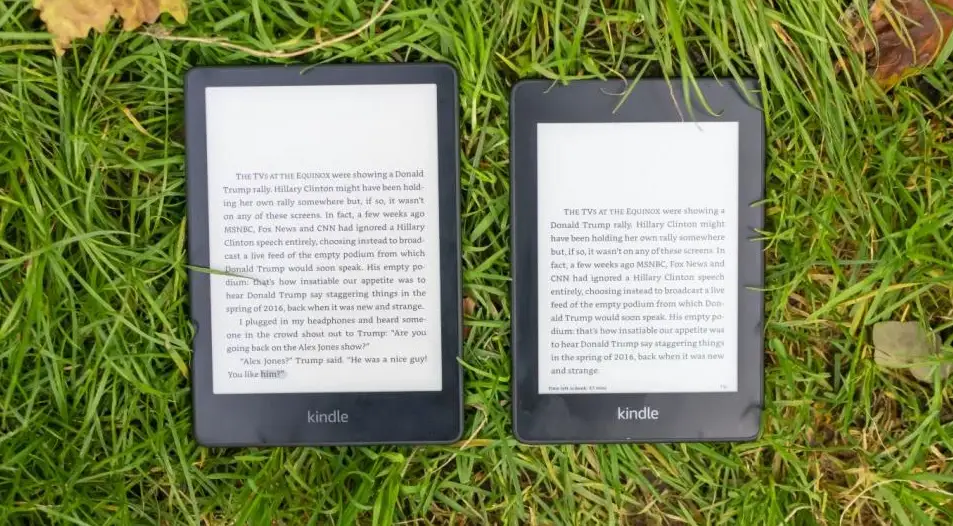
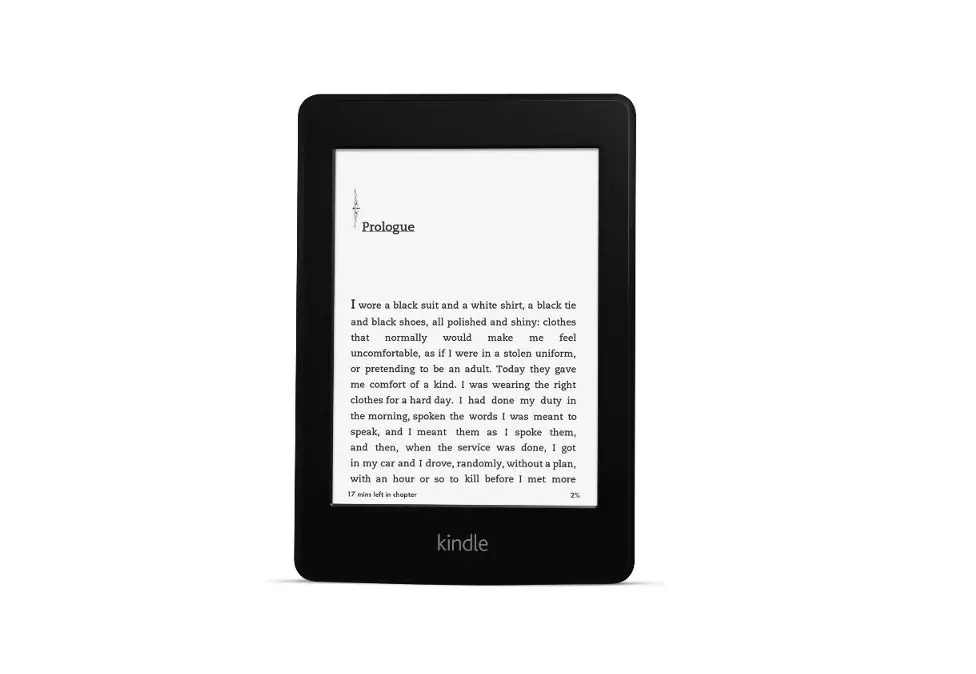
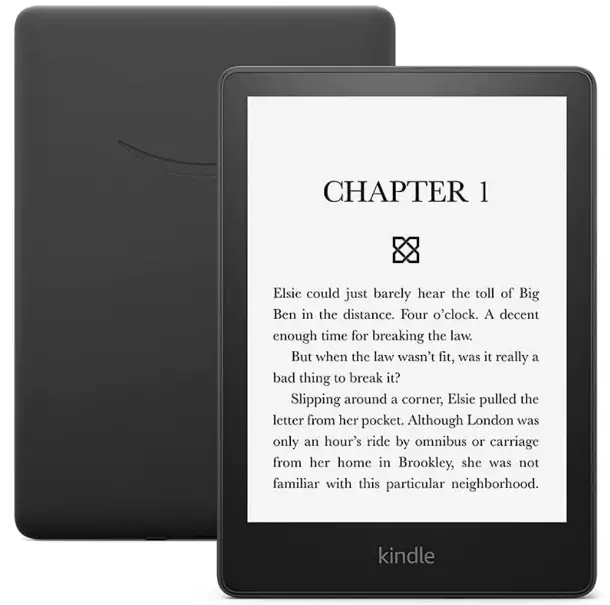
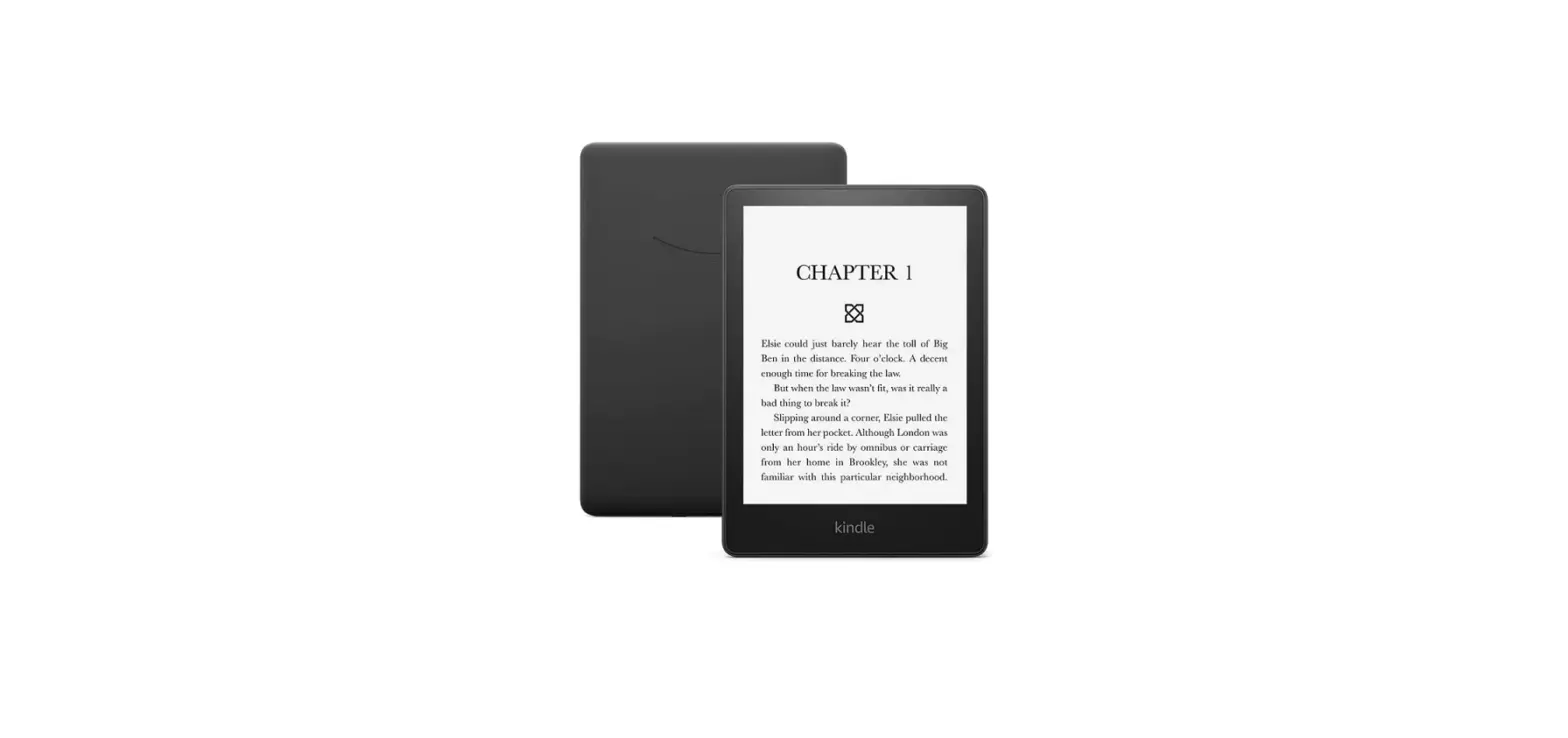
kindle Gen11 6.8 Inches Display With Adjustable Warm Light
overview
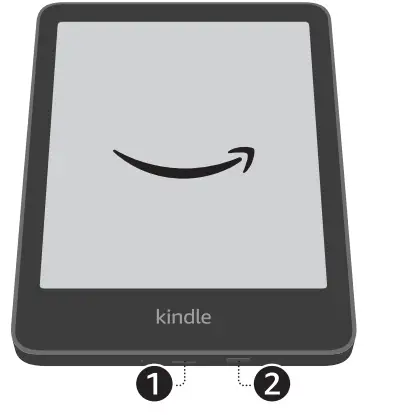
- USB-C PORT
- POWER
Follow the on-screen instructions to get started.
For more information, go to the Kindle User Guide in your device settings.


Follow the on-screen instructions to get started.
For more information, go to the Kindle User Guide in your device settings.
Download manual
Here you can download full pdf version of manual, it may contain additional safety instructions, warranty information, FCC rules, etc.