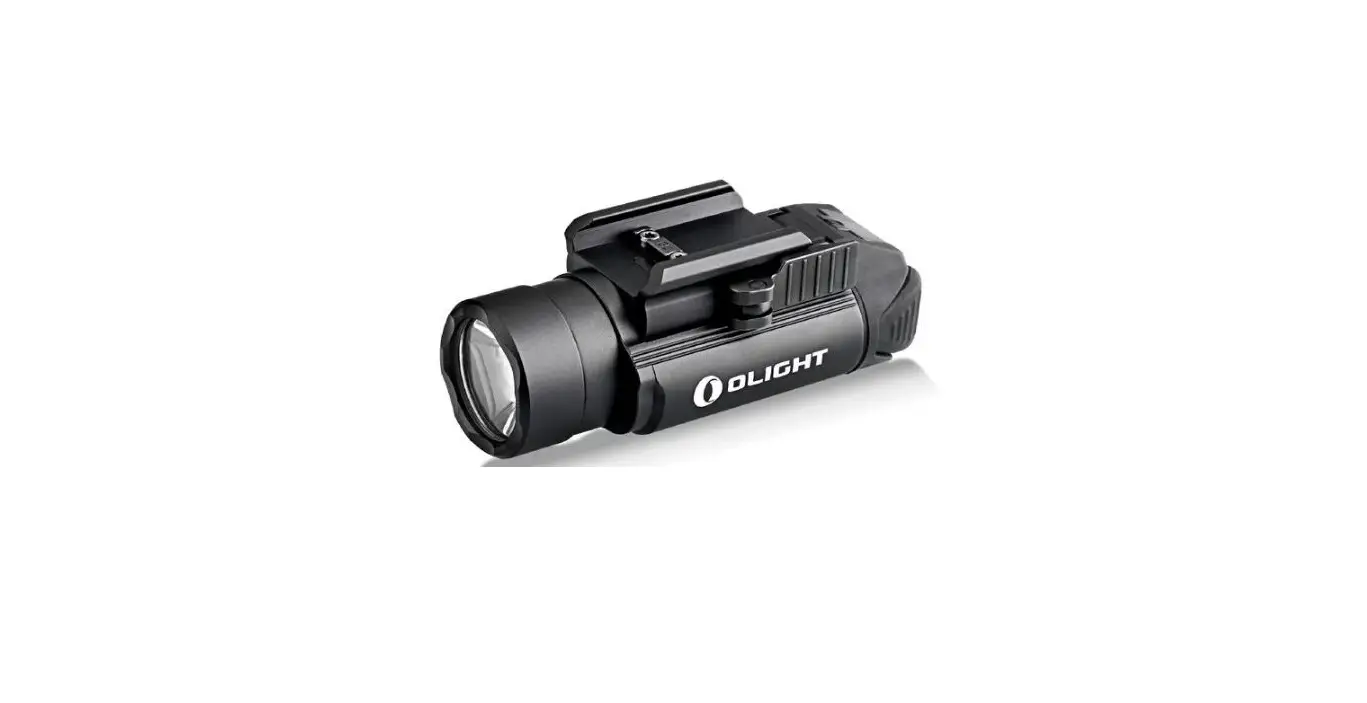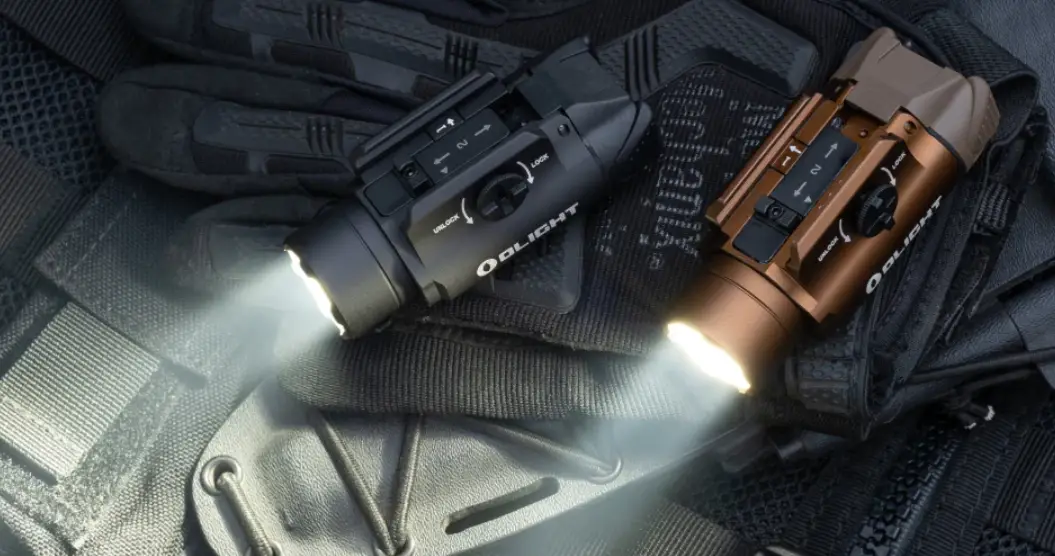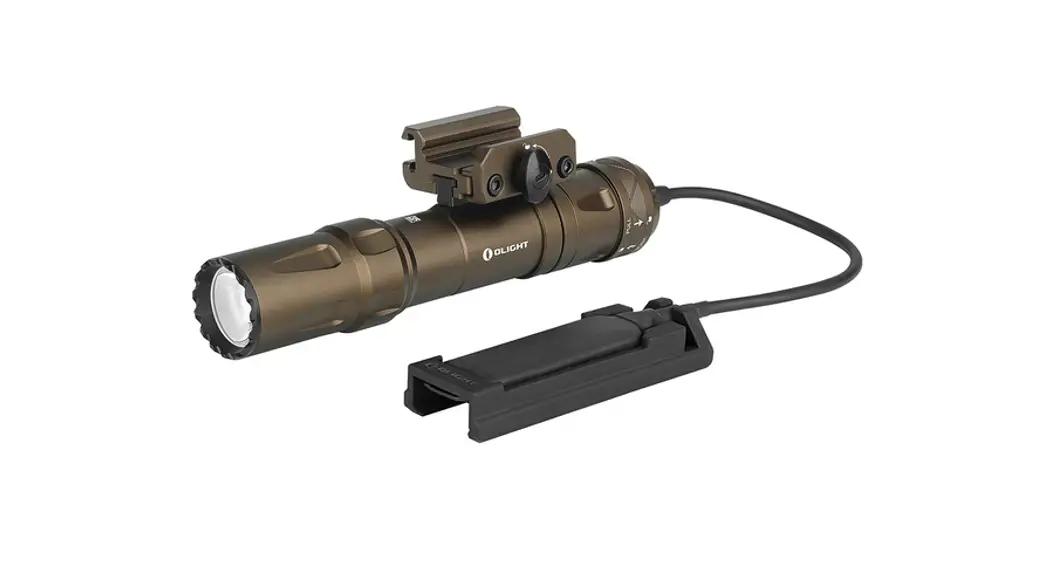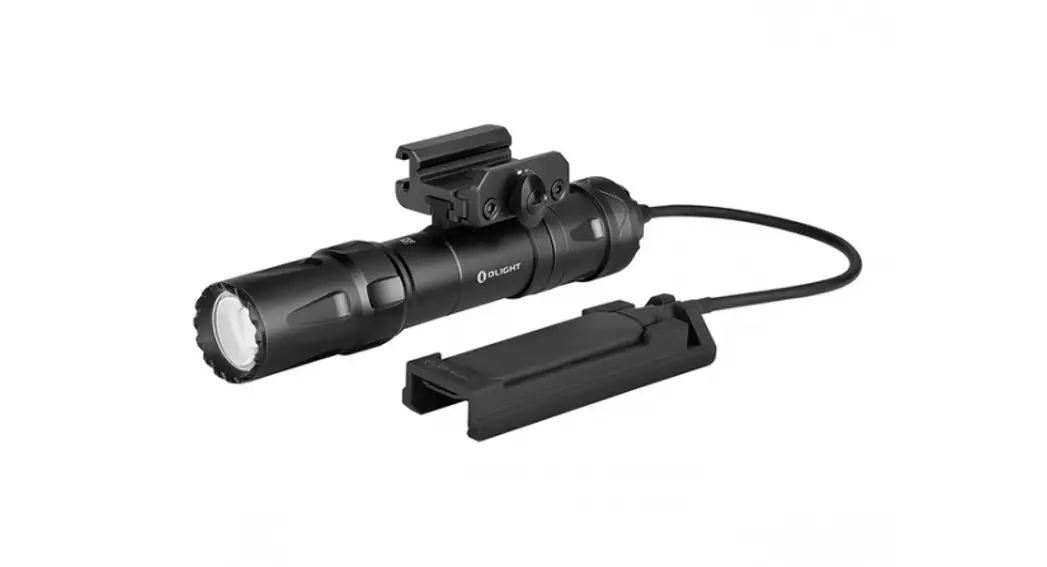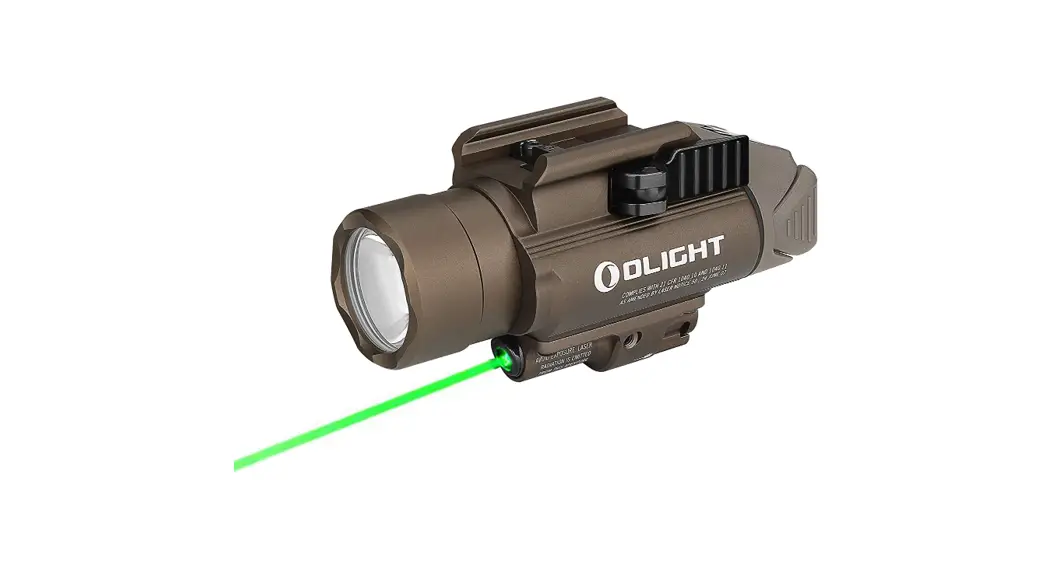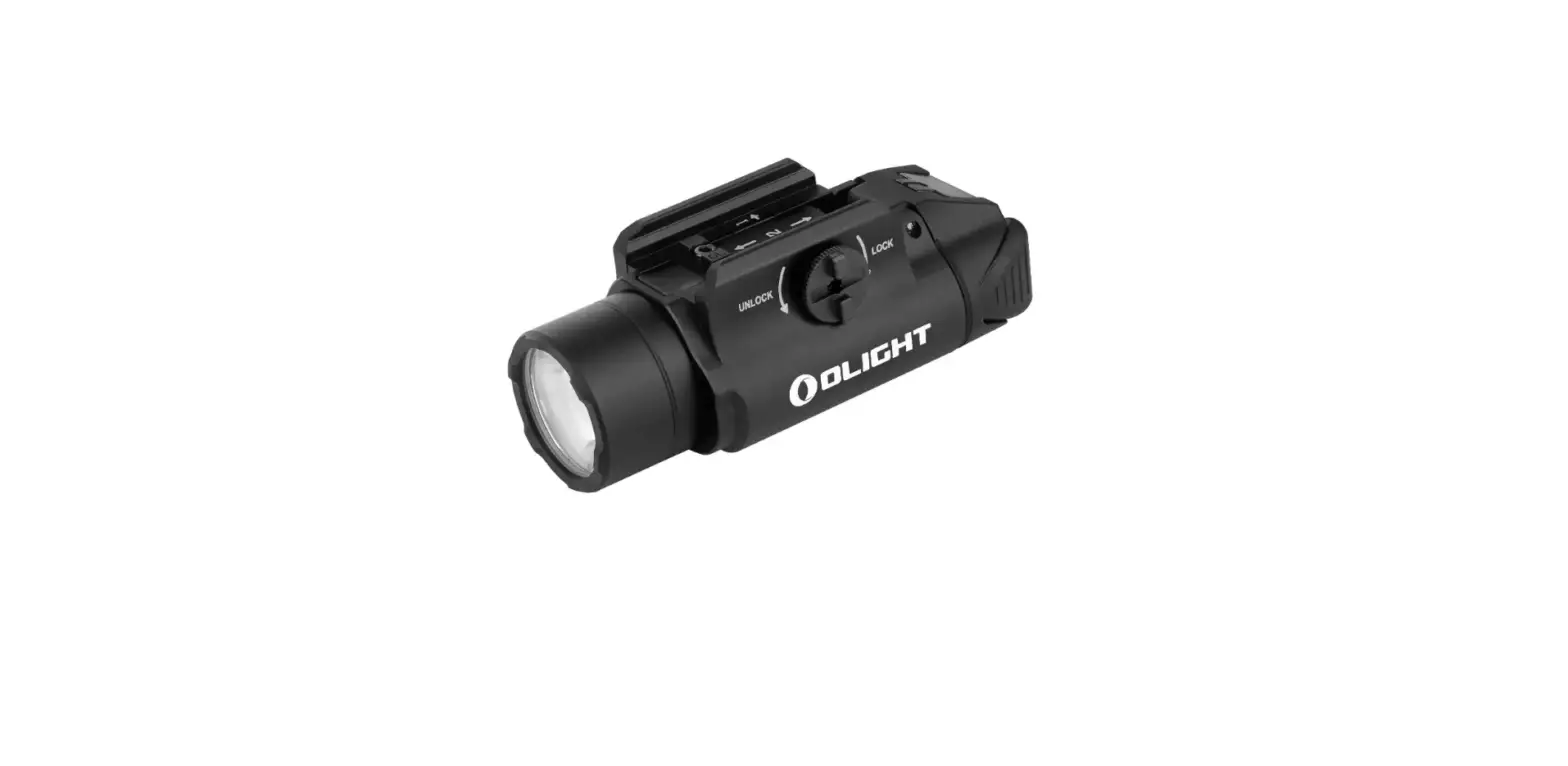

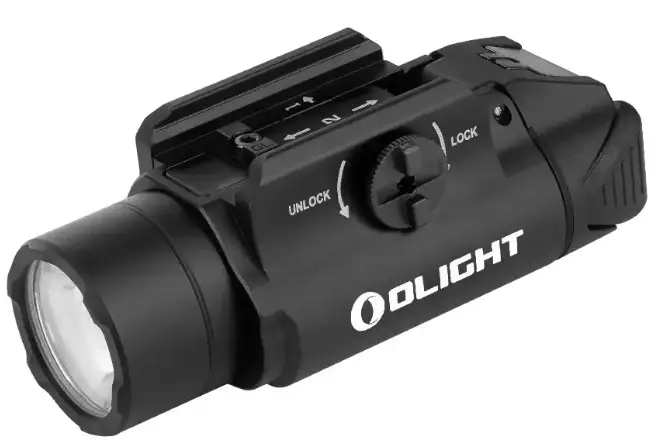
OLIGHT PL-3 Valkyrie Rail Mount Light
IN THE BOX
Table 1:WML
SPECIFICATIONS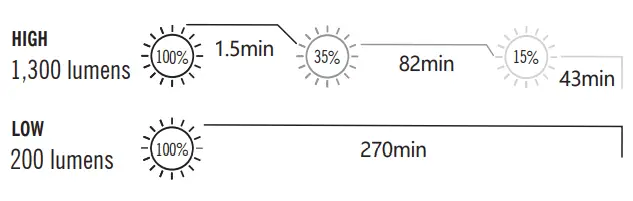
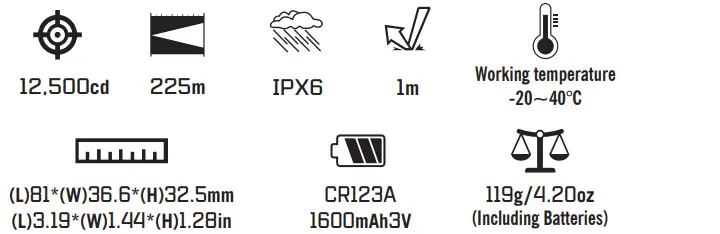
- The above data are tested per ANSI/NEMA FL 1-2019 standard in Olight’s labs for reference.
Multi-language dictionary, see Table 2;
- For product specification, see Table 1;
- Operating instructions are as below:
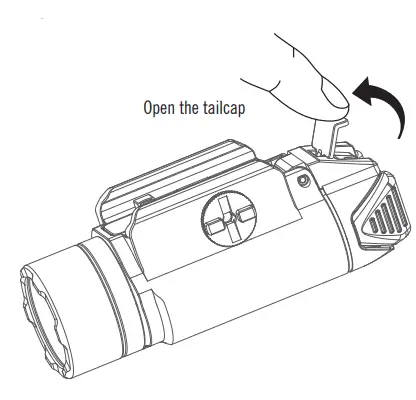
- Open the tail cap, see Figure 1;
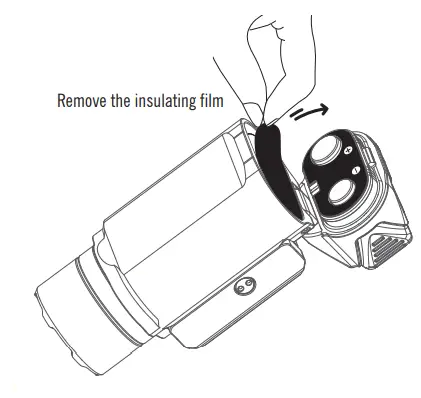
- Remove the insulating film, see Figure 2;
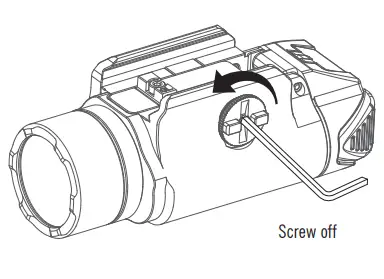
- Screw off, see Figure 3-1;
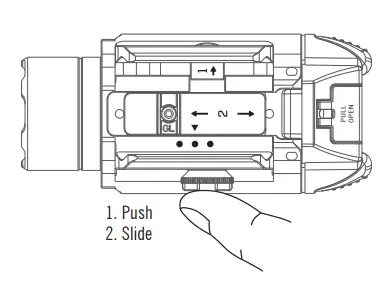
- Adjust the installation position of the light, see Figure 3-2;
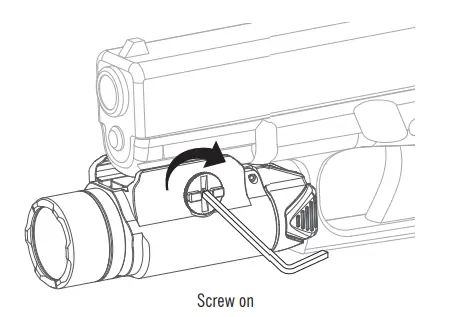
- Screw on, see Figure 3-3;
- Turn the light on/off, see Figure 4;

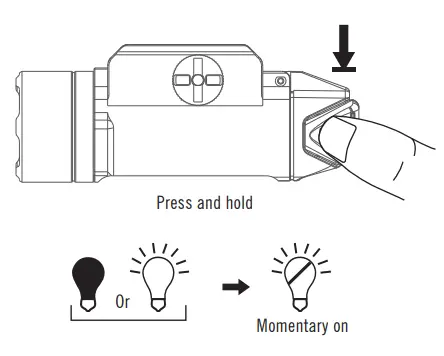
- Momentary on, see Figure 5;
- Change brightness level, see Figure 6;
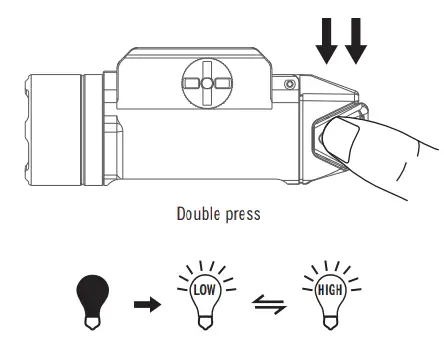
- Strobe, see Figure 7;
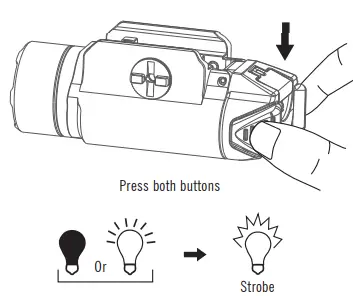
- Battery installation, see Figure 8;
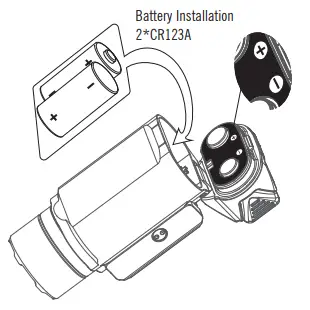
- Close the tail cap, see Figure 9;
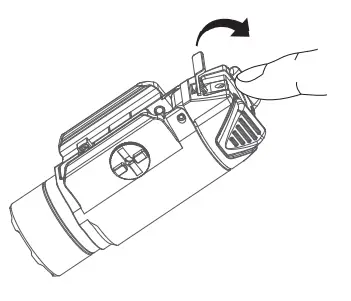
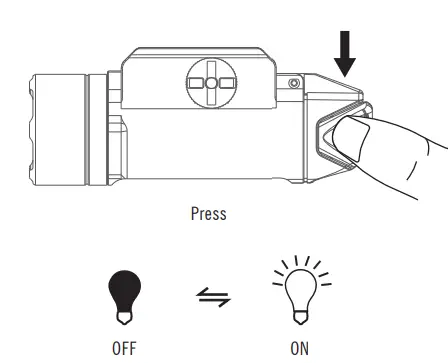
Table 2: Multi-language dictionary
- Low
- High
- Strobe
- Press
- Double press
- Press and hold
- Push
- Slide
WARRANTY
Within 30 days of purchase: Contact the original seller for repair or replacement. Within 5 years of purchase: Contact Olight for repair or replacement. This warranty does not cover normal wear and tear, modifications, misuse, disintegrations, negligence, accidents, improper maintenance, or repair by anyone other than an authorized retailer or Olight itself
- USA Customer Support[email protected]
- Global Customer Support
- customer-[email protected]
- Visit www.olightworld.com to see our complete product line of portable illumination tools.
- Dongguan Olight E-Commerce Technology Co., Ltd
- 4th Floor, Building 4, Kegu Industrial Park, No 6 Zhongnan Road,
- Changan Town, Dongguan City, Guangdong, China. Made in China
 Olightworld.com.Olight Flashlights, Tactical Light, Outdoor Light, Weapon Light