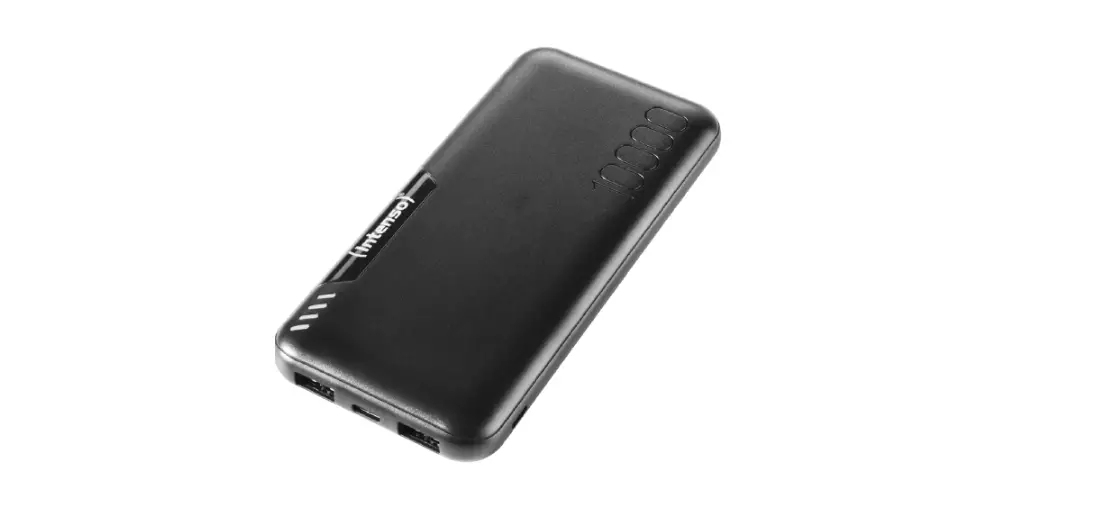
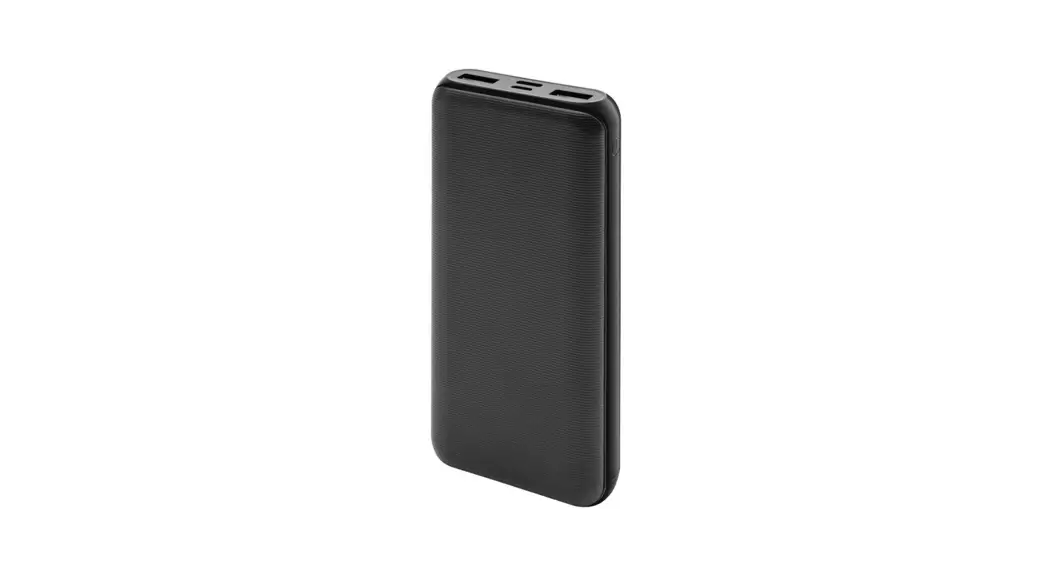
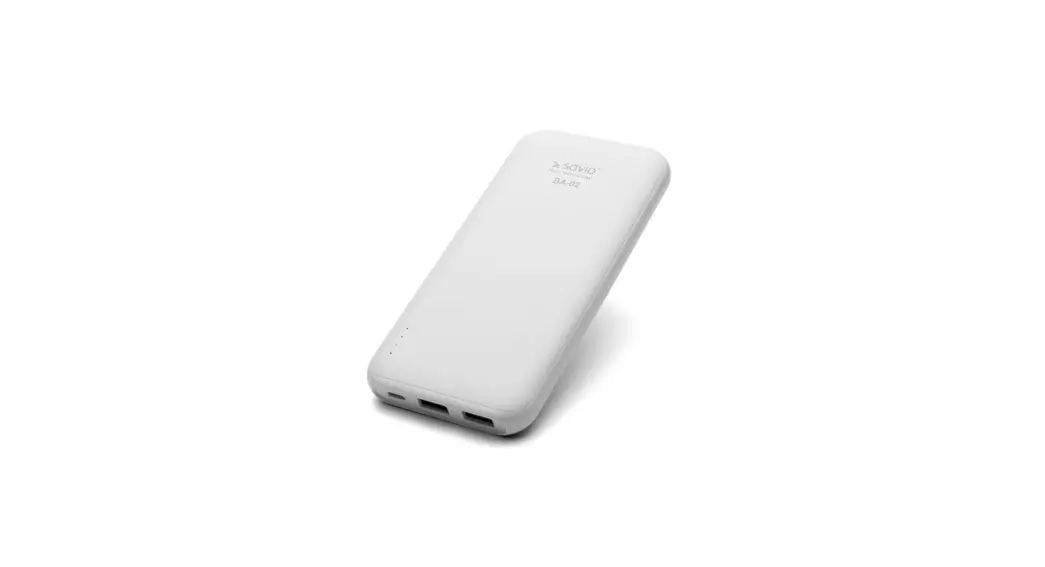
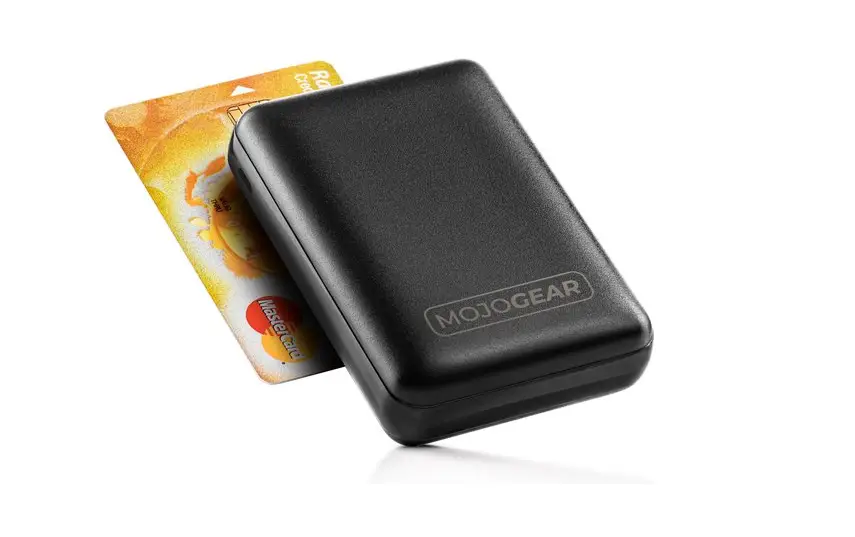
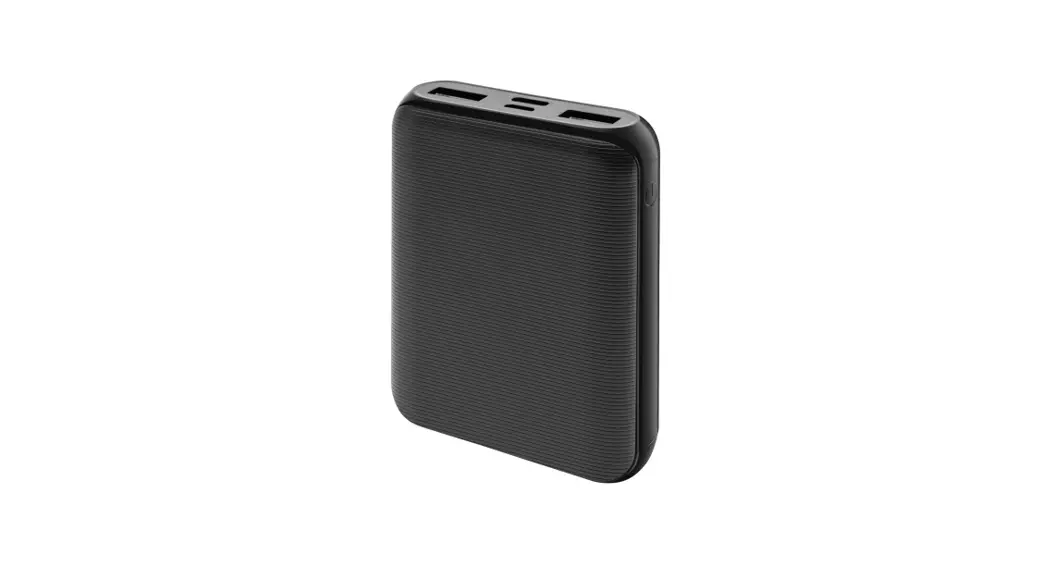
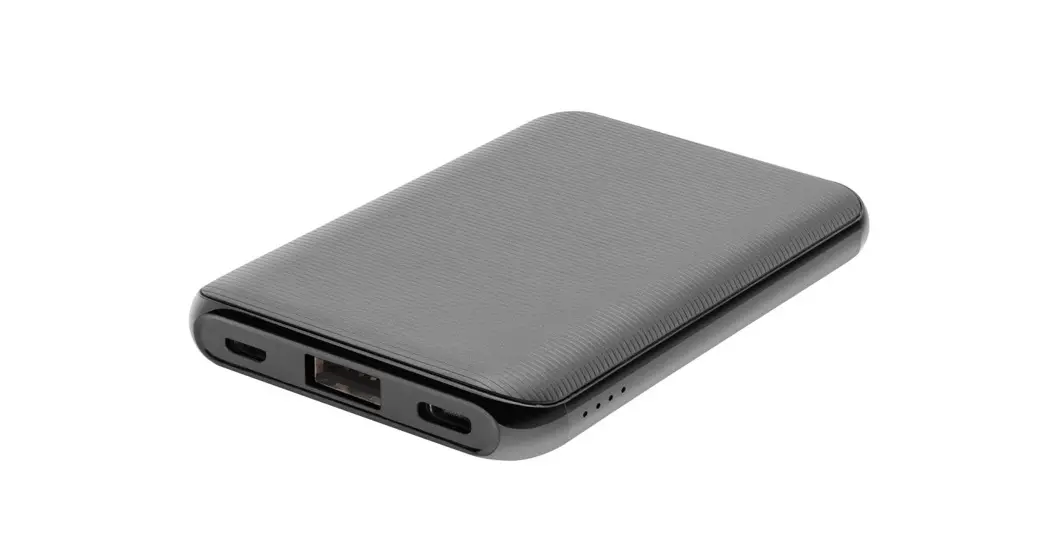
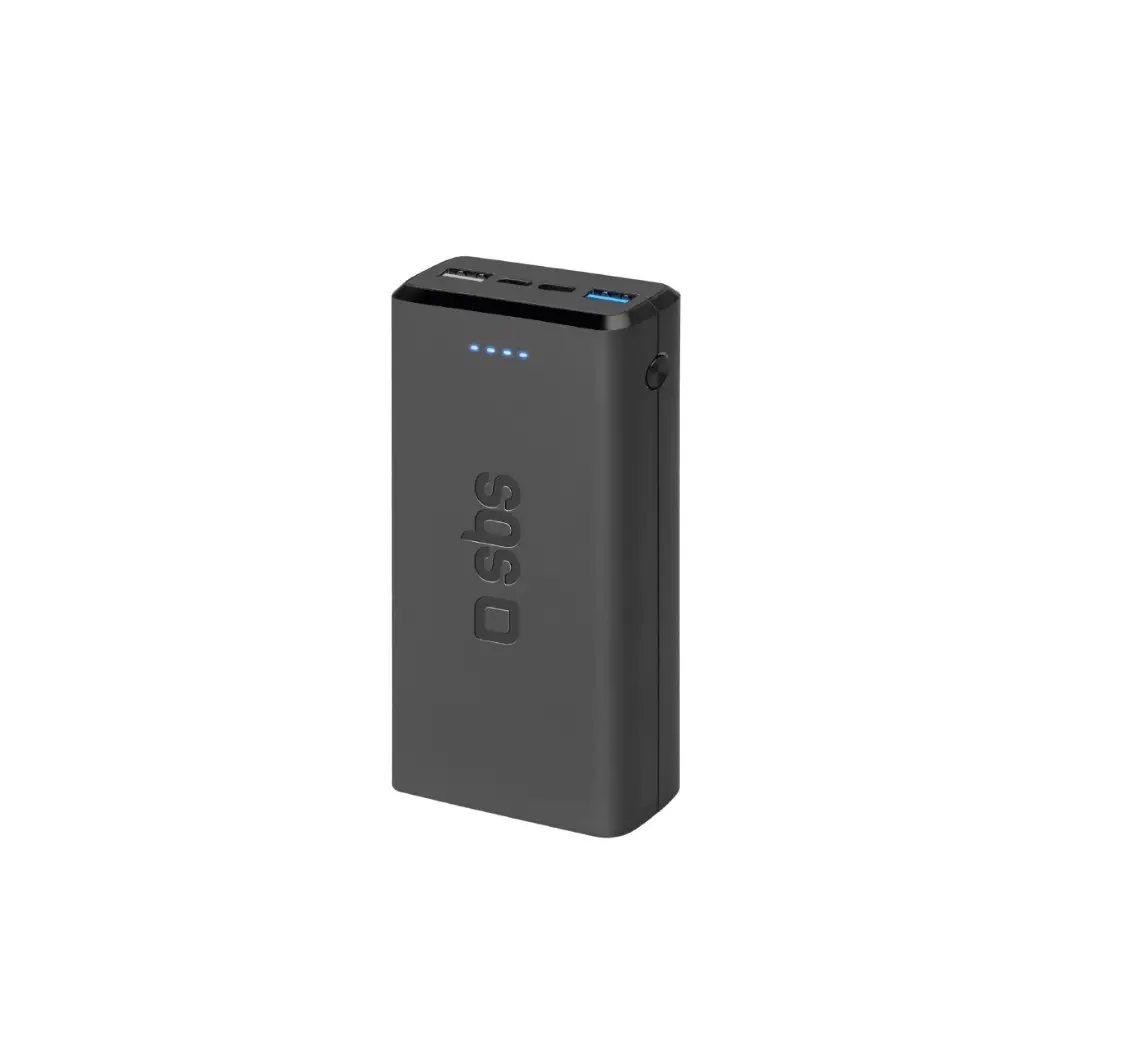
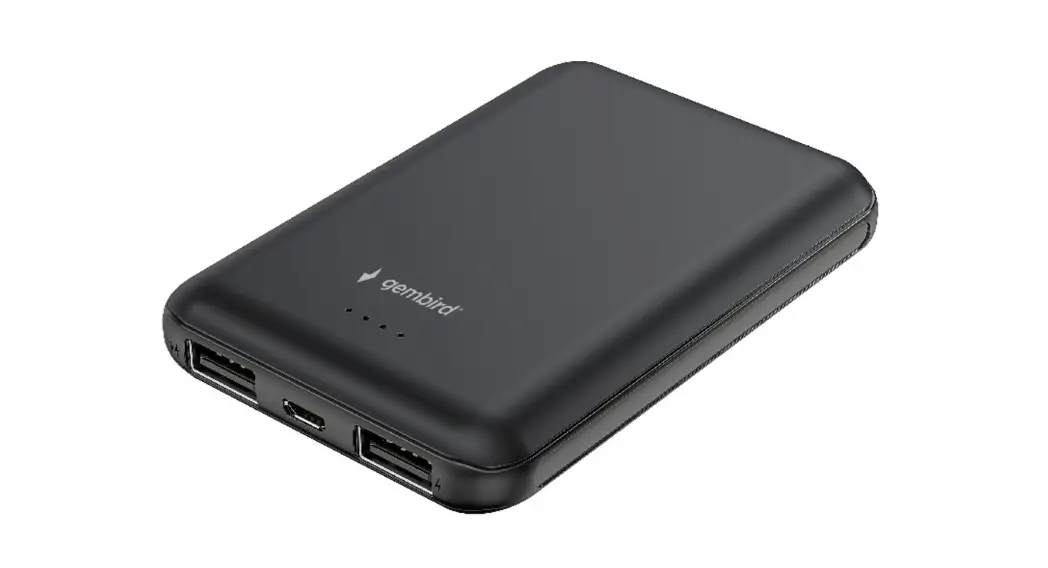
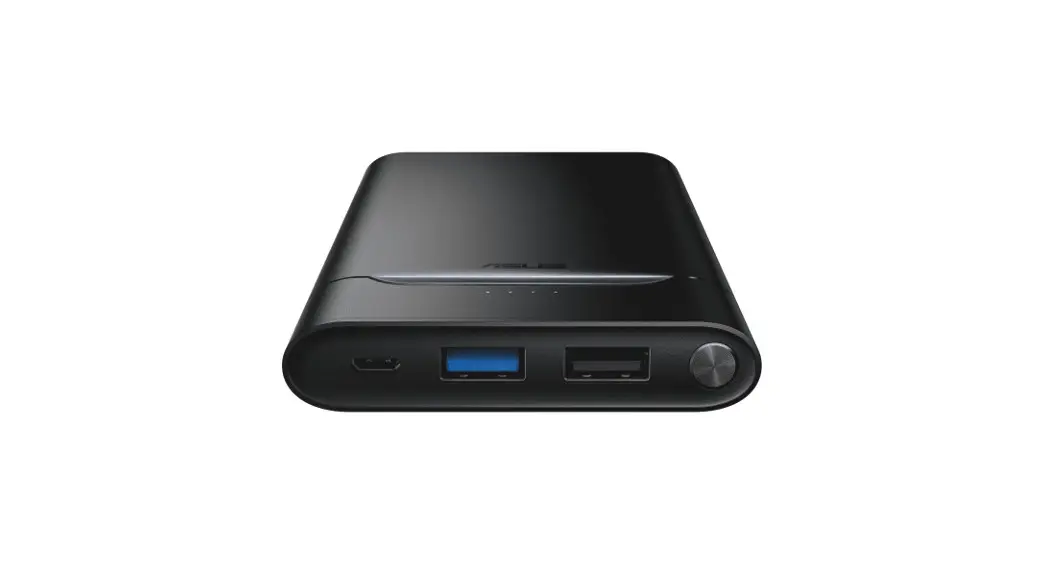
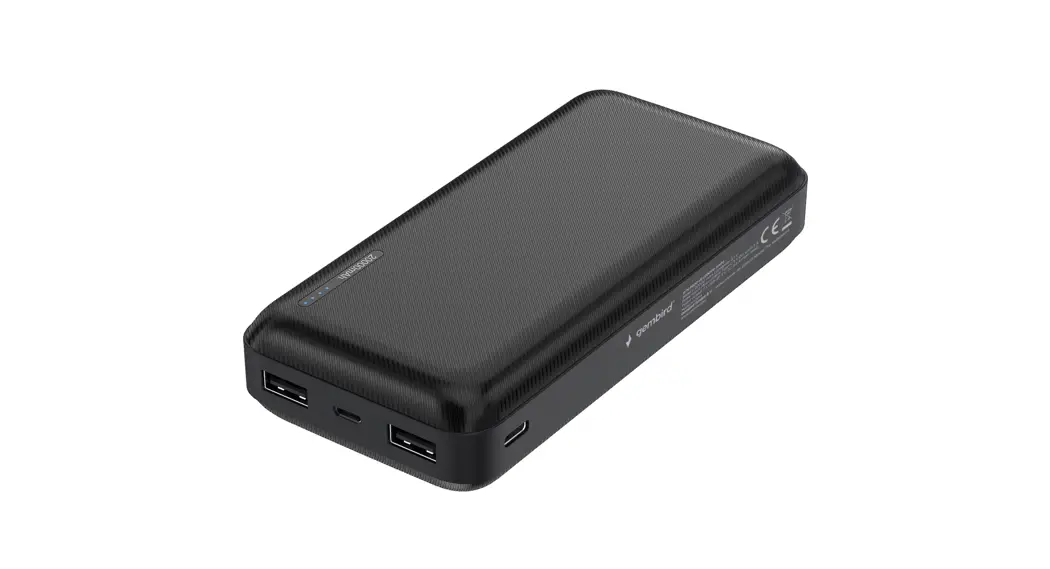
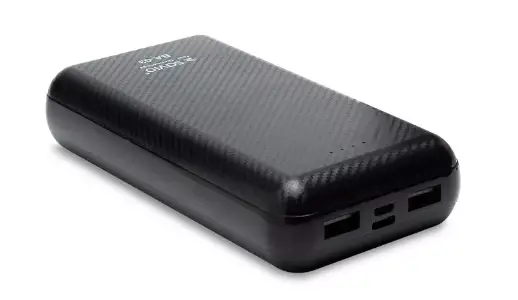
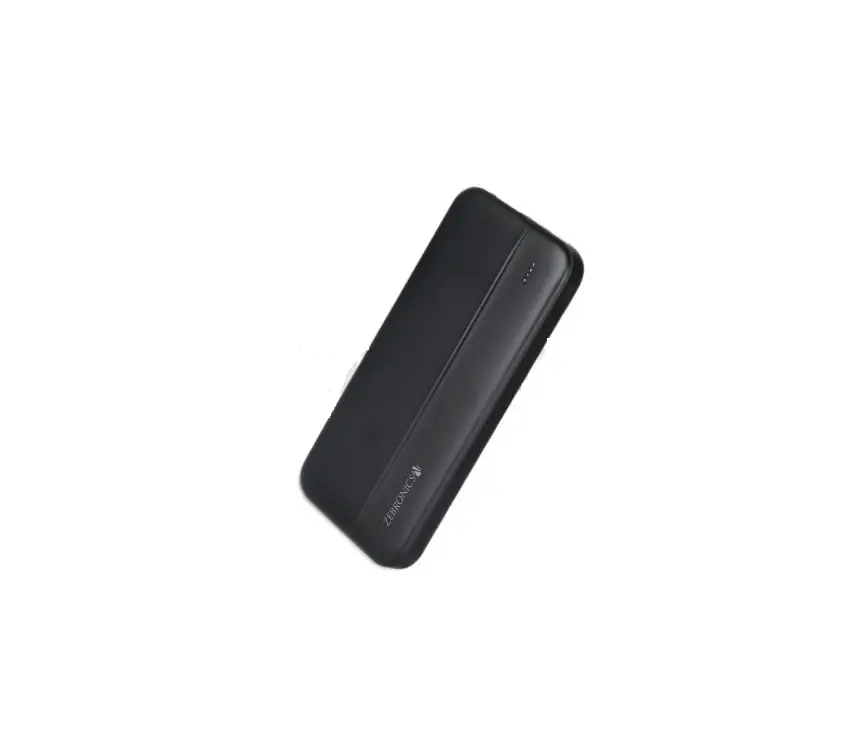
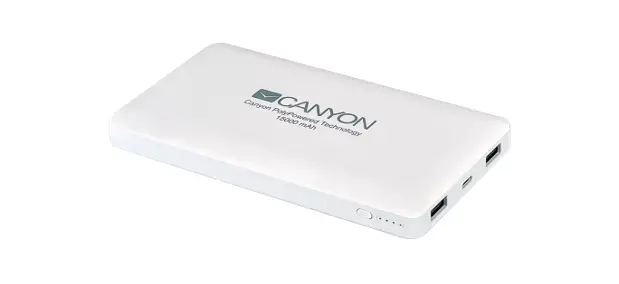
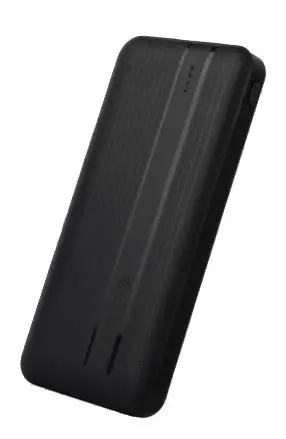
64488 1000 MAH Power Bank
Product Information
The product is a Power Bank with item number 64488. It is a
portable device used to charge electronic devices such as
smartphones and tablets. The Power Bank has a rechargeable battery
that can be charged using a cord and plug. It comes with a user
manual that contains important safety information, assembly
instructions, operating instructions, inspection procedures,
maintenance procedures, and cleaning procedures. The manual also
contains a serial number that should be written at the back of the
manual near the assembly diagram. The product has a warning symbol
that indicates potential personal injury hazards, and it comes with
general safety warnings that should be followed to avoid electric
shock, fire, and/or serious injury.
Product Usage Instructions
- Read the user manual carefully before using the Power
Bank. - Inspect the Power Bank before every use to ensure that it is
not damaged. Do not use or charge if damaged. - Charge the Power Bank only according to the instructions
provided in the user manual. - Keep the Power Bank dry and away from wet conditions such as
rain. - Do not leave the Power Bank unattended while switched on to
avoid fire and property damage. - Use the Power Bank as intended only and do not disassemble it.
Take it to a qualified repair person when service or repair is
required. - Have the Power Bank serviced by a qualified repair person using
only identical replacement parts to maintain its safety. - Keep the Power Bank out of reach of children as it is not a
toy. - Wear ANSI-approved eye protection to avoid eye injury when
using the Power Bank. - Follow the connection procedure to avoid the risk of fire.
- Call 1-888-866-5797 if any parts are missing or broken when
unpacking the Power Bank.
Owner’s Manual & Safety Instructions
Save This Manual Keep this manual for the safety warnings and precautions, assembly,
operating, inspection, maintenance and cleaning procedures. Write the product’s serial number in the
back of the manual near the assembly diagram (or month and year of purchase if product has no number).
Keep this manual and the receipt in a safe and dry place for future reference.
23b
Visit our website at: http://www.harborfreight.com Email our technical support at: [email protected]
64488
When unpacking, make sure that the product is intact and undamaged. If any parts are missing or broken,
please call 1-888-866-5797 as soon as possible.
Copyright© 2022 by Harbor Freight Tools®. All rights reserved. No portion of this manual or any artwork contained herein may be reproduced in any shape or form without the express written consent of Harbor Freight Tools. Diagrams within this manual may not be drawn proportionally. Due to continuing
improvements, actual product may differ slightly from the product described herein. Tools required for assembly and service may not be included.
Read this material before using this product. Failure to do so can result in serious injury. SAVE THIS MANUAL.
WARNING SYMBOLS AND DEFINITIONS This is the safety alert symbol. It is used to alert you to
potential personal injury hazards. Obey all safety messages that follow this symbol to avoid possible injury or death. Indicates a hazardous situation which, if not avoided, will result in death or serious injury. Indicates a hazardous situation which, if not avoided, could result in death or serious injury. Indicates a hazardous situation which, if not avoided, could result in minor or moderate injury.
Addresses practices not related to personal injury.
Symbol
Property or Statement
V Volts
Direct Current
A Amperes mAh Milliampere-hours
Symbol
Property or Statement
WARNING marking concerning Risk of Eye Injury. Wear ANSI-approved eye protection.
Read the manual before setup and/or use.
WARNING marking concerning Risk of Fire. Follow connection procedure.
WARNING marking concerning Risk of Explosion.
Page 2
For technical questions, please call 1-888-866-5797.
Item 64488
IMPORTANT SAFETY INFORMATION
General Safety Warnings
Read all safety warnings and instructions. Failure to follow the warnings and instructions may result in electric shock, fire and/or serious injury. Save all warnings and instructions for future reference.
1. Contains Li-Ion battery. Battery must be recycled or disposed of properly. Do not open, crush, heat above 140°F, or incinerate.
2. Keep Power Bank dry.
3. Charge Power Bank only according to instructions.
4. Inspect Power Bank before every use; do not use or charge if damaged.
5. Do not operate if Power Bank has received a sharp blow, been dropped, or otherwise damaged in any way; take it to a qualified technician.
6. Do not leave Power Bank unattended while switched on. It could result in fire and property damage.
7. Charge and operate the Power Bank on a dry, fireproof surface in a room where the temperature is between 32°F104°F.
8. Do not expose the Power Bank to rain or wet conditions.
9. Do not operate with damaged cord or plug. Replace the cord or plug immediately.
10. Inspect before every use; do not use if parts are loose or damaged.
11. Use as intended only.
12. Do not disassemble the Power Bank; take it to a qualified repair person when service or repair is required.
13. Have Power Bank serviced by a qualified repair person using only identical replacement parts. This will ensure that the safety of the Power Bank is maintained.
14. This product is not a toy. Keep it out of reach of children.
15. The warnings, precautions, and instructions discussed in this instruction manual cannot cover all possible conditions and situations that may occur. It must be understood by the operator that common sense and caution are factors which cannot be built into this product, but must be supplied by the operator.
16. Maintain labels and nameplates. These carry important safety information. If unreadable or missing, contact Harbor Freight Tools for a replacement.
SAVE THESE INSTRUCTIONS.
Item 64488
For technical questions, please call 1-888-866-5797.
Page 3
Specifications
Input Rating Output Battery Type and Rating Charging Temperature Range USB Output 1 USB Output 2
5VDC / 2A 5VDC / 3.1A Maximum Combined Lithium-ion 10,000mAh, 37Wh 32°F-104°F 5VDC / 1A 5VDC / 2.4A
FCC Statement:
This device complies with Part 15 of the FCC Rules. Operation is subject to the following two conditions: (1) this device may not cause harmful interference, and (2) this device must accept any interference received, including interference that may cause undesired operation.
Page 4
For technical questions, please call 1-888-866-5797.
Item 64488
Setup – Before Use
Read the ENTIRE IMPORTANT SAFETY INFORMATION section at the beginning of this document including all text under subheadings therein before set up or use of this product.
Components and Controls
Micro USB Cable (not shown)
Power Bank Unit
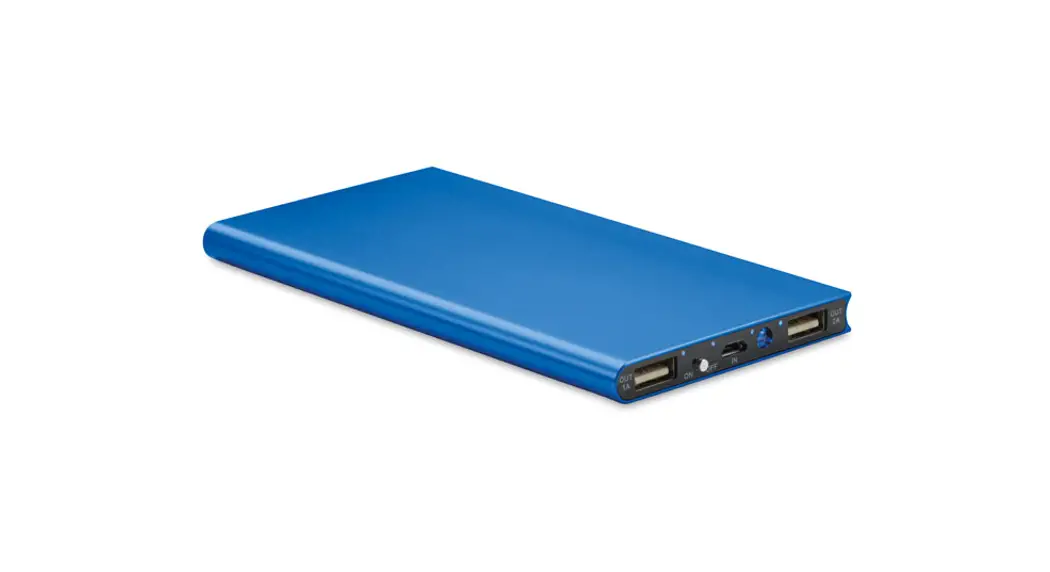
OUTPUT1
OUTPUT 2
INPUT
1 Amp USB Output Port
2.4 Amp USB Output Port
Charging Input Socket
Power Switch
LED Indicator
Lights (internal)
Item 64488
For technical questions, please call 1-888-866-5797.
Page 5
Charging the Power Bank
CAUTION! Do not leave Power Bank unattended while charging. Power Bank charging should be done by adults only.
WARNING! Charge on a non-flammable surface in a well-ventilated area. Do not use the Power Bank while it is being charged.
Note: Before initial use, completely charge the Power Bank.
3. Time required to fully charge unit is approximately 66.5 hours. When charging is complete, disconnect the USB cable from the Power Bank and power source.
Note: Recharge at least once every 3 months when not in use to maintain battery life. Failure to recharge the Power Bank will void warranty.
1. Plug the micro USB connector on the supplied USB Cable into the Input Port on the Power Bank. Plug the other end of the cable into the USB port of a computer or any other USB power source to begin charging. Refer to Figure A.
2. The blue internal LED indicator lights on the Power Bank will flash while charging is in progress. When all four LED indicator lights remain lit, the Power Bank is fully charged.
Figure A: Charging Power Bank with USB Power Source (not included)
Charge Gauge
To check the charge capacity of the Power Bank before or after charging, press the Power Switch on the unit. The blue internal LED indicator lights will light indicating power level. Refer to table below:
LED Indicator ON OFF
Capacity 75%100% 50%75% 25%50%
<25%
Page 6
For technical questions, please call 1-888-866-5797.
Item 64488
Operating Instructions
Read the ENTIRE IMPORTANT SAFETY INFORMATION section at the beginning of this document including all text under subheadings therein before set up or use of this product.
Charging USB Devices
1. Verify Power Bank is fully charged and
3. Plug the other end of the USB Cable into the
recharge as needed. Refer to Charging
device to begin charging. Refer to Figure B.
the Power Bank on page 6.
4. When charging is complete,
2. Plug the USB connector on the USB cable
disconnect the USB Cable from the
from the device to be charged into one of
device and the Power Bank.
the two USB Output Ports on the end of the 5. Recharge the Power Bank. Power Bank.
Figure B: Charging Mobile Device (not included) with Power Bank
Maintenance and Servicing
Procedures not specifically explained in this manual must be performed only by a qualified technician.
TO PREVENT SERIOUS INJURY FROM ACCIDENTAL OPERATION: Disconnect all cables from the Power Bank before performing any inspection, maintenance, or cleaning procedures.
1. BEFORE EACH USE, inspect the general condition of the Power Bank. Check for:
· loose hardware
· cracked or broken parts
· damaged electrical wiring or cable insulation
· bulging or cracked case
· any other condition that may affect its safe operation.
2. AFTER USE, wipe external surfaces of the Power Bank with a clean, dry cloth. Do not use flammable liquids or harsh detergents to clean the Power Bank.
3. The Power Bank contains no userserviceable parts. Service must be performed only by a qualified technician.
WARNING! TO PREVENT SERIOUS INJURY AND DEATH FROM ELECTRIC SHOCK: Do not open Power Bank. Do not service internal parts.
4. Contains Li-Ion battery. Unit must be recycled or disposed of properly. Do not open, crush, heat above 140°F, or incinerate.
5. Fully charge Power Bank and store in dry, indoor area out of the reach of children.
Item 64488
For technical questions, please call 1-888-866-5797.
Page 7
Limited 90 Day Warranty Harbor Freight Tools Co. makes every effort to assure that its products meet high quality and durability standards, and warrants to the original purchaser that this product is free from defects in materials and workmanship for the period of 90 days from the date of purchase. This warranty does not apply to damage due directly or indirectly, to misuse, abuse, negligence or accidents, repairs or alterations outside our facilities, criminal activity, improper installation, normal wear and tear, or to lack of maintenance. We shall in no event be liable for death, injuries to persons or property, or for incidental, contingent, special or consequential damages arising from the use of our product. Some states do not allow the exclusion or limitation of incidental or consequential damages, so the above limitation of exclusion may not apply to you. THIS WARRANTY IS EXPRESSLY IN LIEU OF ALL OTHER WARRANTIES, EXPRESS OR IMPLIED, INCLUDING THE WARRANTIES OF MERCHANTABILITY AND FITNESS. To take advantage of this warranty, the product or part must be returned to us with transportation charges prepaid. Proof of purchase date and an explanation of the complaint must accompany the merchandise. If our inspection verifies the defect, we will either repair or replace the product at our election or we may elect to refund the purchase price if we cannot readily and quickly provide you with a replacement. We will return repaired products at our expense, but if we determine there is no defect, or that the defect resulted from causes not within the scope of our warranty, then you must bear the cost of returning the product. This warranty gives you specific legal rights and you may also have other rights which vary from state to state.
Record Product’s Serial Number Here: Note: If product has no serial number, record month and year of purchase instead.
26677 Agoura Road · Calabasas, CA 91302 · 1-888-866-5797