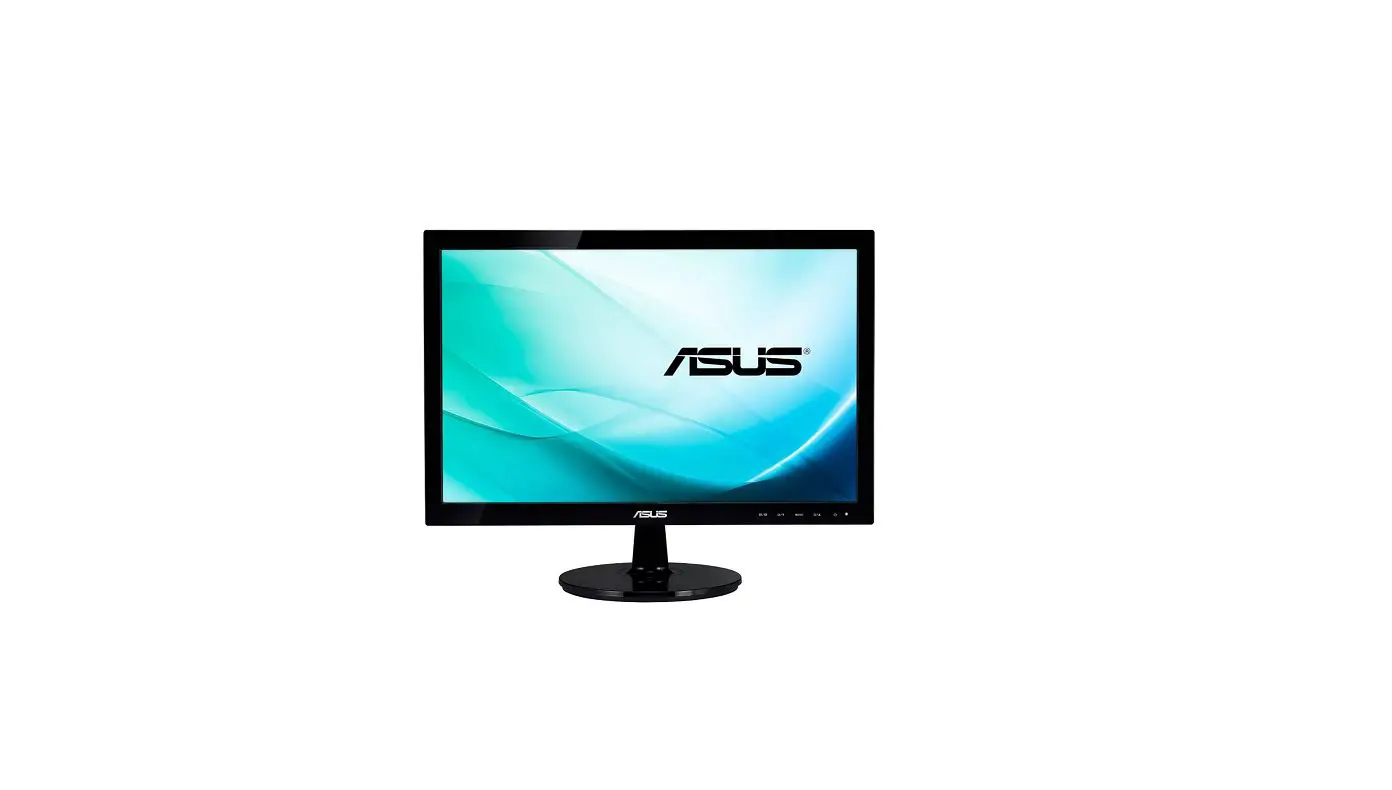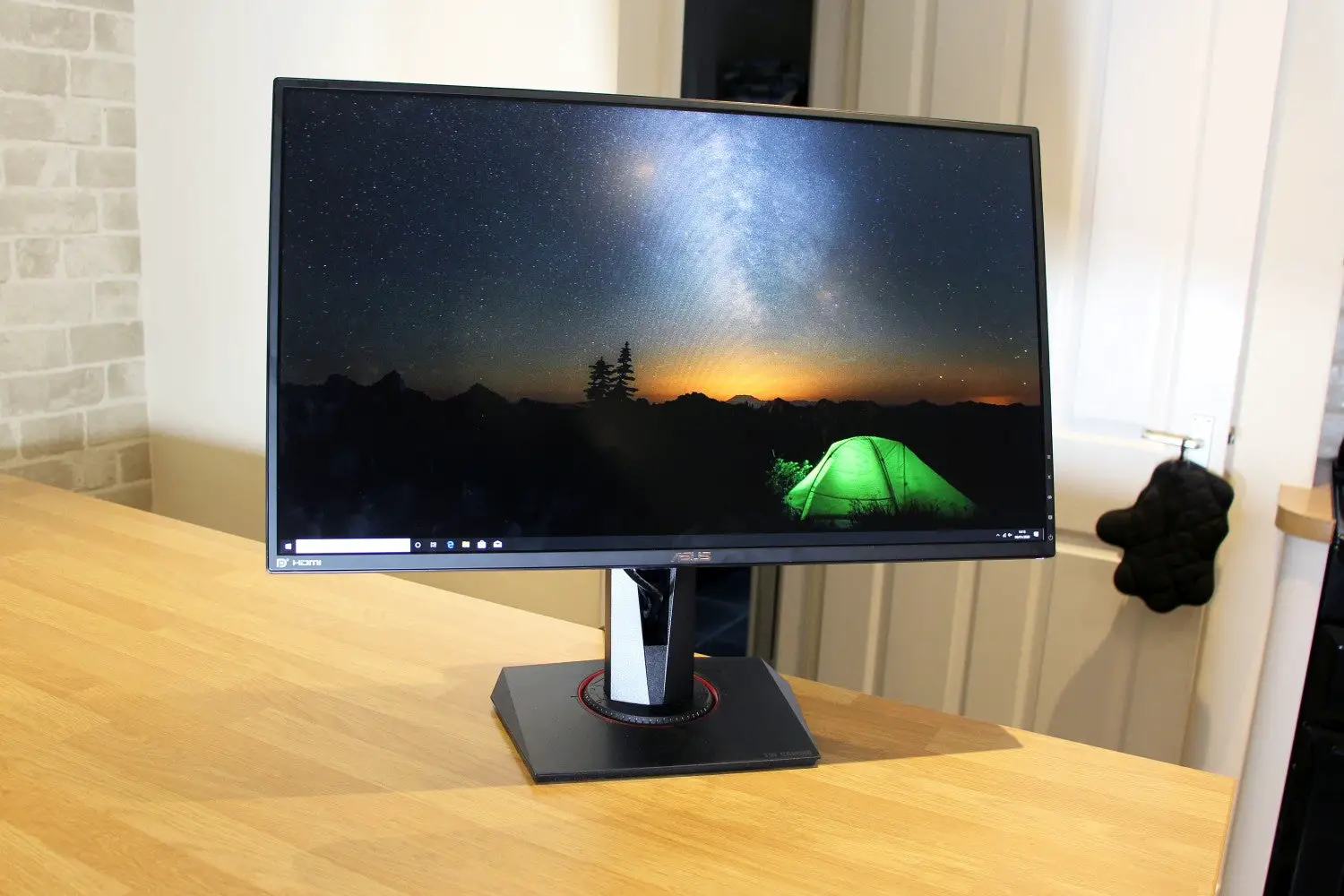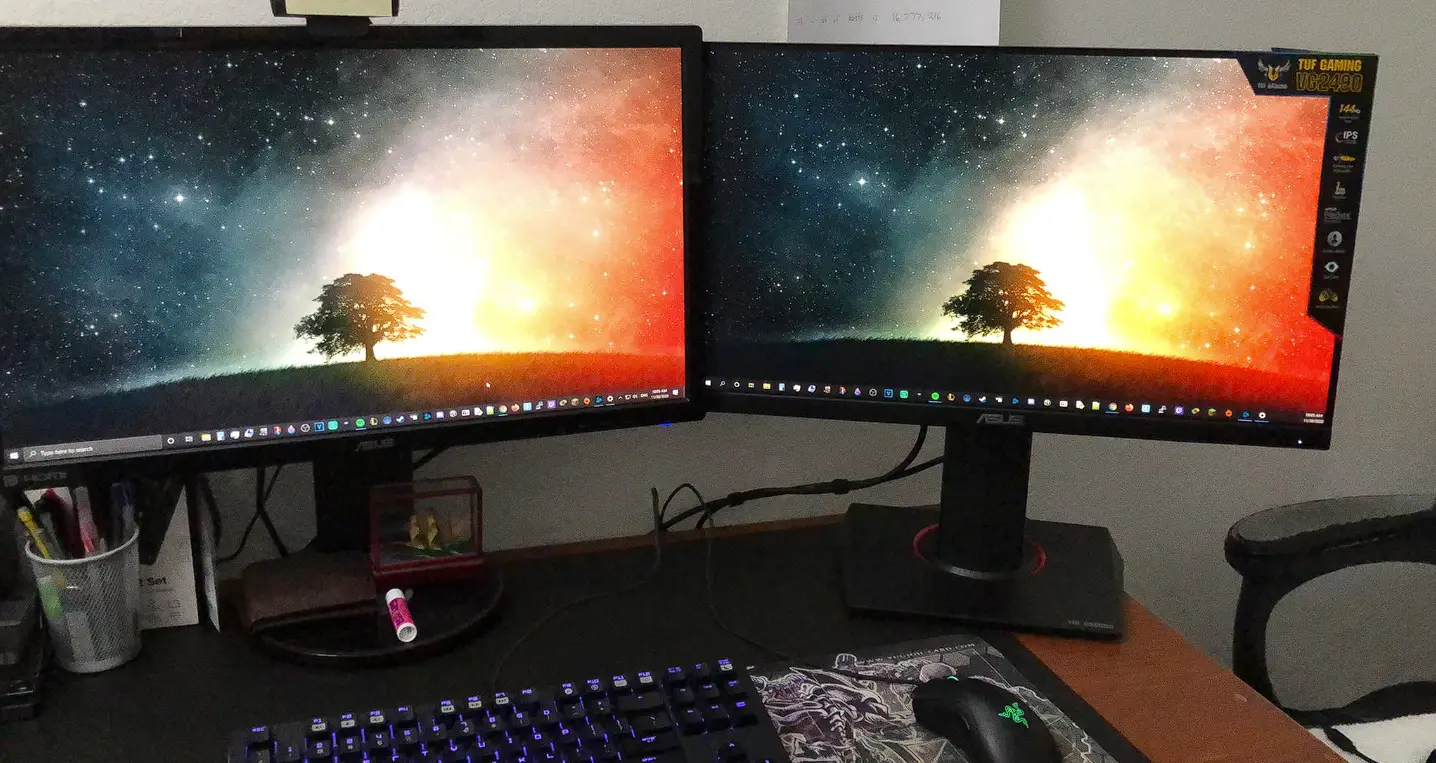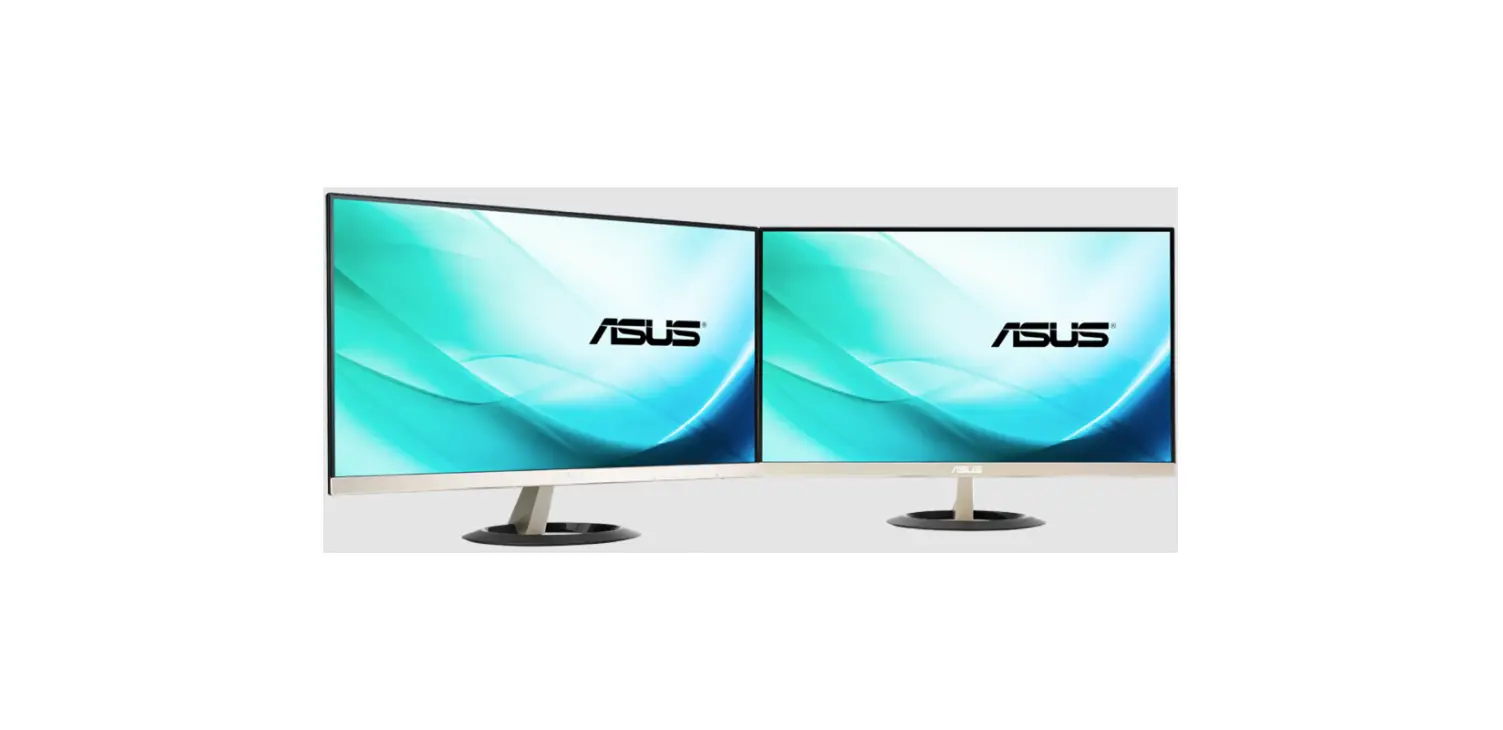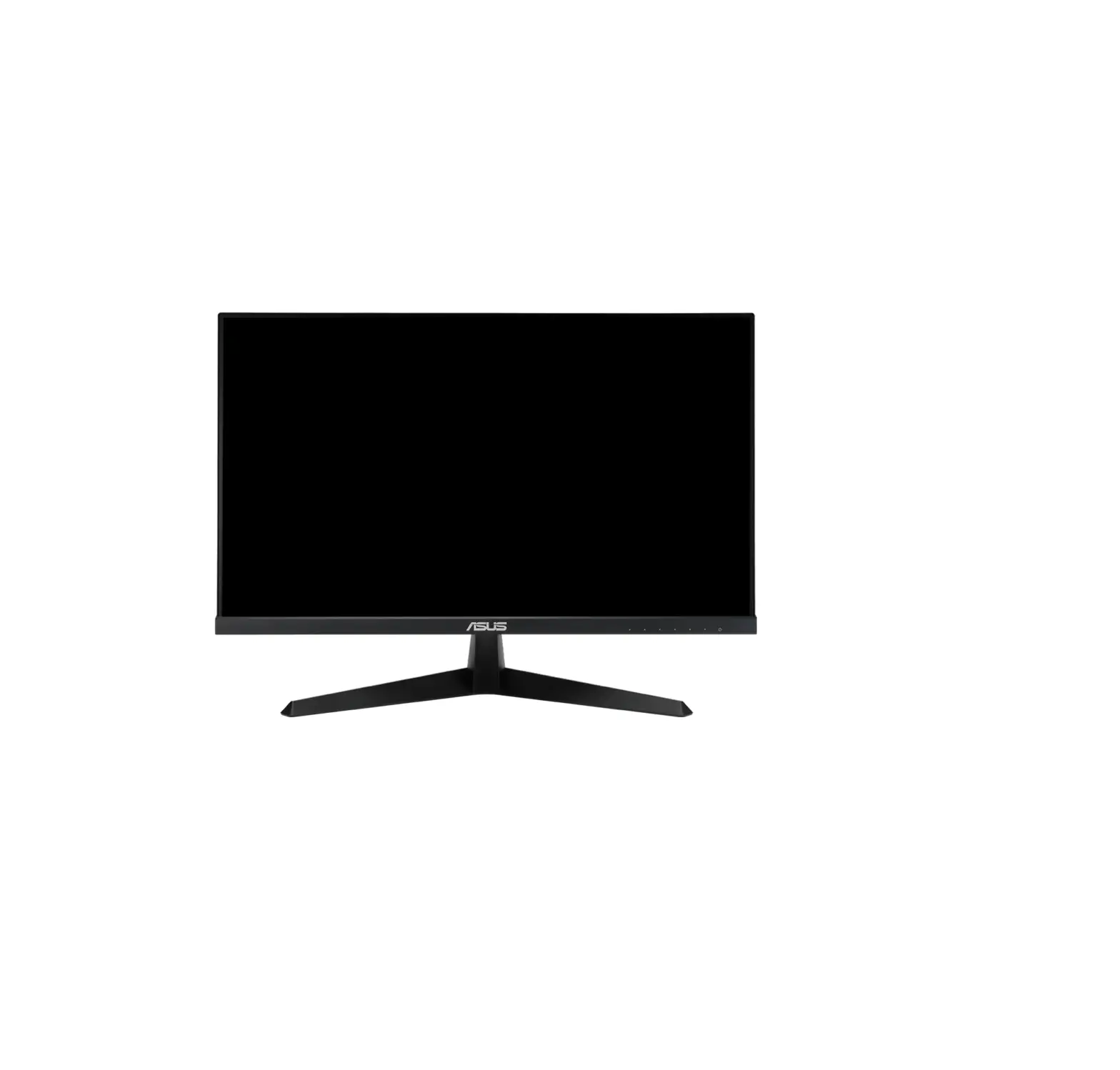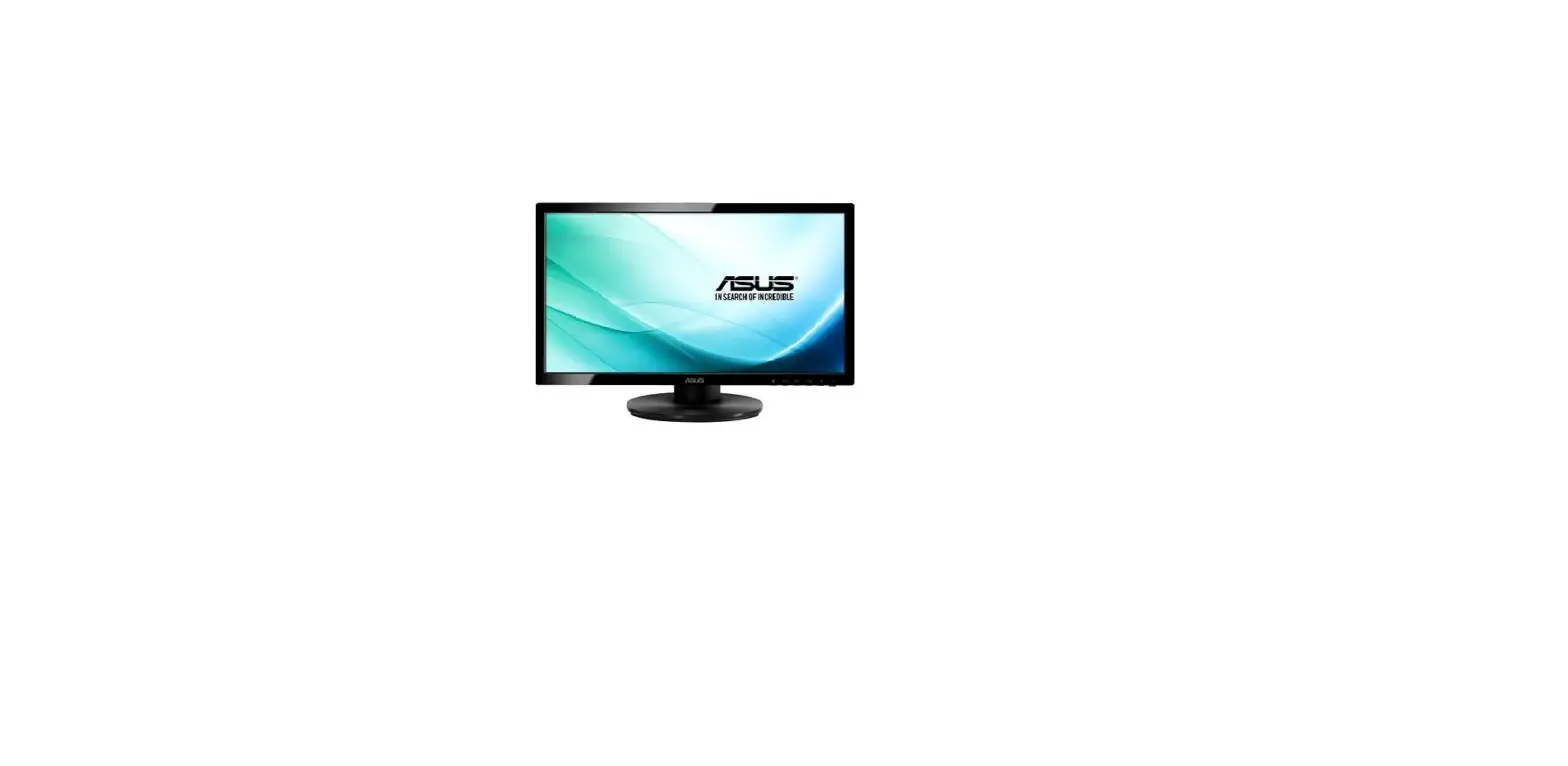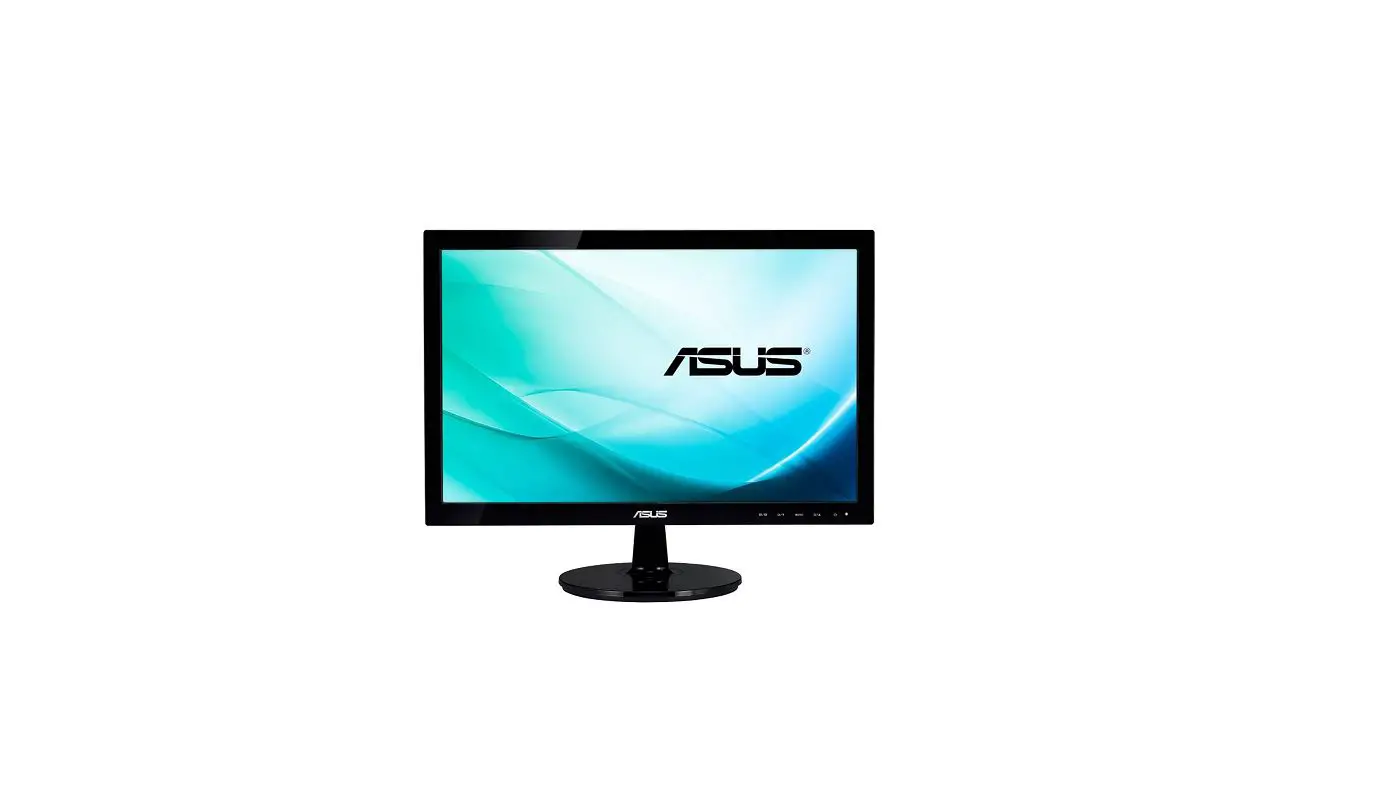
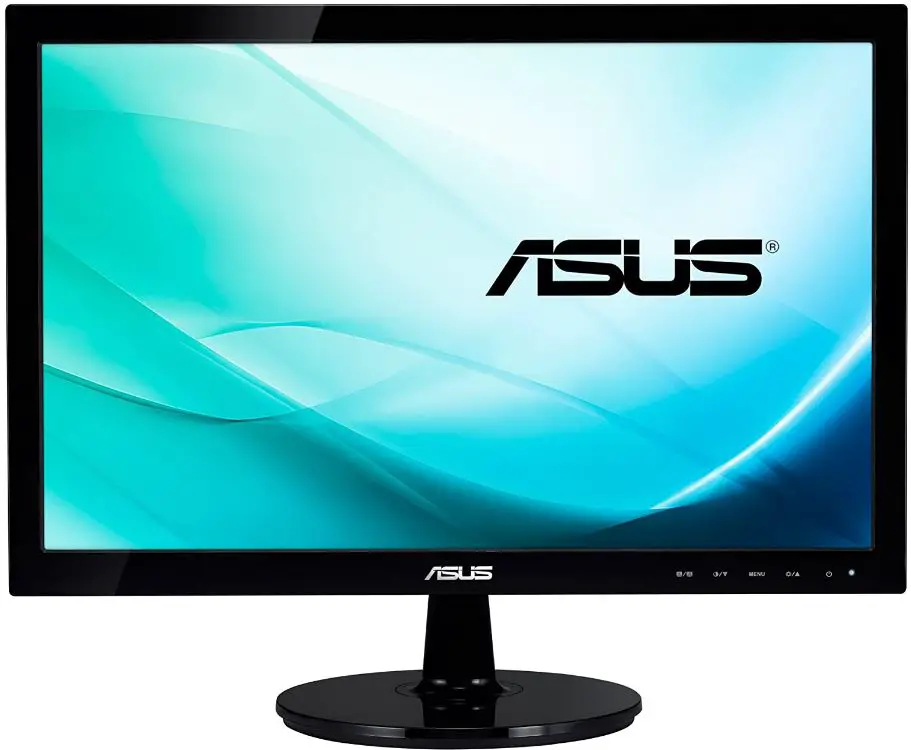
ASUS VS197DE 18.5-Inches Black Computer Monitor
Copyright © 2012 ASUSTeK COMPUTER INC. All Rights Reserved. No part of this manual, including the products and software described in it, may be reproduced, transmitted, transcribed, stored in a retrieval system, or translated into any language in any form or by any means, except documentation kept by the purchaser for backup purposes, without the express written permission of ASUSTeK COMPUTER INC. (“ASUS”). Product warranty or service will not be extended if: (1) the product is repaired, modified, or altered, unless such repair, modification or alteration is authorized in writing by ASUS; or (2) the serial number of the product is defaced or missing.
ASUS PROVIDES THIS MANUAL “AS IS” WITHOUT WARRANTY OF ANY KIND, EITHER EXPRESS OR IMPLIED, INCLUDING BUT NOT LIMITED TO THE IMPLIED WARRANTIES OR CONDITIONS OF MERCHANTABILITY OR FITNESS FOR A PARTICULAR PURPOSE. IN NO EVENT SHALL ASUS, ITS DIRECTORS, OFFICERS, EMPLOYEES, OR AGENTS BE LIABLE FOR ANY INDIRECT, SPECIAL, INCIDENTAL, OR CONSEQUENTIAL DAMAGES (INCLUDING DAMAGES FOR LOSS OF PROFITS, LOSS OF BUSINESS, LOSS OF USE OR DATA, INTERRUPTION OF BUSINESS, AND THE LIKE), EVEN IF ASUS HAS BEEN ADVISED OF THE POSSIBILITY OF SUCH DAMAGES ARISING FROM ANY DEFECT OR ERROR IN THIS MANUAL OR PRODUCT.
SPECIFICATIONS AND INFORMATION CONTAINED IN THIS MANUAL ARE FURNISHED FOR INFORMATIONAL USE ONLY, ARE SUBJECT TO CHANGE AT ANY TIME WITHOUT NOTICE, AND SHOULD NOT BE CONSTRUED AS A COMMITMENT BY ASUS. ASUS ASSUMES NO RESPONSIBILITY OR LIABILITY FOR ANY ERRORS OR INACCURACIES THAT MAY APPEAR IN THIS MANUAL, INCLUDING THE PRODUCTS AND SOFTWARE DESCRIBED IN IT.
Products and corporate names appearing in this manual may or may not be registered trademarks or copyrights of their respective companies, and are used only for identification or explanation and to the owner’s benefit, without intent to infringe.
ASUS CONTACT INFORMATION
ASUS Computer International (America)
- Address: 800 Corporate Way, Fremont, CA 94539, USA
- Fax:+1-510-608-4555
- Website: http://usa.asus.com/
Technical Support
- Telephone +1-812-282-2787 (English Only)
- Online Support http://support.asus.com/
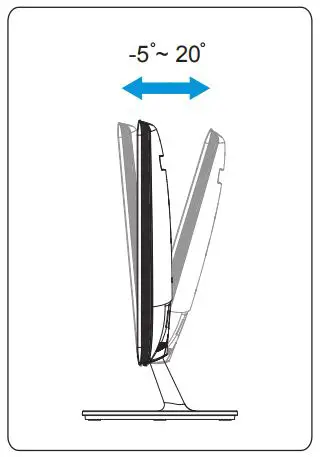
ADJUSTING THE MONITOR
DETACHING THE ARM/BASE

ASSEMBLING THE BASE
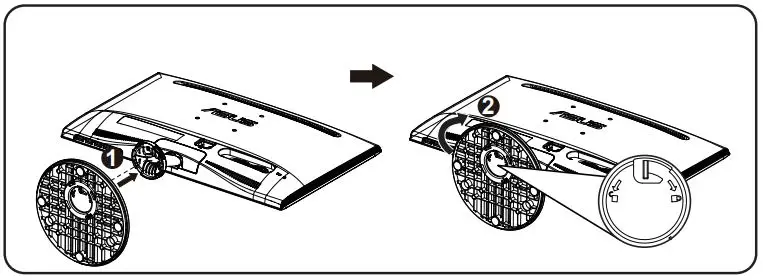
To assemble the monitor base:
- Connect the base with the arm of the monitor and turn it clockwise. A click indicates that the base has been connected successfully.
- Adjust the monitor to the angle that is most comfortable for you.
Warning: We recommend that you cover the table surface with a soft cloth to prevent damage to the monitor.
CONNECTING THE CABLES
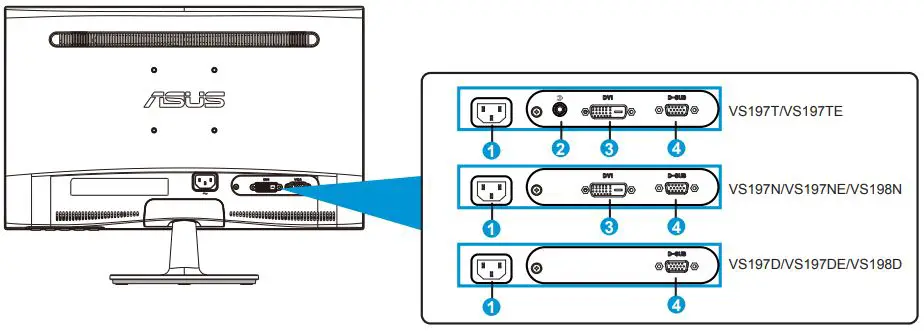
- AC-IN port
- Audio – in Port
- DVI port
- VGA port
SUPPORTED OPERATING MODES
- A. Resolution
- B. Refresh Rate
- C. Horizontal Frequency
| VS197 | ||
| A | B | C |
| 640 x 350 | 70Hz | 31.469KHz |
| 640 x 480 | 60Hz | 31.469KHz |
| 640 x 480 | 67Hz | 35KHz |
| 640 x 480 | 72Hz | 37.861KHz |
| 640 x 480 | 75Hz | 31.469KHz |
| 720 x 400 | 70Hz | 31.469KHz |
| 800 x 600 | 56Hz | 35.156KHz |
| 800 x 600 | 60Hz | 37.879KHz |
| 800 x 600 | 72Hz | 48.077KHz |
| 800 x 600 | 75Hz | 46.875KHz |
| 832 x 624 | 75Hz | 49.725KHz |
| 1024 x 768 | 60Hz | 48.363KHz |
| 1024 x 768 | 70Hz | 56.476KHz |
| 1024 x 768 | 75Hz | 60.023KHz |
| 1366 x 768 | 60Hz | 47.712KHz |
Takeback Services
ASUS recycling and takeback programs come from our commitment to the highest standards for protecting our environment. We believe in providing solutions for our customers to be able to responsibly recycle our products, batteries and other components as well as the packaging materials.
Please go to http://csr.asus.com/english/Takeback.htm for detail recycling information in different region.
MONITOR INTRODUCTION
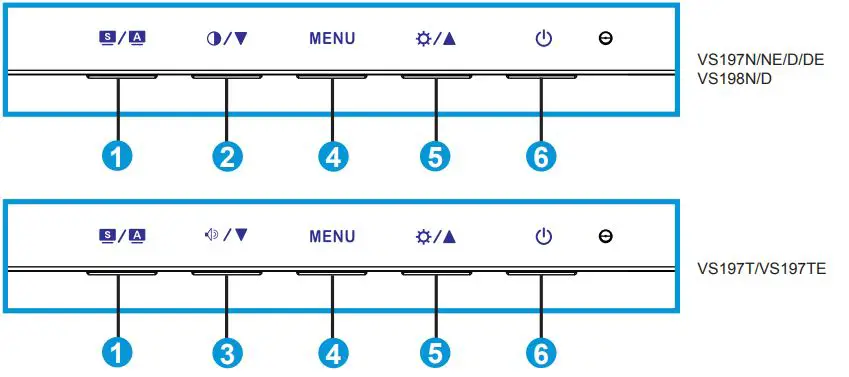
 Button
- Automatically adjust the image to its optimized position, clock, and phase by long pressing this button for 2-4 seconds (for VGA mode only).
- Use this hotkey to switch from six video preset modes (Scenery Mode, Standard Mode, Theater Mode, Game Mode, Night View Mode, and sRGB Mode) with SPLENDID™ Video Intelligence Technology. Exit the OSD menu or go back to the previous menu as the OSD menu is active.
 Button
Press this button to decrease the value of the function selected or move to the next function. This is also a hotkey for Contrast adjustment. Button
Press this button to decrease the value of the function selected or move to the next function.This is also a hotkey for Volume adjustment.- MENU Button
Press this button to enter/select the icon (function) highlighted while the OSD menu is activated.  Button
Press this button to increase the value of the function selected or move to the previous function. This is also a hotkey for Brightness adjustment. Button/ Power Indicator
Press this button to turn the monitor on/off.
 Button
 Button
 Button
 Button
  Button/ Power Indicator
 FAQ’s
The screen size of the ASUS VS197DE Black computer monitor is 18.5 inches.
The maximum resolution of the ASUS VS197DE Black computer monitor is 1366 x 768.
No, the ASUS VS197DE Black computer monitor does not have built-in speakers.
The response time of the ASUS VS197DE Black computer monitor is 5ms.
The contrast ratio of the ASUS VS197DE Black computer monitor is 600:1.
Yes, the ASUS VS197DE Black computer monitor supports VESA mount.
The ASUS VS197DE Black computer monitor has a TN panel.
The viewing angle of the ASUS VS197DE Black computer monitor is 90° (H) / 65° (V).
No, the ASUS VS197DE Black computer monitor does not have an adjustable stand.
The ASUS VS197DE Black computer monitor supports VGA video input.
The power consumption of the ASUS VS197DE Black computer monitor is 17.2W.
The weight of the ASUS VS197DE Black computer monitor is 2.75 kg.
Download The PDF Link: ASUS VS197DE 18.5-Inches Black Computer Monitor Quick Start Guide