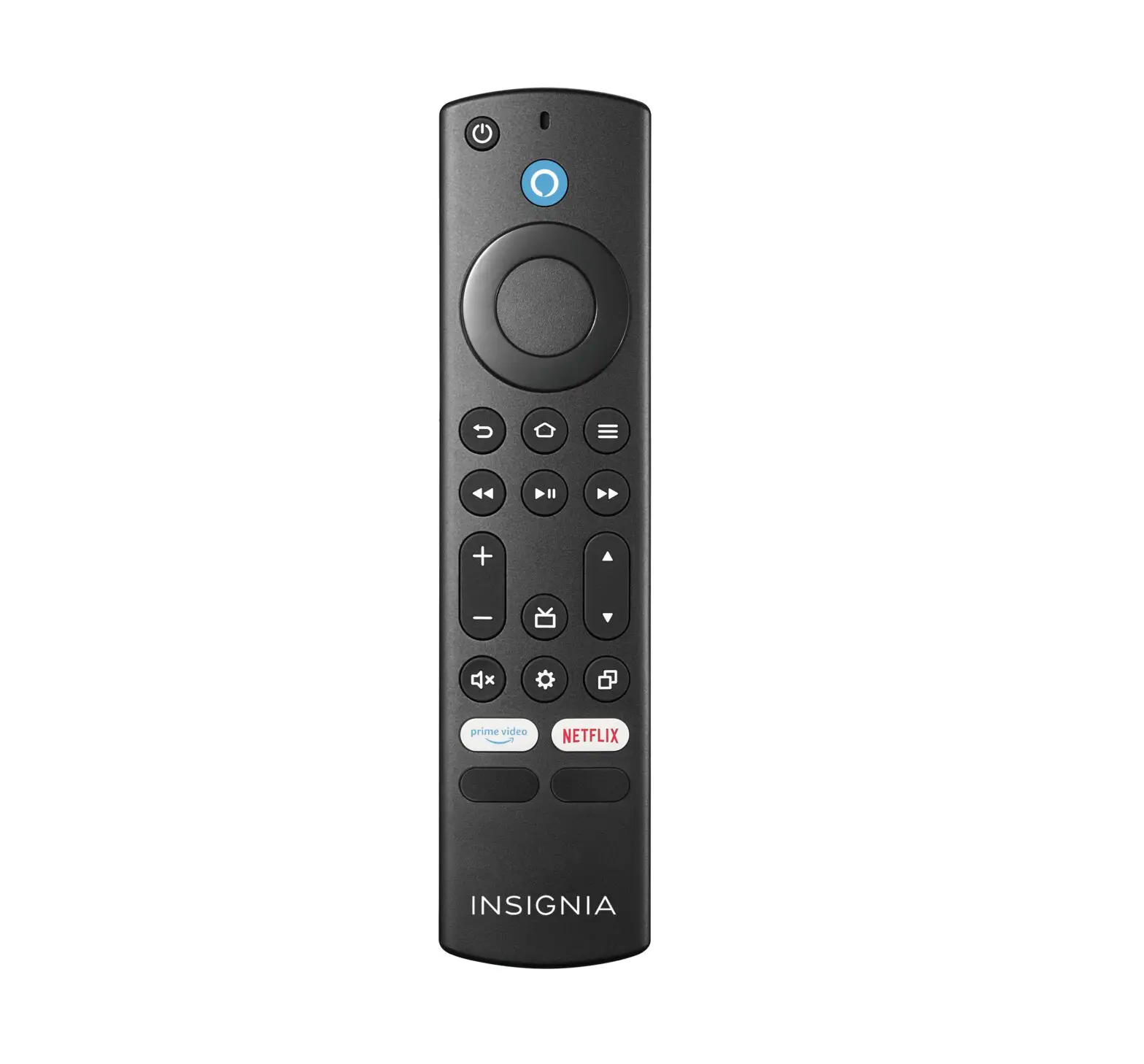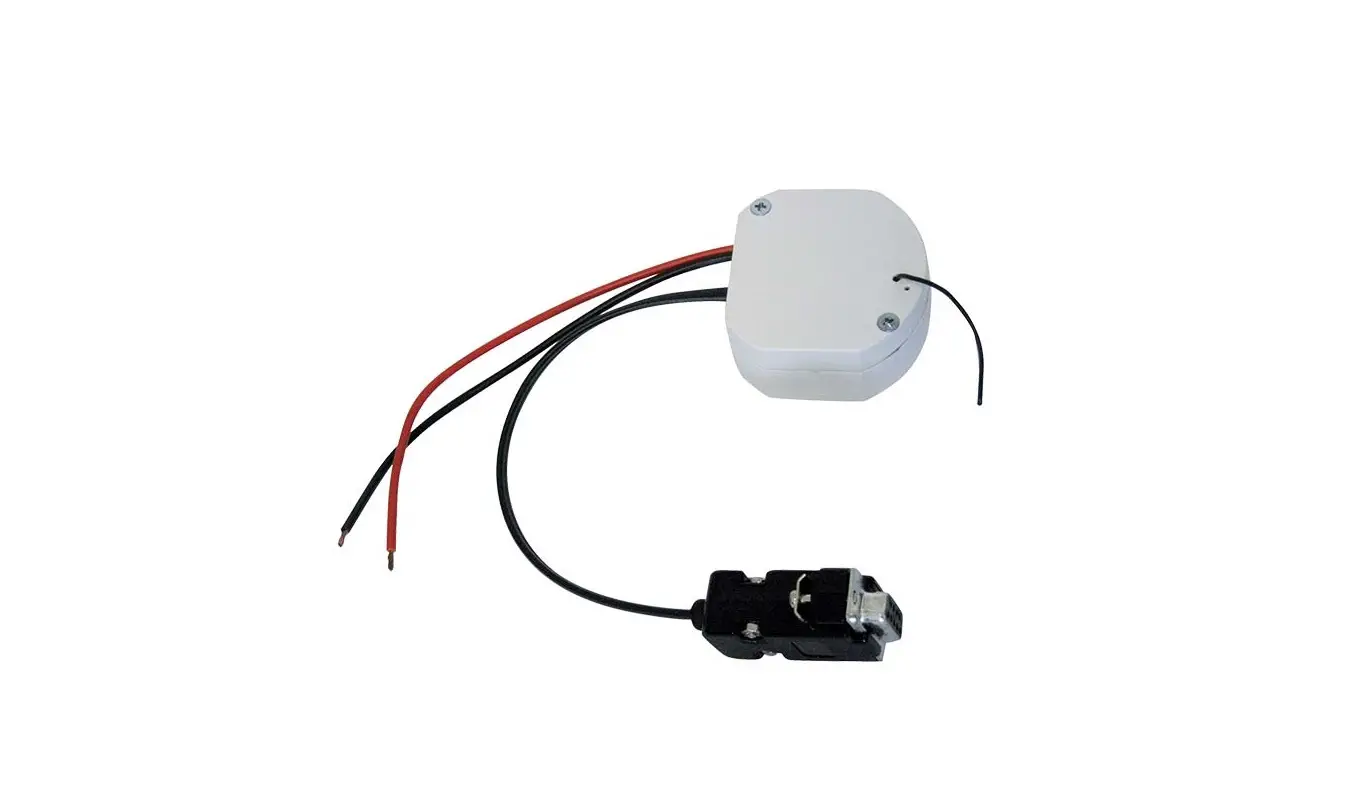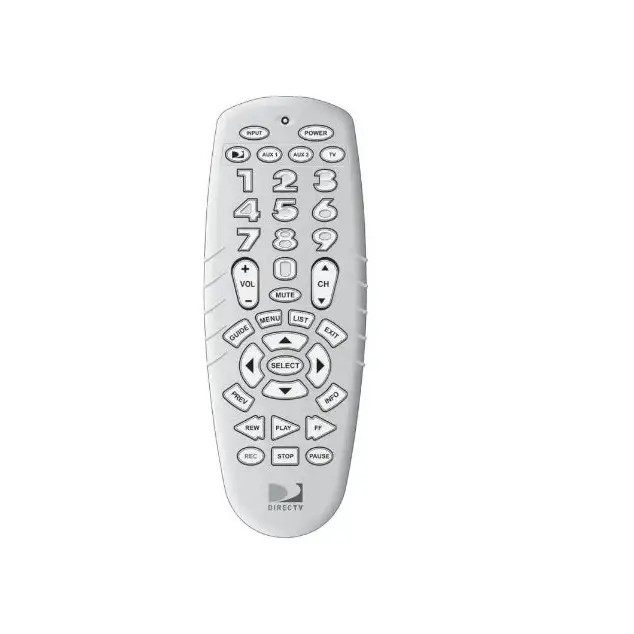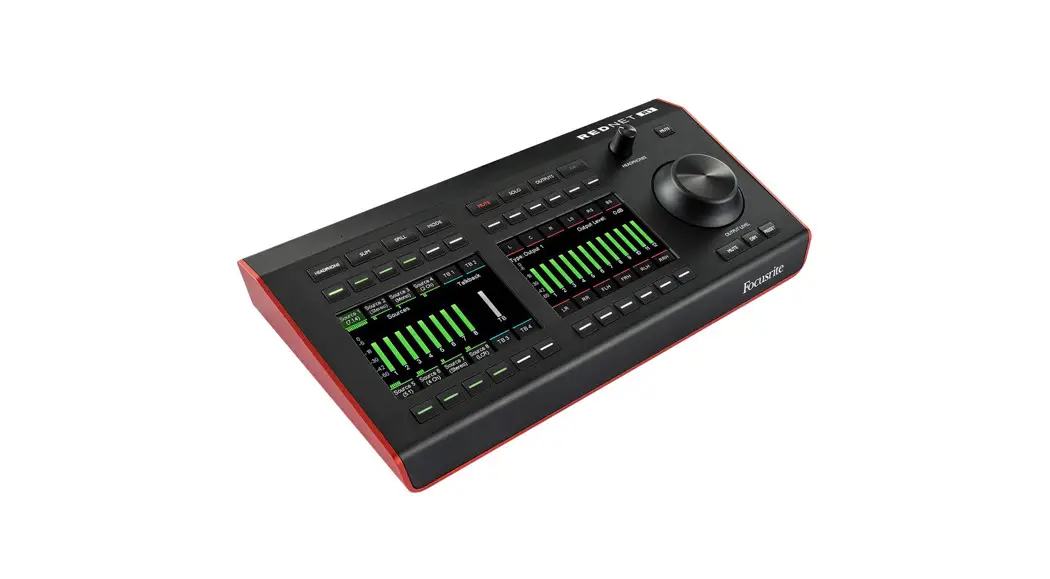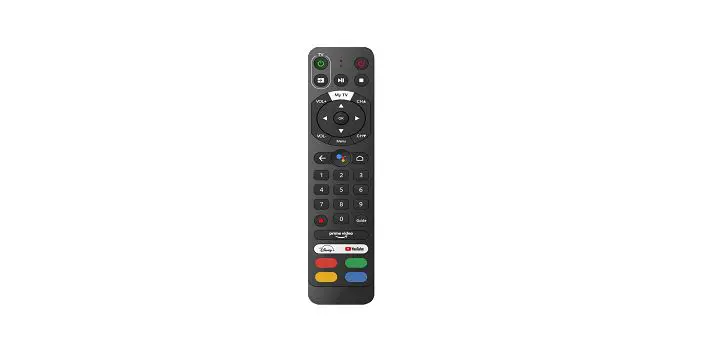

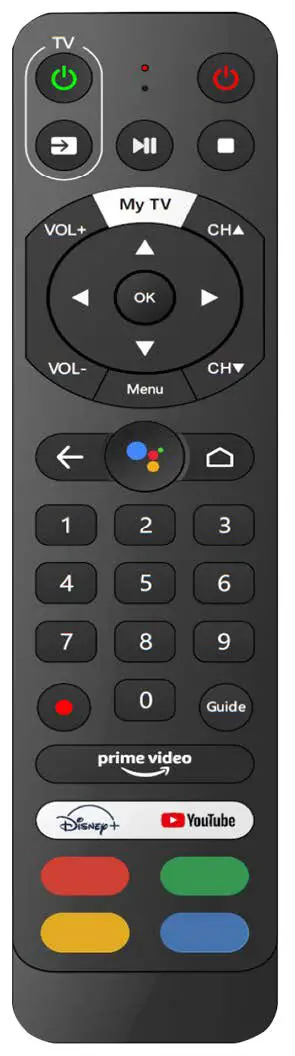
MergeTV Remote Button Mapping
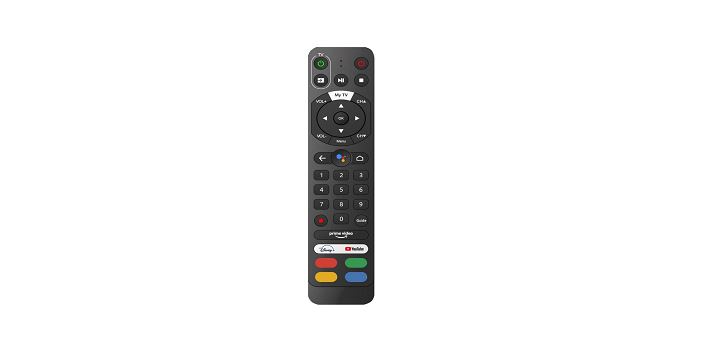
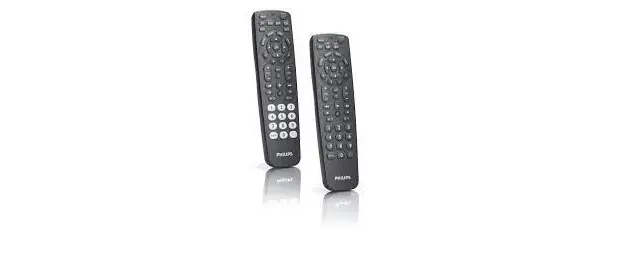
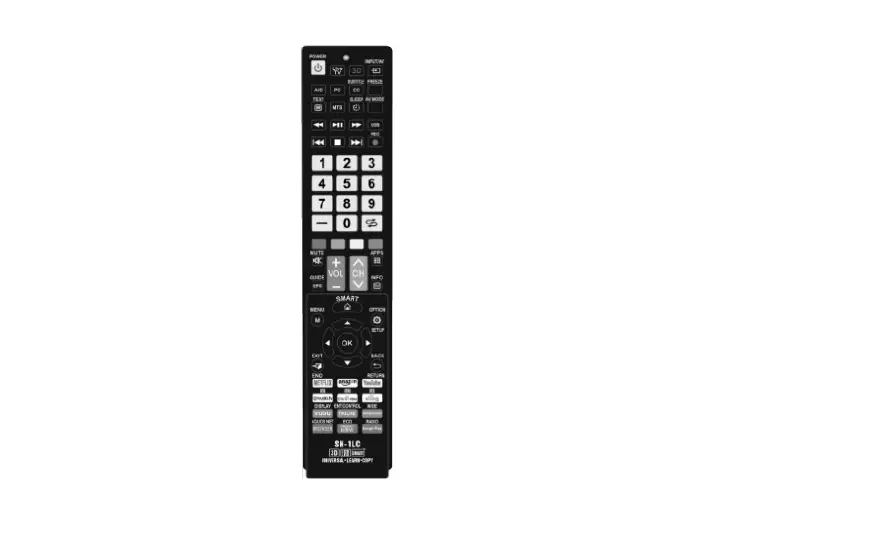
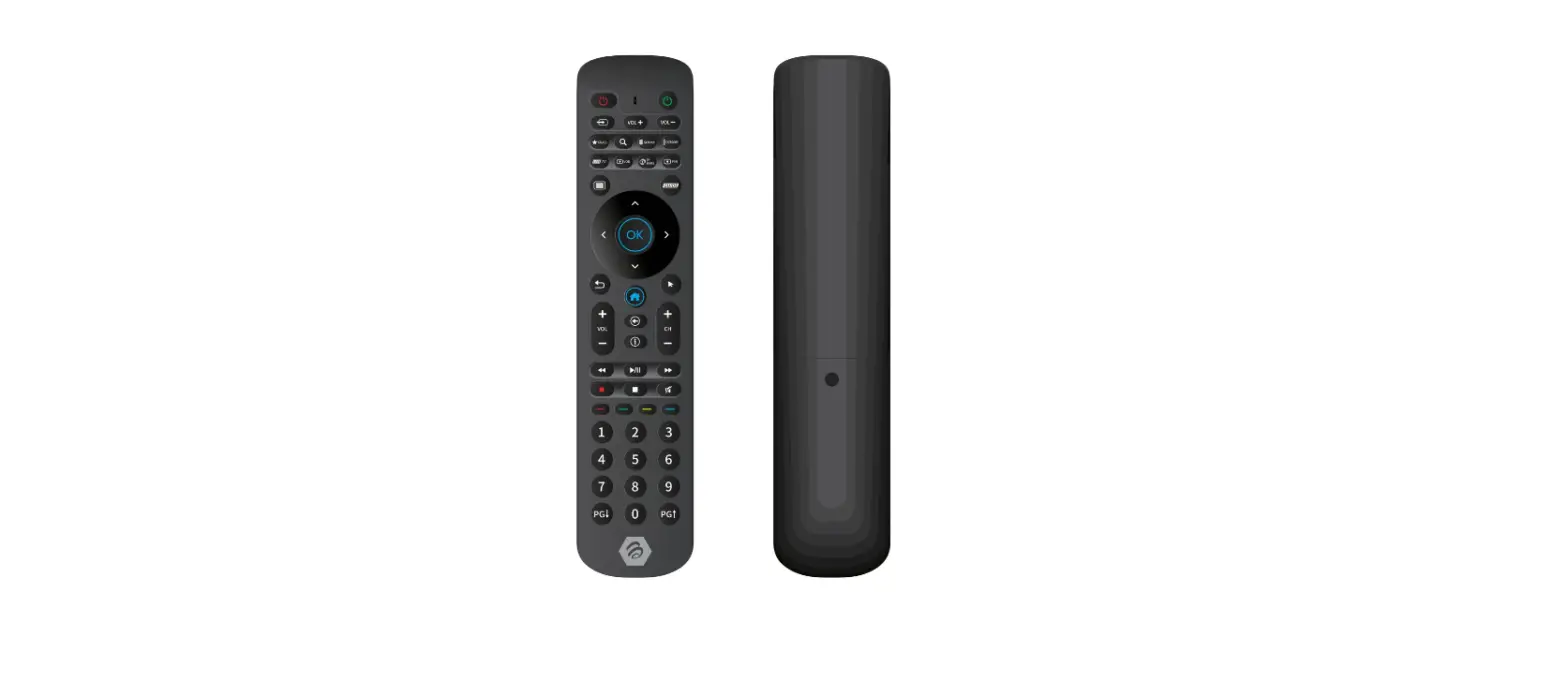
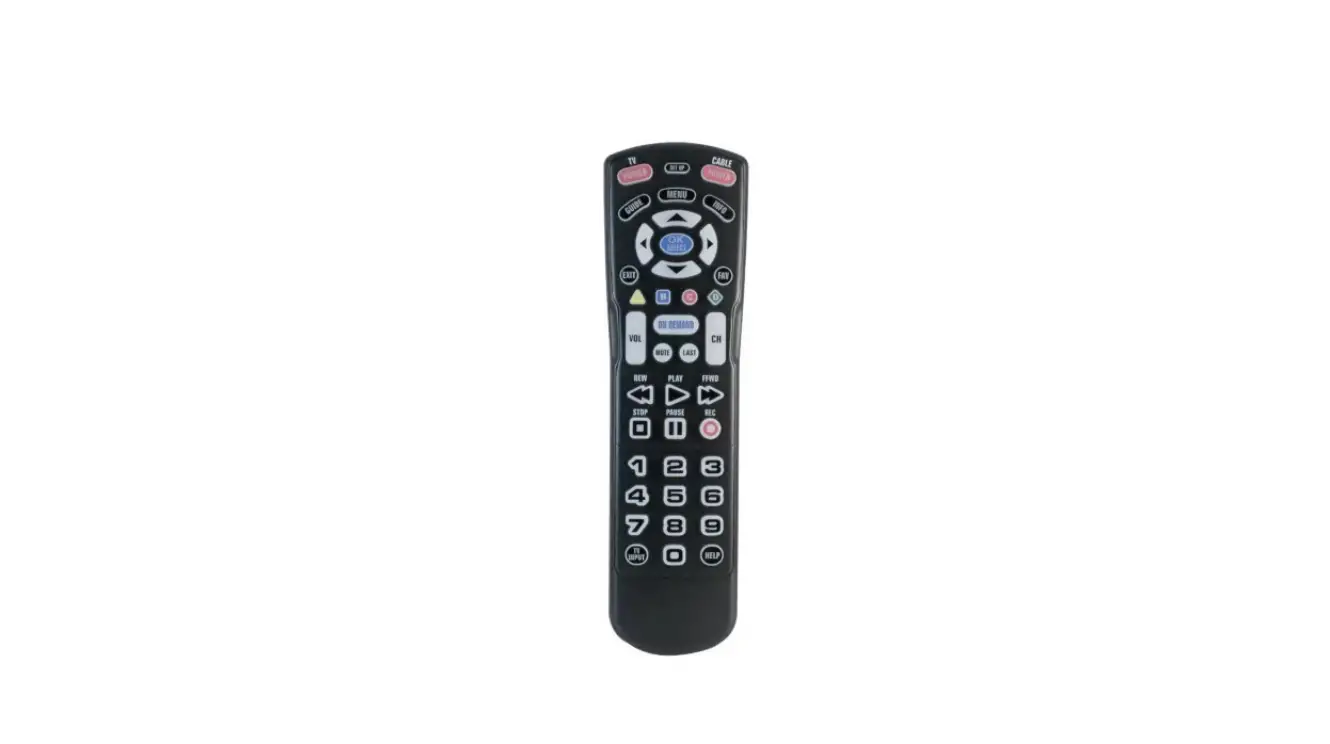
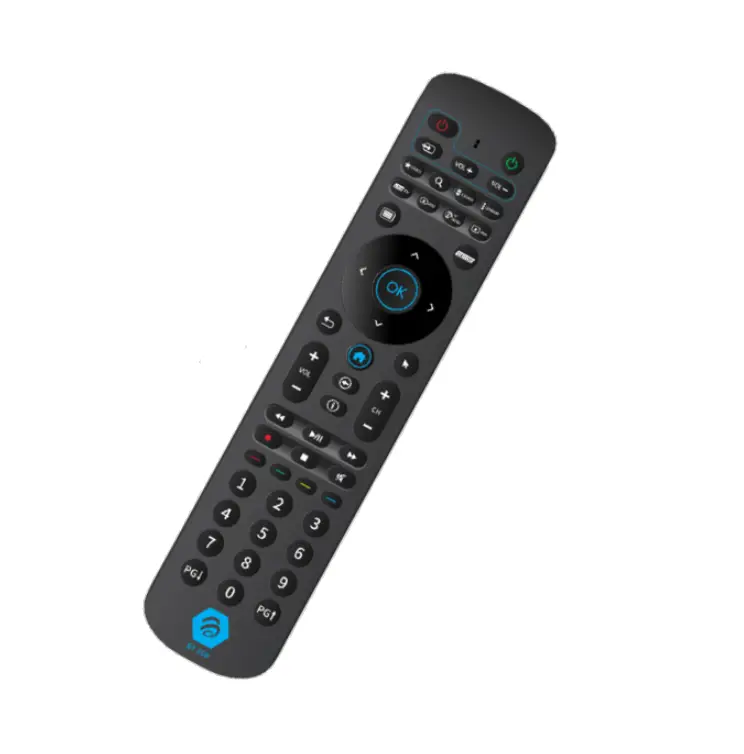
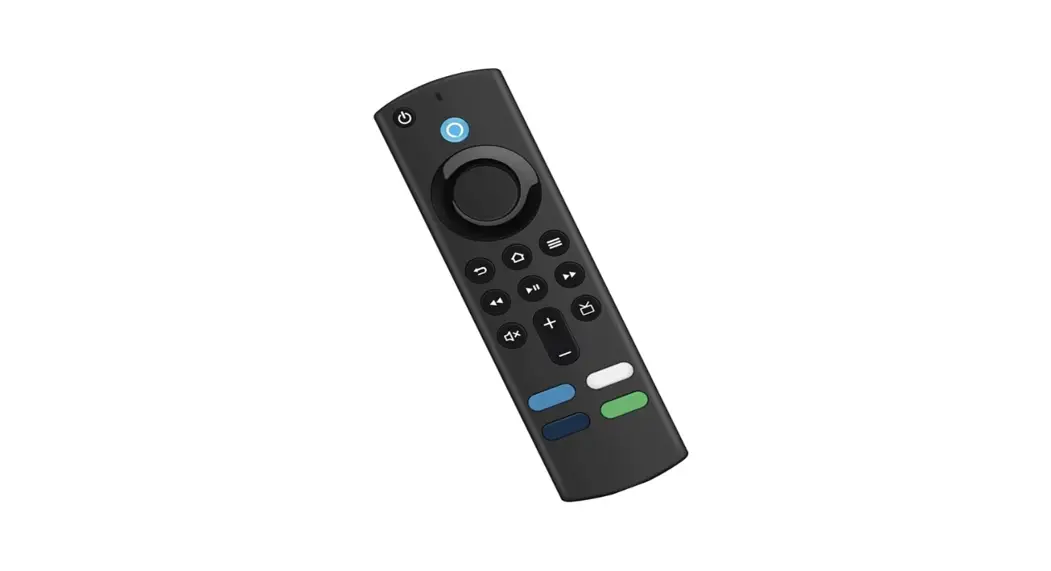
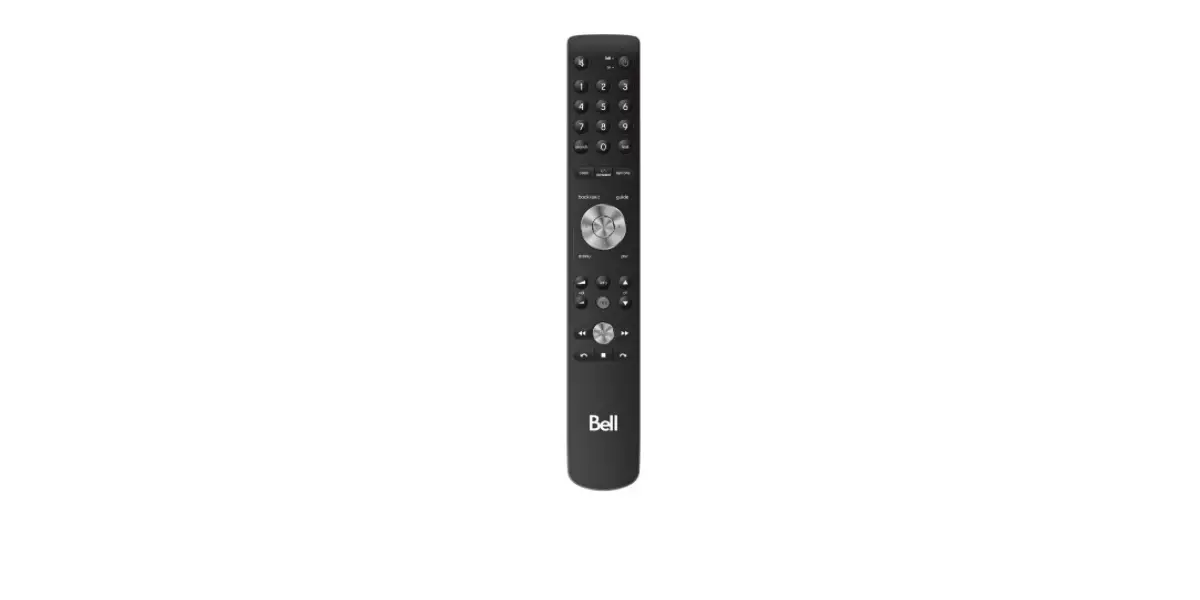
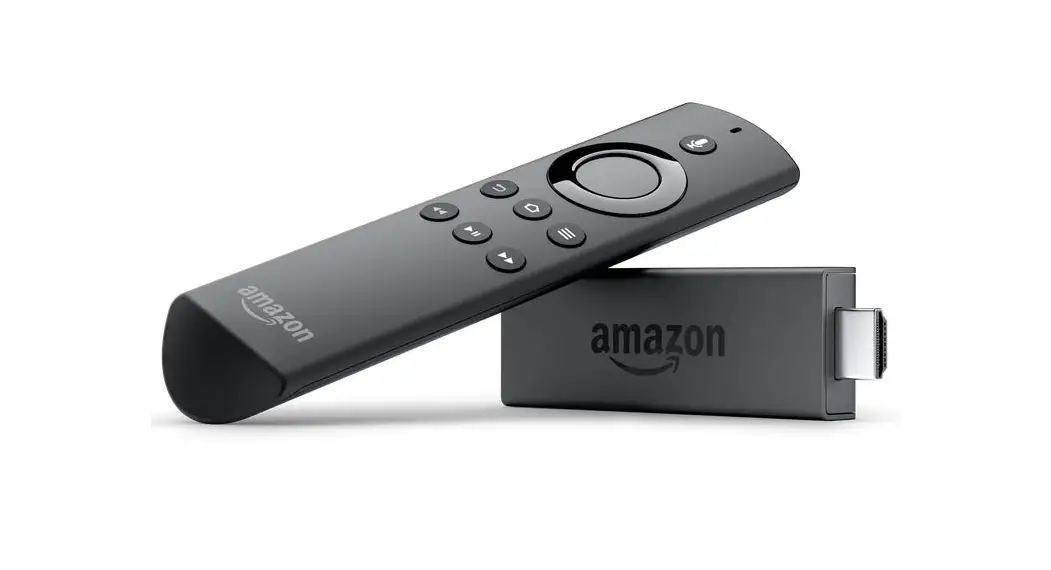
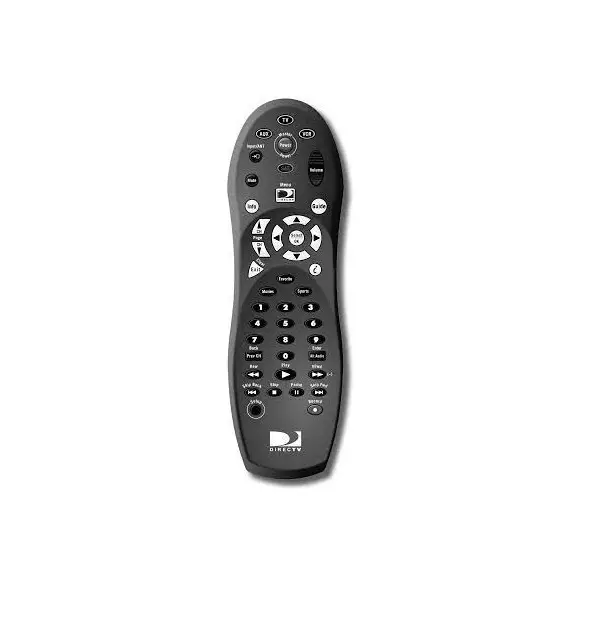
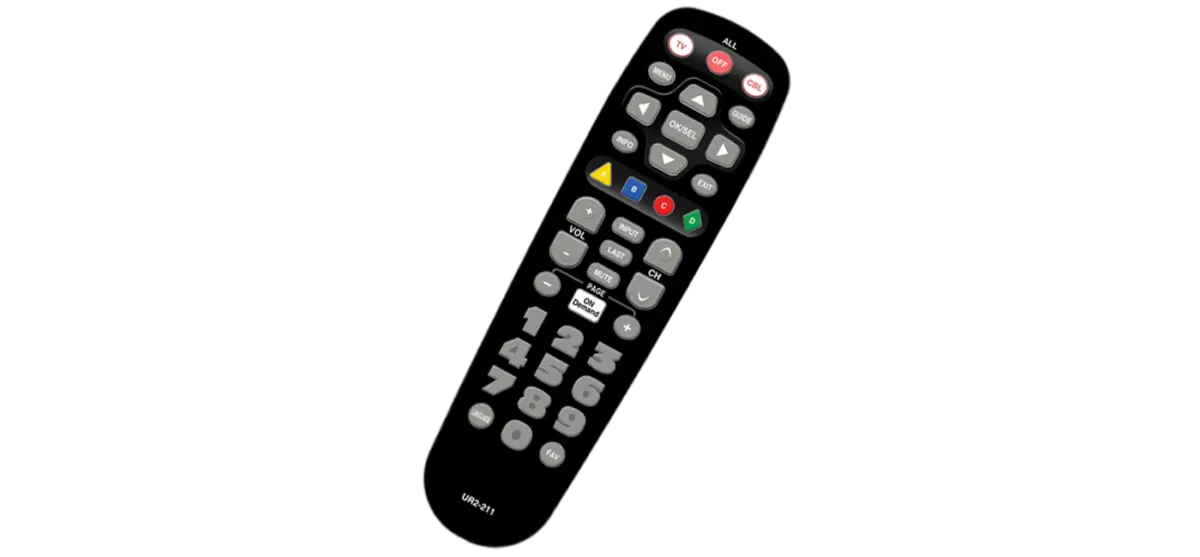
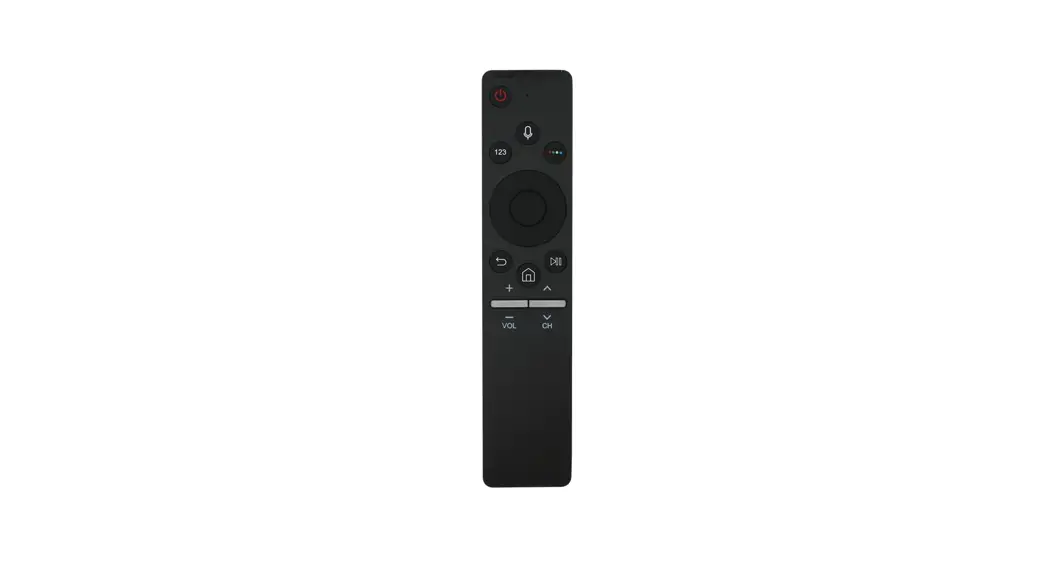
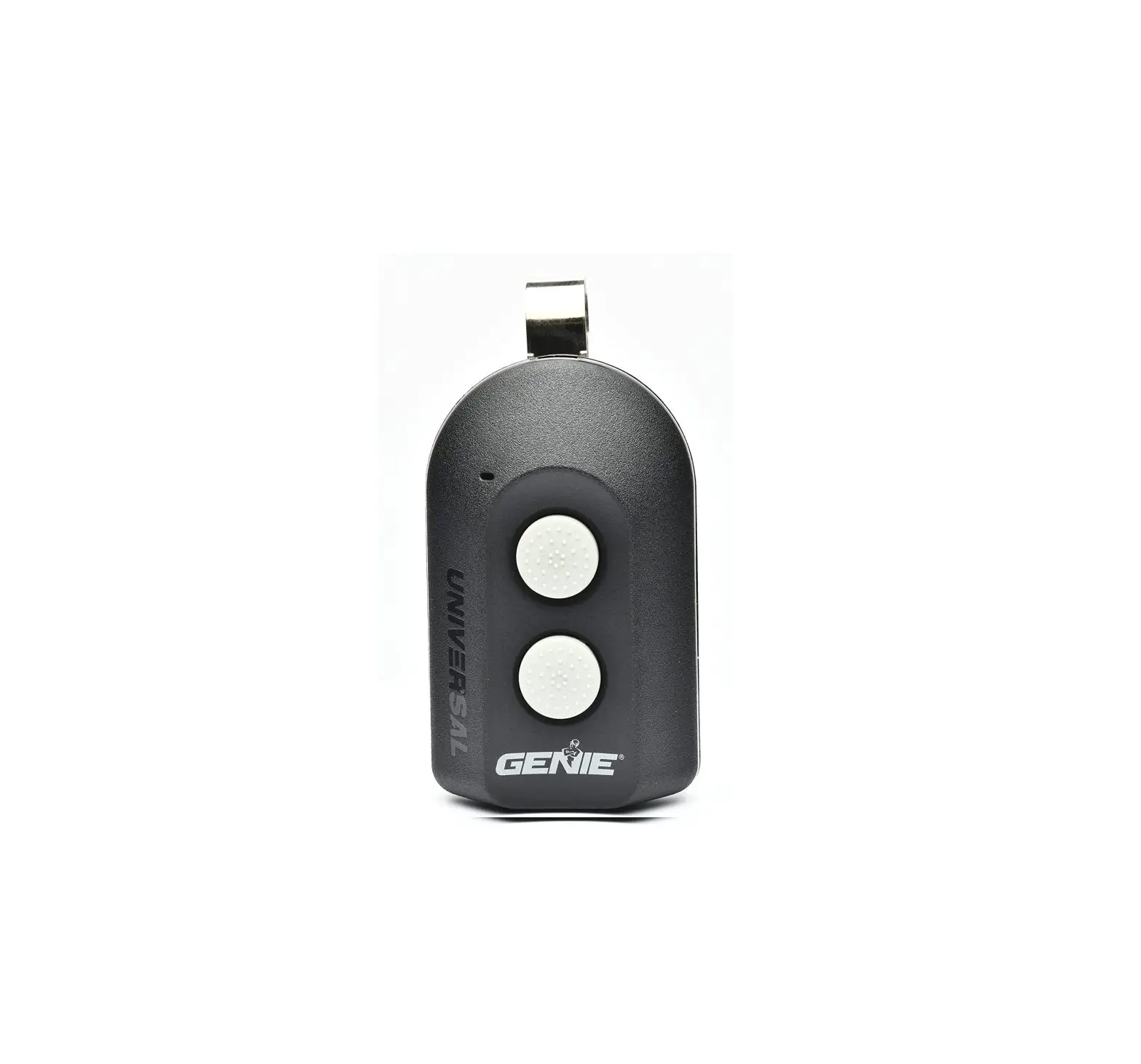
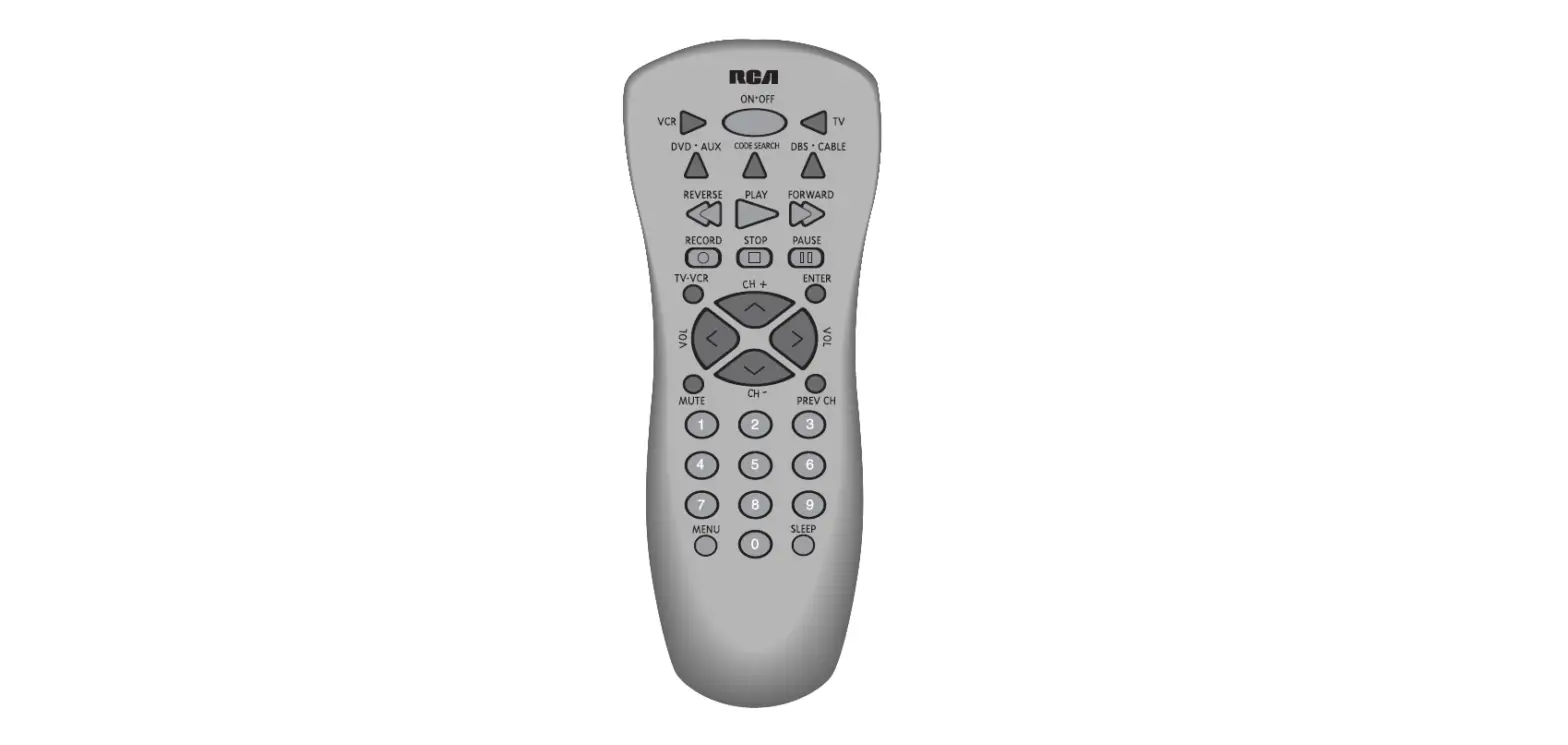
Standard button mapping for your MergeTV Remote Control. For questions please call our Repair Center at 910-754-4317.
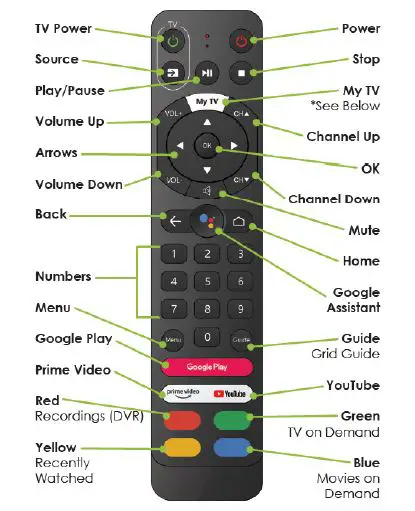
My TV
- After first-time install is complete. “My TV” opens the download page of the MergeTV app within the Google Play Store.
- When MergeTV app is already installed, “My TV” opens the MergeTV app.
Standard button mapping for your MergeTV Remote Control. For questions please call our Repair Center at 910-754-4317.