
QUICK GUIDE
User Manual
Nohro ApS
[email protected]
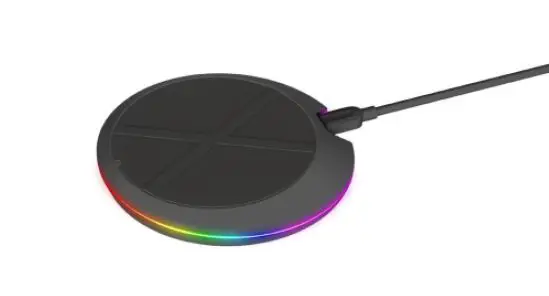
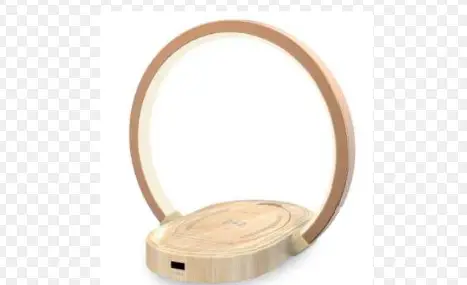
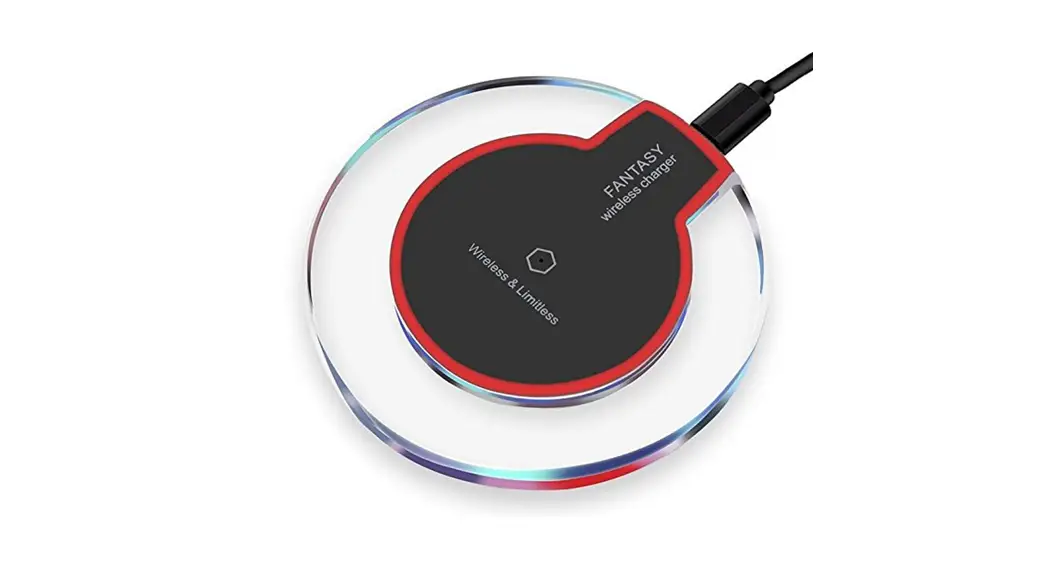
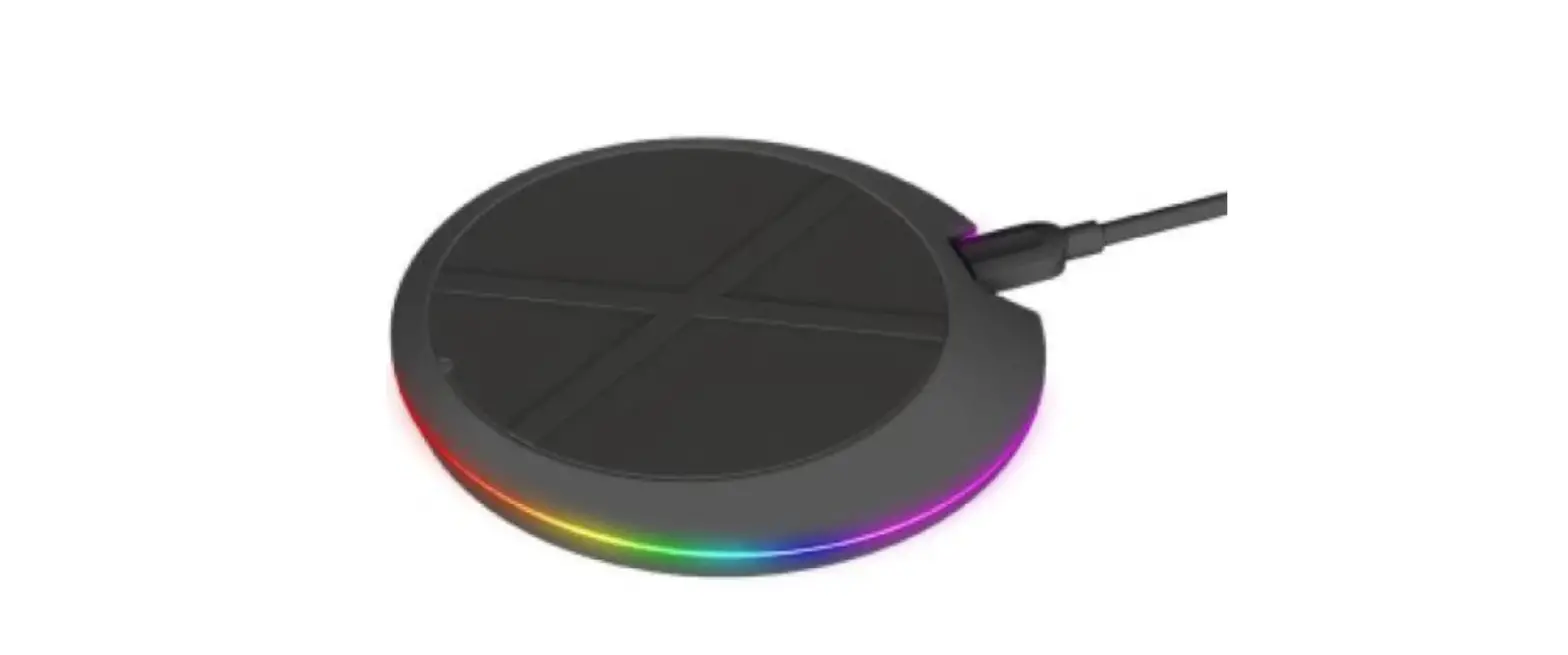
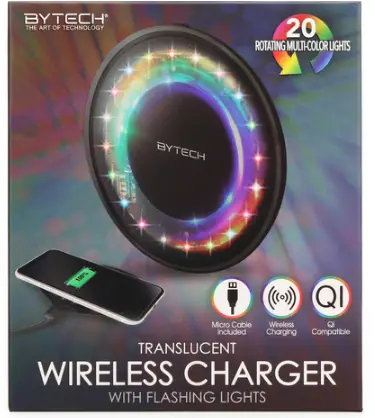
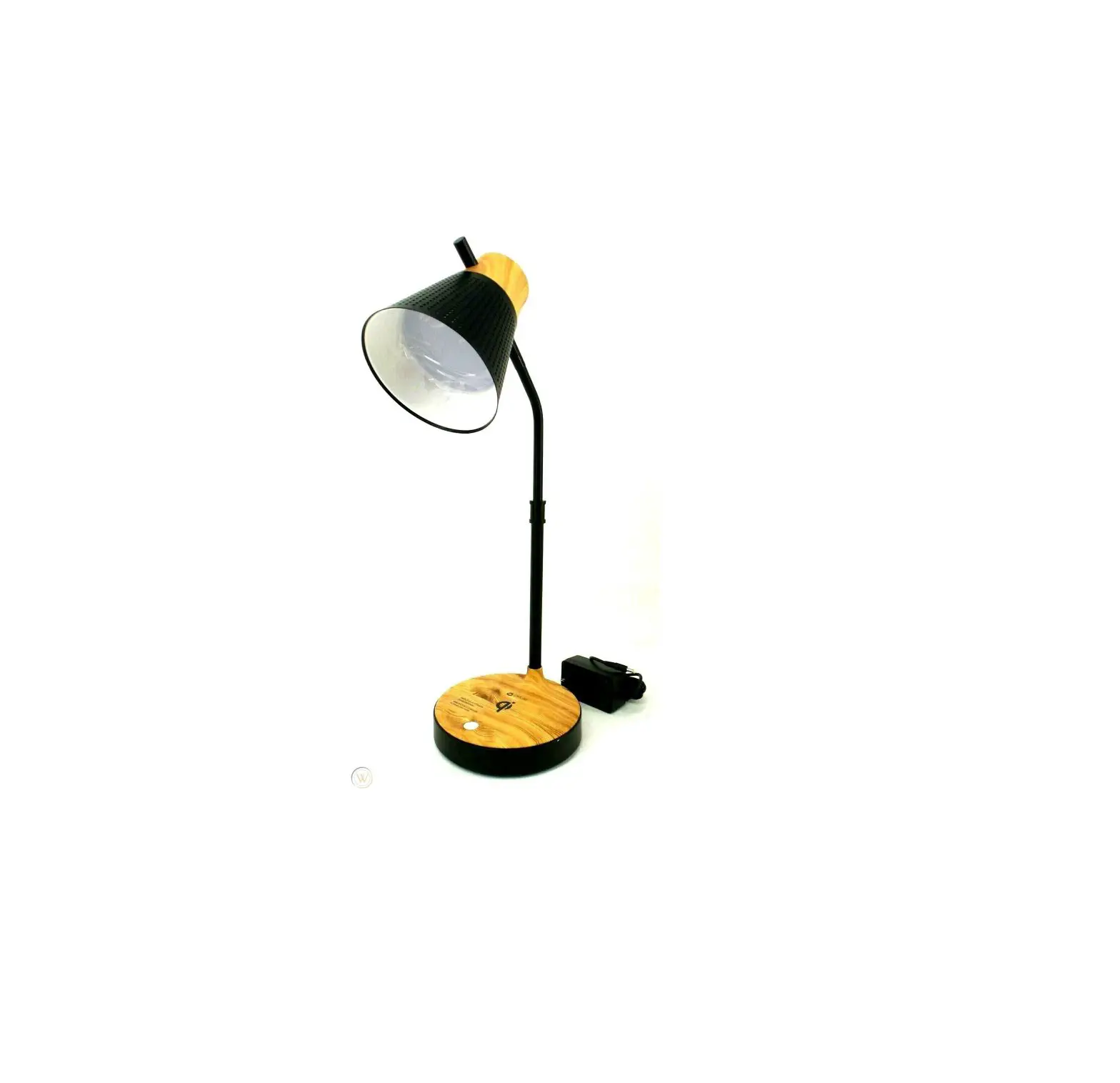
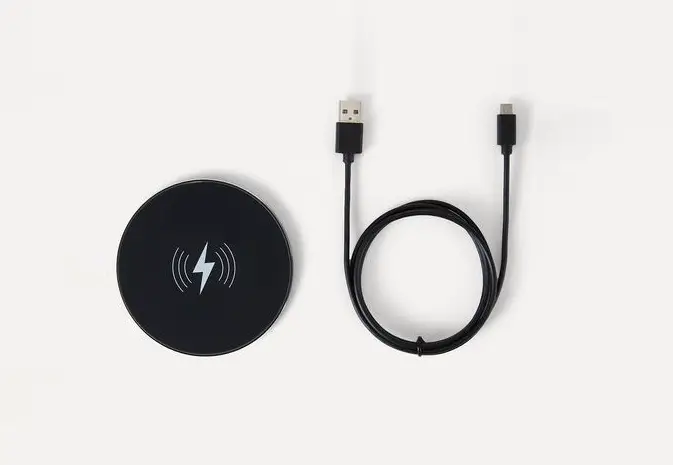
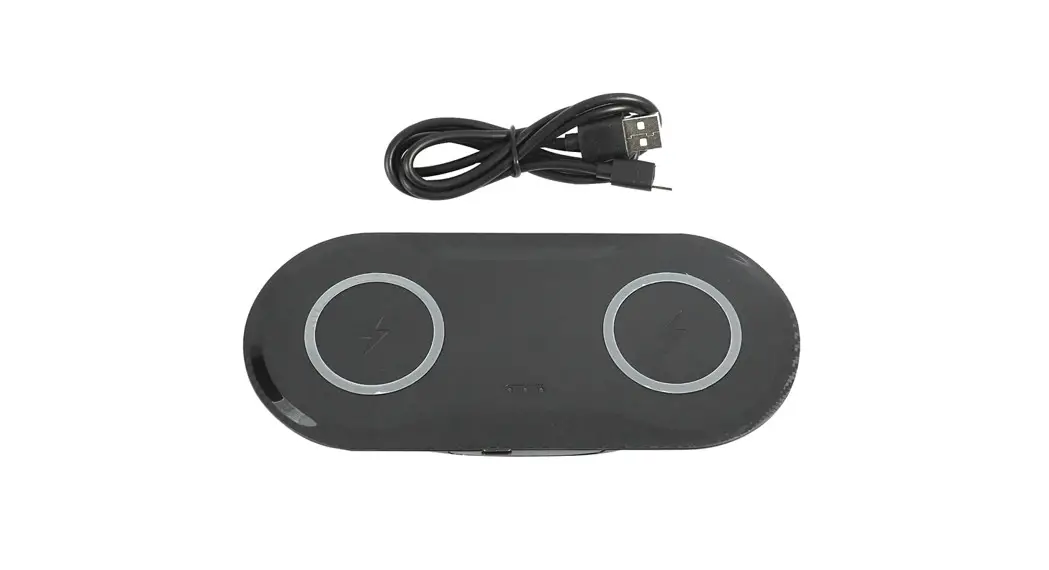
Insert the included USB cable into a wall charger (max 10 W) or USB jack on a computer and the Micro USB plug into the wireless charger.
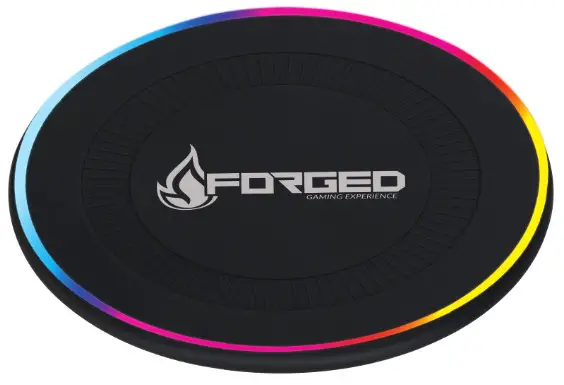
Press the button next to the Micro USB port on the charger to charge the light sequence. Press repeatedly to turn off the light.
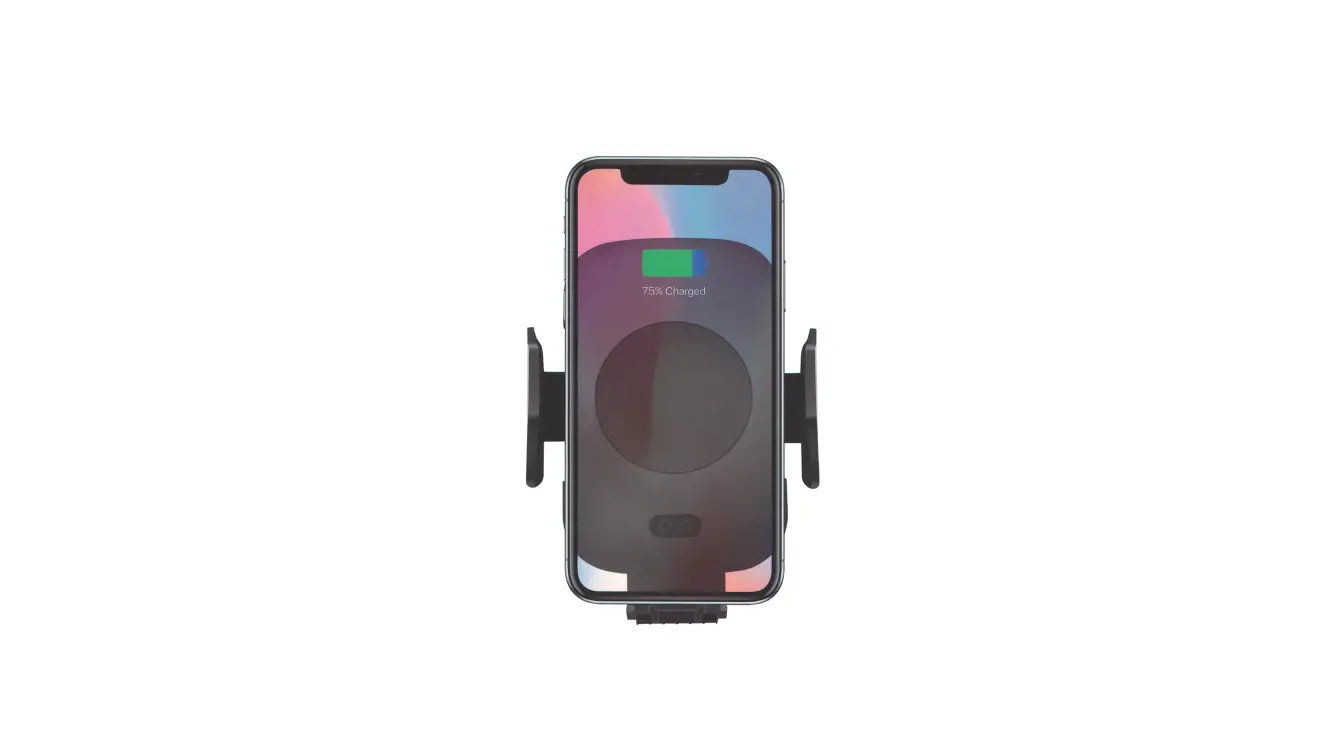
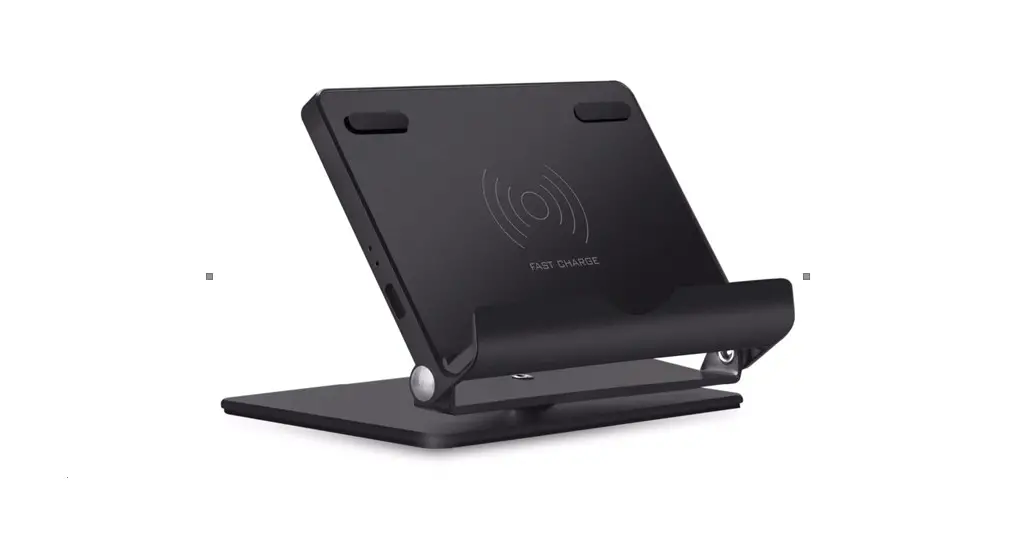
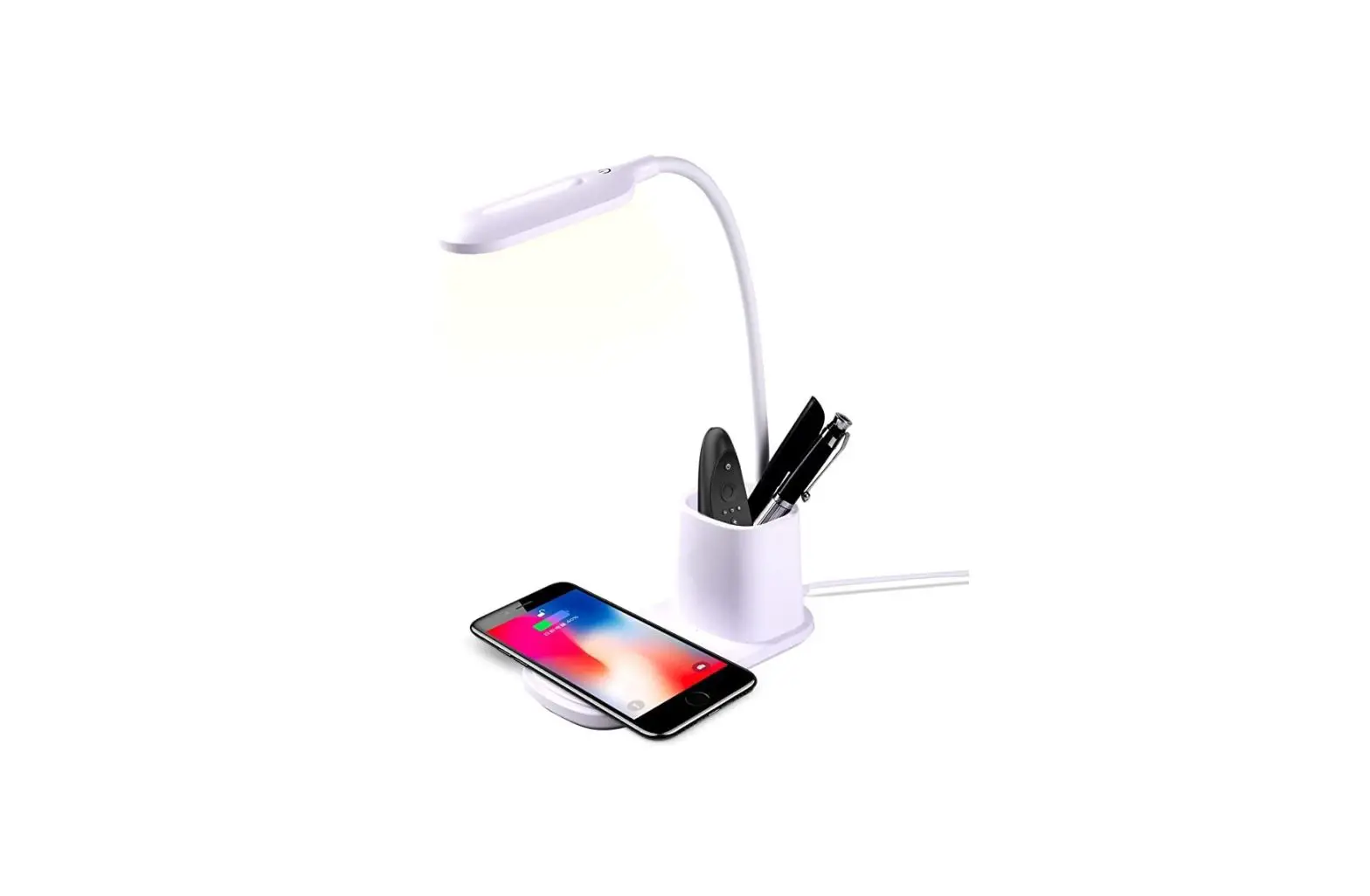
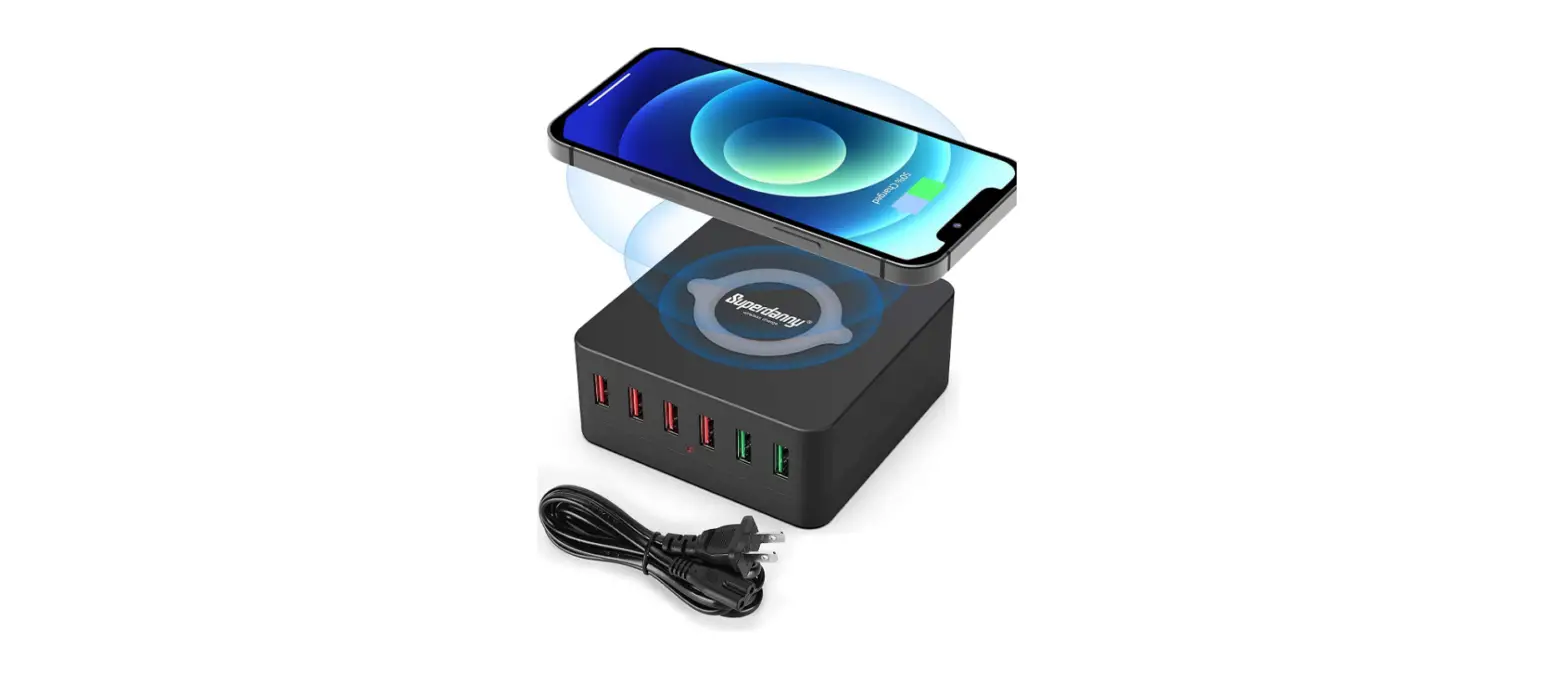
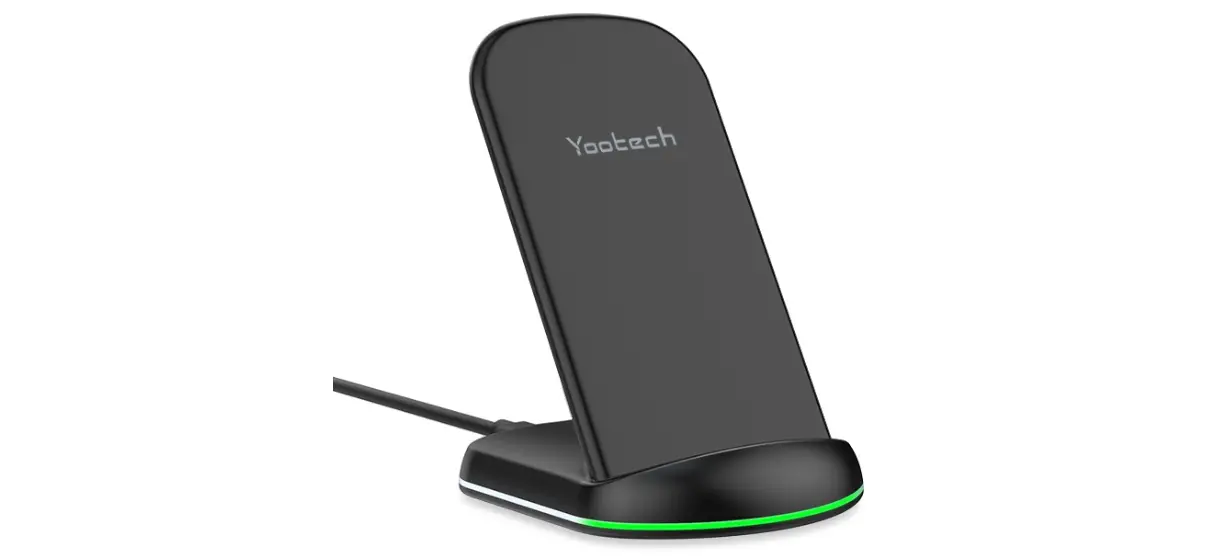
When the phone is placed on the charger, the phone will indicate whether the charging has started (applies only to devices that support wireless charging. Check your phone manufacturer’s website to see if your phone supports wireless charging). You can
check the charging status of your phone.
Warning
Make sure that the input of the wireless charger does not exceed the maximum load.
Do not leave the wireless charger connected when not in use. Do not charge overnight.
In case of problems or questions about the product, please contact the importer at: [email protected] Eller +45 6913 2121.