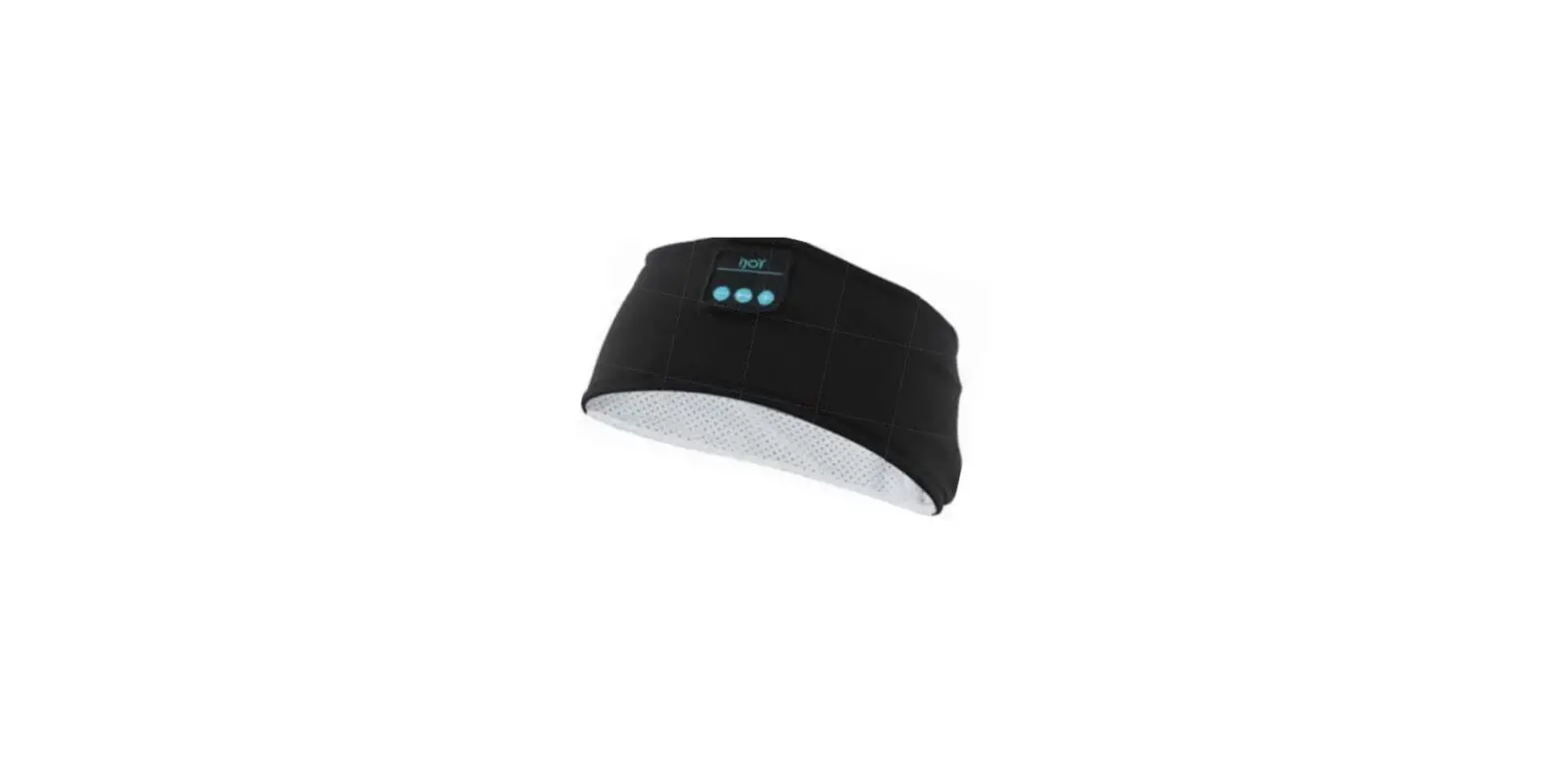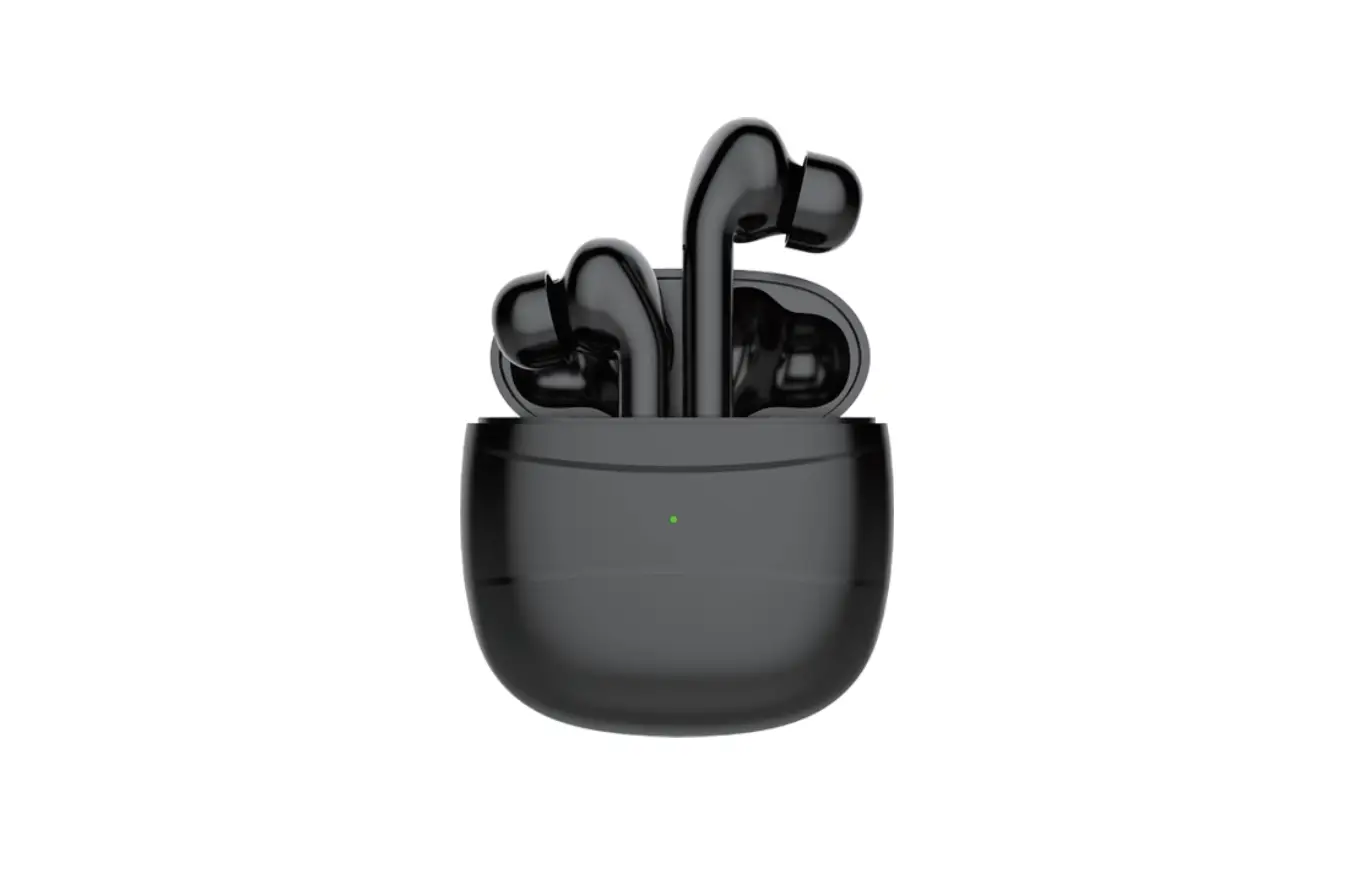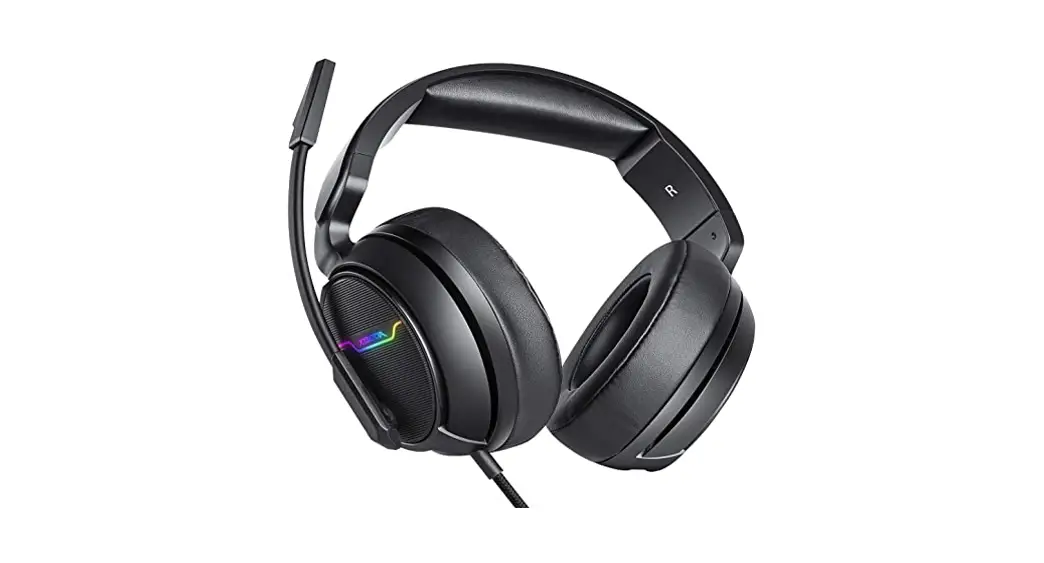
 IJHP2269 Beanie Headset
User Manual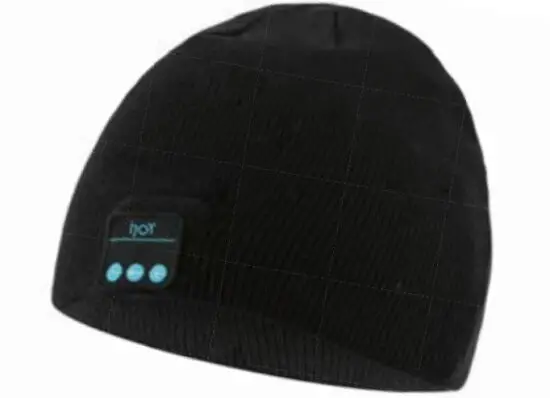

OPERATION
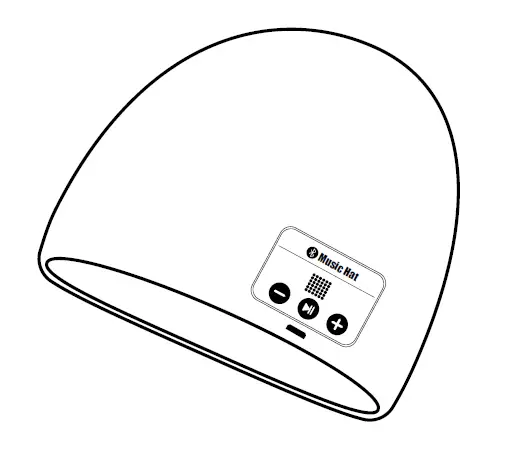
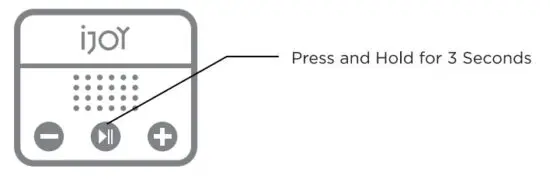
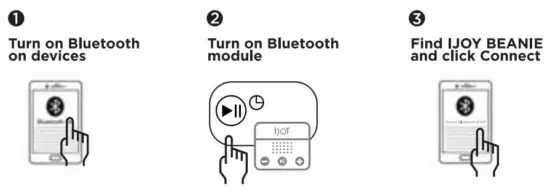
Twining On/Off Bluetooth model
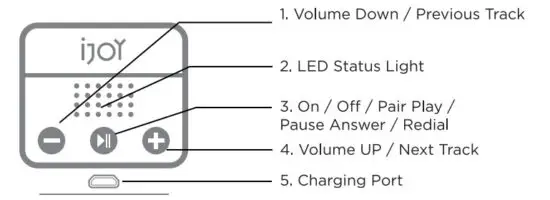
Control
| Power On/Off |  >3s >3s | Press and hold for 3 seconds |
| Play/Pause Music | xl | Press once when connected to a device |
| Volume Up / Down |  | Press and hold during music playback |
| Next Track |  xl xl | Press once during music playback |
| Previous Track |  xl xl | Press once during music playback |
| Answer / End Phone Call | xl | Press once when the phone ringing |
| Redial | x2 | Quickly press twice |
ONE (1) YEAR LIMITED WARRANTY
Our product is warranted a One (1) year limited warranty from the date of purchase. The warranty is provided on all material defects and workmanship. A guarantee of 12 months does not apply to a decrease in the accumulator’s effective capacity caused by its use or age. Effective capacity gradually decreases depending on the method of use of the accumulator. WE RESERVE THE RIGHT TO CHANGE TECHNICAL SPECIFICATIONS. For more information please visit, www.goijoy.com
YOUR IJOY PRODUCT
Thank you for purchasing and using the “IJOY BEANIE HEADSET”. This product can charge any wireless charging-enabled device while having a beautiful light show. Before using this product, carefully read this manual in order to operate at maximum benefit. Please ask your local dealer or call us if you have any questions.
CONTENTS:
1 BEANIE HEADSET
1 CHARGING CABLE
1 USER MANUAL
BATTERY CAUTION
The battery used in this device may present a risk of fire, explosion, or chemical burn if used incorrectly. Never use or charge the battery if it appears to be leaking, discolored, deformed, or in any way abnormal. Never disassemble the unit or attempt to remove the battery as that could cause leakage of alkaline solution or other electrolytic substance. Never expose the battery to any liquid. Never expose the battery to excessive heat such as direct light or fire. Always keep the battery out of reach of infants and small children.
OTHER IMPORTANT SAFETY INFORMATION
Disposal of old electrical & electronic equipment (Applicable in the European Union and other European countries with separate collection systems.) The trash can symbol (seen on the bottom) on the product or on its packaging indicates that this product shall not be treated as household waste. Instead, it shall be handed over to the applicable collection point for the recycling of electronic equipment. By ensuring this product is disposed of correctly, you will help prevent potential negative consequences for the environment and human health, which could otherwise be caused by inappropriate waste handling. For more detailed information about this product, please contact your local household waste disposal service or the shop where you purchased this item.
 The Bluetooth® word mark and logos are registered trademarks owned by Bluetooth SIG, Inc. and any use of such marks by QUEST USA CORP. is under license. Other trademarks and trade names are those of their respective owners.
BLUETOOTH PAIRING
| LED Status Color | Meaning |
| Rapidly flashing blue and red | Pending to be Paired |
| Slowly flashing blue | Connected to be a device |
 When turned ON, the Music Beanie will automatically connect to the last connected device if available. If no previously paired device is detected, it will enter into the pairing mode.
CHARGING FUNCTION OPERATION INSTRUCTION
Connect the Android Data Cable to a USB charger (or computer USB port), the other end connects to the device which hides in a small hole under the Bluetooth module, our device has a LED indication in the middle. The red light constant on shows that the device is charging, the red light turns blue when fully charged.
FCC ID STATEMENT
This device complies with part 15 of the FCC Rules. Operation is subject to the following two conditions:
- This device may not cause harmful interference, and
- this device must accept any interference received, including interference that may cause undesired operation.
Warning: Changes or modifications not expressly approved by the party responsible for compliance could void the user’s authority to operate the equipment.
NOTE: This equipment has been tested and found to comply with the limits for a Class B digital device, pursuant to Part 15 of the FCC Rules. These limits are designed to provide reasonable protection against harmful interference in a residential installation. This equipment generates uses and can radiate radio frequency energy and, if not installed and used in accordance with the instructions, may cause harmful interference to radio communications. However, there is no guarantee that interference will not occur in a particular installation. If this equipment does cause harmful interference to radio or television reception, which can be determined by turning the equipment off and on, the user is encouraged to try to correct the interference by one or more of the following measures:
Reorient or relocate the receiving antenna.
Increase the separation between the equipment and receiver. Connect the equipment into an outlet on a circuit different from that to which the receiver is connected.
Consult the dealer or an experienced radio/TV technician for help.
RF warning statement:
The device has been evaluated to meet general RF exposure requirements. The device can be used in portable exposure conditions without restriction.
BATTERY DISPOSAL
Please do not attempt to change the battery yourself. If the battery has died, you should follow the disposal instructions listed here. Never dispose of used batteries/electronics with ordinary solid wastes. Always dispose of used batteries/electronics in accordance with the prevailing community regulations that apply to the disposal of batteries/electronics. If there are no local regulations concerning battery/electronics disposal, please dispose of the device in a waste bin for electronic devices. Many electronics retailers now recycle batteries and other electronic components at no charge.
Distributed by
Quest USA Corp.
495 Flatbush Ave Brooklyn, NY 11225
©GOIJOY & IJOY are registered trademarks of Quest USA Corp. All other trademarks and trade names are property of their respective owners. Designed by GOIJOY & IJOY in New York. All rights reserved Quest USA Corp. One (1) year limited warranty. To activate your product warranty go to our website www.goijoy.com & register this product.
Made in China