Stauer Watch Display Settings
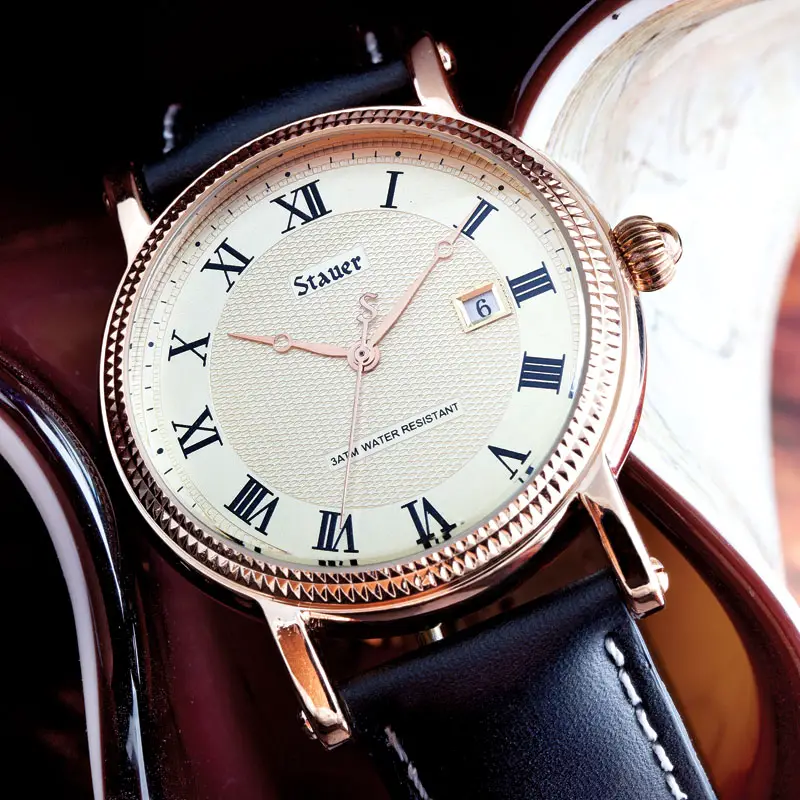
WATCH DISPLAY
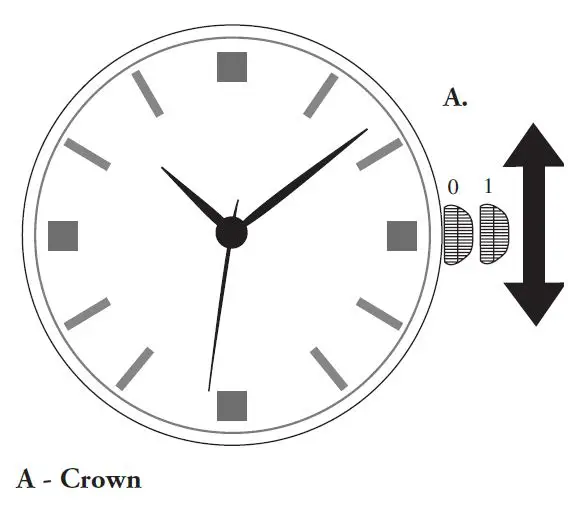
SETTINGS
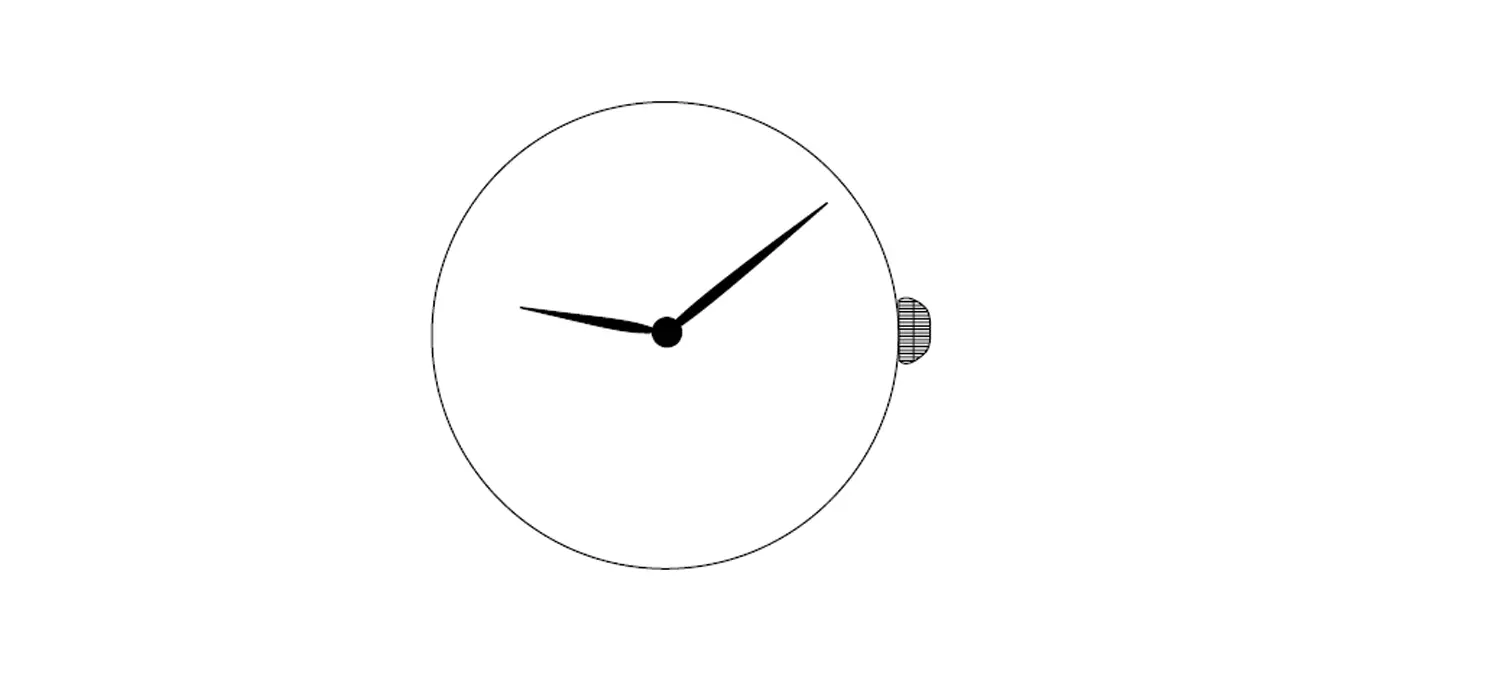
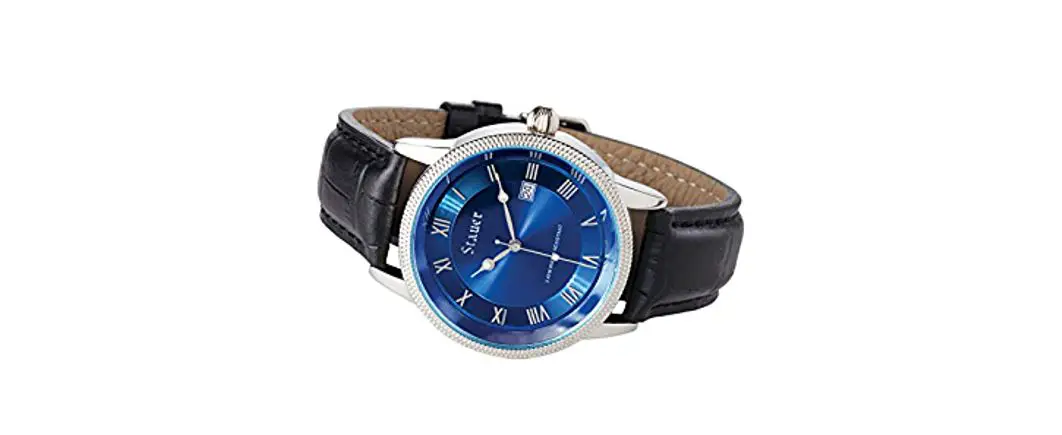
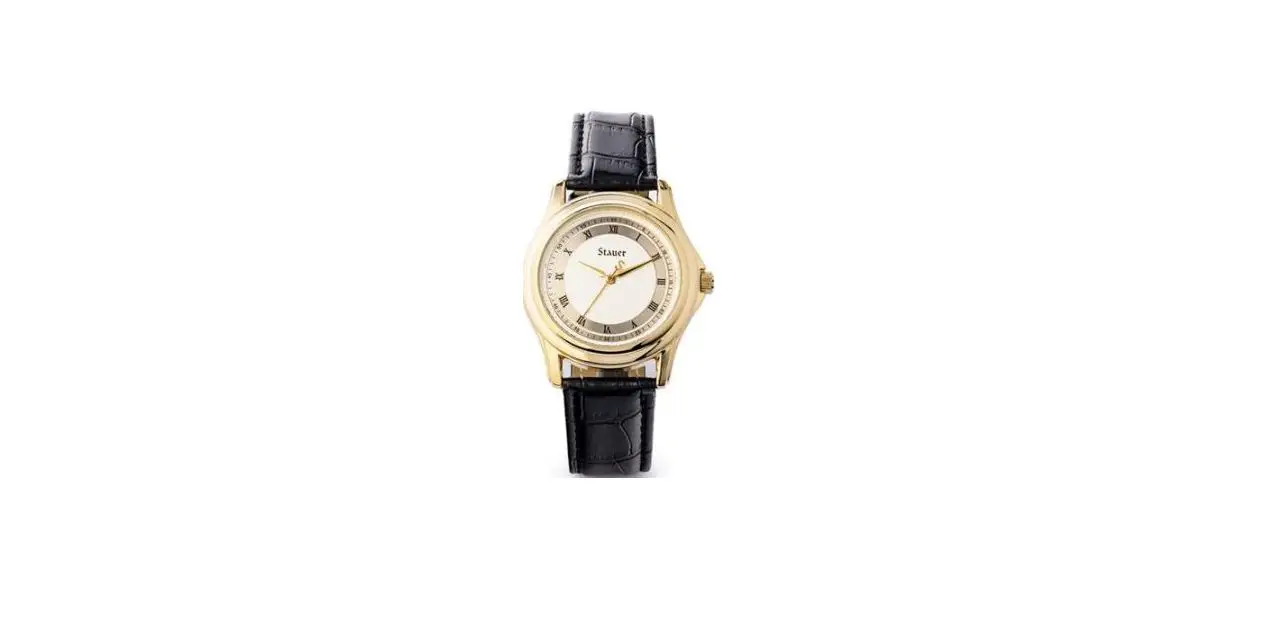
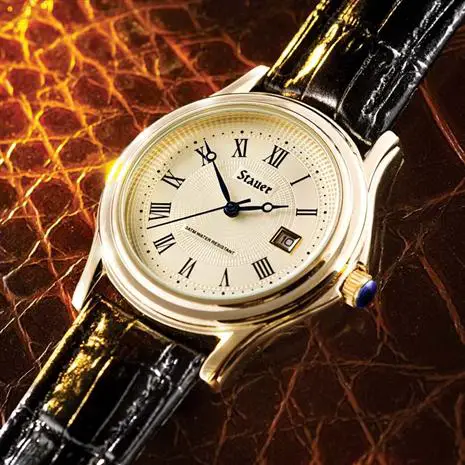
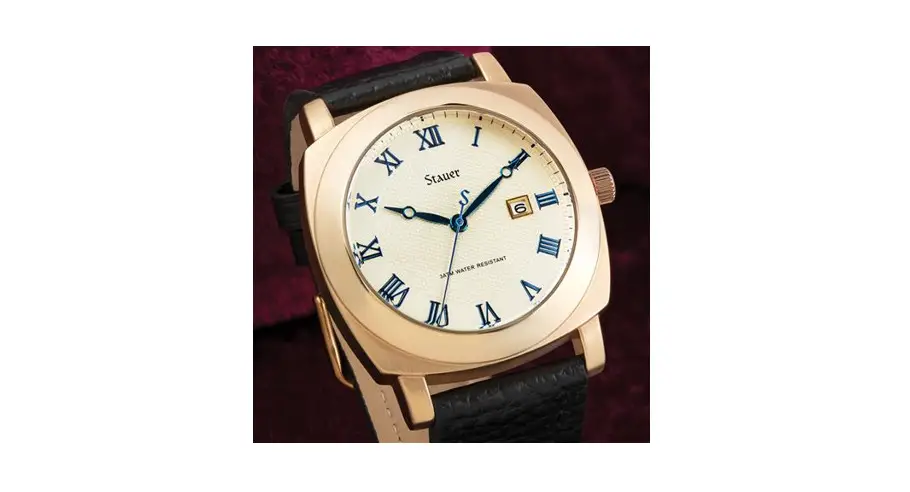
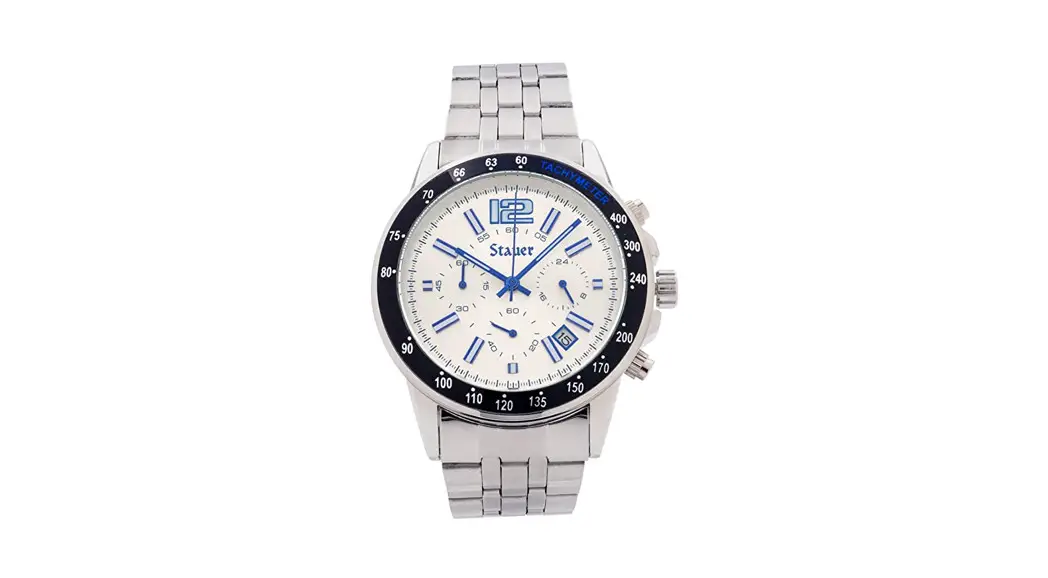
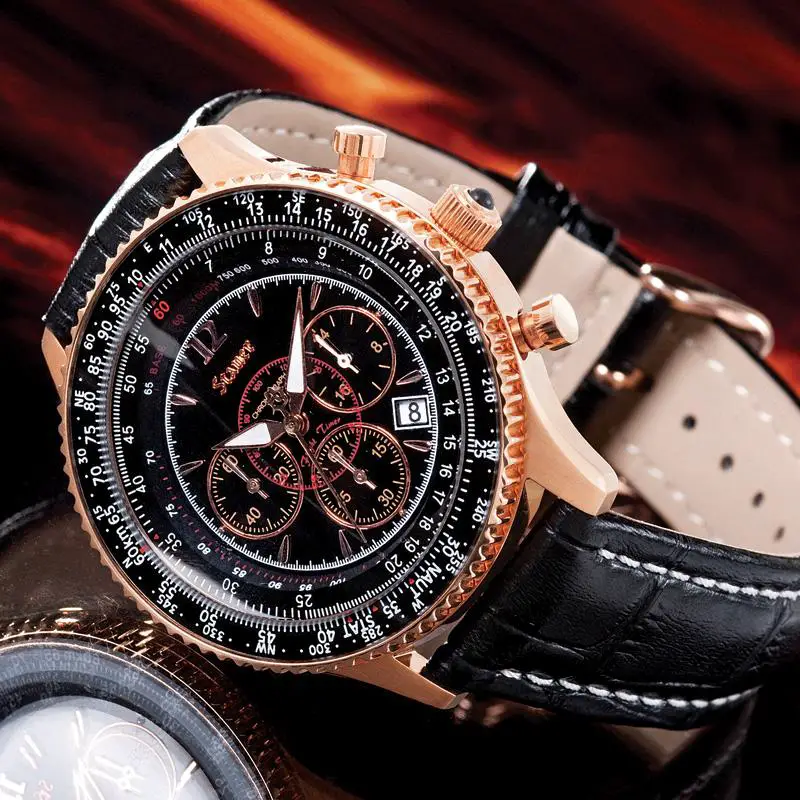
This watch features hour, minute, and seconds hands.
TO SET THE TIME
- Pull the crown (part A) out to position “1” and rotate it to the desired time.
- Once the correct time is set, push the crown back into “0” (zero) position.


FEATURES
- Precision movement
- Mother of pearl dial
- 1 diamond and 3 emerald hour markers
- Rose gold-finished case
- Stainless steel case back and crown
- Genuine leather band in pink
- Water resistant to 3 ATM
Visit us at www.stauer.com to learn more about the fantastic benefits of owning a Stauer Watch! www.stauer.com
 Stauer Jewelry - Afford the Extraordinary