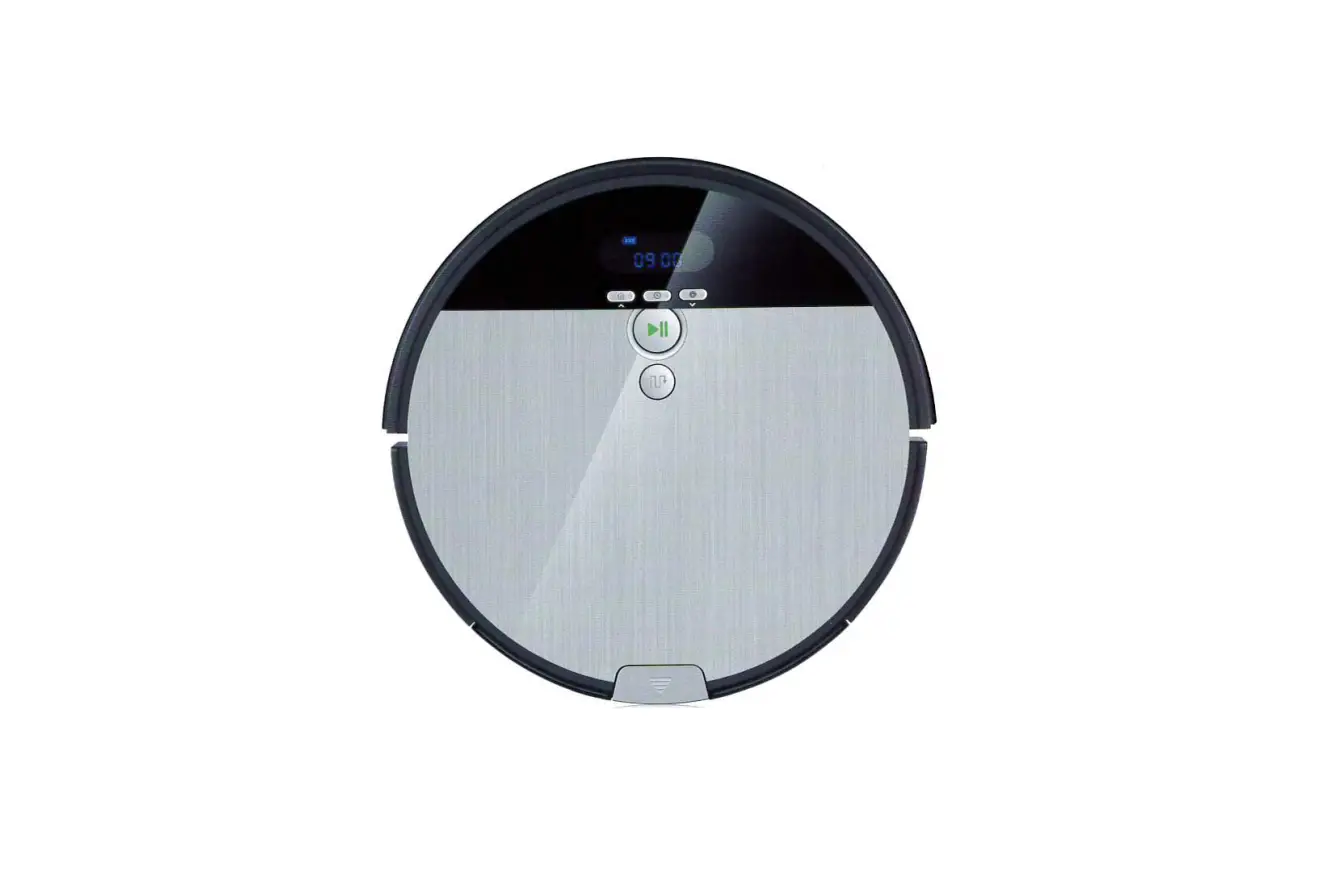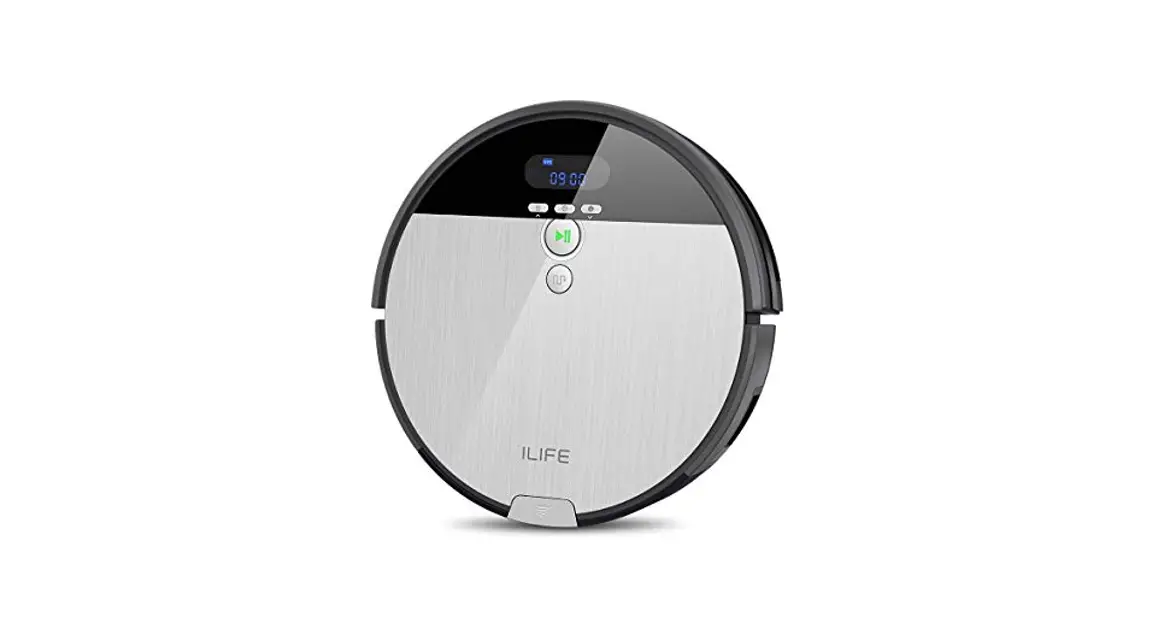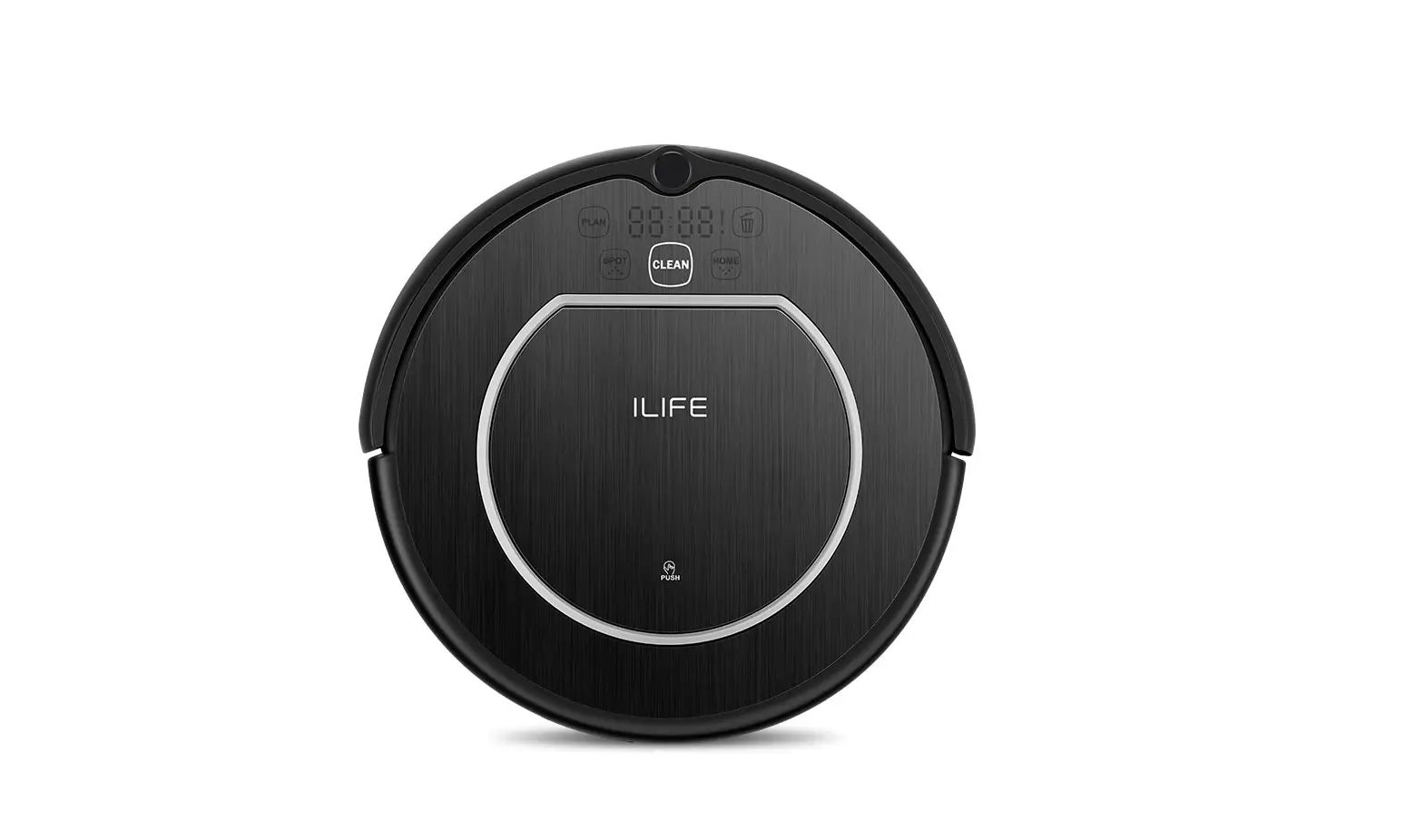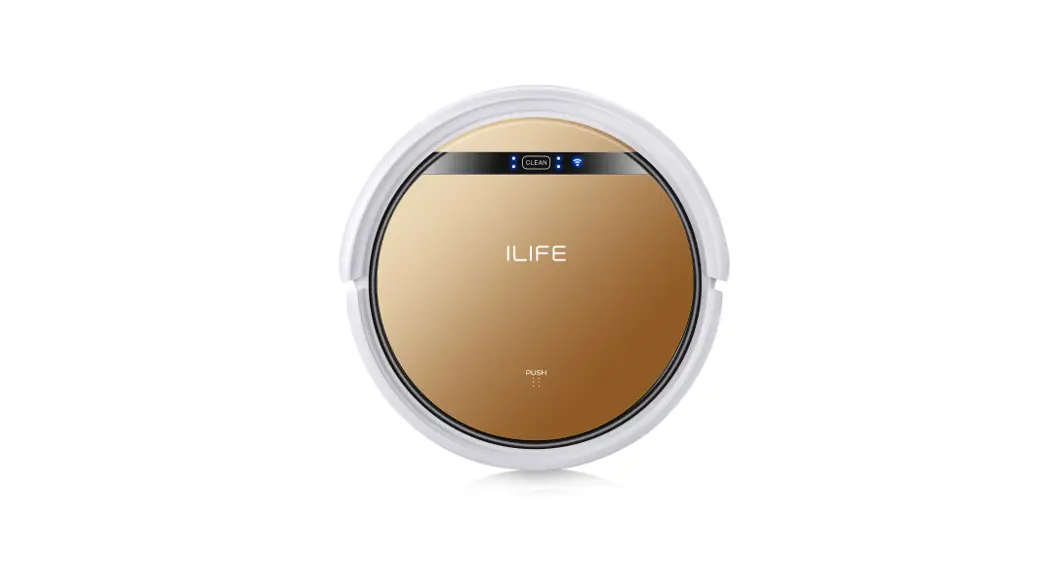
ILIFE V40 Robot Vacuum Cleaner User Guide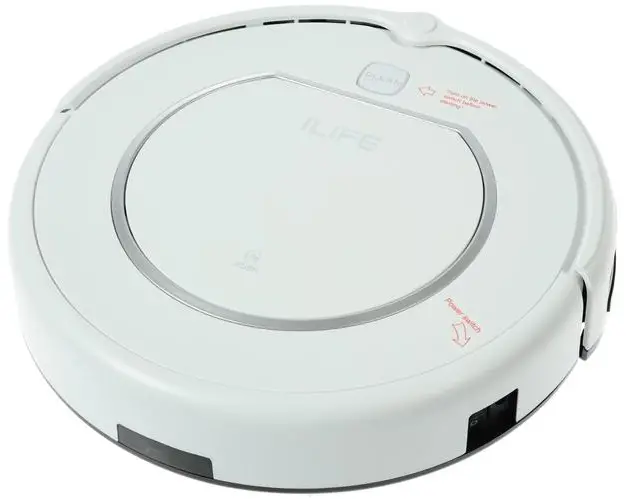
Positioning the charging dock
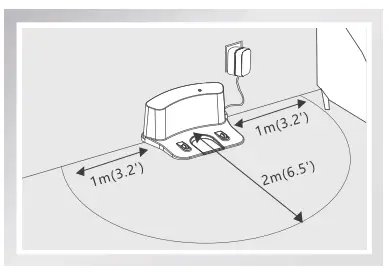
- Place the charging dock against a was \ and connect the adapter to an outlet. It is suggested to leave an area with at least 4 feet (1 meter) on each side of the charging dock, and at least 8 feet ( 2 meters) in front of the charging dock.
Do not place the charging dock around doors and stairs.
For optimizing performance of your robot, try best to place the charging dock in an open and uncluttered area.
Wake up and charge your robot
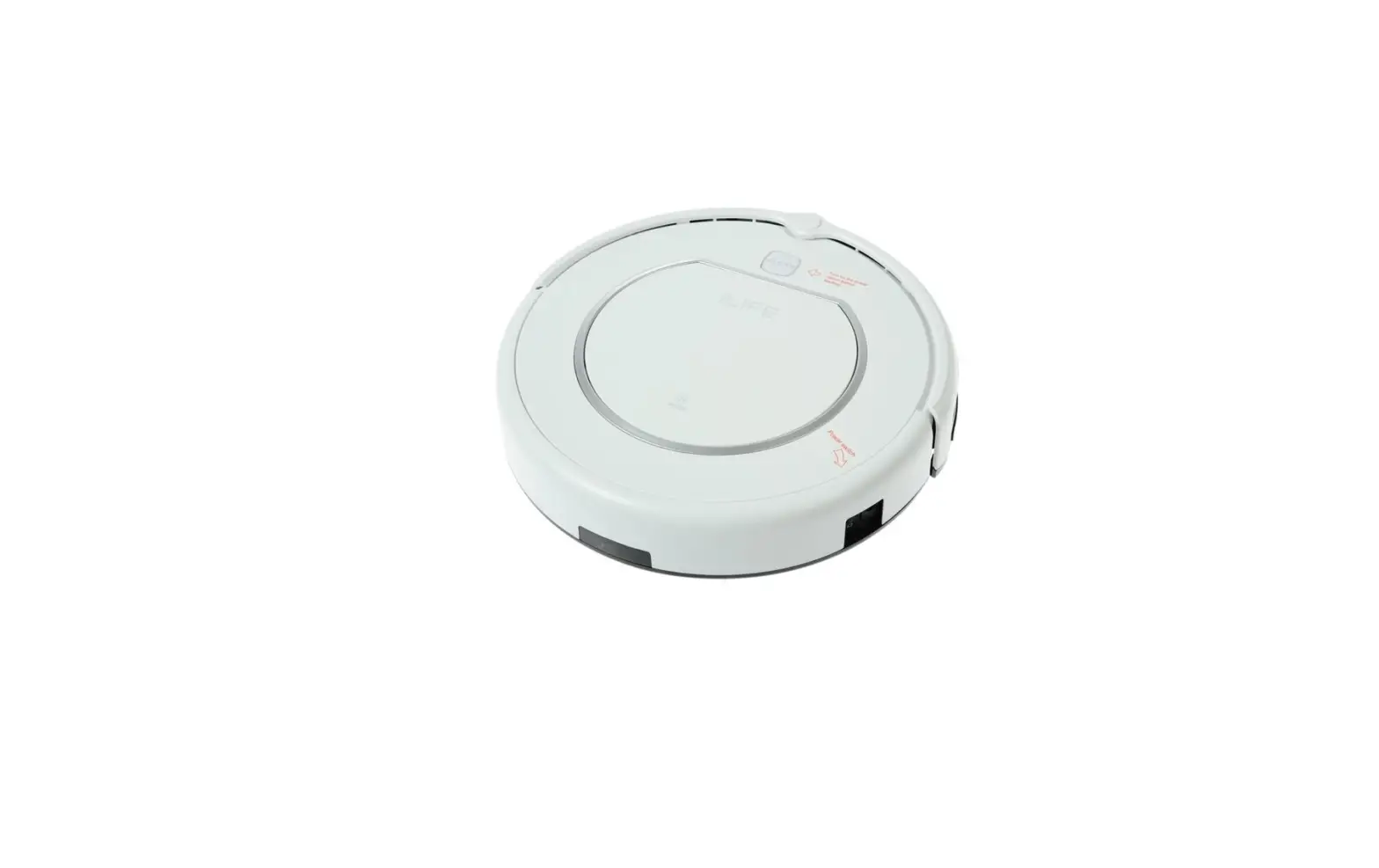
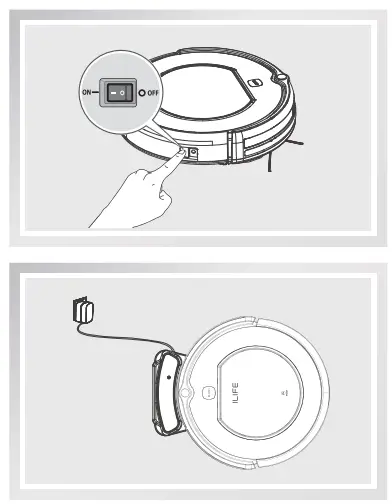
- Turn on the power switch at the side of body, then place your robot on the charging dock for a full charge. When charging is finished, all lights will turn off.
- Always keep the power switch turned on during your daily use. Turn off the power switch only when you don’t use your robot for more than one week.
How to Use
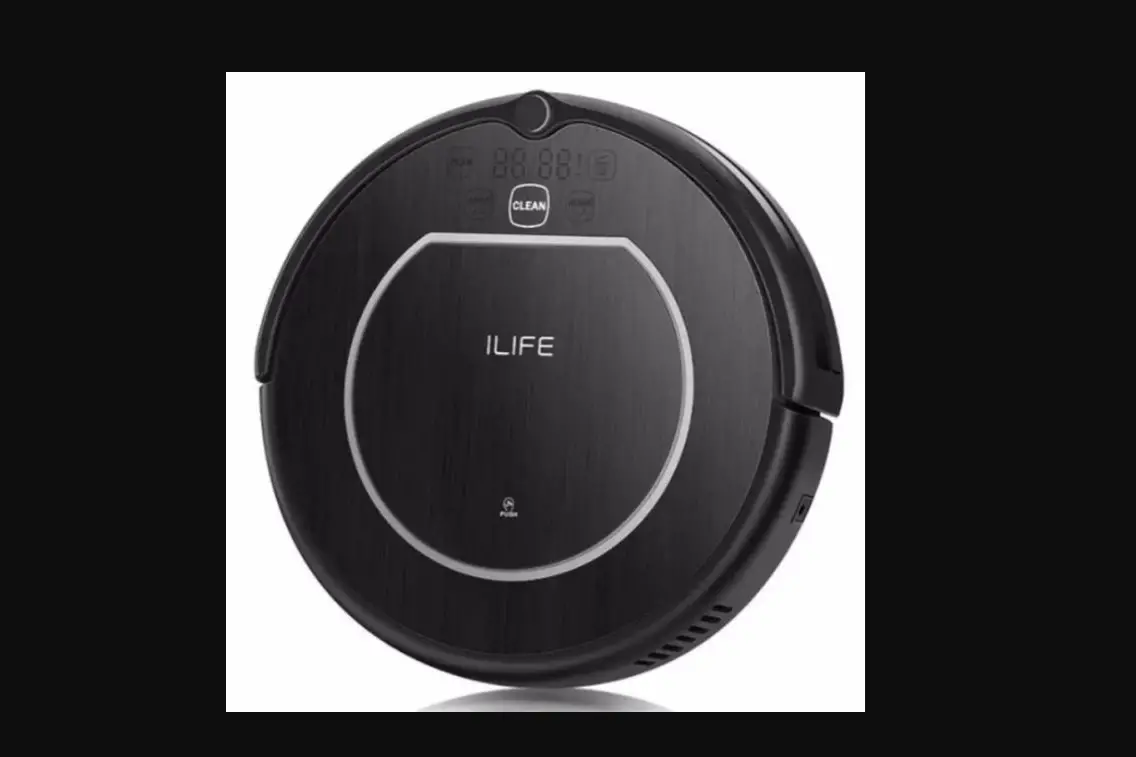
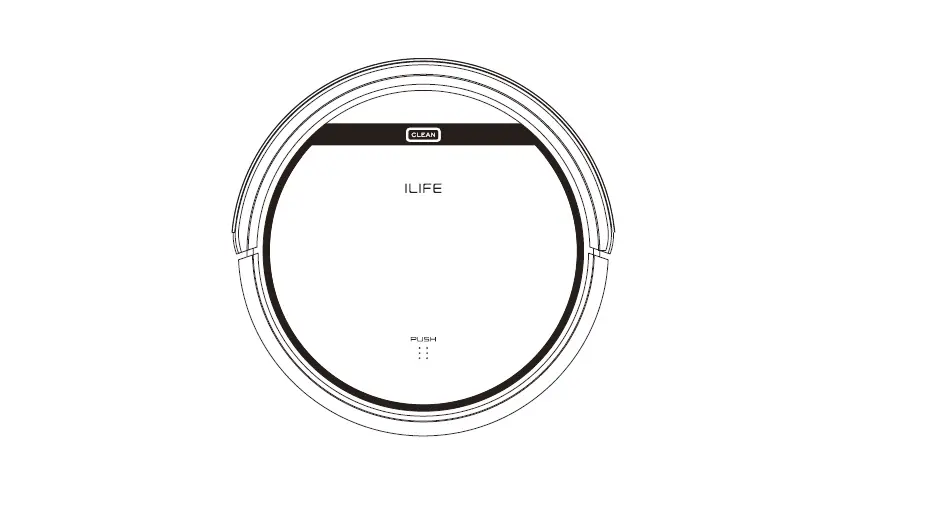
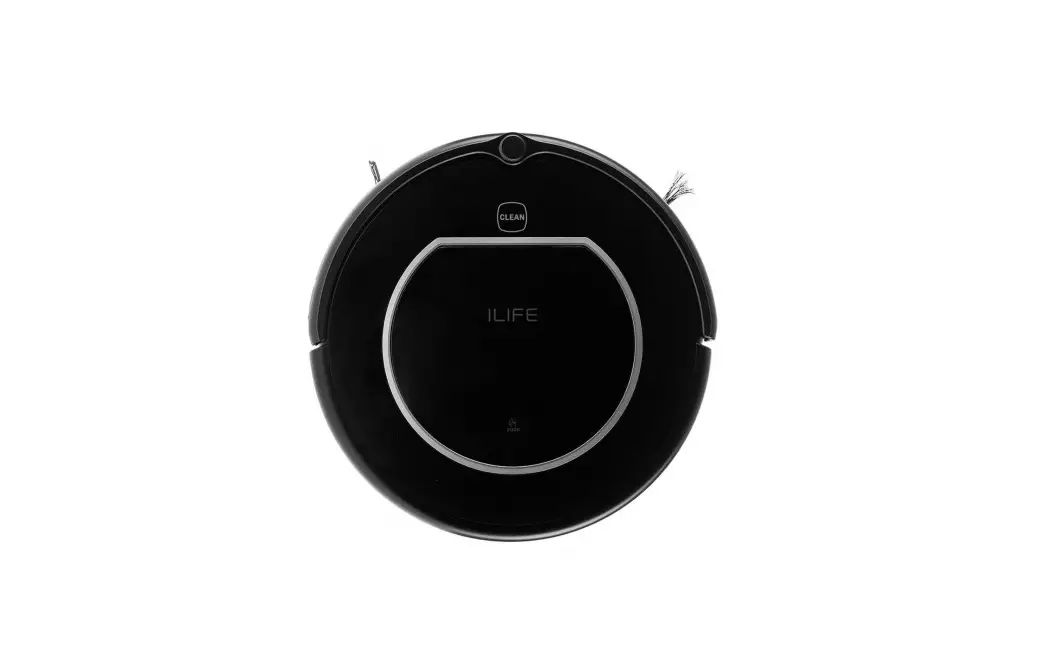
- Plug in adapter, “CLEAN” button light will be oronge and floshing.
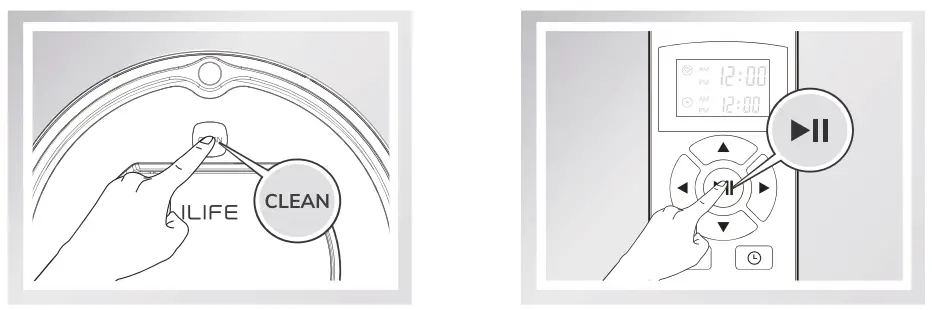
- After full charged ( “CLEAN” button light change to solid green), turn on the power switch around power socket and Press “CLEAN” button on the robot or
 button on the remote control, the “CLEAN” button light will be green and flash, you need to press it again, then it will start working. ( Solid green light)
 - If you need to pause it, Press “CLEAN” button on the robot or button on the remote control, then the light will flash and it will stop working. If still not receive any message for 5 seconds, the flashing green light will go out.
 button on the remote control, the “CLEAN” button light will be green and flash, you need to press it again, then it will start working. ( Solid green light)
Note:
Before operating robot V40, take a few moments to survey the area to be cleaned and remove any obstacles. And matte sure the power swith is on.
Indicator Light
Robot uses the CLEAN button light to indicate that it is charging. Use this chart to determine the status of the robot.
| CLEAN button light | Robot status |
| Oronge light flash | Charging |
| All lights turn off | Fully charged |
| Solid oronge light | Low battery |
| Solid green light | In cleaning mode |
| Red light | Machine error |
Alarm Sounds
When the robot meets with some routine troubles, it will remind you by beep.
| NO. | Tone | Clean light | Likely Cause | Solution |
| 01 | 1 beep | Red | Side wheel is stuck, turns slowly or not work. V40 robot is stuck. | Clean robot’s side wheels of hair and debris. Push them in and out and confirm that they both turn freely. Start robot in a new location. |
| 02 | 2 beep | Red | Robot is hanging on, or is stuck. | Ensure 2 wheels are firmly on the floor. Stort robot in а new locotion. |
| 03 | 2 beep | Red | А cliff sensor is dirty or broken. | Inspect and clean robot’s cliff sensors. |
| 04 | 2 beep | Red | Side brushes turns slowly, or not turn. or the sides brushes are stuck. | Take off and clean V40 robot’s side brushes of hair and debris, replacing new sides brushes. |
| 05 | 2 beep | Red | Robot’s bumper is compressed or the bumper sensor is dirty. | Clean the bumper sensor, Briskly tap V40 robot’s bumper 10-20 times to dislodge any debris that may be trapped under the bumper or loosen the screw of the bumper. |
Troubleshooting
When the robot meets with some common alerts shown on the display.
| Errors oppeoronce | Likely Cause | |
| Circling in place | V40 robot’s side wheel isstuck. | Clean V40 robot’s side wheels of hair and debris. Push them in and out and confirm thot they both turn freely.Start V40 robot in a new location |
| Keep moving back | А cliff sensor is dirty orbroken. | Inspect and clean V40 robot’s cliff sensors with a dry cloth. |
| Move backward and do circle repeatedly | Move backward and do circle repeatedly. A cliff sensor or The bumper is dirty, The bumper is compressed. | Clean the cliff sensor and the bumper. Briskly tap V40 robot’s bumper10-20 times to dislodge any debris that may be trapped under the bumper or loosen the screw of the bumper. |
| Bump the obstacle continuously | The bumper is compressed | Briskly top V40 robot’s bumper 10-20 times to dislodge any debris that may be trapped under the bumper or loosen the screw of the bumper. |
| Short working time | The battery storage copocity weokens. No charging fully. | Replace the battery. Recharge the robot. |
| “Clean” light is off when charging | Something like pet hoir fill in the socket of the charger. The robot’s battery is not connected. | Clean the socket check the connection between charger and battery. |
| Vacuum dirt debris less | Filter is dirty or wet by water. | Clean filter or change the filter |
| Spit out litter | The dustbin is full. | Empty the dustbin. |
Note:
If all above solutions don’t work, please take below actions.
- Re-set the robot by re-turning on the power switch.
- If re-set action doesn’t work, please contact [email protected]
Contact Us

Call Us
89299401228
(Mon-Fri: 9:00 – 18:00)

Email Us
[email protected]