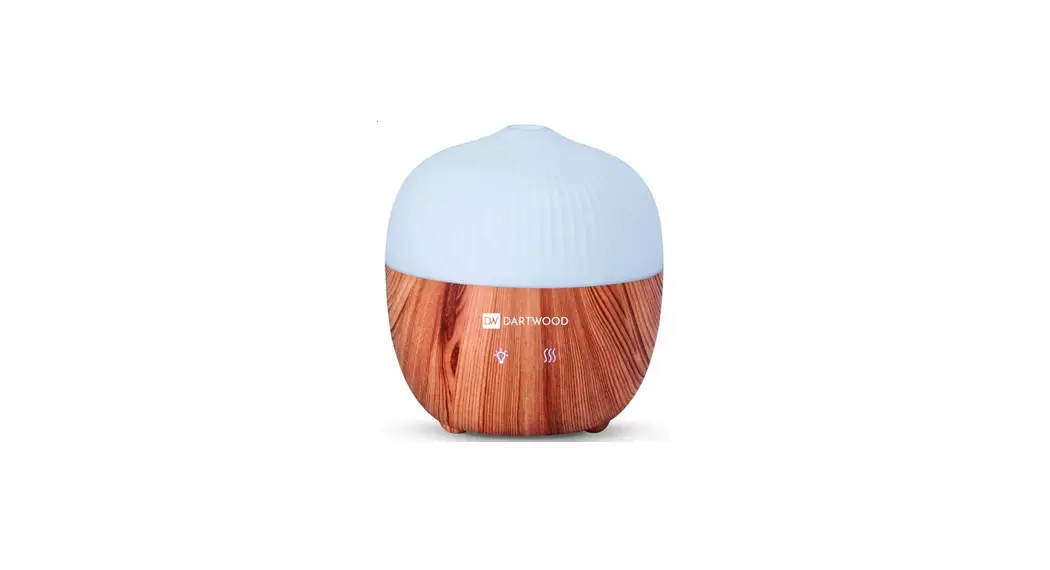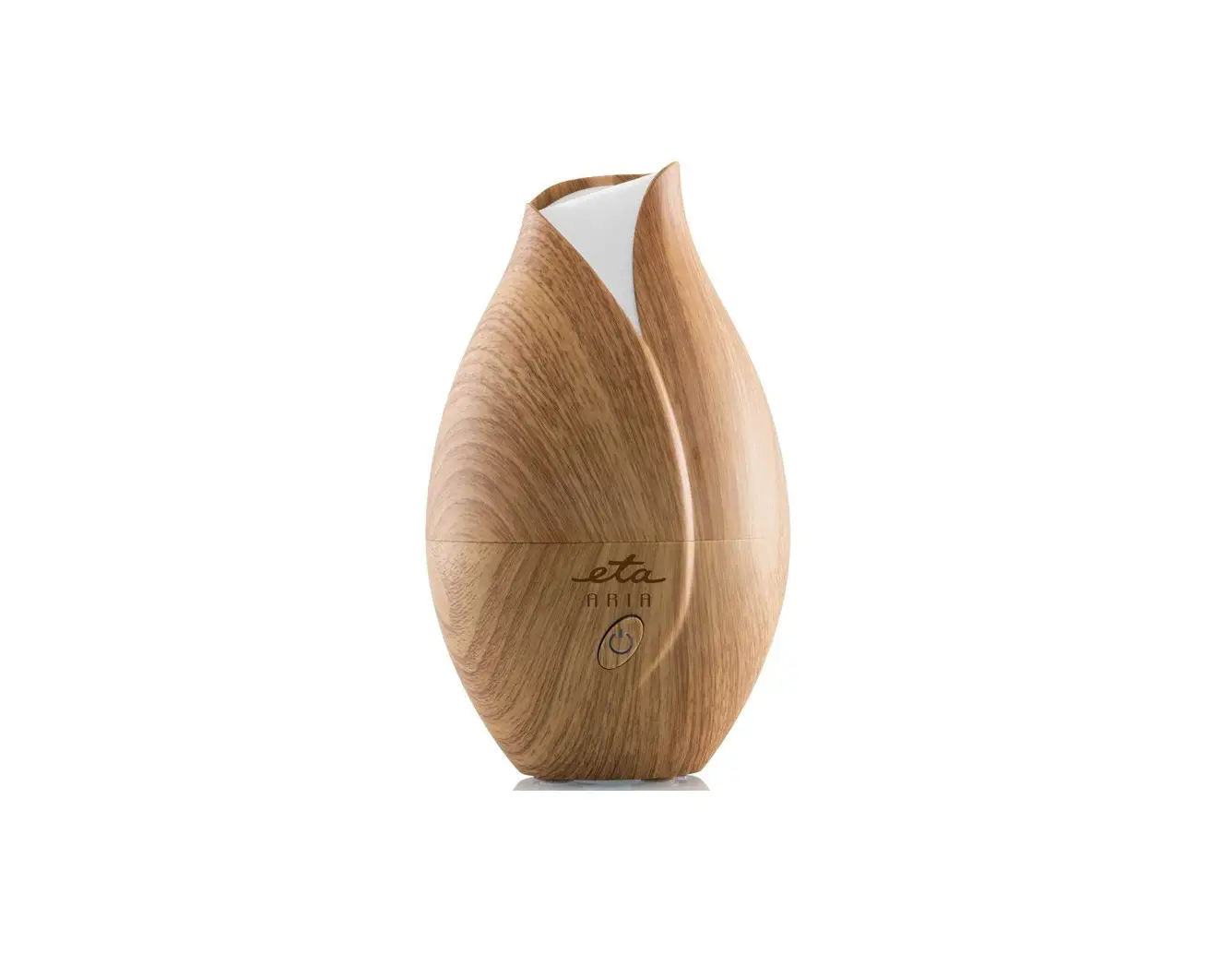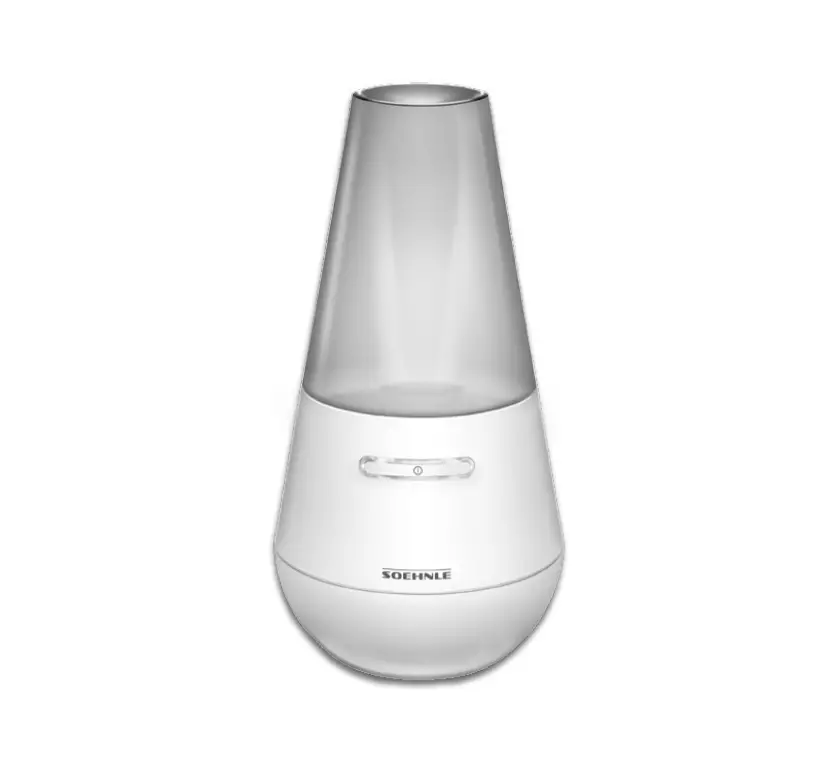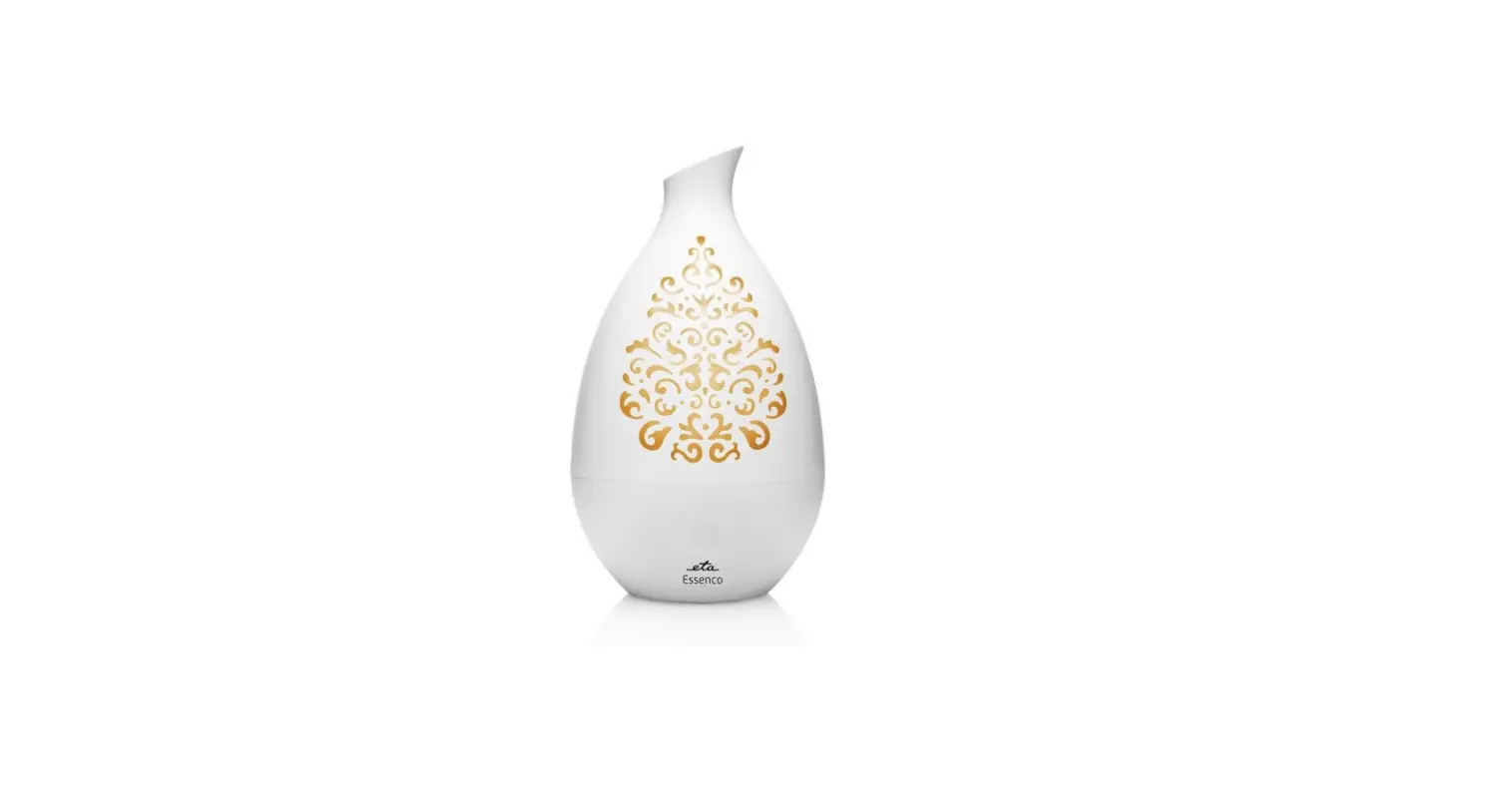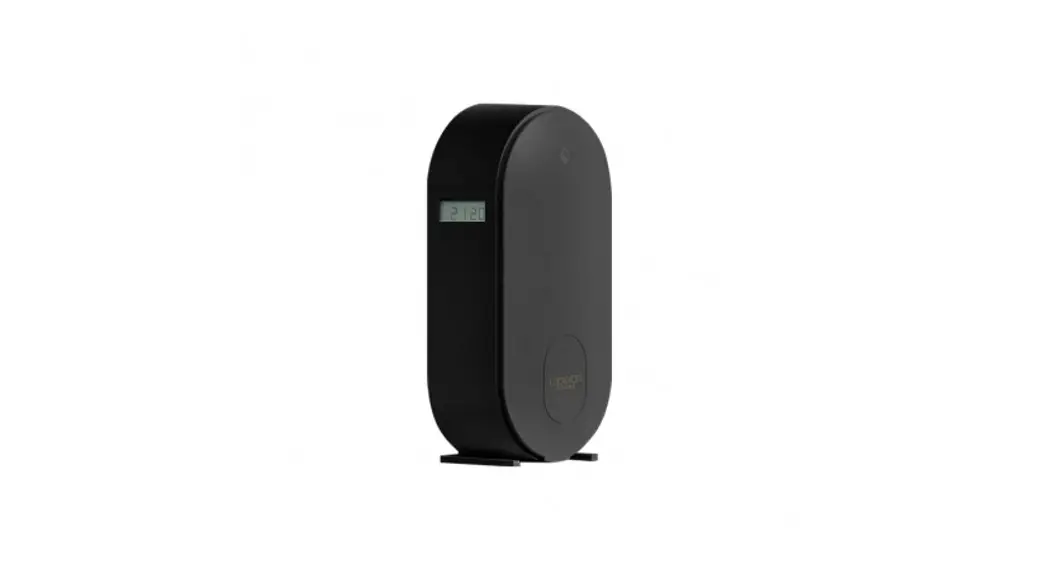
 Smart aroma diffuser instruction manual
Instruction Manual
Tips: Please read the instruction manual of this product carefully before use and keep it properly.
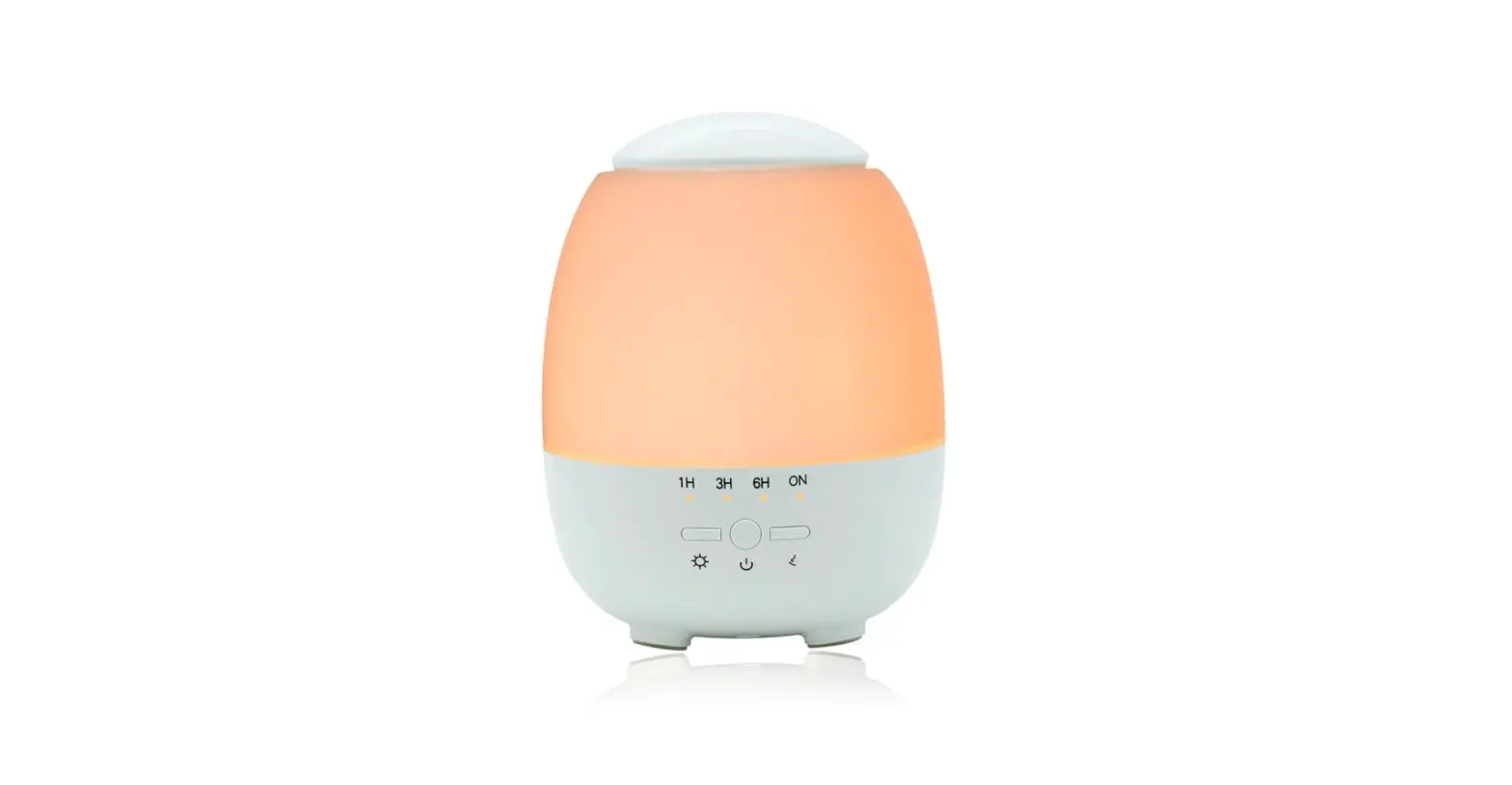
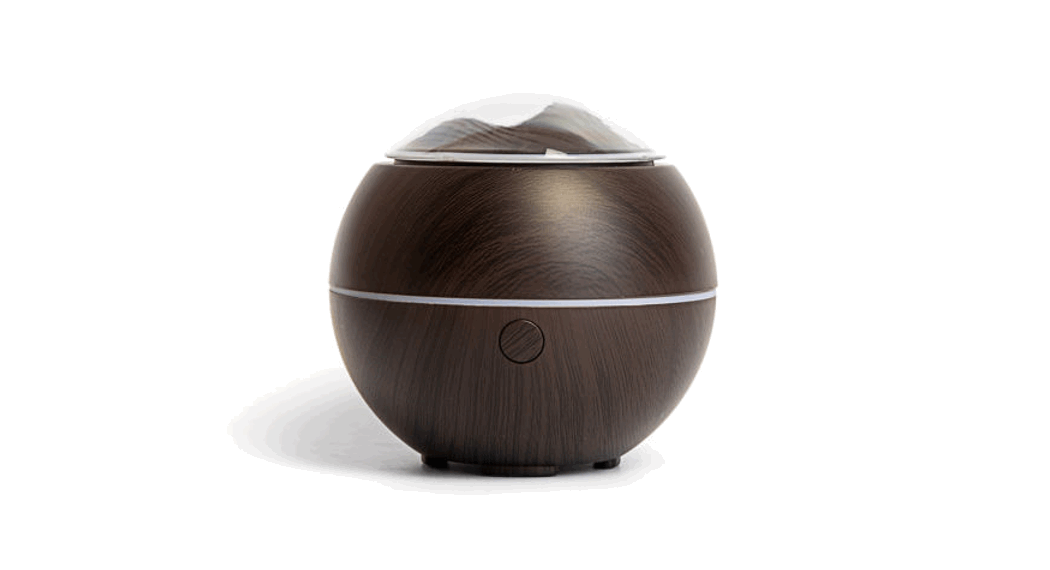
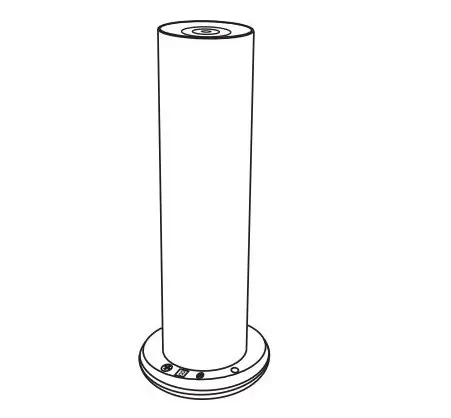
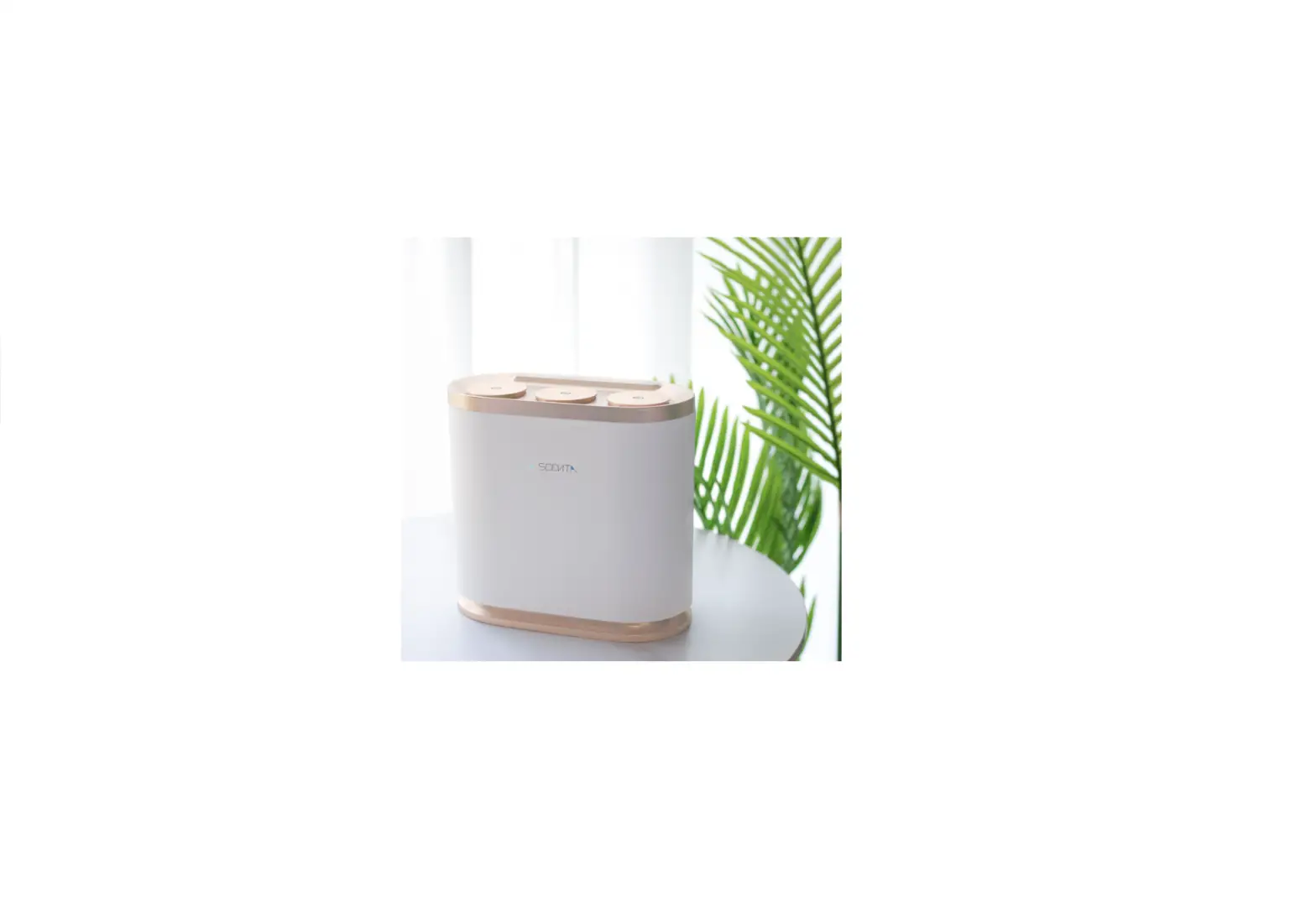
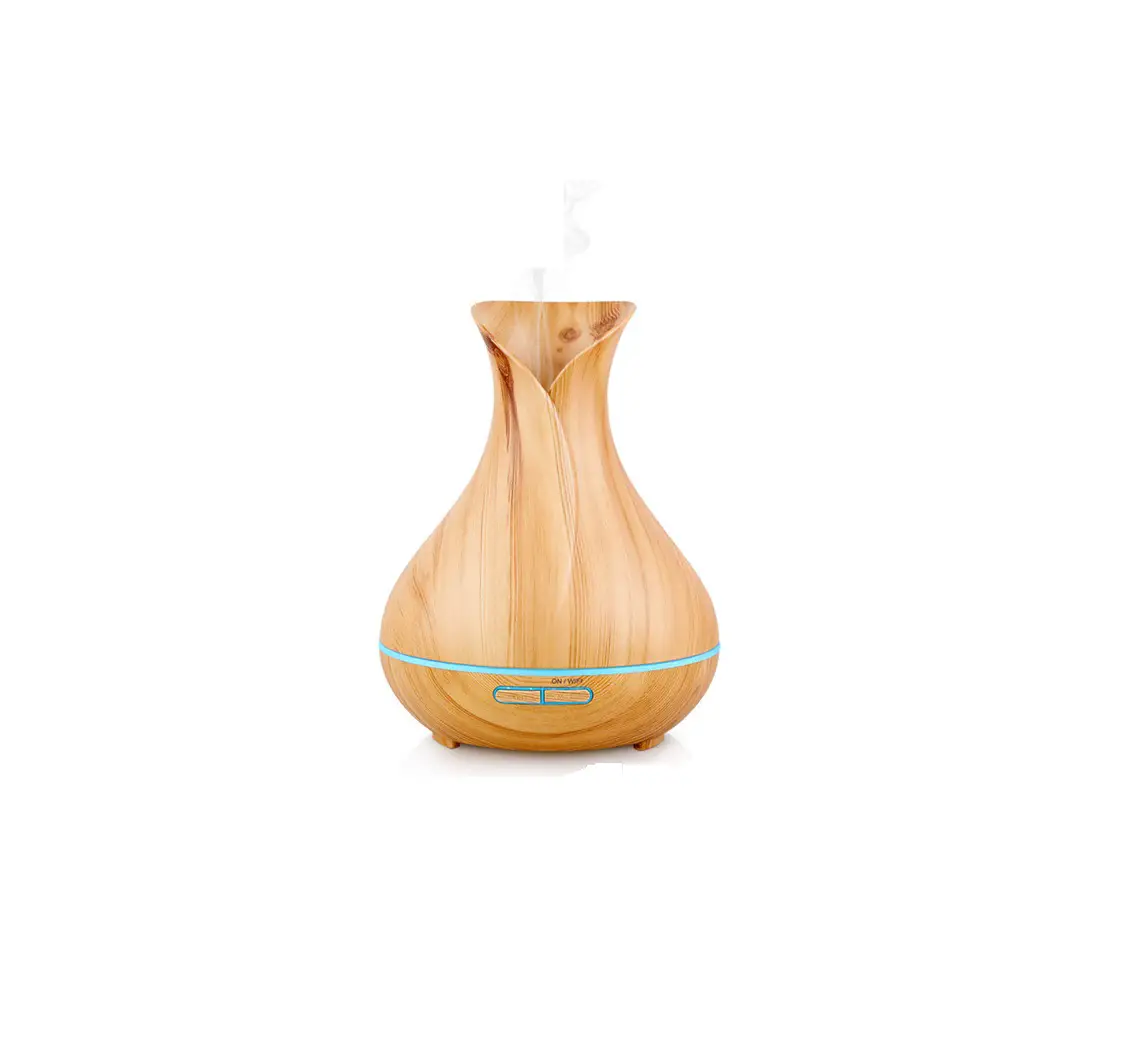
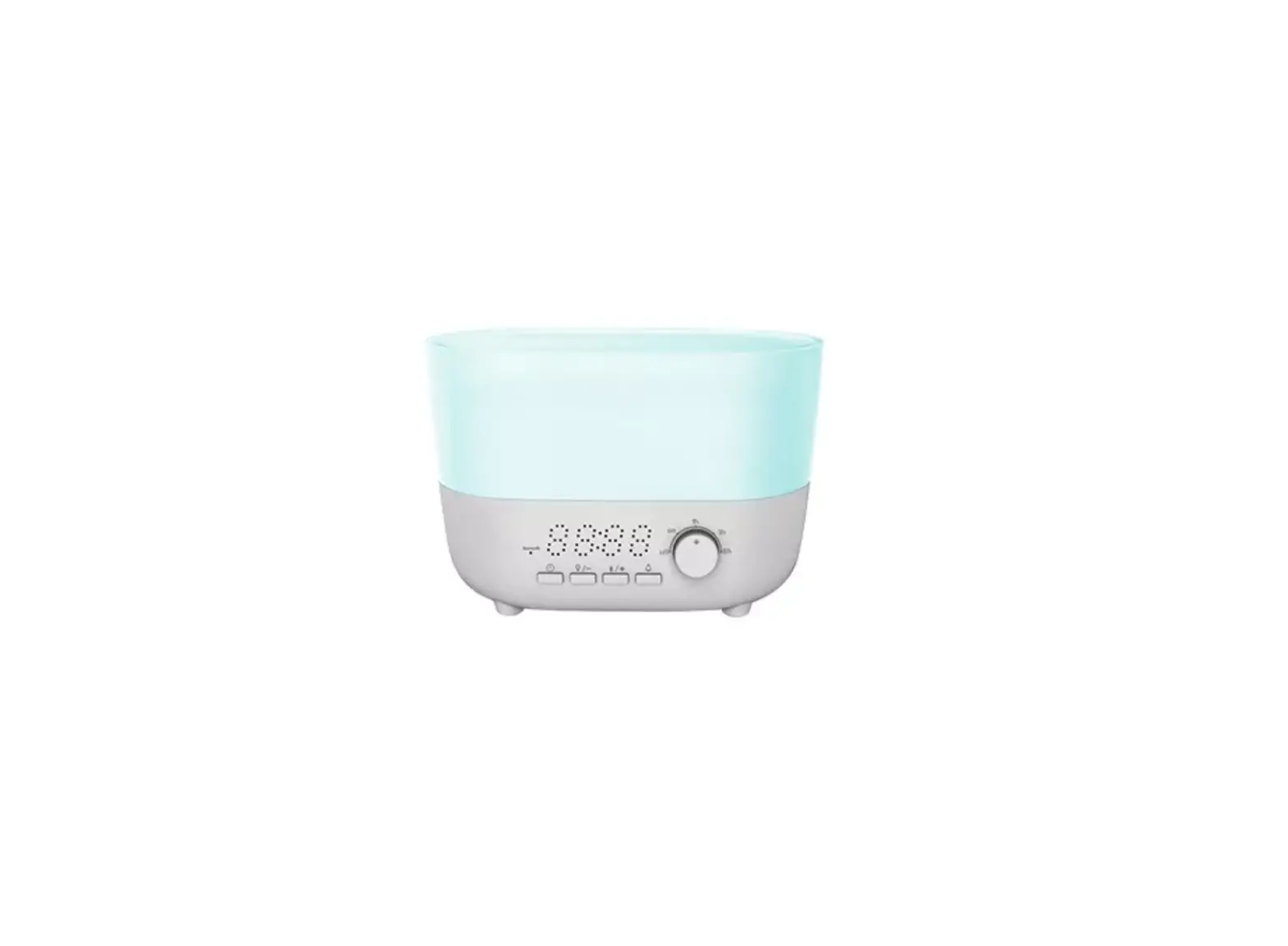
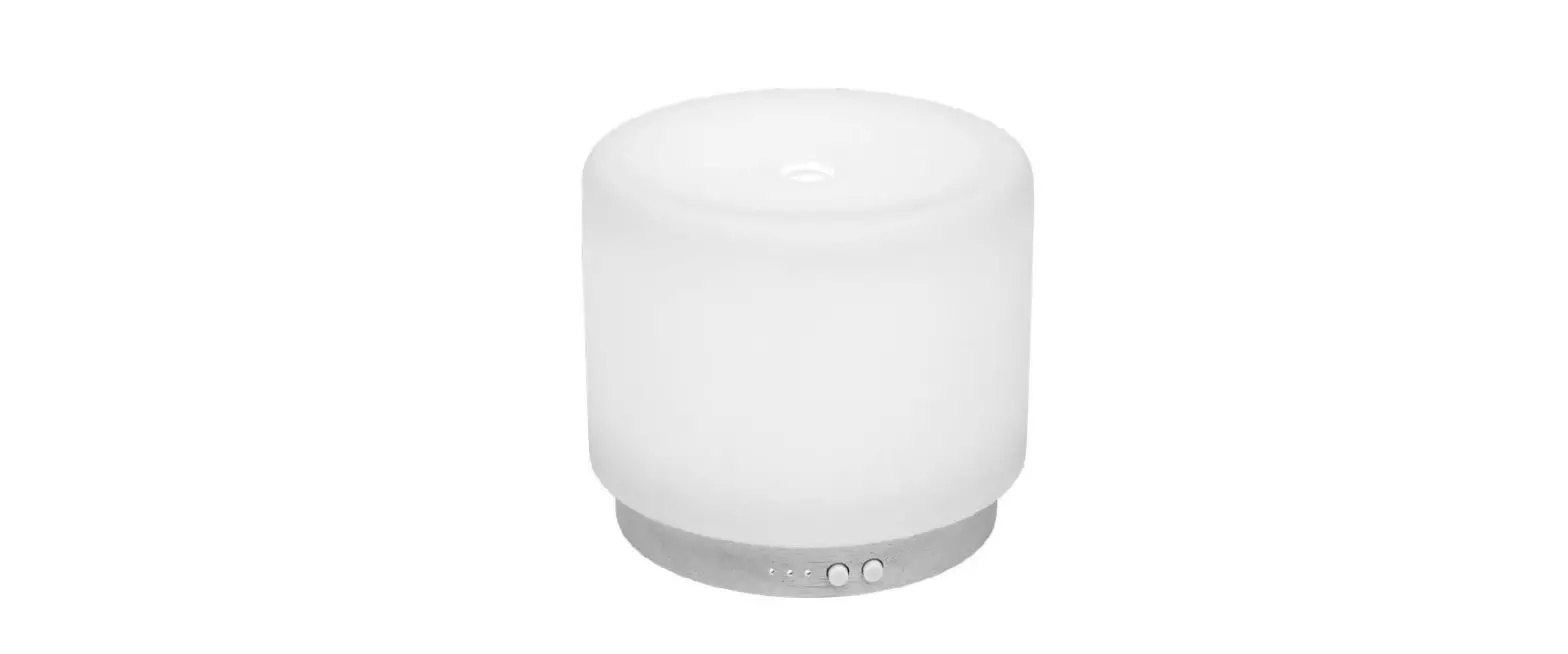
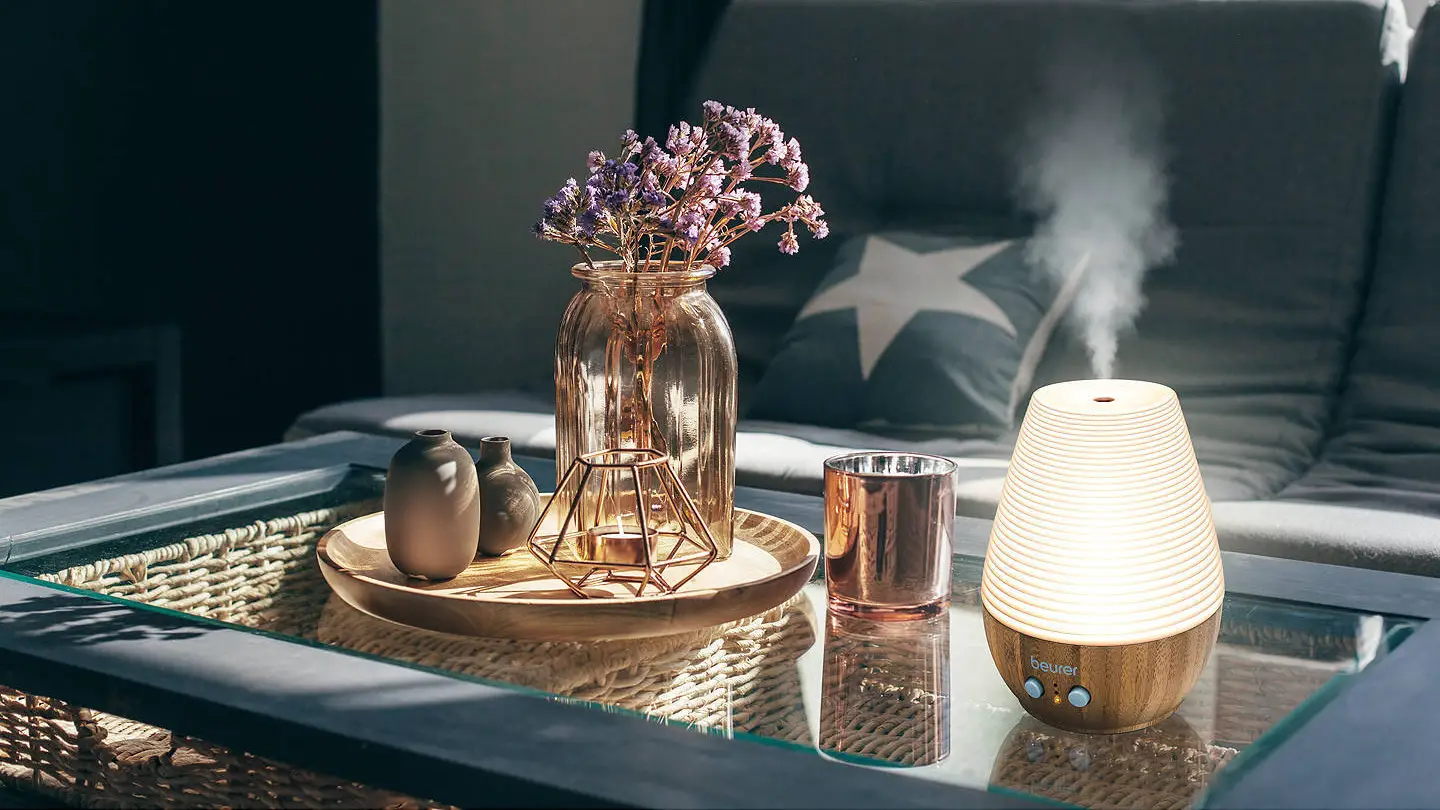
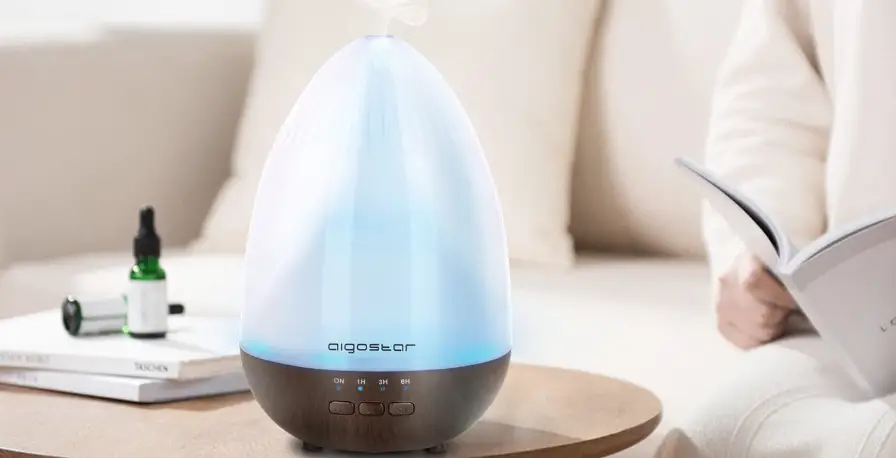
The aroma diffuser adopts the principle of ultrasonic waves to atomize the water and essential oils in the water tank to produce z cool, moist, and aromatic mist.
Product specification parameters
| Item No | Product Size | Product Net Weight | Material |
| YYM901W | 91 x 204mm | Approx 536g | PP/Ceramic |
| YYM902W | 91 x 230mm | Approx 540g | PP/Ceramic |
| YYM903W | 150 x 170mm | Approx 400g | PP/Rattan |
| YYM905W | 168.5 x 215mm | Approx 536g | PP/Rattan |
| YYM906W | 98 x 245mm | Approx 600g | PP/Ceramic |
| YYM908W | 145 x 295mm | Approx 375g | PP/Rattan |
| YYM909W | 153 x 188mm | Approx 455g | PP/Iron art |
| YYM910W | 120 x 150mm | Approx 335g | PP/Iron art |
| YYM912W | 120 x 198mm | Approx 335g | PP/Iron art |
| YYM913W | 120 x 235mm | Approx 639g | PP/Ceramic |
| YYM914W | 120 x 235mm | Approx 571g | PP/Ceramic |
| YYM915W | 120 x 235mm | Approx 549g | PP/Ceramic |
| YYM916W | 120 x 235mm | Approx 667g | PP/Ceramic |
| YYM917W | 120 x 235mm | Approx 640g | PP/Ceramic |
| YYM918W | 120 x 235mm | Approx 605g | PP/Ceramic |
| YYM919W | 120 x 235mm | Approx 516g | PP/Ceramic |
| YYM920W | 110 x 235mm | Approx 471g | PP/Ceramic |
| YYM921W | 110 x 235mm | Approx 441g | PP/Ceramic |
| YYM930W | 90 x 204mm | Approx 297g | PP/Bamboo |
| YYM931W | 90 x 204mm | Approx 297g | PP/Bamboo |
| Item No | Product Size | Product Ne: Weight | Material |
| YYM940W | 90 x 198mm | Approx 297g | PP/Iron art |
| YYM941W | 90 x 198mm | Approx 297g | PP/Iron art |
| YYM942W | 90 x 198mm | Approx 297g | PP/Iron art |
| YYM1002W | 168.5 x 215mm | Approx 320g | PP |
| Tank capacity | 120mL(YYM901-942W) : 300mL(YYM1002W) |
| LED color | colorful |
| Input / Output | AC100-240V 50/60Hz DC24v 500mA |
| Accessory | Power adapter Specification |
| Resonant frequency | 2.45 MHz ultrasonic wave |
| rails amount of | Small mist / Big mist |
Basic operation
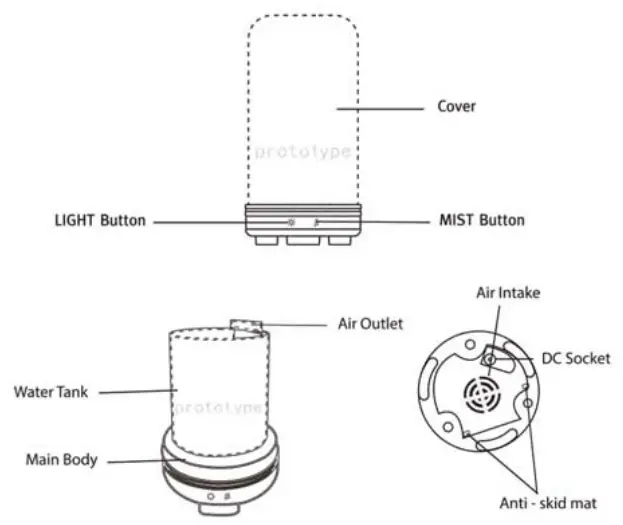
- Place the smart aroma diffuser on a flat surface and remove the cover, then connect the adapter to the DC socket.
- Put the water into the cup container first, and then pour the water into the water tank of the aroma diffuser. If you need fragrance, you can put a few drops of essential oil in the water tank.
- Close the water tank cover and connect the AC adapter to the AC socket.
- Switch button: Small / heavy fog switch, long press to close directly.
- Light button: Colorful night light button, set the color of the colorful night light you want (gradient-bright-dark bright). Long press to turn off the night light.
Note
- When the water is completely atomized, the smart aroma diffuser will automatically shut down.
- It is recommended to use purified water or distilled water.
Note that the water level of the water tank cannot exceed the maximum capacity. - Pay attention to the direction when pouring water to prevent water from flowing into the air outlet.
- The smart aroma diffuser must be used on a flat surface, away from heat sources, and in a humid environment.
Smart APP Instructions
 | OR | 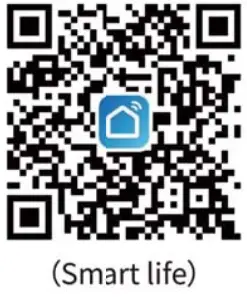 |
| https://smartapp.tuya.com/tuyasmart | https://smartapp.tuya.com/smartlife |
Compatible with IOS 8.0 + and Android 4.4 +
Wireless standard 2 4
GHz WI-FI IEEE 802 11 b/g/n
- Use a mobile device to scan the QR code above or download and install the app in the app market.
- Follow the APP interface prompts to register an account or log in with an existing account.
How to connect smart aroma diffuser and APP
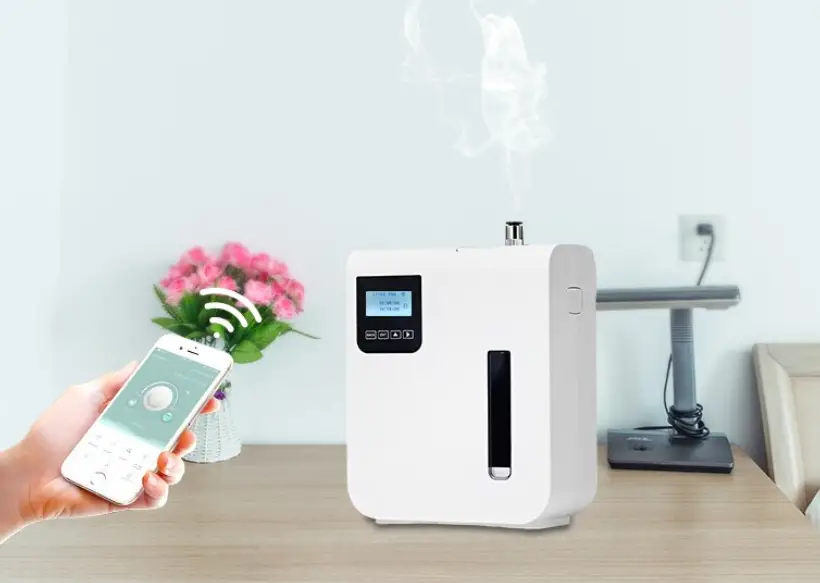
- Connect the device to the power supply, open the APP application, Click on the “+” in the upper right corner of the page, or select “add manually” –> small home appliances –> diffuser (Wi-Fi).
- Reset the smart aroma diffuser, the blue indicator light is flashing quickly.
- Select the 2.46Hz Wi-Fi network, enter the password, and click “Confirm”,
- Wait for the smart aroma diffuser to connect successfully.
- Click Finish Smart aroma diffuser reset Turn on the power, and press and hold the “Mist” and “Light” buttons for 3-4 seconds at the same time, you will hear a “di” beep, and the blue status light flashes quickly, indicating that the device has been successfully reset. If you long press “Mist” and “Light” for 7.8 seconds, you will hear two “di”, and “di” beeps and the blue status light will flash slowly to enter the AP mode.
APP application function
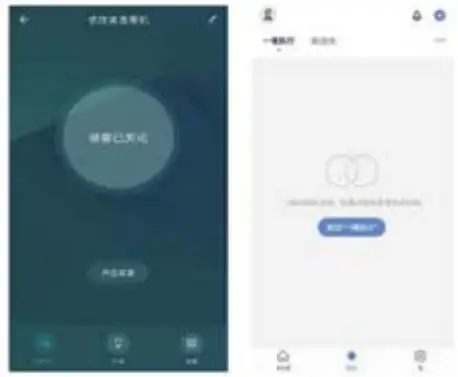
- Spray settings Tap the “spray switch” icon to enter the spray setting interface, Tap the “turn on spray’, click the middle circular icon to adjust Spray volume, and click the “count down” button to select mode. (Count down 1H-3H-6H-ON)
- Night light / colorful light settings Tap the “light” icon to enter the colorful night light setting interface, Slide the color panel to choose the color you like, or you can choose the colorful gradient mode.
- Smart life scenes support equipment customization functions.
- Manage personal information in my options.
Voice binding settings
Voice control Amazon Alexa r Google Assistant small elves dingdong ding-dong / Tencent xiao wen / Urumqi / Baidu Xiaoyu / Tencent cloud dingding
Take Amazon Alexa as an example
- Follow the instructions of the Amazon Alexa smart speaker to complete the network configuration.
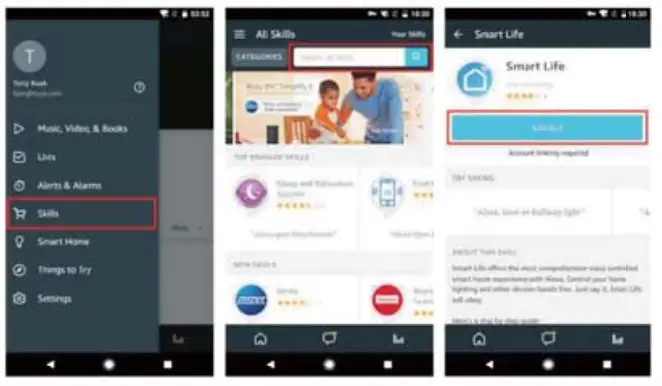
- Bind the “Smart Life” account to Alexa (as shown in the figure below).
- Click “Skills” in the menu and search for “Smart Life”. Select “Smart Life” in the search results and click “ENABLE” to enable”Skill”.
- On the new page, enter your Smart Life APP account and password, correctly select the country where your account belongs, and then click “Link Now” to bind your smart life account. The country, account number, and password must be consistent with the content registered in Smart Life APR After the account is successfully bound, click ” x” in the upper left corner to return to the Alexa APP.

Control your smart device with Echo
- Discover the device: Before controlling the device, Echo needs to discover the device first. You can say to Echo: “Alexa, discover devices”.Echo will scan the devices configured through the Smart Life APR After waiting for about 20 seconds, Echo will feedback on the scan result. You can also click “DISCOVER” on the Smart Home page to discover the devices, and the discovered devices will be displayed in the list. 2. Control the device by voice Now you can use Echo to control your smart device. The device can be controlled by the following commands:
→ Alexa, turn on/off the light. (Switch light)
→ Alexa, set the light to green. (light color adjustment)
→ Set light to 10% or 100%. (Light brightness adjustment)
→ turn on/off the diffuser. (Switch diffuser)
→ Set diffuser to large/small. (Fog adjustment)
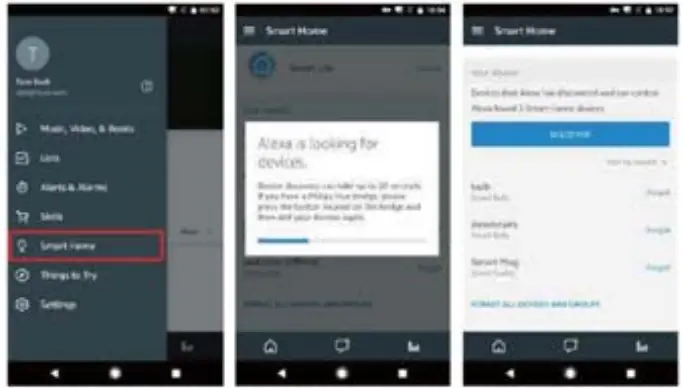 Note: Every time the device name is changed on the Smart Life APP, Echo must rediscover the device, otherwise the device cannot be controlled.
FCC WARNING
This device complies with part 15 of the FCC Rules. Operation is subject to the following two conditions: (1) this device may not cause harmful interference, and (2) this device must accept any interference received, including interference that may cause undesired operation. Any changes or modifications not expressly approved by the party responsible for compliance could void the user’s authority to operate the equipment.
NOTE: This equipment has been tested and found to comply with the limits for a Class B digital device, pursuant to Part 15 of the FCC Rules. These limits are designed to provide reasonable protection against harmful interference in a residential installation. This equipment generates, uses and can radiate radio frequency energy and, if not installed and used in accordance with the instructions, may cause harmful interference to radio communications. However, there is no guarantee that interference will not occur in a particular installation. If this equipment does cause harmful interference to radio or television reception, which can be determined by turning the equipment off and on, the user is encouraged to try to correct the interference by one or more of the following measures:
— Reorient or relocate the receiving antenna.
— Increase the separation between the equipment and receiver.
— Connect the equipment into an outlet on a circuit different from that to which the receiver is connected.
— Consult the dealer or an experienced radio/TV technician for help.
To maintain compliance with FCC’s RF Exposure guidelines, This equipment should be installed and operated with a minimum 20cm distance between the radiator and your body: Use only the supplied antenna.