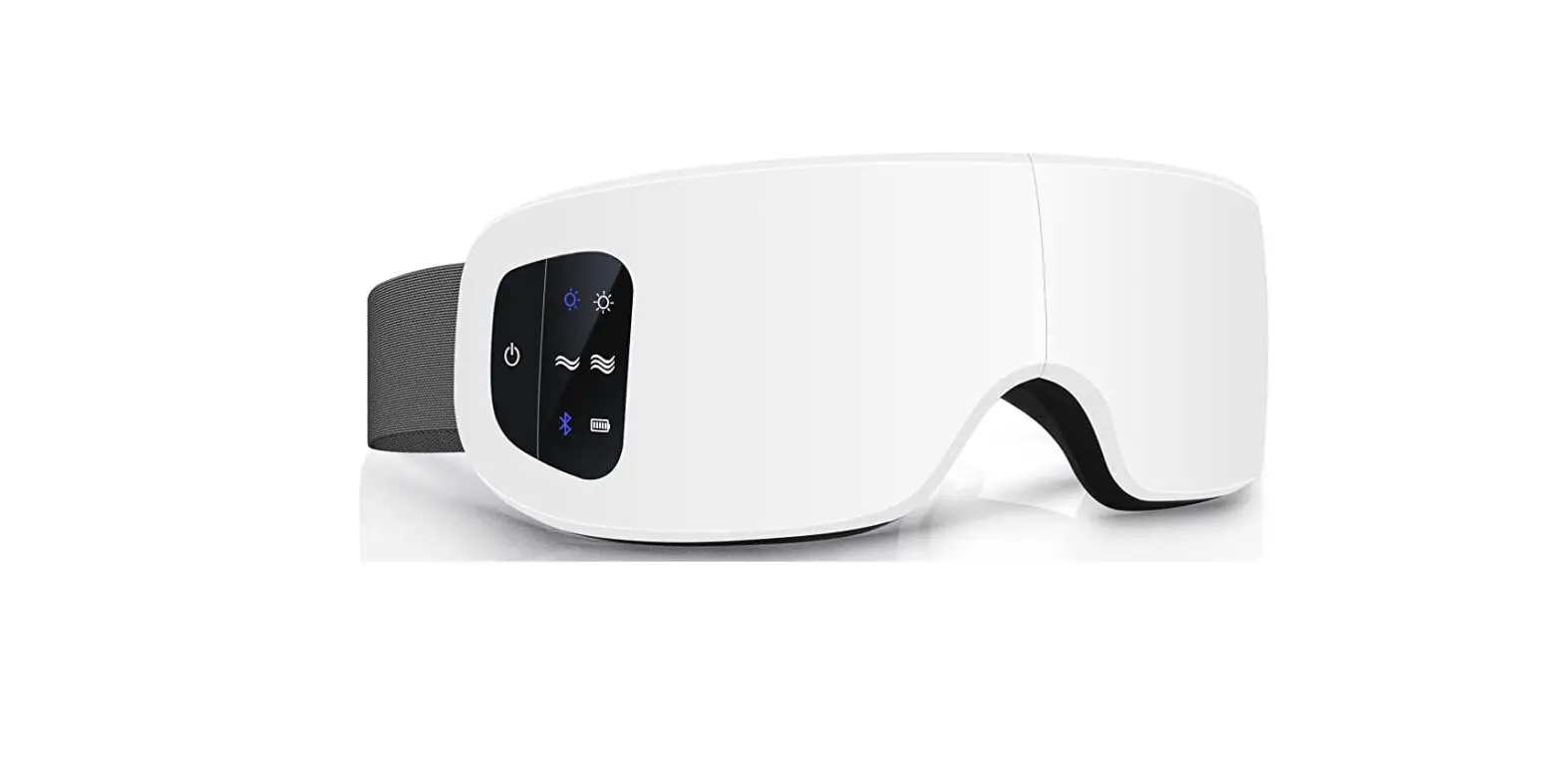
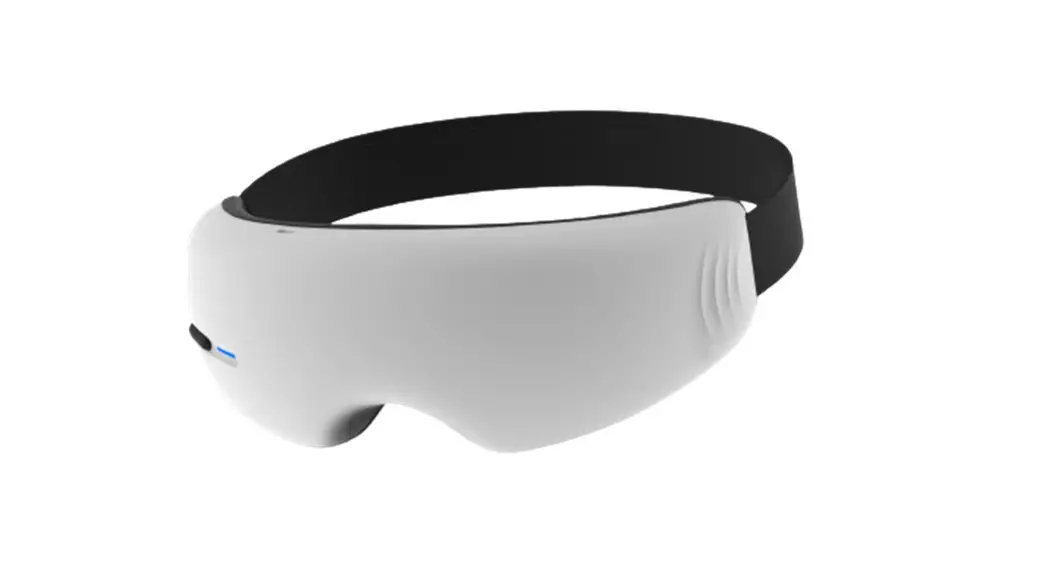
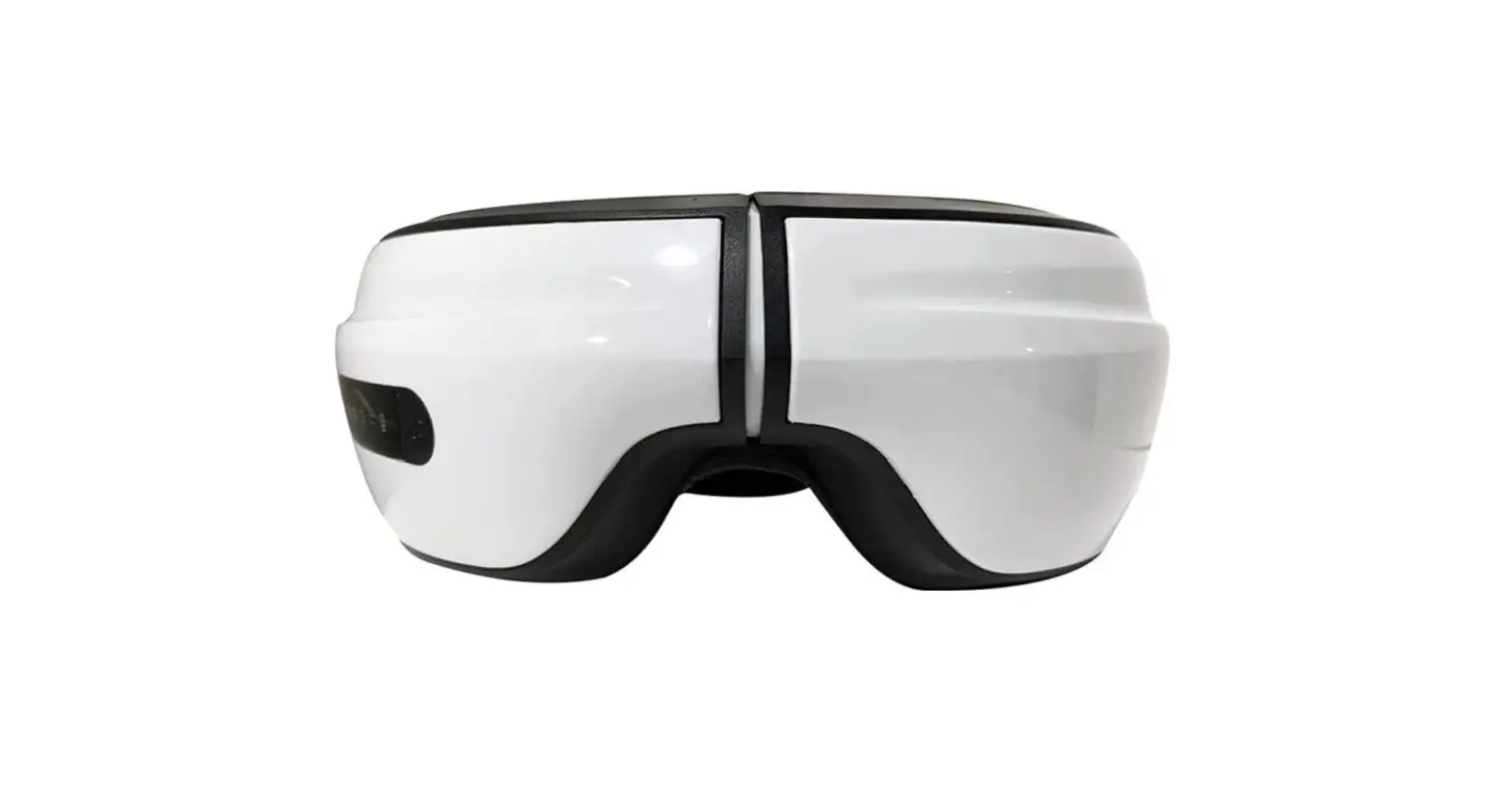
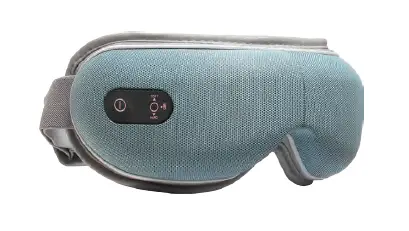
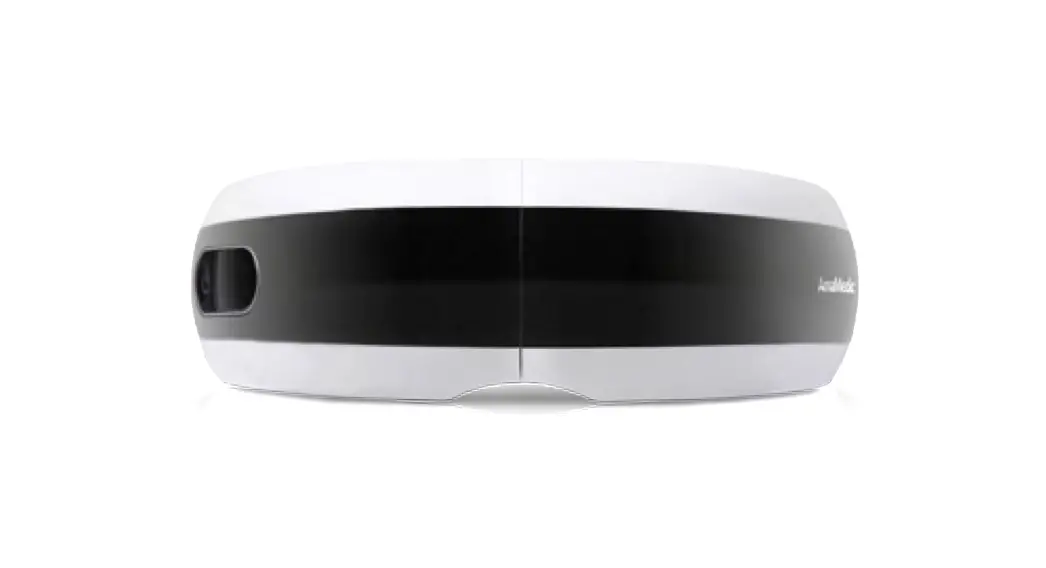
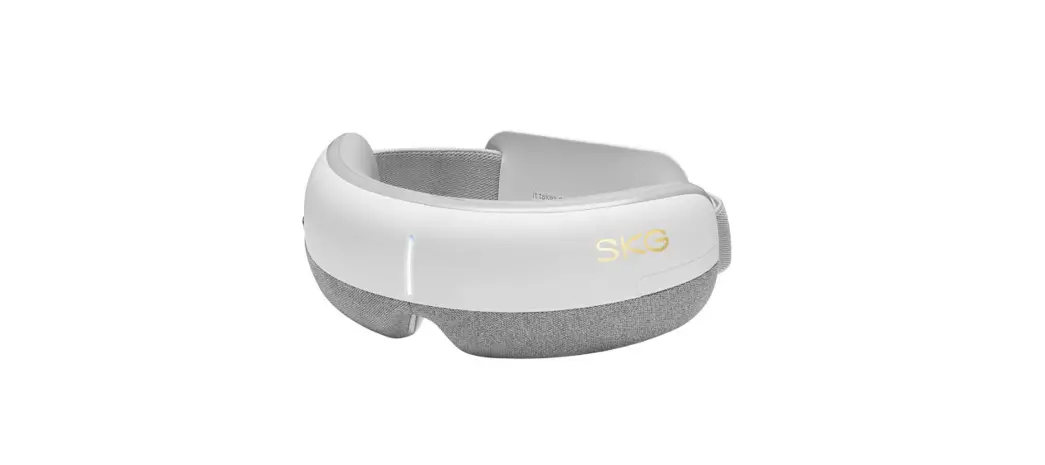
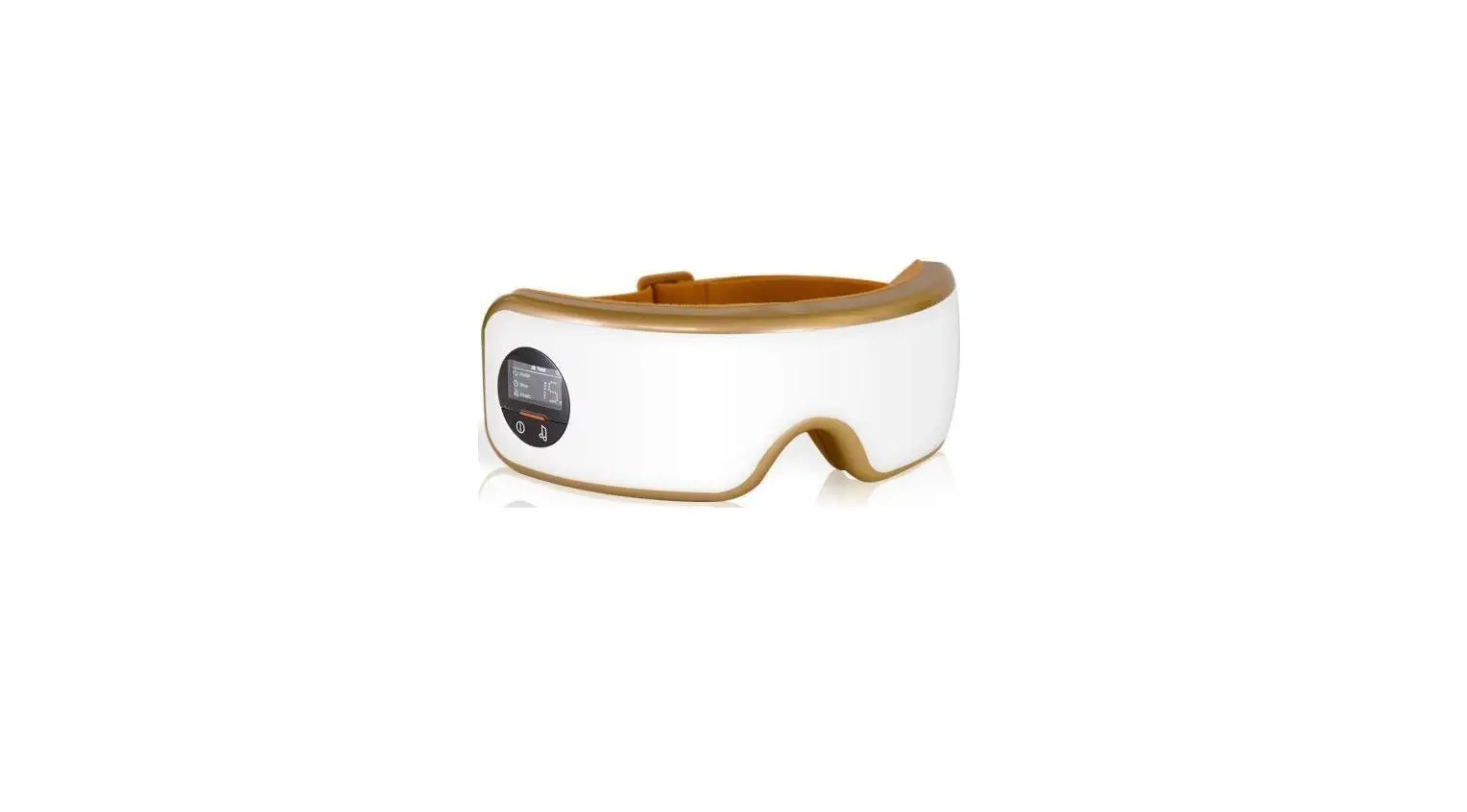
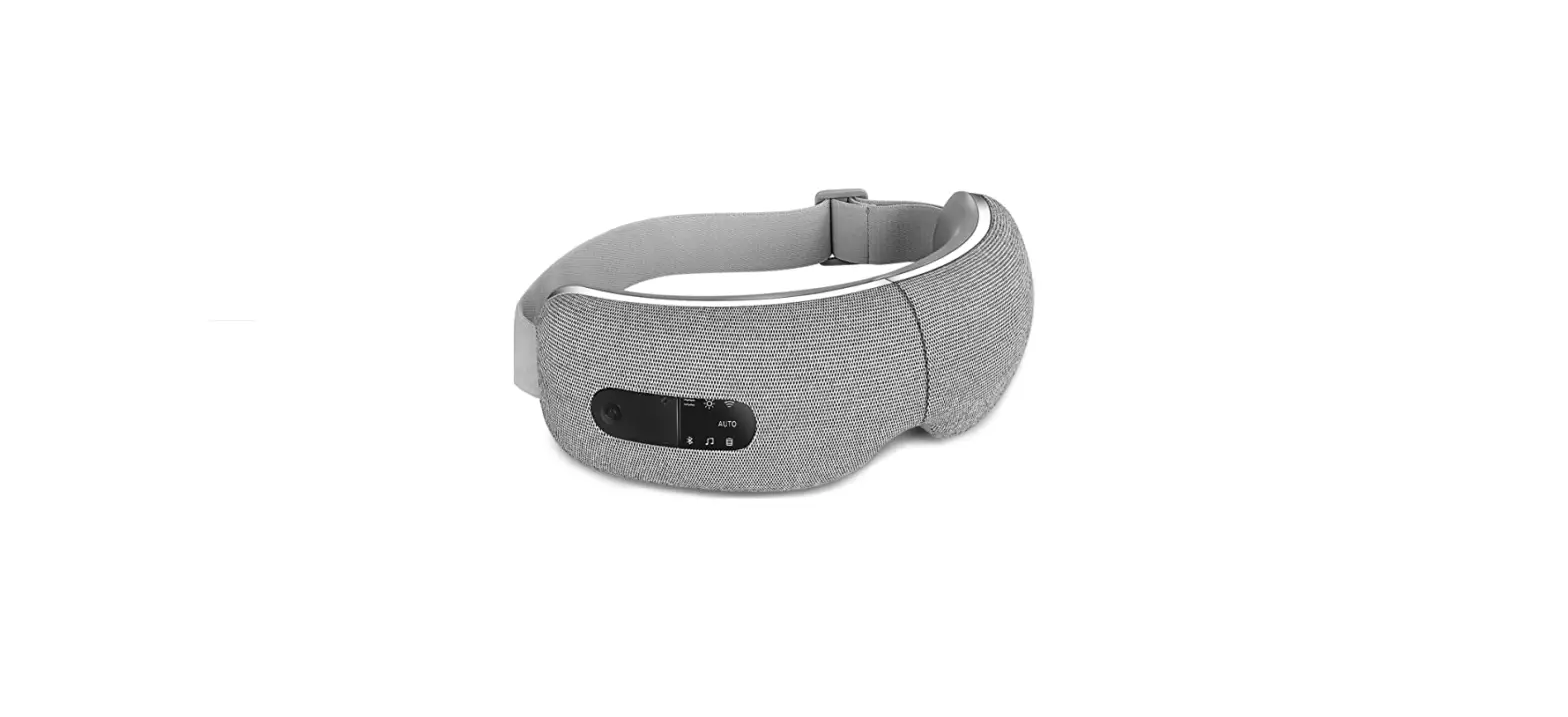
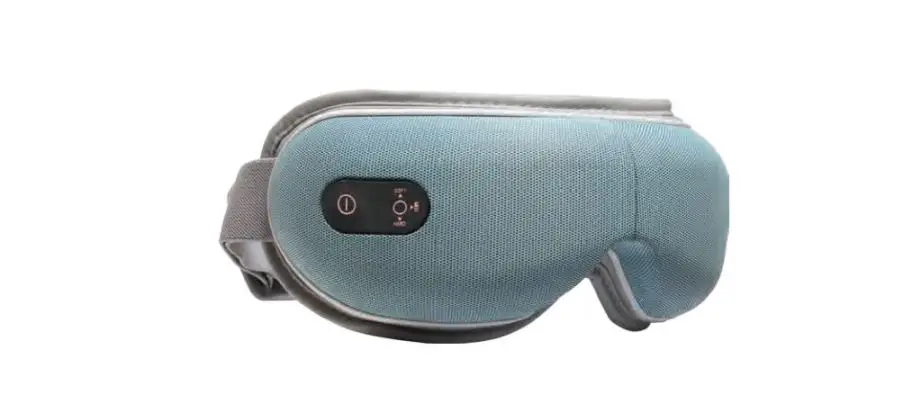
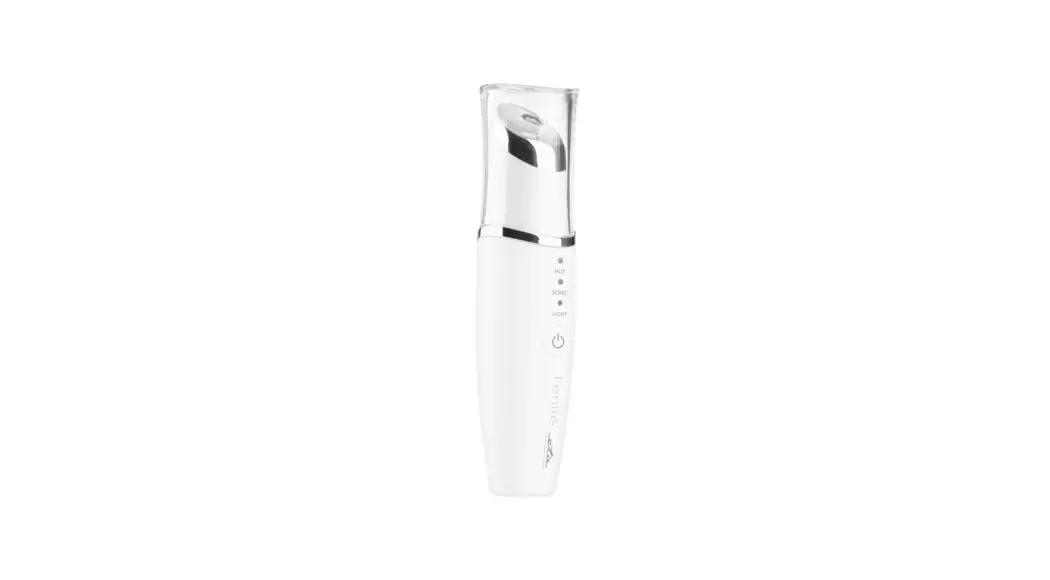
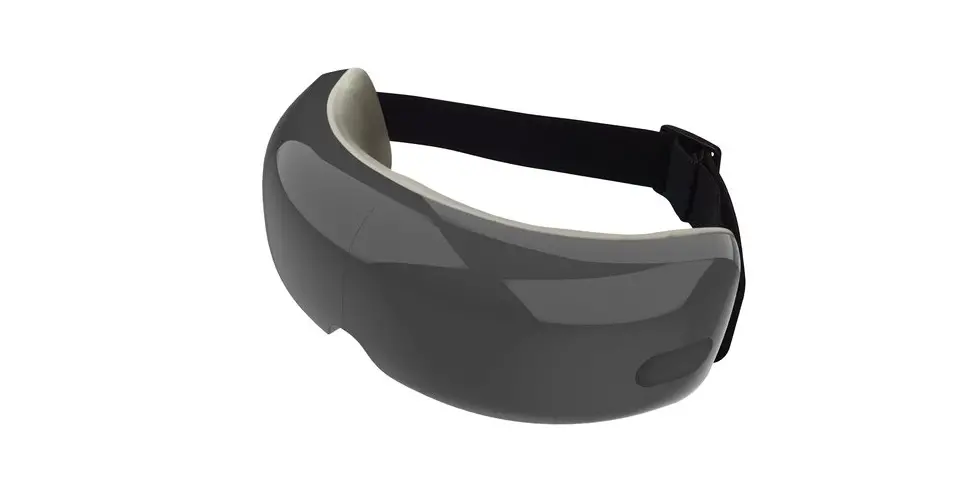
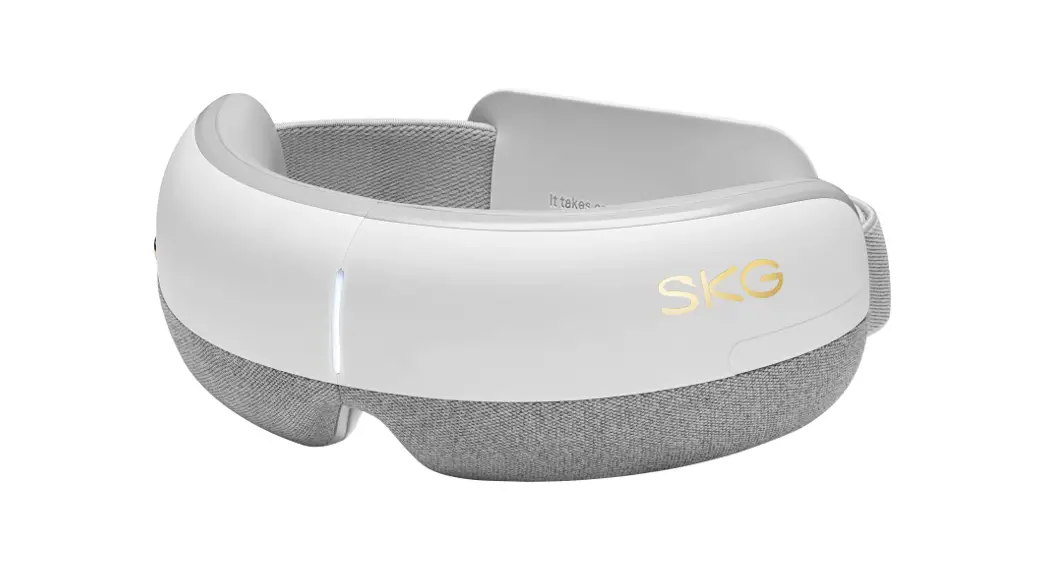
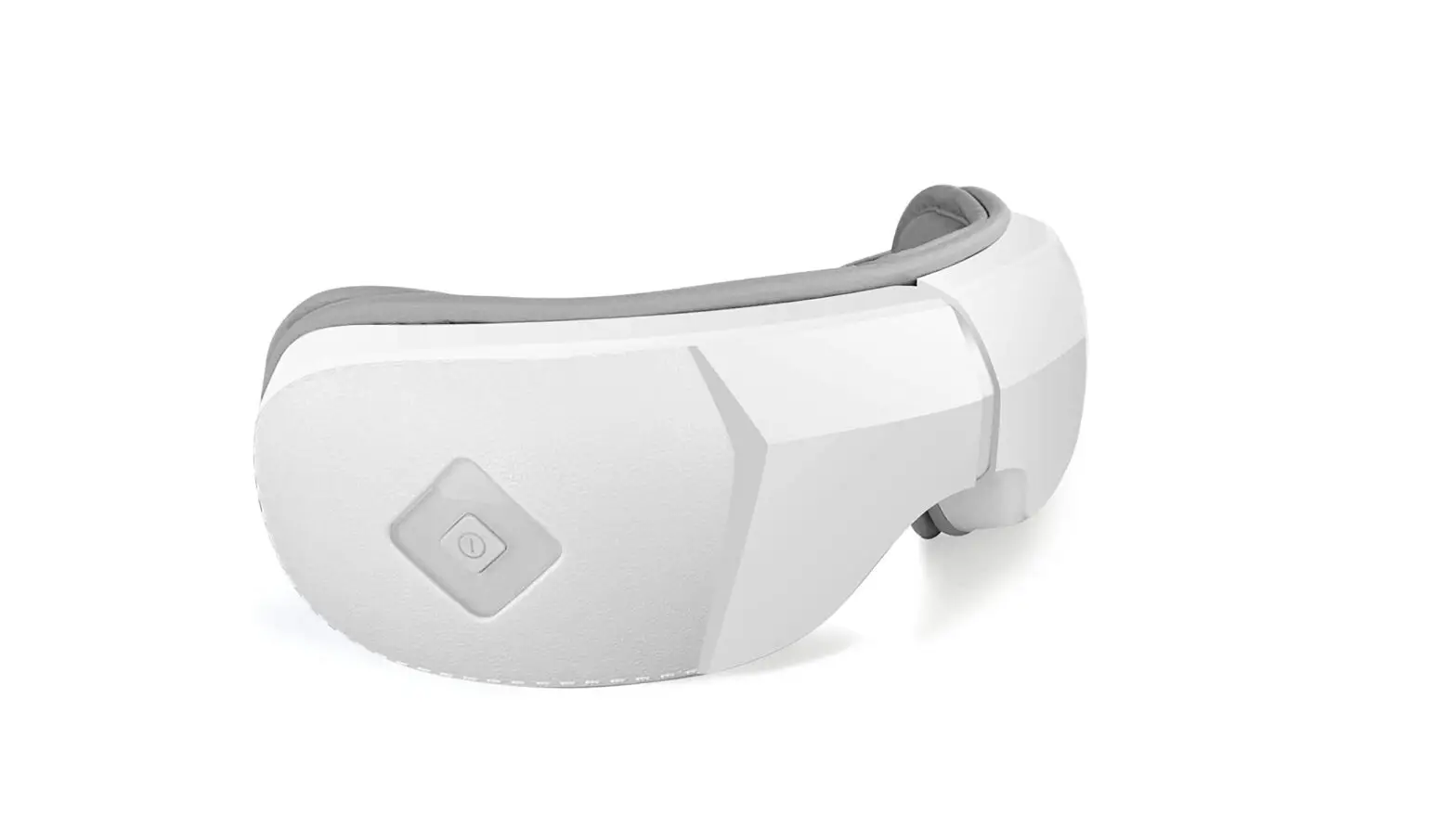
YY-1006 Smart Eye Massager
Product Information
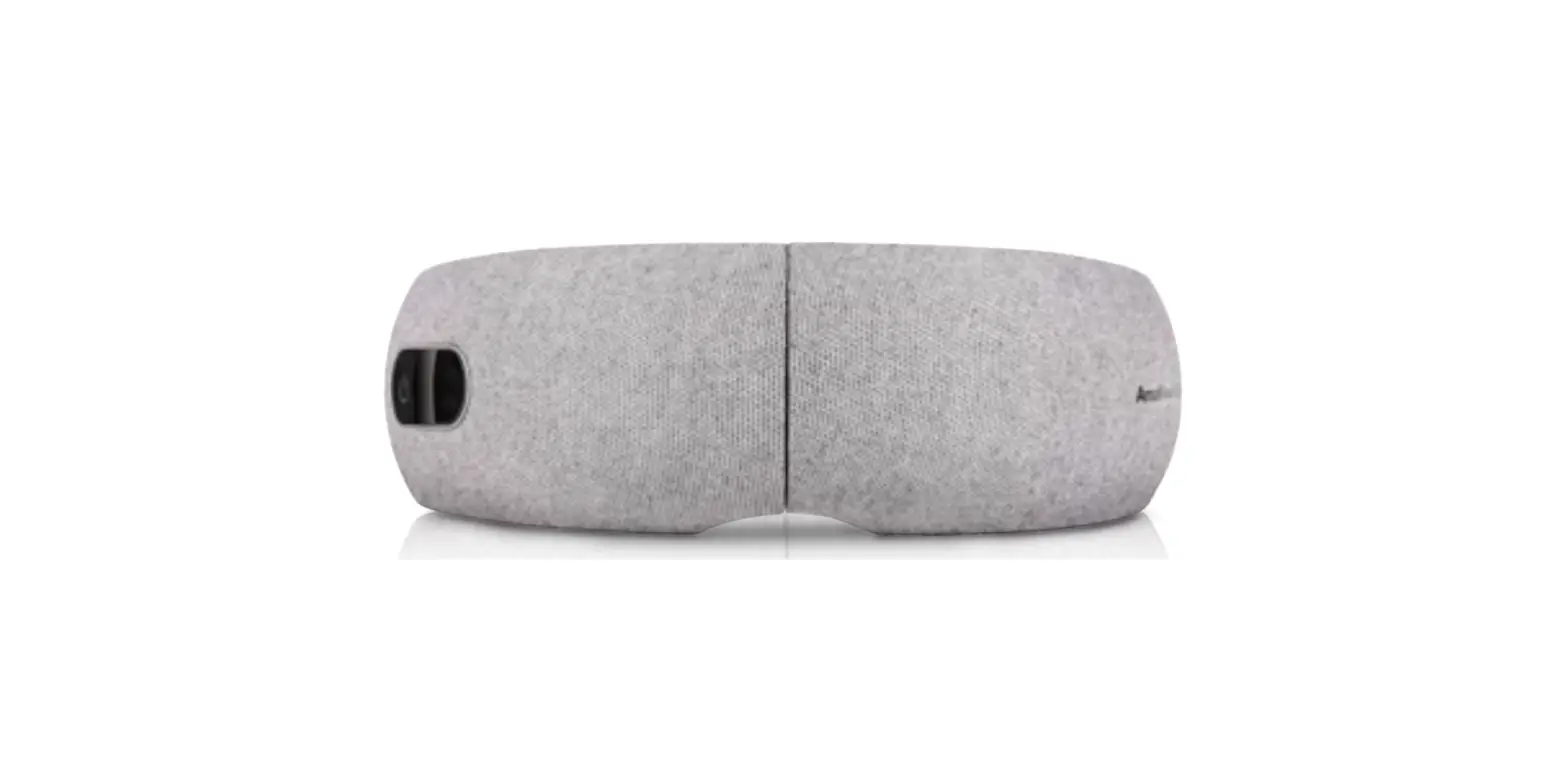
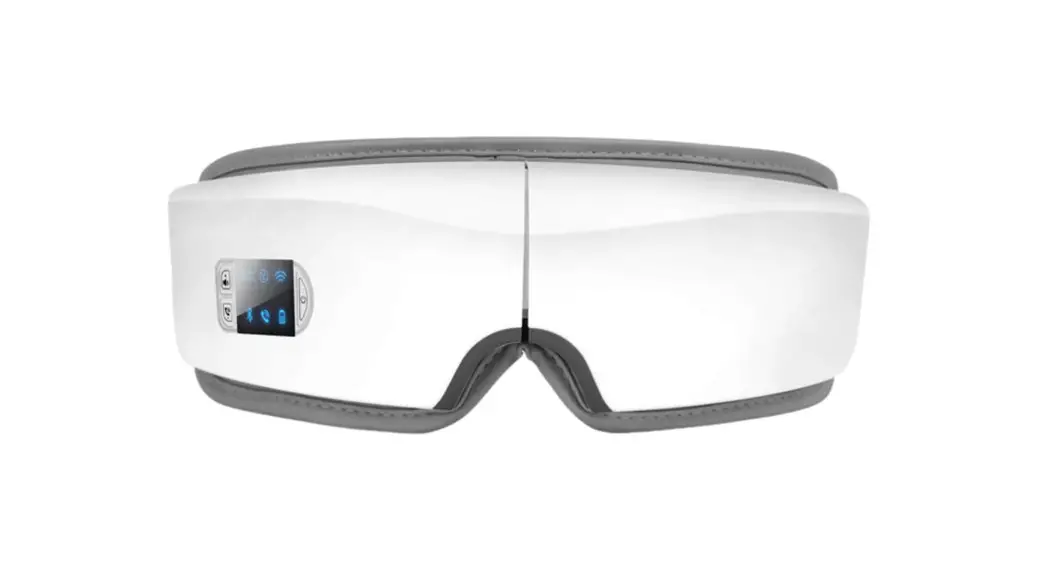
The Smart Eye Massager (YY-1006) is an intelligent eye massager
that utilizes microcomputer chip control technology to help relax
the eye muscles through kneading, vibrating, and hot compress. This
comprehensive and comfortable experience is suitable for
individuals who spend long hours using computers, mobile phones,
and other electronic devices.
Product Parameters
- Net Weight: 195g
- Battery Capacity: 1200mAh
- Rated Voltage: DC 5V
- Rated Current: 1A
Product Structure
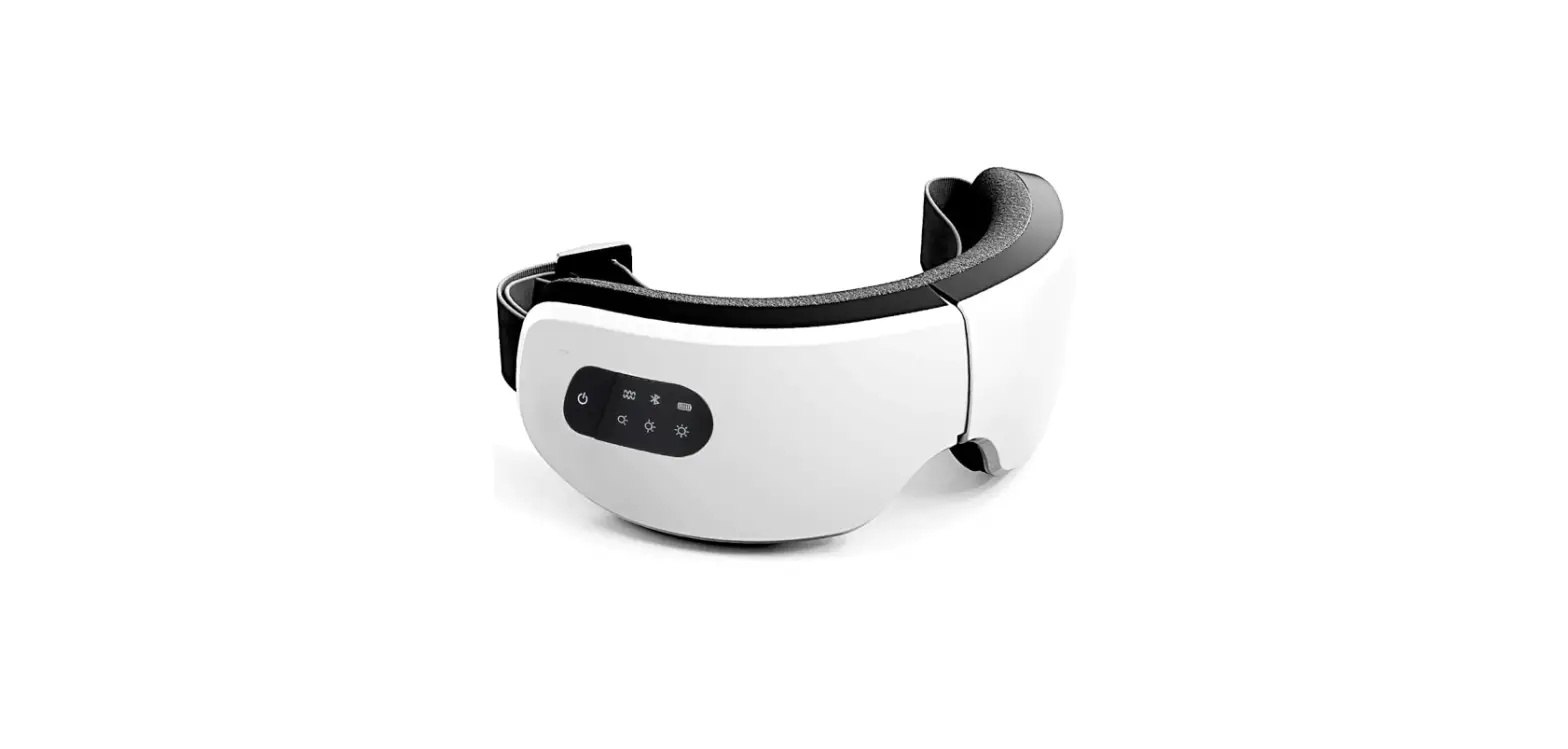
- LED Indicator Light
- Switch Machine/Mode Switch/Music or Story Button
- Type-C Interface
Packing List
- Host: 1
- Manual: 1
- USB Data Cable: 1
Product Usage Instructions
Preparation and Charging Before Use
1. Aim the eye massager at both eyes and put on the machine.
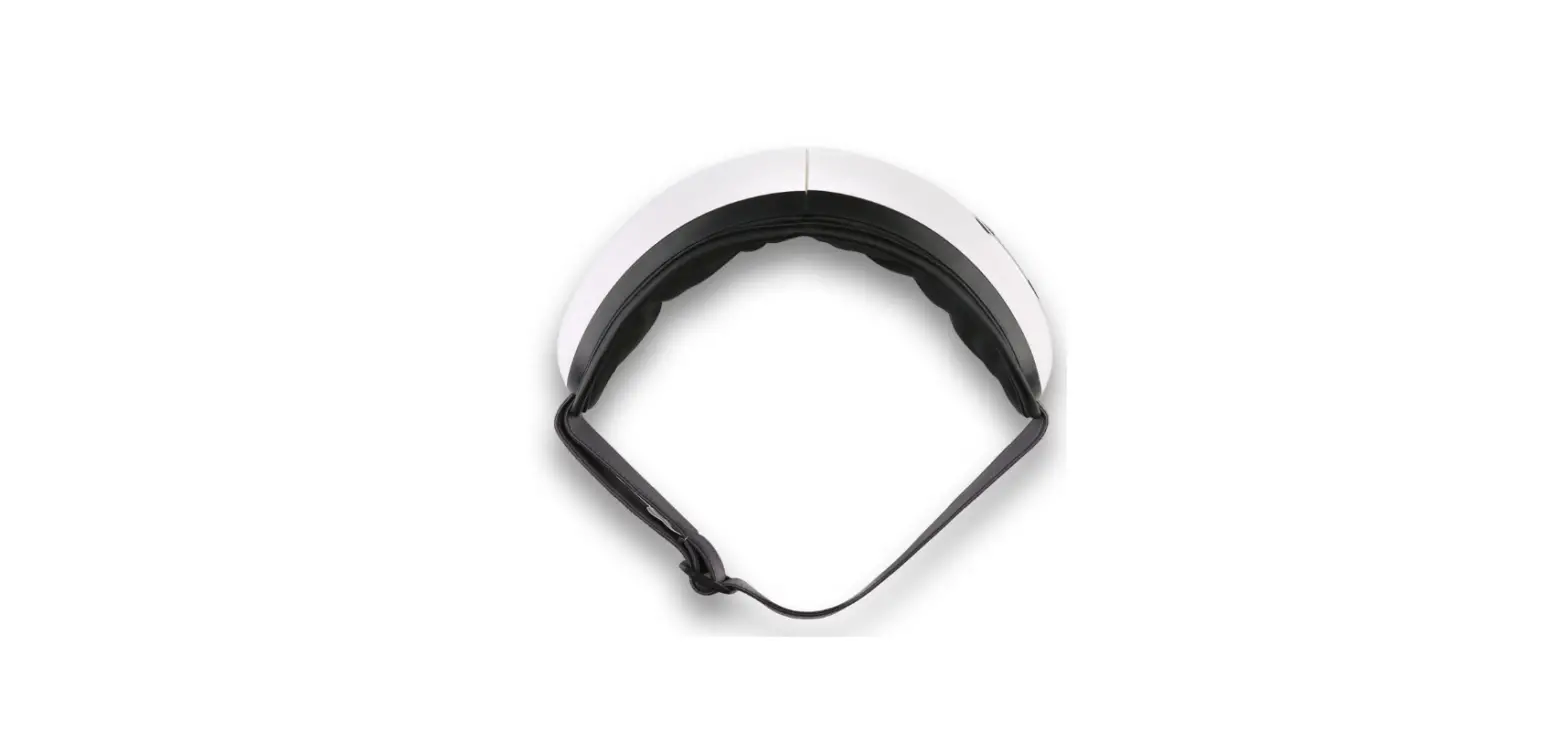
2. Adjust the elastic band to the most comfortable size.
3. Adjust the machine up, down, left, and right to the most
comfortable position.
4. Remove glasses, contact lenses, hairpins, and hair
accessories before wearing to avoid discomfort.
5. Do not use the product when hands are wet. Avoid dropping or
stepping on the product.
Charging:
1. Plug the USB plug of the USB data cable into the USB socket
of the power adapter (5V-1A).
2. Plug the power adapter (5V-1A) into the power socket.
3. Plug the Type-C plug of the USB data cable into the Type-C
socket of the product.
Tips: The indicator light flashes during
charging and remains on after full charge. The product cannot work
while charging. Disconnect the power adapter after charging. If the
product is charged during operation, it will stop working
automatically.
Turn On/Off the Product
To Turn On: Press the () key for 2 seconds. The
indicator light will turn on, and the machine will start working.
The default mode is automatic with a working time of 15 minutes and
music playback.
To Turn Off: During operation, press the () key
for 2 seconds, or the machine will automatically turn off after 15
minutes.
Voice Control
To Switch Music/Story: Press the () key twice
in a row for less than one second.
To Turn On/Off Voice: Press the () key three
times in a row for less than one second.
Switch Mode
To Switch Mode: Press the () key for less than
one second. Each press will switch to the next mode. For example,
one press will switch to the second mode, two presses to the third
mode, and so on.
Mode Introduction
- Automatic Mode: Air pressure massage, hot
compress massage, vibration massage, and music/story. - Eye Protection Mode: Air pressure massage, hot
compress massage, and music/story. - Vitality Mode: Air pressure massage, vibration
massage, and music/story. - Sleep Mode: Hot compress massage and
music/story.
Note: Due to continuous product version
updates, the modes may differ from the manual.
Bluetooth Connectivity: This product has a
unique function of Bluetooth connectivity.
Smart eye massager
YY-1006 Operating manual Please read the operating manual carefully before using the massager. The operating manual contains the guide for after-sales service, so please keep it well.
Basic product information
Product Introduction
//
The intelligent eye massager adopts the microcomputer chip control technology to help the eye muscles relax by kneading/vibrating/hot
compress,bringing you a comprehensive comfortable
experience.
The product is suitable for all kinds of people who use
computer,mobile phone and other electronic equipment
for a long time.
Product parameter
[] 195g [] 1200mAh [Product net weight] [Battery capacity] [] DC 5V [] 1A [Rated voltage] [Rated current] [] *1 *1 USB *1 [Packing list] Host*1 Manual*1 USB data cable*1 [] [Executive standard] [] [Packing list] Automatic timingThermostatic hot compress Voice announcements
Convenient Rechargeable Bluetooth music
Multi-frequency vibration
Product structure
LED // USB
LED indicator light Switch machine/mode switch/music or story Type-C interface
Preparation and charging before use
Preparation before use
Aim the eye massager at both eyes,put on the machine,adjust the elastic band to the most comfortable size,and adjust the machine up,down,left and right to the most comfortable position.
Please take off glasses,contact lenses,hairpins and hair accessories before wearing to avoid discomfort.Do not use the product when hands are wet.Do not fall or step on the product. Recharge
USB USB (5V-1A) USB (5V-1A) USB TYPE-C TYPE-C
Plug the USB plug of the USB data cable into the USB socket of the power adapter (5V-1A),then plug the power adapter (5V-1A) into the power socket,and finally plug the Type-C plug of the USB data cable into the Type-C socket of the product. Tips
In the process of charging,the indicator light flashes and is always on after full charge. During the charging process,the product can’t work.Please disconnect the power adapter after charging. If the product is charged during operation,the product will stop working automatically.
Instructions
Turn on/off the product
“” 2 15
Press () key for 2 seconds to turn on the machine.After power on,the indicator light is on,and the machine starts to work.The default mode is automatic.The working time is 15 minutes,playing music.
“” 2 15
During the operation of the product,press () key for 2 seconds to turn off the machine or the machine will turn off automatically after 15 minutes.
Voice control “”
“” Press () key twice in a row for less than one second to
switch to the story or music.Press () key three times in a row for less than one second to turn off or turn on the voice. Switch mode “”
Press () key for less than one second to switch mode.Operate once,switch to the second mode;operate twice,switch to the third mode;and so on.
Mode introduction =+++ Automatic mode=air pressure massage+hot compress massage+vibration massage+music/story =++ Eye protection mode=air pressure massage+hot compress massage+music/story =++ Vitality mode=air pressure massage+vibration massage+music/story =+ Sleep mode=hot compress massage+music/story (:) Notedue to the continuous of product version sometimes the mode is different from the manual () Connect to Bluetoothunique function of Bluetooth version
(: 223)
After power onthe eye massager Bluetooth turns on by default.When you need to link Bluetooth,turn on your mobile phone Bluetooth and search for Bluetooth(default Bluetooth name is:Children’s Eye Massager 223).
Play mobile music after successful connection.After disconnection Bluetooth,the machine plays the built-in quiet music.
Cleaning and storage
( )
Please use dry soft clean the product.(Please turn off the machine when cleaning,and do not use corrosive cleaning agents such as benzene or diluent,otherwise it will cause discoloration,surface aging,structural damage,etc.)
3
Please put the product in a well-ventilated and dry room.If it is not used for a long time,please cover it with a protective cover.If it is stored for more than 3 months,please open the box to check and charge it for more than half an hour. caveat
The product contains batteries,do not close to high-temperature places or put the product into the fire,otherwise there will be the risk of explosion.
Precautions
1. Do not use when you have symptoms of eye disease.Those who have performed eye surgery and suffer from eye diseases such as glaucomacataract and retinal detachment are prohibited from use.
The product has a heating surface.Please be careful when using it for people who are not sensitive to heat.Minors,the disabled and the elderly should be used under the supervision of adults. 2. It is forbidden to wash the product directly with water,please wipe it with cotton soaked in alcohol or water. 3. The product has a heating surface.Please be careful when using it for people who are not sensitive to heat.Minors,the disabled and the elderly should be used under the supervision of adults. 4. Sensitive skin,facial allergic dermatitis, plastic materials in the face and other special groups,please use the product under the guidance of a doctor. 5
It is forbidden to disassemble the product by yourself.The product contains battery,please do not put it in a high temperature environment or put it into the fire,otherwise there will be the risk of explosion. 6 The product is a personal health care massage product,can not replace remedy and medical devices. 7 The product is not a toy and should not be used by children alone,unless the parents or guardians have set it up in advance,or children have been given full guidance on how to use it. 8 The use of product will block the line of sight.Please do not use it when walking and driving. 9 1-3 After using the product,the eyes need to return from the relaxed state to the tense state,there will be a short period
of blurred vision,which is a normal phenomenon.Please close your eyes for 1-3 minutes,you vision will be clear. 10 Due to the product upgrade,the function of the product should be subject to the actual product.
Common problems and solutions / Problems encountered Automatic shutdown/no power-on after power-on The charging indicator does not light up USB / Possible reason Battery is low Bad USB socket/power contact USB / Please charge Unplug the USB charging cable/power cable
If there is any abnormality after the above treatment,please turn off the power and contact the distributor or company you purchased.
Do not disassemble or repair the product without authorization.The company will not be liable for any damage to the product,person injury or other losses.
After-sales and maintenance
The product can be repaired free of charge within one year from the date of purchase.Free maintenance includes only hours and materials,excluding transportation costs,and does not provide door-to-door service.Accessories attached to the product,such as charging cables,are fragile and are not covered by free Maintenance. Free warranty conditions
1 Can provide”Warranty Card” 2 Can provide purchase invoice or purchase certificate,and failure or damage caused by non-human reasons. 2( ) During the warranty period(From the date of issuance of the purchase invoice or purchase certificate.If there is no purchase invoice or certificate,it shall be calculated according to the Ex-factory Date of the fuselage bar code). () Non-free warranty content(material fee,labor fee charged) 1 Machine failure or damage caused by human causes. 2 Beyond the free repair date and no”Warranty Card”.
Statements
With the innovation of product technology or product improvement ,some parameters may be changed.No further notice will be given after the change. Please refer to the actual product received.
The illustration shown in this manual are based on the appearance of the standard model and are only for display purposes. Please refer to the purchased product for the actual appearance.
The right to interpret the relevant regulations of this manual belongs to the manufacturer.
Warranty Card
Thank you for purchasing the product.We will sincerely provide you with services in accordance with the Law of the People’s Republic of China on the Protection of
Consumer Rights and Interests. For your rights and
interests, please fill in the following details and truthfully.
Name
Time
Address
Purchase model
Contact number
Store
Local service call
Clerk name
/ Description of fault/problem
Note: This warranty card is used when you need after-sales service after purchasing the product.
Please keep it properly. Please show this warranty card and proof of purchase when you need to repair it.
Precautions when product is discarded () Please support the recycling of rechargeable batteries (potassium ion batteries).
danger The battery used in this product is a special rechargeable battery and shall not be used in other products.
Steps to remove the battery (1) ; Before removing the battery, the product must be powered off. (2) Before discarding the product, the battery must be removed from the product. (3) PCB ;
Use a screwdriver to open the product along the plastic edge, cut off the connection between the battery and the PCB board with scissors,and then take out the battery. (4) : The battery should be disposed of safely.
Product and parts recycling instructions Recycling Prompt Instructions In order to protect the environment,after the product or its components are damaged, you have the responsibility to separate it from domestic garbage and send it to a qualified recycling site.Discarded products or parts shall be classified, dismantled, recycled and reused by the recycling site in accordance with relevant national regulations.
This device complies with part 15 of the FCC Rules. Operation is subject to the following two conditions: (1) This device may not cause harmful interference, and (2) this device must accept any interference received, including interference that may cause undesired operation.
Any Changes or modifications not expressly approved by the party responsible for compliance could void the user’s authority to operate the equipment.
Note: This equipment has been tested and found to comply with the limits for a Class B digital device, pursuant to part 15 of the FCC Rules. These limits are designed to provide reasonable protection against harmful interference in a residential installation. This equipment generates uses and can radiate radio frequency energy and, if not installed and used in accordance with the instructions, may cause harmful interference to radio communications. However, there is no guarantee that interference will not occur in a particular installation. If this equipment does cause harmful interference to radio or television reception, which can be determined by turning the equipment off and on, the user is encouraged to try to correct the interference by one or more of the following measures: -Reorient or relocate the receiving antenna. -Increase the separation between the equipment and receiver. -Connect the equipment into an outlet on a circuit different from that to which the receiver is connected. -Consult the dealer or an experienced radio/TV technician for help.
 changed.No