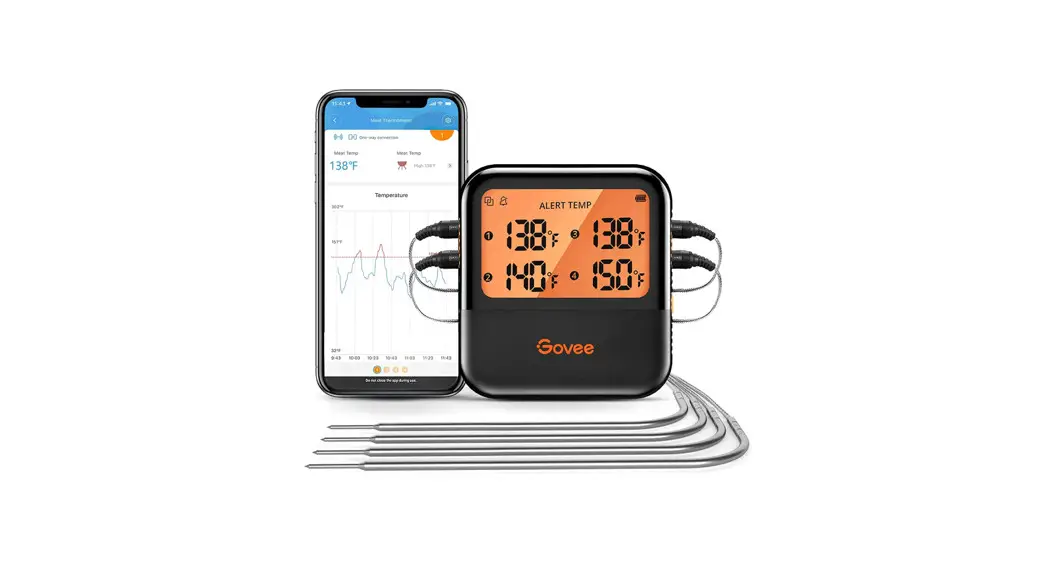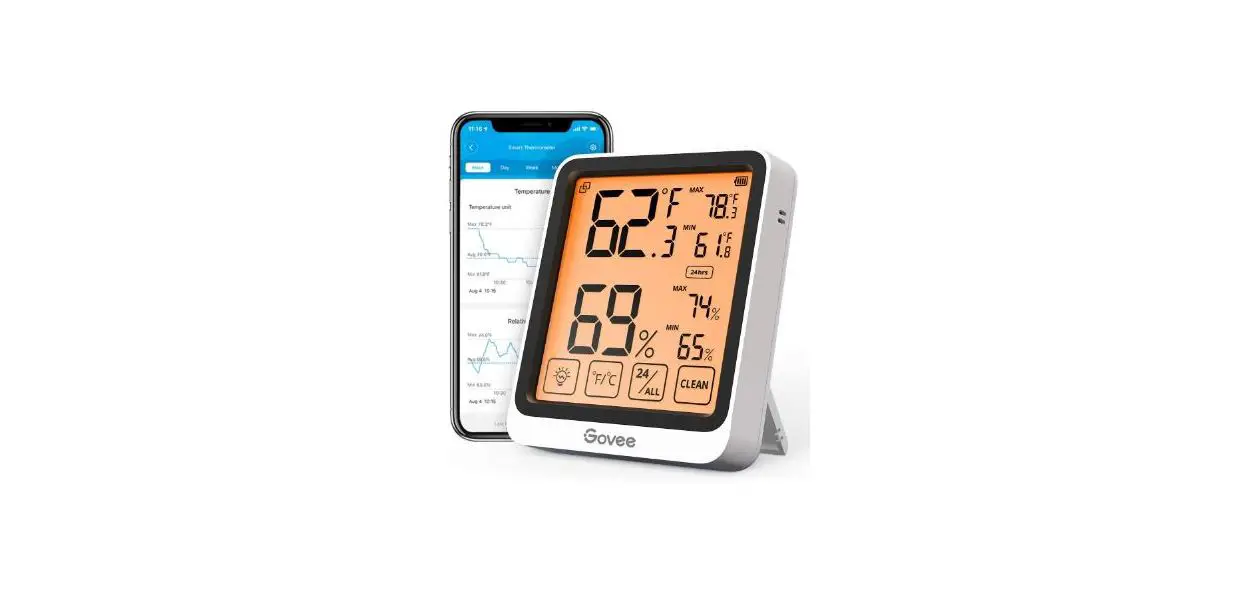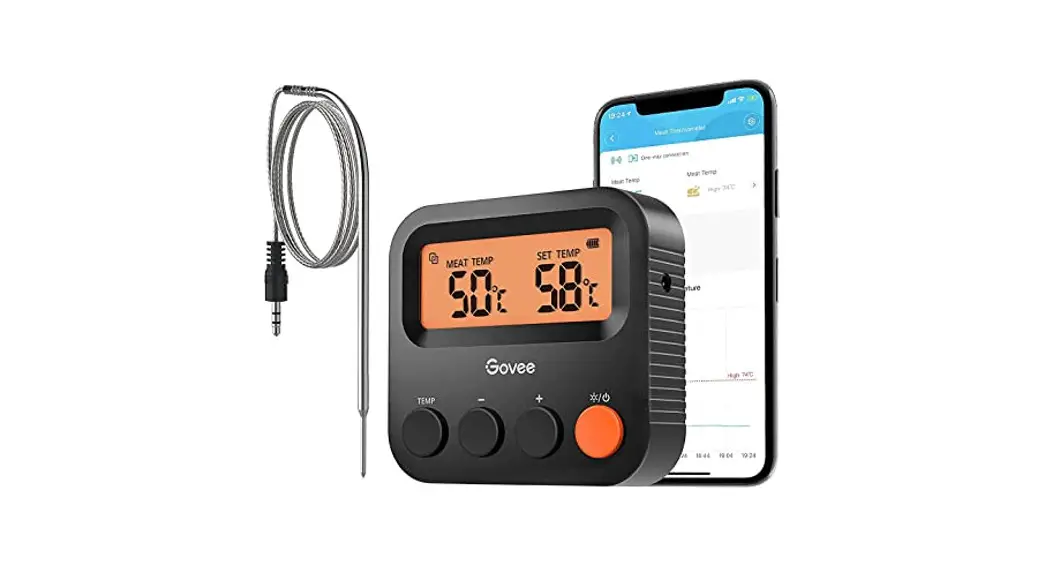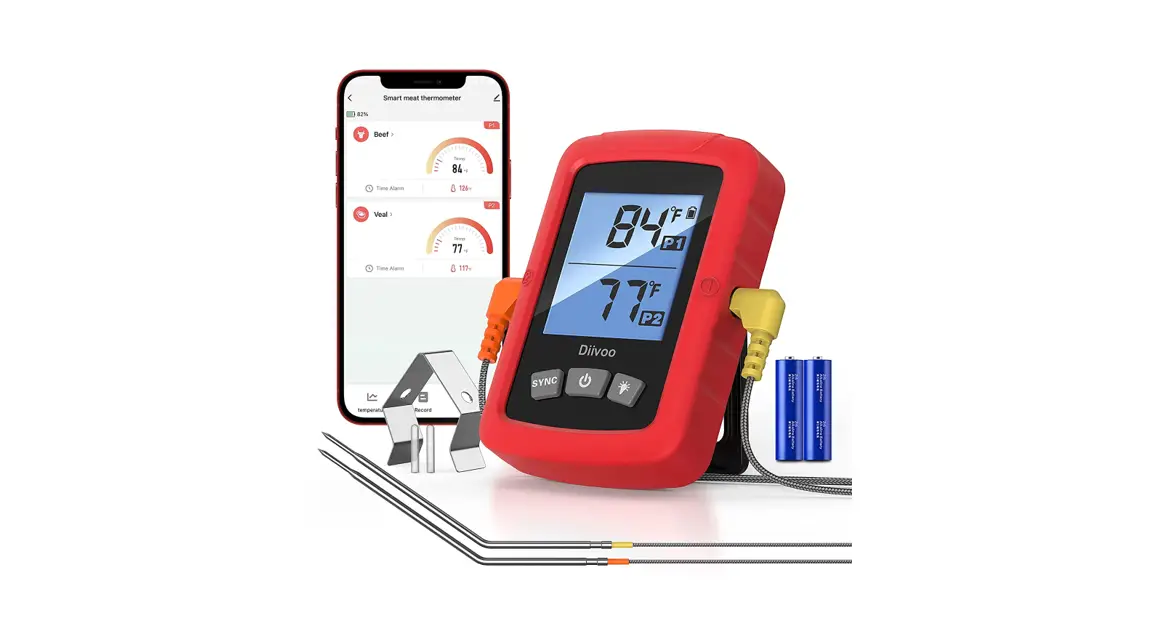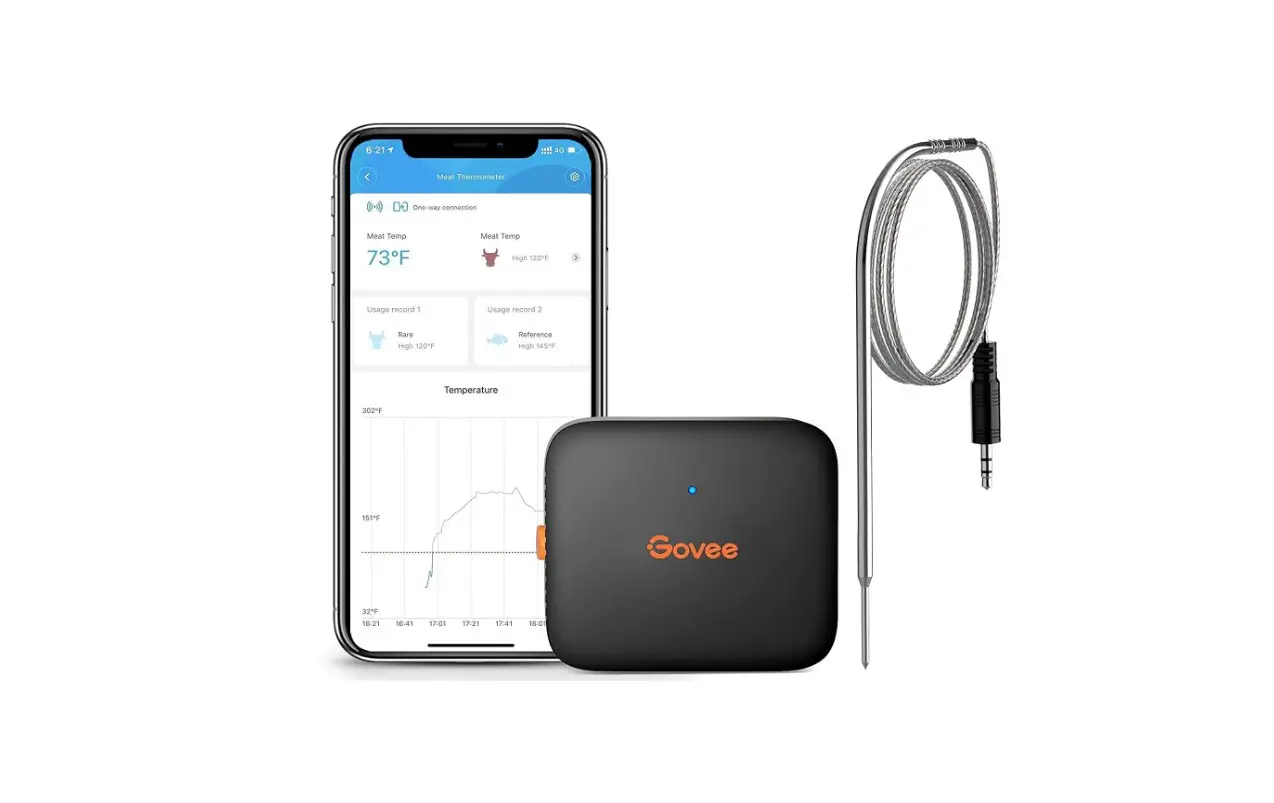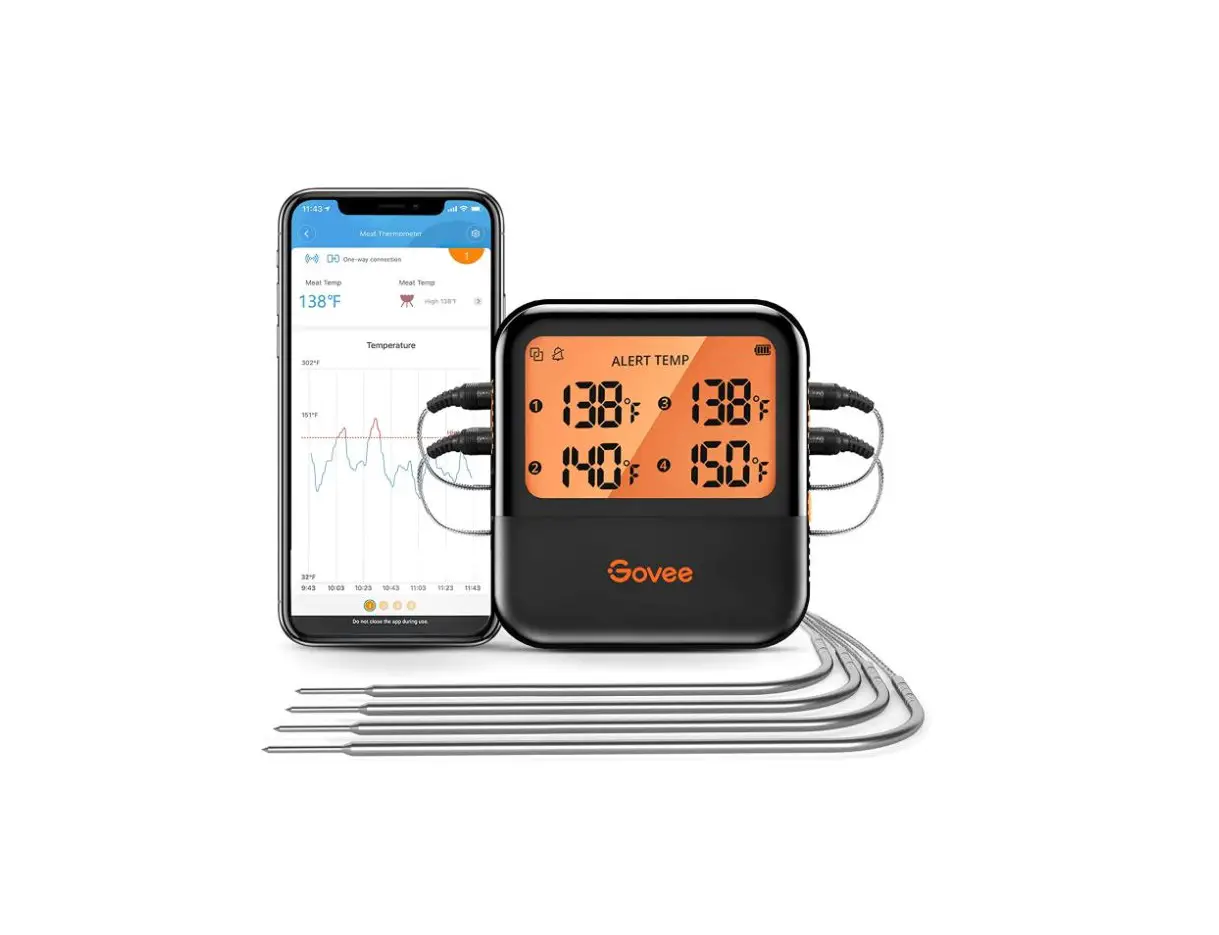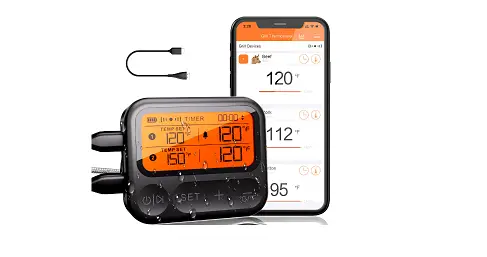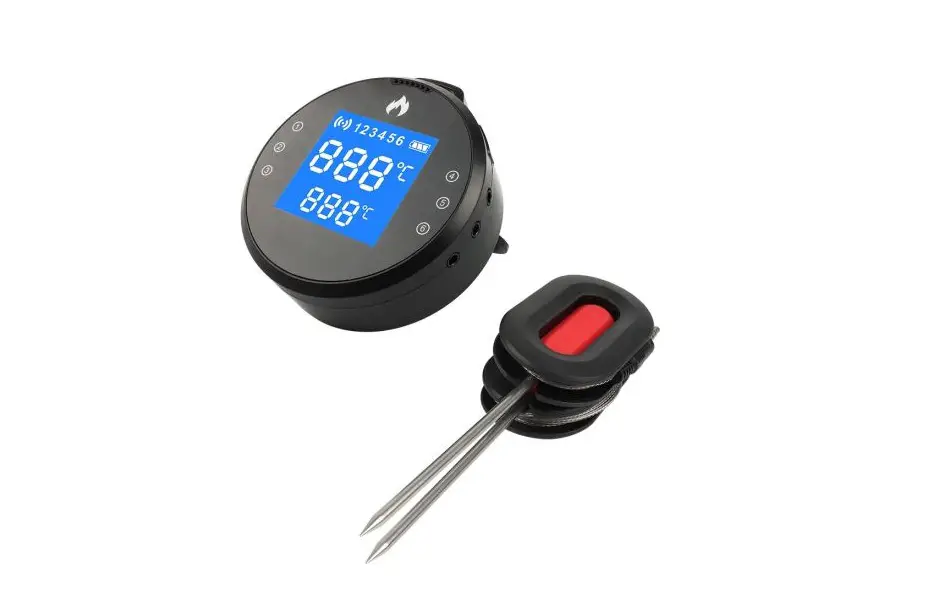

Shenzhen Seven Like BTH08 Smart Meat Thermometer 
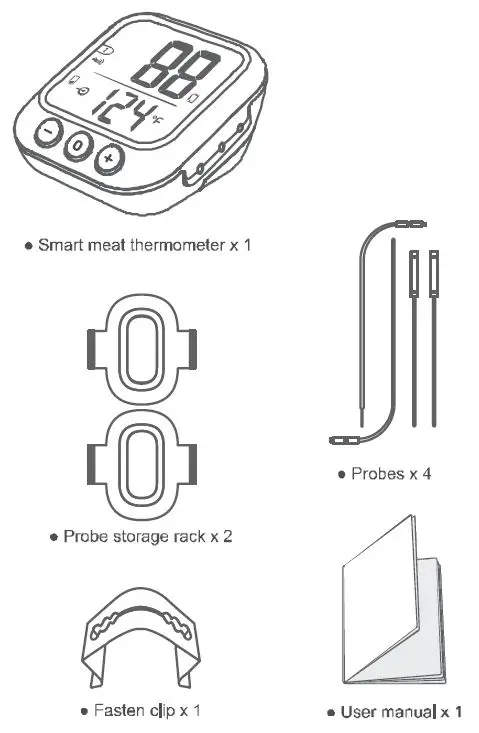
Package contents
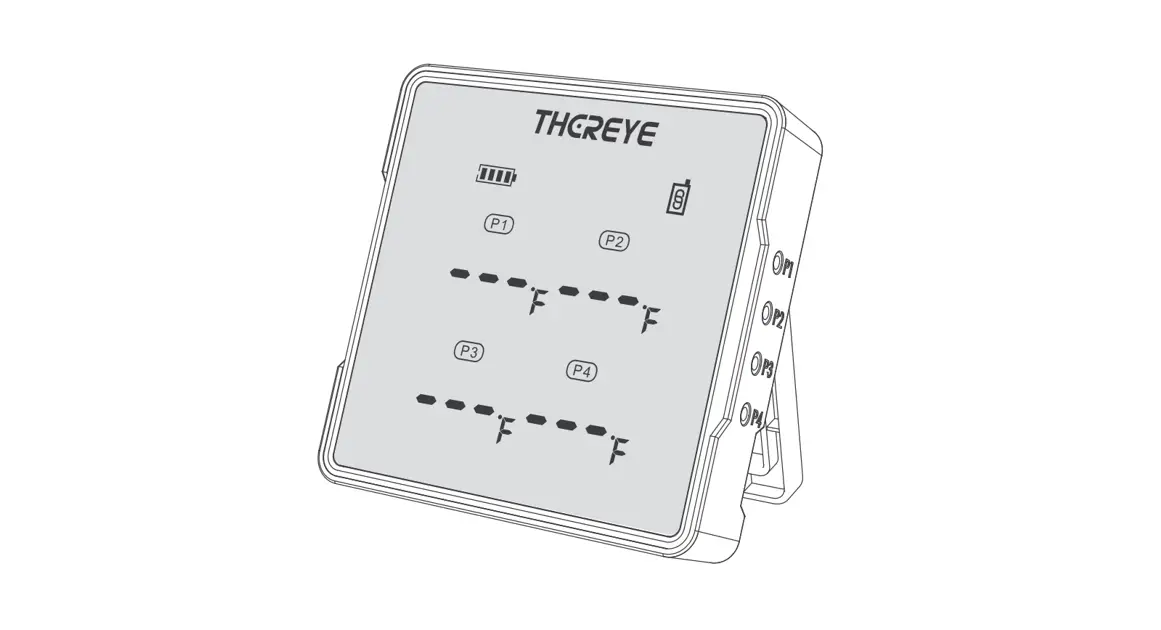
At a glance
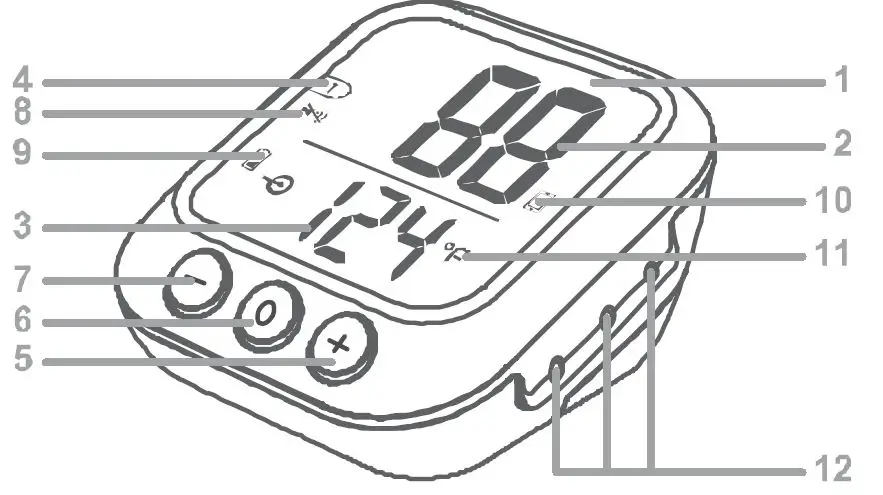
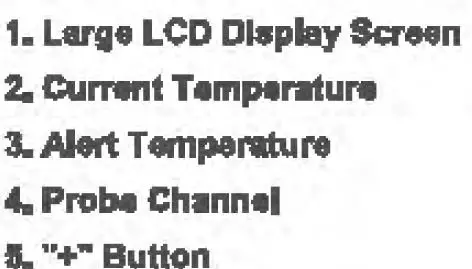
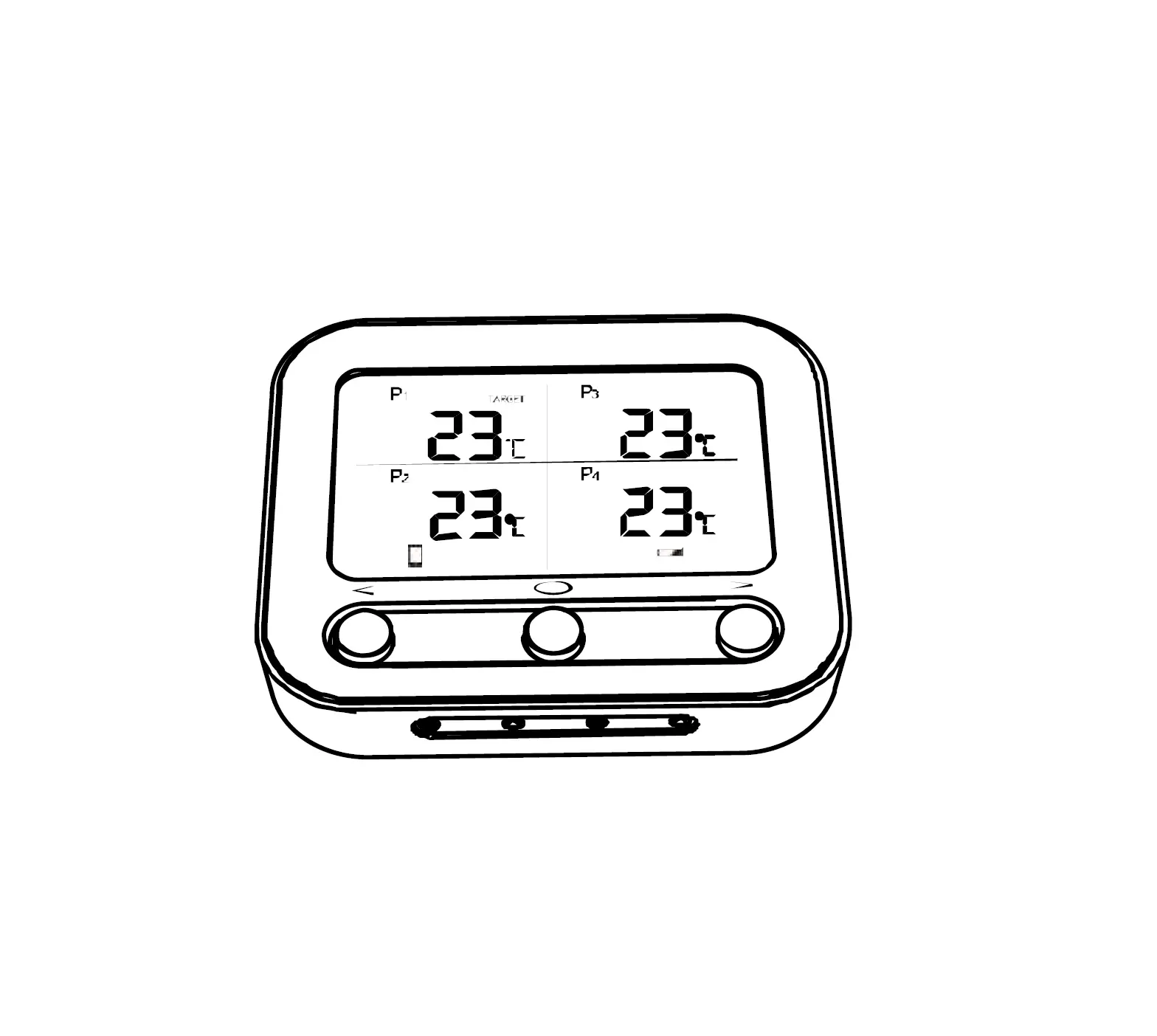
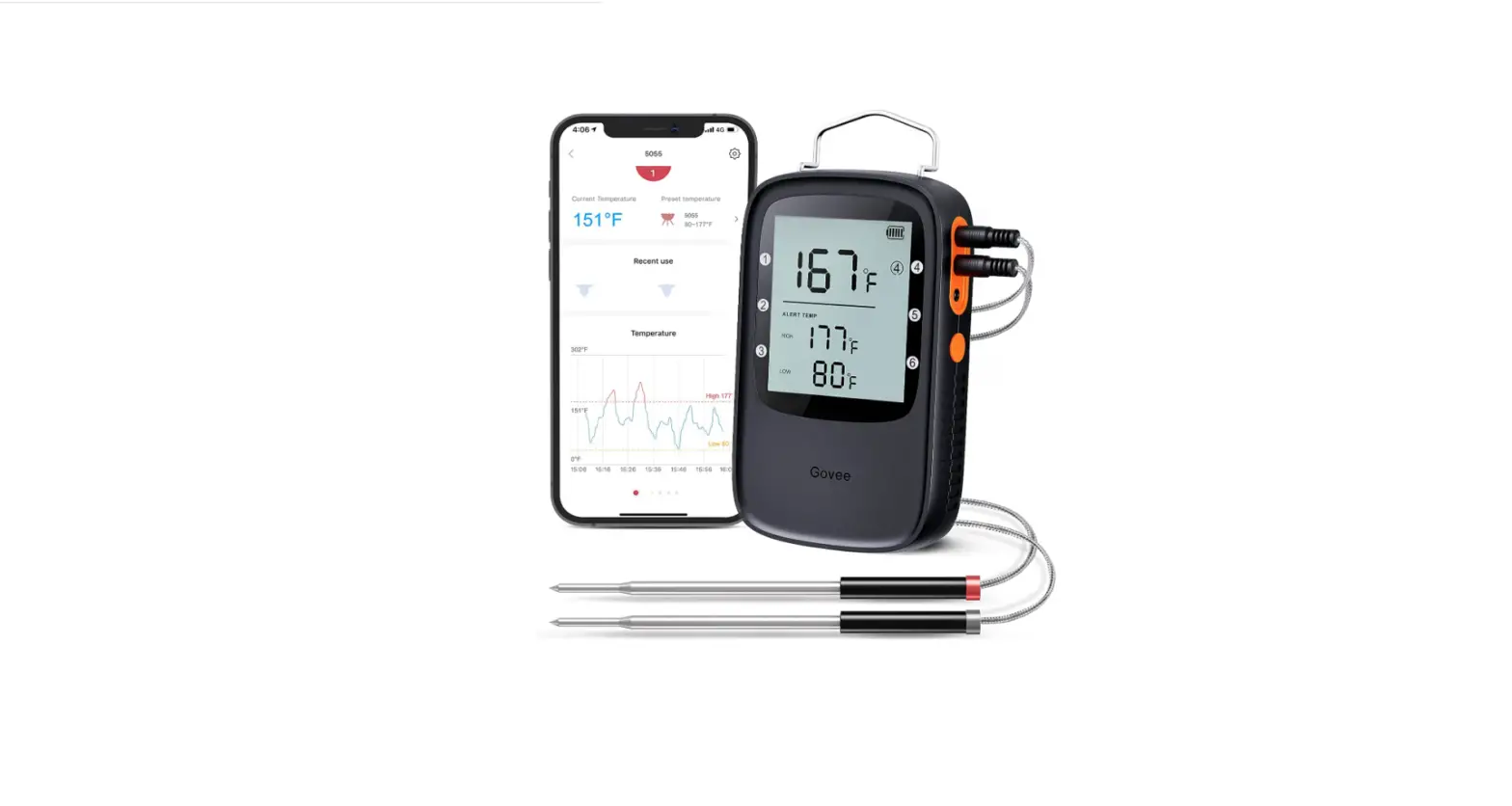
During the cooking process, press to select from one to six probes to be displayed on the LCD. After pressing the set button, press it to increase the value of the target alert temperature. Hold to increase the value continuously.
6. Power/Set button
hold for three seconds to turn on/off the device. press to enter the alert temperature setting.
7. Button
During the cooking process, press to select from one to six probes to be displayed on the LCD. After pressing the set button, press it to increase the value of the target alert temperature. Hold to increase the value continuously.
8. Mute
9. low battery 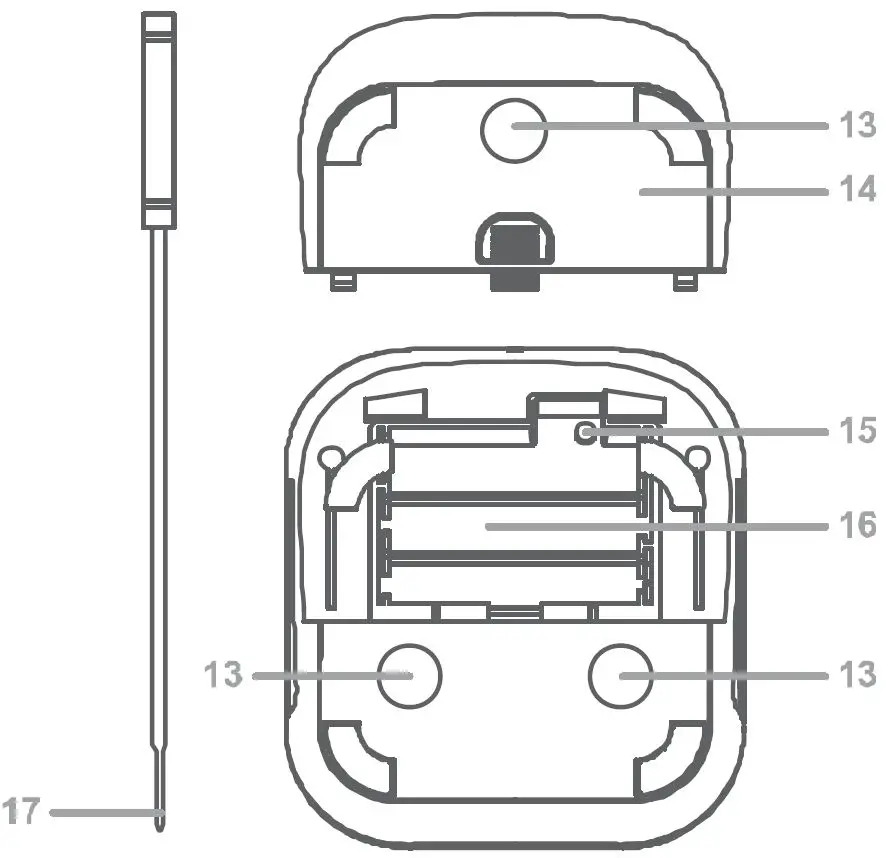
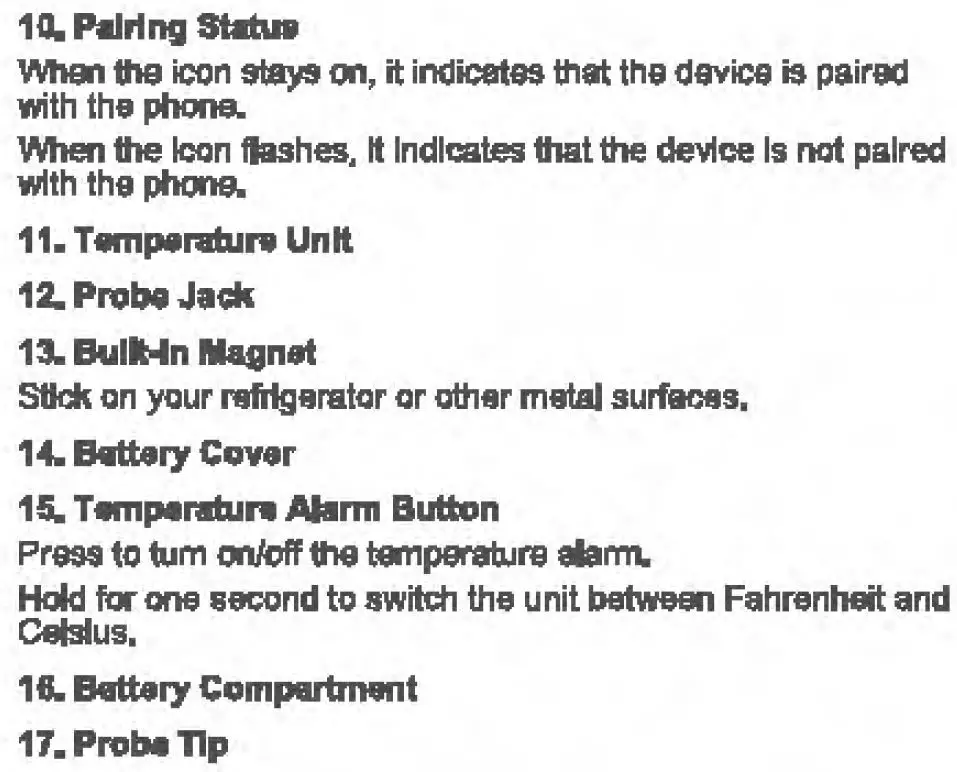
App installation
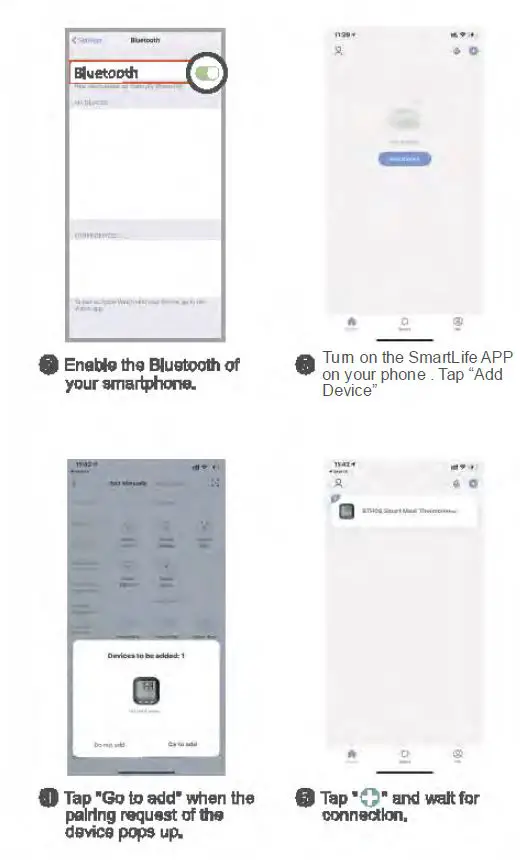
You can use the device with SmartLife APP, please down load it from the APP store or Google Play store. You can scan the QR code here: