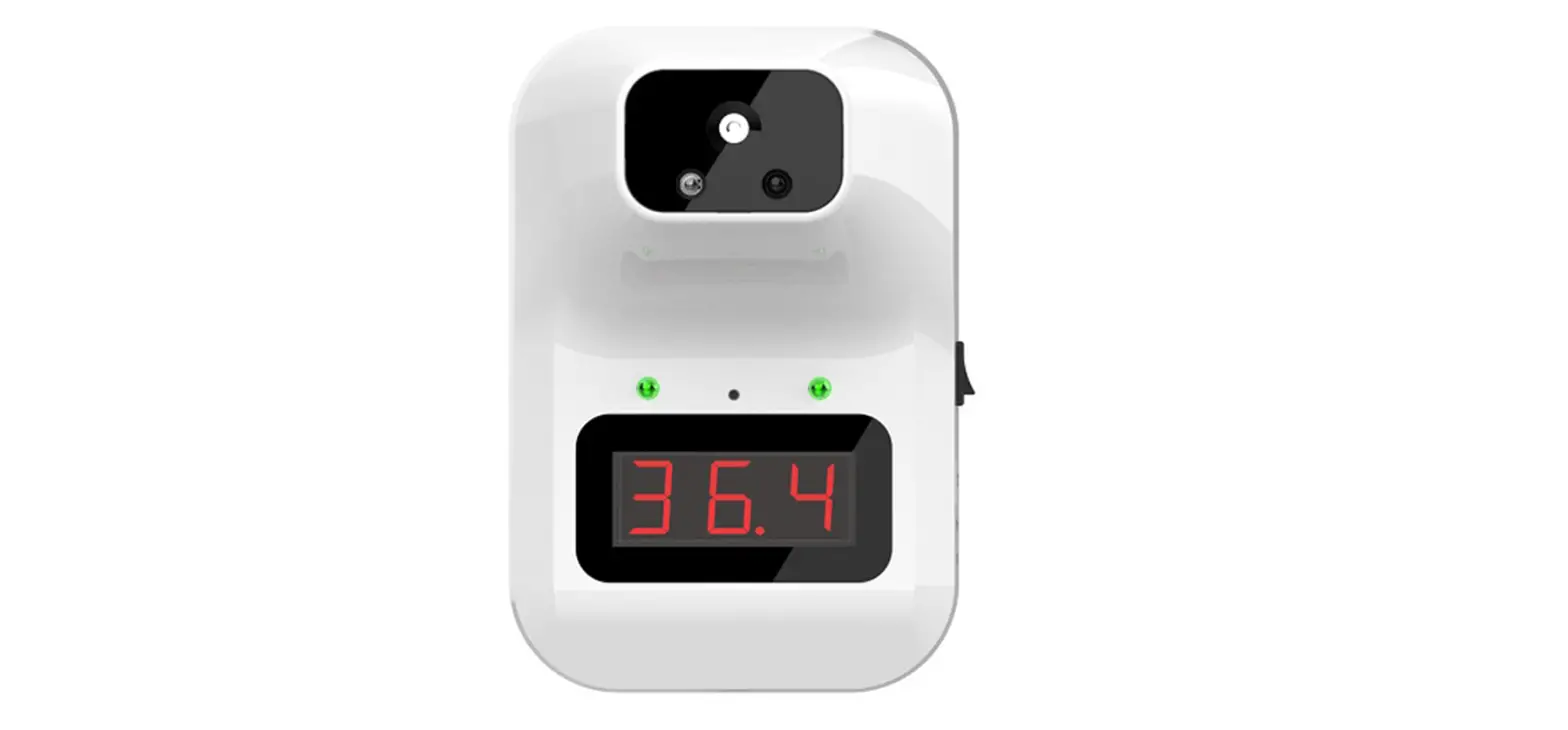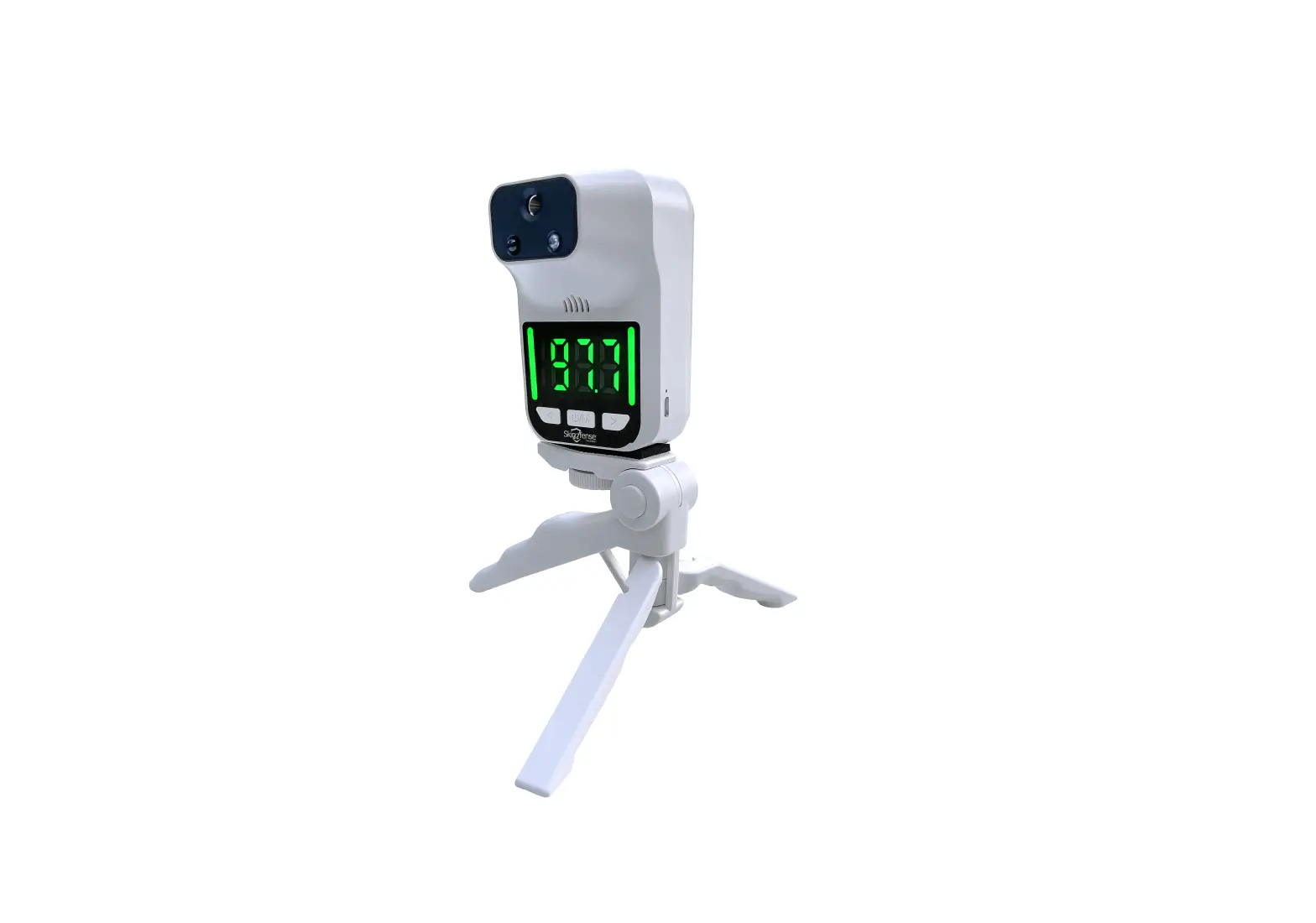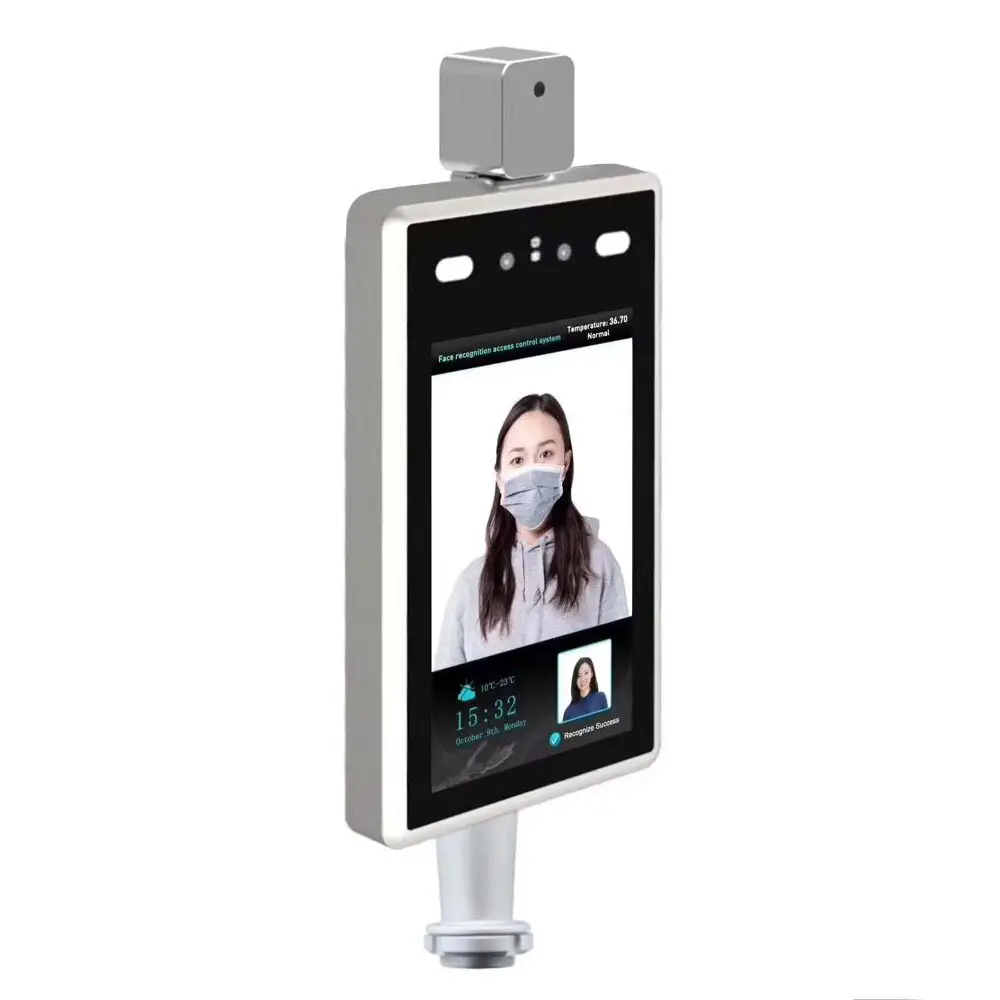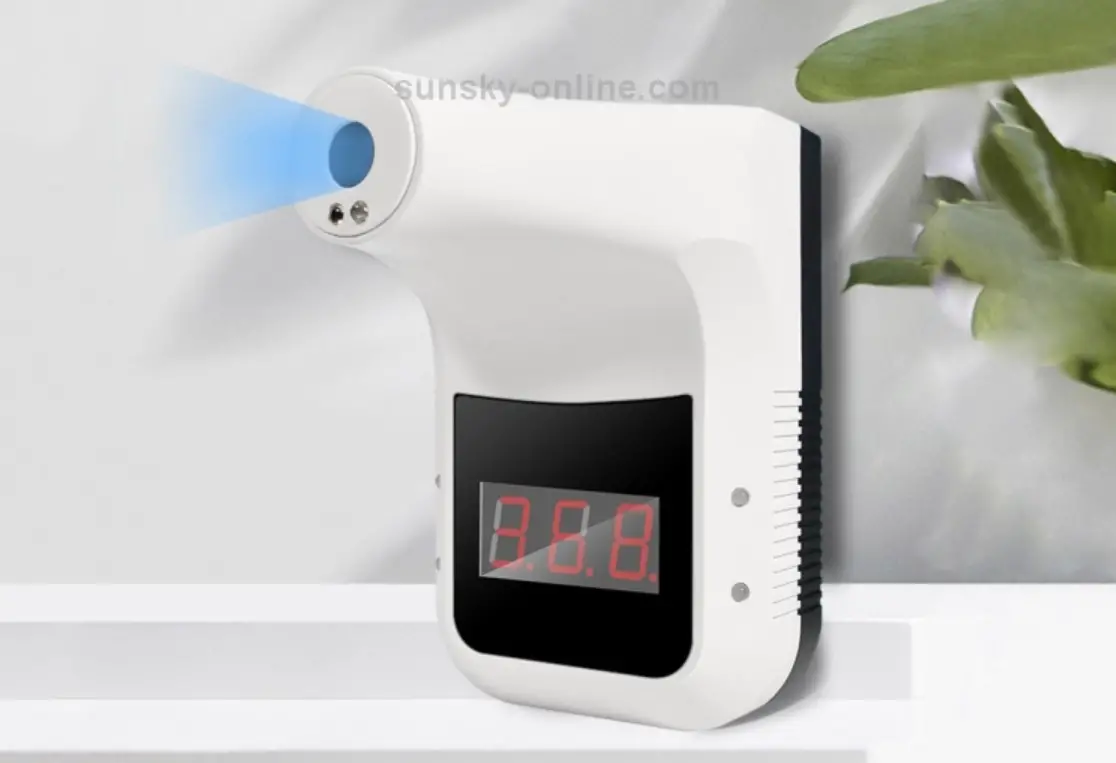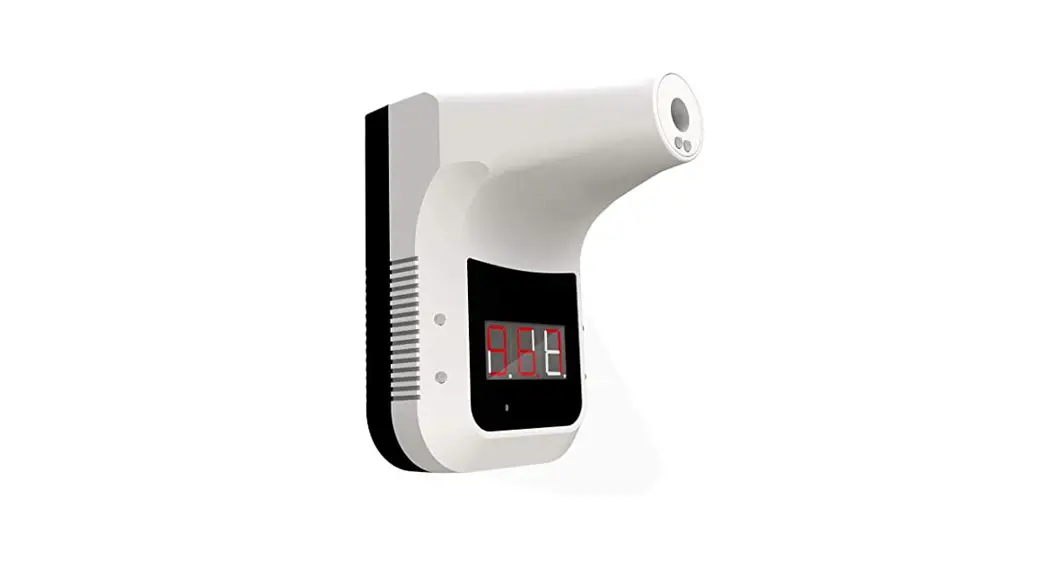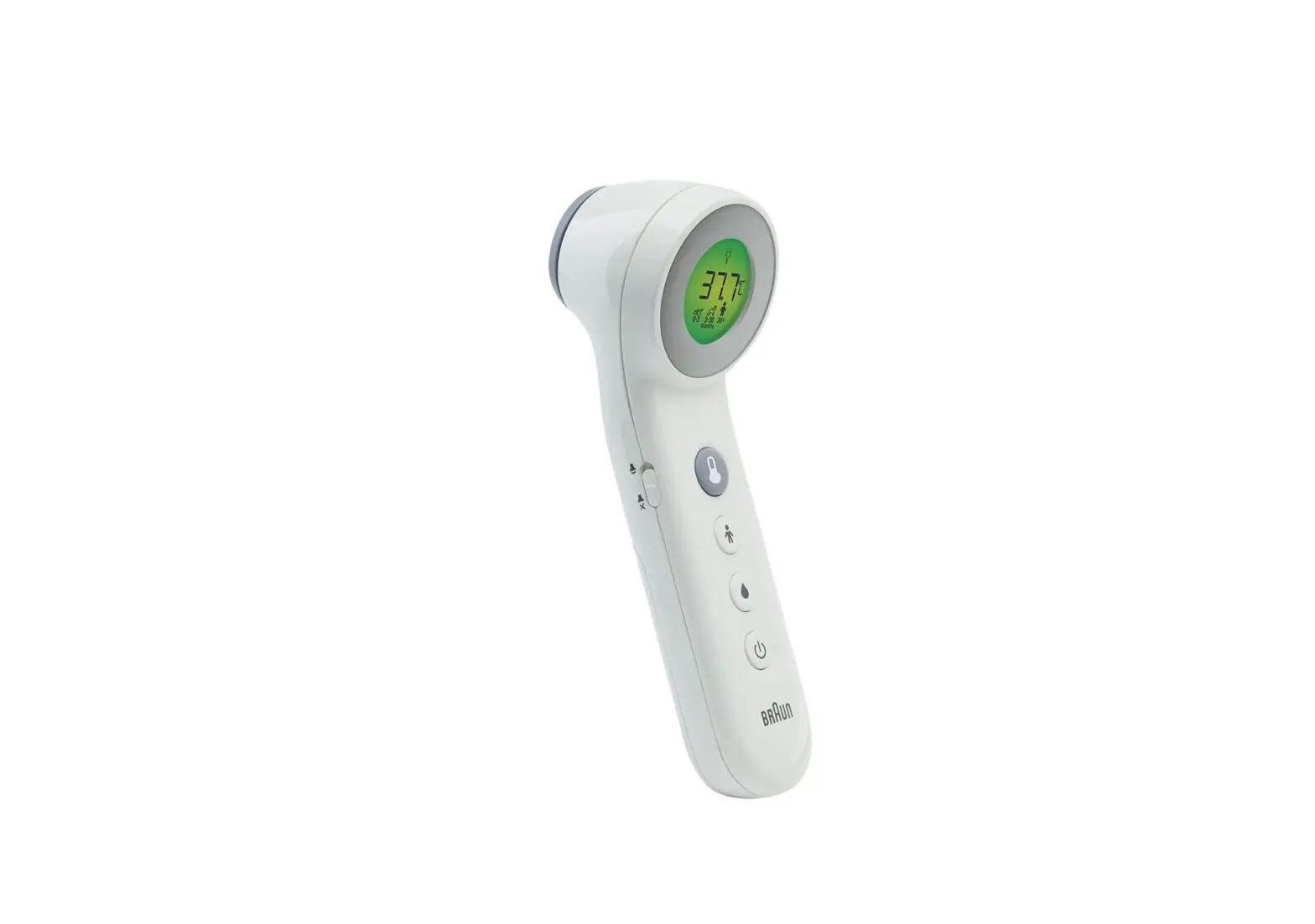

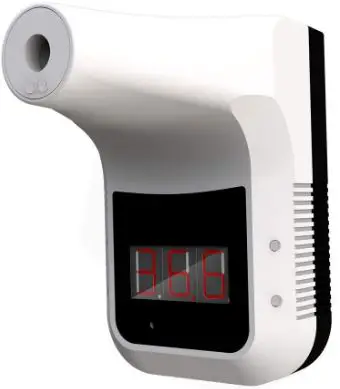
Skindfense K3 Automatic Touchless Temperature Measurement
Proper Battery Installation
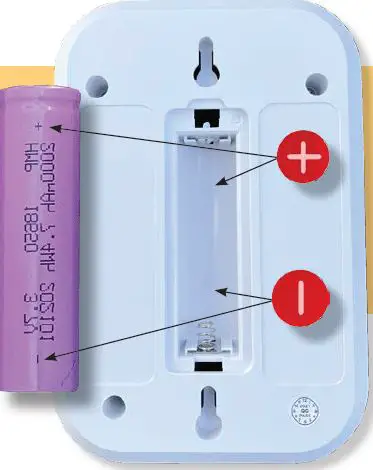
The Lithium Ion battery must be installed correctly or it will not charge or operate the K3 Temperature Device when not connected to a DC power supply. Make sure the POSITIVE and NEGATIVE terminals are in the correct position.
Temperature Mode
The K3 Temperature Device has two different temperature modes. “Sur” measures surface temperature, and “bod” measures an objects temperature. Most applications will require the “bod” setting to get an accurate temperature reading.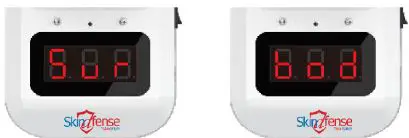
- T urn on the K3 Temperature device and then press the FUNCTION button and hold for three seconds
- 2If the device reads “Sur” it is in “surface mode.” If it reads “bod” it is in “object mode.”
- Repeat step 1 to change between “surface” and “object” mode.
Adjusting Volume Control
- Hold the FUNCTION button and then turn the K3 Temperature monitor on. Hold the FUNCTION button until the device “beeps.” Release the FUNCTION button.
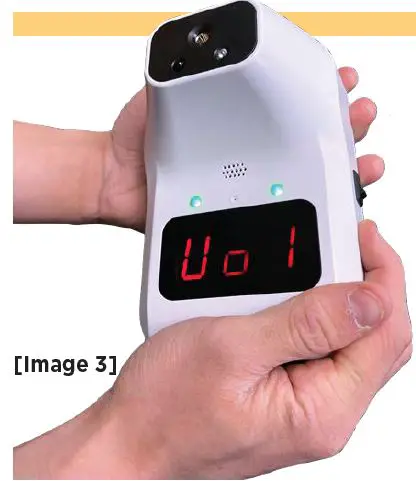
- Hold the FUNCTION button until the device displays “Vo [0-5]” (see image 2). Release the FUNCTION button
- Repress and release the FUNCTION button to select your desired volume level (0-5).