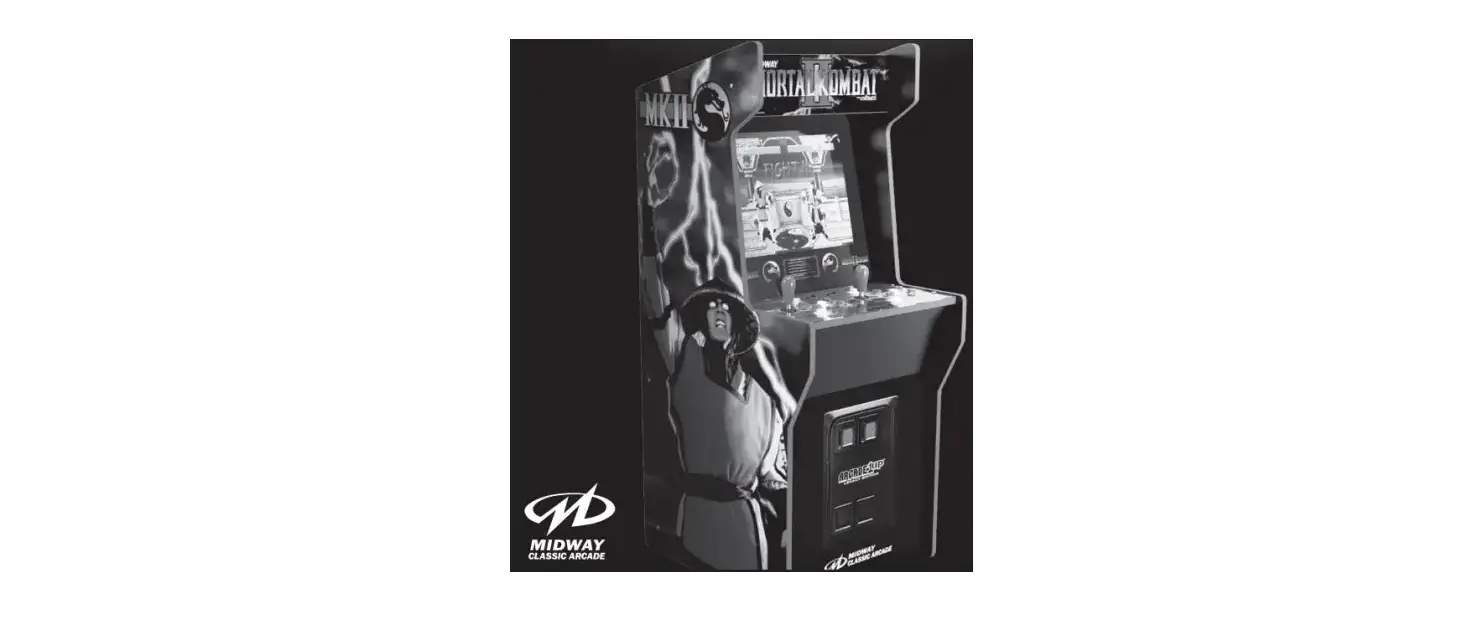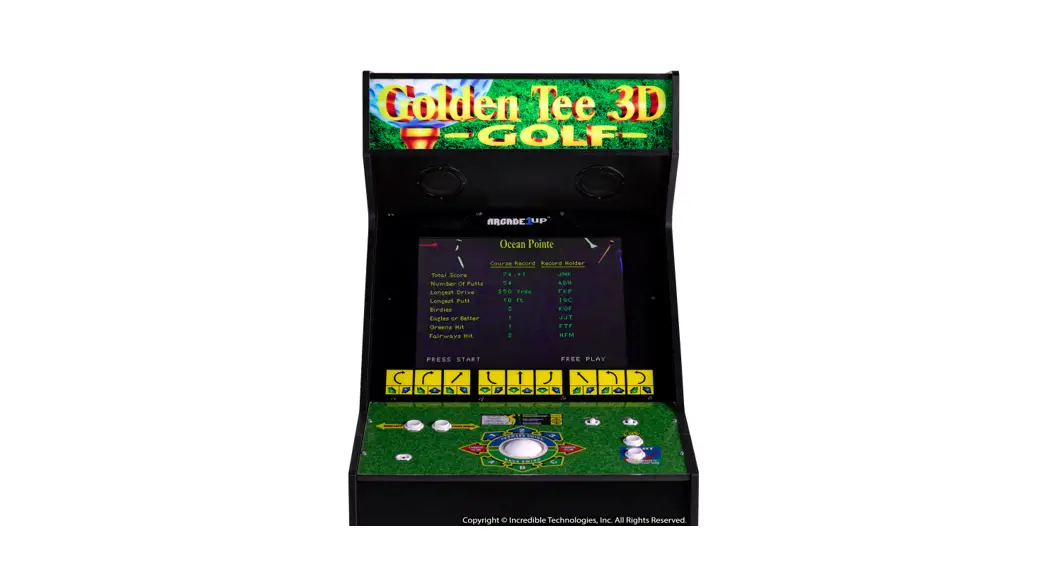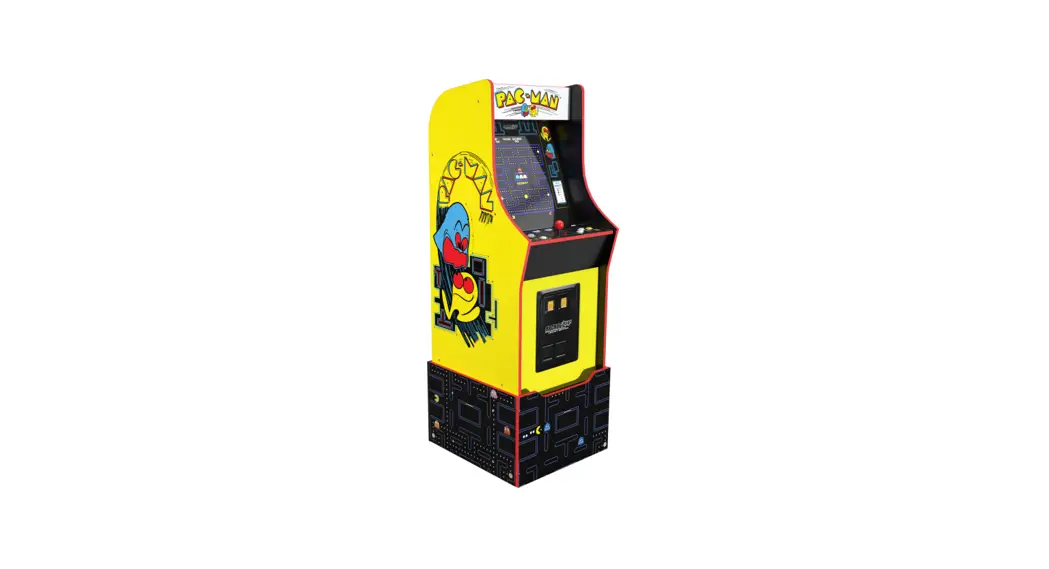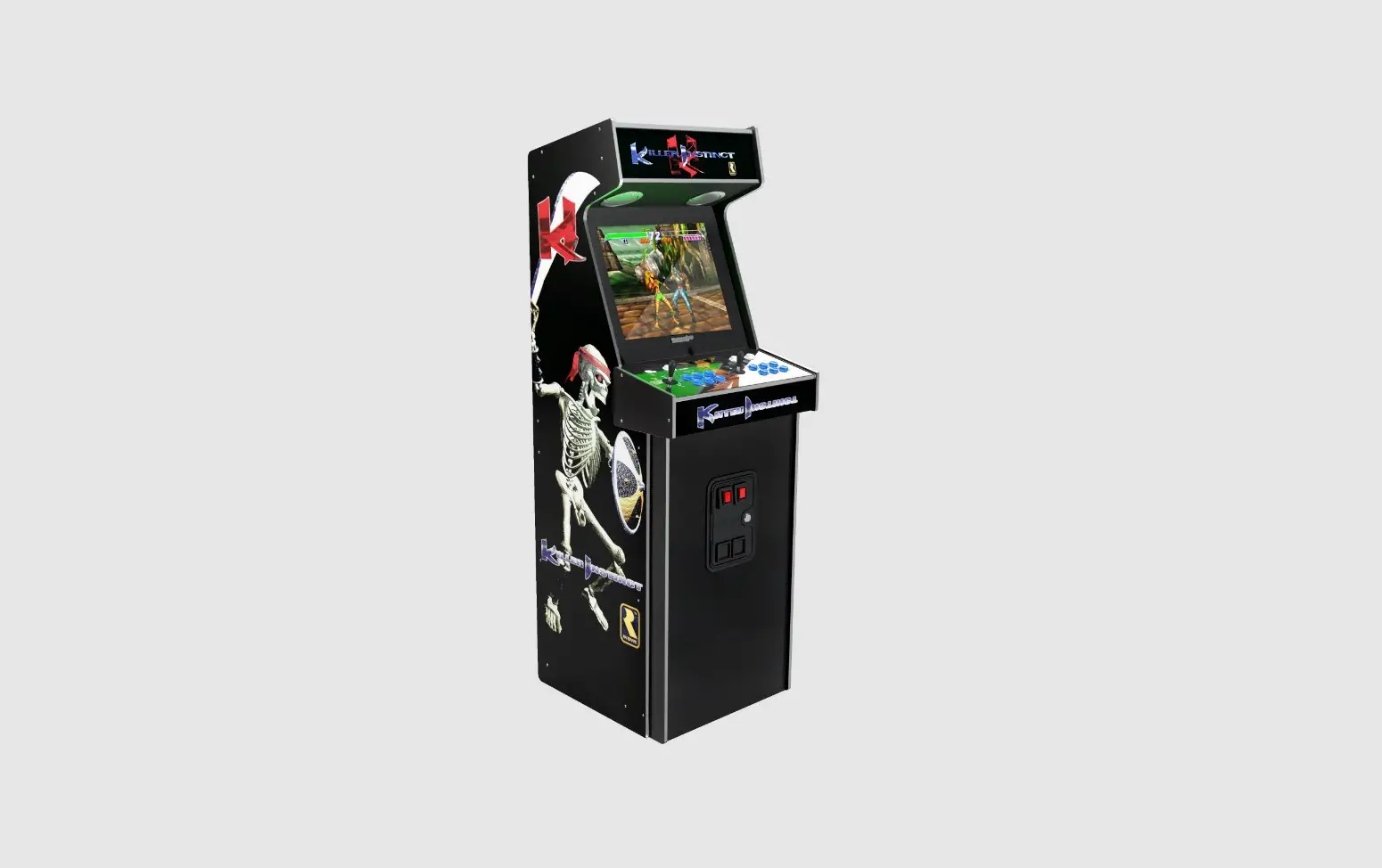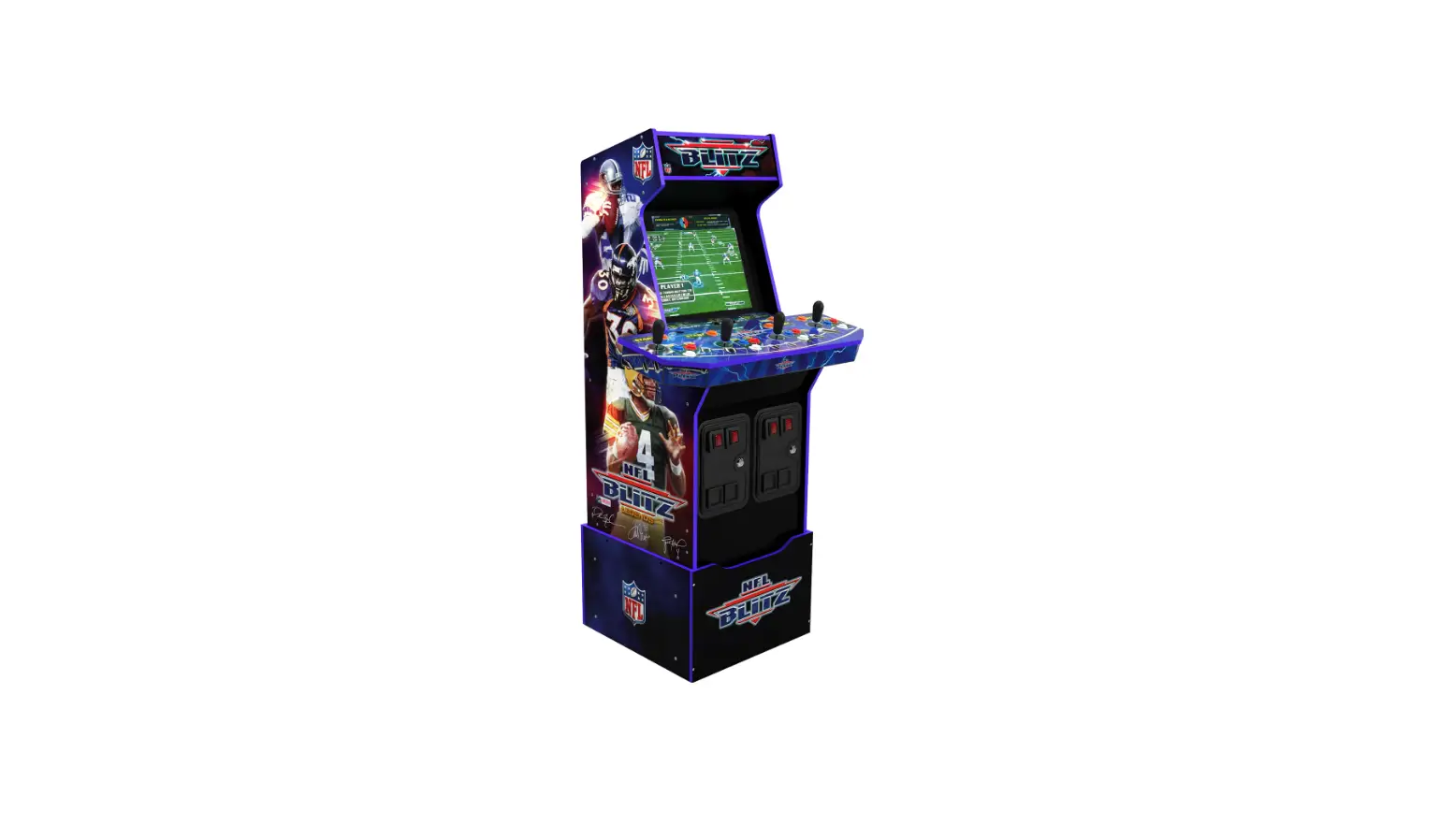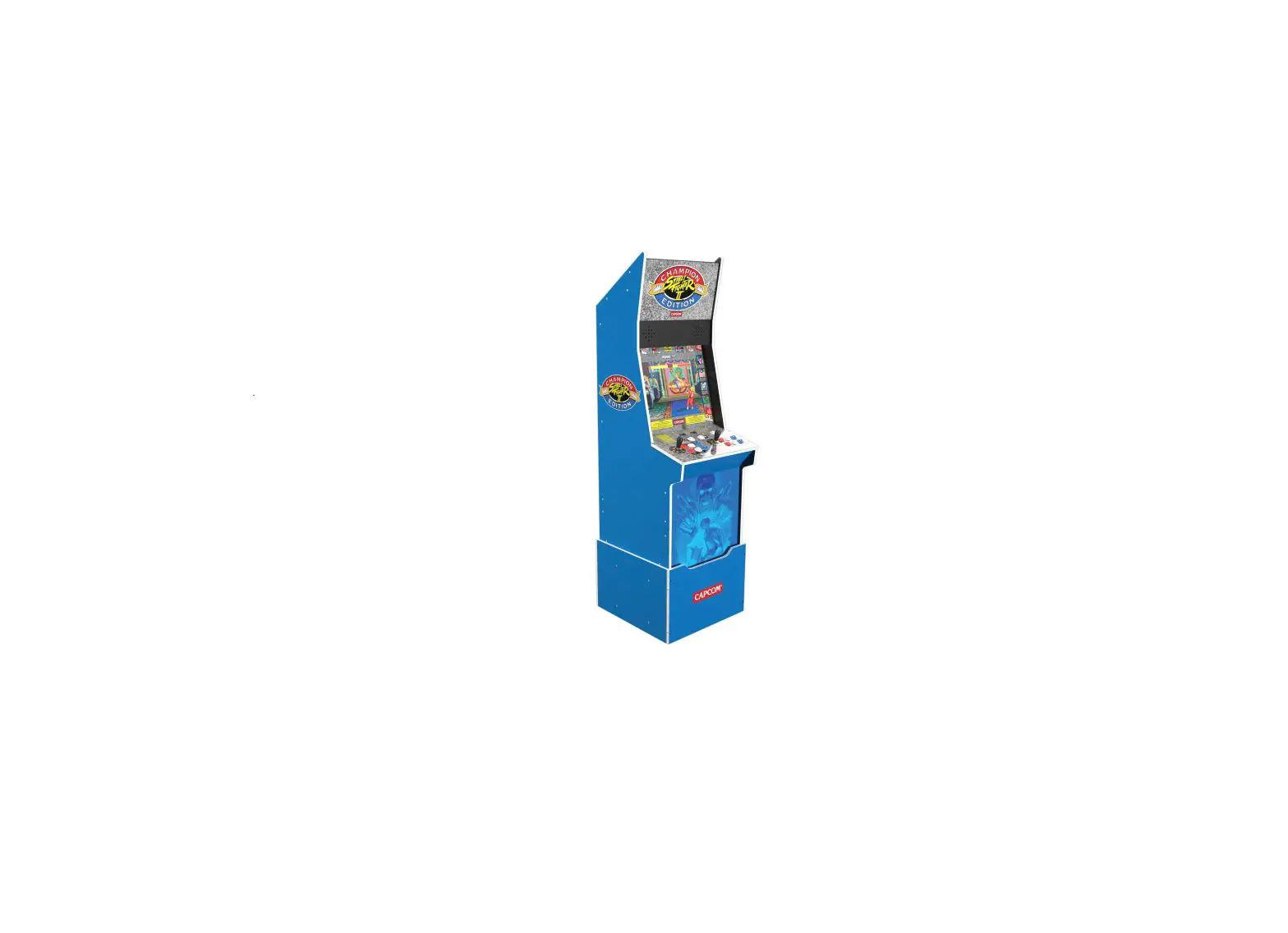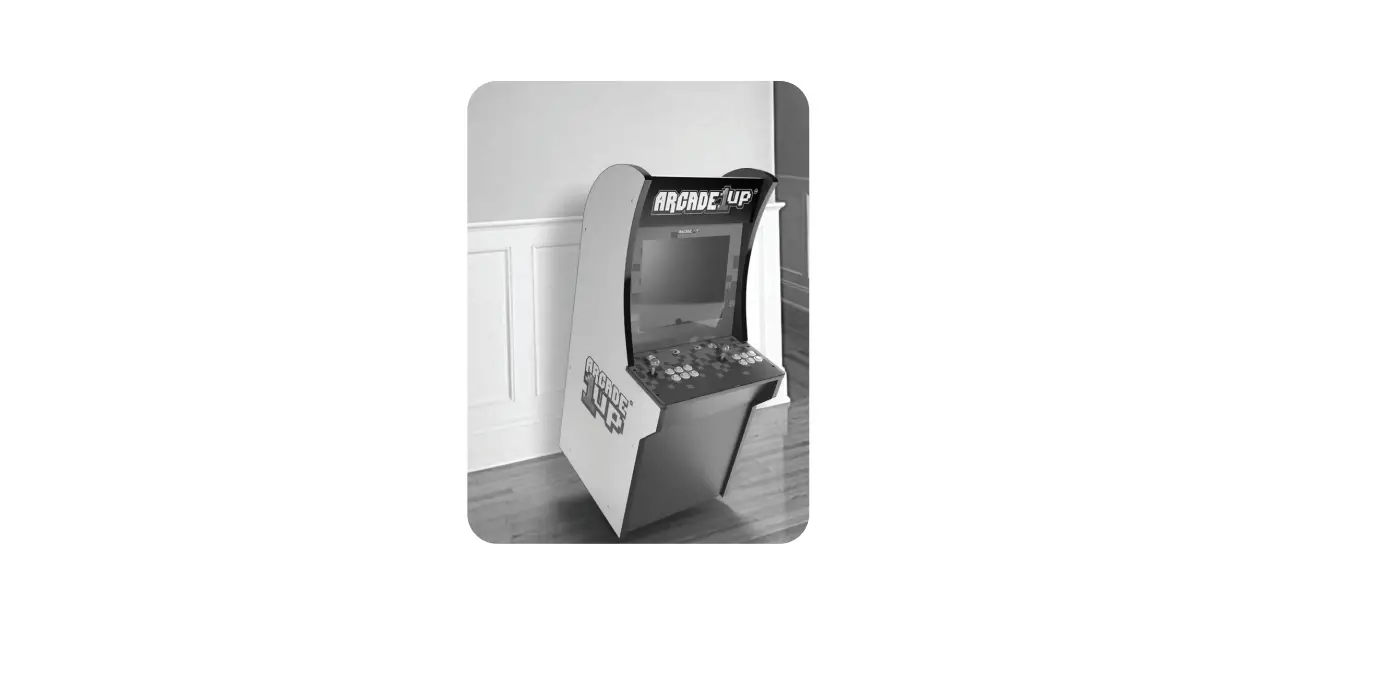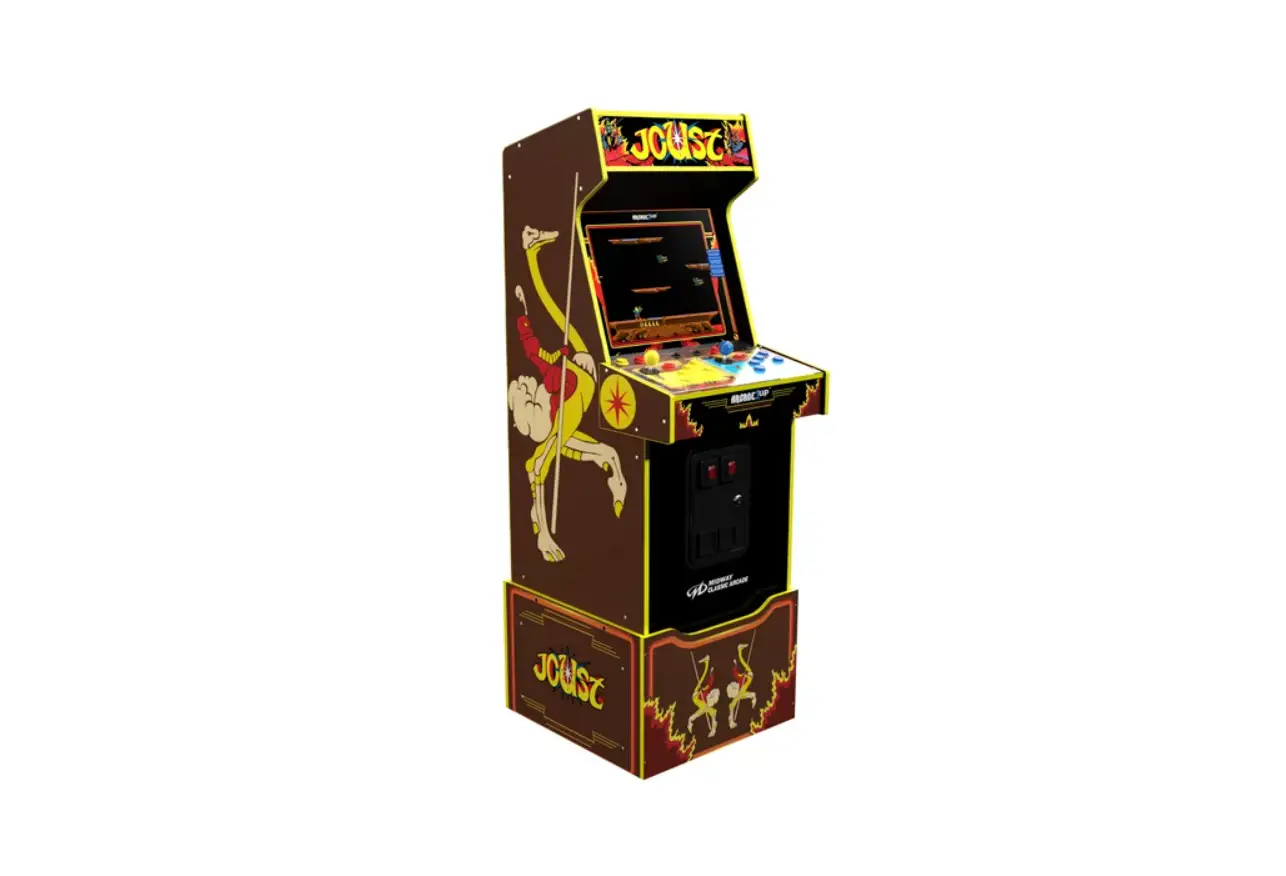
ARCADE1UP LEGACY EDITION Light Up Marquee plus Riser Owner’s Manual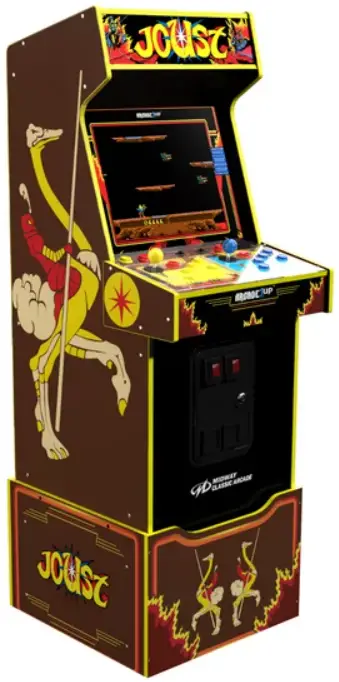
 WARNING
Serious or fatal crushing injuries can occur from furniture tip-over. To help prevent tip-over:
- Setup Arcade1 UP on a level floor.
- Never allow children to climb or hang on product.
- Always set up an anti-tip device!
Use of tip-over restraints may only reduce, but not eliminate, the risk of tip-over.
WARNING: Arcade1 UP assumes no liability for improper installation or excessive loads placed on screws or bracket.
This wall anchor is not a substitute for proper adult supervision.
Make sure to locate your Arcade1 UP on a flat surface
FCC RF RADIATION EXPOSURE STATEMENT:
This equipment complies with FCC radiation exposure limits set forth for an uncontrolled environment This equipment should be installed and operated with a minimum distance of 20cm between the radiator and any part of your body.
ISED RF RADIATION EXPOSURE STATEMENT:
This equipment complies with IC RSS-102 radiation exposure limits set forth for an uncontrolled environment This equipment should be Installed and operated with a minimum distance of 20cm between the radiator and any part of your body.
READ BEFORE USING THE Arcadel UP
SAFETY PRECAUTIONS
The following symbols are used in labels on the game to draw attention to potentially hazardous situations:
WARNING : Failure to avoid the risk may result in death or serious injury
 Electrical Shock Hazard. Disconnect power before removing cover. Should only be done by a qualified technician.
WARNING : To reduce the risk of fire or electric shock, do not expose this ~ apparatus to rain or moisture.
- Please read and comprehend all warnings stated in this manual.
- Do not get arcade wet when cleaning.
- Parents and guardians: Please read entire manual before allowing gamer to play.
- The ACJDC adapter and apparatusshould not be exposed to dripping or splashing,and no object filled with liquids,such as vases, should be placed on apparatus.
The ACJDC adapter is used as disconnect device.
The ACJDC adapter of the apparatus should not be obstructed OR should be easily accessible during intended use. To completely disconnect
the power input, the AC/DC adapter of the apparatus should be disconnected from the mains. - If appliance is provided with protective earth terminal, it should be connected to main outlet with a protective earth connection.
- Minimum distances 10 cm/ l.94 inches around the apparatus for sufficient ventilation.
- The ventilation should not be impeded by covenngthe ventilation openings with items such as newspaper, table-cloths, curtains etc.
- No naked flame sources such as lighted candles should be placed on the apparatu<
- The apparatus should only be used in moderate climates.
EPILEPSVWARNING
A very small percentage of individuals may experience epileptic seizures or blackouts when exposed to certain light patterns or flashing lights. Exposure to certain patterns or backgrounds on a television screen or when playing video games may trigger epilelitic seizures or blackouts in these individuals. To reduce the risk of such a seizure incident, it is recommended to take a 10-15 minute break at each hour of playing.
Important Safety Instruction
- Read these Instructions.
- Keep these Instructions.
- Heed all Warnings.
- Follow all instmctions.
- Do not use this apparatus near water.
- Clean only with a dry cloth.
- Do not block any ventilation openings. Install in accordance with the manufacturer’s instructions.
8. Do not install near any heat sources such as radiators, heat registers, stoves, or other apl)aratus (including amplifiers} that produce heat. - Do not defeat the safety purpose of the polanzed or grounding -type plug. A polarized plug has two blades with one wider than the other. A grounding type plug has two blades and a third grounding prong. The wide blade or the third prong are provided for your safety. When the provided plug does not fit into your outlet, consult an electrician for replacement of the obsolete outlet.
- Protect the power cord from being walked on or pinched particularly at plugs, convenience receptacles, and the point where they exit from the apparatus.
- Only use attachments/accessories spedfied by the manufacturer.
- Unplug this apparatus during lightning storms or when unused for long periods of time.
- Refer all servicing to qualified service personnel. Servicing is required when the apparatus has been damaged in any way, such as power-supply cord or plug is damaged, liquid has been spilled or objects have fallen into the apparatus, the apparatus has been exposed to rain or moisture, does not operate normally, or has been dropped.
- Use only with a riser specified by the manufacturer, or sold with the apparatus. When a riser is used, use caution when moving the riser/apparatus combination to avoid injury from tip-over.
- The equipment shall be used at working ambient temperature 32′ -95’F (O’ -35′().
- TIP OVER HAZARD -This apparatus should secure in place by using the provided mounting mean< Free standing is rapable of resulting in instability causing possible injury. Refer to the installation instruction for detail.
Installation
This game is designed for indoor and personal use only. It must not be installed outdoors.
The following conditions must be avoided.
- Direct exposure to sunlight high humidity, direct water contact, dust, high heat, or extreme cold.
- Vibration. The game must be installed on a level surface.
Do not install in an area such that the game would present an obstade in case of an emergency {i.e., near fire equipment or emergency exits).
Specification
This product is intended for use only with the adapter provided:
Manufacturer: Blue Iron Holdings Ltd.
Model: B136-120300-U2
POWER SUPPLY: ACJOC Adapter
INPUT POWER: AC 100·240V~50/60Hz 1.2A Max
01/TPUT POWER: DC12V = 3A 36.0W
MONITOR: 17″ LCD
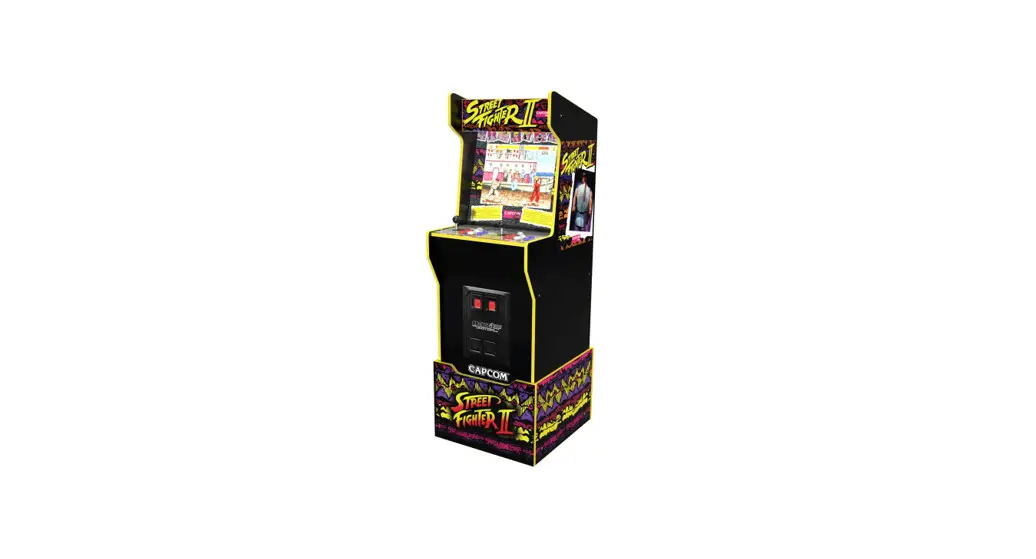
CABINET ASSEMBLED DIMENSIONS (WITHOUT RISER): 48.7″x 19.7″x22.3″(123.6an x50cm x56.6cm)
- The ACJDC adapter is used as disconnect device.
- The ACJDC adapter of the apparatus should not be obstructed OR should beeasily accessible dunng intended use.
- To completely disconnect the power input, the ACJOC adapter of the apparatus should be disconnected from the mains.
- Adapter energy efficiency information also available in the FAQ at WWW.ARCADE1UP.COM
Assistance or Service
Before contacting us for assistance or service, please check the 11Troubleshooting11 section in the User Manual.
If you still have questions regarding your Arcade1 UP product or require technical support.
Contact Arcade1 UP Customer Service atwww.Arcade1UP.com and click on 11Support1′.
Game Setting
- MOVE JOYSTICK UP OR DOWN TO SCROLL THROUGH GAME LIST
- MOVE JOYSTICK LEFTTO THE GEAR ICON AND PRESS ANY BUTTON (EXCEPT LIVE) TO ENTER SETTING
- MOVE JOYSTICK TO ADJUST SETTINGS
- SELECT”HIDE THIS MENU” AND PRESS ANY BUTTON (EXCEPT LIVE)TO SAVE & EXIT
Game Control
ARCADE MAYTAKE 10-15 SECONDS TO POWER ON AFTER SWITCHING ON
- OVE JOYSTICK UP OR DOWN TO SCROLL THROUGH GAME LIST
- PRESS ANY BUTTON (EXCEPT LIVE) TO CHOOSE GAME
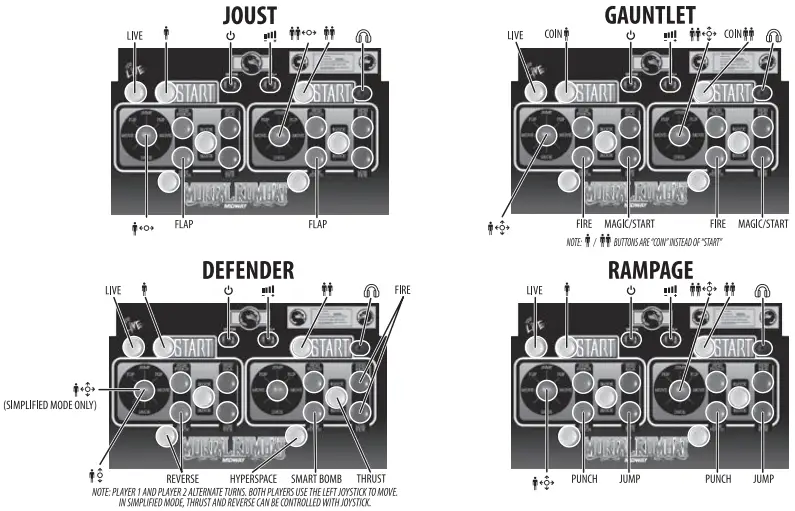
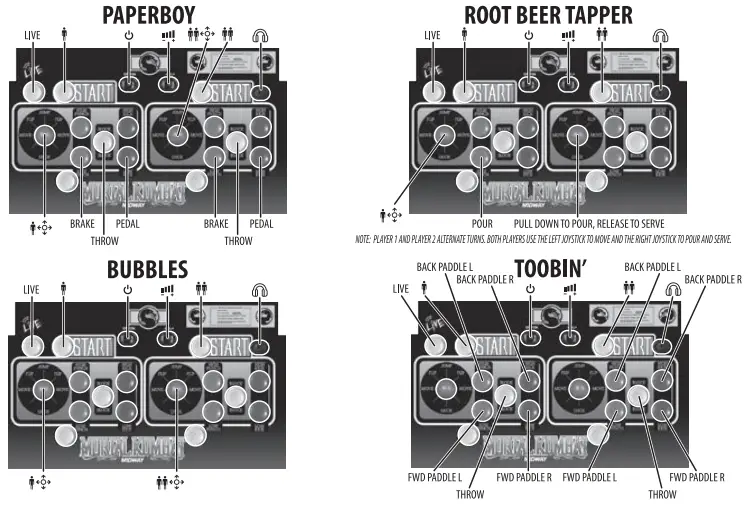
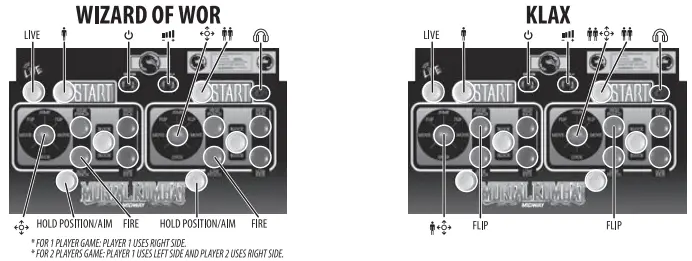
- FOLLOW GAME CONTROLS BELOW FOR EACH GAME
- HOLD PLAYER 1 (5 SECONDS)TO RETURN TO MENU AND TO SAVE A HIGH SCORE
- HOLD PLAYER 2 (5 SECONDS) TO RESET GAME
MORTAL KOMBAT MORTAL KOMBAT II MK3 ULTIMATE MORTAL KOMBAT 3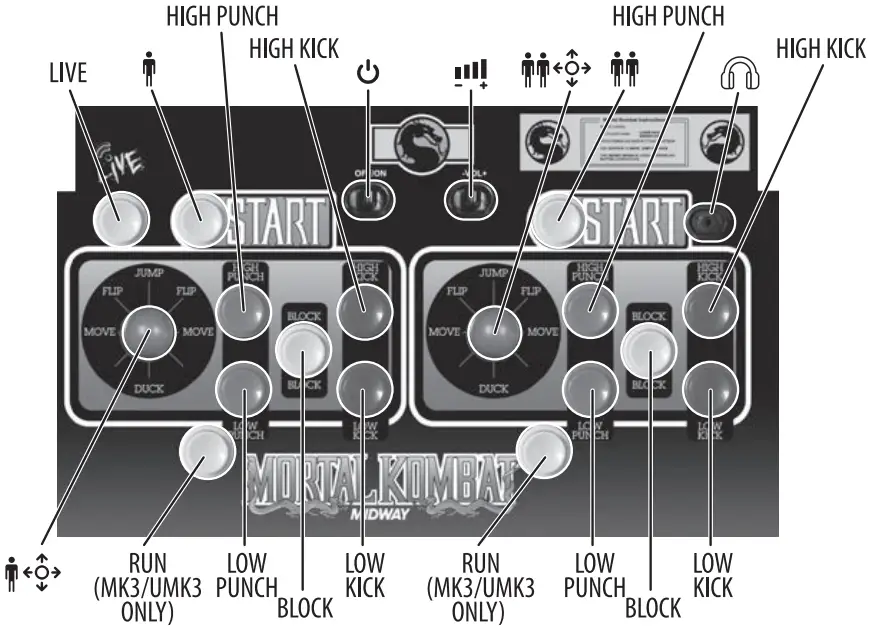
Troubleshooting
| PROBLEM | POSSIBLE CAUSE | SOLUTION |
| Game will not turn on. |
|
|
| Game will turn ON, but there is no sound. |
|
NOTE: Push volume slide switch right to increase volume, left to lower volume. |
| You hear sound but there is no picture. |
|
|
| The game screen is frozen. |
|
|
| Marquee will not light up. |
|
|
| II | ||
| The game screen looks pixelated or there are lines running through the image. |
|
|
| One of the buttons on the control deck is stuck in the down position. |
|
|
| You are not able to scroll through the games on the game selection menu. |
|
|
| You are able to scroll through the games on the game selection menu, but you can’t enter a game to begin playing. |
|
|
| You have entered the game, but you can’t get the game to start. |
|
|
| You have entered the game, but you can’t exit the game to get back to game selection menu. |
|
|
CAUTION
Servicing instructions are for use by qualified service personnel only. To reduce the risk of electric shock, do not perform any servicing other than that contained in the operating instructions unless you are qualified to do so.