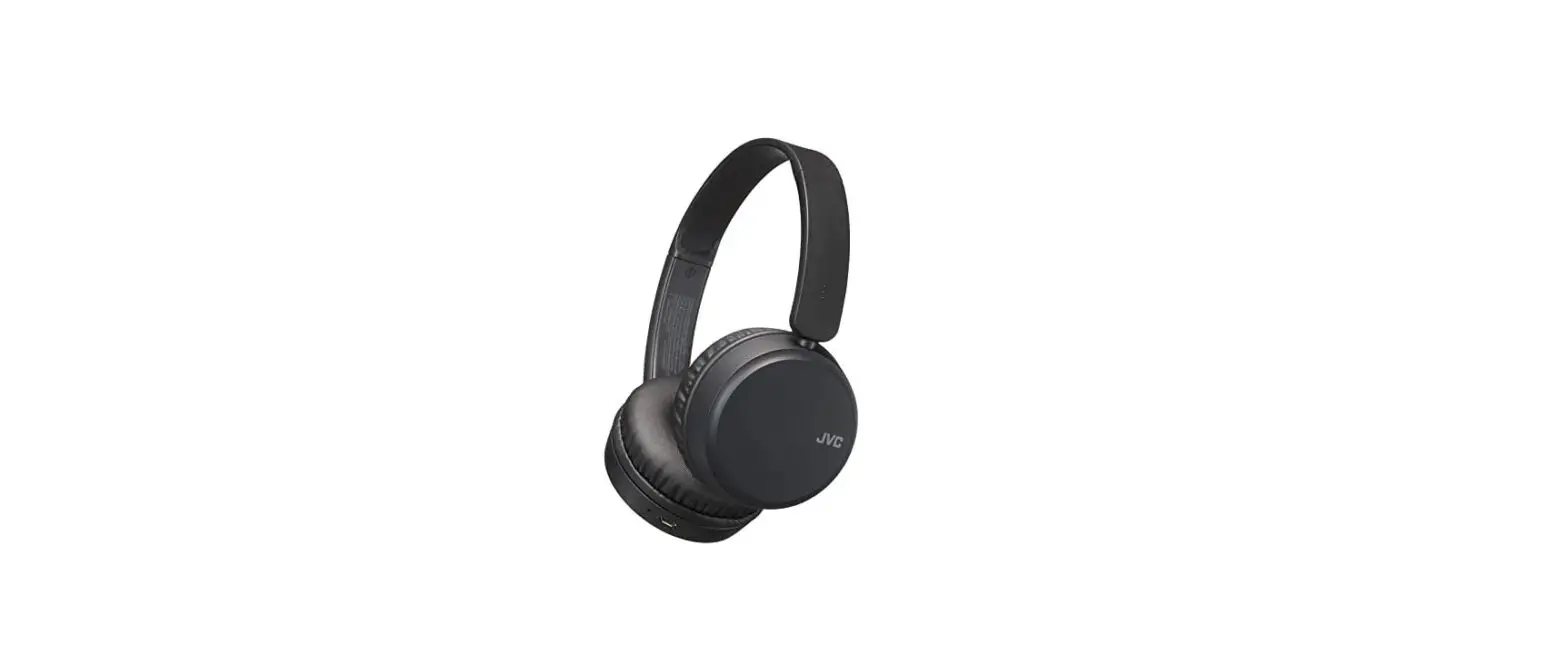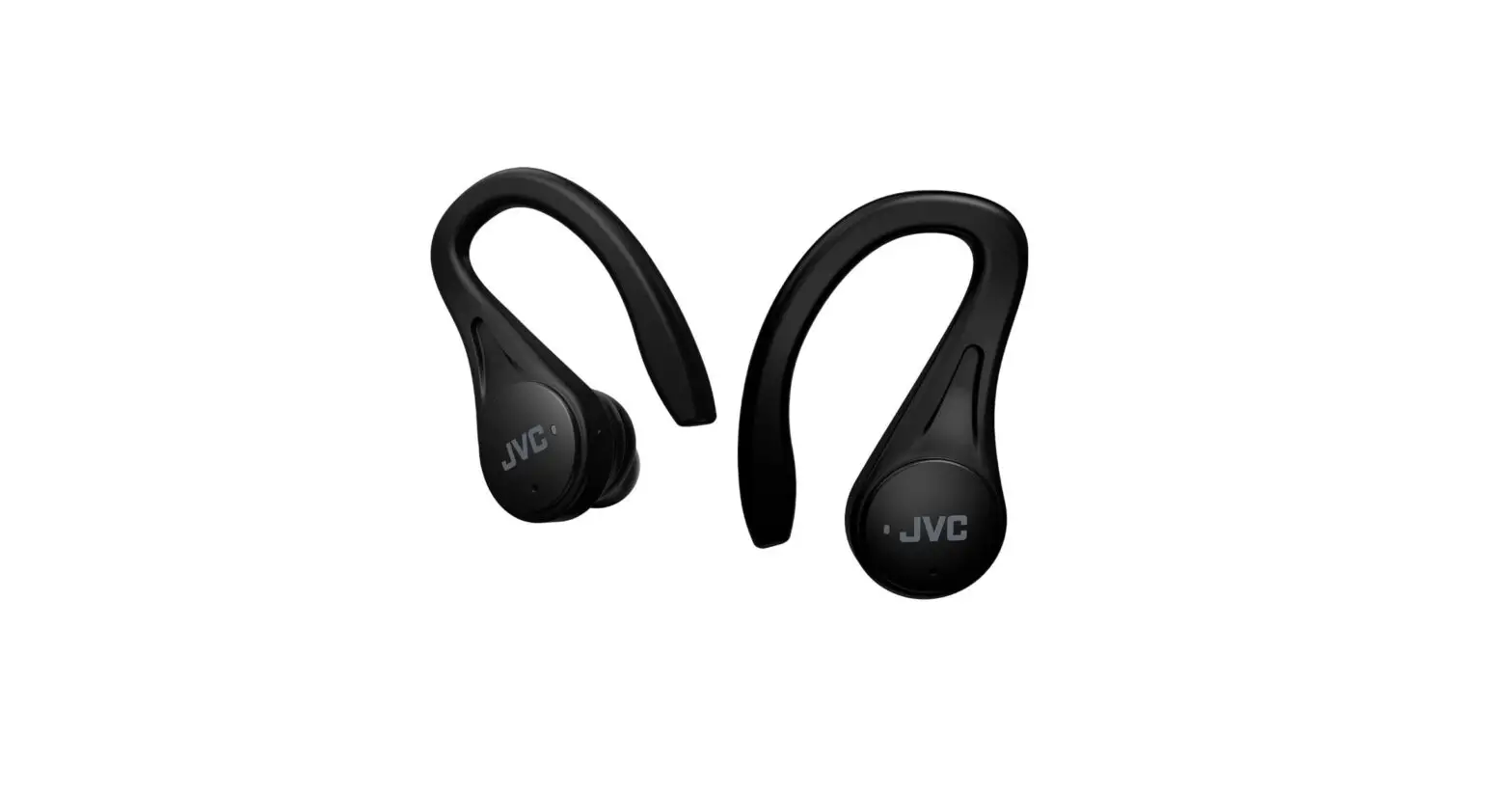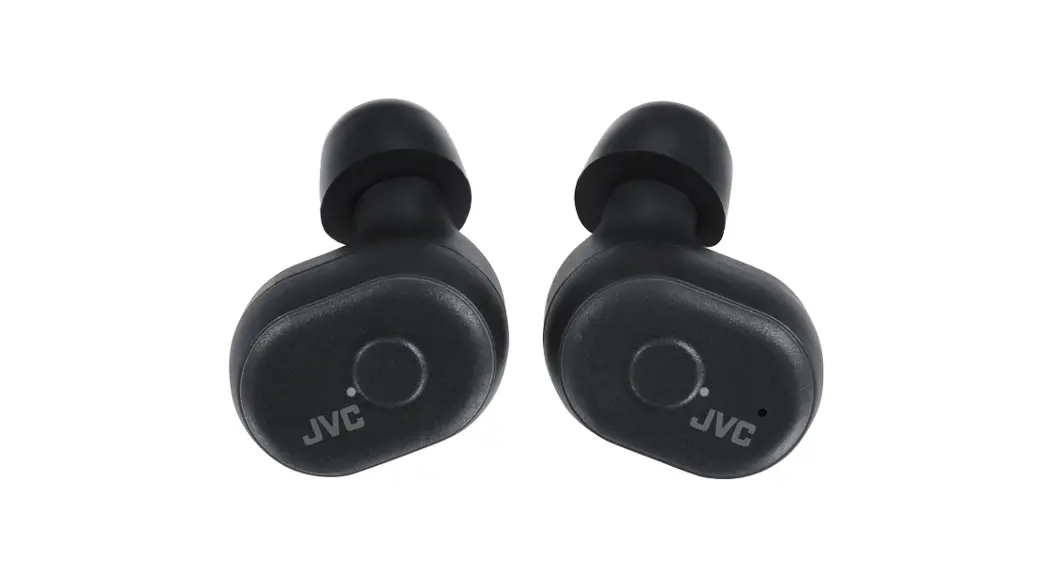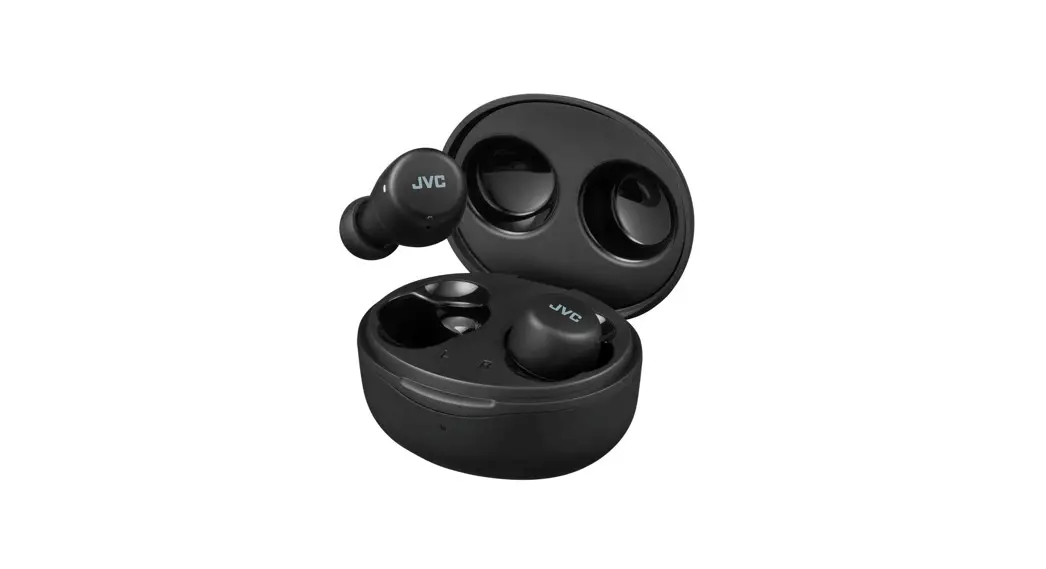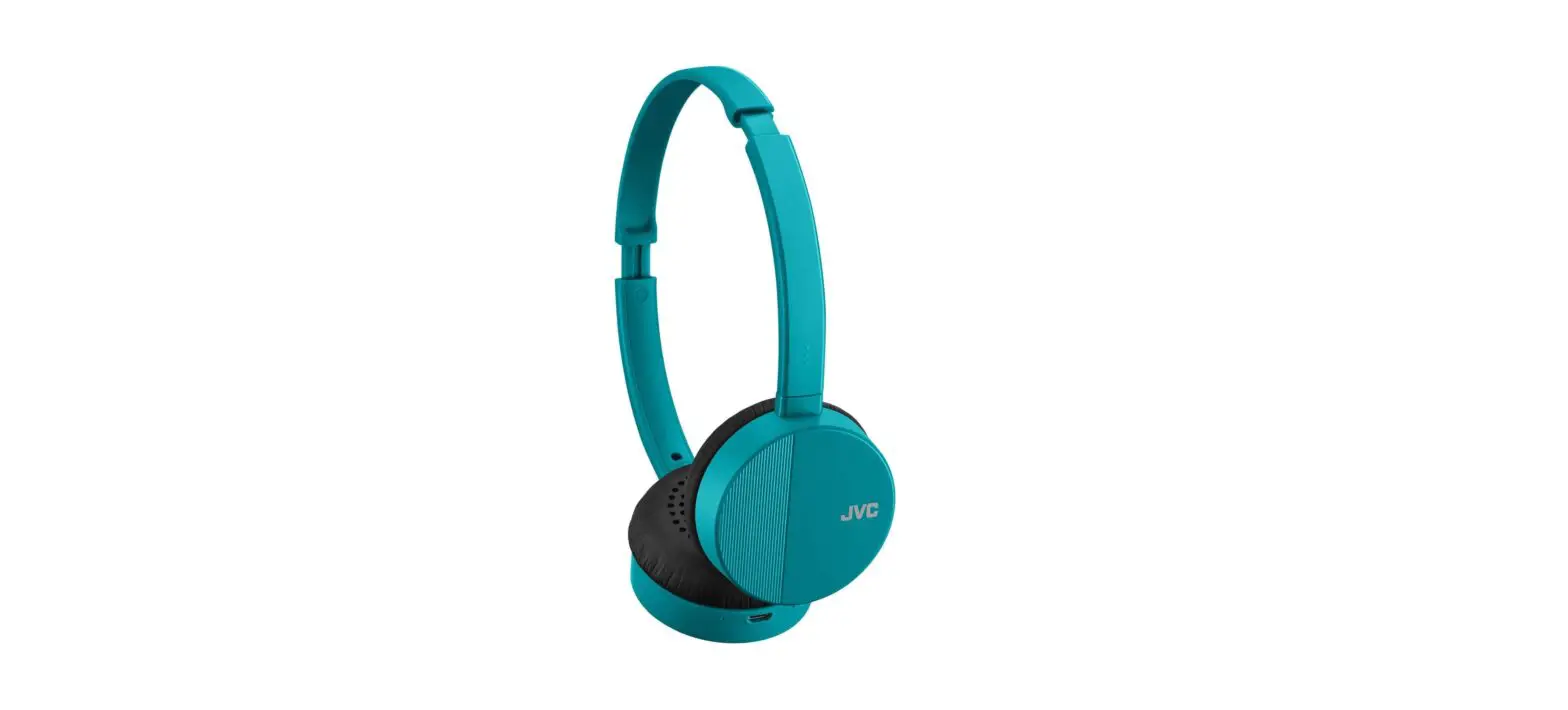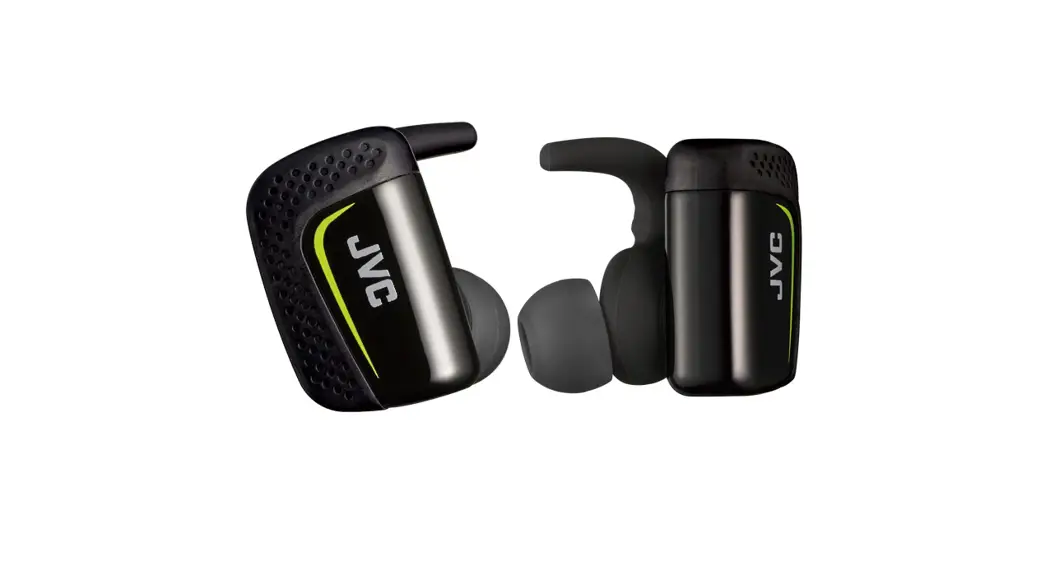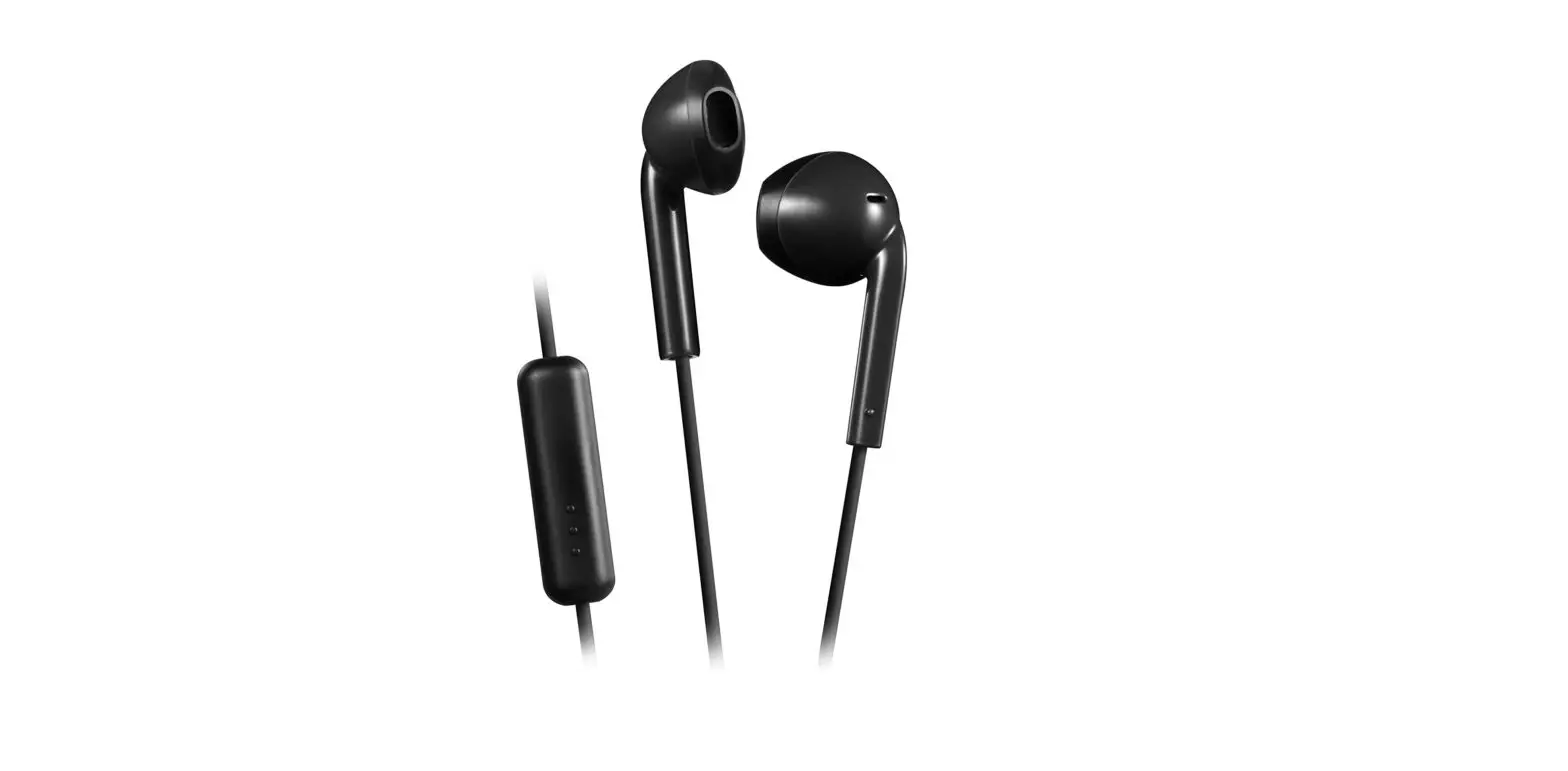

JVC HAF17MB Earbud Headphones with Mic and Remote
Specifications
- Brand: JVC
- Connectivity Technology: Wired
- Fit Type: In-Ear
- Cord length: 3.28 feet
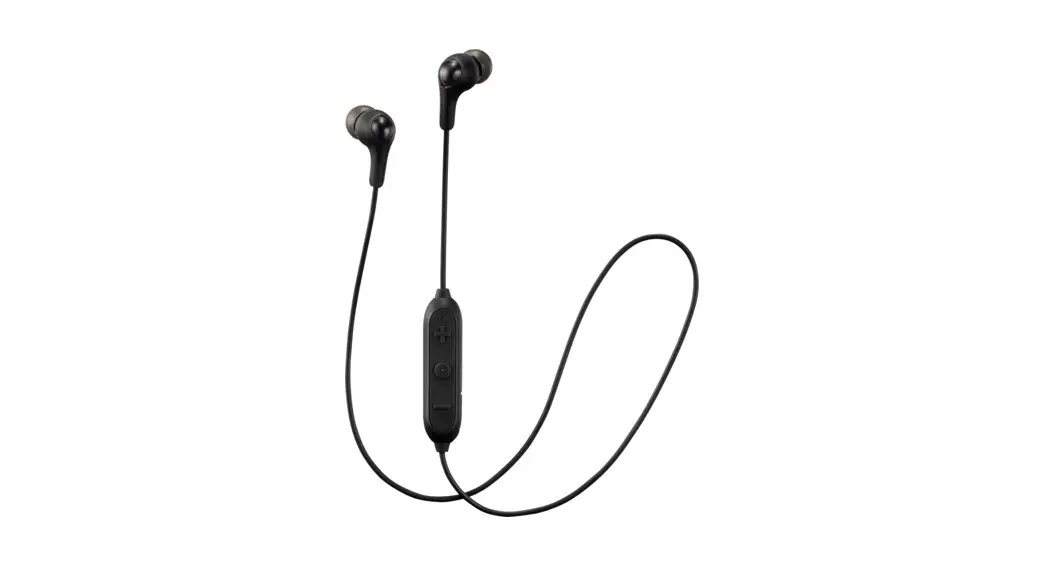
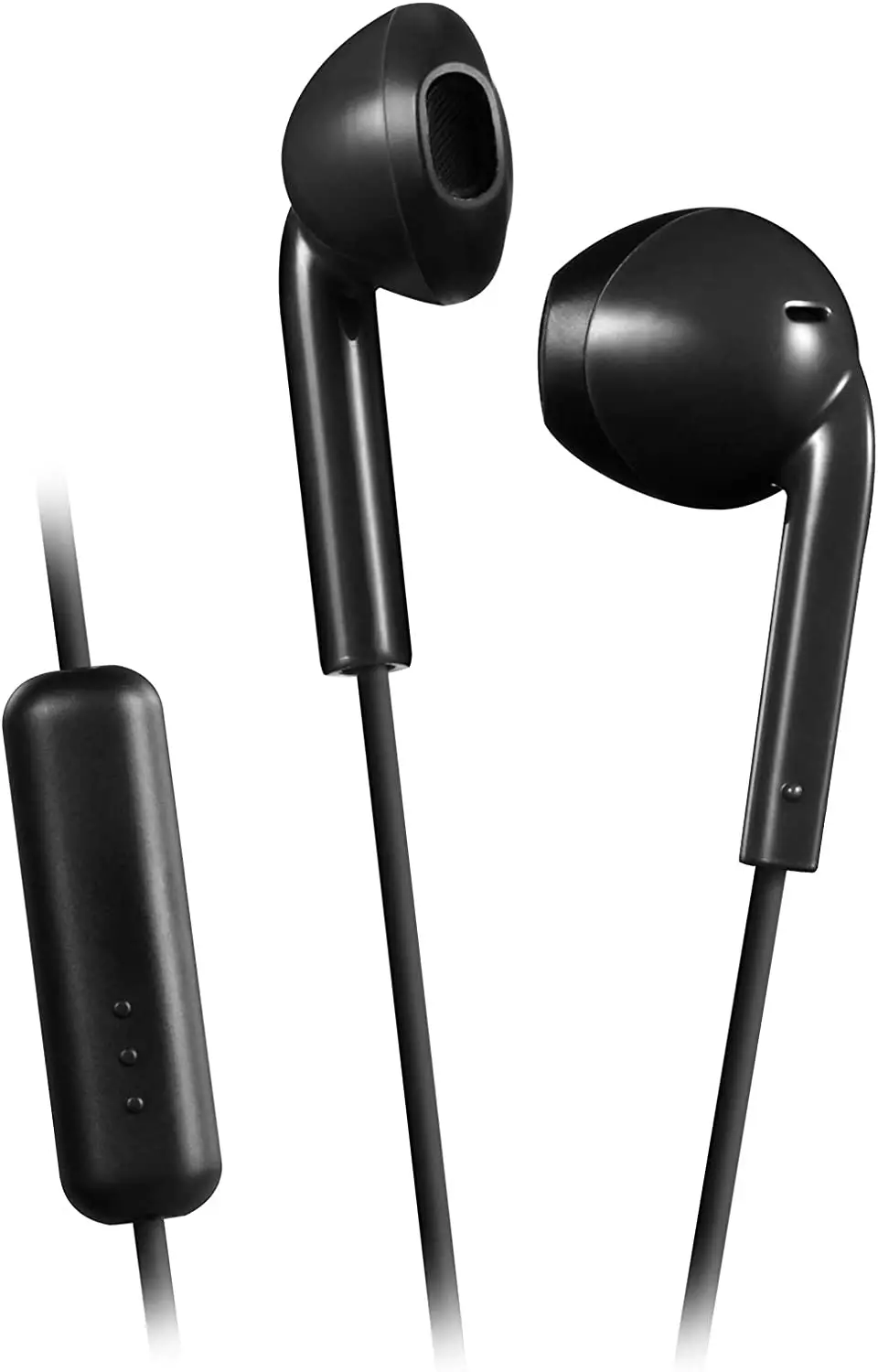
These are the best-wired earbuds with a lifetime running capacity. It has the best Speaker and remote. These have a unique earbud design. It also has a built-in microphone which gives the best sound to the other person. It has a strong sound. It has the strong audio for music playback. It has an integrated call-answering microphone and a single-button remote control for music playback and track selection. JVC offers the stylish look. It has a powerful appearance.
It is the Splash Proof. It is rated IPX2 for perspiration resistance. It has a relaxed fit and light-weight construction.
Dear Customer,
This apparatus is in conformance with the valid European directives and standards regarding electromagnetic compatibility and electrical safety.
European representative of JVC KENWOOD Corporation is: JVCKENWO0D Deutschland GmbH Konrad-Adenauer-Allee 1-11,61118 Bad Vilbel,
GERMANY
(Applicable for countries that have adopted separate waste collection systems.)
- To prevent bad effects on human health and environment. please don’t disDose as general household waste.
- Do not listen at high volume for an extended period. Do not use while driving or cycling.
- Pay special attention to traffic around you when using the headphones outside. Failure to do so could result in an accident.
CAUTION
- Stop using the headphones if they are causing great discomfort or irritation on the skin and the ears. They may damage your skin and cause rash or inflammation.
- In dryer air conditions such as in winter, you may feel some static shock when using the headphones.
- When in use you may sometimes hear friction noise, this is caused by the cord rubbing against your clothing while walking or during exercise.
- This earphone part is a waterproof specification equivalent to IPX 2; do not wear it under water.
WARNING
- Hearing Comfort and Well-Being
- Do not play your personal audio at a high volume. Hearing experts advise against Continuous extended play.
- If you experience a ringing in your ears, reduce volume or discontinue use.
How to use
- Press this part to perform the audio/phone operation (See below)
Using the remote control unit
Audio/phone operation (example for iPhone)
For audio operation
- To play or pause a track: Press once
- To skip to the next track: Press twice
- To return to the previous track: Press three times
For phone operation
- To answer or end a call: Press once
For some mobile phones, you may not be able to use some or all functions depending on the specifications of the mobile phone itself. This unit supports smartphones with a 4-pole plug headphone jack. Any devices with a 3.5 mm 3-pole or 2-pole plug headphone jack are not supported.
FAQ’s
- Is JVC a reliable name in headphones?
JVC, on the other hand, produces several of the best inexpensive earbuds on the market that are suitable for couch potatoes and money hoarders. The top Sennheiser products are lastly generally acknowledged by DJs and audiophiles alike. - Why won’t my JVC headphones pair with my Bluetooth device?
Make sure the Bluetooth device is within one metre of the system while pairing. On the Bluetooth device, turn pairing on. Reset pairing by erasing the pairing data from the Bluetooth device list. After turning the linked device’s Bluetooth feature off and back on, perform operations. - How do I pair my iPhone with my JVC Bluetooth device?
Utilizing the JVC vehicle stereo’s auto-connecting capability makes this simple to perform. Step 1: Connect your iPhone to the receiver’s USB port. Step 2: Double-check the passcodes on your phone and the receiver, then use the volume knob to choose PAIR. Your iPhone and JVC vehicle audio are now connected through Bluetooth. - How can I pair my iPhone with my JVC Bluetooth headset?
Hold down the button for three seconds or until the red and blue lights on the indicator alternate. Hold down the button for 7 seconds or until the red and blue lights on the indicator alternate. 3 the Bluetooth device’s Bluetooth feature should be enabled. 4 Choose “JVC HA-EC20BT” from the available devices. - Why won’t my phone and Bluetooth headphones pair?
If your Bluetooth devices aren’t connecting, they probably aren’t in pairing mode or are out of range. Try rebooting your devices or letting your phone or tablet “forget” the connection if you’re experiencing persistent Bluetooth connection issues. - Why are the red flashes on my JVC headphones?
The System and the BLUETOOTH device are not connected while the light remains steadily blinking red. To connect, choose System on the Bluetooth device in this scenario. - What does JVC’s pairing Full mean?
I may be absolutely wrong because I don’t have any experience with Android smartphones, however… My best guess is that “FULL” signifies you’ve already linked your JVC stereo to the maximum number of Bluetooth devices. Hope this is useful. Good fortune. - How does a JVC KD r320 Bluetooth?
The symbol for “BT MODE” will appear. The Bluetooth option will thereafter be accessible to you. By using the [Control knob] to choose “SETTINGS” > “PAIRING” > “DEVICE DELETE,” you may delete the device. The [Control knob] may be used to choose Bluetooth devices. - My JVC headphones won’t connect to my iPhone; why?
Make sure your Bluetooth device and headphones are within one metre of each other while pairing. On the Bluetooth device, turn pairing on. Reset pairing by erasing the pairing data from the Bluetooth device list. Be careful. - JVC headphones – compatible with iPhone?
The headphones are designed for use with a smart phone, such as an Apple or Android model. It can also be connected to Bluetooth-enabled tablets or computers, but not to Fitbit or Apple watches.