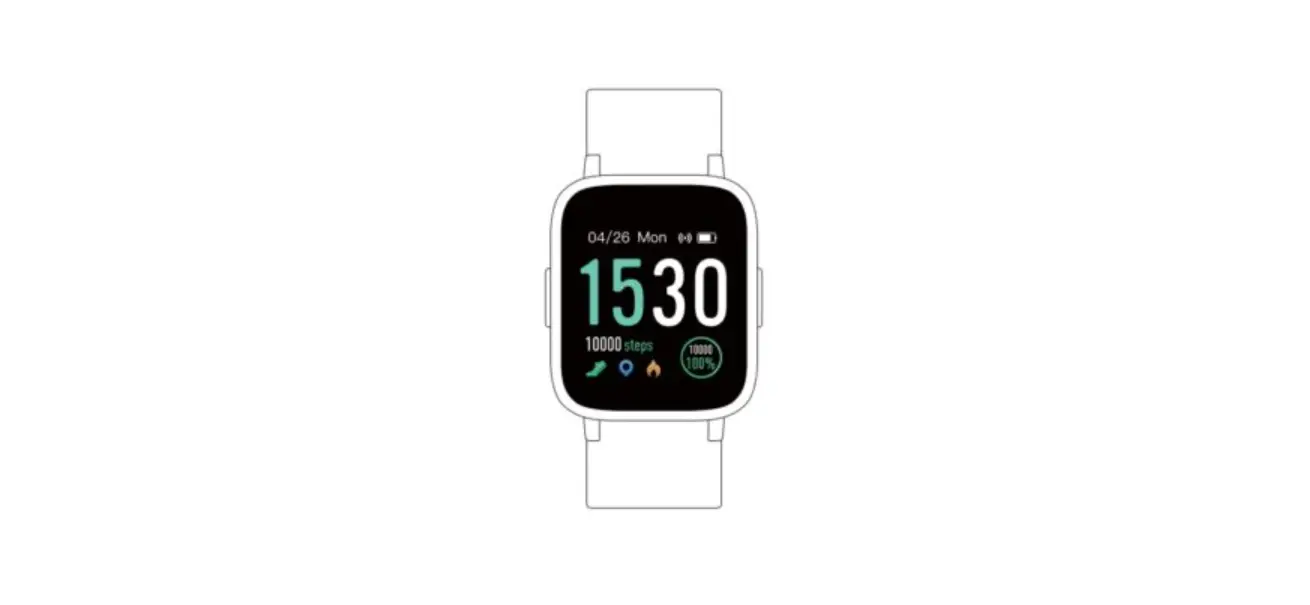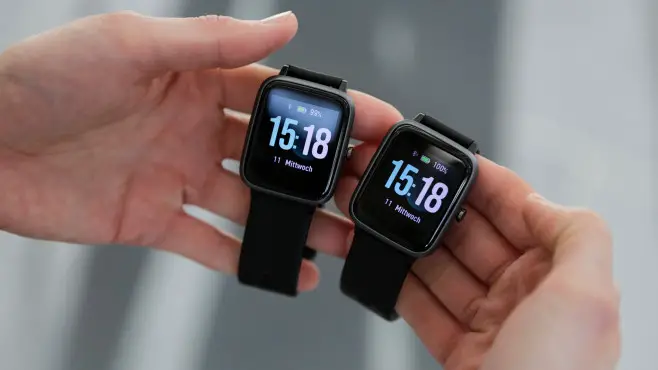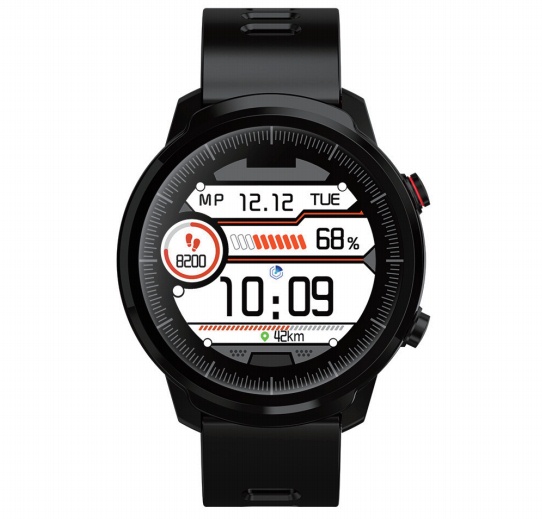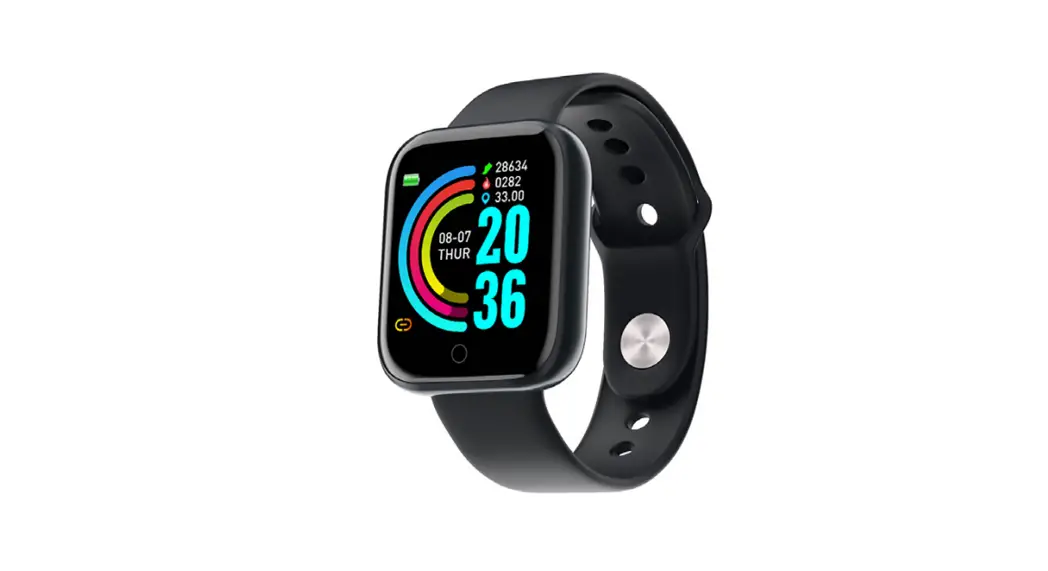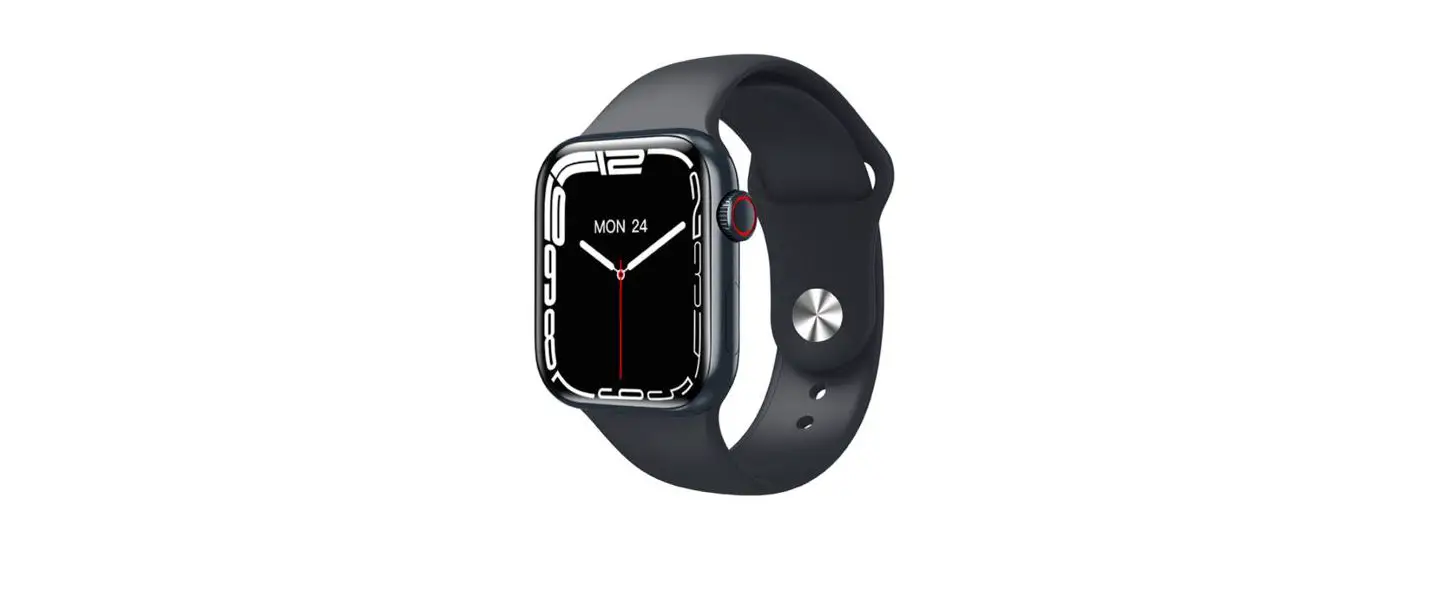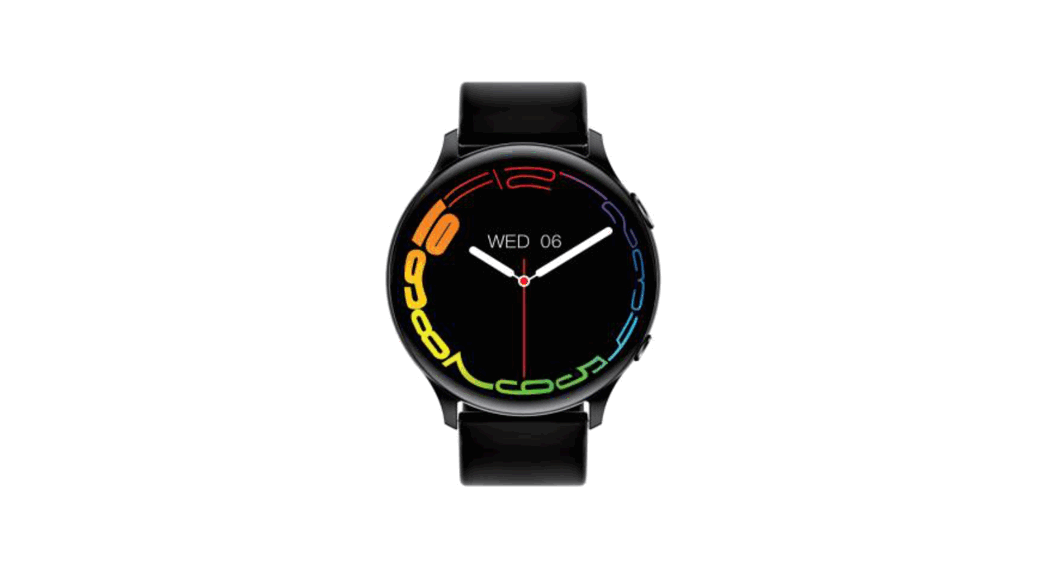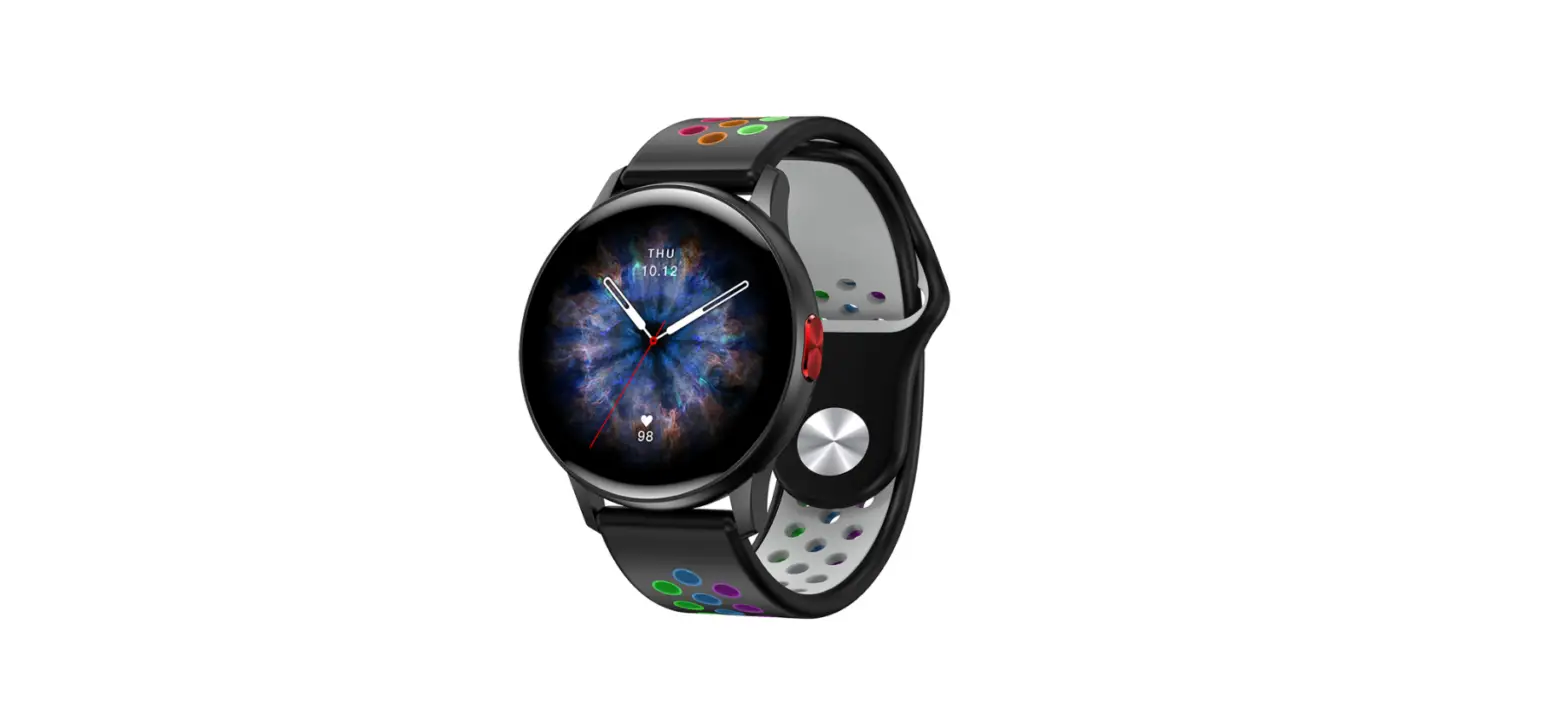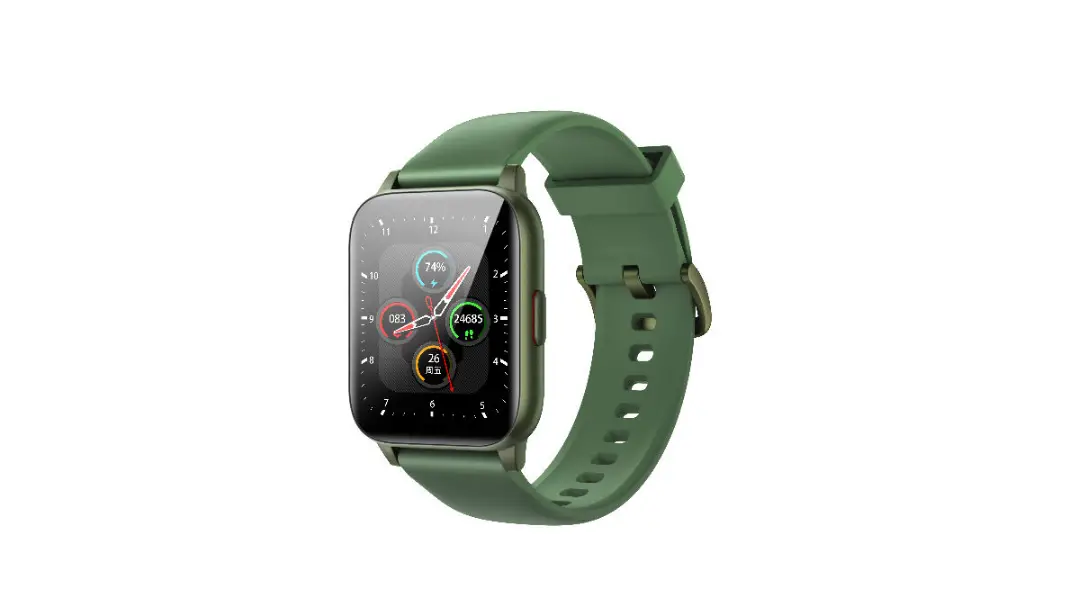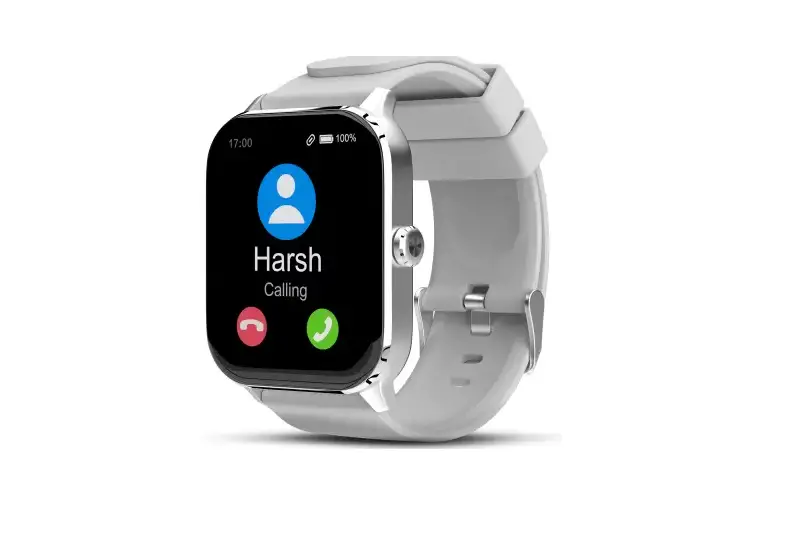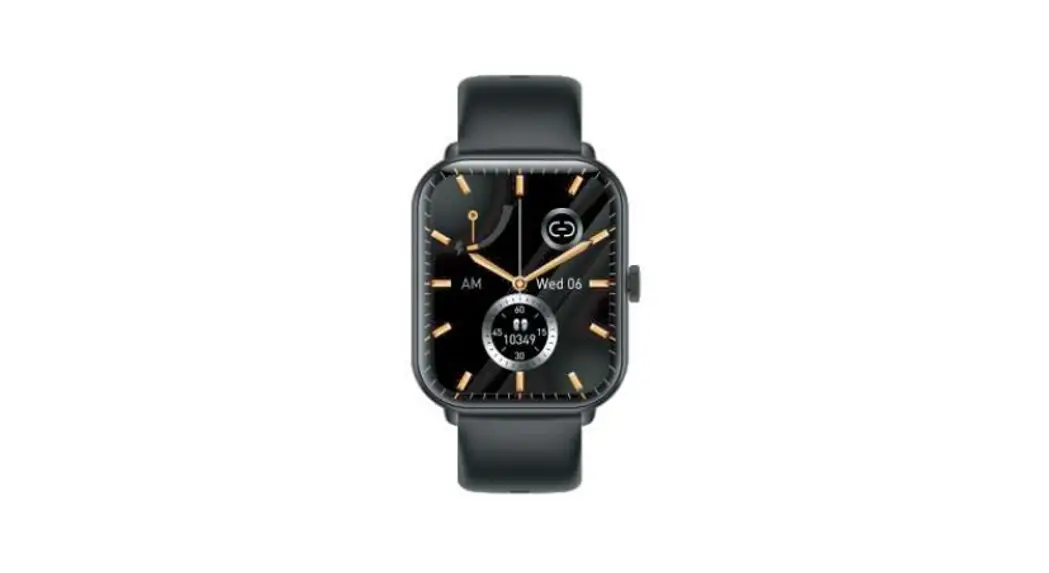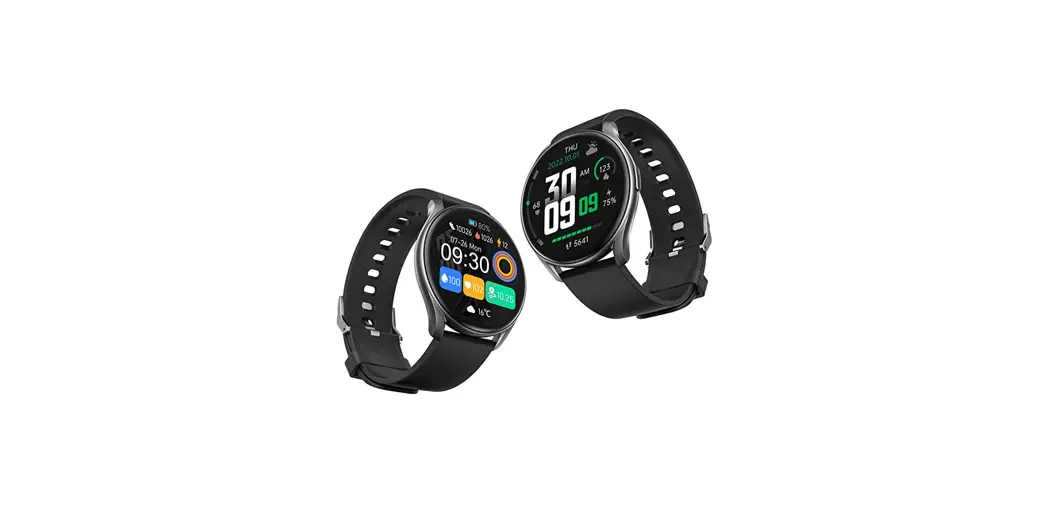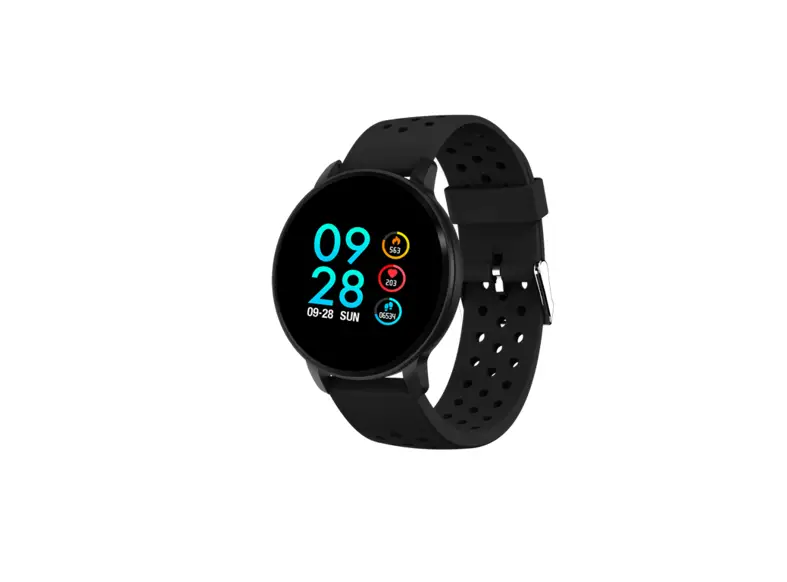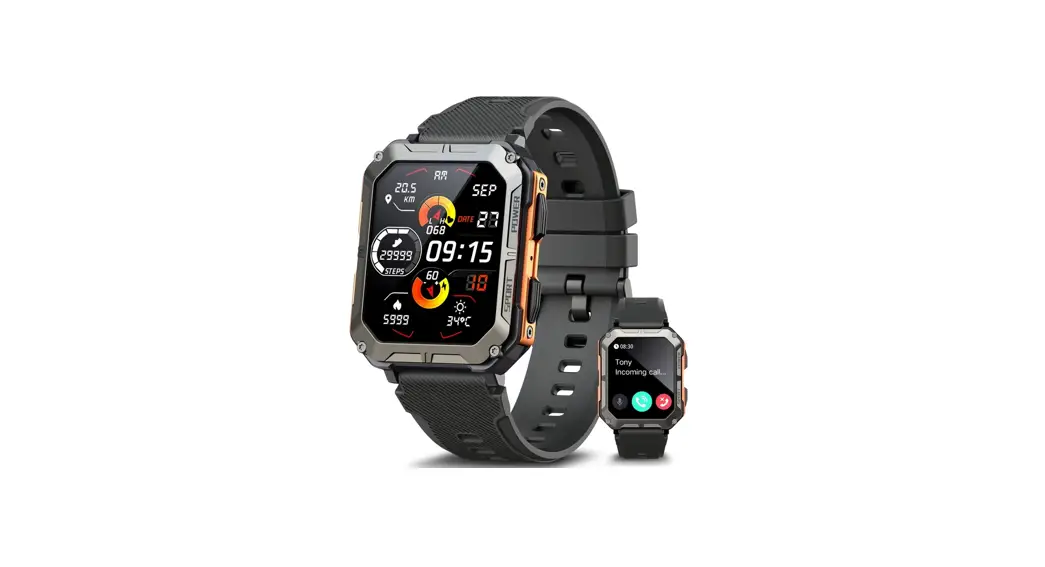

FutureGo Mix
L15
Instruction Manual
Watch Charging and Activation
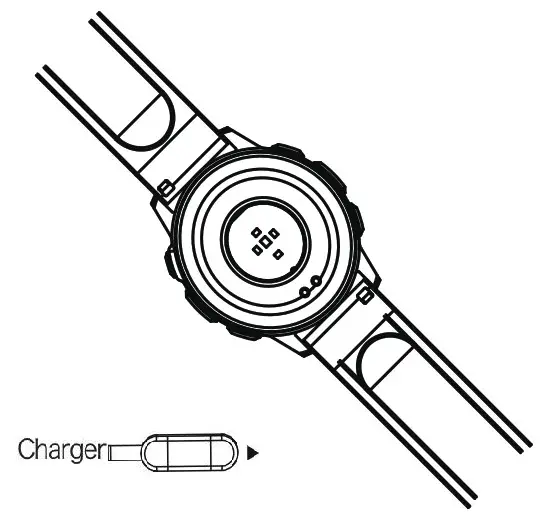
Charging the device to active before the frist time using; To charge you device, plug the charging cable into adapter or USB port on your computer.
Bluetooth Connection
- Open the mobile location service and GloryFit APP location
- Open GloryFit APPDeviceAdd deviceSearch for Bluetooth and link
Do not connect Bluetooth via the background of phone, Need be sure Via APP search Bluetooth and link. If do wrong operation will cause the Bluetooth of the watch to be occupied, the GloryFit APP will not be able to search for the Bluetooth. At this time, the Bluetooth in the Phone’s background must be ignored and released. Then Go back to the GloryFit APP to search an connect.
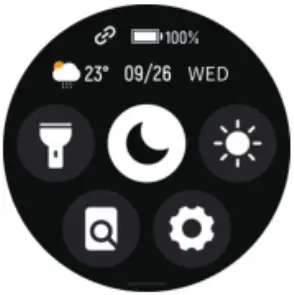 | 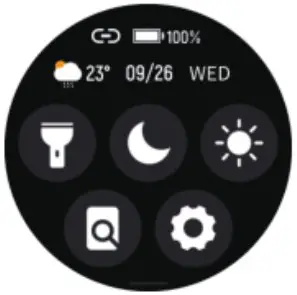 |
| The upper left icon is red, which means the watch is not connected and occupied | The upper left icon is green, which means the watch has been connected and occupied. |
Watch Charging and Activation
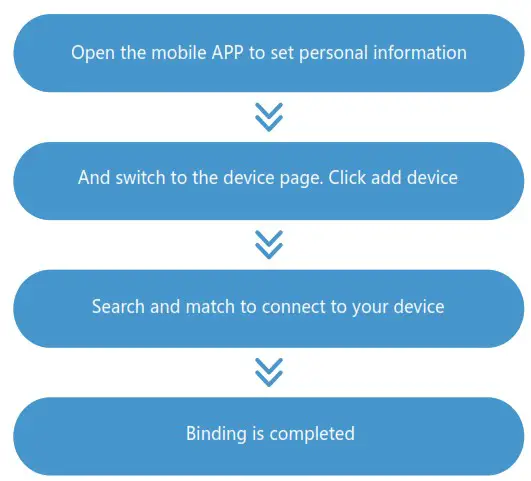
Slide down the watch timetable panel to display the shortcut page, click to enter the settings, and then click the about icon to display the watch’s MAC address. You can determine your device by listing the watch’s MAC address on the device; After the watch is bound successfully, it will automatically connect with the mobile phone in the future, and the data can be refreshed synchronously by drop-down in the APP data page;
Watch Operation Instruction
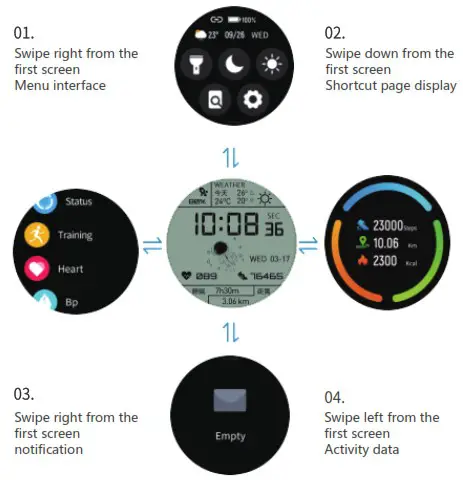
Watch Operation Instruction
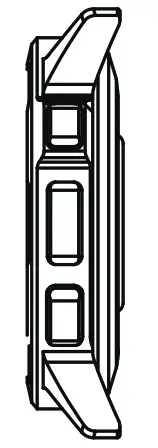
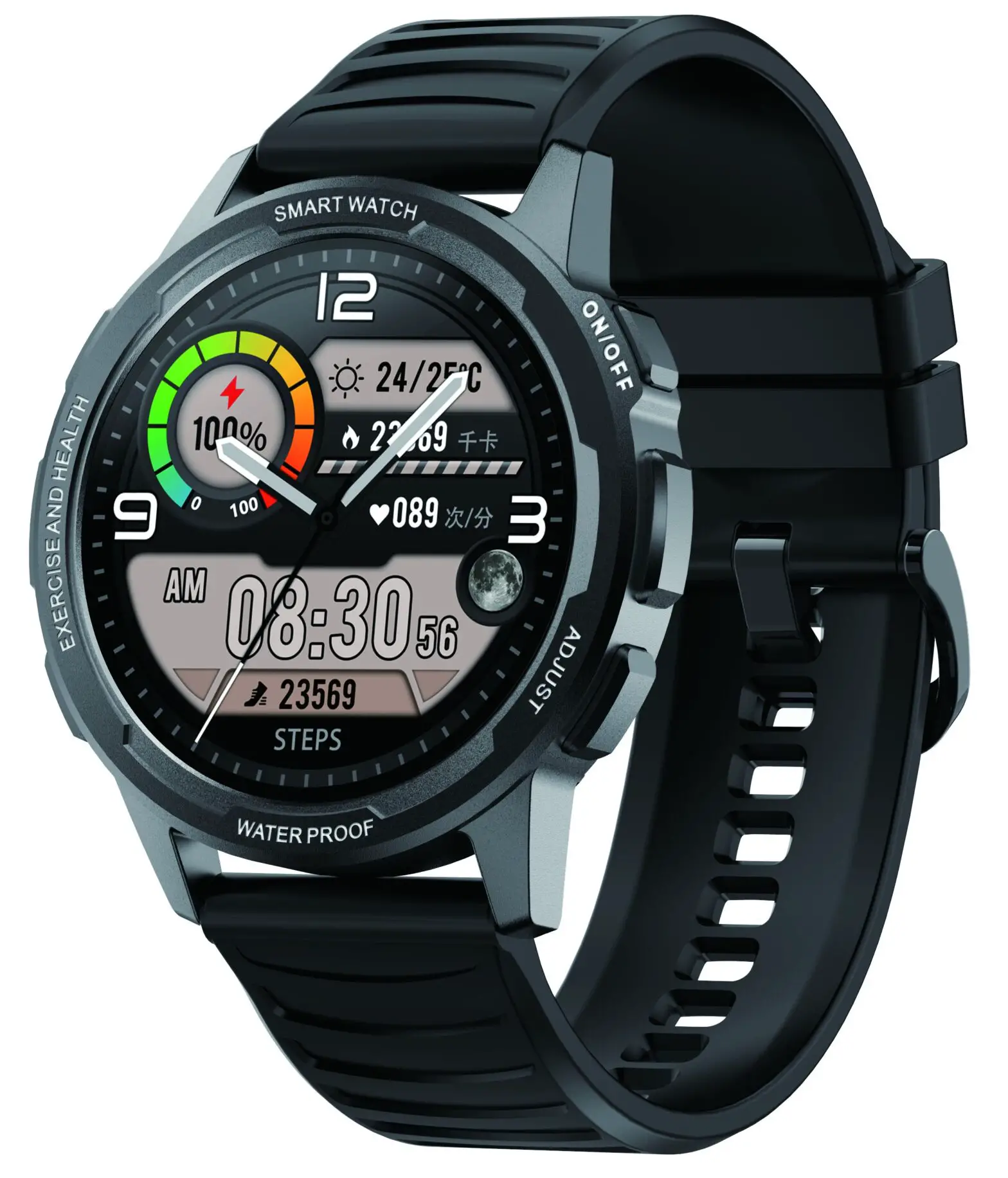
Up button; short press on the dial interface to turn off the screen, short press on other interfaces to return to the previous interface. Long press to shut down Press the button; short press to directly enter the multi-sports mode
Introduction to Watch Functions
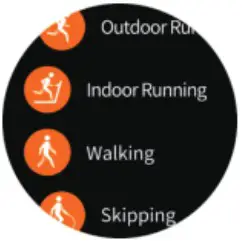 | Sports Modes up to 9 can be displayed. The watch will synchronously display the corresponding data such as heart rate, heat and speed allocation of movement when the movement is started. You can also pause or stop the movement. |
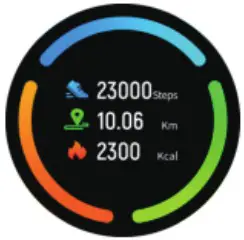 | Sports Record The sports ring tracks and records your steps, distance, and calories. |
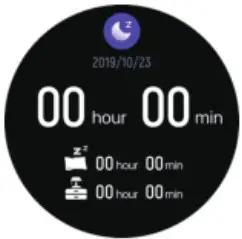 | Sleep Statistics Enable sleep detection through the APP to automatically record sleep data, including total sleep time, deep sleep and light sleep time. More detailed information analysis and data records can be viewed in the APP. |
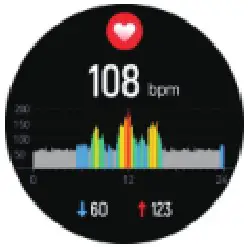 | Heart rate, blood pressure, oxygen Through the watch, the heart rate, blood pressure, blood oxygen value can be independently detected and their data can be synchronized to the APP. |
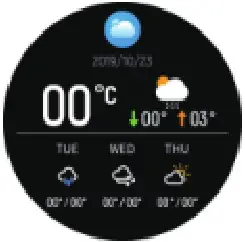 | Weather Information The weather page displays current weather, air quality information, minimum and maximum temperatures, and slide one page to preview the weather over the next three days. |
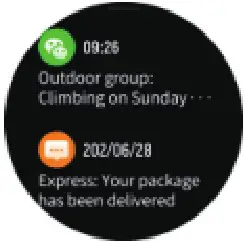 | Push message The watch can accept notifications displayed on the mobile phone, open the corresponding social applications that need to be pushed through the APP, and the watch information page can store multiple message records. |
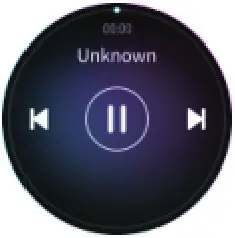 | Play Music The watch can control music, switch the last and next song, play or pause music, and control volume. |
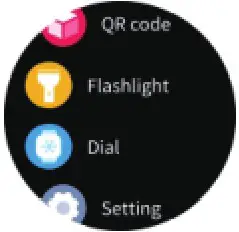 | Flashlight Click to enter, the entire interface will turn white. |
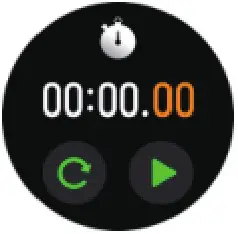 | Stopwatch You can time, start or reset stopwatch. |
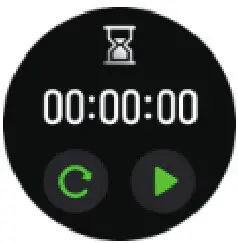 | Timer The timer can set the time, start timing, or reset. |
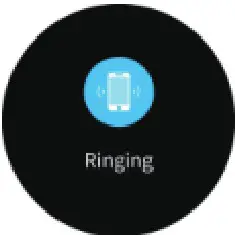 | Look for mobile phone Click on the icon of look for mobile phone to call a mobile phone. |
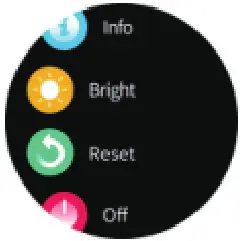 | Settings Watch settings can be used to change the dial, adjust the brightness, view watch information, shut down, restart and restore the factory. |
 | Goal accomplished The target number of steps can be customized on the APP. If the total number of steps for the day exceeds the target number of steps, the watch will remind you |
 | Phone reminder After the device and the APP are connected, if the phone calls, the watch will have a call reminder interface. |
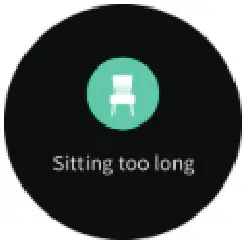 | Sedentary reminder Enable the sedentary reminder through the mobile APP. You can set the reminder period, and the watch will remind you to get up and move on time. |
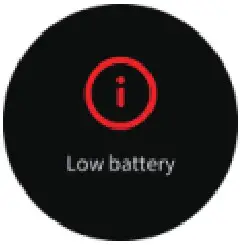 | Low battery When the watch has a low battery, the watch will show a low battery reminder. |
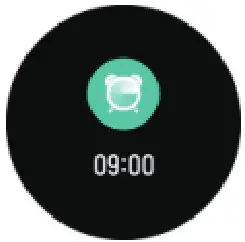 | Alarm reminder Through the APP, you can add and set the alarm time, synchronize the watch to display the alarm time, and turn the alarm on or off. |
- Using in Wet Conditions
Your device is water-resistant, which means it is rain-proof and splash-proof and can stand up to even the sweatiest workout.
NOTE: Do not swim with your Smart Bracelet. We also don’t recommend showering with your wristband; though the water won’t hurt the device, wearing it 24/7 does not give your skin a chance to breathe. Whenever you get your bracelet wet, dry it thoroughly before putting it back on. - Using Quick View
With Quick View you can check the time or the message form your phone on your Smart Bracelet without taping. Just turn your wrist towards you and the time screen will appear for a few seconds.
Introduction to Watch Functions
- Environmental Conditions
Operating temperature: 14 to 122 (-10 to 50) Non-operating temperature: -4 to 140 (-20 to 60) - Size
Fits a wrist between 5.5 and 7.7 inches in circumference. - Disposal and Recycling
Please kindly be aware that it is the consumer’s responsibility to properly dispose and recycle Smart Bracelet and accompanying components. Do not dispose of Smart Bracelet with common household waste, the Smart Bracelet unit is considered electronic waste and should be disposed of at your local electronic equipment collection facility. For more information, please contact your local electronic equipment waste management authority or the retailer where you bought the product.
Follow us
 |  |
 |  |  |
| https://www.youtube.com/channel/UC8uyi_5Aqo1ZpRmxQaeBSOA |
Limited Warranty
Note: Disassembling device voids warranty
Note: Liquid submersion voids warranty
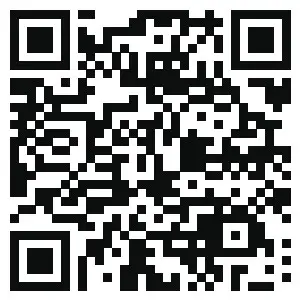 https://app.help-document.com/gloryfit/download/index.html
App Download for FutureGo Mix
WE MAKE THE LIFE MORE ENJOYABLE
Made by ShenZhen Future Access Technology Co…Limited

www.hifuturegroup.com
Designed in USA, Assembled in China
SHENZHEN FUTURE ACCESS TECHNOLOGY CO., LIMITED.
Explore more at www.hifuturegroup.com © All Rights Reserved