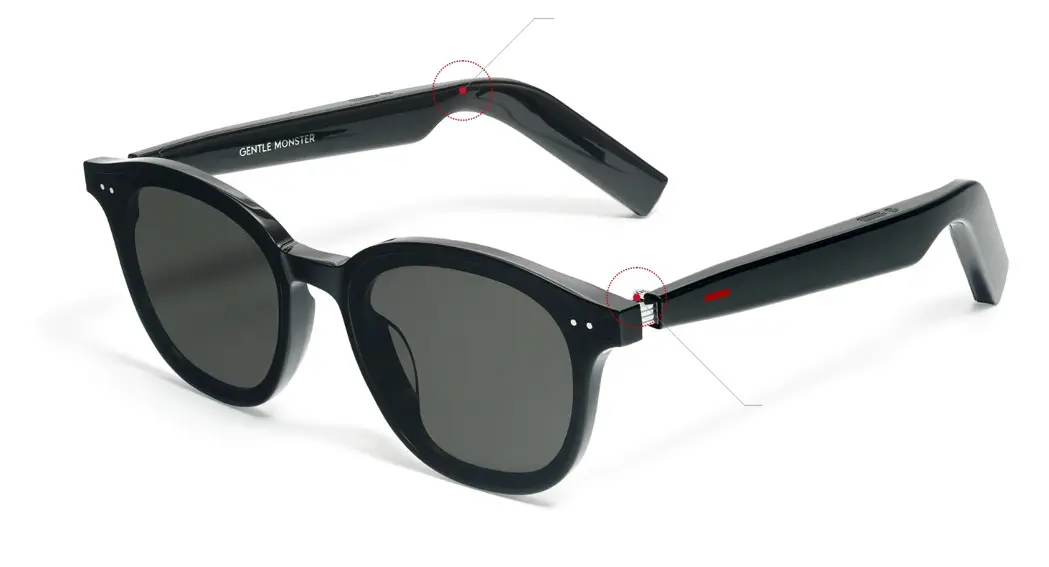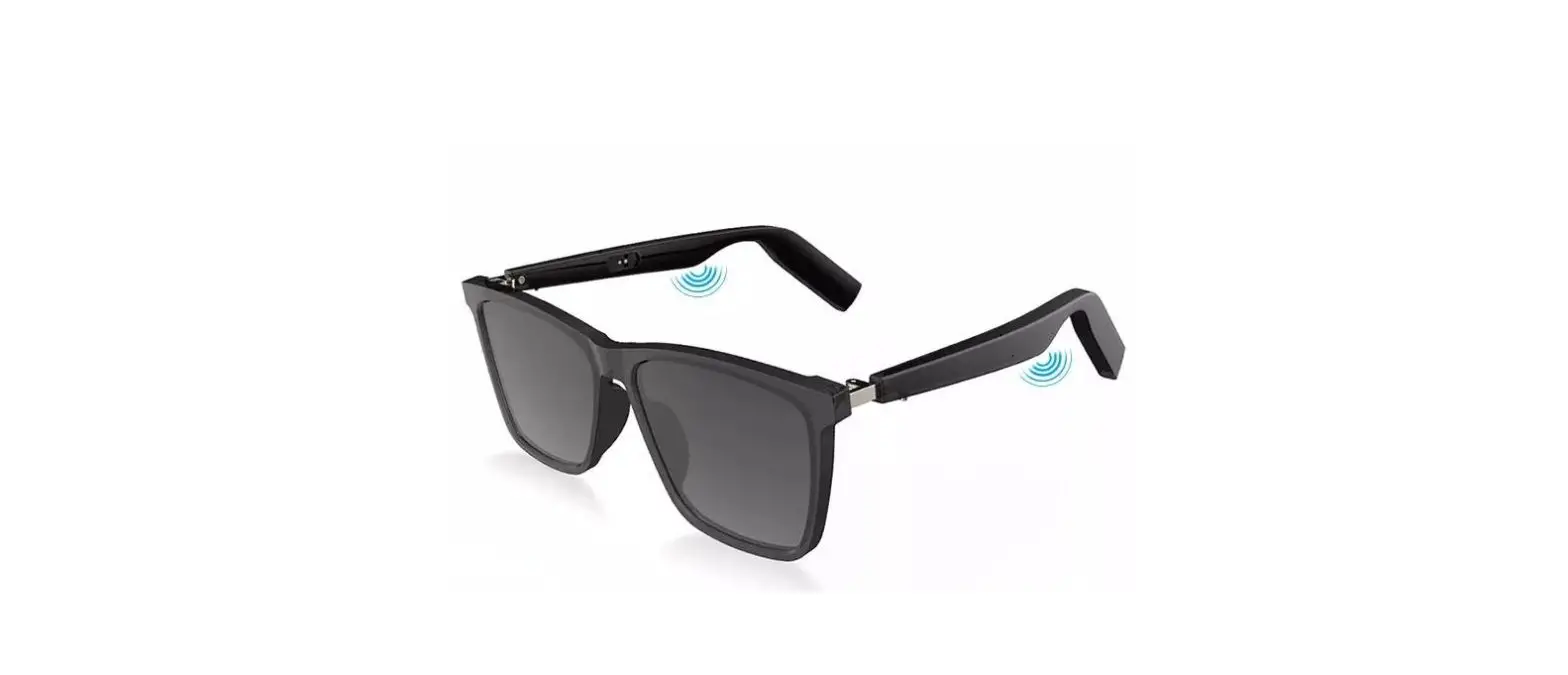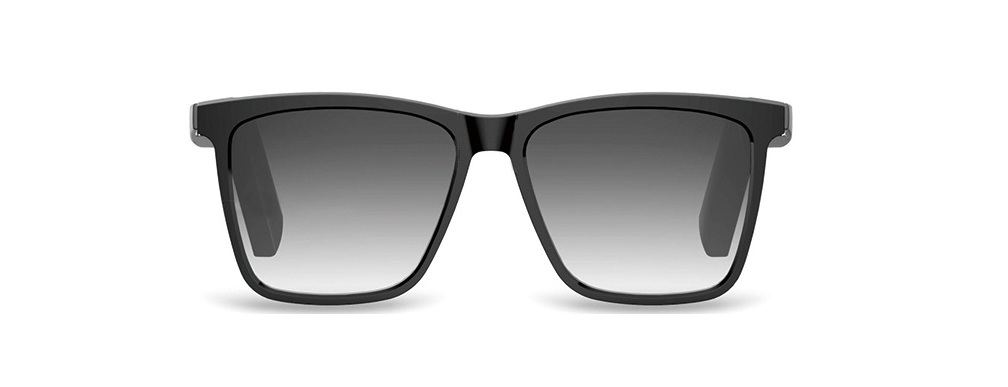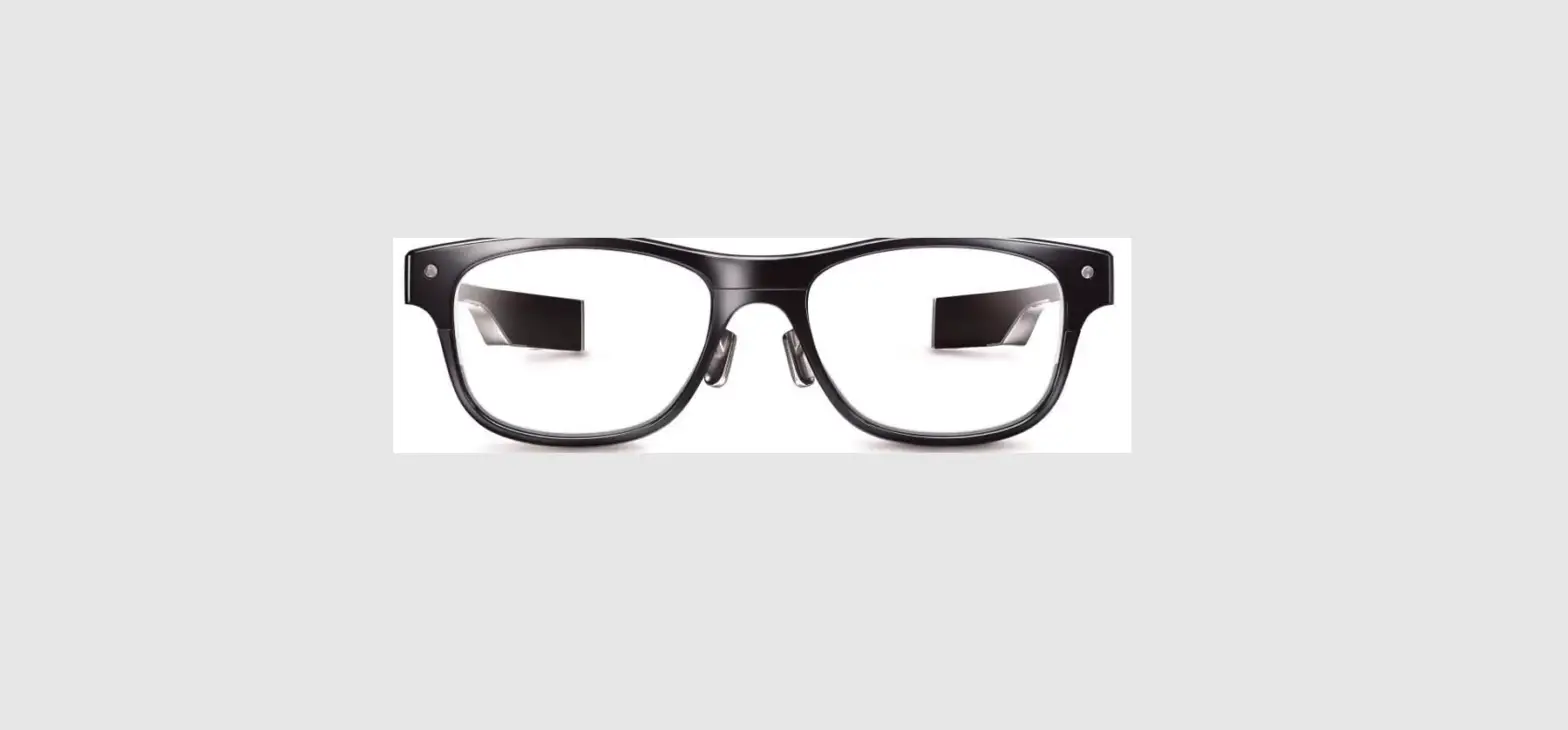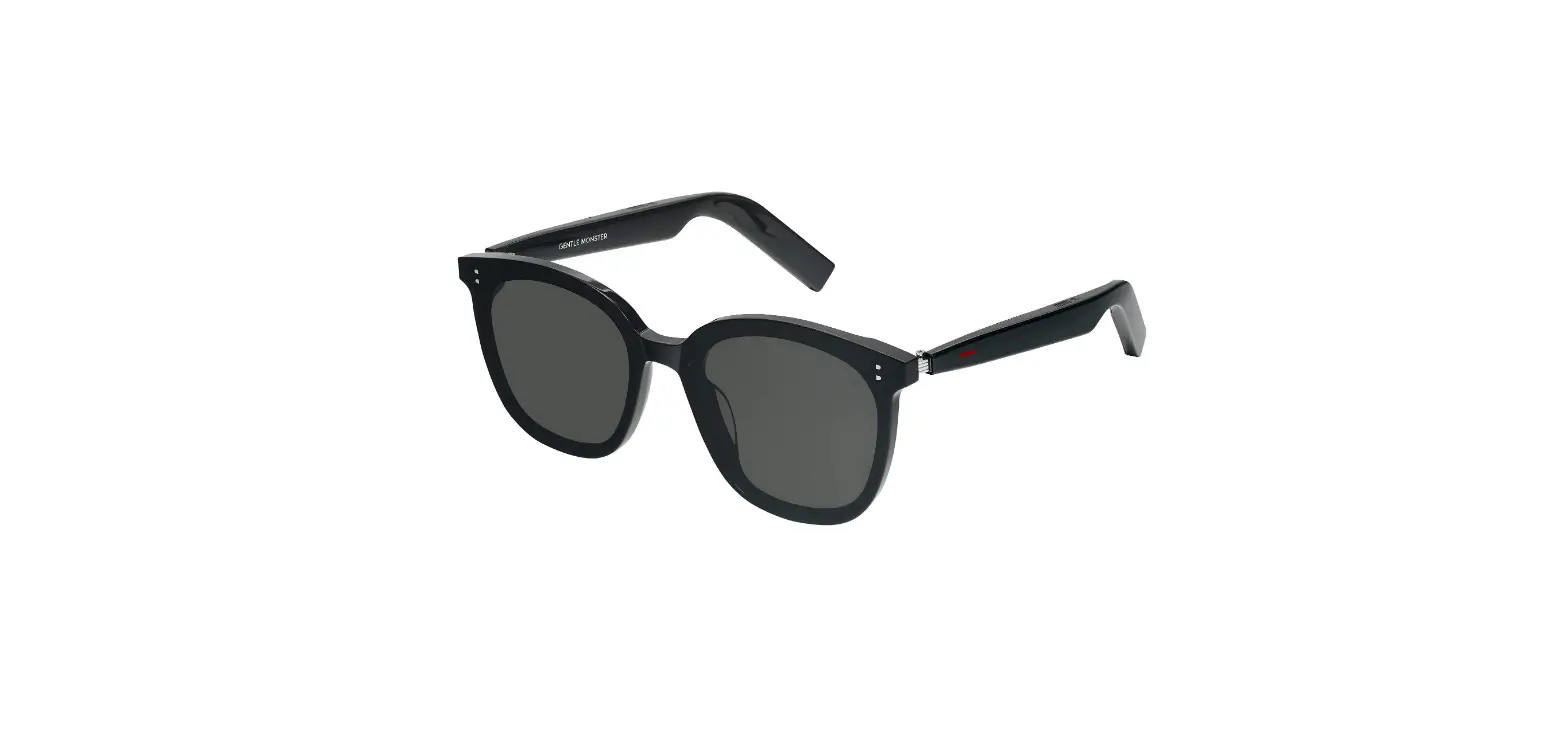

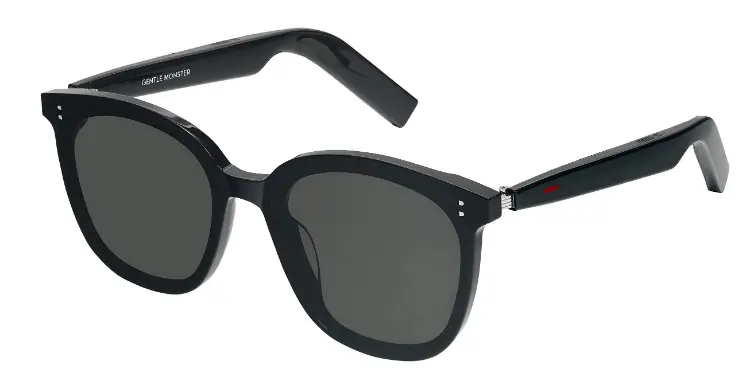
HUAWEI FIJ-CG020 Smart Myma X Gentle Monster Eyewear
Charging
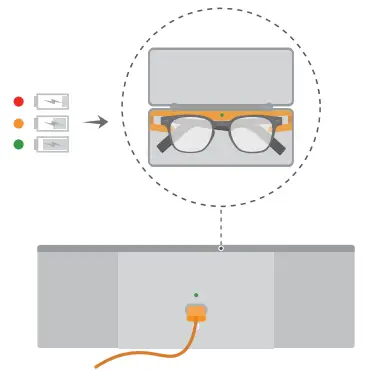
- Place your glasses in the case and use the cable to charge them
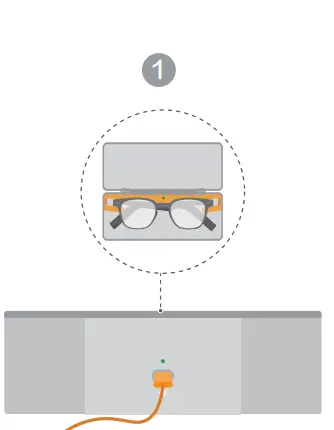
Pairing
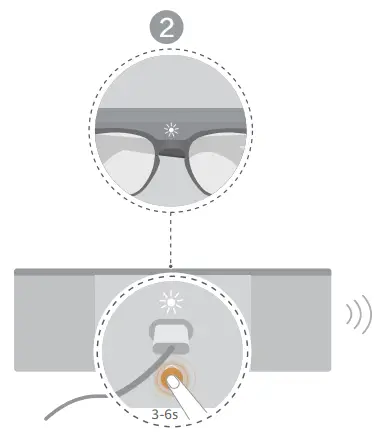
- Place your glasses in the case and connect the charging cable.

- Press and hold the Function button for 3–6s until both indicators flash white.

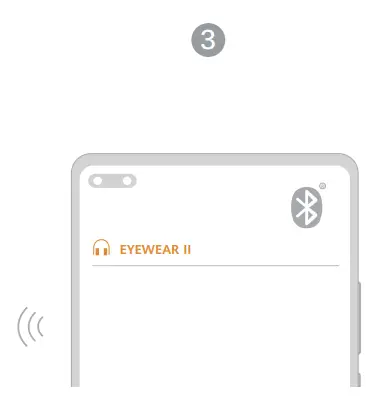
- Enable Bluetooth on your phone, search for your glasses’ Bluetooth device name, and connect to it.

Control over the arm
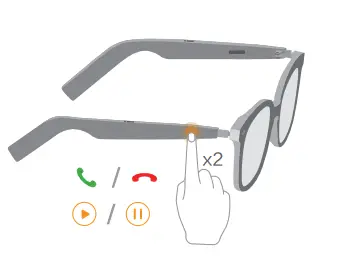
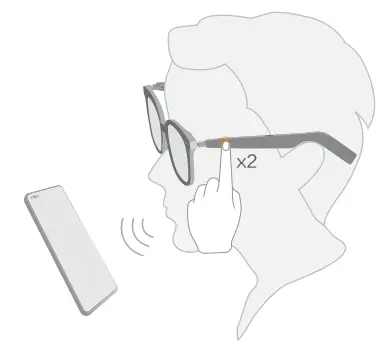
- Answer/End a call: Tap either arm twice.

- Pause/Play music: Tap the right arm twice.

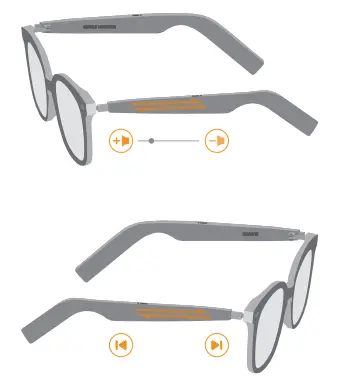
- Volume up/down or switch songs: When playing music or making a call, swipe along the arm.

- Wake up the voice assistant: Tap the left arm twice.

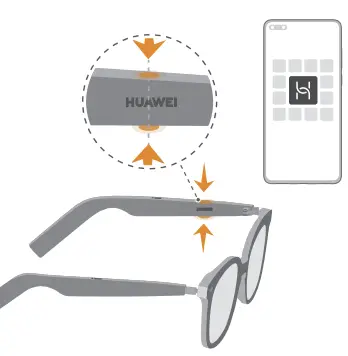
More features

- Scan the QR code to install the corresponding app. You can then try out more features and customise your glasses settings.
Factory reset
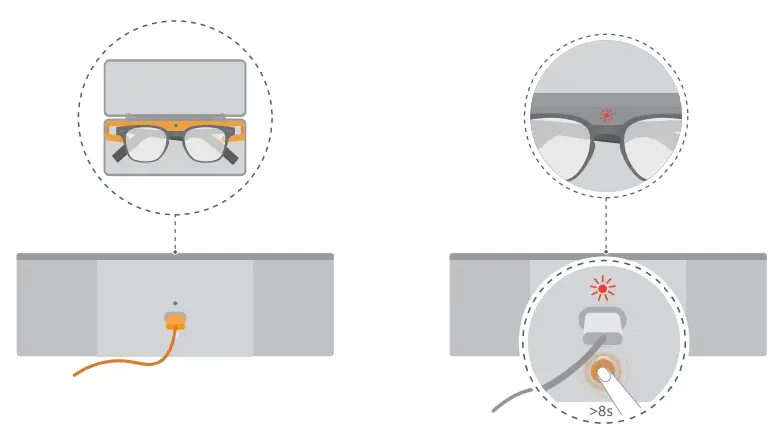
Factory reset: Connect the charging cable. Press and hold the Function button for at least 8s until both indicators flash red. The glasses will restart automatically
Caution
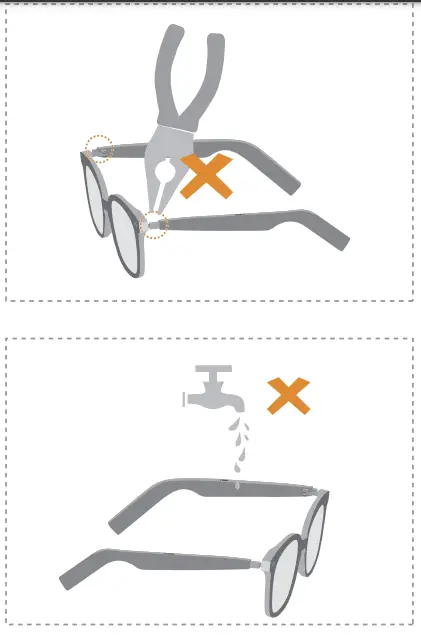
This document is for reference only and shall not constitute a commitment or guarantee of any kind.
 Huawei - Building a Fully Connected, Intelligent World
 Certification | Legal | HUAWEI Global