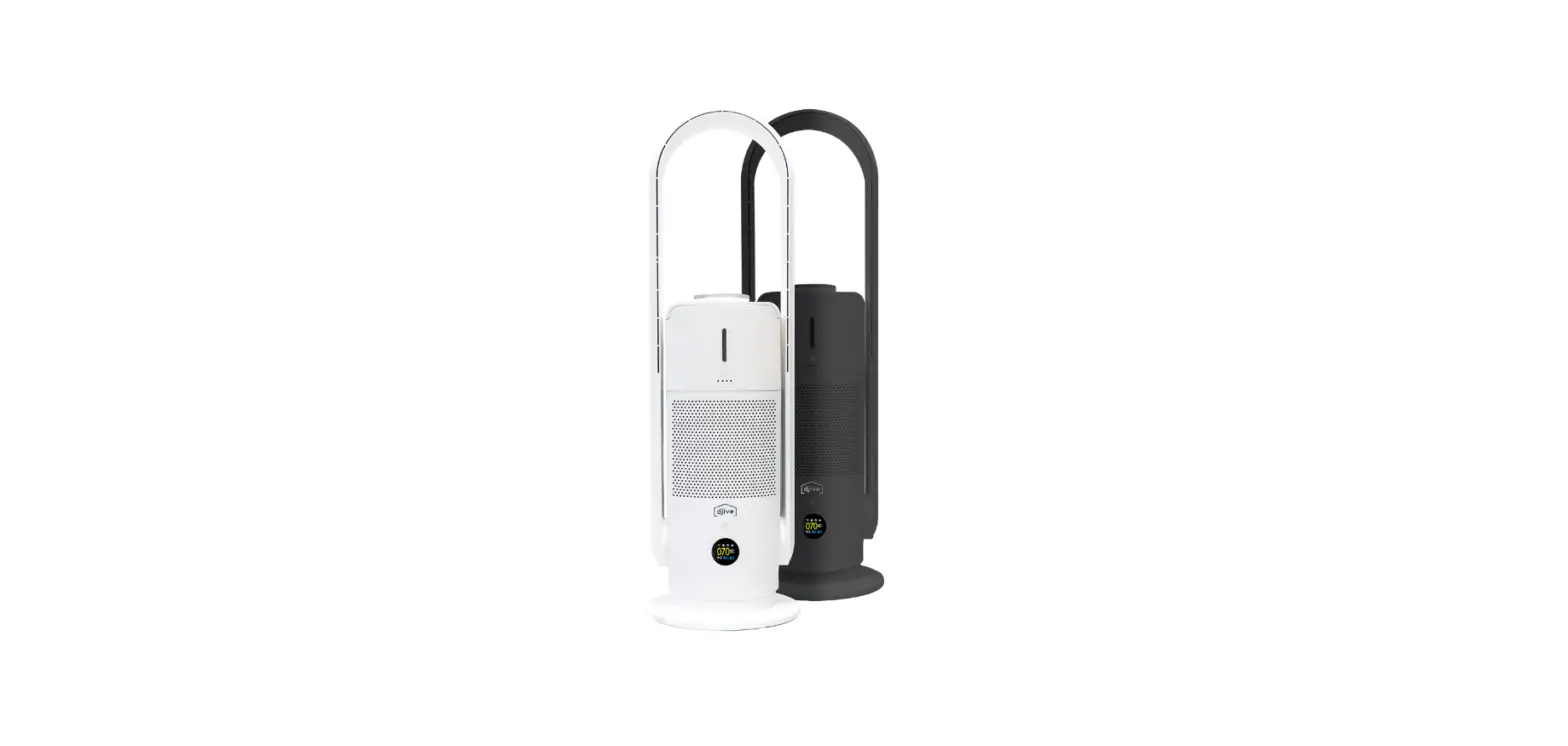

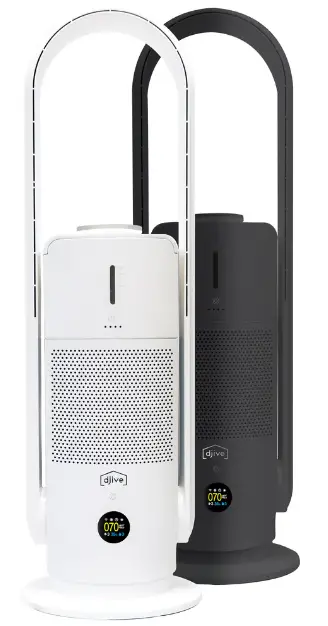
djive Flowmate ARC Humidifier 3-In-1 Air Purifier

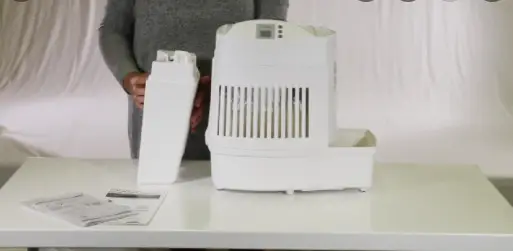
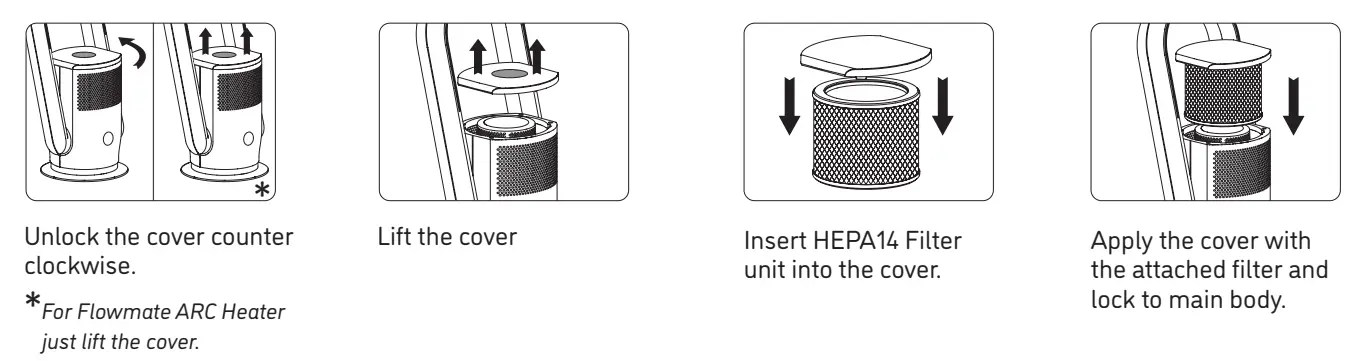
OPEN COVER, INSERT FILTER
POWER SUPPLY
Connect the power plug of your drive Flowmate ARC device to a power socket.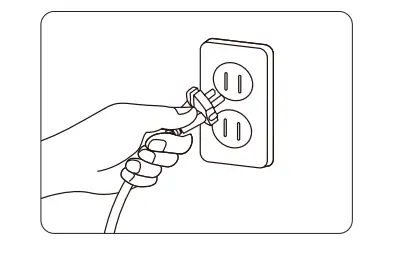
CONNECTING TO APP / WIFI
Download the driver Home App from Google Play Store / Apple Store. Hold the power button on the device for 5 seconds, WIFI icon on the LCD display will flash when ready to pair. The WIFI icon on the LCD display will be displayed permanently once the connection is successful. Open the App and add the device according to your specific drive Flowmate ARC series model.
ICONS ON DISPLAY
Small variation from model to model.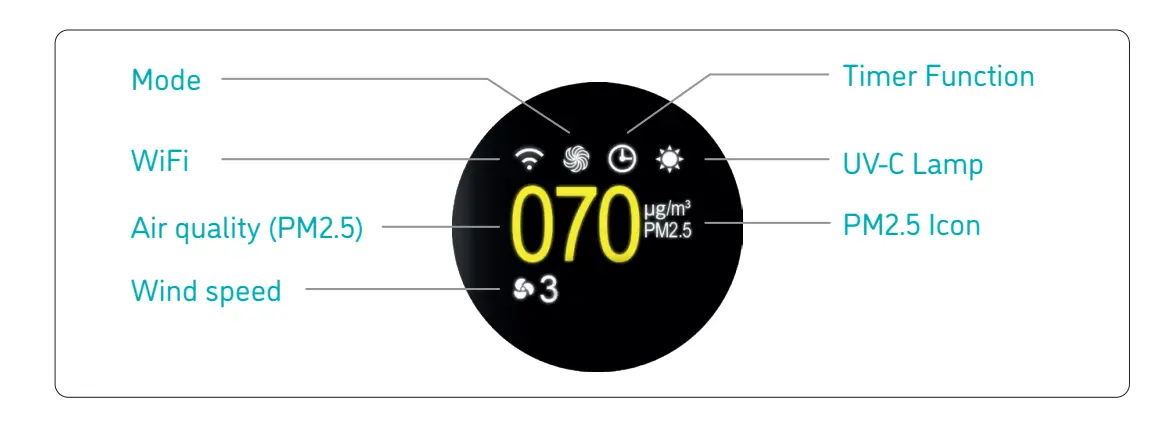
GENERAL CONTROL
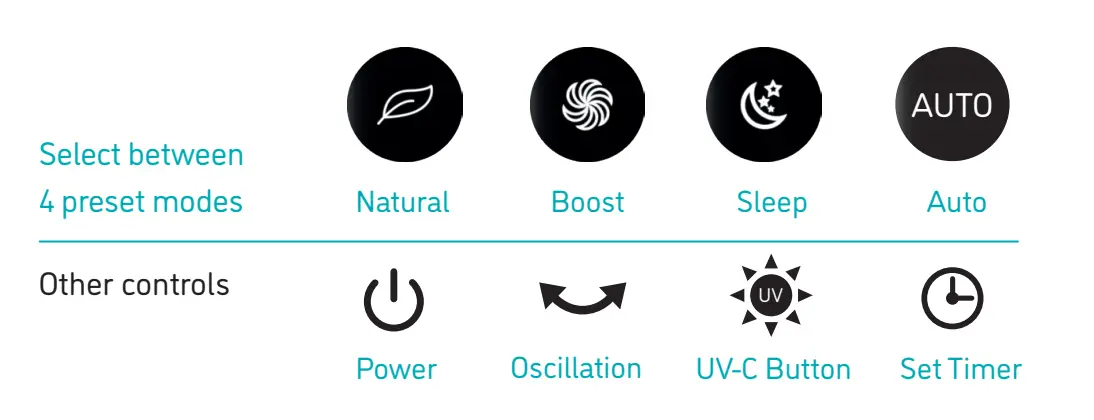
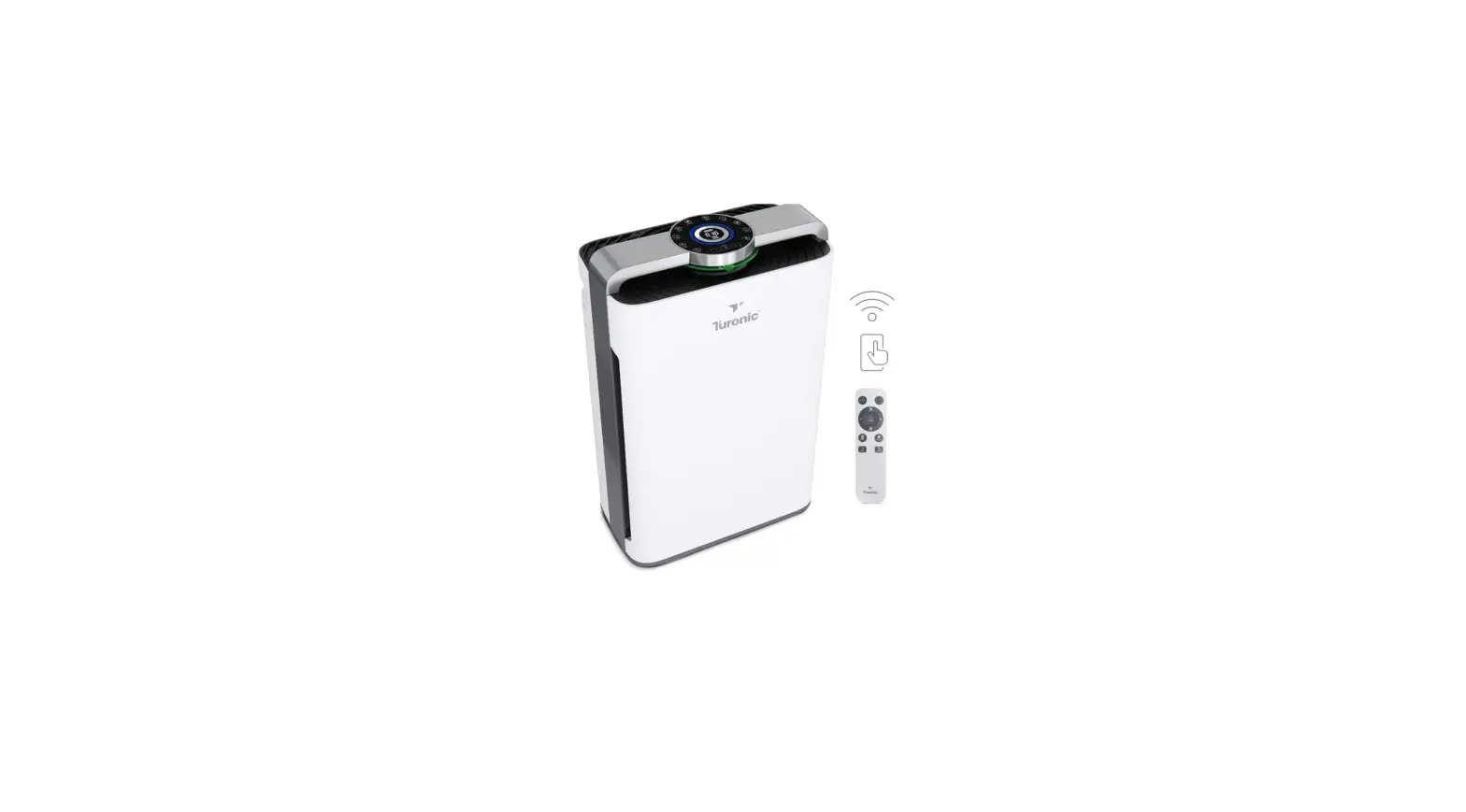
Wind speed can be controlled by pressing up and down arrows on the remote control or choosing from the app interface.
FILTER REPLACEMENT
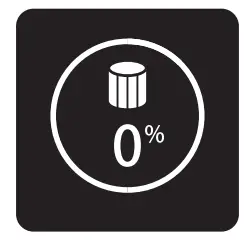
After 720 hours of running time the filter warning system will be shown on the display and will also beep once the device is activated as a reminder for filter replacement. Open the cover and replace the filter unit according to step 1.