G9706-LENSx0.5 Interchangeable Lens
Product Information
The product is an interchangeable lens used in conjunction with
a camera. The lens model is printed on the lens label and the
serial number is printed near the aiming point of the lens. On some
cameras, the interchangeable lens may be referred to as
Teleconverter.
Product Usage Instructions
- Ensure that the lens is firmly mounted to the camera.
- If necessary, access the Interchangeable Lens Calibration
program by going to Local Settings > Capture Settings >
Interchangeable Lens Calibration. - Select Interchangeable Lens Calibration and follow the prompts
to continue. - Hold the camera and aim it at the target plate. The distance
between the camera and target plate should meet the requirement
specified for the lens model being used. - Press OK. The camera will emit a beam of red laser.
- Slightly adjust the camera position to aim the red laser dot at
the TARGET character on the plate and keep still for measuring the
distance. - If the measurement succeeds, the distance is displayed on the
screen. If it fails, adjust the distance and try again. It is
recommended to use a tripod to fix the camera if keeping it still
is difficult. - Use the left/right buttons or the focus ring to adjust the
focus, and press OK after the TARGET is clear. - Adjust the target’s optical image with navigation buttons until
it overlaps with the thermal image, and press OK.
Please note that this manual is subject to change without notice
due to firmware updates or other reasons. Please find the latest
version of this manual on the GAZELLE website. Use this manual with
guidance and assistance from professionals trained in supporting
the product.
Interchangeable Lens
User Manual
1.1 1.2
1
2.1 2.2
2
English
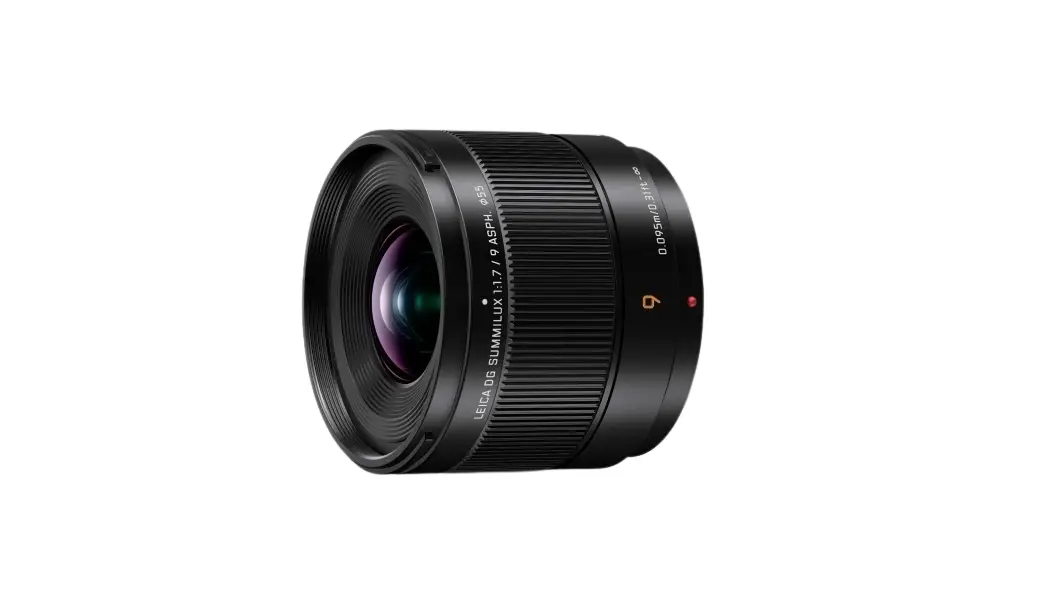
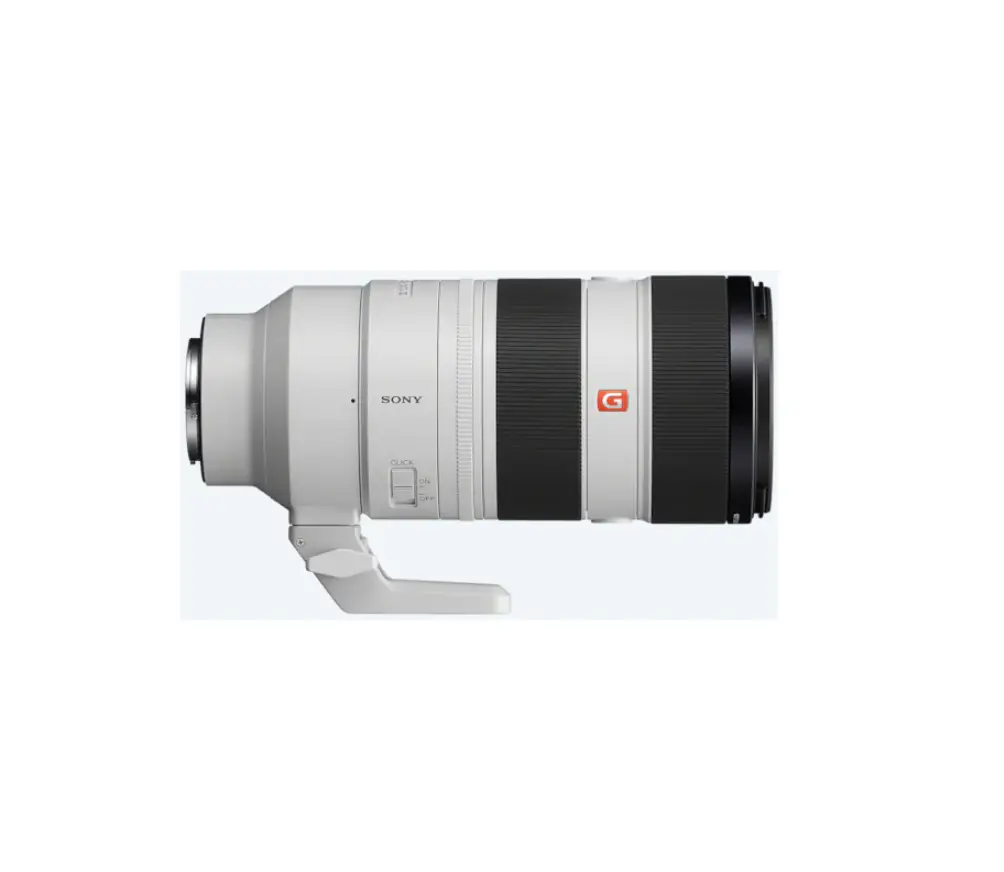
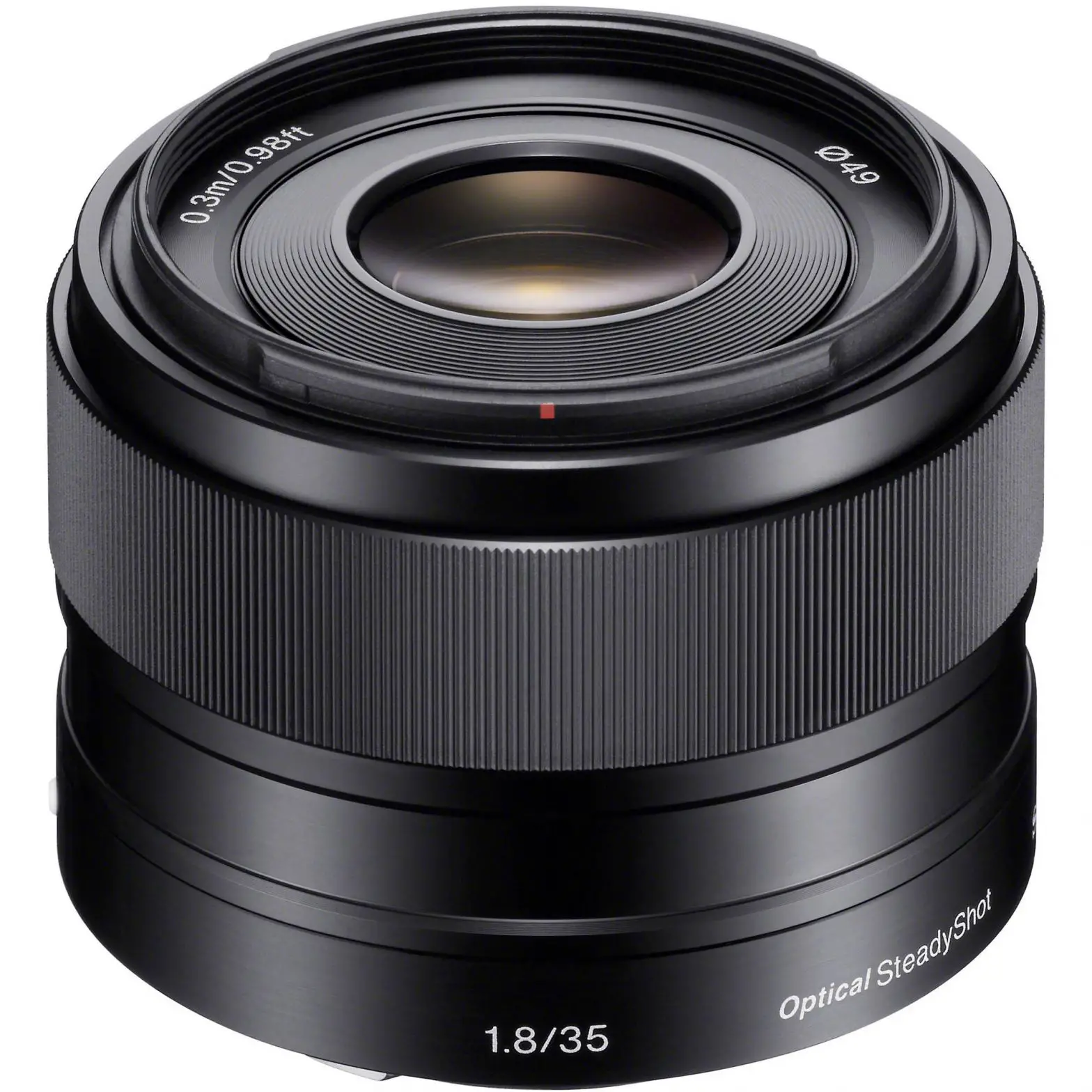
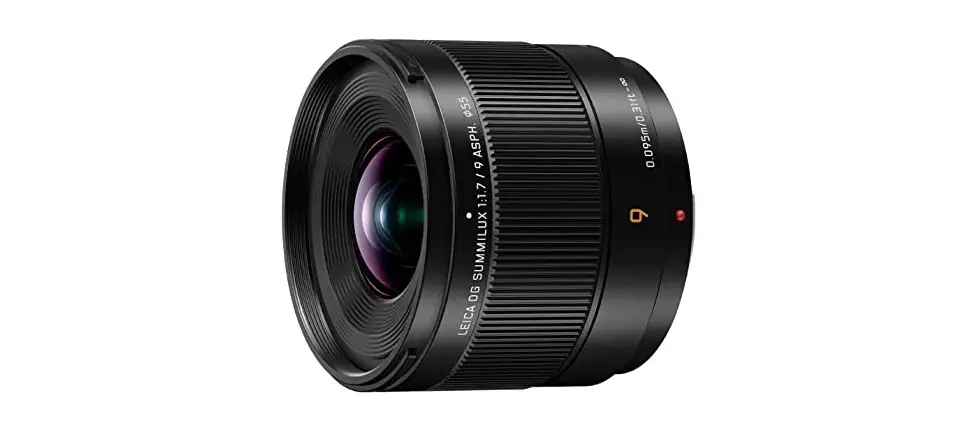
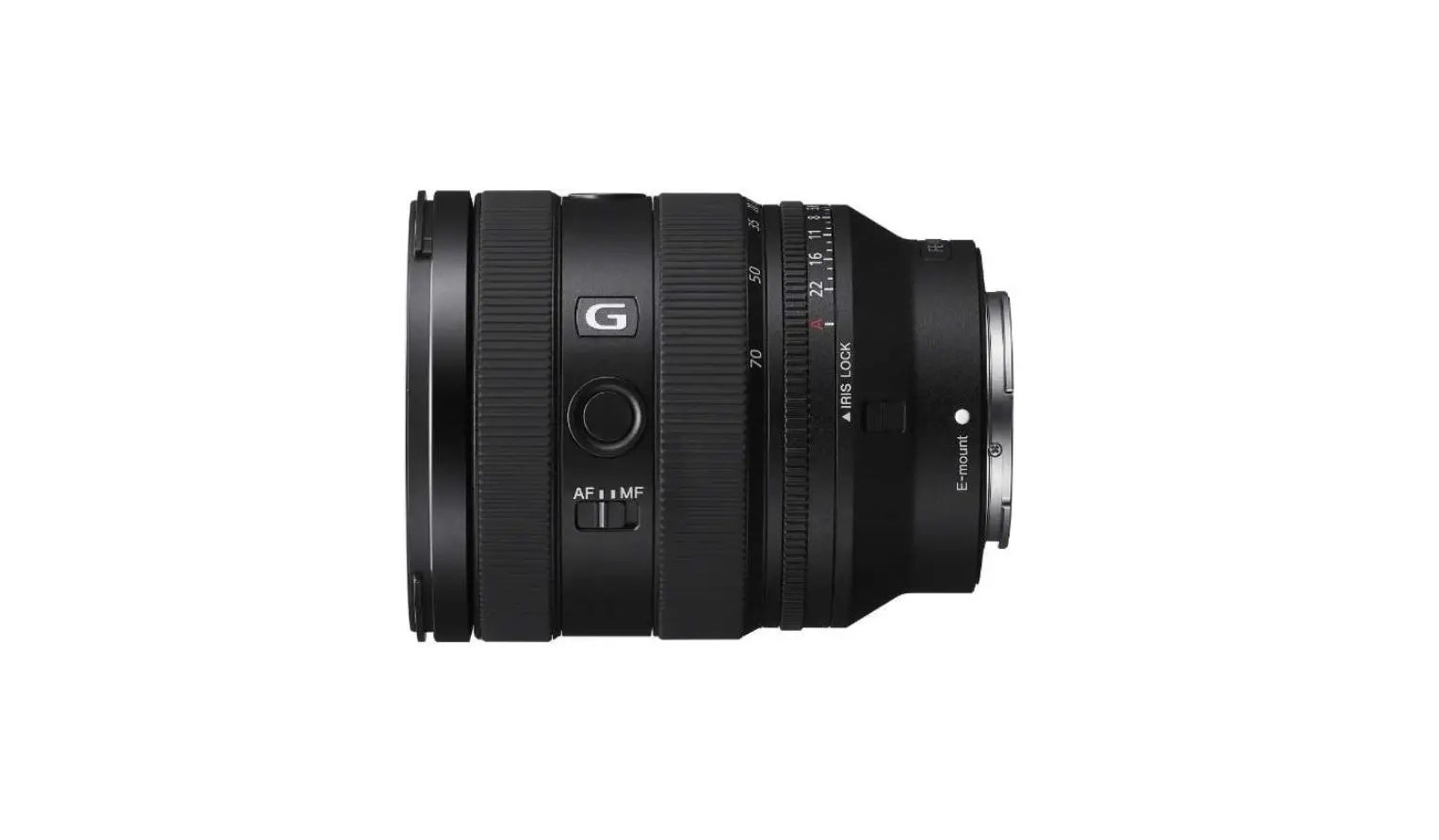
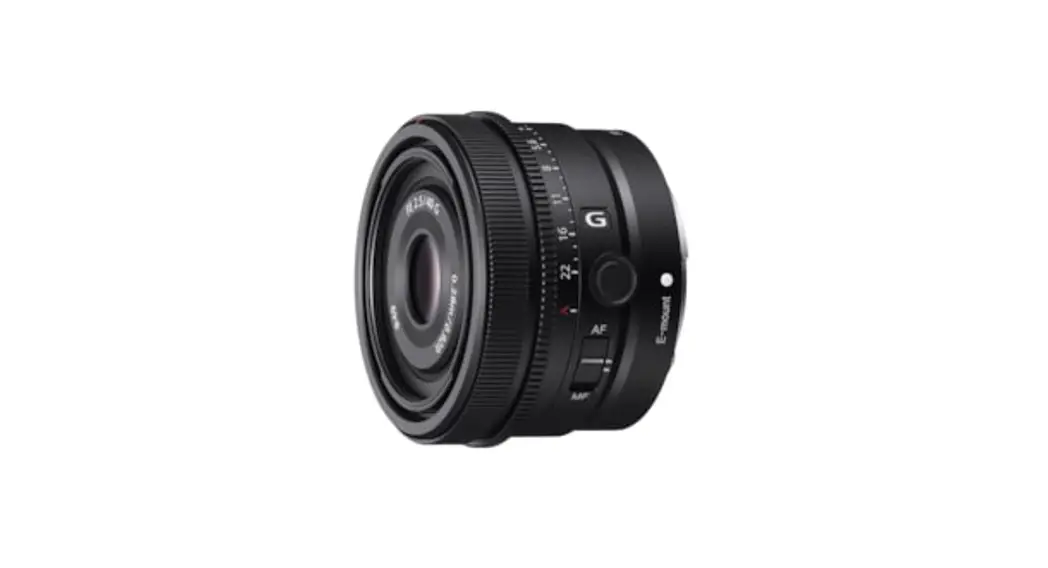
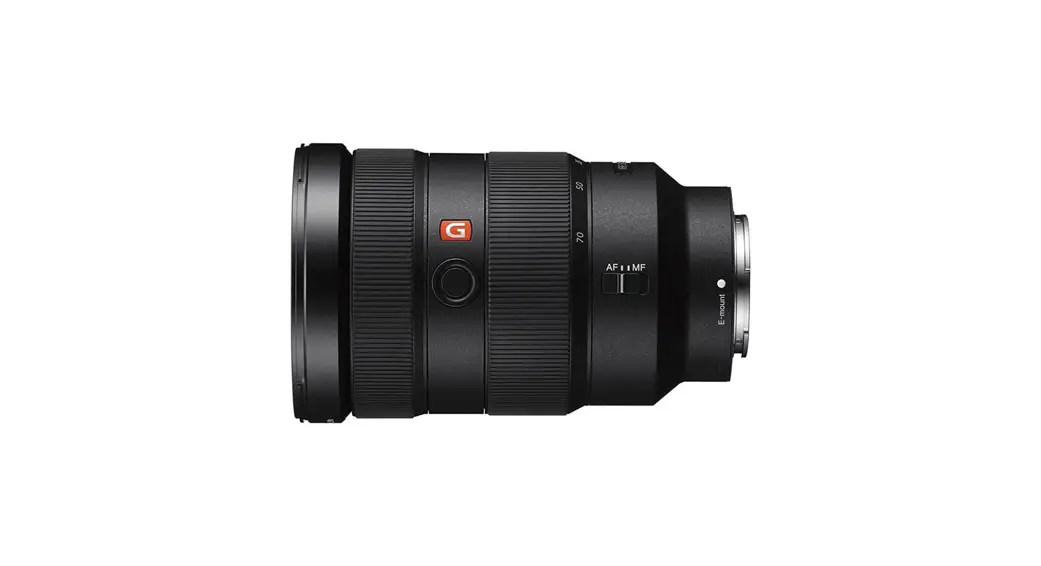
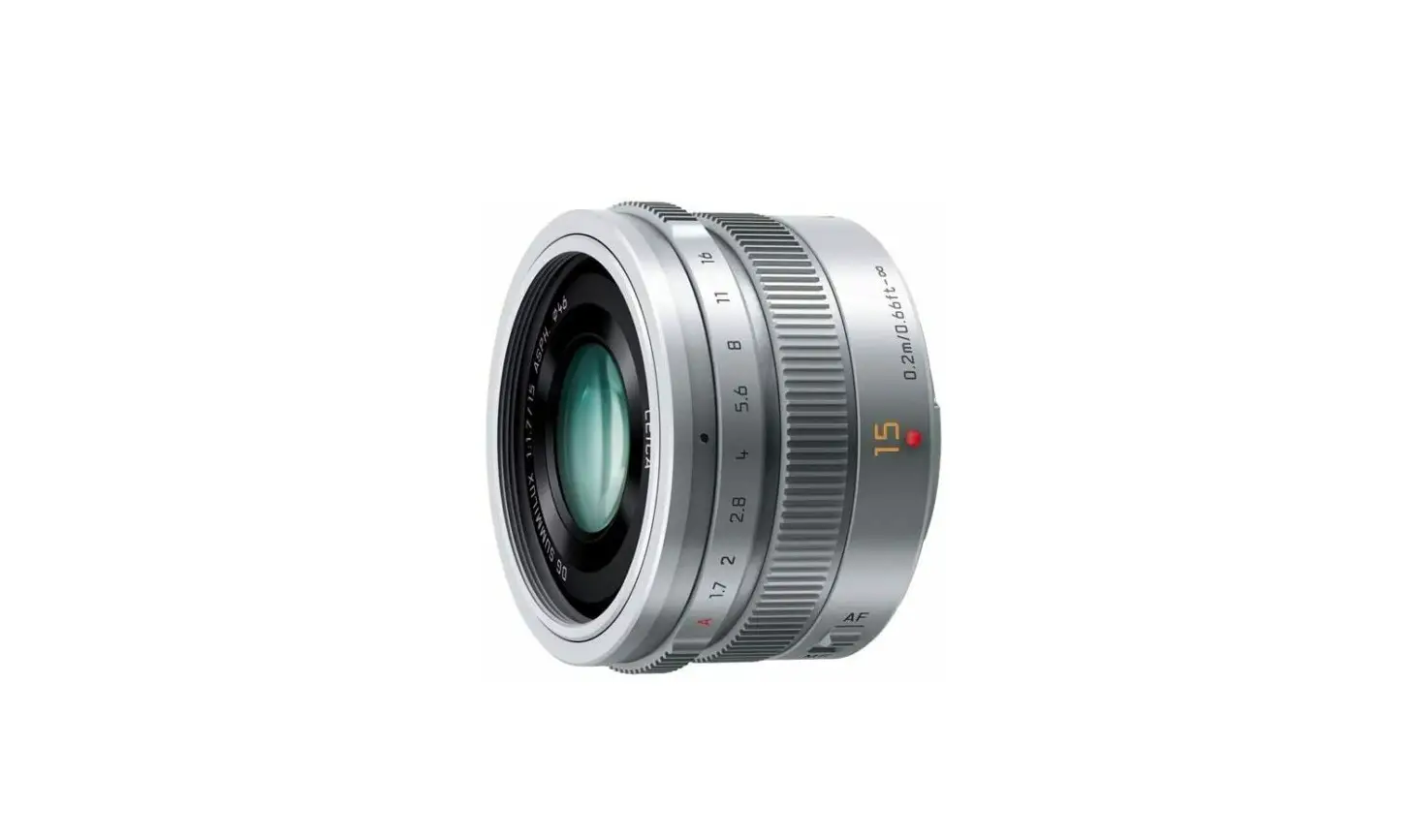
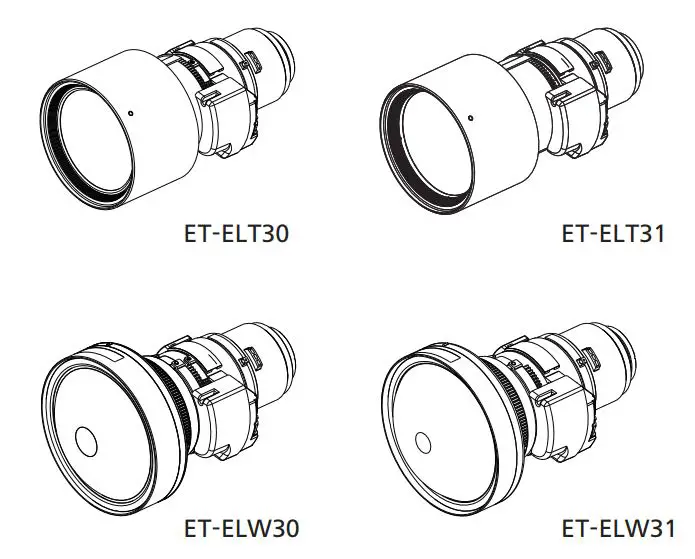
Product appearance is for reference only and may differ from the actual product. 1 Device Overview The interchangeable lens series is often used with handheld thermal cameras to expand the focal length of the original camera to different ranges, so as to obtain different FOVs and scene scopes. The interchangeable lens series has three types. (See 1.1 ) There should be one interchangeable lens and one target plate set (see 1.2 ) in the package. 2 Installation Follow the diagram to remove the decorative ring on the camera and install the interchangeable lens. Note: The handheld camera shown in the diagram is only for demonstration. 3 Lens Calibration 3.1 Set up the calibration environment 1. Place the target plate on a flat surface with the “TARGET” facing the lens. 2. Power on the target plate to heat it (12 VDC). 3. Start the calibration when the temperature of the plate rises (about 1 minute later after powering on the plate). 3.2 Calibrate the lens 1. Start the handheld camera. 2. Follow the prompt to input Interchangeable Lens SN and Interchangeable Lens Param.
Interchangeable Lens SN
Printed near the aiming point of the lens
Interchangeable Lens Param
Printed on the lens label
Note:
On some camera, the interchangeable lens may
be referred to as “Teleconverter”.
If no prompt pops up after starting the camera,
check if the lens is firmly mounted.
If you accidently leave the calibration program,
go to Local Settings > Capture Settings >
Interchangeable Lens Calibration to enter again.
3. Select Interchangeable Lens Calibration, and follow
the prompts to continue.
1). Hold the camera and aim it at the target plate
(as shown in ). The distance between the
camera and target plate should meet the
following requirement.
Lens Model
Distance
GAZ-G9706-LENSx0.5 GAZ-G9706-LENSx2.0 GAZ-G9706-LENSx3.3
2). Press OK.
3
0.5 m – 1.5 m 1.5 m – 2.5 m 3.0 m 4.0 m
The camera emits a beam of red laser.
3). Slightly adjust the camera position to aim the
red laser dot at the “TARGET” character on the plate and keep still for measuring the distance.
Note: If the measurement succeeds, the distance is
displayed on the screen. If it fails, adjust the distance and try again. It is recommended to use a tripod to fix the camera if keeping it still is difficult. 4). Use the left/right buttons or the focus ring to adjust the focus, and press OK after the “TARGET” is clear (as shown in ). 5). Adjust the target’s optical image with navigation
buttons until it overlaps with the thermal image,
and press OK (the well-overlapped image as
shown in ).
© 2022 Gazelle Industrial Co. All rights reserved.
About this Manual
The Manual includes instructions for using and managing
the Product. Pictures, charts, images and all other
information hereinafter are for description and
explanation only. The information contained in the
Manual is subject to change, without notice, due to
firmware updates or other reasons. Please find the latest
version of this Manual at the GAZELLE website
(www.gazelleindustrial.com/).
Please use this Manual with the guidance and assistance
of professionals trained in supporting the Product.
Trademarks Acknowledgement
and other
GAZELLE’s trademarks and logos
are the properties of GAZELLE in various jurisdictions.
Other trademarks and logos mentioned are the
properties of their respective owners.
LEGAL DISCLAIMER
TO THE MAXIMUM EXTENT PERMITTED BY APPLICABLE
LAW, THIS MANUAL AND THE PRODUCT DESCRIBED,
WITH ITS HARDWARE, SOFTWARE AND FIRMWARE, ARE
PROVIDED “AS IS” AND “WITH ALL FAULTS AND ERRORS”.
GAZELLE MAKES NO WARRANTIES, EXPRESS OR IMPLIED,
INCLUDING WITHOUT LIMITATION, MERCHANTABILITY,
SATISFACTORY QUALITY, OR FITNESS FOR A PARTICULAR
PURPOSE. THE USE OF THE PRODUCT BY YOU IS AT YOUR
OWN RISK. IN NO EVENT WILL GAZELLE BE LIABLE TO
YOU FOR ANY SPECIAL, CONSEQUENTIAL, INCIDENTAL,
OR INDIRECT DAMAGES, INCLUDING, AMONG OTHERS,
DAMAGES FOR LOSS OF BUSINESS PROFITS, BUSINESS
INTERRUPTION, OR LOSS OF DATA, CORRUPTION OF
SYSTEMS, OR LOSS OF DOCUMENTATION, WHETHER
4
BASED ON BREACH OF CONTRACT, TORT (INCLUDING
NEGLIGENCE), PRODUCT LIABILITY, OR OTHERWISE, IN CONNECTION WITH THE USE OF THE PRODUCT, EVEN IF GAZELLE HAS BEEN ADVISED OF THE POSSIBILITY OF SUCH DAMAGES OR LOSS. YOU ACKNOWLEDGE THAT THE NATURE OF THE INTERNET PROVIDES FOR INHERENT SECURITY RISKS, AND GAZELLE SHALL NOT TAKE ANY RESPONSIBILITIES FOR ABNORMAL OPERATION, PRIVACY LEAKAGE OR OTHER DAMAGES RESULTING FROM CYBER-ATTACK, HACKER ATTACK, VIRUS INFECTION, OR OTHER INTERNET SECURITY RISKS; HOWEVER, GAZELLE WILL PROVIDE TIMELY TECHNICAL SUPPORT IF REQUIRED. YOU AGREE TO USE THIS PRODUCT IN COMPLIANCE WITH ALL APPLICABLE LAWS, AND YOU ARE SOLELY RESPONSIBLE FOR ENSURING THAT YOUR USE CONFORMS TO THE APPLICABLE LAW. ESPECIALLY, YOU ARE RESPONSIBLE, FOR USING THIS PRODUCT IN A MANNER THAT DOES NOT INFRINGE ON THE RIGHTS OF THIRD PARTIES, INCLUDING WITHOUT LIMITATION, RIGHTS OF PUBLICITY, INTELLECTUAL PROPERTY RIGHTS, OR DATA PROTECTION AND OTHER PRIVACY RIGHTS. YOU SHALL NOT USE THIS PRODUCT FOR ANY PROHIBITED END-USES, INCLUDING THE DEVELOPMENT OR PRODUCTION OF WEAPONS OF MASS DESTRUCTION, THE DEVELOPMENT OR PRODUCTION OF CHEMICAL OR BIOLOGICAL WEAPONS, ANY ACTIVITIES IN THE CONTEXT RELATED TO ANY NUCLEAR EXPLOSIVE OR UNSAFE NUCLEAR FUEL-CYCLE, OR IN SUPPORT OF HUMAN RIGHTS ABUSES. IN THE EVENT OF ANY CONFLICTS BETWEEN THIS
MANUAL AND THE APPLICABLE LAW, THE LATER
PREVAILS.
Regulatory Information
FCC Information
Please take attention that changes or modification not
expressly approved by the party responsible for compliance could void the user’s authority to operate the equipment.
FCC compliance: This equipment has been tested and
found to comply with the limits for a Class A digital
device, pursuant to part 15 of the FCC Rules. These limits
are designed to provide reasonable protection against
harmful interference when the equipment is operated in
a commercial environment. This equipment generates,
uses, and can radiate radio frequency energy and, if not
installed and used in accordance with the instruction
manual, may cause harmful interference to radio
communications. Operation of this equipment in a
residential area is likely to cause harmful interference in
which case the user will be required to correct the
interference at his own expense.
FCC Conditions
This device complies with part 15 of the FCC Rules.
Operation is subject to the following two conditions:
1. This device may not cause harmful interference.
5
2. This device must accept any interference received, including interference that may cause undesired operation.
EU Conformity Statement This product and – if applicable – the supplied accessories too are marked with “CE” and comply therefore with the
applicable harmonized European standards listed under the Low Voltage Directive 2014/35/EU, the EMC Directive 2014/30/EU, the RoHS Directive 2011/65/EU.
2012/19/EU (WEEE directive): Products marked with this symbol cannot be disposed of as unsorted municipal waste in the European Union. For proper recycling, return this product to your local supplier upon the purchase of equivalent new equipment, or dispose of it at designated collection points. For more information see: www.recyclethis.info. 2006/66/EC (battery directive): This product contains a battery that cannot be disposed of as unsorted municipal waste in the European Union. See the product documentation for specific battery information. The battery is marked with this symbol, which may include lettering to indicate cadmium (Cd), lead (Pb), or mercury (Hg). For proper recycling, return the battery to your supplier or to a designated collection point. For more information, see: www.recyclethis.info. Industry Canada ICES-003 Compliance This device meets the CAN ICES-3 (A)/NMB-3(A) standards requirements.
Safety Instructions These instructions are intended to ensure that user can use the product correctly to avoid danger or property loss. Laws and Regulations Use of the product must be in strict compliance with
the local electrical safety regulations. Transportation Keep the device in original or similar packaging while
transporting it. Keep all wrappers after unpacking them for future
use. In case of any failure occurred, you need to return the device to the factory with the original wrapper. Transportation without the original wrapper may result in damage on the device and the company shall not take any responsibilities.
6
Do not drop the product or subject it to physical shock. Keep the device away from magnetic interference.
Maintenance If the product does not work properly, please contact
your dealer or the nearest service center. We shall not assume any responsibility for problems caused by unauthorized repair or maintenance. A few device components (e.g., electrolytic capacitor) require regular replacement. The average lifespan varies, so periodic checking is recommended. Contact your dealer for details. Wipe the device gently with a clean cloth and a small quantity of ethanol, if necessary. Using Environment DO NOT expose the device to extremely hot, cold, dusty, corrosive, saline-alkali, or damp environments. Make sure the running environment meets the requirement of the device. The operating temperature shall be -20 °C to 50 °C (-4 °F to 122 °F), and the operating humidity shall be 90% or less. Place the device in a dry and well-ventilated environment. DO NOT expose the device to high electromagnetic radiation or dusty environments. DO NOT aim the lens at the sun or any other bright light. When any laser equipment is in use, make sure that the device lens is not exposed to the laser beam, or it may burn out.
Manufacture Address Dubai Investment Park 1, St. 43, Community 598, Opp. Green Community Dubai, UAE Gazelle Industrial Co.
COMPLIANCE NOTICE: The thermal series products might be subject to export controls in various countries or regions, including without limitation, the United States, European Union, United Kingdom and/or other member countries of the Wassenaar Arrangement. Please consult your professional legal or compliance expert or local government authorities for any necessary export license requirements if you intend to transfer, export, re-export the thermal series products between different countries.
7
 Gazelle® | Jobsite Tool Solutions & Electrical Test Tools
 HOME
HOME