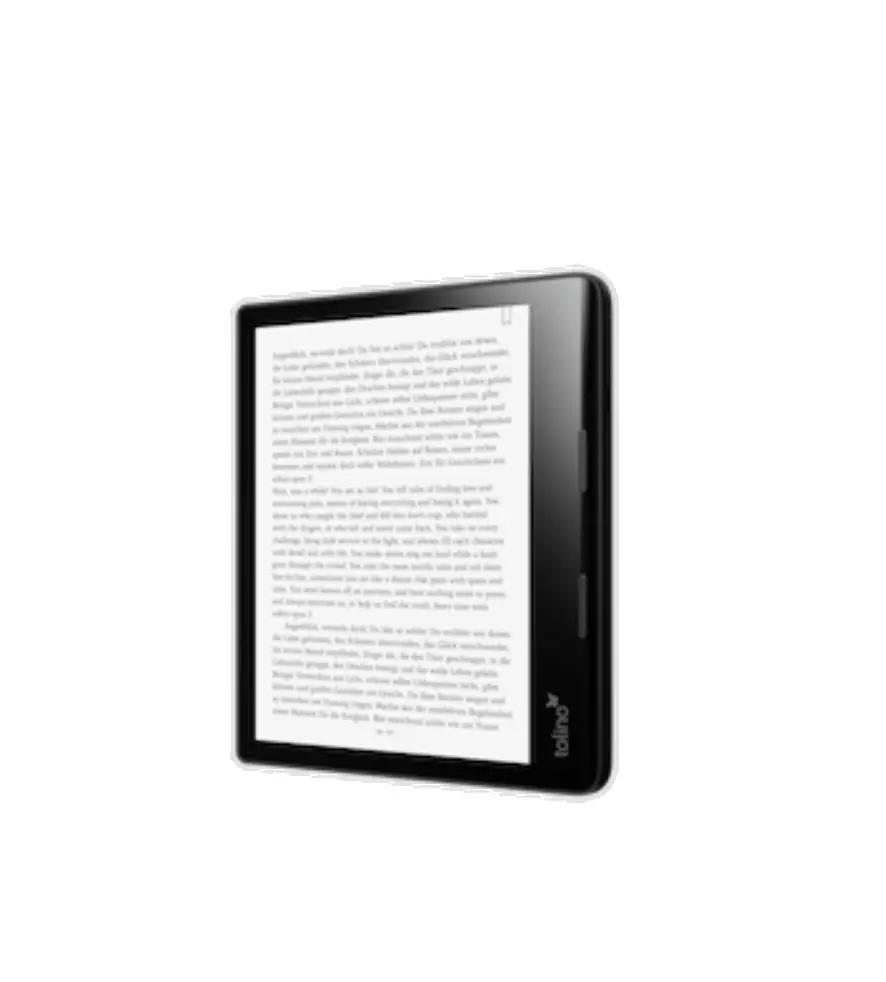
tolino epos 3
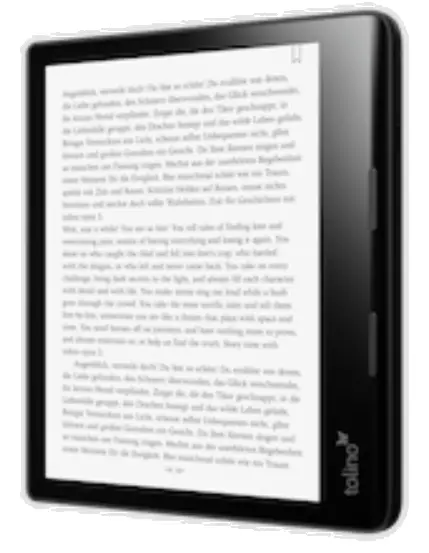
Switch on
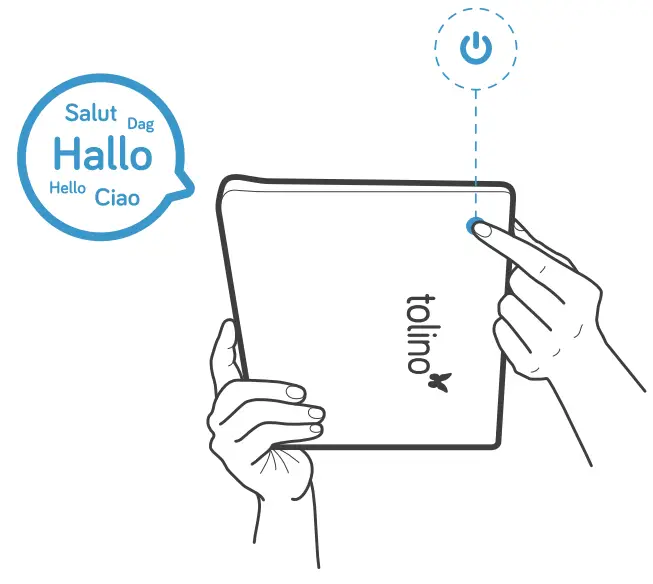
Press and hold the power button for 3 seconds. Then, select a language.
Connect
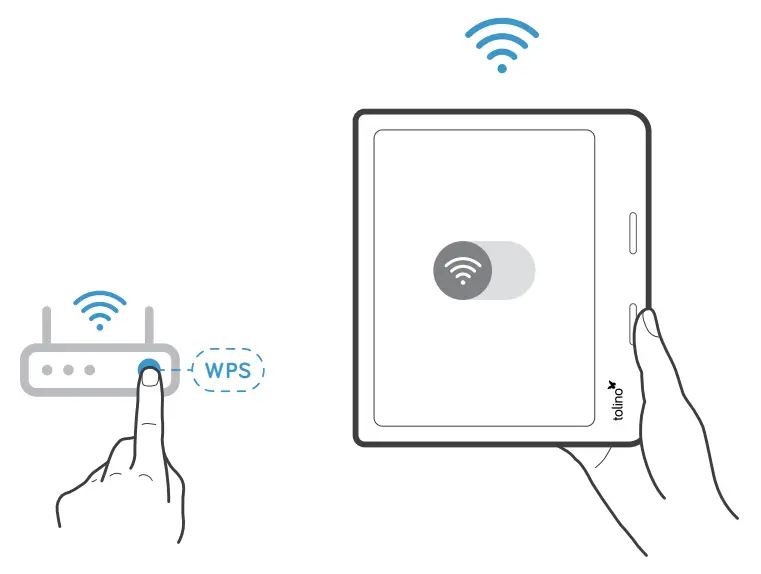
Establish an interne connection to your tolino via WLAN. Should your router have WPS, this process is even quicker and easier
Log in
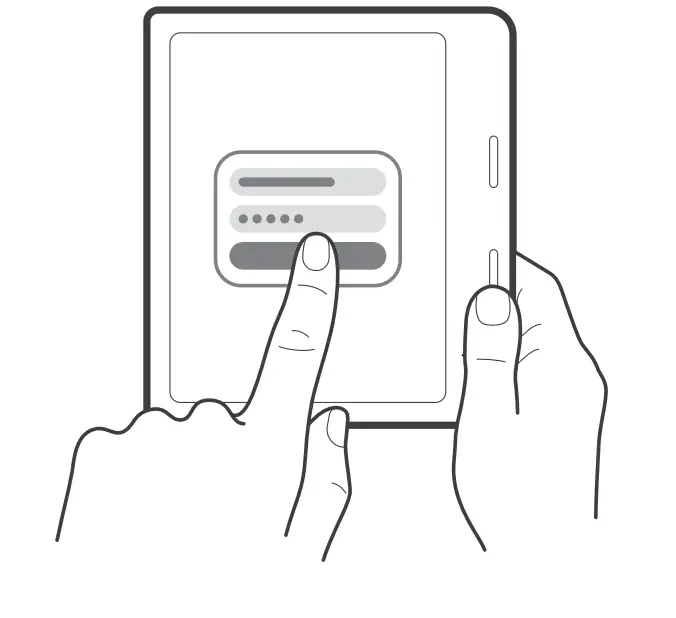
Log in with your bookseller account or create a new one.
Recharge
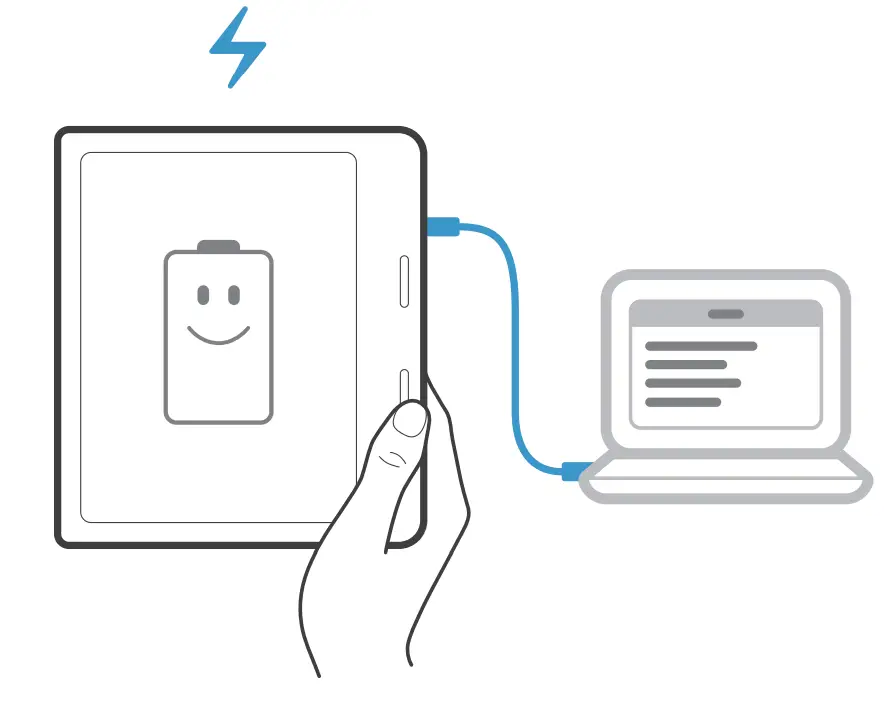
When the battery of your tolino runs low, you should recharge the device with the included power cord. Only use the included USB C cable.
Notice

Do not attempt to insert any kind of object into your tolino. Please contact your bookseller.
Need more information?
Find out more about your tolino at mytolino.de


 Do you know about the tolino app?
 Do you know about the tolino app?
Download now for free


 On the homepage
 On the homepage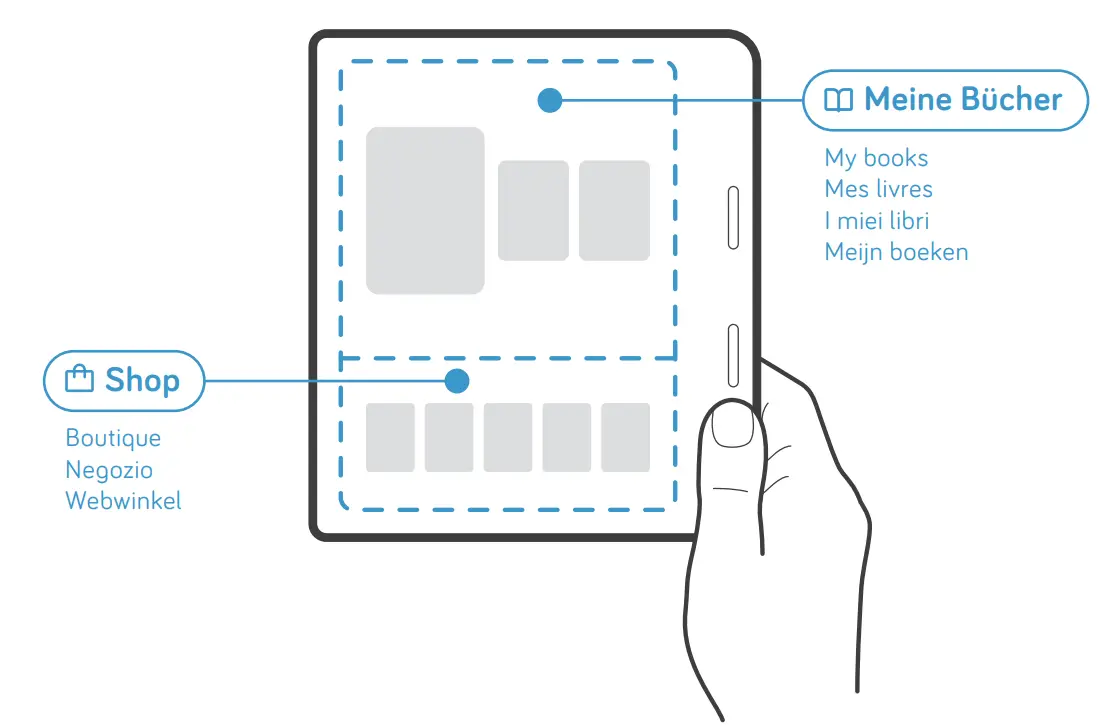
You will find your books in the upperarea and the bookseller’s shop in the lower area of the homepage.
 Navigate in the book
 Navigate in the book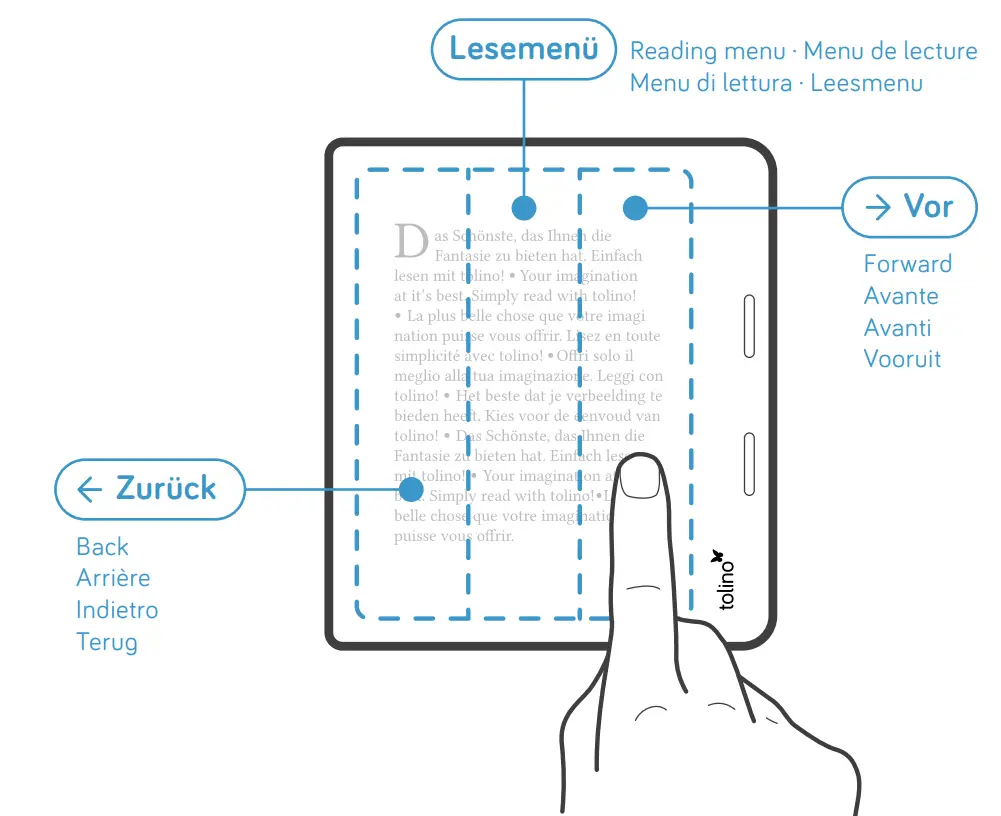
To turn the page, tap the left or the right part of the screen. Tapping the middle will open the menu.
How to return to the homepage
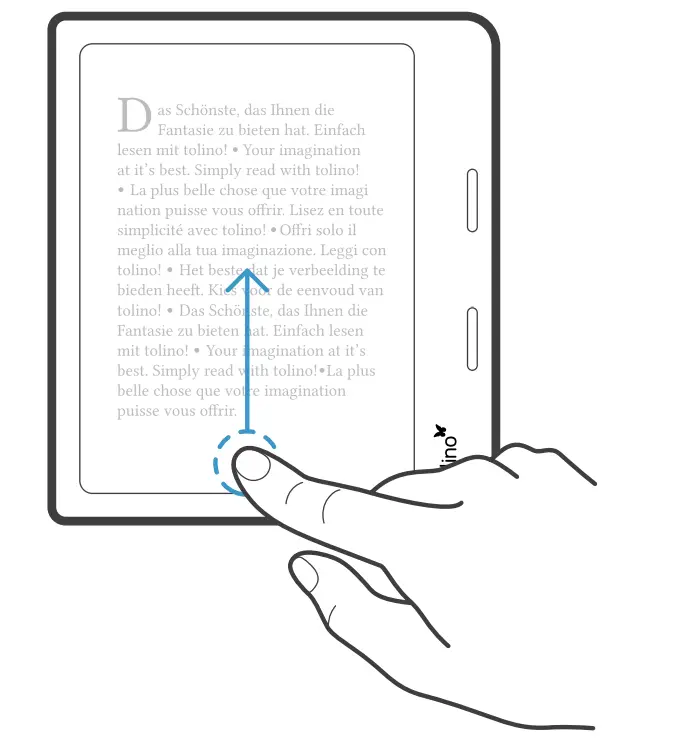
Swipe up from the bottom of the screen to return to the homepage.
 Open the lighting menu
 Open the lighting menu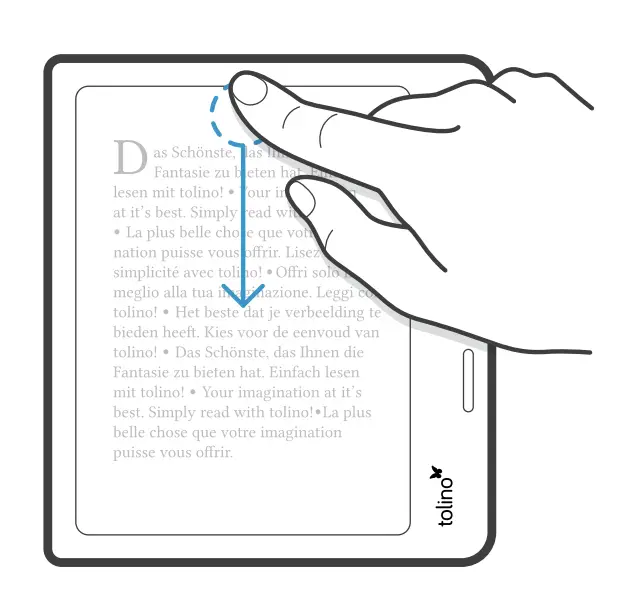
Swipe down from the top of the screen to open the lighting menu.
 Legal note - MyTolino
 tolino - Die eReading Marke der deutschen Buchhändler