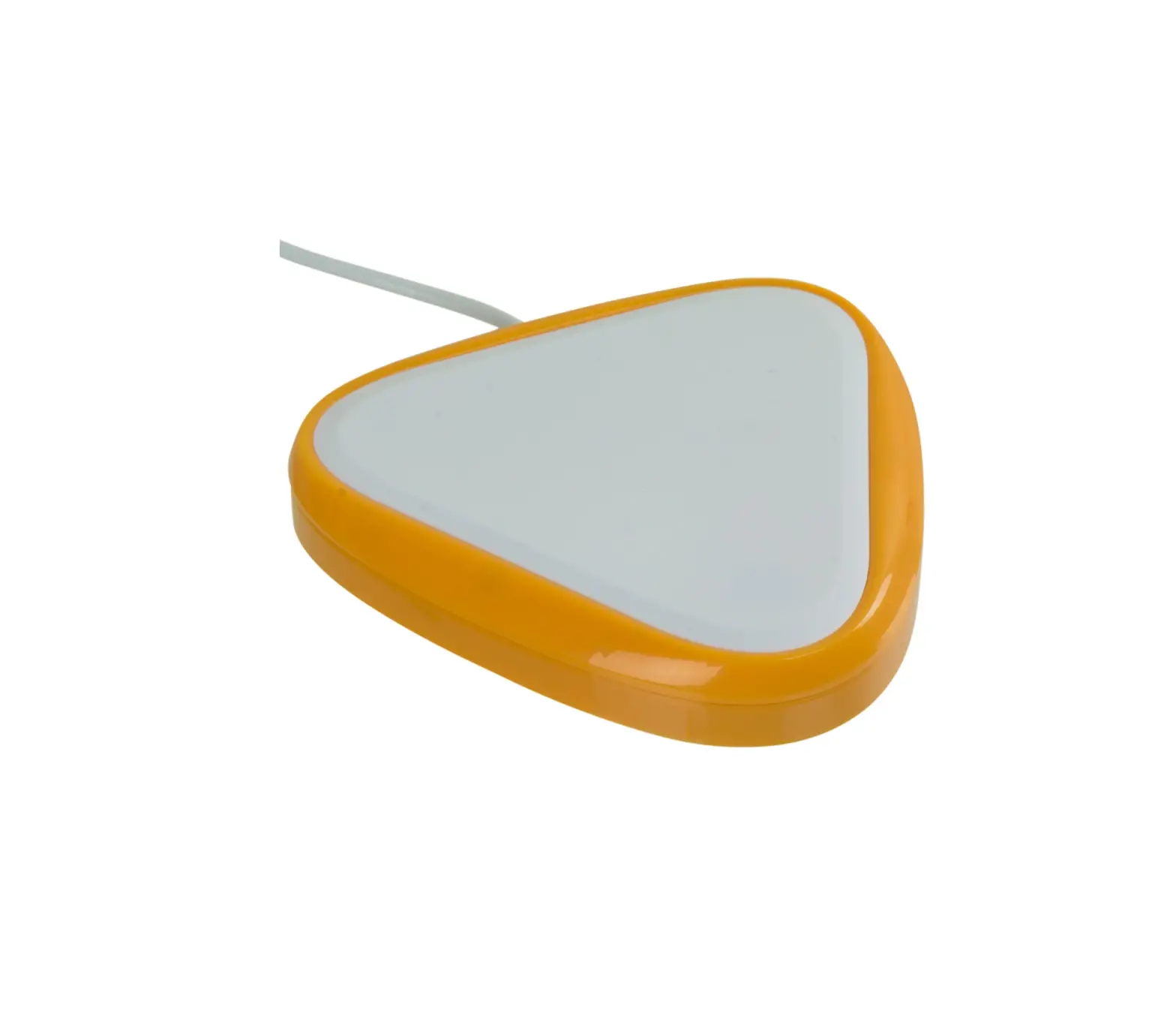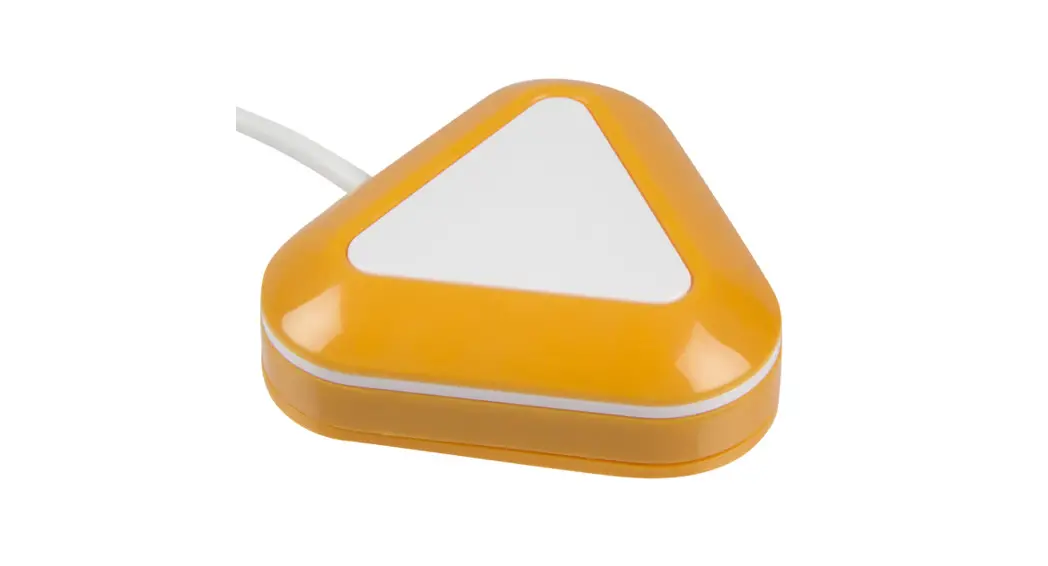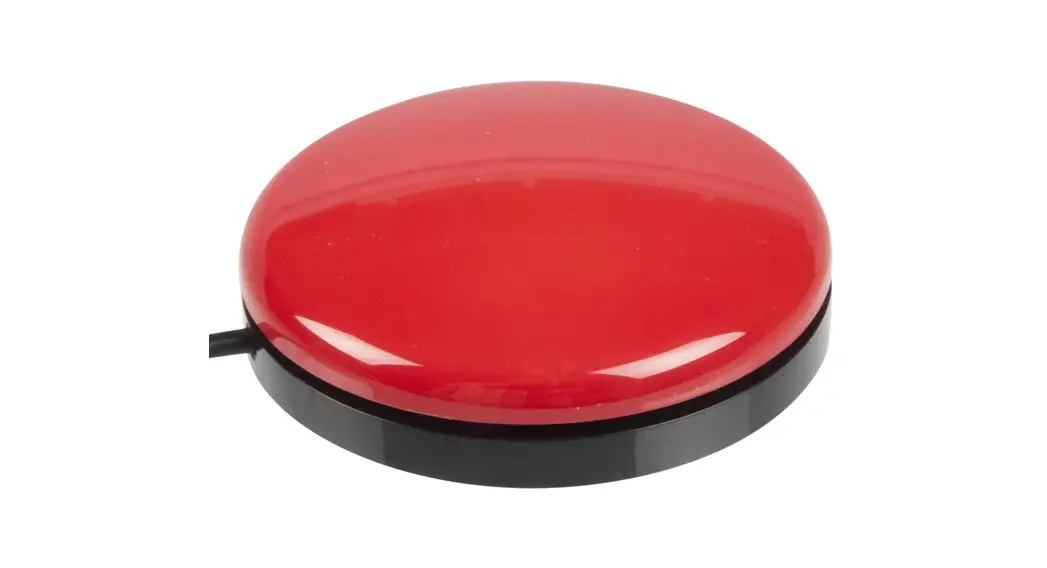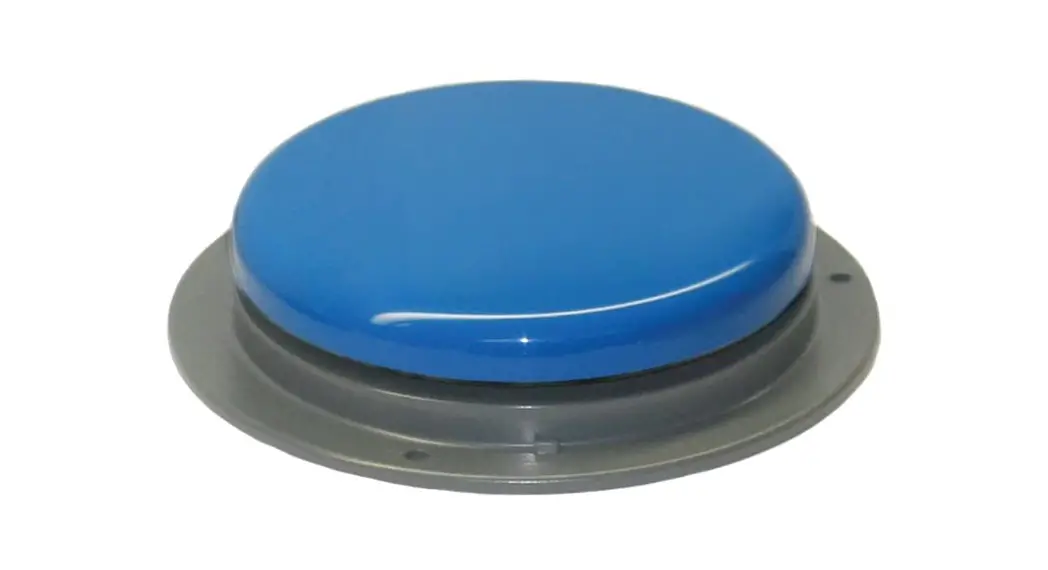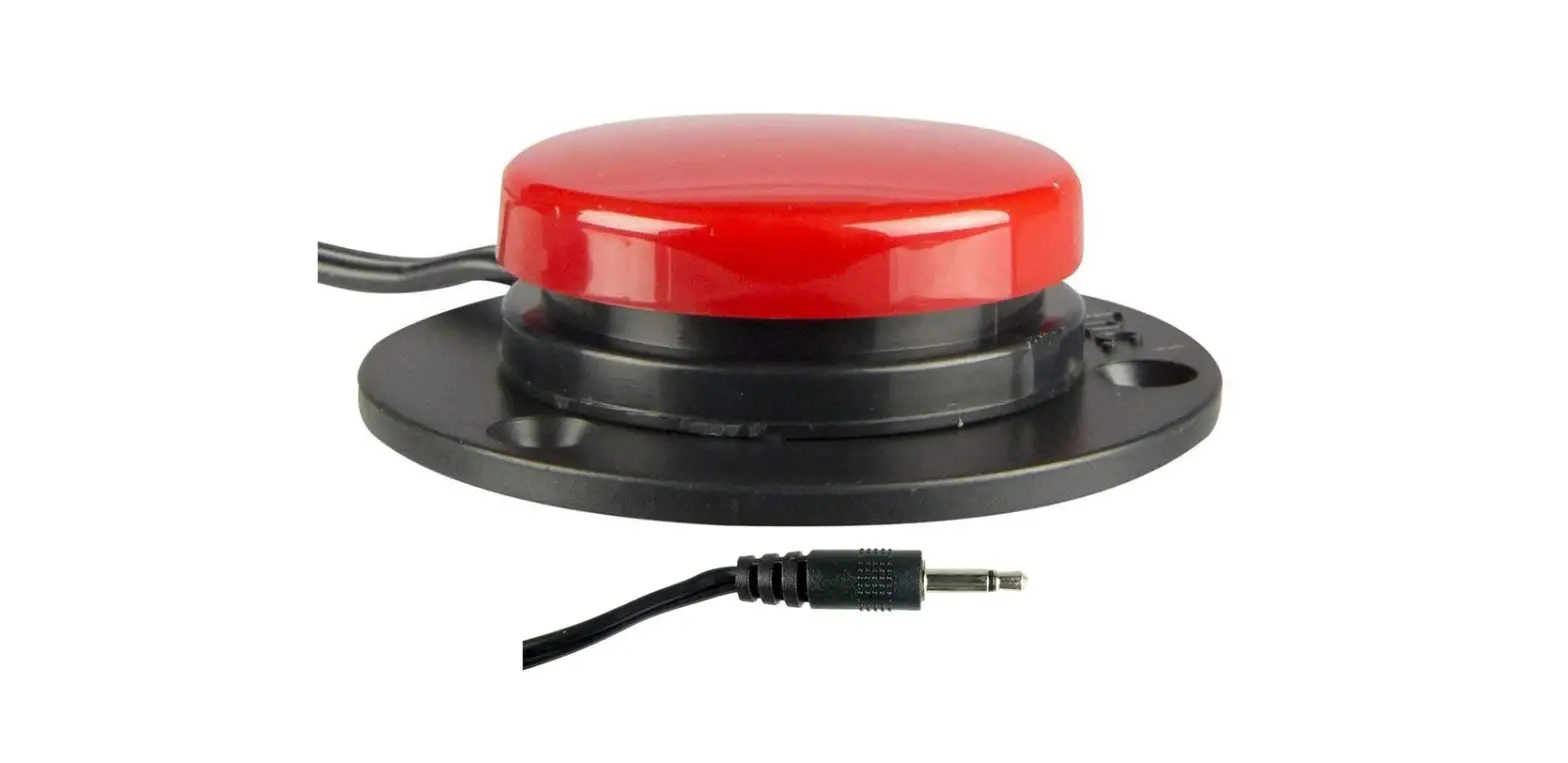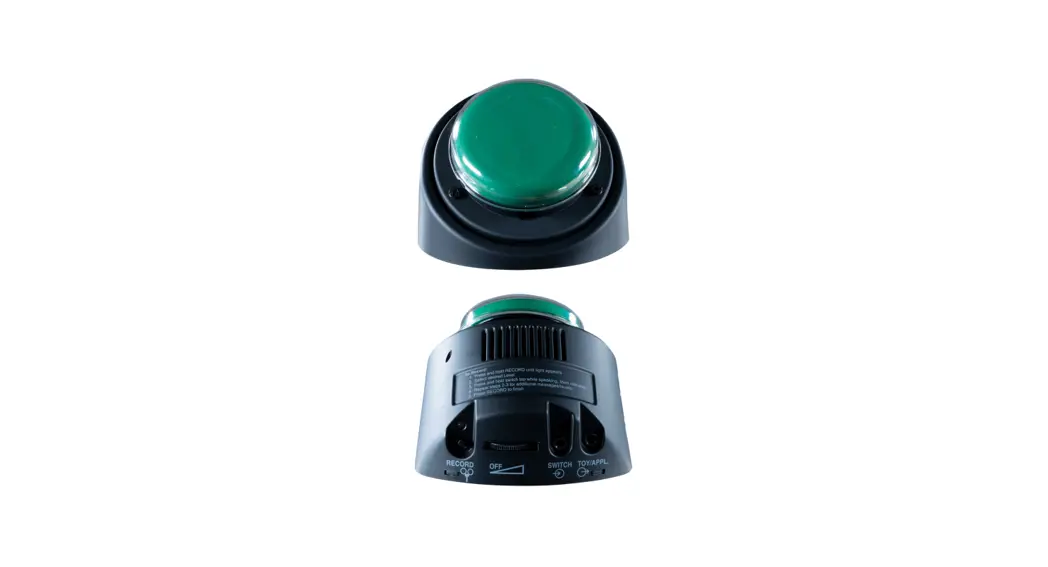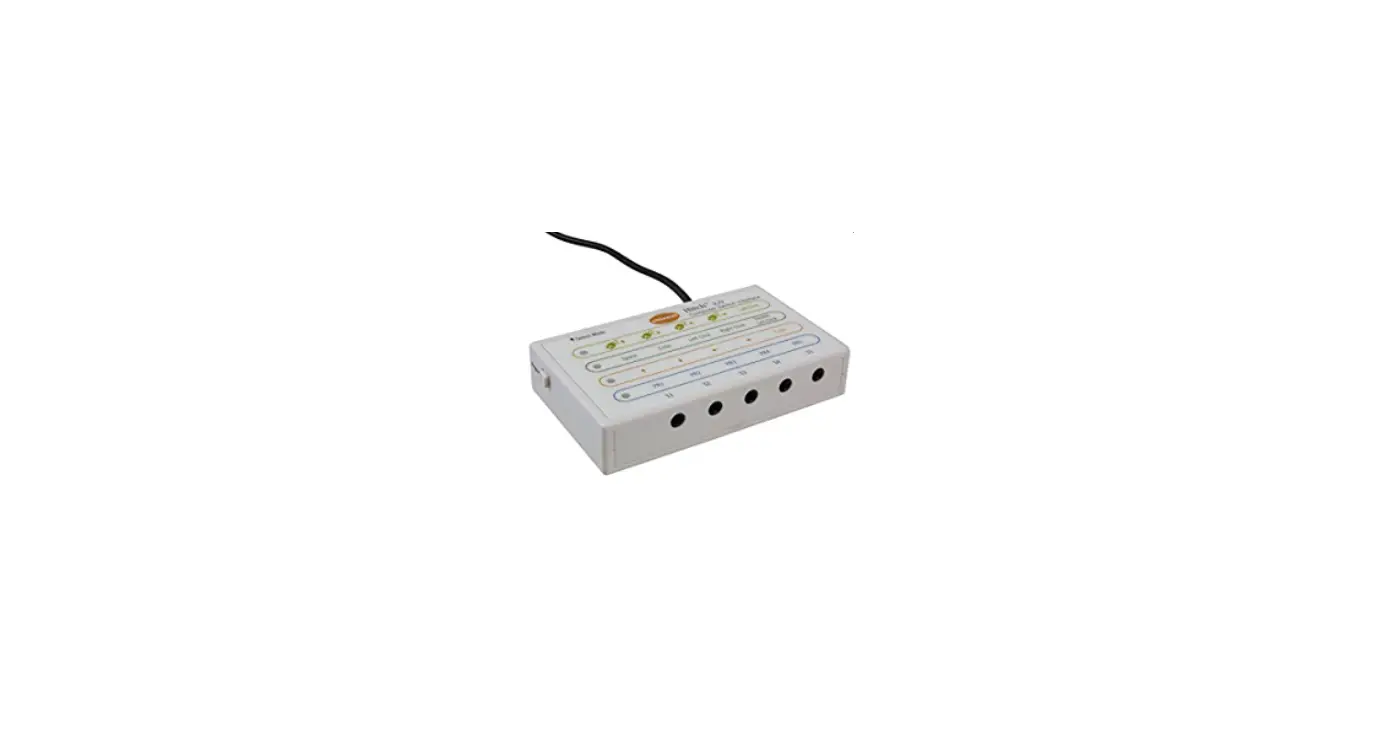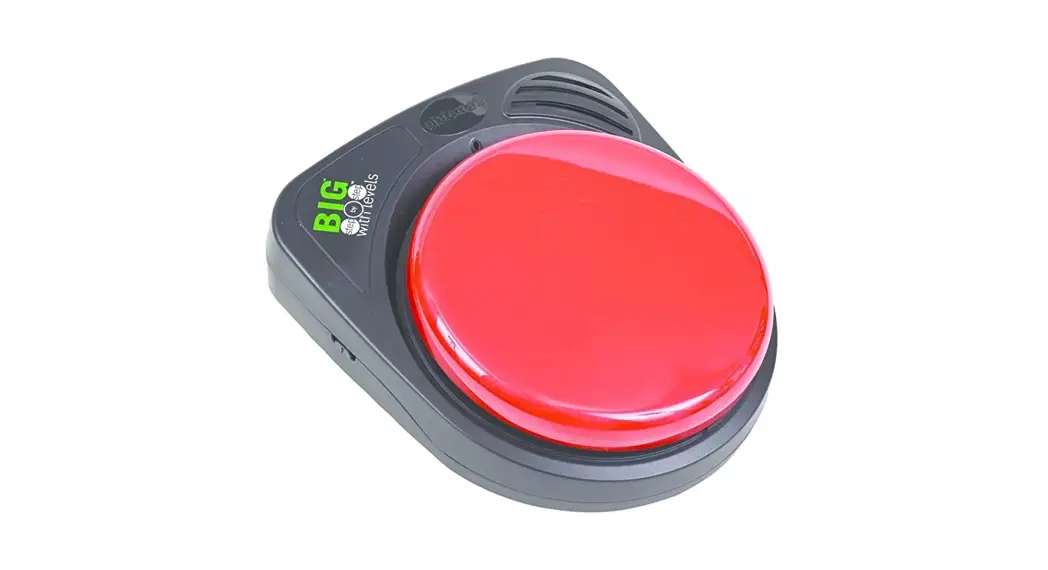

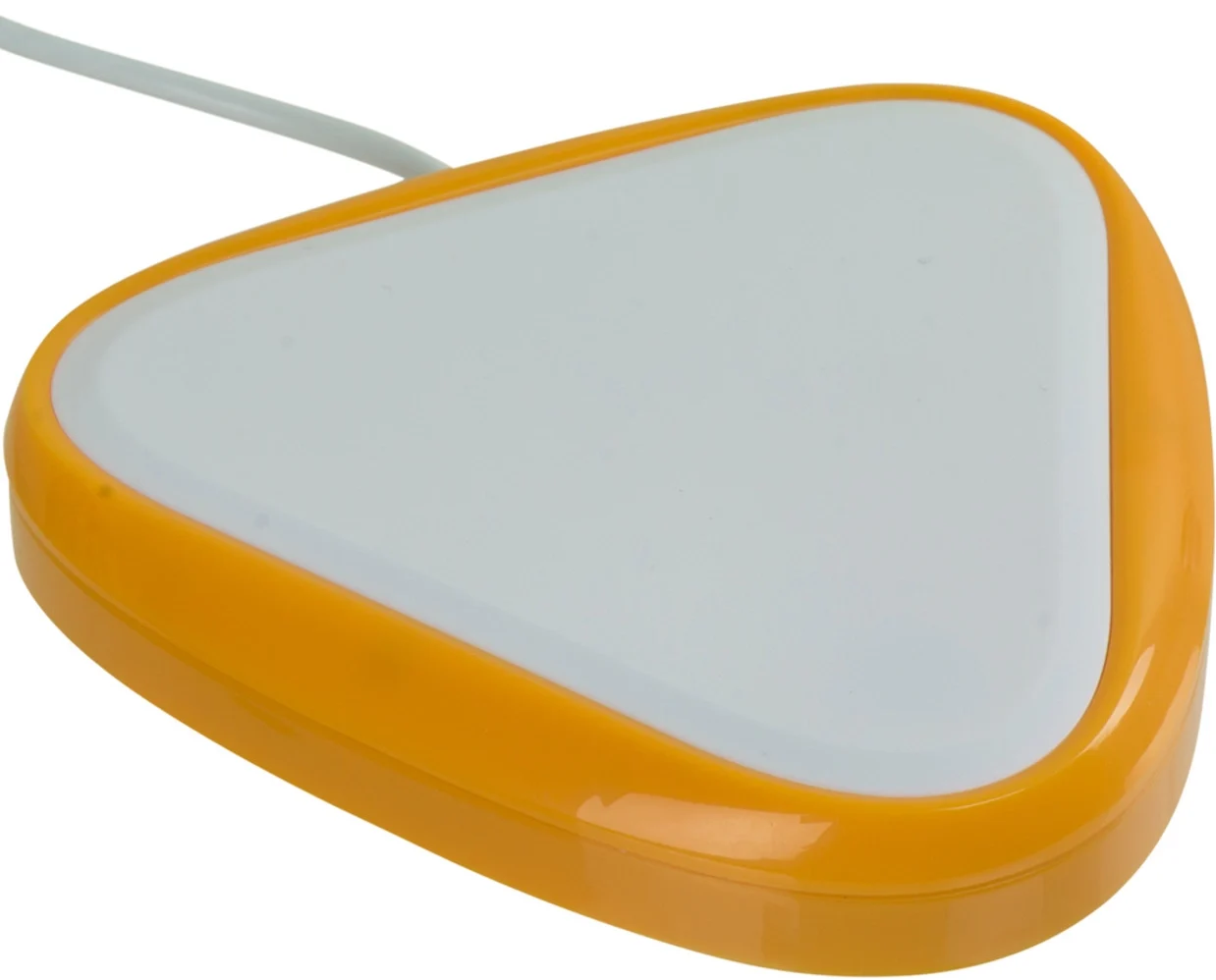
AbleNet 10000025-BIG BIG Candy Corn Accessibility Switch
WARRANTY
AbleNet manufactured products include a 2-year limited warranty. This warranty is against defects in materials and manufacturing for 2-years from the date of purchase. Full warranty details available at www.ablenetinc.com.
AbleNet, Inc. 2625 Patton Road Roseville, MN 55113 United States of America (651) 294-3101 [email protected] www.ablenetinc.com
Product Registration
Registering your product provides you access to ableCARE, product updates, and resources for your product. Scan the QR code below to register your product.

Getting Started
Scan the QR code below to watch a short getting started video or follow the instructions listed.

To get started:
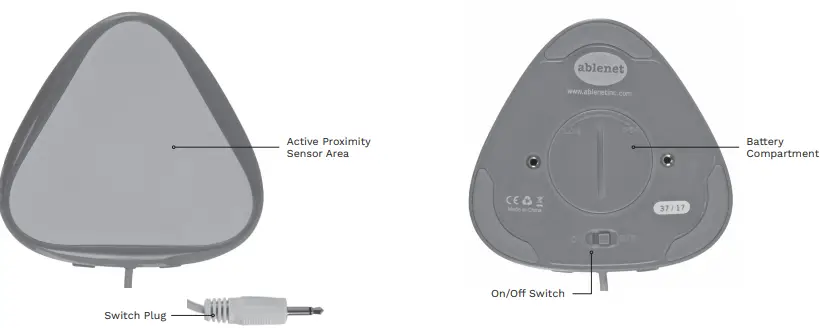
- Connect switch plug to a device with a 3.5-mm / 1/8-in TS (mono) jack.
- Turn switch on.
- Switch will activate when a user is within 10-mm / 0.4-in of or touching the active proximity sensor area.
This device can do more! Full Instructions for Use are available at www.ablenetinc.com.
Download the ableCARE app to access live support from the ableCARE Product Success team, an online knowledge base filled with videos and getting started information, and other resources. Scan the QR code below to download the free ableCARE app to your phone or tablet.

Device Overview
 Home - AbleNet