 Home safety
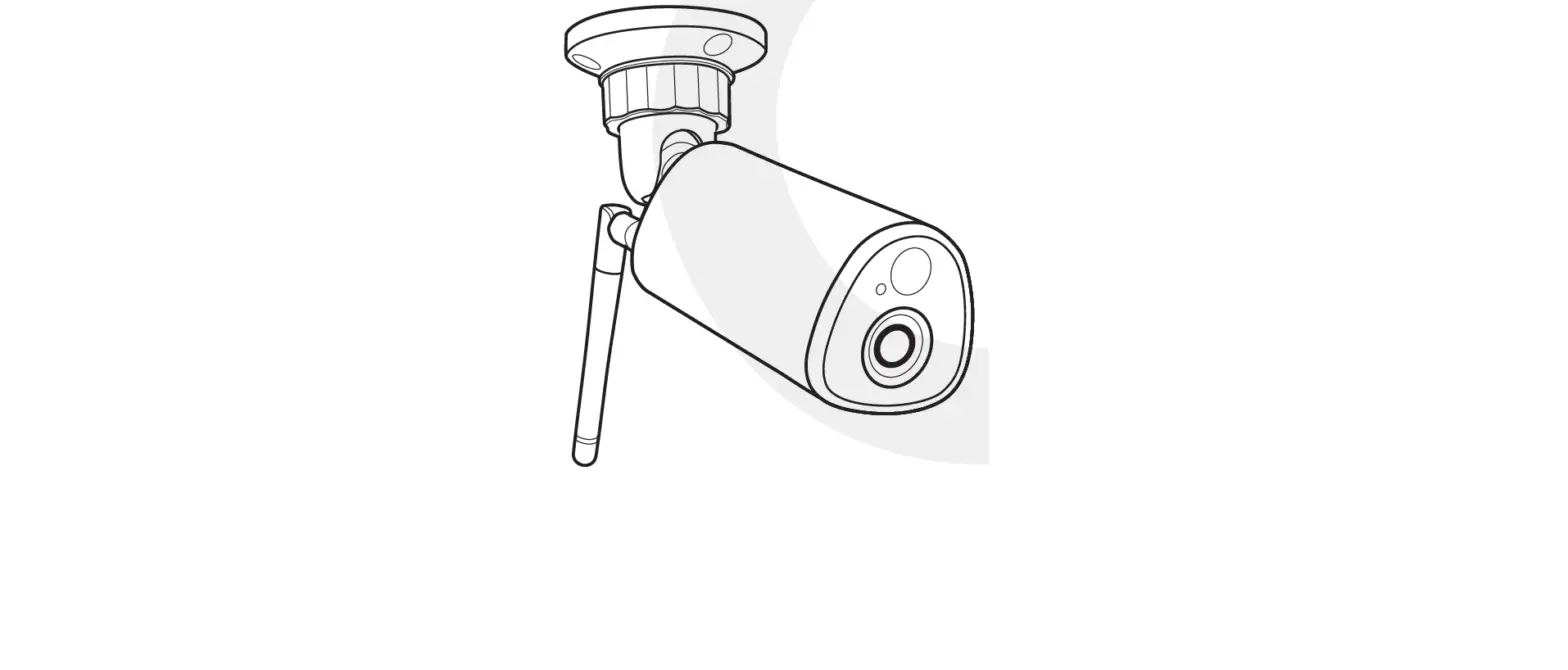
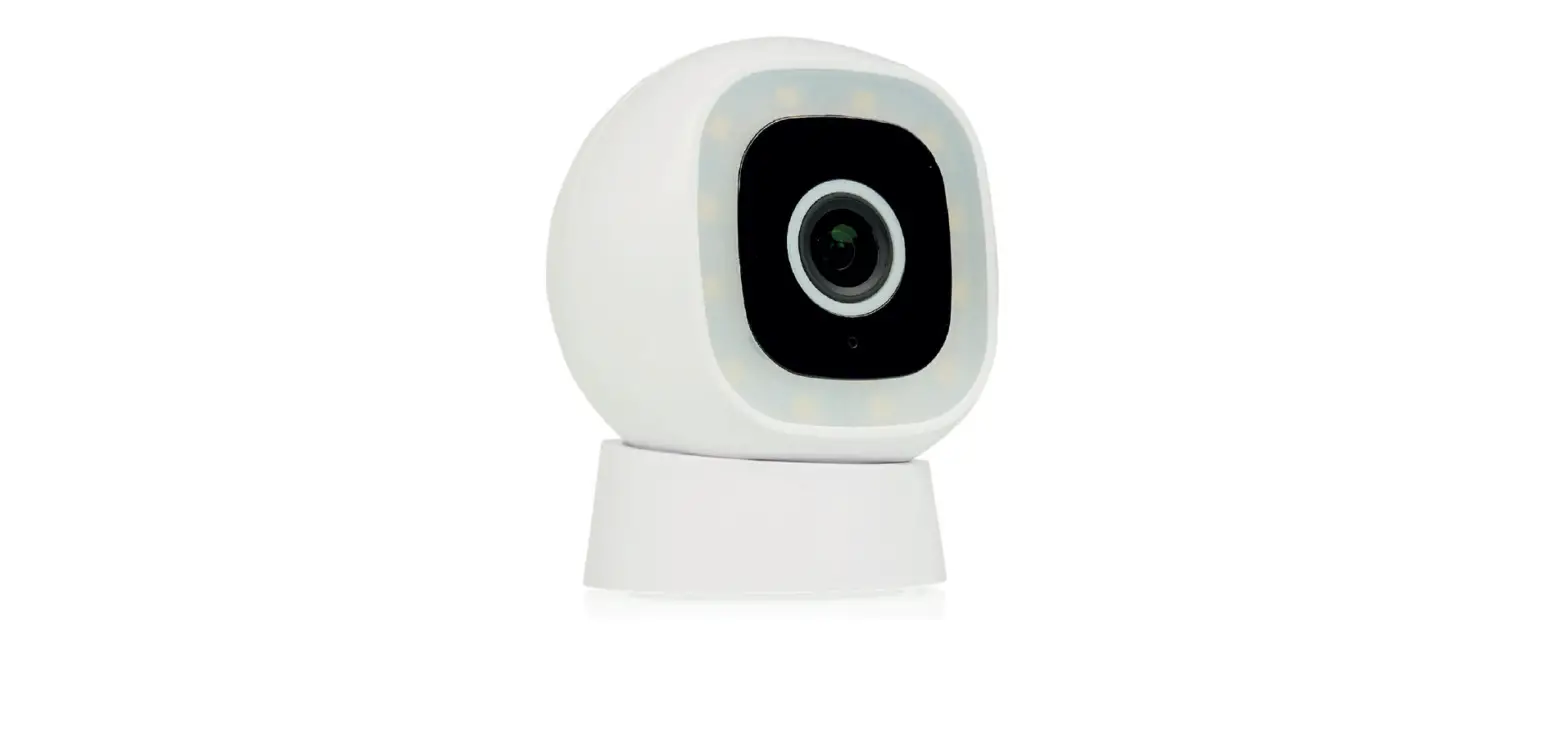
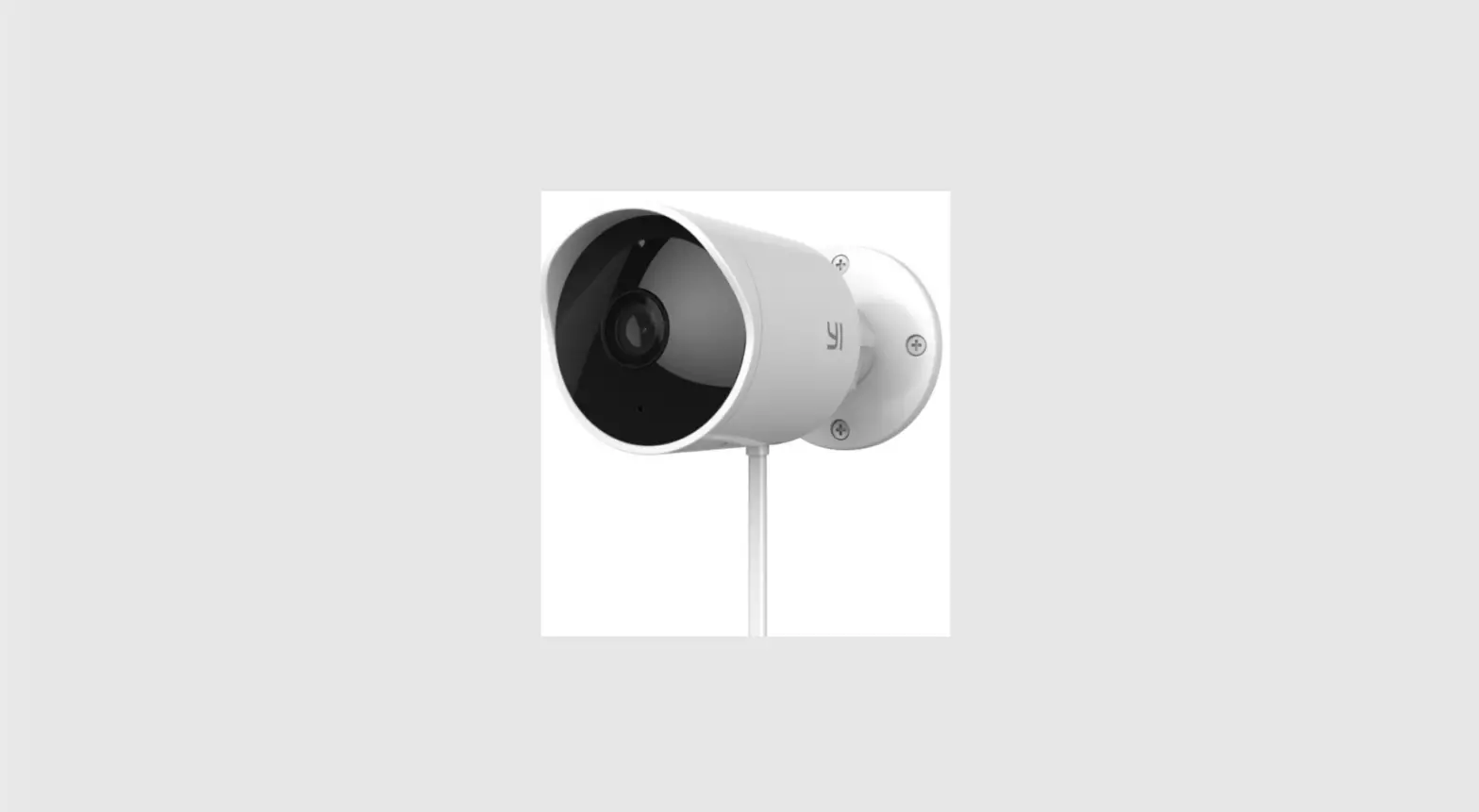
outdoor Camera
3000 series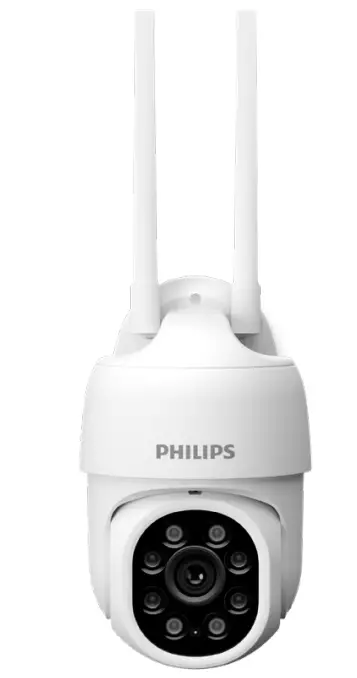
Thank you for purchasing a Philips Home Safety product.
To get started, please download the Philips home safety app to set up and manage all your devices directly from your phone. Simply connect to your home Wi-Fi and enjoy total control at your fingertips.
Important information
- Do not handle adapters, plugs or the mains cord with wet hands.
- Make sure the wall or ceiling is solid enough to support the camera.
- Only use certified DC adapters.
- When attaching the camera to a ceiling, only use the mount included in the box.
- CAUTION 5V DC ONLY.
- If the camera housing is damaged in any way, do not use.
- After setting up the camera, maintain an operating distance of at least 20 cm between the device and user.
- The camera has a WiFi module, 2.4GHz 802.11 b/g/n, with a maximum power output of 56.2mW EIRP.
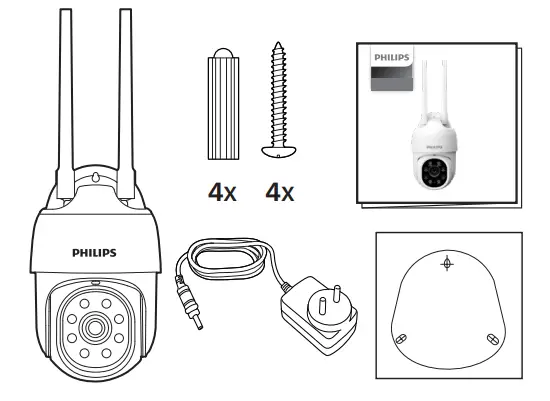
What’s in the box
Getting started
- Please have your Wi-Fi network name and password handy.
- Make sure your mobile device is running IOS 9 or higher or Android 4.1 or higher.
- Only connect to a 2.4GHz Wi-Fi network. (5GHz network not supported).
Download the Philips Home Safety app
Scan the QR-Code to download the app
 https://qr.home.id/3uPLBLC?r=qr
Setting up
Step 1: Connect the device to a power source.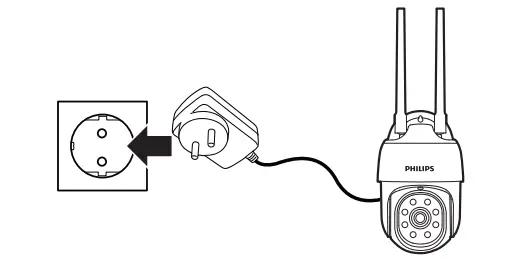
Step 2: Open the cover by hand.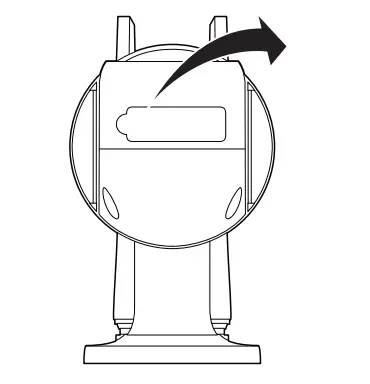
Step 3: Use a pen to press the Reset button for 5 seconds until the camera starts to beep.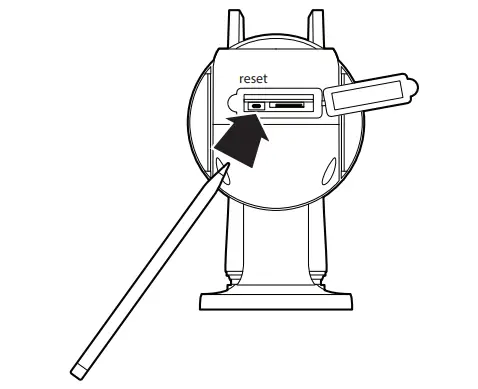
Step 4: Optional: Insert Micro SD card.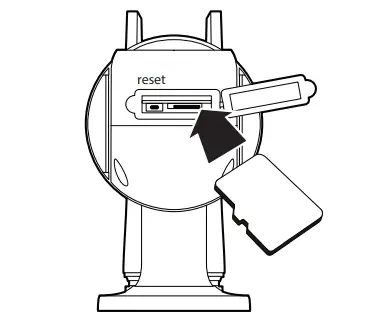
Where to place it
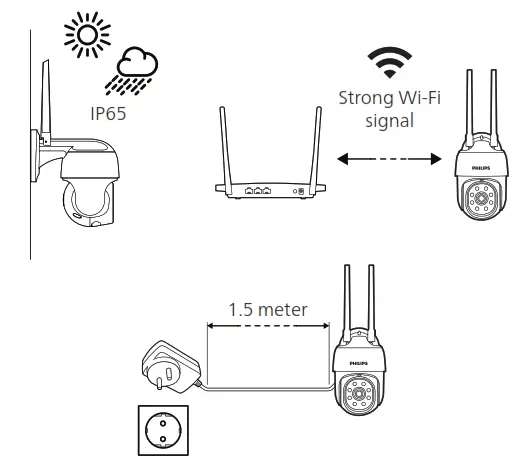
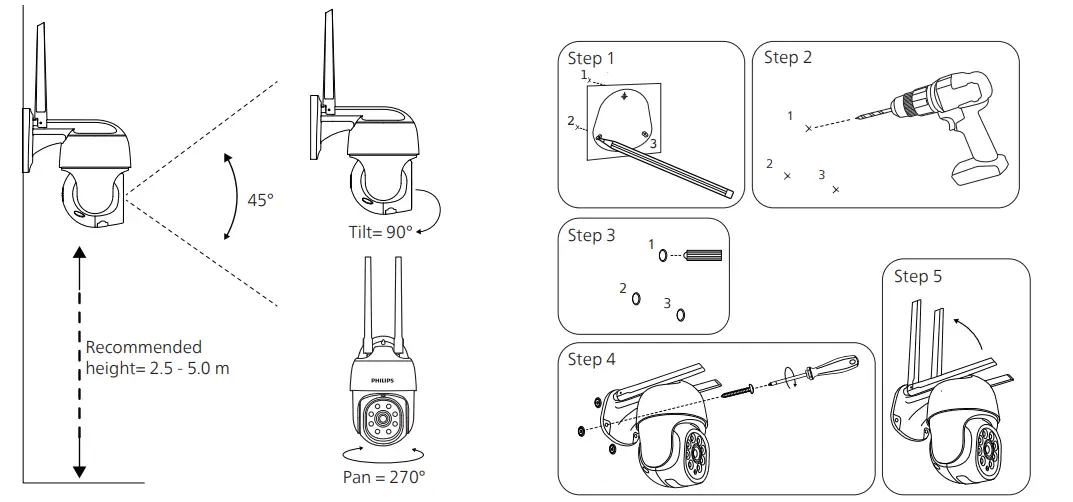
Electromagnetic fields (EMF)
This Philips appliance complies with all applicable standards and regulations regarding exposure to electromagnetic fields.
Recycling
- Do not throw away the product with the normal household waste at the end of its life, but hand it in at an official collection point for recycling. By doing this, you help to preserve the environment.
- Follow your country’s rules for the separate collection of electrical and electronic products. Correct disposal helps prevent negative consequences for the environment and human health.
Technical Specifications
| Audio | Internal Speaker and microphone |
| Storage | Supports up to 128G Micro SD card (not included) |
| WiFi | IEEE 802.11 b/g/n, support 2.4GHz |
Customer support
If you need any help setting up the device, please visit our support page for more information.
www.domesticappliances.philips.co.in/homesafety/support
 www.domesticappliances.philips.co.in/homesafety/support
 © 2023 Philips Domestic Appliances Holding B.V.
All rights reserved.
300010946681
(01/09/2023)