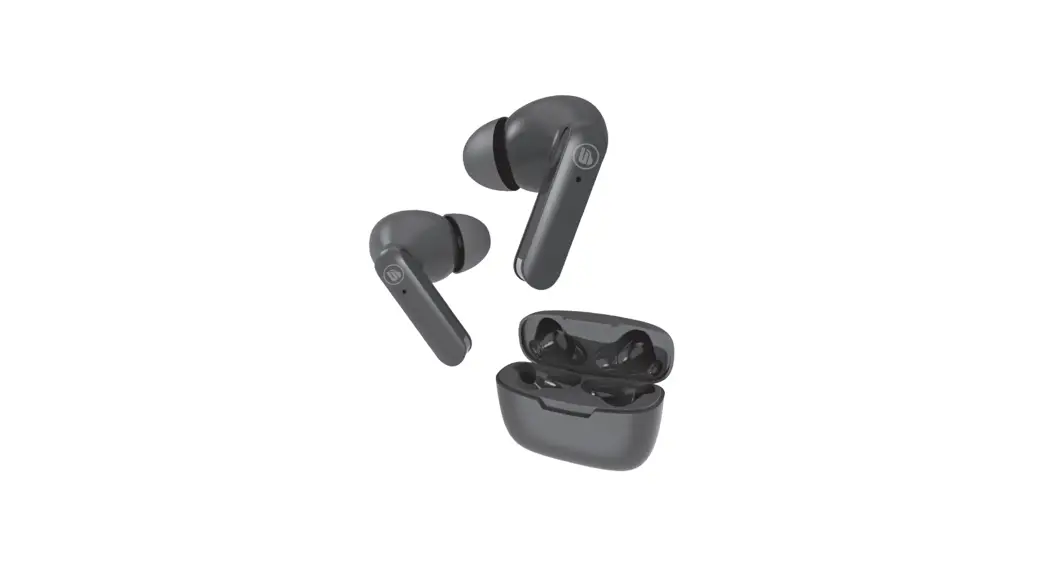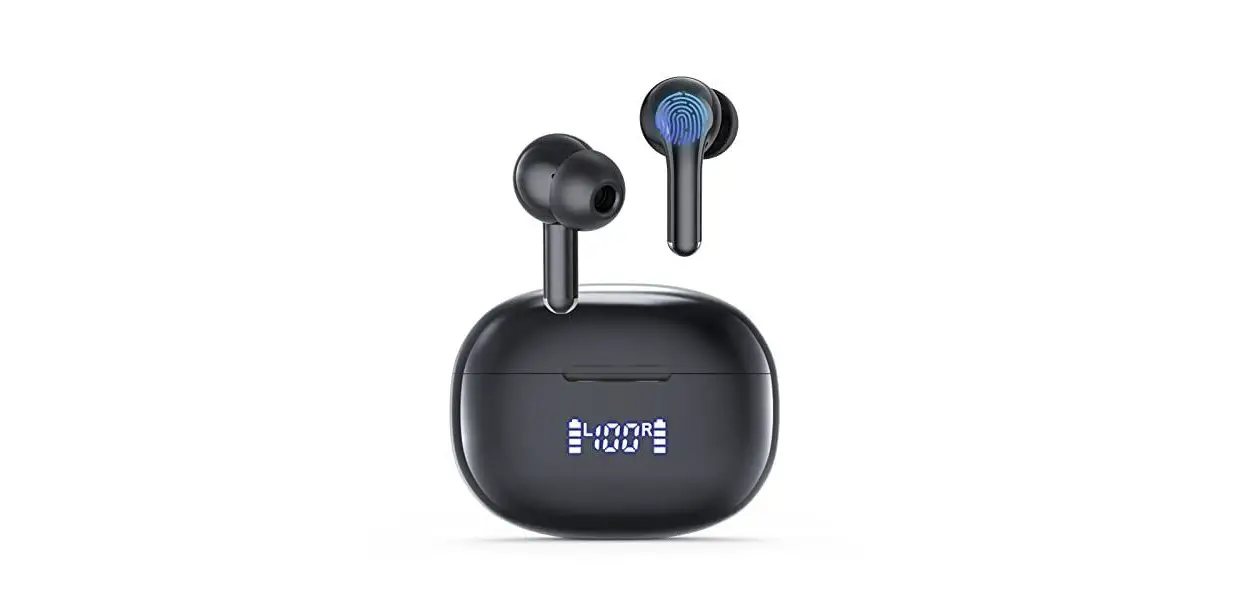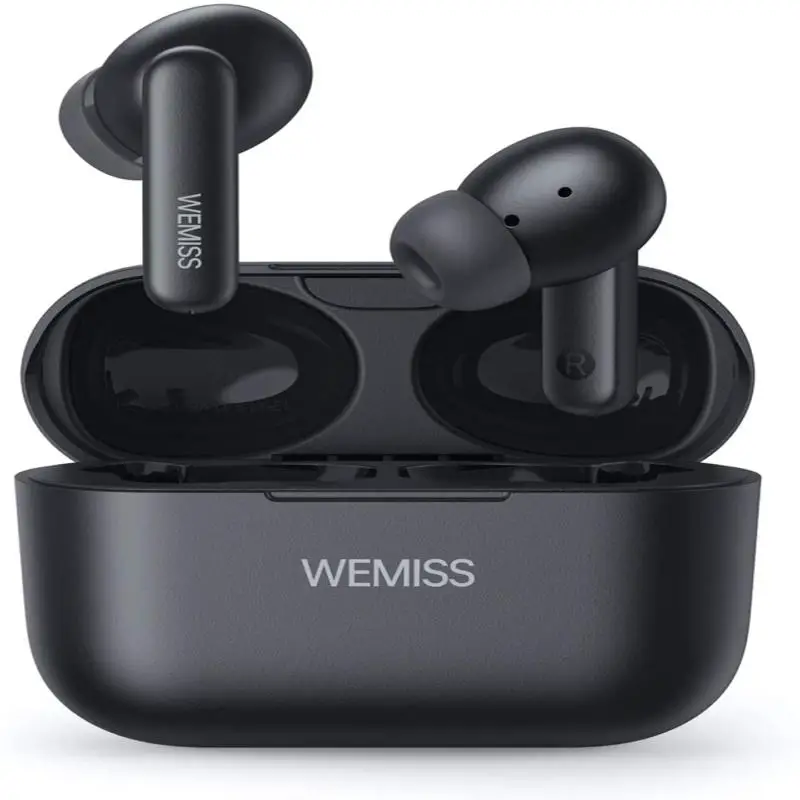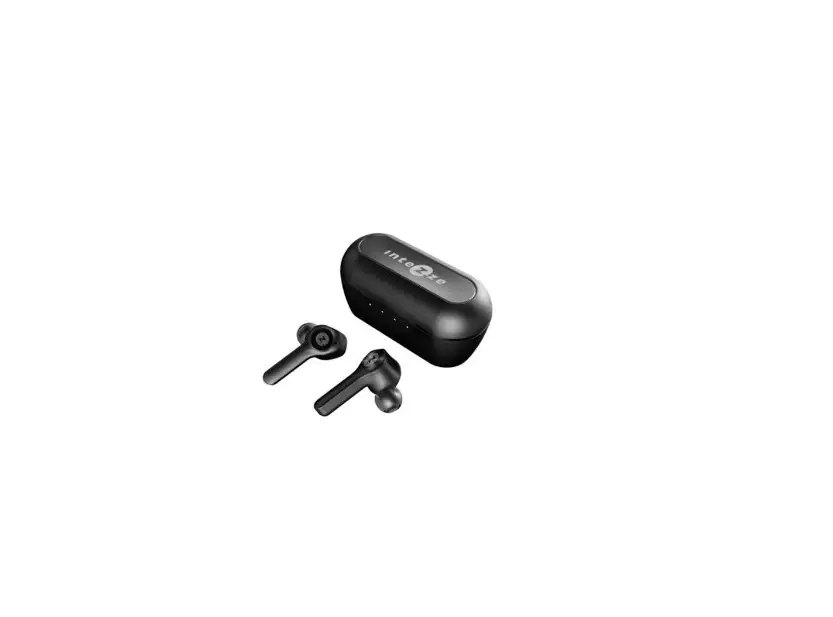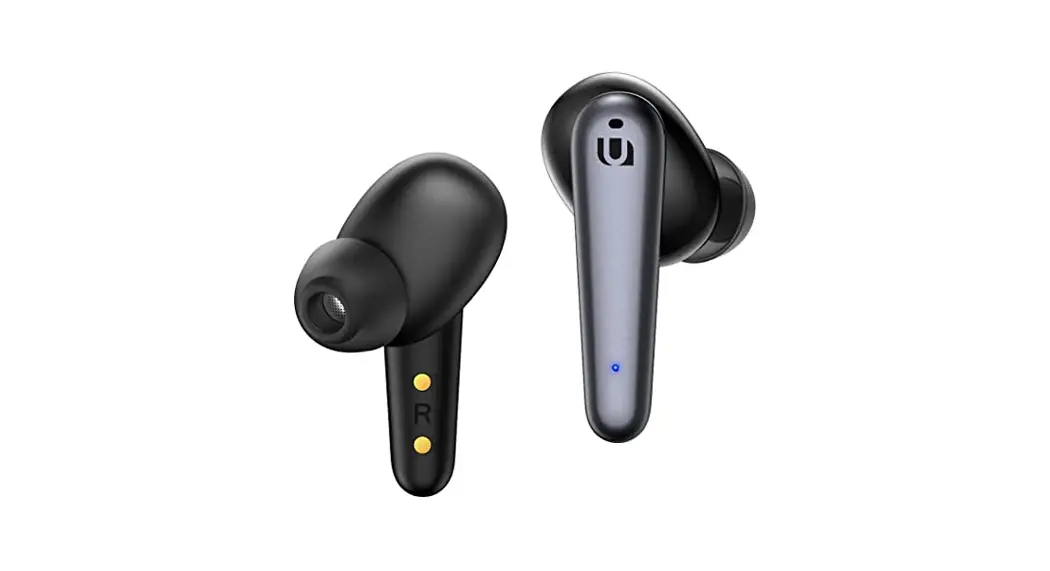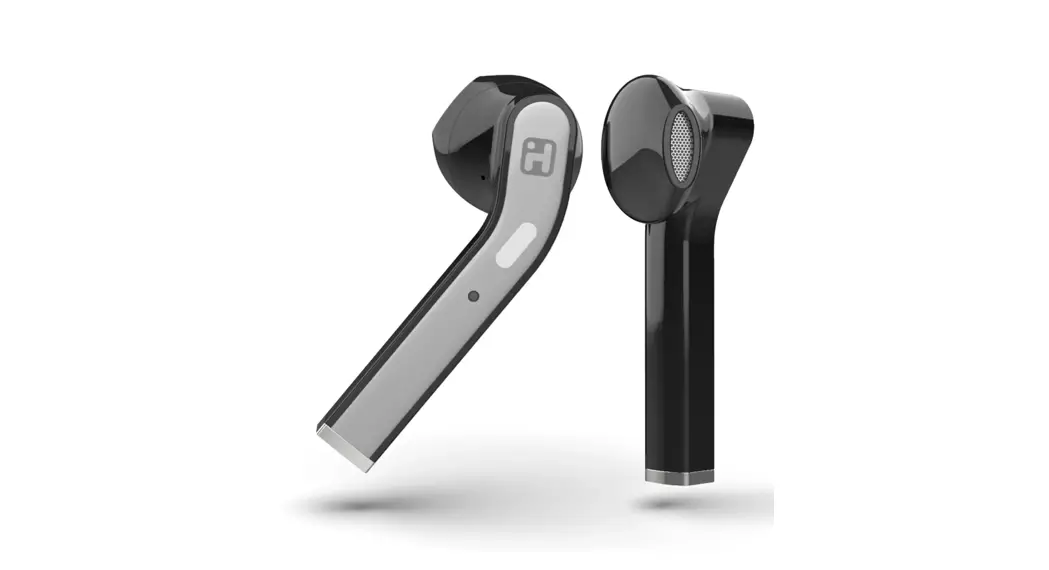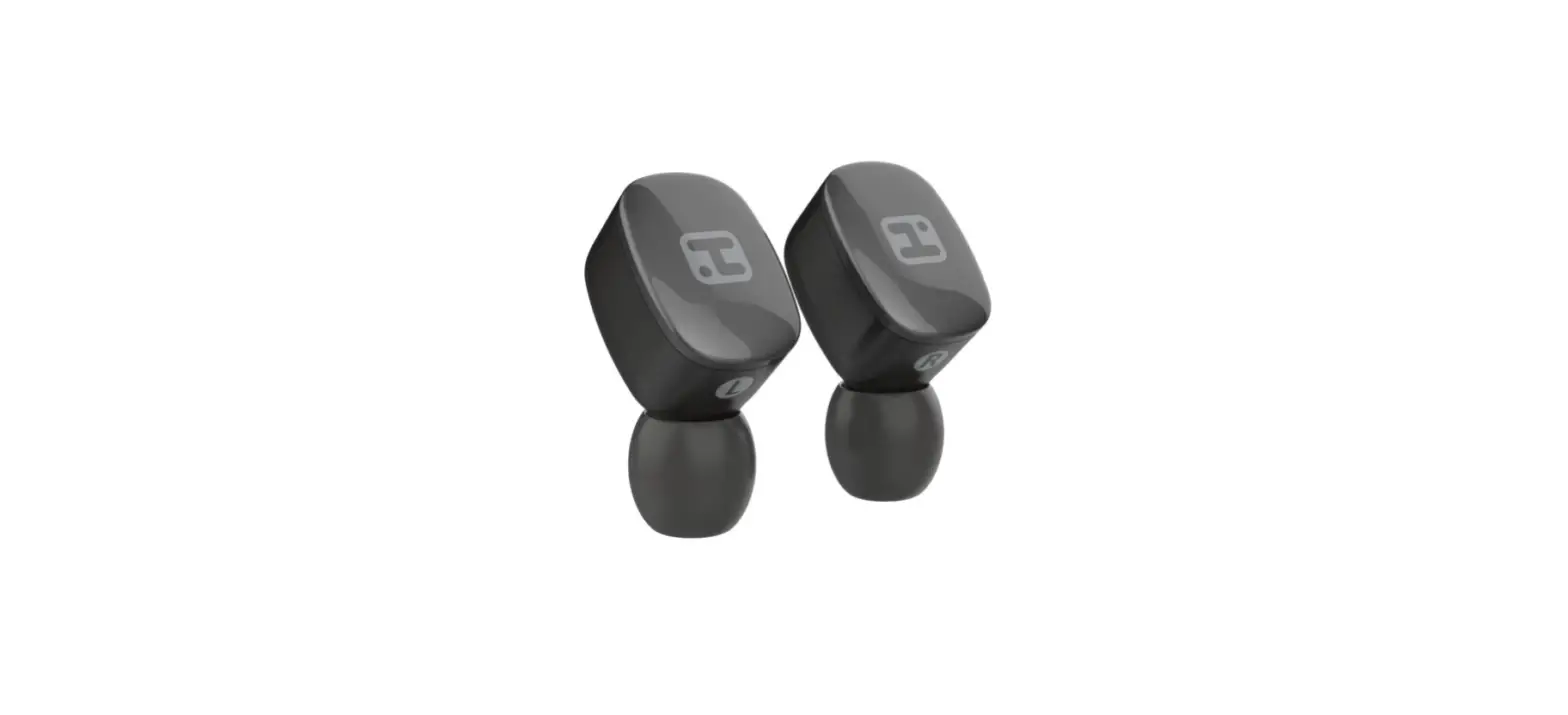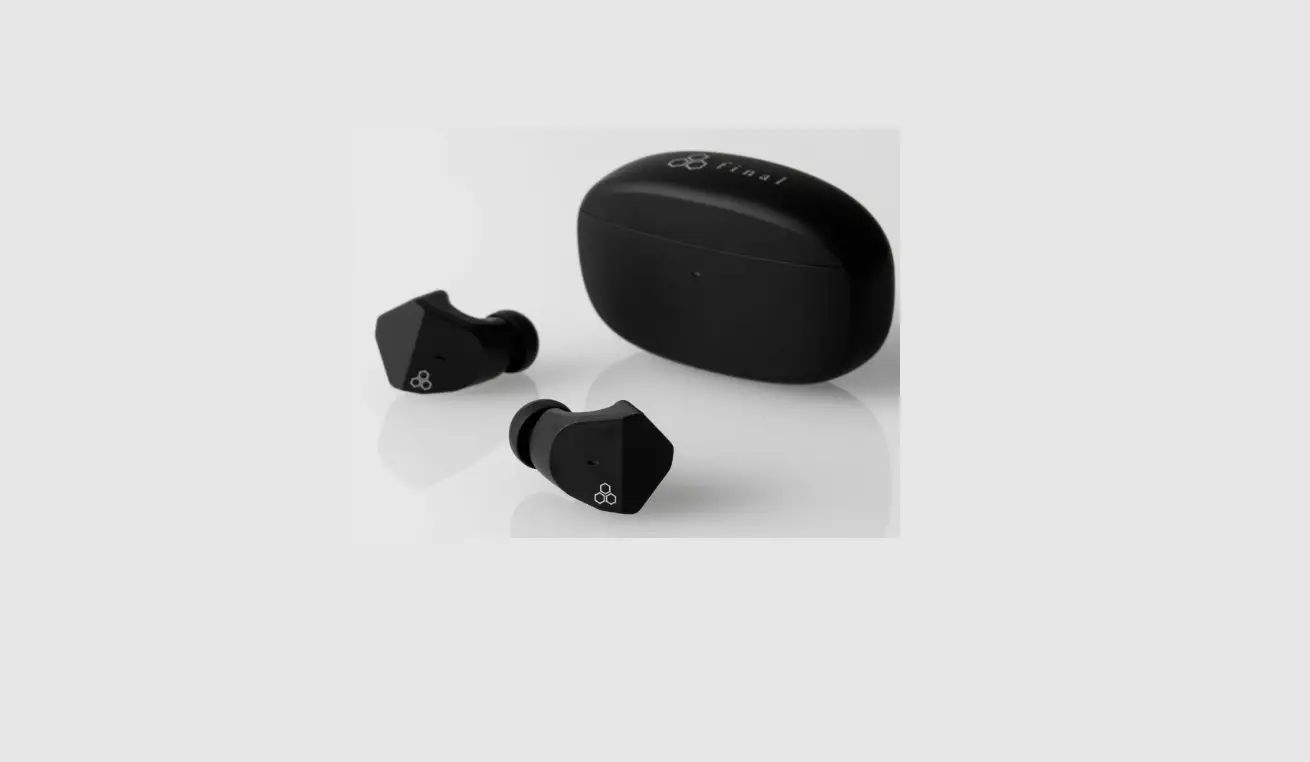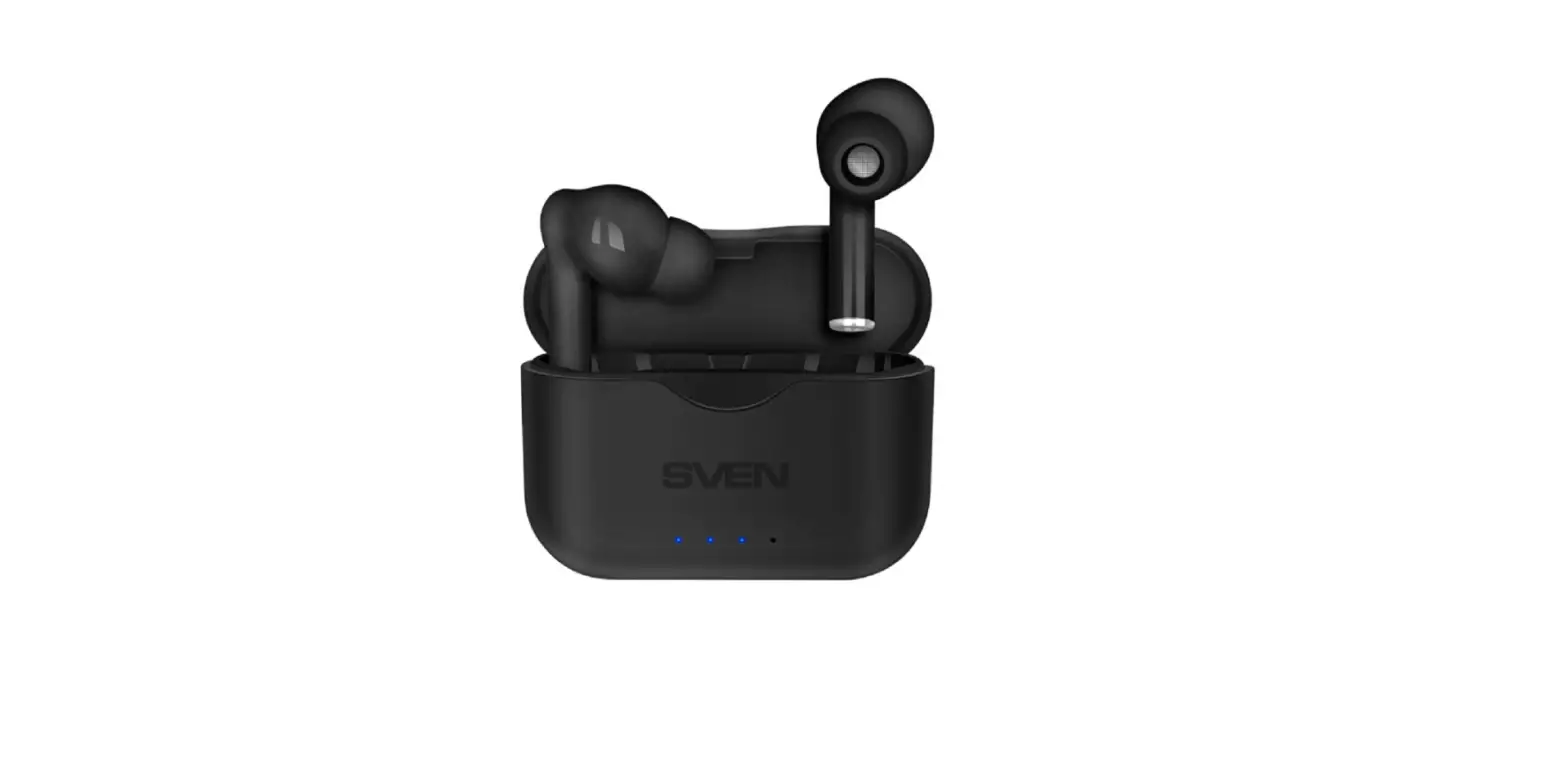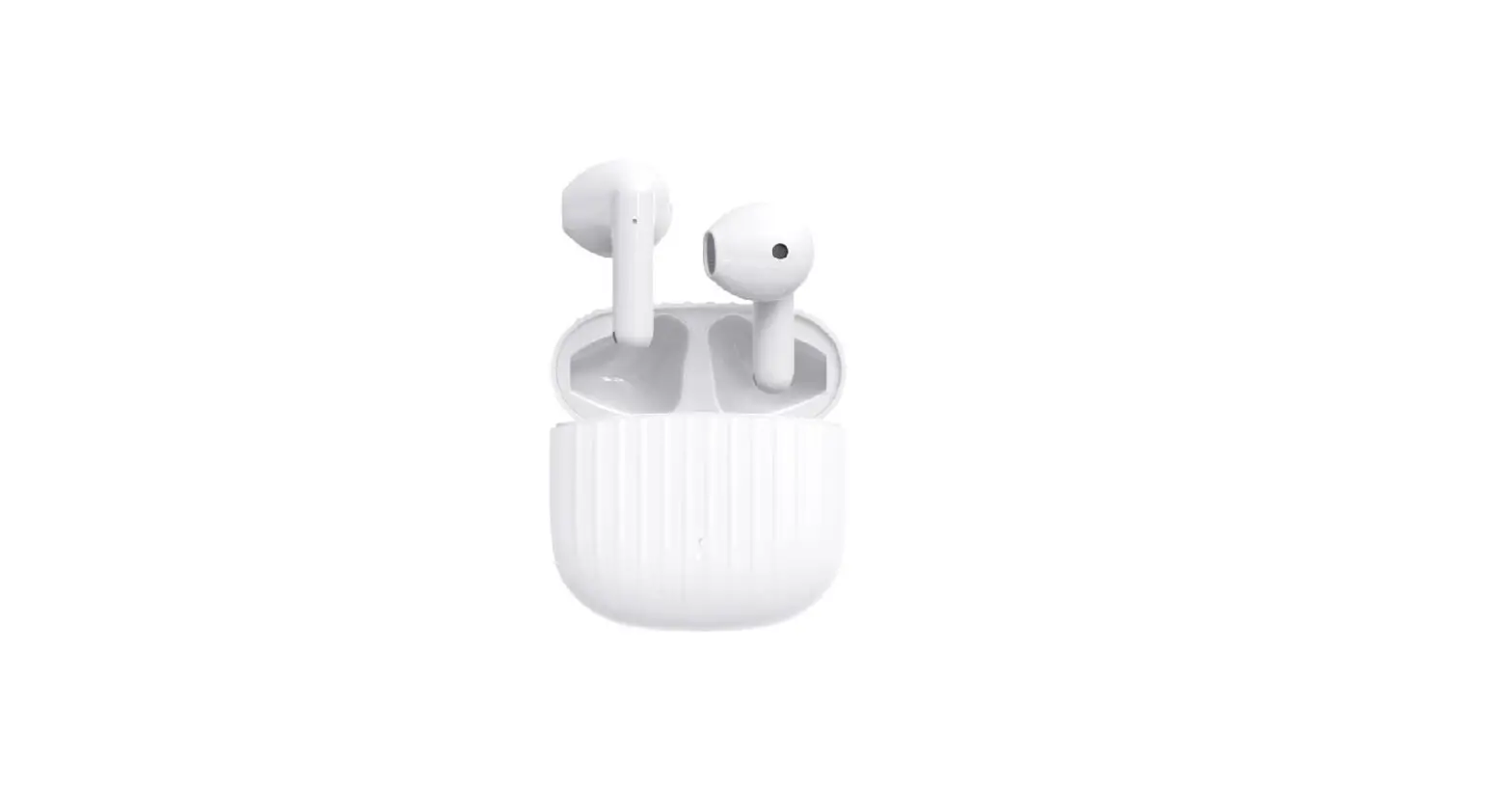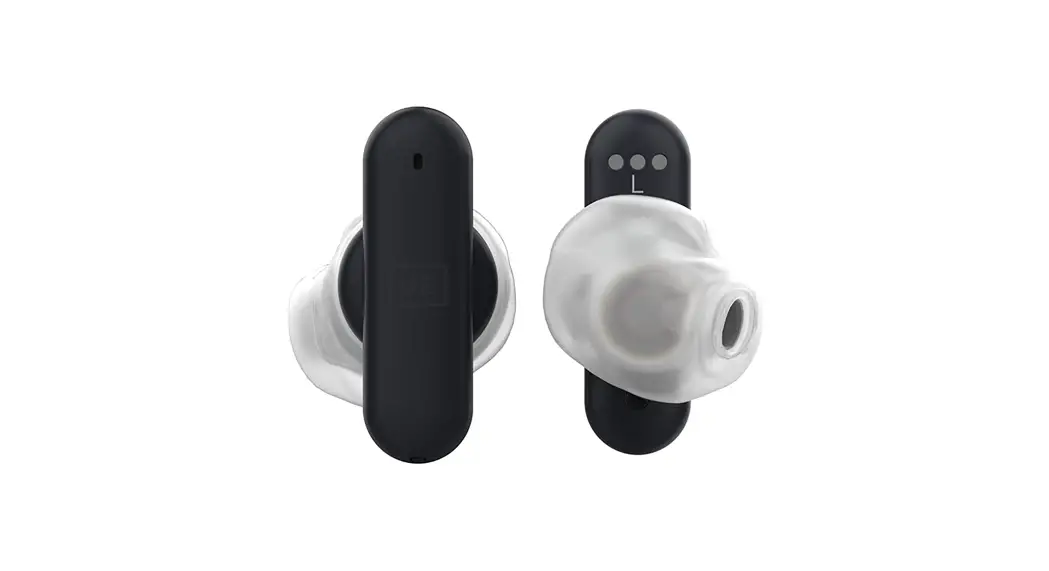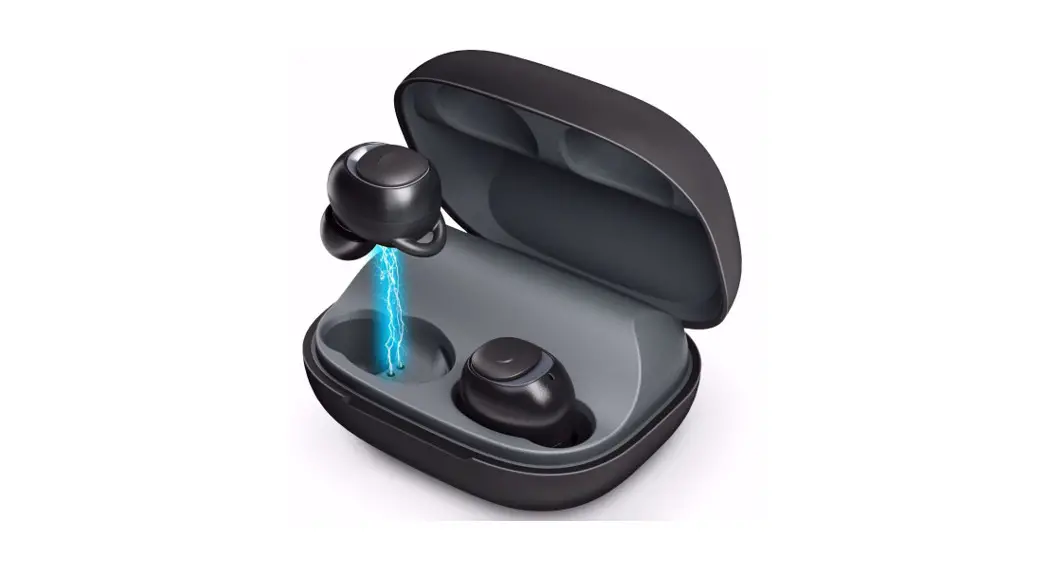
 Enjoy Pure Freedom
TRUE WIRELESS EARBUDS
E19
User Manual
CONATCT EMAIL:
[email protected]
Important Reminder
The instruction will help you quickly understand the product more and help you with any problem you shall encounter. Please kindly read the manual carefully before first use.
- 1.If you have trouble getting this earbud back to true stereo mode ,please just put both earbuds back in the charging case. And take them out again simultaneously and pair them with “MEGIVEZ T08”.
- Reset the Earbuds if you can only hear one earbud, earbuds cannot connect to your device or any pairing issue/static issue. For the reset procedure, please check Page 8.
- You can use one earbud alone and leave one earbud in charging.
Also, you can connect two earbuds with two devices at the same time. Check Page 6. - To achieve better wireless connection stability and protect the battery, do not forget to charge your earbuds when in low battery.
And also do not forget to turn up the volume of your device to make this earbud sound loud. - If you have any problems, please feel free to contact us via email :
[email protected]. We have an award-winning warranty, exchange, and customer service that guarantees hassle-free solutions to any issue you might have within 24 hours.
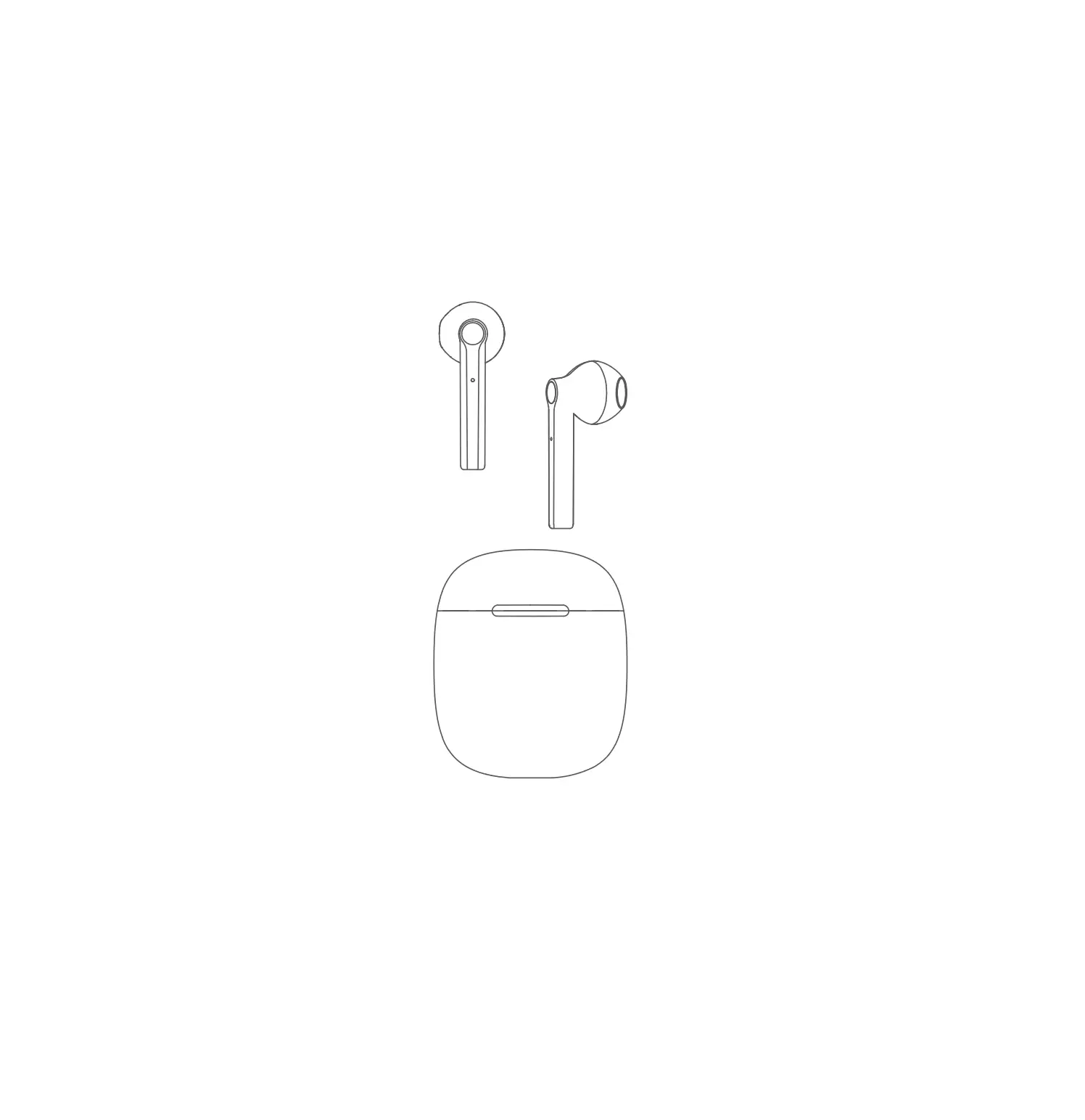
 PACKAGE INCLUDED
 PACKAGE INCLUDED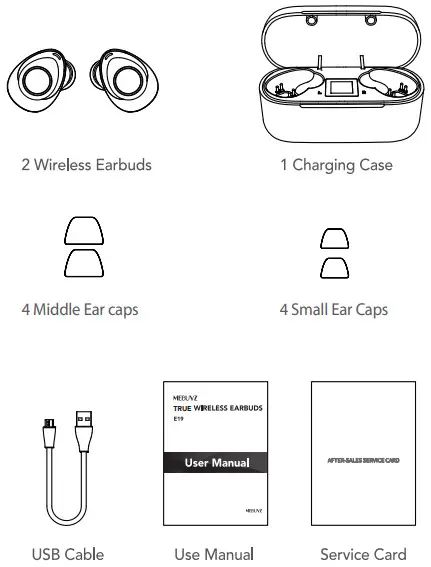
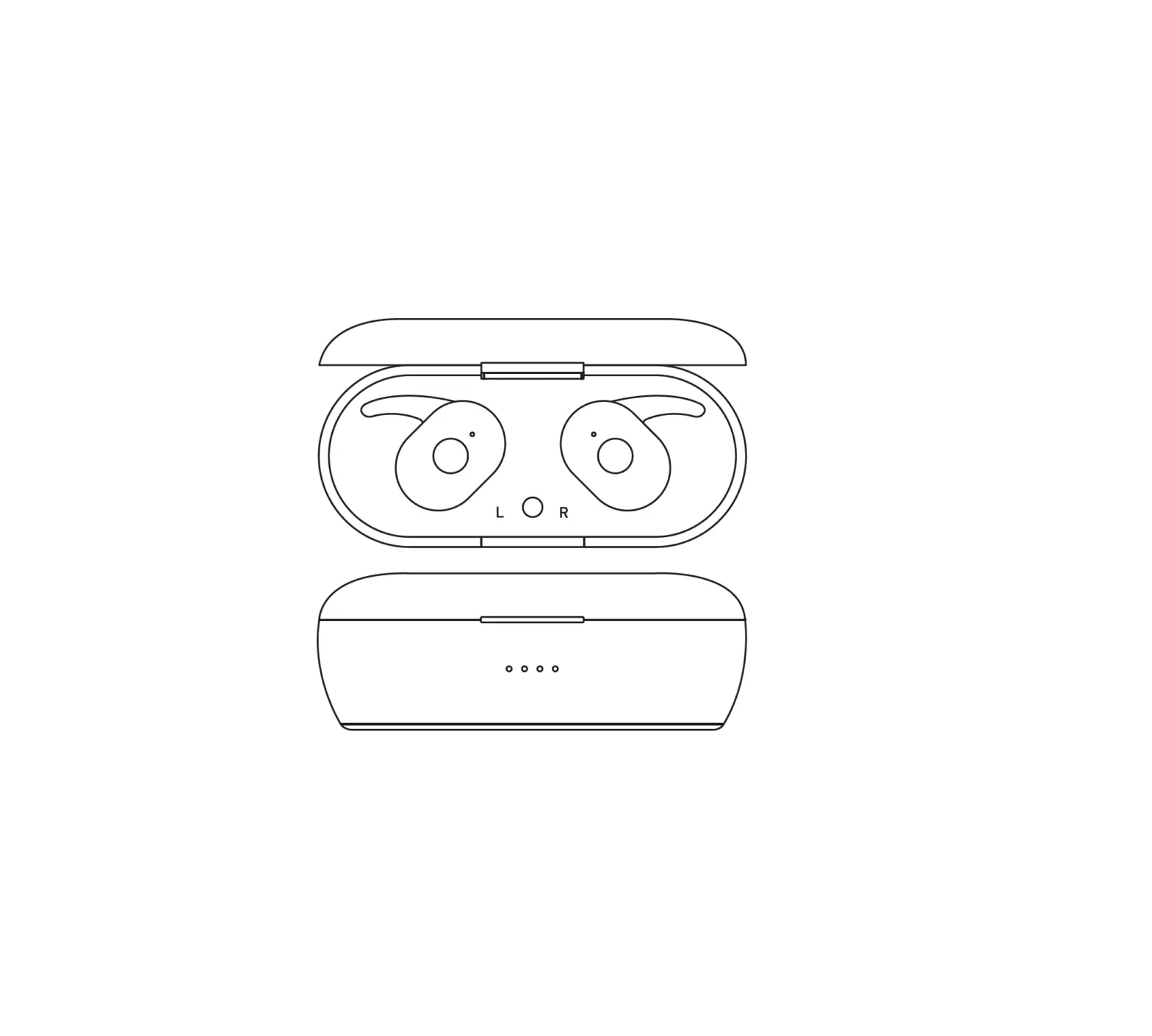
 INTRODUCTION
 INTRODUCTION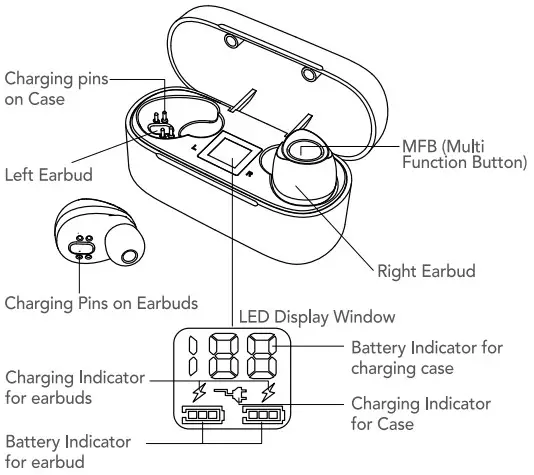
SPECIFICATIONS
| Wireless Version | V5.0 |
| Chip | Qualcomm QCC3020 |
| Earbud Battery | 50 mAh Li-polymer Battery |
| One Earbud Weight | 4 g/0.14 oz |
| Charging Time for Earbud | About 1.5H |
| Music Playing Time | 7-8H (50% volume) |
| Talking Time | 6-7H |
| Standby Time (including charging case) | 150 H |
| Charging Case Battery | 500 mAh Li-polymer Batter |
| Charging Time for Case | About 1.5H |
| Charging Earbuds Times | 3-4 Times |
| Operation Range | Up to 33 ft/10 m |
| Total Weight | 43 g/1.51 oz |
| Charging Case Size | 2.78″*1.21″*1.49″ |
| Waterproof Level | IPX 5 |
Note: the time mentioned above may vary due to the user’s operation mode and device setting.
 TURN ON / OFF
 TURN ON / OFF
A: When the earbuds are on the charging case, open the charging case cover, both earbuds will be automatically power on with a voice prompt “power on” and “pairing” with blue lights flashes.
B: When the earbuds are not on the charging case and on OFF state, press MFB button for 2 seconds on L&R earbuds, they will be power on with a voice prompt “power on” and “pairing” with blue lights flashes.
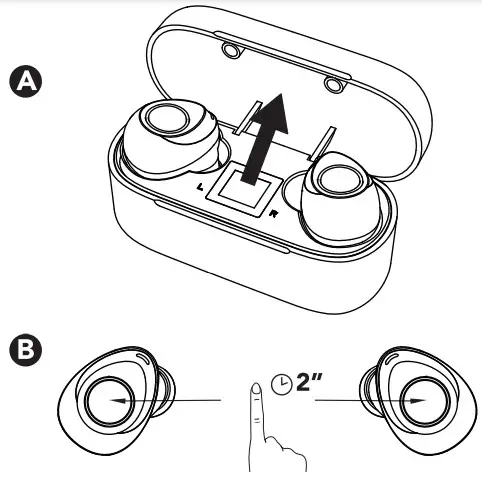
 Power on: Flashing blue 3 time
A: Put the L&R earbuds into the charging case and close the charging case cover, the earbuds will be power off.
B: Press the MFB on L&R earbuds for 5 seconds, they will power off with a voice prompt “power off”.
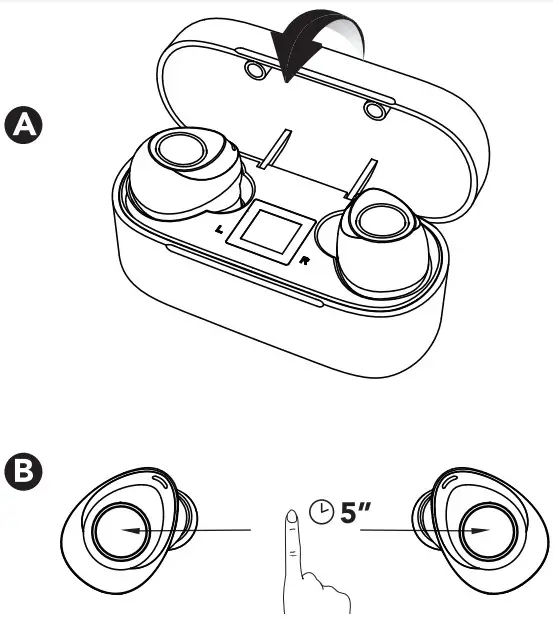
 Power of: Flashing red 3 time
 PAIRING
 PAIRING
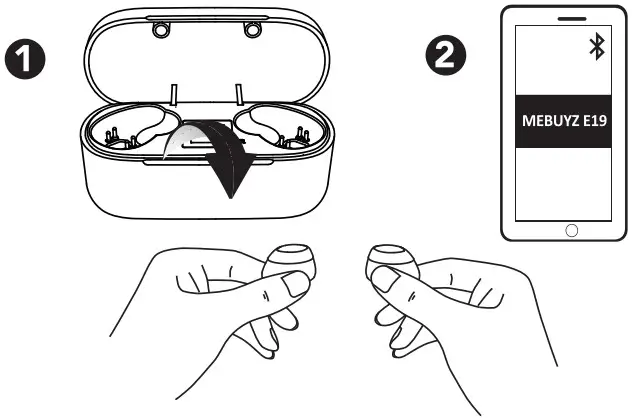
- For the first pairing, please open the charging case, both earbuds will turn on. Then turn on the wireless of your device, search for “MEBUYZ E19 L ” and click it to connect with a voice prompt “pairing successful” and “connected”.
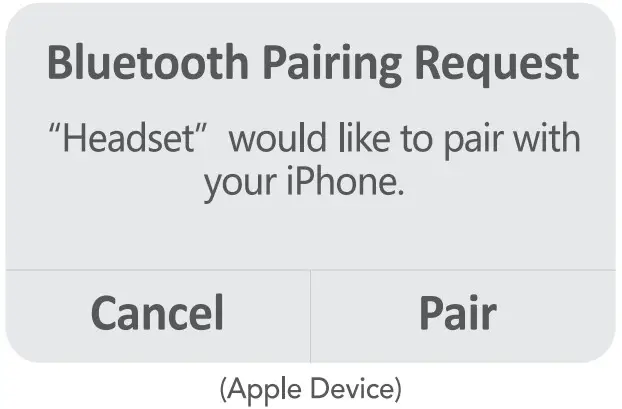
- About 3 seconds later, For IOS phone, you will see below Pop-ups. Please click the “Pair” to connect the right earbud with a voice prompt “pairing successful”.
 For Android phones, you will see below Pop-ups. Please click the “Pair” to connect the right earbud with a voice prompt “pairing successful”.
- Both earbuds will be connected successfully with your device. You can use both earbuds simultaneously or just one earbud as mono mode.

- Re<onnection: when you open the charging case, the earbuds will automatically reconnect to the previous device (the wireless function of the device is on ). Or you can turn both earbuds back on manually, they will also reconnect to the previous device without further action.
 For Android phones, you will see below Pop-ups. Please click the “Pair” to connect the right earbud with a voice prompt “pairing successful”.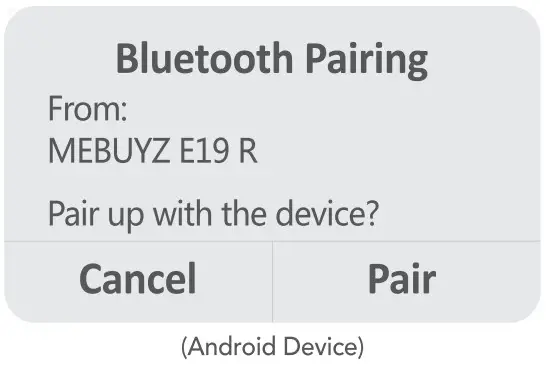
Note:
- The earbuds will automatically power off if they don’t connect the device in 5 mins.
- The earbuds will be disconnected if beyond wireless signal range. They will automatically reconnect the device if the earbuds are back in wireless working range in 3 mins.
- If the right earbud didn’t pair successfully the first time, please delete the previous connection on your phone, put both earbuds back to the charging case and close the cover. Then pair them again like in previous steps.
 RESET
RESET
 RESET
RESET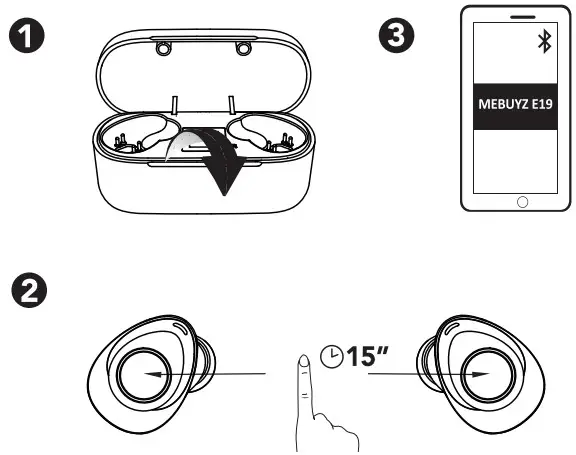
Reset the earbuds if you can only hear one earbud or earbuds cannot connect to your device.
- Put both earbuds back to the charging case and close the charging case cover. Delete the “MEBUYZ E19 L” MEBUYZ E19 R” from the device pairing record. Then take the earbuds out again.
- Press and hold the MFB on both earbuds simultaneously for 15 seconds (5 seconds to turn earbuds off and the other 10 seconds to reset). The blue and red light will flash alternately 3 times.
- Turn on the wireless on your device and select “MEBUYZ E19 L” to connect.
CONTROLS
 | ||
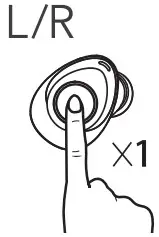 | Press | Play/Pause |
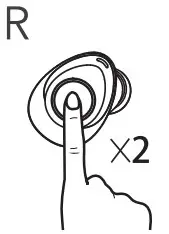 | Double click the MFB on the right Earbud | Next Track |
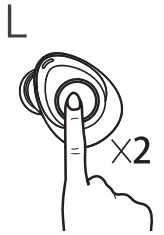 | Double click the MFB on the left Earbud | Previous Track |
 | ||
| Press | Answer call |
| Press | End call |
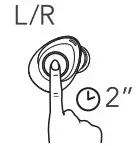 | Press & hold for 2 sec | Reject call |
| Double click the MFB on UR Earbud on standby status | Redial the last call |
 | ||
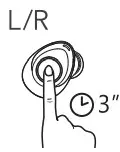 | Press and hold for 3 sec | Activate siri/other voice control assistant. |
 CHARGING
 CHARGING
 To preserve battery lifespan, please fully charge it once a month if not used for a long time.
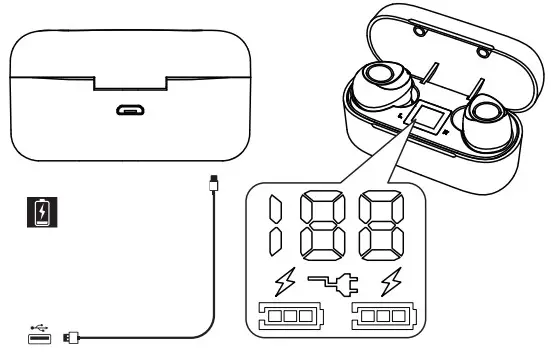
 | The Socket icon means the case is in charging status. |
 | When it display 100, it means the charging case is fully charged. |
 | The Lightning icon means the earbud is in charging status. |
 | Battery indicator for an earbud. When it is full, the earbud is fully charged. |
Earbud status indicator
| Flashing Red (once in every 5 sec) | Low Battery |
 | Steady Red | Charging |
| Off | Fully Charged |
TROUBLESHOOTING
| Problems | Possible Causes | Solutions |
| Can not turn on | The low battery power of earbud | Charge earbuds for about 1.5H |
| No sound or low voice when calling | The media volume of mobile phone is adjusted to minimum/noisy environment place | Turn up the volume of mobile phone/change a different |
| Earbud cannot charge/any indicator light when charging | The low battery of charging case /charging pins not connected | Charge both the case and earbuds for about 3.5H/adjust earbud position, ensure charging pin be well connected. |
| Disconnected sometimes or there are lags when calling or listening to music | The low battery of earbuds/beyond operation range/ strong signal interference | Recharge earbuds/the device shall be close to earbuds/ change another place. |
| Turn off automatically | Low battery | Recharge earbuds for 1.5H |
| No LED indicator when charging case | No power supply | Ensure the micro 1.1513 charging cable is plugged well. |
| Paring failure | Not follow the paring steps | Put the earbuds into the charging case and pair it again. please keep the earbuds within 1-meter range from the device. |
SAFE TIPS
- Please read this manual carefully about how to properly use the earbuds before first use.
- Fully Charge the earbuds along with the charging case before first use.
- Keep the earbuds away from children or pets to avoid accidental ingestion.
- Do not use the earbuds at a high volume for long-tem use which may cause hearing injury.
- Do not use output larger than 5V 1A charger which may cause battery damage.
- Please use and store this product in normal temperature.
MEBUYZ E19 True-Wireless Earphones 888-588-5980 (Mon-Sun 9:00-19:00 PST)
 Email: [email protected]
Discover more at www.mebuyz.com


 Made in China