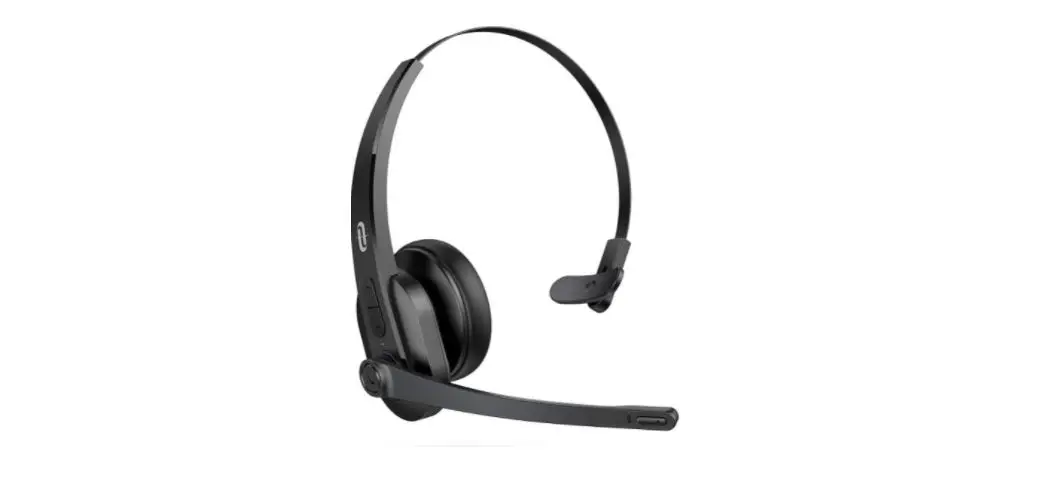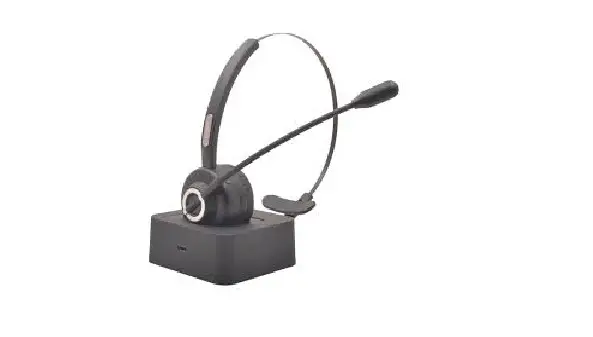

Headsets V2 Mono Wireless Headset MX
Operating Manual
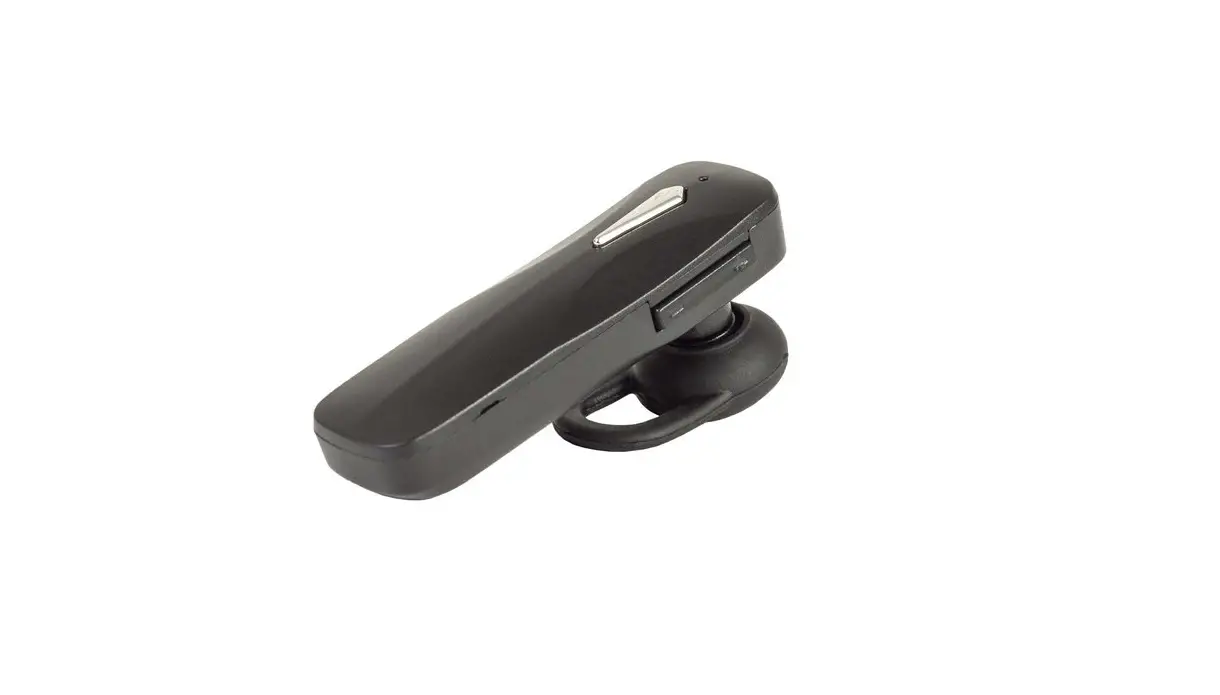
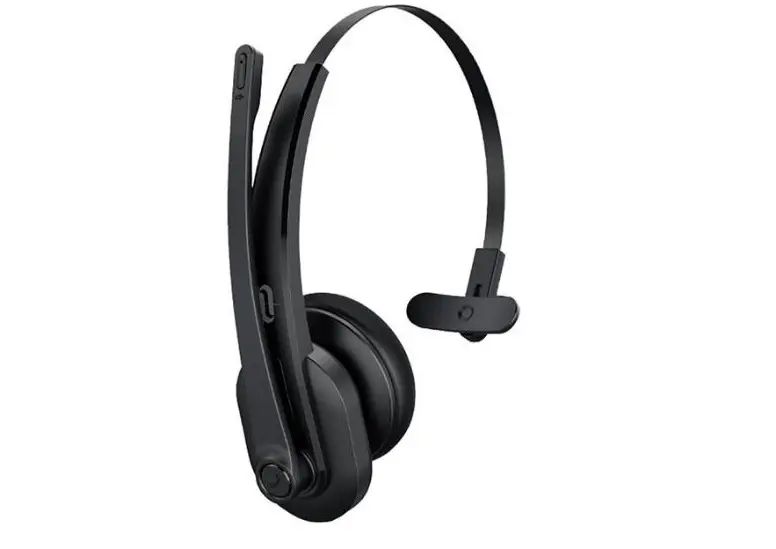
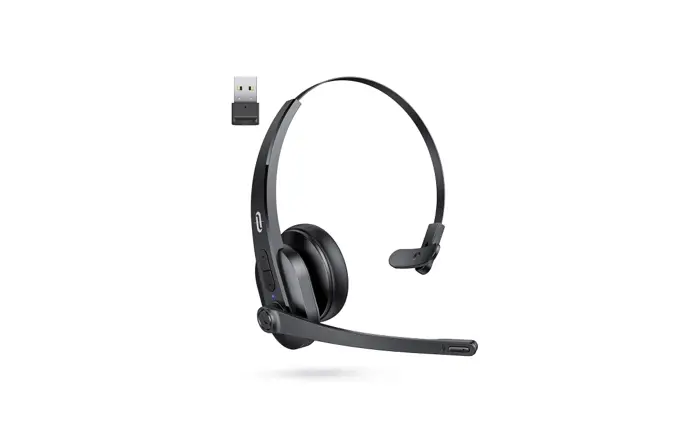
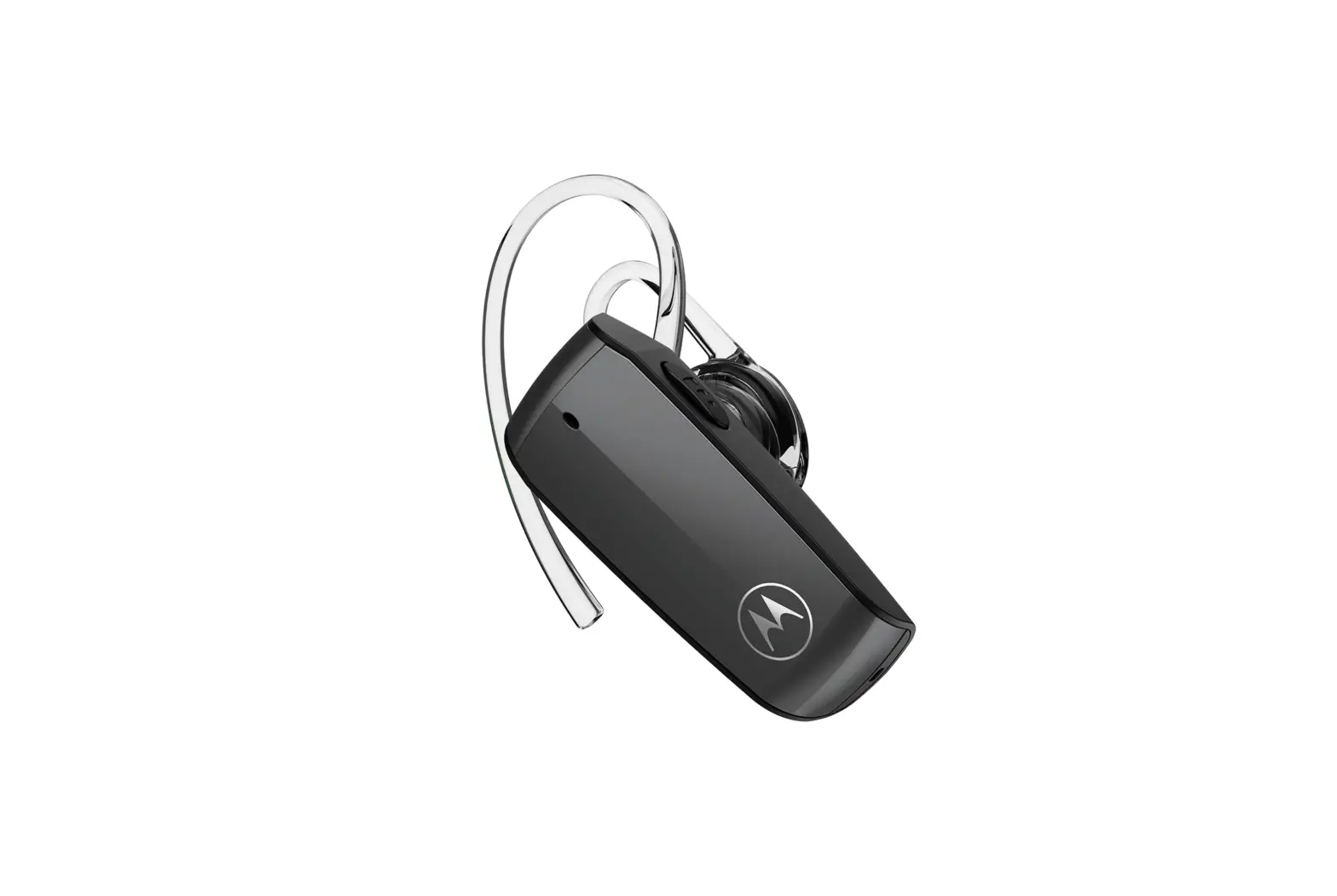
Product Overview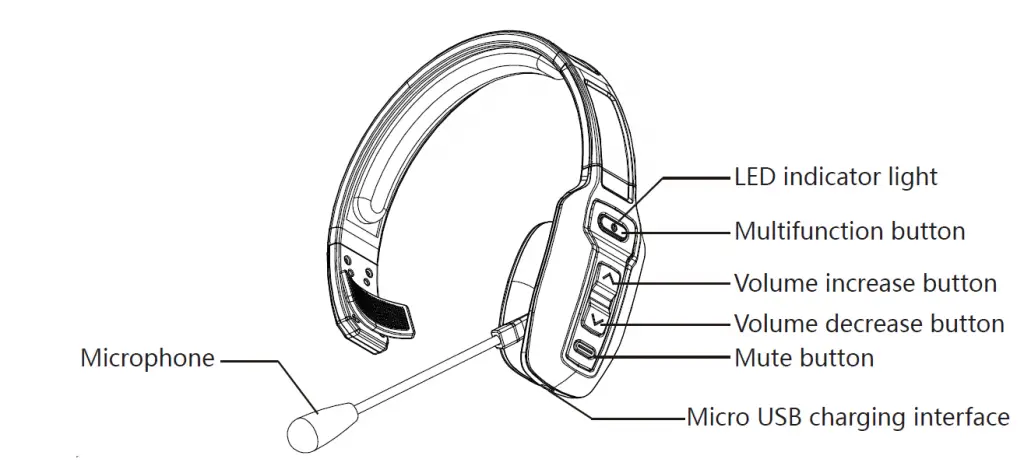
Note: Microphone mute: during a call, click “mute button” to mute the microphone. Click it again to cancel mute.
Packing list:
- MX mono Bluetooth headset X 1
- 1 Micro USB cord
- Operating manual X 1
Basic Features
| Key | Function | Operation method |
| Multifunction button | On | Long press “multifunction button” for 3 seconds in the power off state, then MX will be powered on and automatically enter the pairing state (directly enter the reconnection state when there is a pairing record). |
| Off | Long press “multifunction button” for 5 seconds in on state to power off. | |
| Pairing | Long press “multifunction button” for 5-7 seconds in the power off state or double click “multifunction button” in disconnected state. | |
| Play/pause | When playing music, click “multifunction button” to play/pause the music. |
| Last number redial | In connected but standby or music state, double click “multifunction button” to redial the last dialed number. | |
| Voice dial | In connected but standby or music state, long press “multifunction button” for 2 seconds and then release to start the phone’s voice dial function | |
| Audio switching | In a call, long press “multifunction button” for 1 second to switch the microphone audio between the phone and the headset. | |
| Answer calls | When the phone rings, click “multifunction button” to answer the call. | |
| Hang up | In a call, click “multifunction button” to hang up. | |
| Reject a call | When the phone rings, long press” multifunction button” to reject a call. | |
| Volume increase button | Volume increase | When talking or playing music, click “volume increase” to increase the volume. |
| Next | When playing music, long press “volume increase” for 1 second to switch to the next song. | |
| Volume decrease button | Volume decrease | When talking or playing music, click “volume decrease” to decrease the volume. |
| Previous | When playing music, long press “volume decrease” for 1 second to switch to the previous song. | |
| Mute button | Microphone mute | During a call, click “mute button” to mute the microphone. |
Bluetooth Pairing and Connection
- Long press “multifunction button” of “MX” for 5-7 seconds to power on and automatically enter the pairing mode, and the red and blue lights flash alternately.
- Turn on the phone’s Bluetooth and click Search. When “MX” appears, click Pair and Connect. After successful connection, LED of headset turns to a blue light and flashes slowly. The phone shows that “MX” has been connected. At this time, the user can listen to the music or answer a call in the phone through Bluetooth headset.
- The functions such as answer calls, hang up, play/pause music, previous/next, volume increase/decrease and microphone mute can be controlled through “multifunction button”, “volume increase button”, “volume decrease button” and “mute button” on the Bluetooth headset.
One-to-two Pairing Method
- Connect the first mobile phone (computer, tablet PC), and then turn off the Bluetooth function of the mobile phone.
- Double click “multifunction button” of “MX” to reenter the pairing state, and the red and blue lights flash alternately.
- Turn on the Bluetooth function of the second device, search for “MX” Bluetooth device, and click “MX” to pair. After a few seconds, the sound of successful connection will be heard. The LED turns to a blue light and flashes slowly. The phone displays that “MX” has been connected.
- Turn on the Bluetooth function of the first device, find the pairing record of “MX”, and click to connect (some mobile phones will have automatic reconnection function). If connection is successful, one-to-two pairing function of the headset is turned on.

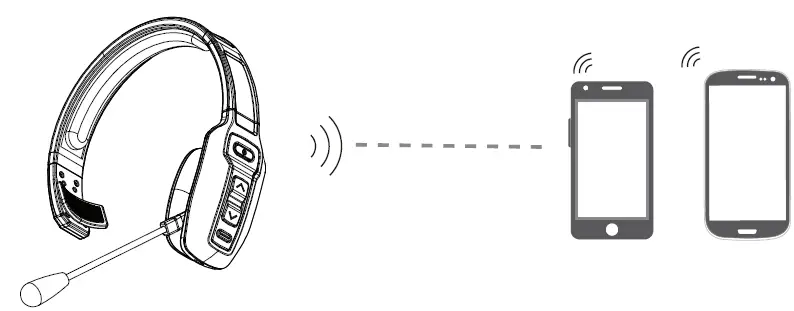
* Only music from one mobile phone can be played in one-to-two pairing mode. To play music from another mobile phone, music from the previous mobile phone should be suspended or turned off. The same is true for calls.
Status Indicator Lights
| Status | Display of Indicator Light |
| Power on | The blue light flashes for 3 times. |
| Power off | The red light is on for 1 second. |
| pairing state | The red and blue lights flash alternatively. |
| Clear pairing record | The purple light flash for 1 time. |
| Reconnection state | The blue light flashes for 2 times every 5 seconds. |
| Disconnected but standby state | The blue light flashes for 2 times every 5 seconds. |
| Connected but standby state | The blue light flashes for 1 time every 10 seconds. |
| Music state | The blue light flashes for 2 times every 10 seconds. |
| Call state | The blue light flashes for 2 times every 10 seconds. |
| Charging | The red light is normally on. |
| Fully charged | The blue light is normally on. |
| Low battery | The red light flashes. |
Charging
Red light flashes when “MX” has low battery. Please charge immediately for about 1.5 hours. When the red light is off and the blue light is normally on, the battery is fully charged.
Charging connection
Please connect to “MX” charging interface through Micro USB connector of Micro USB charging cable, and connect USB interface to USB charger (car charger, travel charger, computer USB, etc.).
Notes:
- When MX is not in use, please charge it at least every 2 months.
- When being charged in on state, the Bluetooth headset will be automatically reset and shut down.
Product Specification
| Bluetooth version | V5.0 |
| Bluetooth chip | CSR BC8615 |
| Bluetooth protocol | HSP,HFP,A2DP,AVRCP |
| Decoding mode | SBC |
| Range of application | Up to 10 meters |
| Built-in battery | 400mAh/3.7V |
| Headset net weight | 141g |
| Headset dimensions | 192.90*157.08*54.05mm |
Notes, Questions and Answers
A. How to reconnect? What to do if I can’t reconnect?
When “MX” is connected to your phone successfully, it will automatically reconnect to your phone every time you turn it on. If you cannot reconnect it to your phone, please check the Bluetooth settings of your device and connect it again.
B. How to clear the pairing record?
In power-on state, long press “multifunction button” and “volume increase button” at the same time to clear the pairing record. The purple indicator light flashes once, that is, the pairing record has been cleared and MX will be not reconnected to the previously connected device any longer. When various connection exceptions occur, try to clear the pairing record.
C. When will it be automatically powered off?
In the pairing mode, it will be powered off if there is no connection for more than 5 minutes or the battery is low.
D. When will the low battery alarm be given, and what prompts will be given?
The battery of headset is low, there will be a prompt sound every 3 minutes.
E. What’s the pairing password?
If a password prompt appears when some devices are connected to MX, try to enter 0000 (four zeros), 8888 (four eights), 1111 (four ones), or 1234.
F. What devices can you use to charge?
Car charger, travel charger or computer USB with DC voltage of 5V and current of more than 1A can be used to charge “MX”.
G. What to do if there are some exceptions, such as connection exception, etc.?
Plug the charging cable to charge in on state, and the headset can be reset and turned off.
NOTE: This equipment has been tested and found to comply with the limits for a Class B digital device, pursuant to part 15 of the FCC Rules. These limits are designed to provide reasonable protection against harmful interference in a residential installation. This equipment generates uses and can radiate radio frequency energy and, if not installed and used in accordance with the instructions, may cause harmful interference to radio communications. However, there is no guarantee that interference will not occur in a particular installation. If this equipment does cause harmful interference to radio or television reception, which can be determined by turning the equipment off and on, the user is encouraged to try to correct the interference by one or more of the following measures:
- Reorient or relocate the receiving antenna.
- Increase the separation between the equipment and receiver.
- Connect the equipment into an outlet on a circuit different from that to which the receiver is connected.
- Consult the dealer or an experienced radio/TV technician for help.
Changes or modifications not expressly approved by the party responsible for compliance could void the user’s authority to operate the equipment. This device complies with Part 15 of the FCC Rules. Operation is subject to the following two conditions:
- this device may not cause harmful interference, and
- this device must accept any interference received, including interference that may cause undesired operation.