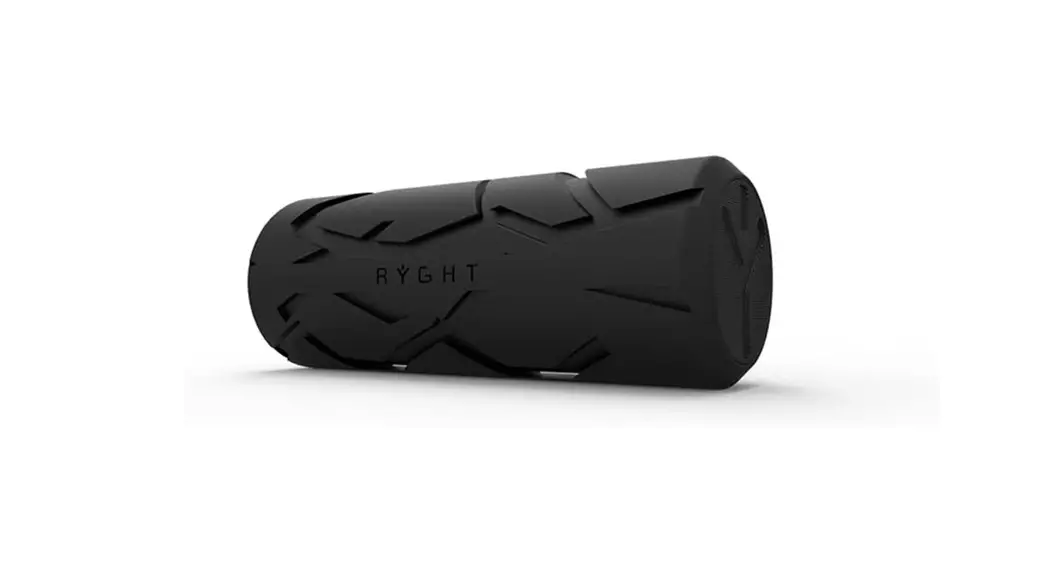
 Sounder2 Max
Operating Instructions
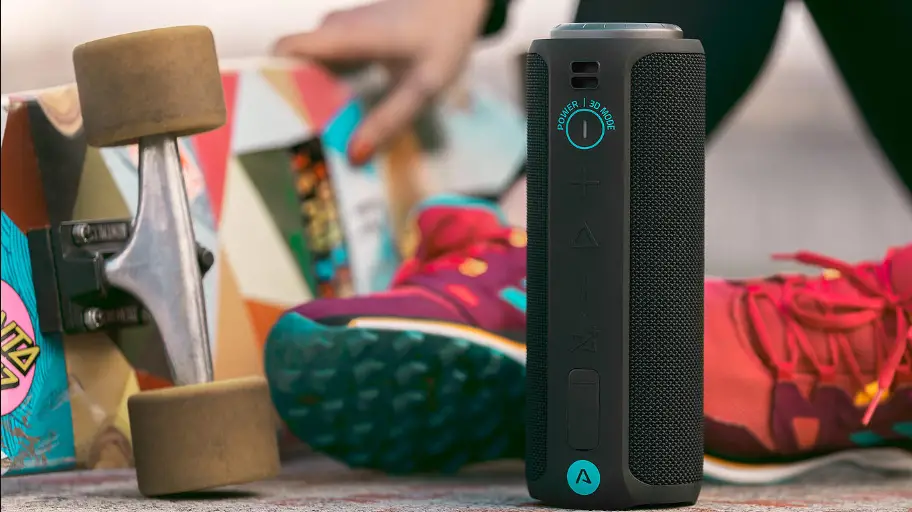
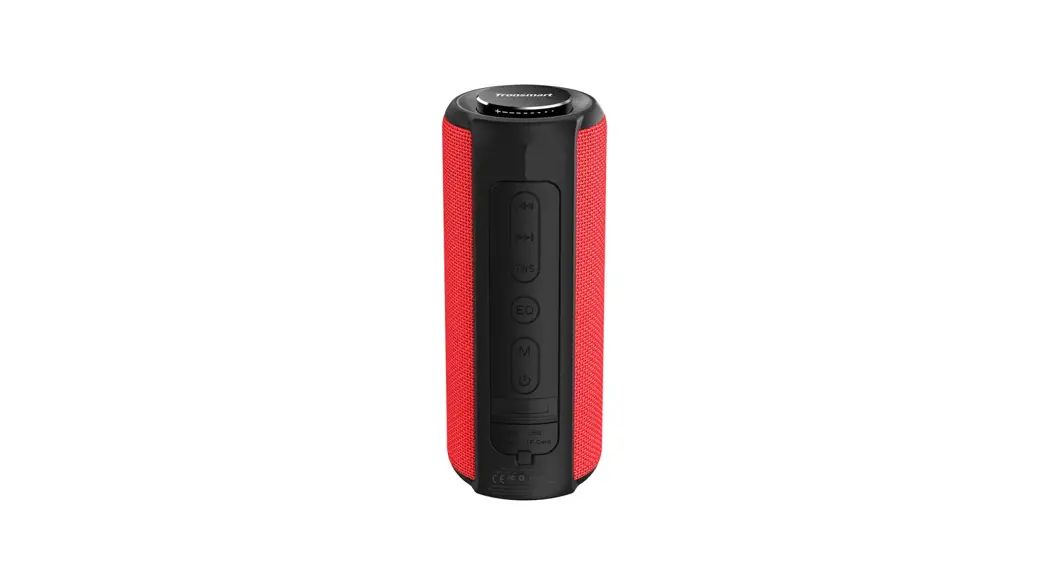
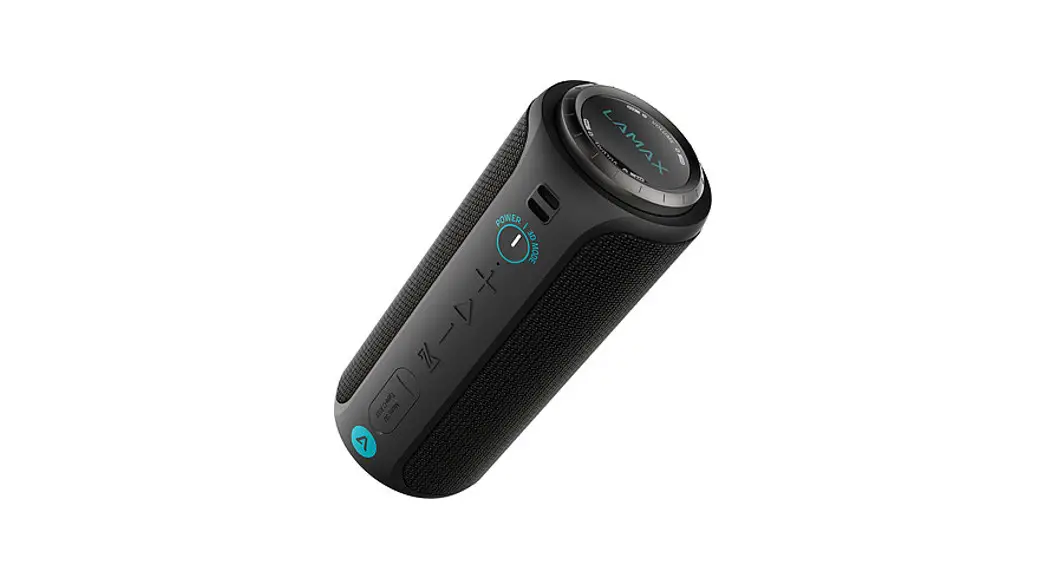
| 1 | VOLUME | Volume control knob (clockwise +, anticlockwise – ) |
| 2 | POWER | Power on / off (hold), Switch between Super bass and 3D sound modes (press) |
| 3 | VOL + | Volume up (press), next track (hold) |
| 4 | PLAY | Play/pause (press), Answer/end call (press), reject the call (hold), the last number redial (double tap), Force pairing mode (hold), Force shutdown (long hold, 8s) |
| 5 | VOL – | Volume down (press), previous track (hold) |
| 6 | MODE | Switch music sources (Bluetooth and AUX) (press), Turn on / off TWS pairing (hold), Factory settings (long hold, 8s) |
| Other | ||
| 7 | TWS LED indicator | |
| 8 | POWER LED | |
| 9 | Aux / USB-C | |
LED Indicators
| Blinking | Ready for pairing |
| Lit | Paired (stand by) |
| Blinking (slowly) | Playback |
| LED is colored according to the audio mode | |
| Blue | Super bass |
| White | 3D Sound |
Charging indicators
When charging, the status LED lights up red, when fully charged it lights up green.
Power On / Off
To turn on the speaker, press and hold the POWER button. The LED lights up and a beep sounds. Hold down the same button to turn off the speaker.
Pairing
- Turn on the speaker by holding down the POWER button. The LED starts blinking and the speaker is ready to pair.
- Activate the Bluetooth connection on your phone or another device. Select “LAMAX Sounder2 Max” from the list of available devices. When pairing is successful, the speaker emits a sound, and the LED lights up.
- Playback can be controlled either by the paired device or directly on the speaker itself. The LED blinks slowly during playback.
TWS To pair two speakers, turn on both speakers and make sure they are not paired with the multimedia device. On one of them, which will be the main one, press and hold the MODE button until a beep sounds. After successful pairing, a second beep sounds and the main speaker acts as the left channel.
To unpair the speakers, hold the same MODE button on the main speaker.
Audio Input
By connecting to the AUX jack via the supplied audio cable, you can play music from any device. When playing back through the audio input, you cannot control the tracks directly on the speaker.
Handsfree
When pairing your phone via Bluetooth, the handsfree function is activated. To answer/end the call, press PLAY, reject the incoming call by holding down PLAY and double-tap PLAY to redial the last dialed number.
Charging
The speaker can be charged using the supplied USB cable from a suitable USB device – adapter, PC, power bank. Do not chargé the speaker with an input voltage higher than 5V, as the speaker may be damaged. An audible signal sounds when the battery is running low. When charging, the LED lights up red and when fully charged, the LED lights up green.
Parameters
| Speaker | 2 × 25 W, Φ 52 mm, 80 Hz – 20 KHz |
| Battery | Li-Ion 8000 mAh |
| Playback time | up to 20 hours |
| Charging time | 3 hours |
| Playback options | Bluetooth, 3.5 mm audio |
| Wireless technology | Bluetooth 5.0 |
| Water resistance | IP67 |
| Dimensions | 225 × 88 × 88 mm |
| Weight | 853 g |
The latest version of the user manual can be downloaded here:
https://www.lamax-electronics.com/downloads/lamax-sounder2-Max/manual

https://www.lamax-electronics.com/downloads/lamax-sounder2-Max/manual

 LAMAX Electronics | EN