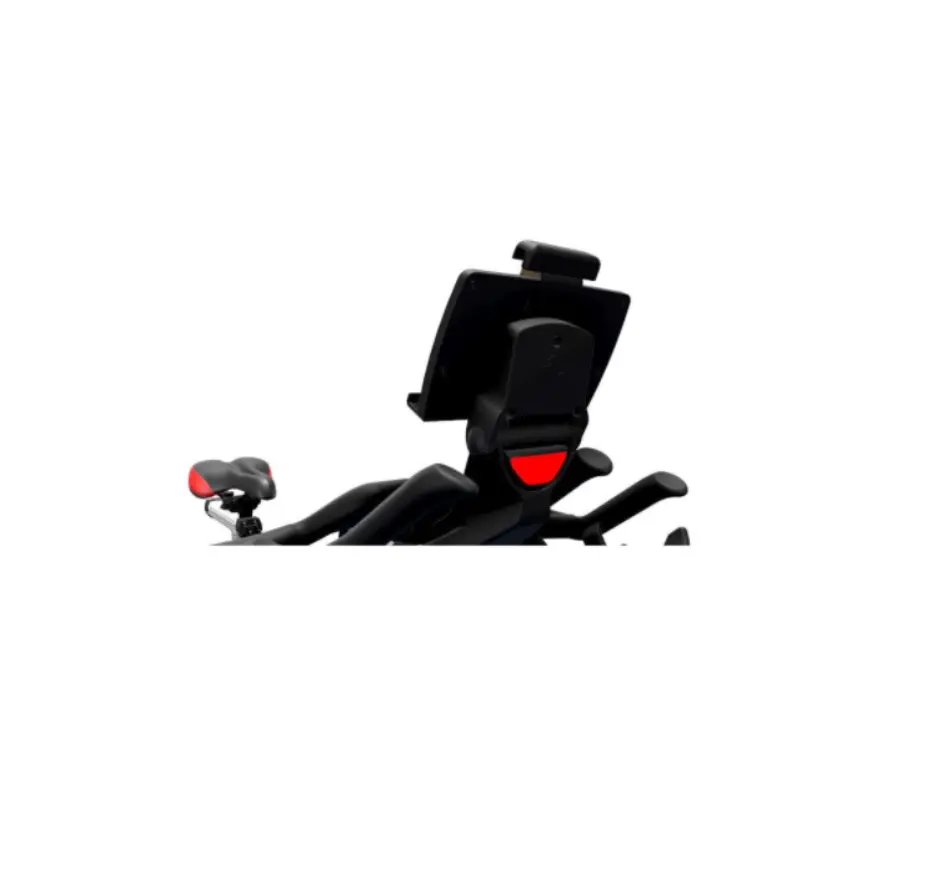
LifeFitness Universal Tablet Tray and Handlebar Bracket Installation Guide

| VI-BYOD-01 Installation | |
| Release Date: 08.05.2020 | Models Affected: VI-BYOD-01 | Service Document Prepared by: Oliver Duke SD- 86 |
| Prepared by: Oliver Duke | ||
| ☒ Assembly instructions | ☐ Installer Alert | ☐ Parts Manual |
| ☐ Service Bulletin | ☐ Service Manual | ☐ Software |
| ☐ Product information | ☐ Trouble Shooting |
| Part number | Description |
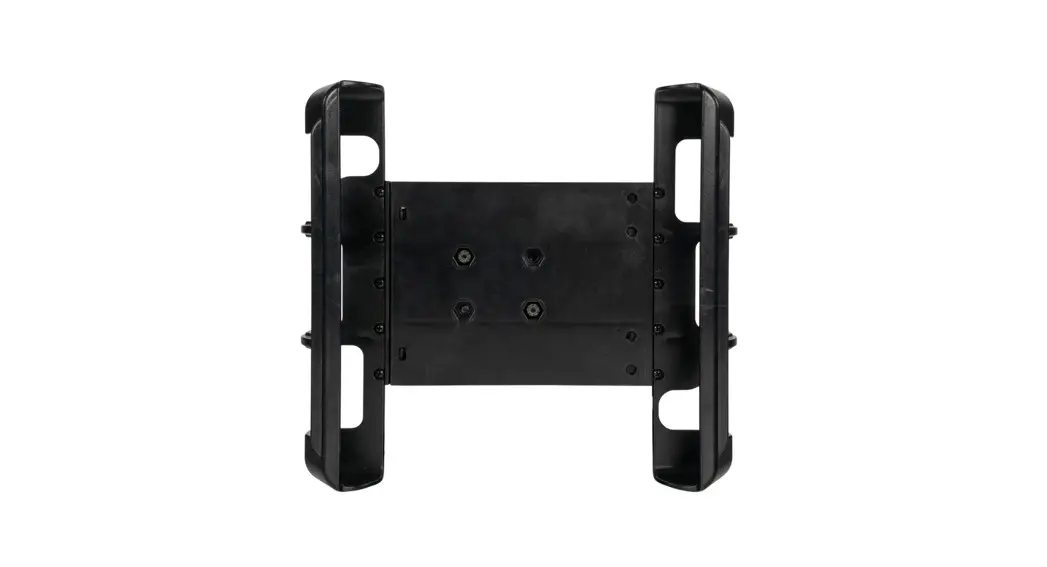
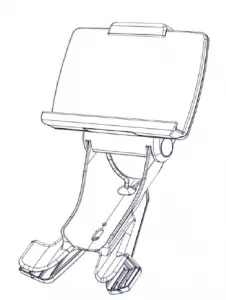
| VI-BYOD-01 | Universal tablet tray and handlebar bracket for IC567 |
Required tools: 2.5mm & 3mm Allen key
 | VI-BYOD-01 Installation | |
| Release Date: 08.05.2020 | Models Affected: VI-BYOD-01 | Service Document SD- 86 |
| Prepared by: Oliver Duke | ||
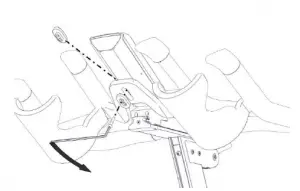
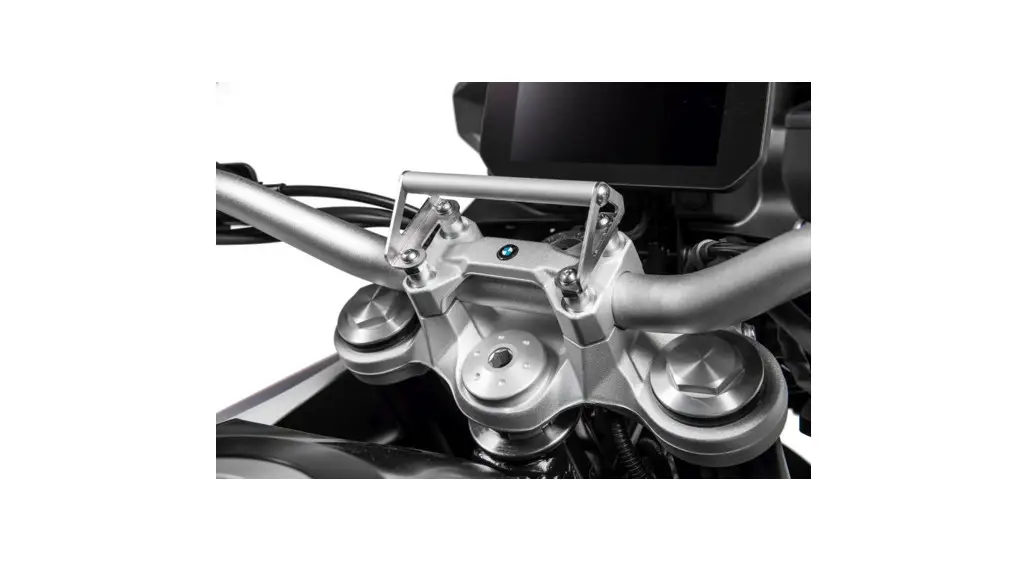
- Remove the bolt and both spacers between the handlebar and console with a 3 mm Allen key.

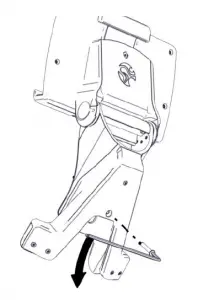
- Remove the bolt from the BYOD bracket with a 2.5mm Allen key. The bolt will be used to fix the bracket to the handlebar at a later point.

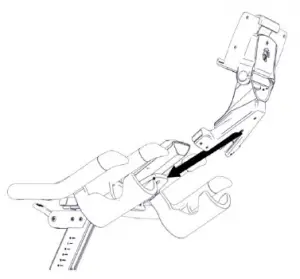
- Carefully slide the bracket on the handlebar.

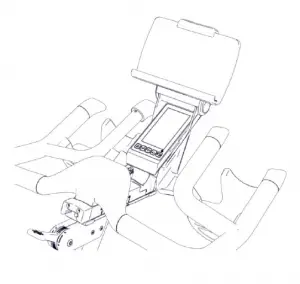
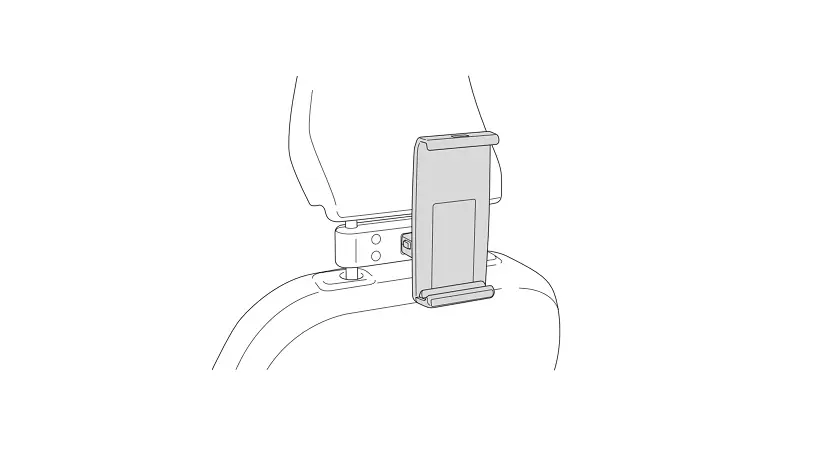
- The BYOD bracket will fit snuggly on the handle bar and over the console as depicted below


VI-BYOD-01 Installation Release Date: 08.05.2020 Models Affected:
VI-BYOD-01Service Document
SD- 86Prepared by: Oliver Duke - Hand tighten the bracket using the removed bolt from step 2 with a 2.5mm Allen key.

Assembly completed