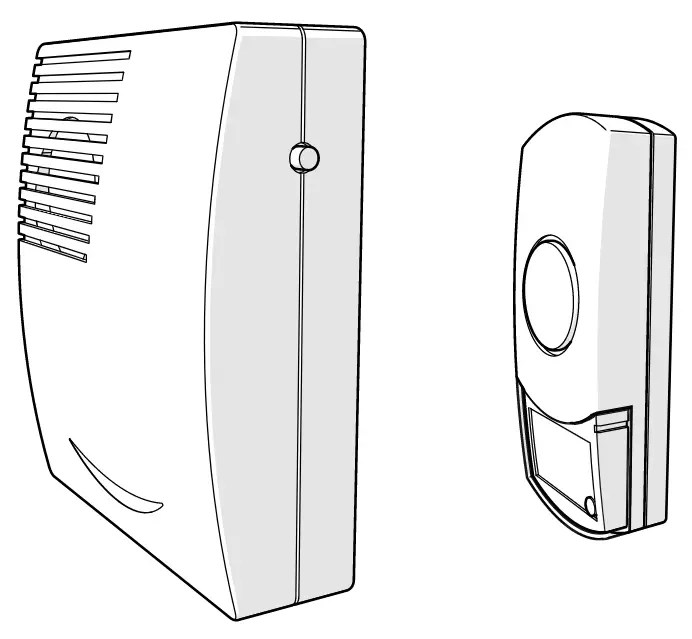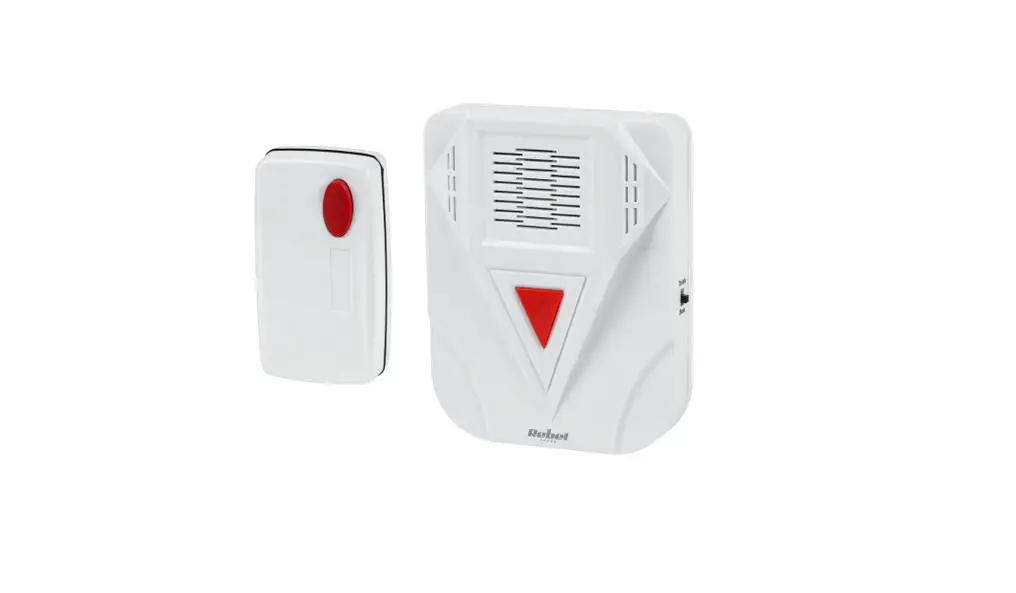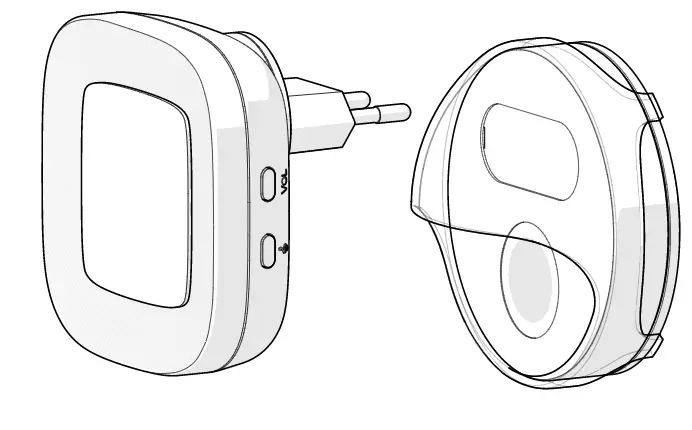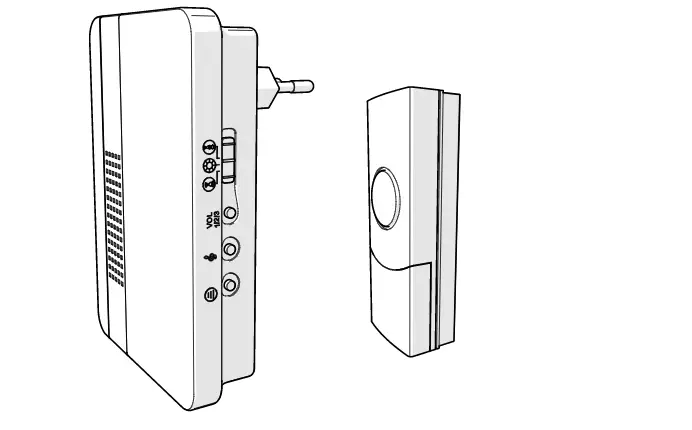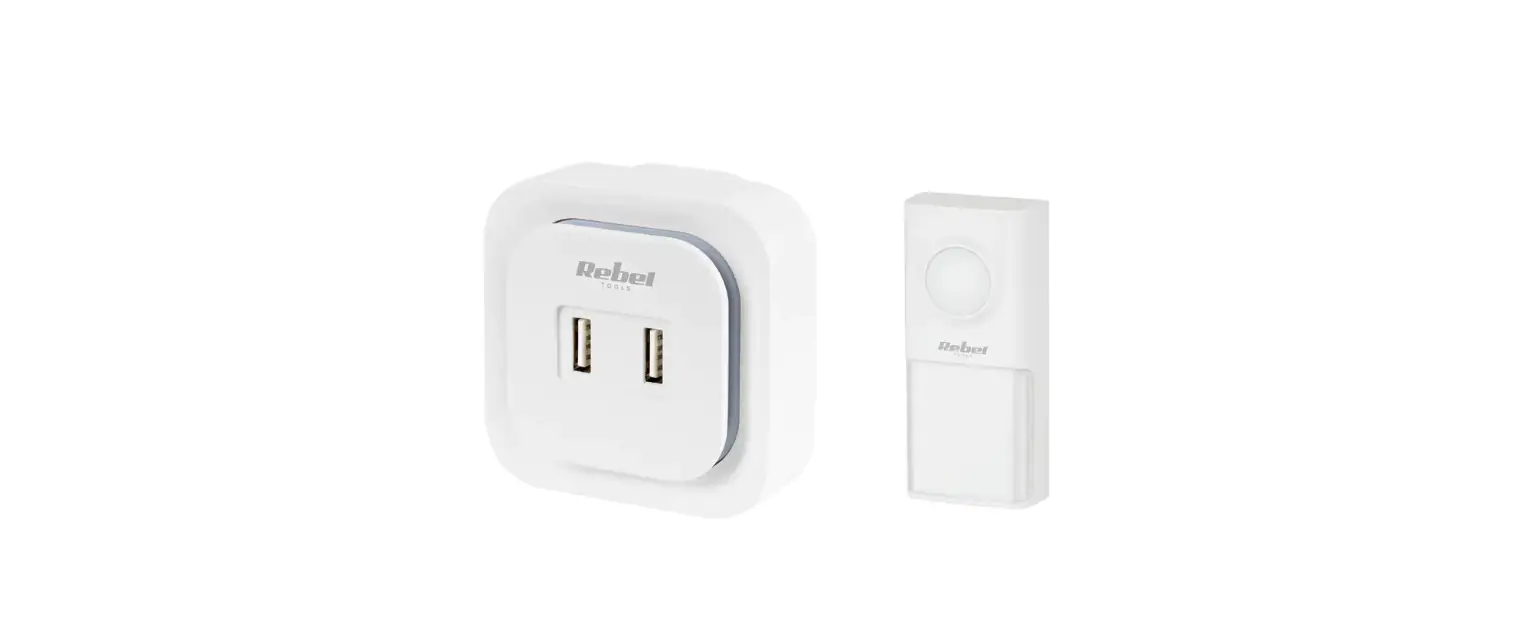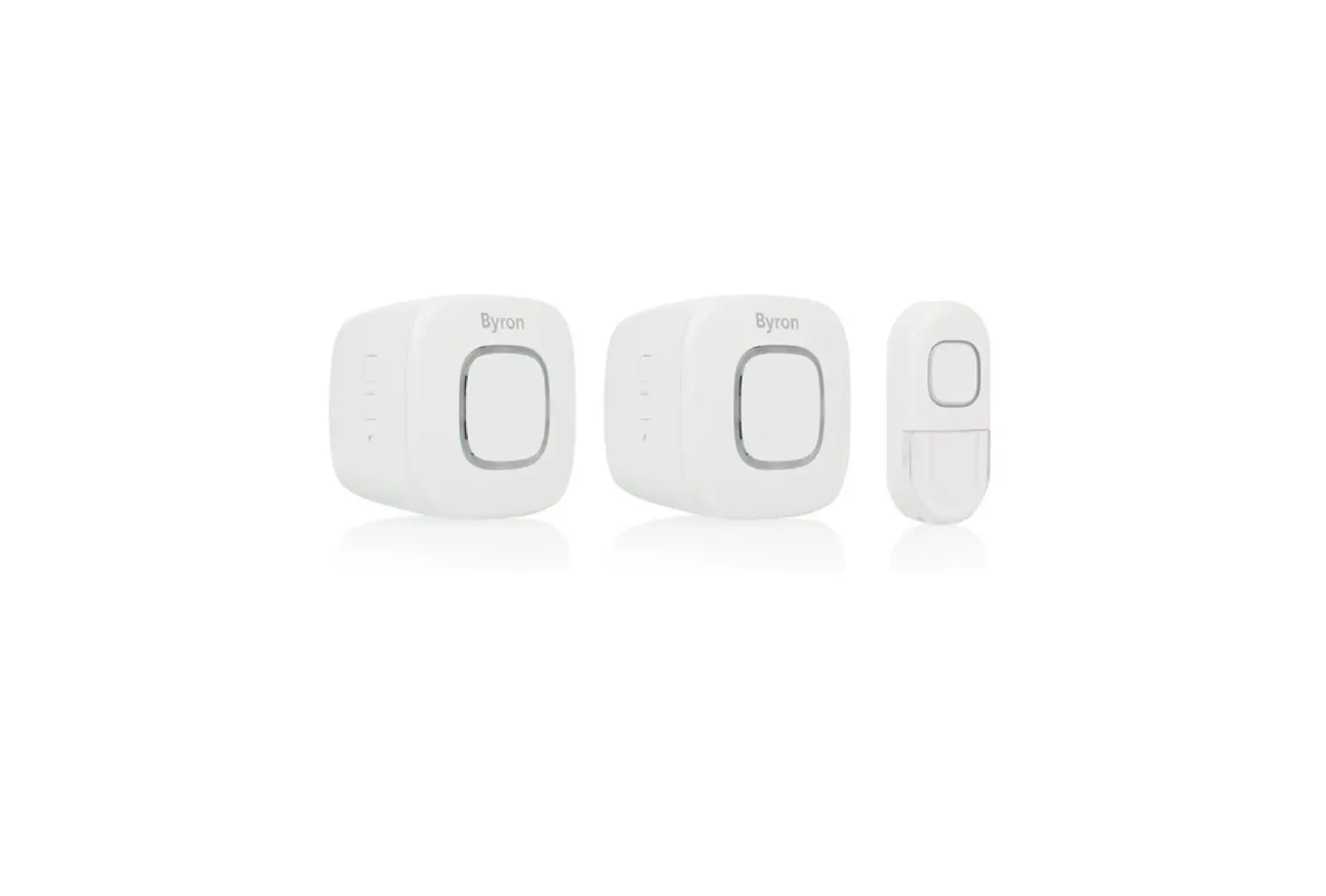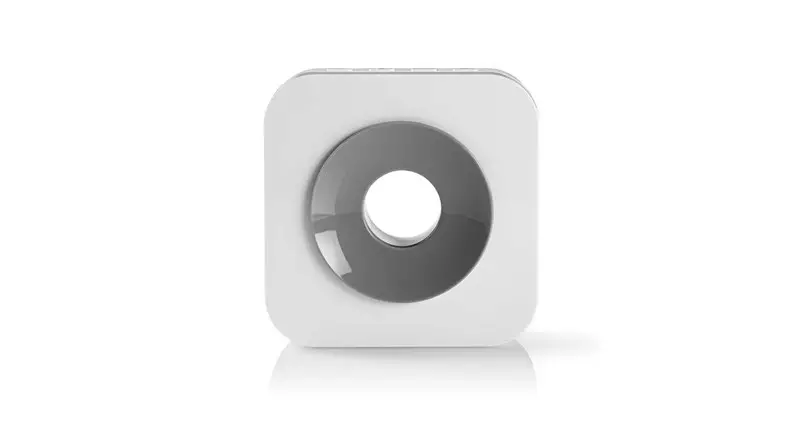

DOORB112WT
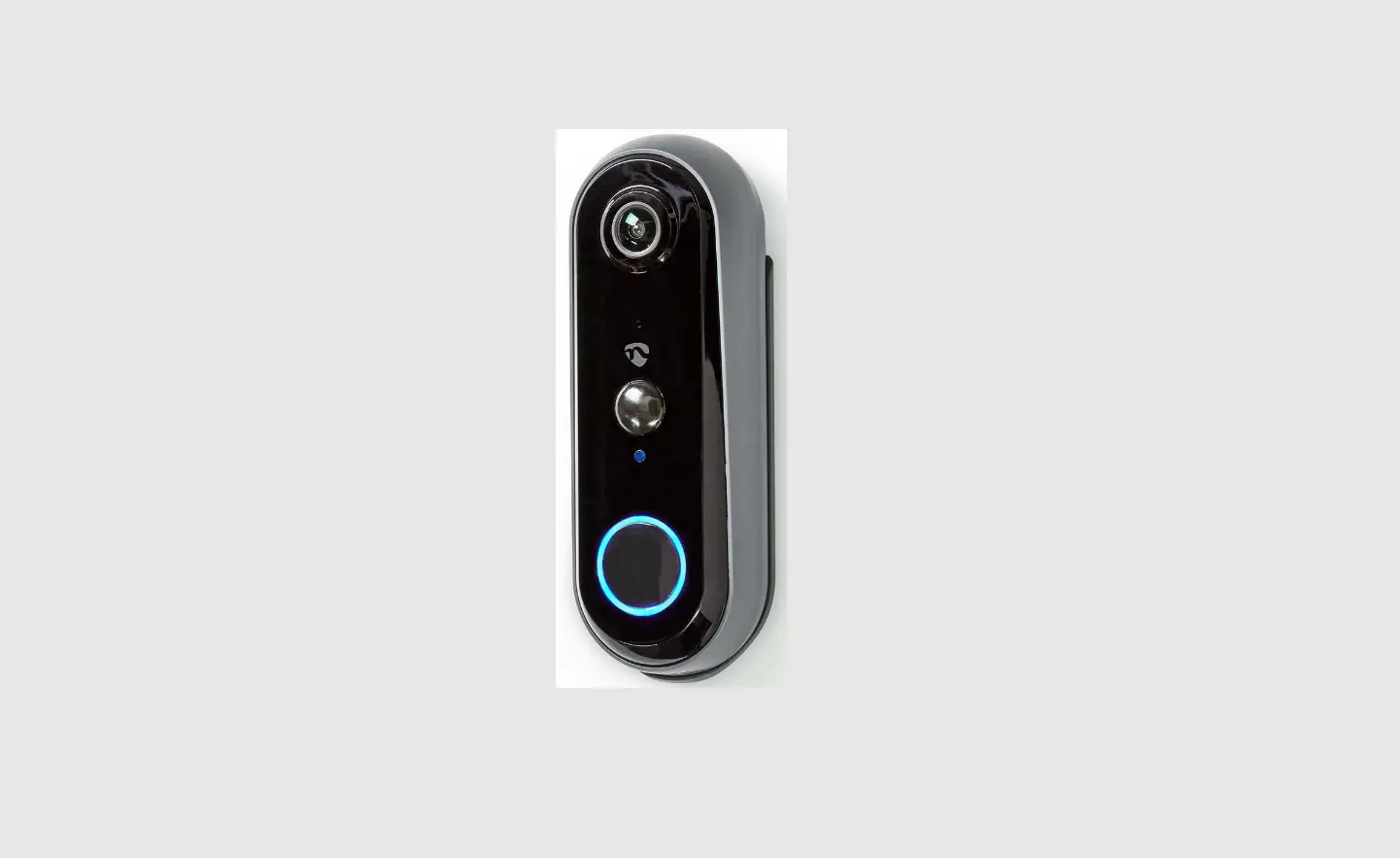
Wireless doorbell-Transmitter/Receiver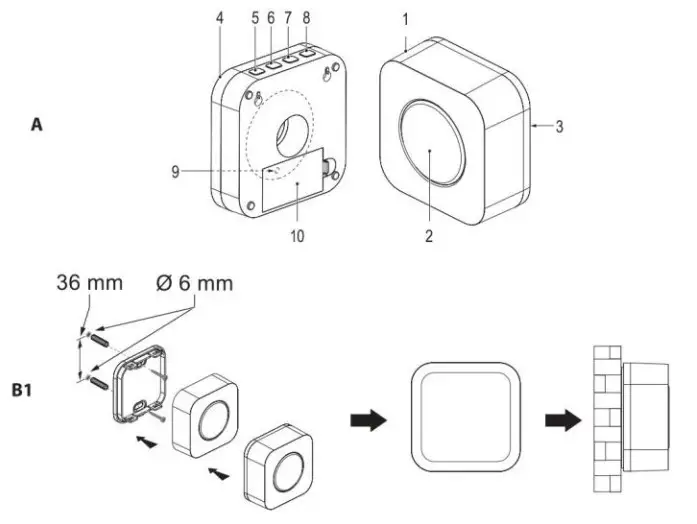
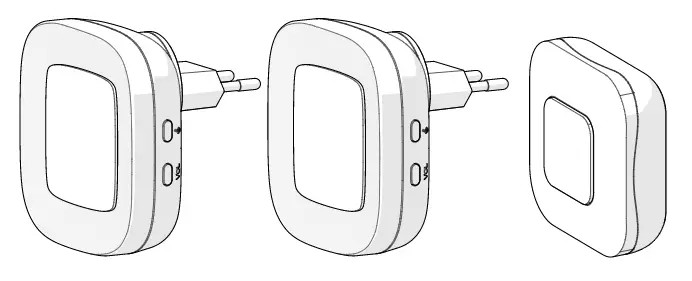
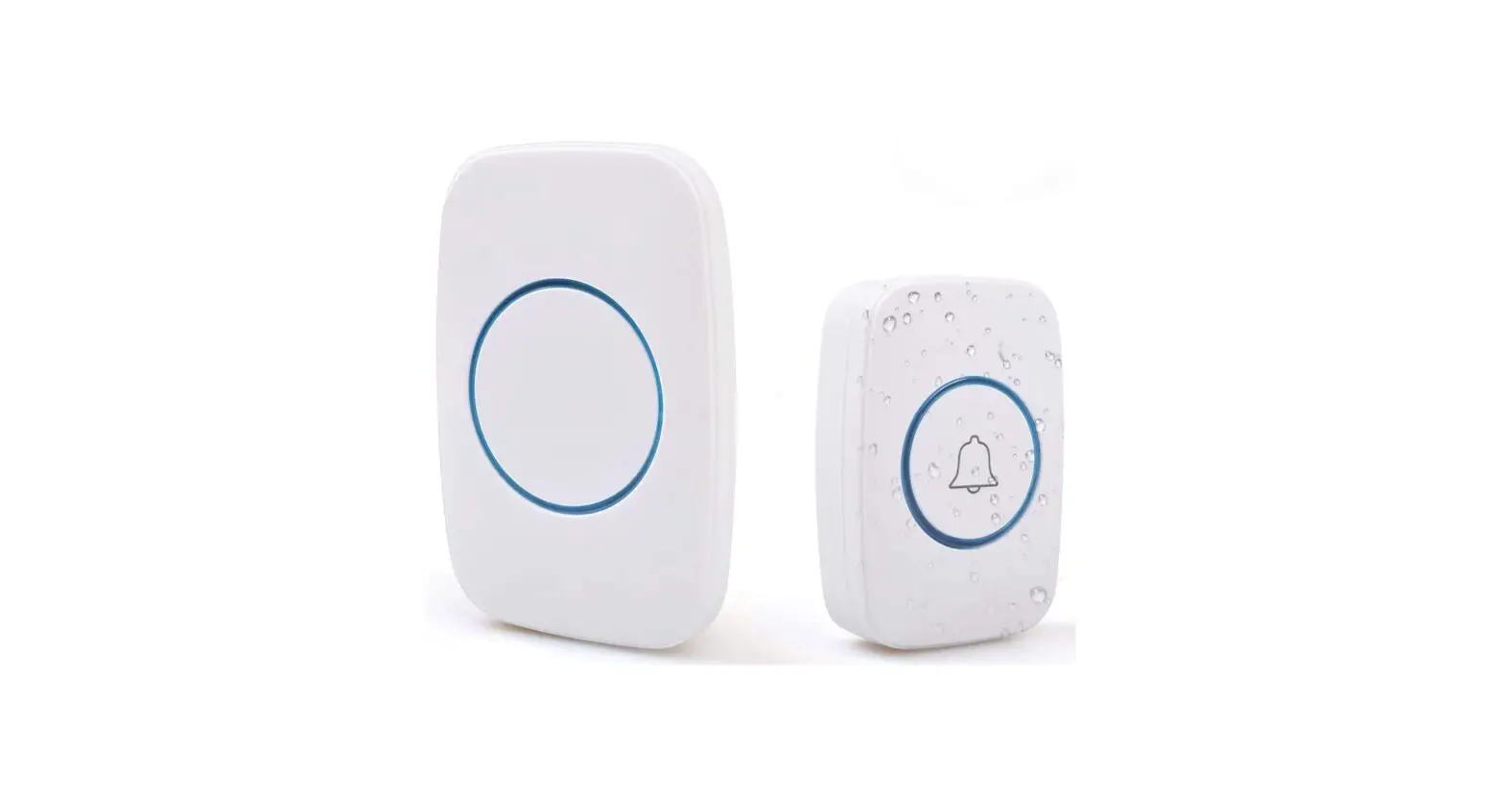
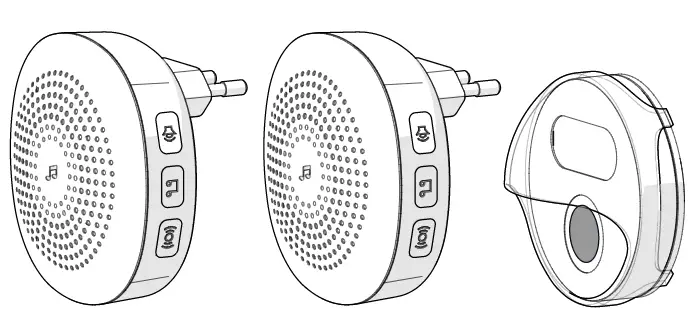
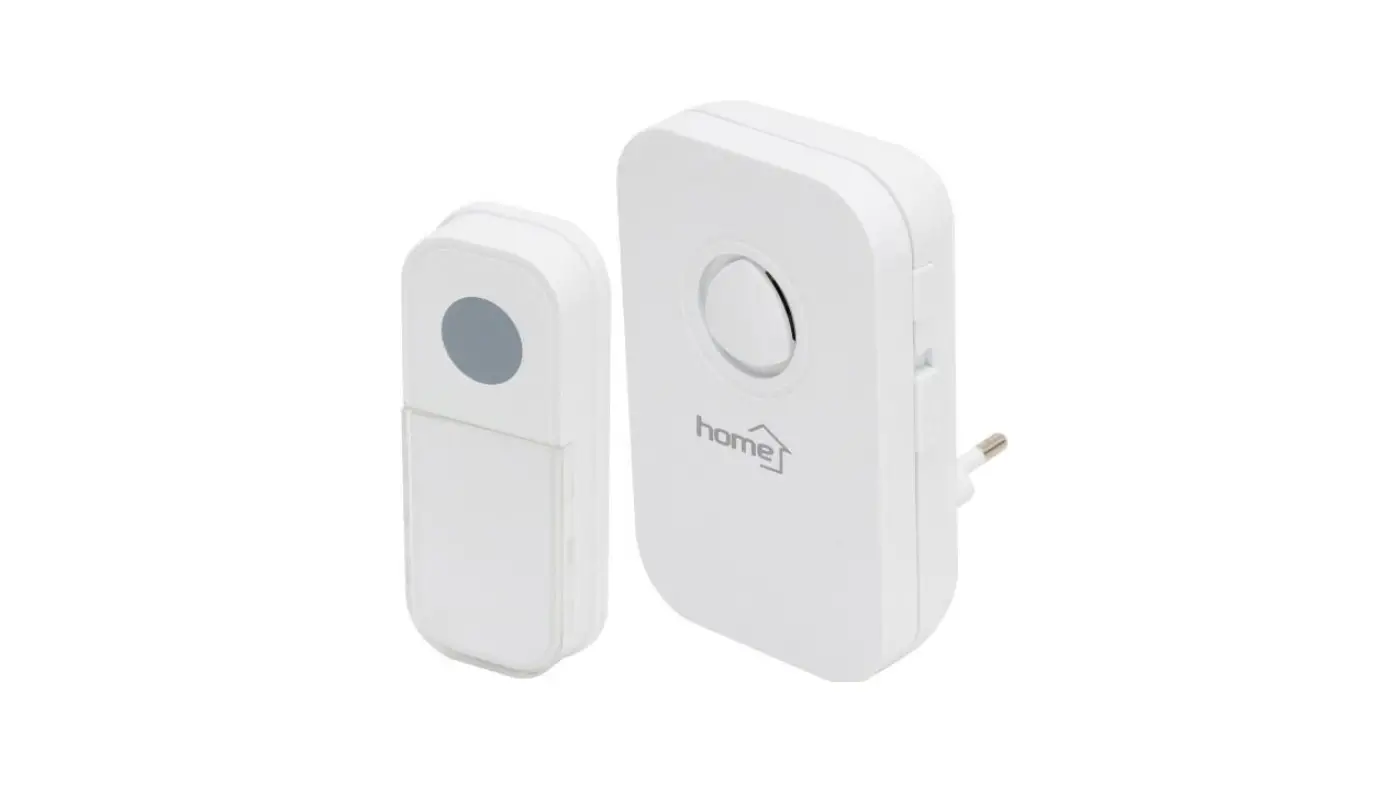
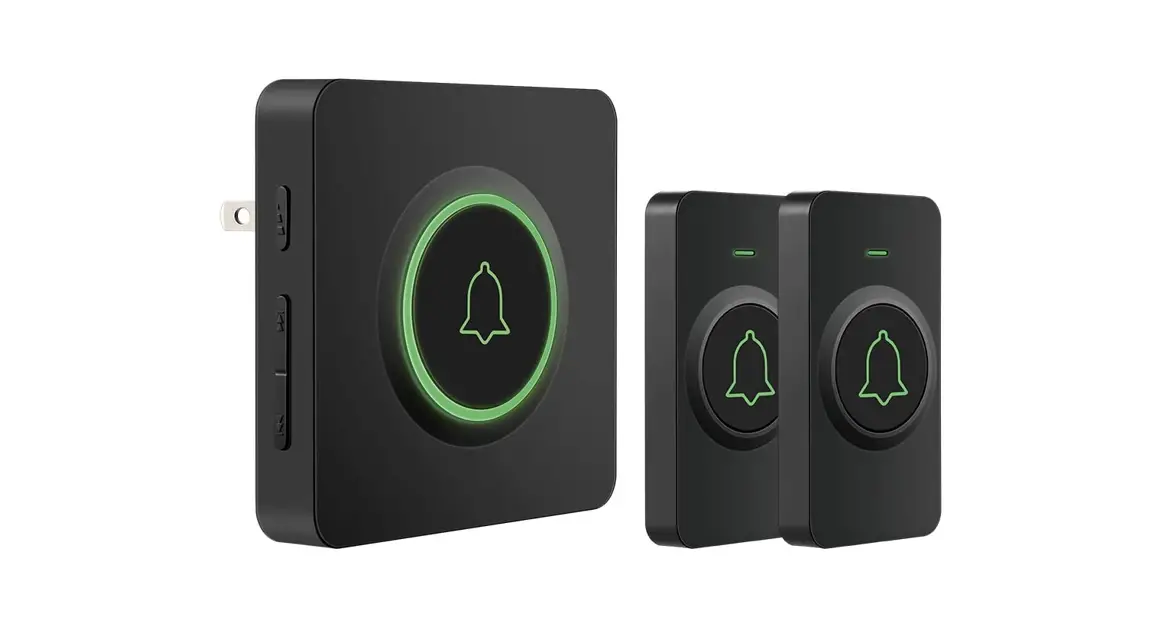
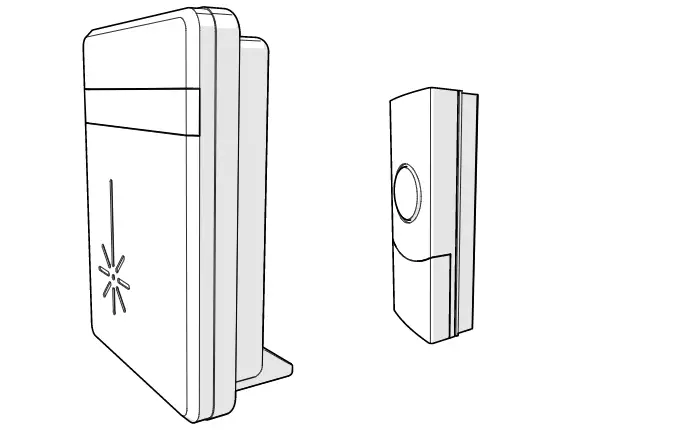
Description (fig. A)
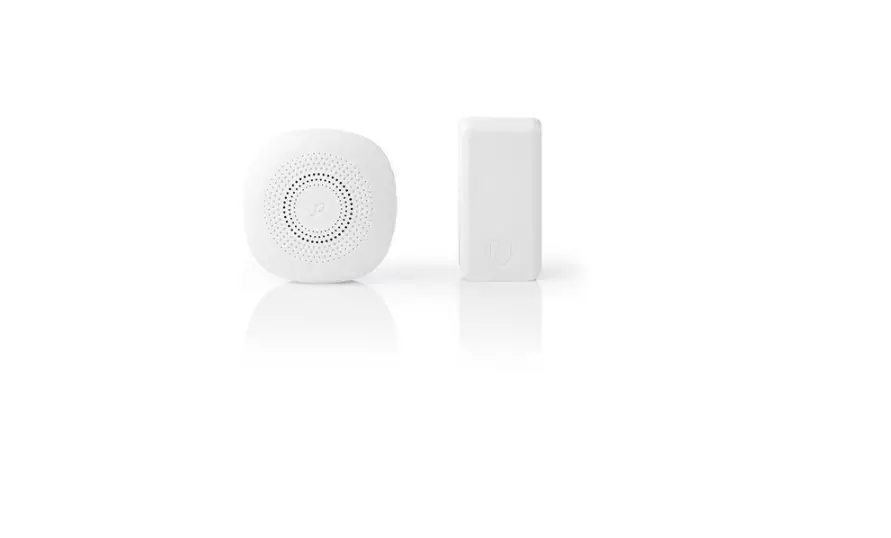
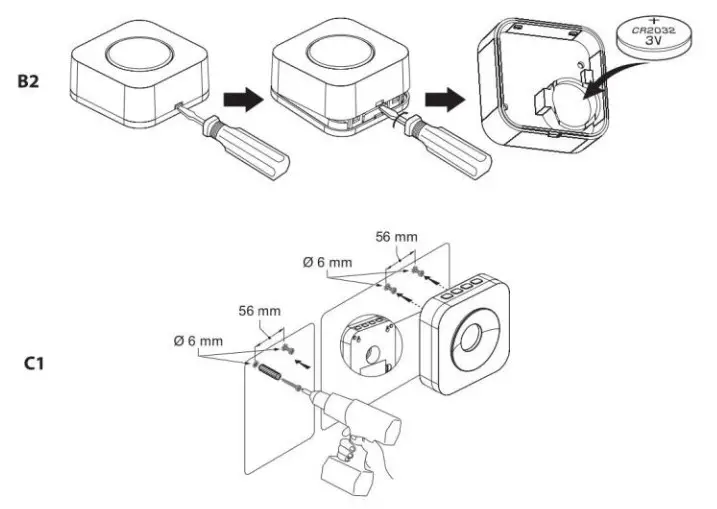
| 1. Transmitter | • Refer to the illustration (fig. 61) to install the transmitter. |
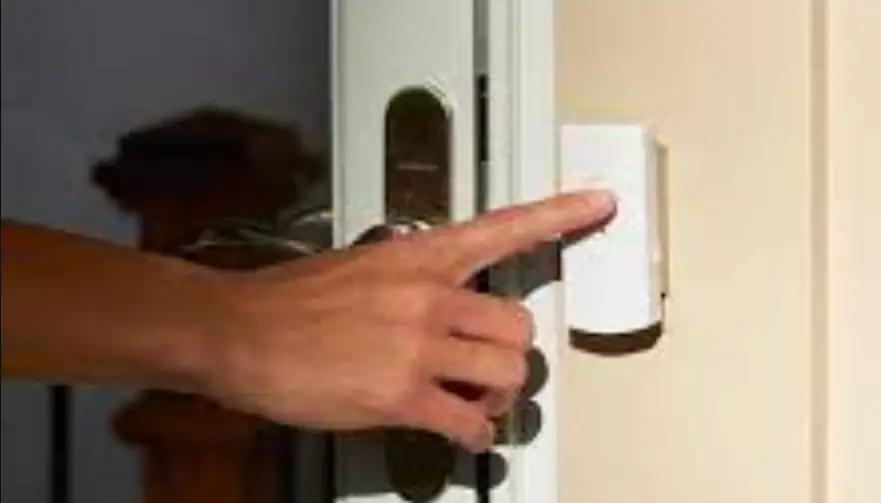
| 2. Doorbell button | |
| 3. Battery compartment | • Refer to the illustration (fig. 82) to install the battery. |
| 4. Receiver | • Refer to the illustration (fig. C1) to install the receiver. |
| 5. Volume button | • Press the button to set the volume. |
| 6. Melody selection button | • Press the button to select the melody (36 melodies). • To delete all the information from the receiver, press and hold the button for 5 seconds. |
| 7. Mode selection button | • Press the button to select the mode: (1) sound only / (2) flashing LED indicator only / (3) both sound and flashing LED indicator. |
| 8. Learning button | • To pair the receiver with the transmitter, press and hold the learning button for 2 seconds. If a beep sounds and the LED indicator comes on, press the doorbell button on the transmitter. The receiver will beep to indicate that the pairing is succesful. |
| 9. LED indicator | |
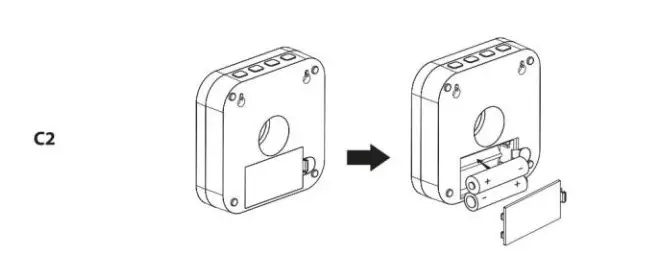
| 10. Battery compartment | • Refer to the Illustration (fig. C2) to install the batteries. |
Technical data
| Power supply | Transmitter. CR2032, 3 V DC (included) Receiver: AA, 1.5 V DC (2x) (not included) |
| Frequency | 433 MHz |
| Noise level | 90 dB (within 0.5 m) |
| Operating range | 150 m (line of sight) |
| Operating temperature | -30°C— +40°C |
| IP protection | Transmitter. IP44 |
| Dimensions (HxVVxD) | Transmitter 49 x 49 x 21 mm Receiver: 105 x 105 x 30 mm |
Safety
 To reduce risk of electric shock, this product should only be opened by an authorized technician when service is required.
- Disconnect the product from the mains and other equipment if a problem should occur.
- Read the manual carefully before use. Keep the manual for future reference.
- Only use the device for its intended purposes. Do not use the device for other purposes than described in the manual.
- Do not use the device if any part is damaged or defective. If the device is damaged or defective, replace the device immediately.
- Do not use the device outdoors. The device is suitable for indoor use only.
- Do not expose the device to high temperatures.
- Do not expose the device to direct sunlight.
- Do not use the device in locations with high humidity, such as bathrooms and swimming pools.
- Do not install the device in areas where interference can be caused by other devices.
- Do not touch the device with wet hands.
 To reduce risk of electric shock, this product should only be opened by an authorized technician when service is required.
Cleaning and maintenance
Warning!
- Do not clean the inside of the device.
- Do not use cleaning solvents or abrasives.
- Do not attempt to repair the device. If the device does not operate correctly, replace it with a new device.
- Clean the outside of the device using a soft, damp cloth.