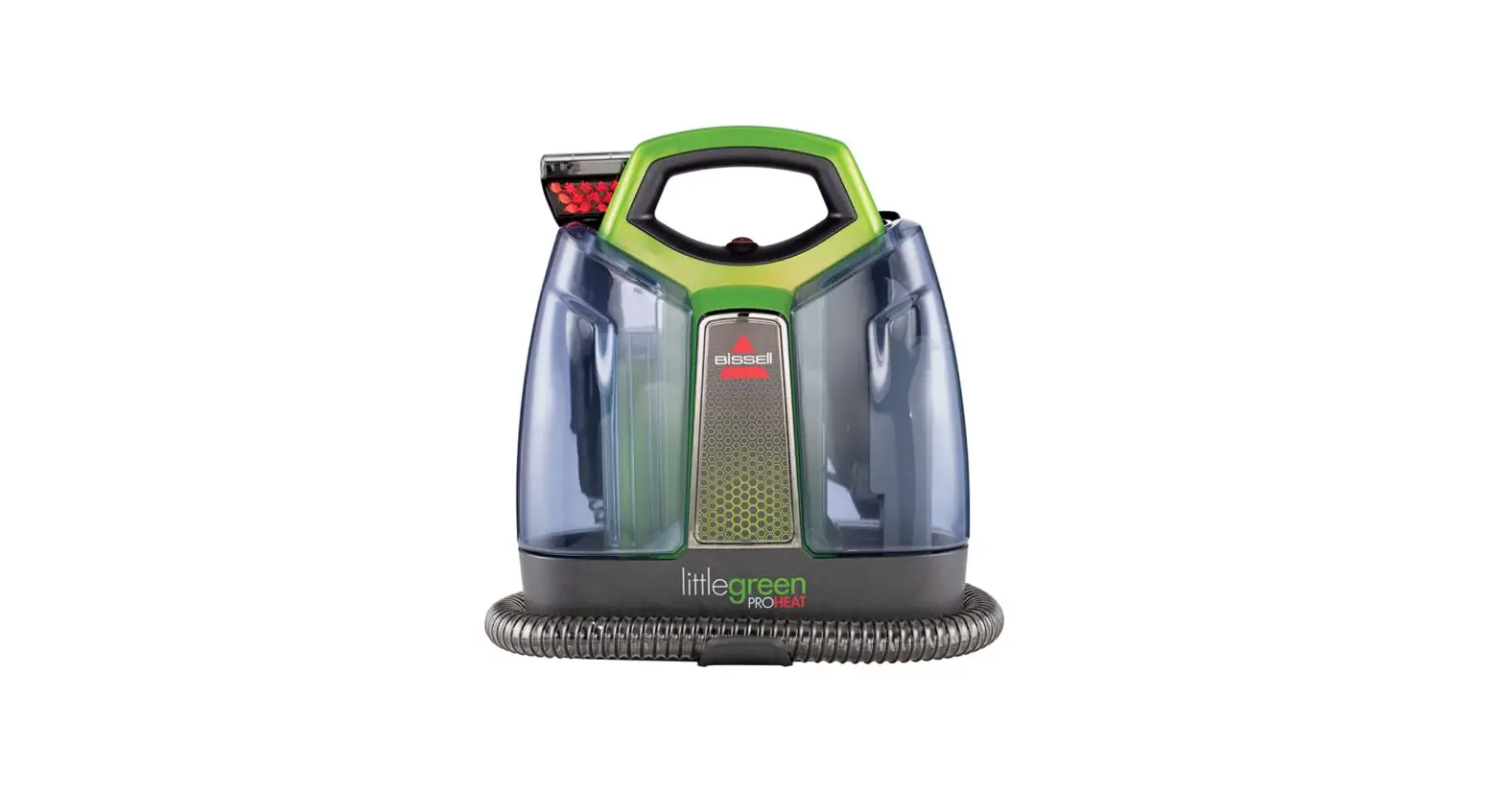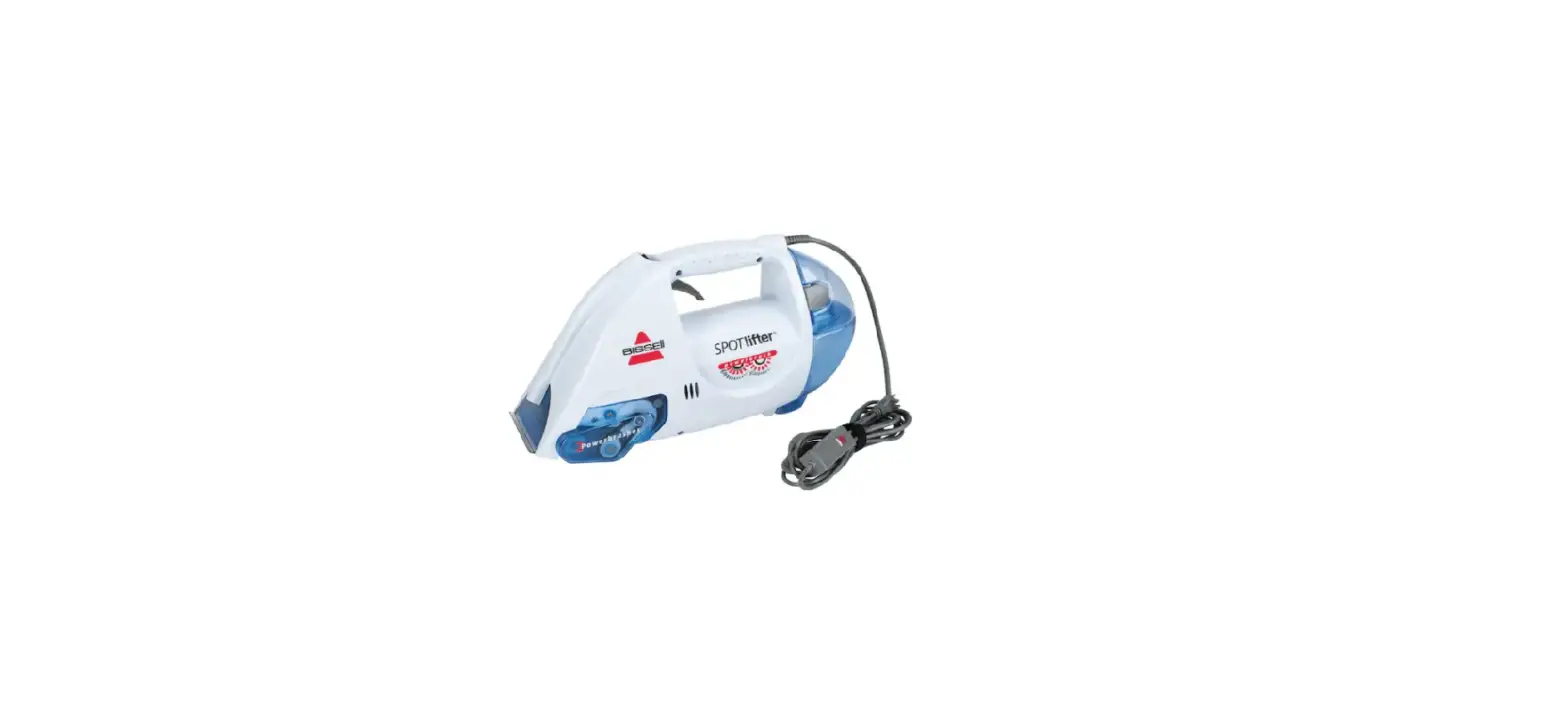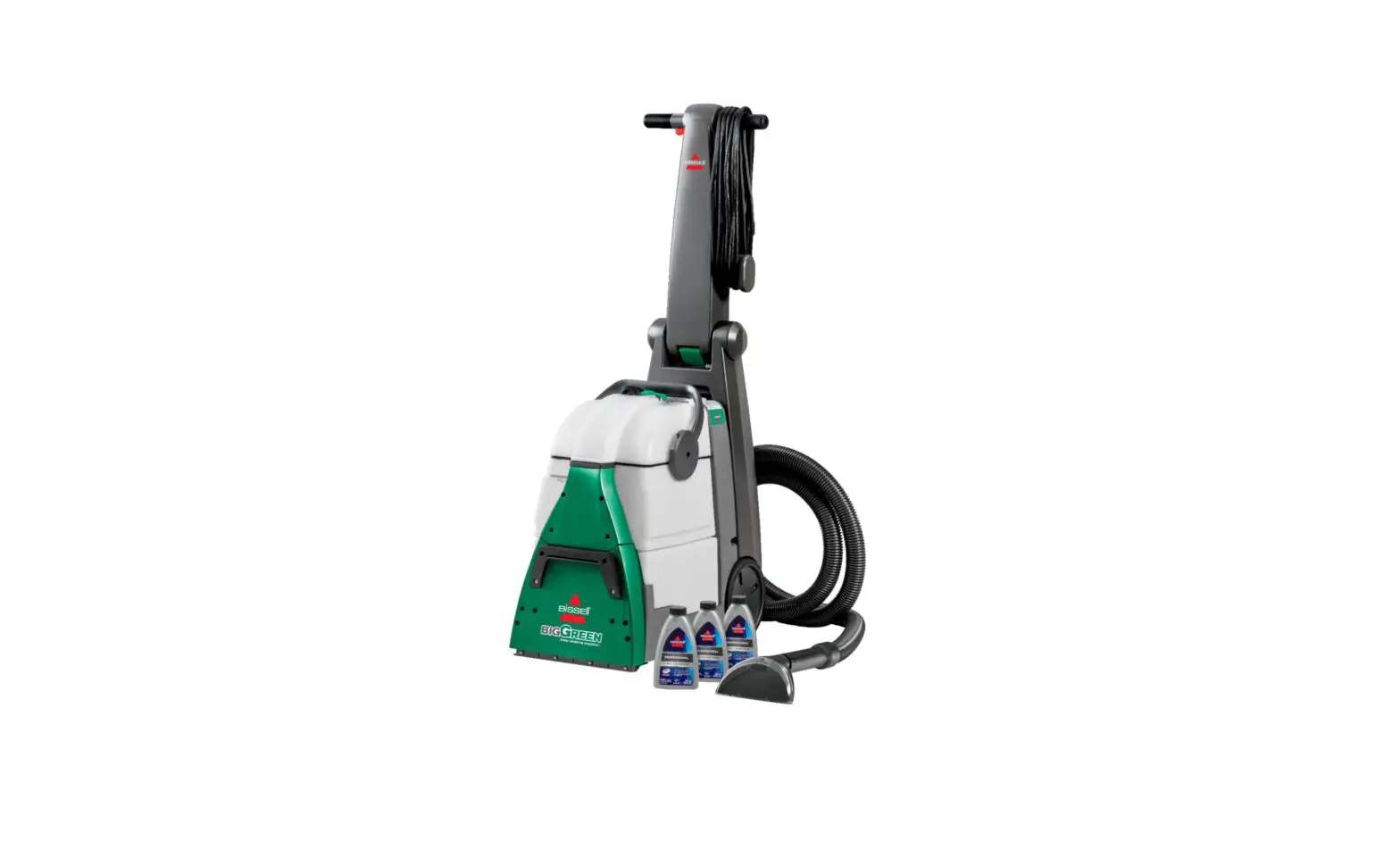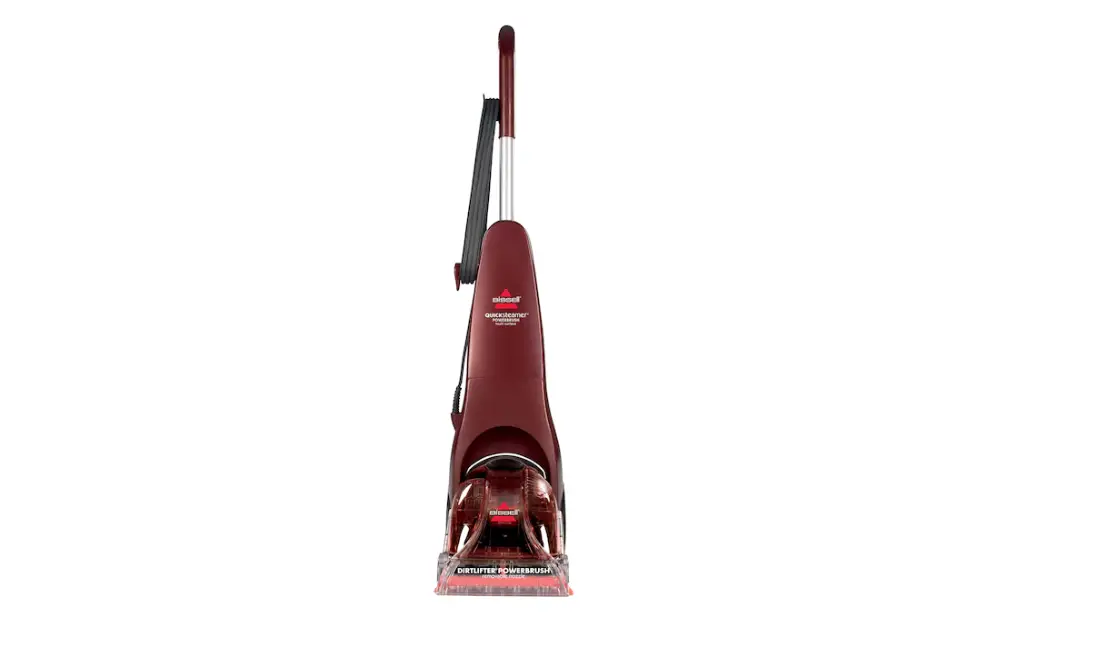
If you are experiencing No/Low Spray, follow these steps to resolve:
- Is your machine spraying solution?
- Yes > Turn machine off and unplug
- No > Go to Not Mixing Solution
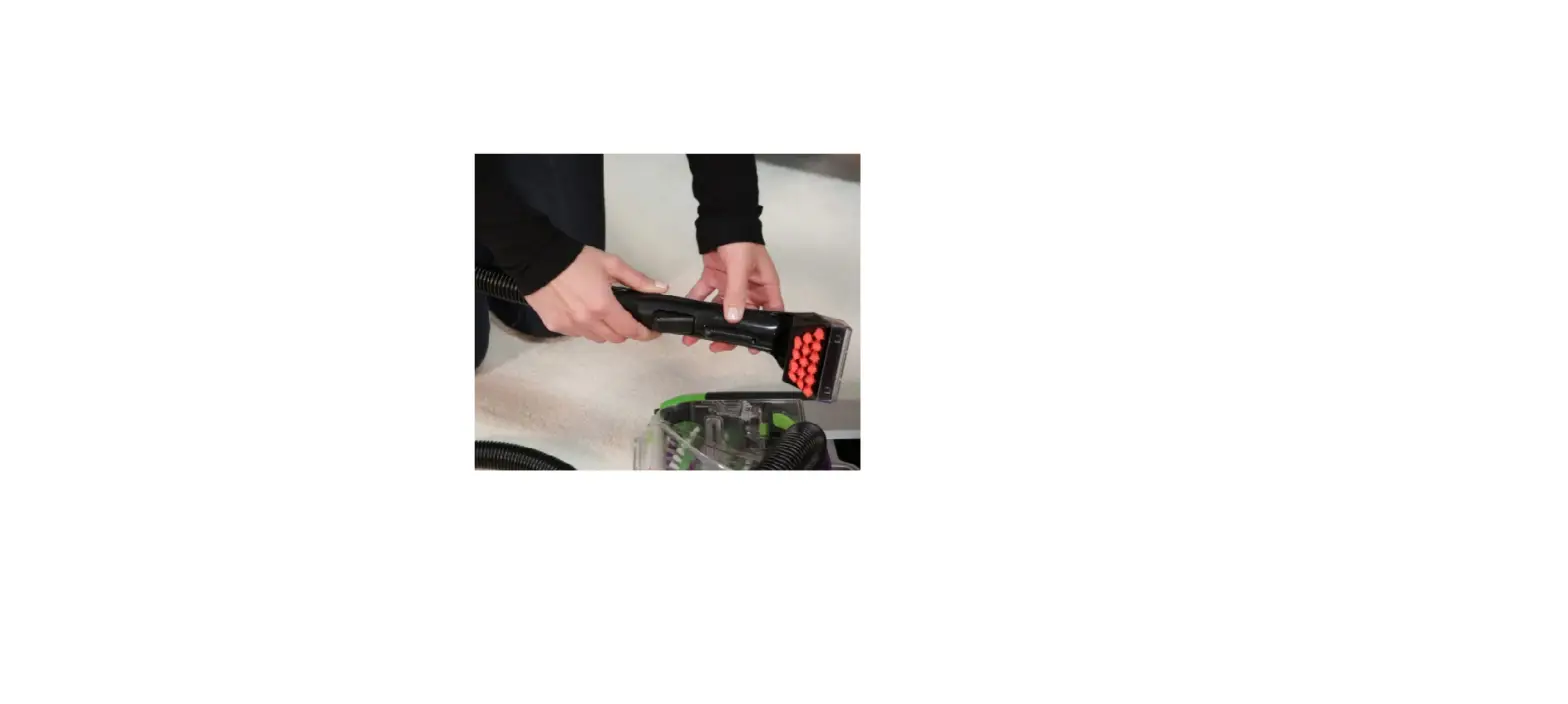
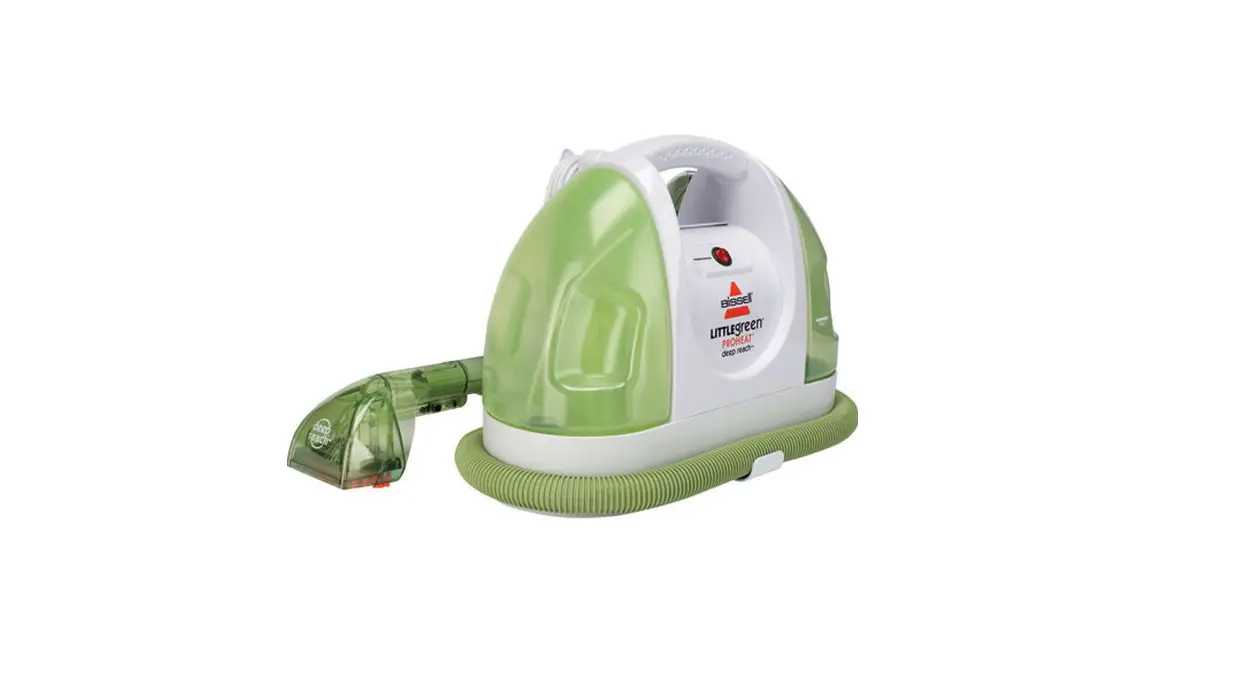
- Unwrap the upholstery hose and remove the brush from the end of the hose
- Turn the machine on and press and hold the brush trigger
- Does the machine spray?
- Yes > Go to cleaning the flow indicator below
- No > Turn off and unplug the machine
- Does the machine spray?
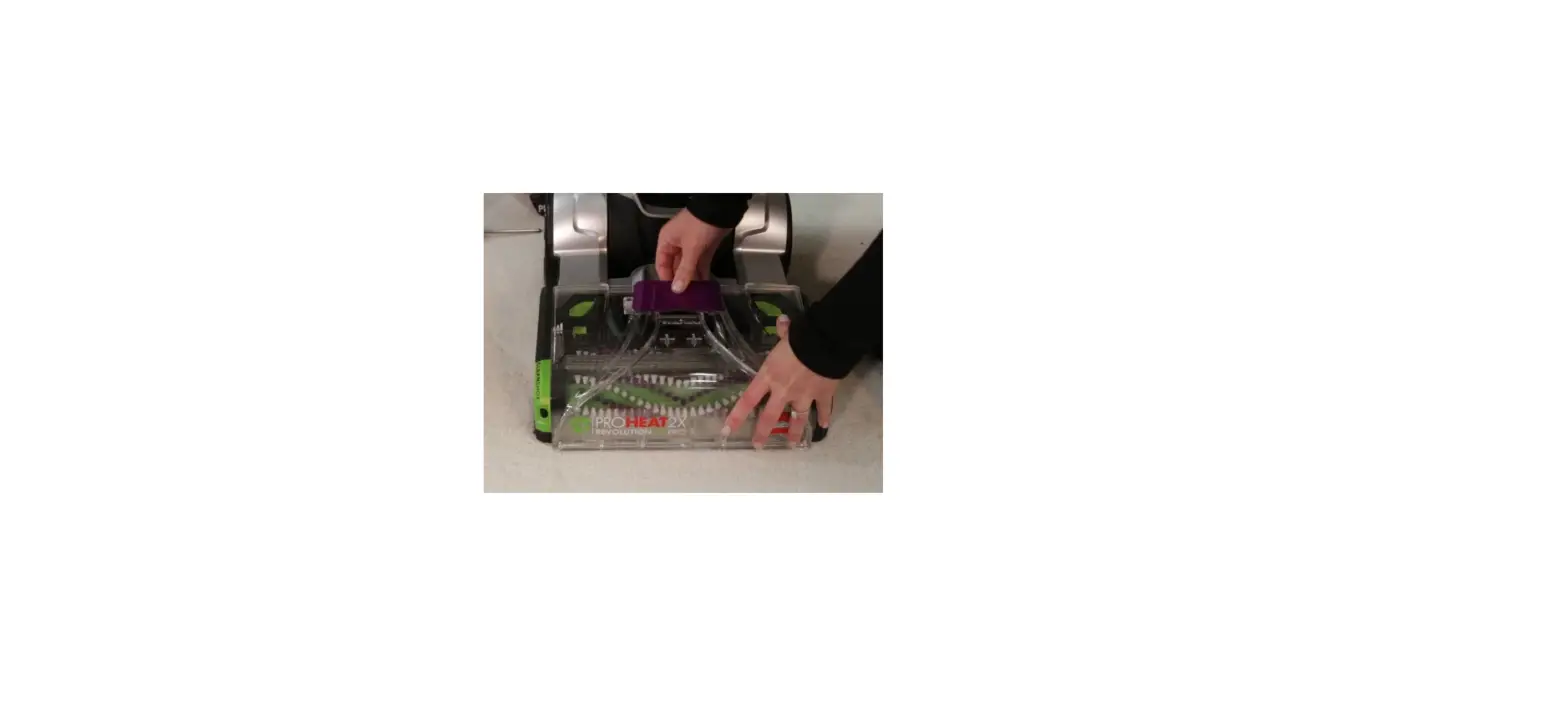
- Clean the spray tip with a paperclip
- With the cleaner off, press and release the trigger on the hose 10 times to prime the pump
- Turn the cleaner on and press and hold the trigger for 30 seconds or until it sprays
- Does the machine spray?
- Yes > Remove water tank and solution tank
- No > Is your brush turning?
- Yes > Remove water tank and solution tank
- No > Go to Brush Not Turning
- Does the machine spray?
- Check red gaskets on both water tanks to verify they’re in place and not suck in the receiver or misshaped
- Cleaning the flow indicator
- Unscrew the flow indicator and clean the white filter and spindle
- Pour a small amount of water through the open indicator and check to see if it pours out from the bottom
- Does water pour out from the bottom?
- Yes > Visit a BISSELL Authorized Service Center or Contact Us
- No > Test for spray
- Is there spray?
- Yes > Great! Glad we could get you back to cleaning!
- No > Go to No Spray to the Foot
- Is there spray?
- Does water pour out from the bottom?