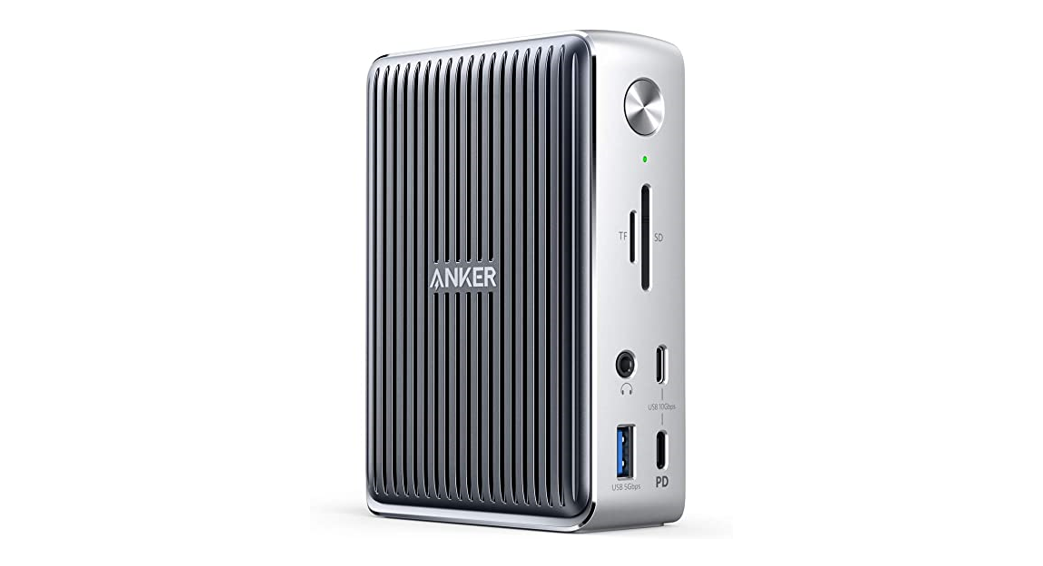

Welcome Guide
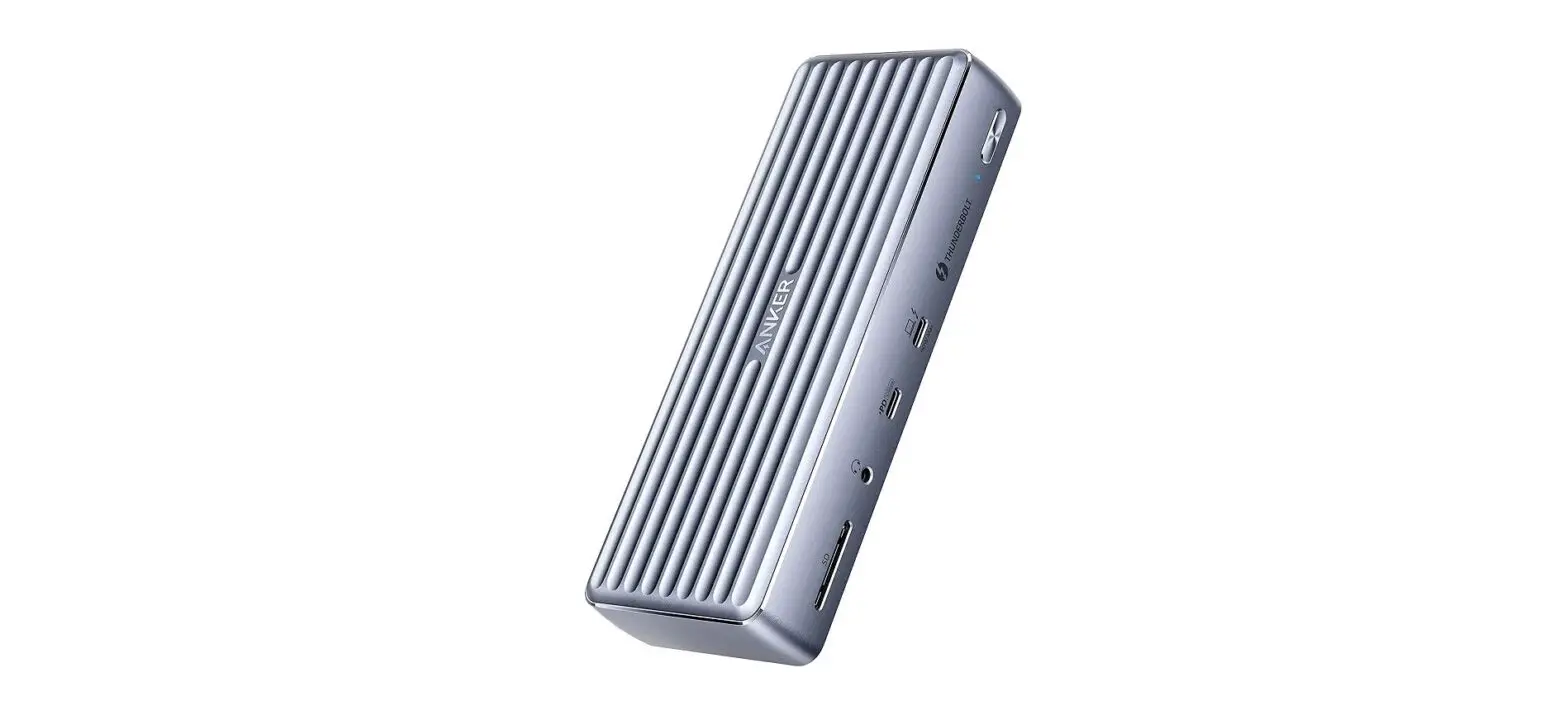
PowerExpand Elite 13-in-1 Thunderbolt’ 3 Dock
User Vanual
For FAQs and more information, please visit: anker.com/support @Anker
@Anker Japan
@Anker Deutschland @AnkerOfficia I
 @Anker_JP
@Anker
Product Number: A8396
PowerExpand Elite 13-in-1 Thunderbolt”‘ 3 Dock
51005002186 V03
The logo means PLEASE REFER TO THE MANUAL FOR THE SPECIFICATION OF ALL OUTPUTS.
Accessory information: Adapter: CHICONY POWER TECHNOLOGY CO LTD, type A15-180P1A.
Important Safet Instructions
• Avoid dropping.
• Do not disassemble.
• Do not expose to liquids.
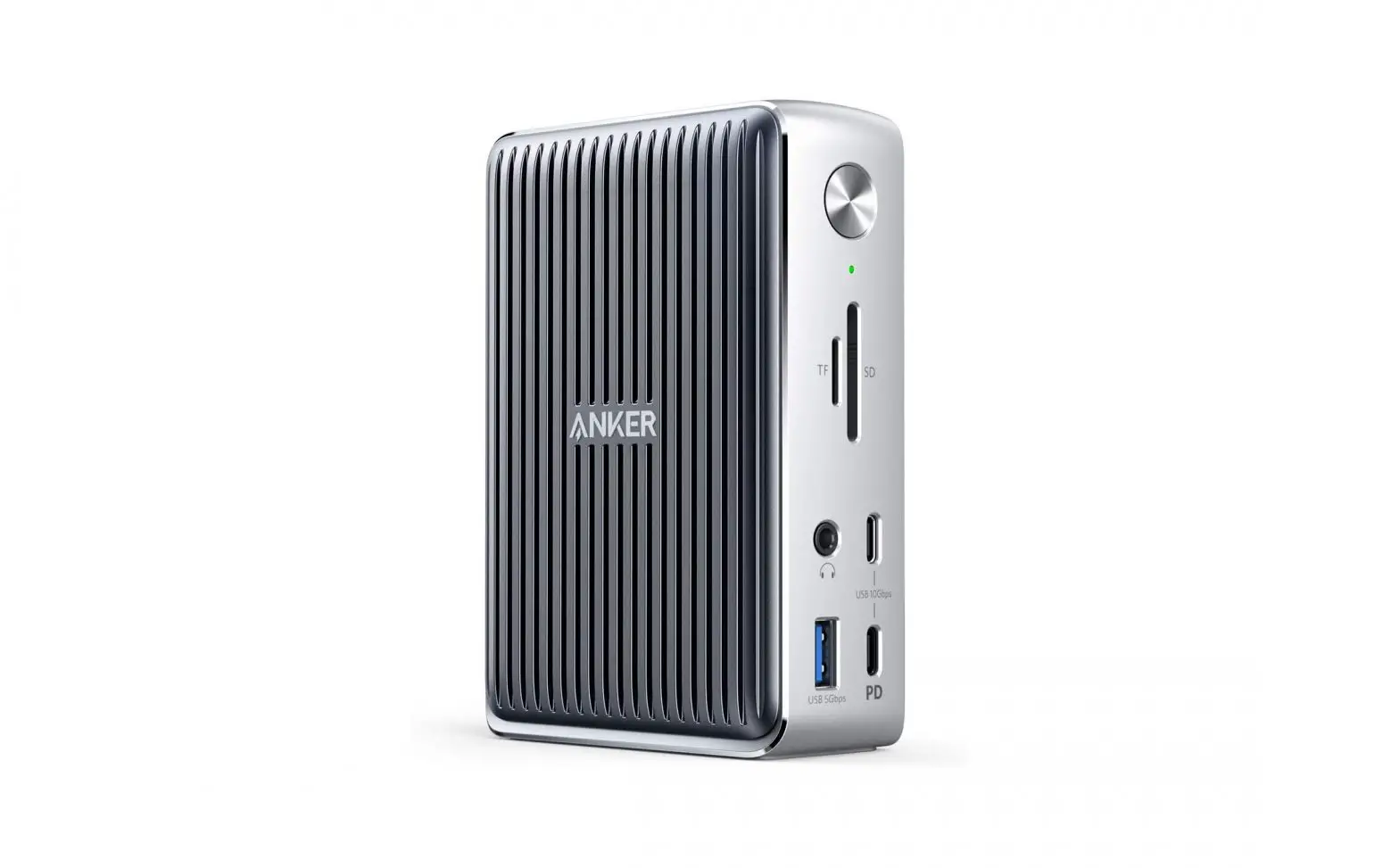
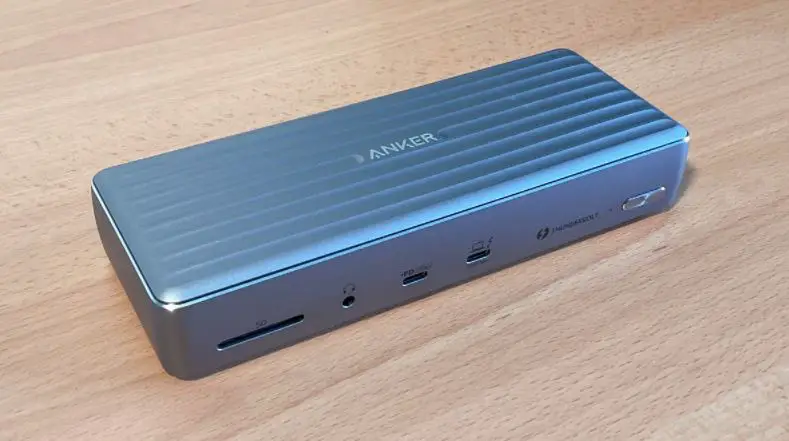
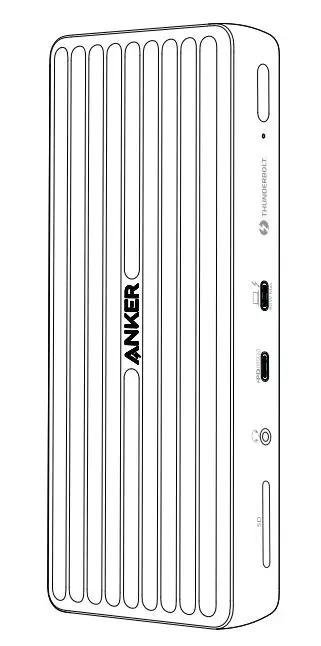
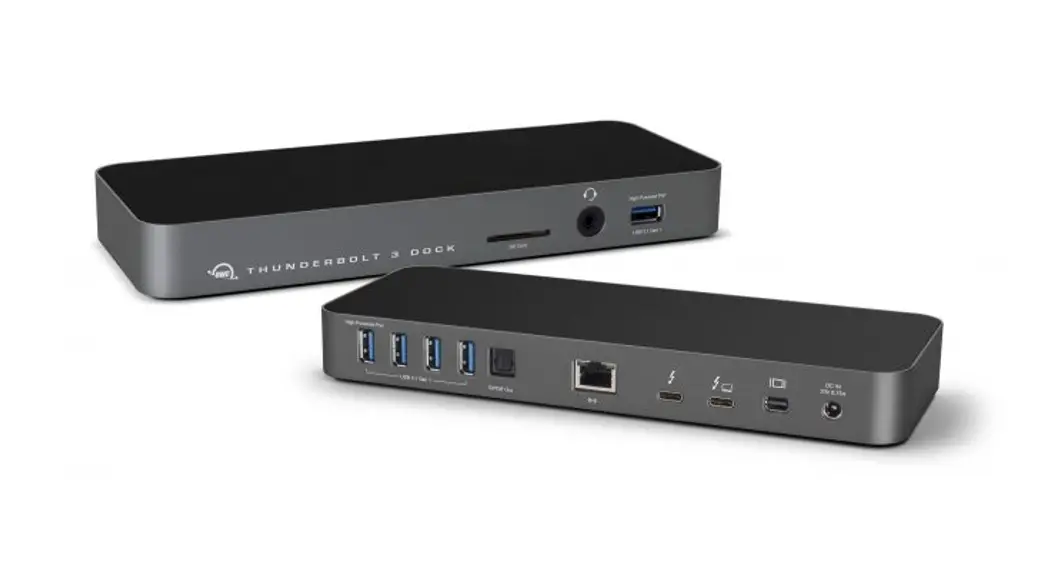
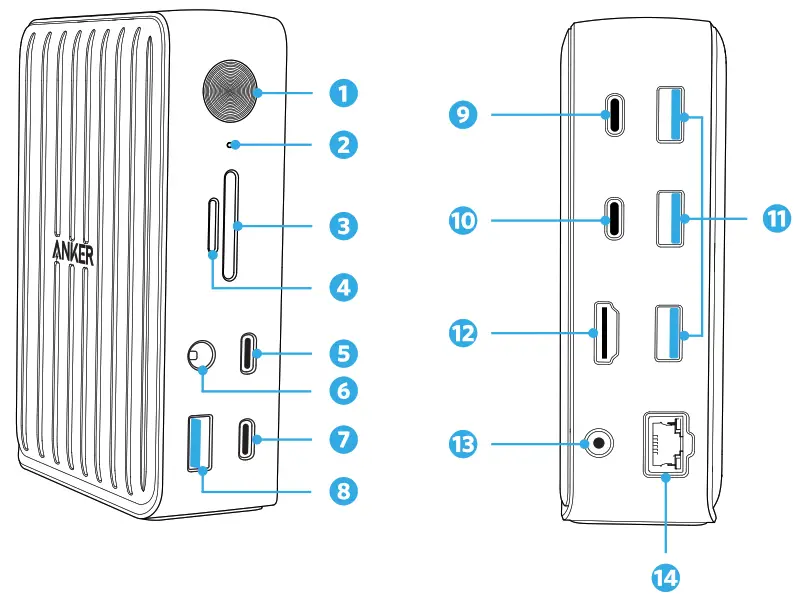
At a Glance
• For the safest and fastest charge, use original or certified cables.
• This product is suitable for moderate climates only.
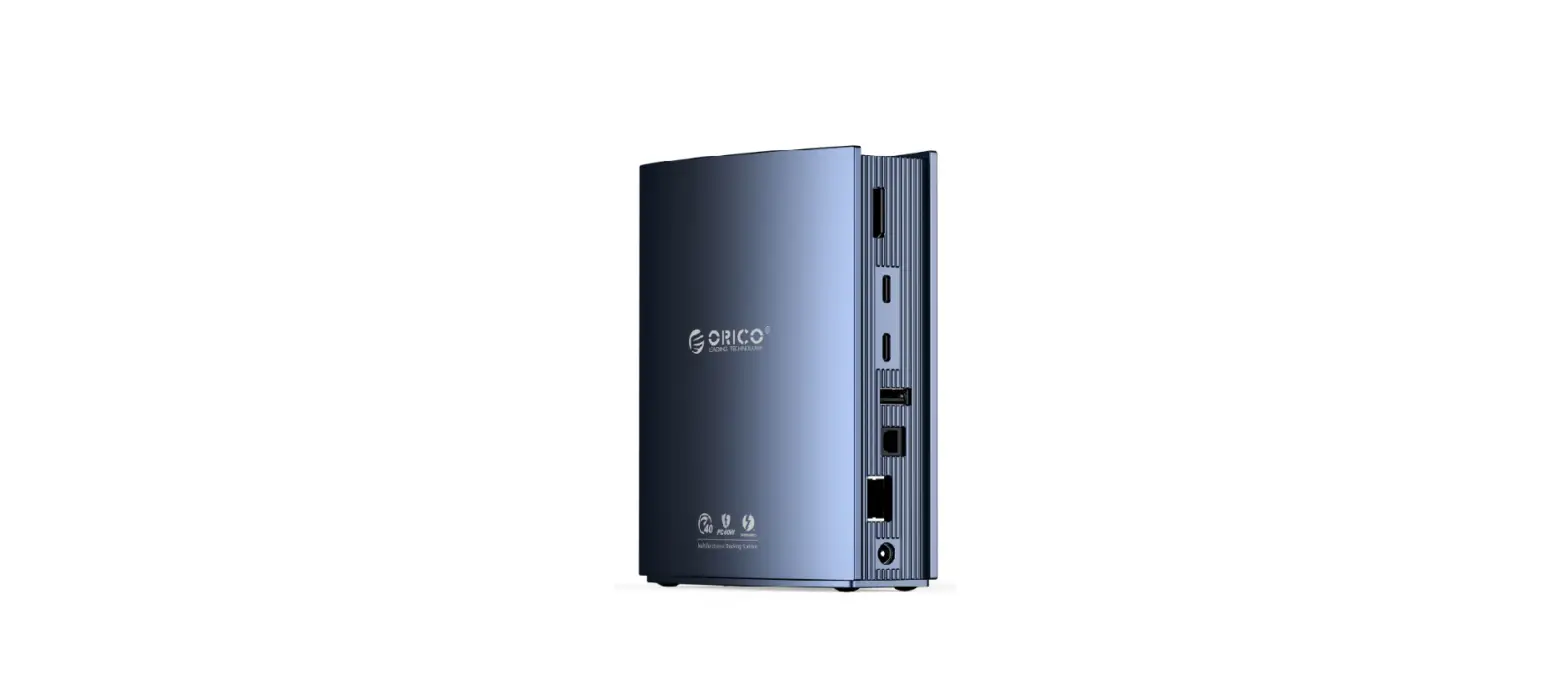
| Item | Description |
| 1.Power Button | Press to power on or off |
| 2.LED Indicator | Green: Powered on Blue: Thunderbolt cable is connected |
| 3.SD 4.0 Card Slot | Insert an SD 4.0 card to copy files to and from your device |
| 4.microSD Card Slot | Insert a microSD card to copy files to and from your device |
| 5.USB-C port | •Connect to a USB-C device to support data transfer at speeds up to 10 Gb/s •5V/0.9A |
| 6.Audio Jack | Connect to earphones or other devices with a 3.5 mm connector |
| 7.USB-C port | •Connect to a USB-C device to support data transfer at speeds up to 10 Gb/s •Compatible with Power Delivery 3.0 & Quick Charge 4.0 •5V/3A, 9V/2A |
| 8. USB-A Port | •Connect to a USB-A device to support data transfer at speeds up to 5 Gb/s •5V/1.5A |
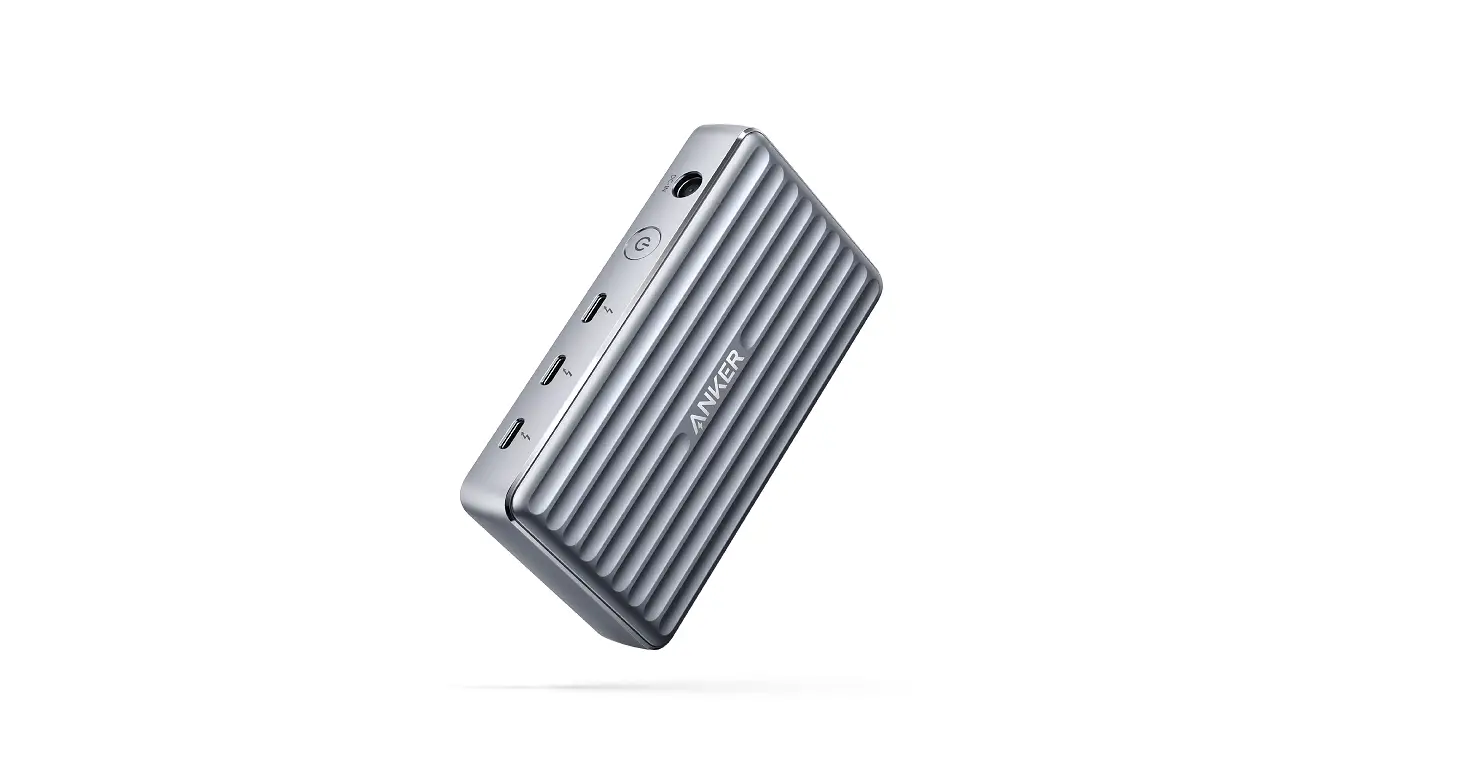
| 9. Downstream Thunderbolt 3 Port | •Supports daisy chain of up to 5 additional devices Note: When connected to USB-C only laptops this port will provide USB 2.0 data speeds and does not provide daisy chain capability •Charge at a maximum output of 15W (5V/3A) |
| 10.Upstream Thunderbolt 3 Port | Connect to provide pass-through charging for your Thunderbolt 3 & USB-C laptops at a maximum output of 85W (5V/3A, 9V/3A, 15V/3A, 20V/4.25A) |
| 11.USB-A Port | Connect to a USB-A device to support data transfer at speeds up to 5 Gb/s, 5V/0.9A |
| 12.HDMI 2.0 Port | Connect to a device with an HDMI port to stream video at resolutions up to 4K@60 Hz |
• The maximum ambient temperature when using this product must not exceed 104°F / 40°C.
• Open flame sources, such as candles, must not be placed near this product.
| Item | Description |
| 13.DC Input | Connect to the power outlet using the included power cable |
| 14.Ethernet Port | Connect to a router or modem at 10/100/1000 Mbps |
• Only use a dry cloth or brush to clean this product.
• Do not touch the bottom enclosure during use of the appliance.
Declaration of Conformity
Hereby, Anker Innovations Limited declares that the product type A8396 is in compliance with Directive 2014/30 /EU & 2011/65/EU. The full text of the EU declaration of conformity is available at the following internet address: https://www.anker.com/products Anker Innovations Limited Room 1318-19, Hollywood Plaza, 610 Nathan Road, Mongkok, Kowloon, Hong Kong
FCC Statement
This device complies with Part 15 of the FCC Rules. Operation is subject to the following two conditions: (1) This device may not cause harmful interference, and (2) This device must accept any interference received, including interference that may cause undesired operation. Wamlnw Changes or modifications not expressly approved by the party responsible for compliance could void the users authority to operate the equipment. NOTE: This equipment has been tested and found to comply with the limits for a Class B digital device, pursuant to Part 15 of the FCC Rules. These limits are designed to provide reasonable protection against harmful interference in a residential installation. This equipment generates, uses, and can radiate radio frequency energy and, if not installed and used in accordance with the instructions, may cause harmful interference to radio communications. However, there is no guarantee that interference will not occur in a particular installation. If this equipment does cause harmful interference to radio or television reception, which can be determined by turning the equipment off and on, the user is encouraged to try to correct the interference by one or more of the following measures: – Reorient or relocate the receiving antenna. – Increase the separation between the equipment and receiver.
– Connect the equipment into an outlet on a circuit different from that to which the receiver is connected.
– Consult the dealer or an experienced radio/TV technician for help.
The following importer is the responsible party: Company Name: Fantasia Trading LLC Address: 5350 Ontario Mills Pkwy, Suite 100, Ontario, CA 91764 Telephone:1-800-988-7973 This device complies with Industry Canada license-ICES-003. Operation is subject to the following two conditions:
(1) This device may not cause interference, and
(2) This device must accept any interference, including interference that may cause undesired operation of the device.
Trademark
Thunderbolt and the Thunderbolt logo are trademarks of Intel Corporation or its subsidiaries
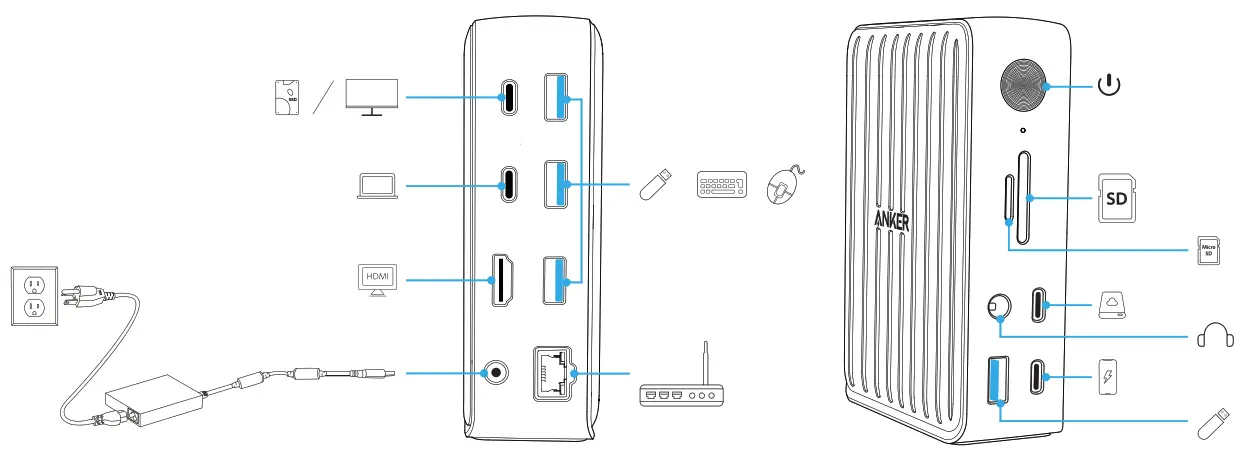
using Your Hub
Specifications
| Data Speed | 40 Gbps |
| DC Input | 20V -Tr- 9A 180W |
| Supported Systems | Mac OS X and Windows OS |
| Compatibility | Any Laptop with a USB-C or Thunderbolt port |
| Size | 125.8 x 88.5 x 41.9 mm /4.9 x 3.5 x 1.6 in |
| Weight | 490 g /17.3 oz |
Customer Service
 18- Month Limited Warranty
 Lifetime Tecnical Support

 (US) +1 (800) 988 7973 Mon-Fri 9:00am – 5:00pm (PT)
(UK) +44 (0)1604 936200 Mon-Fri 6:00 – 11:00 (GMT)
Please note that your rights under applicable law governing the sale of consumer goods remain unaffected by the warranties given in this Limited Warranty.