Logitech Room Solutions Barco ClickShare User Manual

Logitech
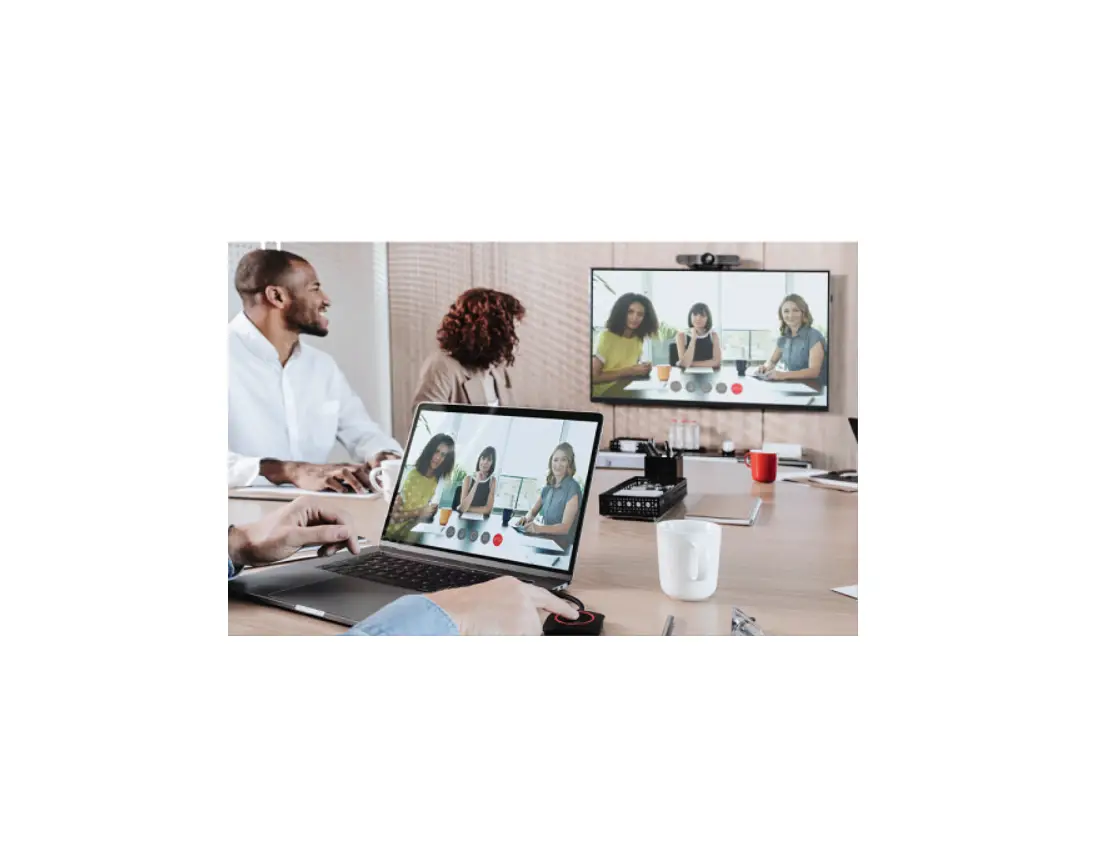
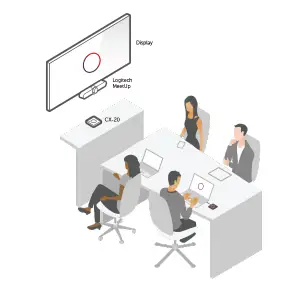
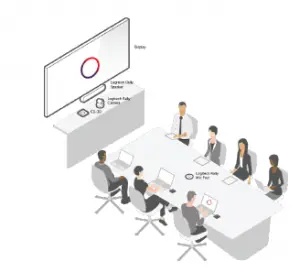
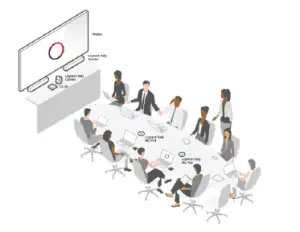
Logitech Room Solutions for Barco ClickShare include everything you need to equip conference rooms with one or two displays. Available invsmall, medium, and large configurations, these easy-to-buy and easy-toset- up systems include one or two Barco ClickShare units, a Logitech camera and mounting and speaker accessories.
Systems arrive neatly packaged and ready to plug in and use. A setup guide shows how components fit together.
| Logitech Room Solutions for Barco ClickShare | |||
| Small | Medium | Large | |
 | 
| 
| |
| Room size | Up to 6 seats | Up to 10 seats | Up to 16 seats |
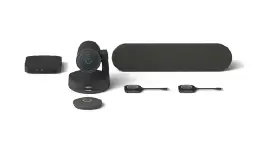
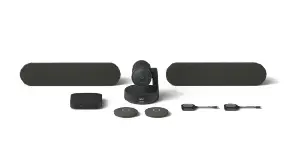
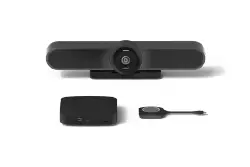
| Room description | Designed for focus rooms and smaller conference rooms, the small configuration minimizes visible cabling (wireless connection to the user’s PC) and saves space with the all-in-one Logitech MeetUp speaker and camera.. | As rooms get bigger, tables grow longer, and people sit farther from the camera. That’s why the medium configuration features Logitech Rally, a premium conferencecam that pairs an advanced camera with modular audio that scales to support rooms for up to 10 seats. | The large configuration upgrades to Rally Plus with two speakers for clear audio throughout the room. Dual mic pods expand coverage for up to 16 people. |
| Bundle | 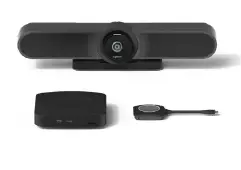 |
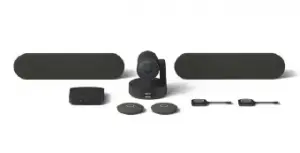
| 
|
| Box content | Barco CX-20 Logitech MeetUp |
Barco CX-30 Logitech Rally |
Barco CX-30 Logitech Rally Plus |
|
Included accessories |
Barco ClickShare Tray Logitech Rally Mounting Kit |
Barco ClickShare Tray Logitech Rally Mounting Kit and Mic Pod Hub | |
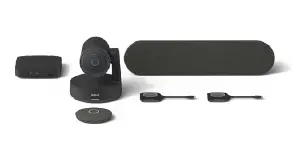
| Featured components | ||
| Small | Medium | Large |
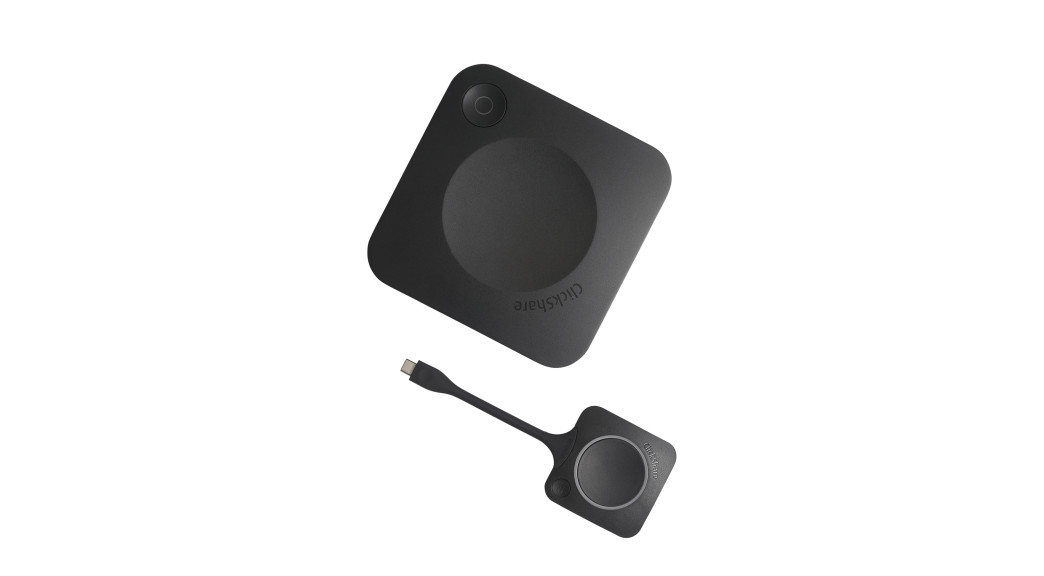
| Barco CX-20 | Barco CX-30 | |
| Full BYOD (Bring Your Own Device) support | Full BYOD support | |
| Remote collaboration | Remote collaboration | |
| Full interactivity and moderation | ||
| Triple agnostic: works with any device, and UC technology and any brand of AV peripheral | Triple agnostic: works with any device, and UC technology and any brand of AV USB- peripheral | |
| Enhanced security | Enhanced security | |
| Connected and cloud managed | Connected and cloud managed | |
| Delivered with 1 Conferencing Button | Delivered with 2 Conferencing Buttons | |
| Collaborate with Conferencing Button or via the Collaboration App | Collaborate with Conferencing Button or via the Collaboration App | |
| Logitech MeetUp All-in-One conferencecam with an extra- wide field of view and integrated audio See everyone, even those close to the camera RightLight™ and RightSound™ technologies for clear video and front-of-room audio Compact design minimizes cabling and clutter | Logitech Rally Premium Ultra-HD conferencecam system for mid-size rooms RightLight with WDR shows participants in flattering light, even in dim or backlit conditions Front-mounting speaker and tabletop mic pod with RightSound for directional audio with reduced noise and echo Premium components and sleek industrial design | Logitech Rally Plus Premium Ultra-HD conferencecam system for larger rooms Adds a second speaker and second mic pod for expanded coverage Adds a Rally Mic Pod Hub for under-table cable routing Optionally expand up to 7 mic pods for larger rooms. Multiple mounting and cabling accessories available |
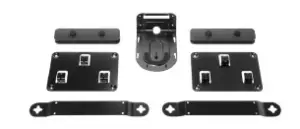
| Logitech Rally Mounting Kit
Securely position Rally Camera on wall or near ceiling Low-profile speaker brackets provide “floating” appearance Robust cable retention brackets keep connections tight | ||
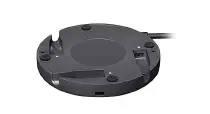
Logitech Rally Mic Pod Hub | Logitech Rally Mic Pod Hub
Large room configurations include Rally mic pod hub to simplify under-table cable routing |
| Tech specs | |||
| Small | Medium | Large | |
|  |  | |
| Conference camera | Logitech MeetUp | Logitech Rally | Logitech Rally Plus |
| Rally Mounting Kit | V | V | |
| Rally Mic Pod Hub | V | ||
| Operating system for ClickShare button | Windows 8/8.1/10. macOS 10.13 and higher. Android v9 and higher (ClickShare app). iOS 12 and higher (ClickShare app) | Windows 8/8.1/10. macOS 10.13 and higher. Android v9 and higher (ClickShare app). iOS 12 and higher (ClickShare app) | Windows 8/8.1/10. macOS 10.13 and higher. Android v9 and higher (ClickShare app). iOS 12 and higher (ClickShare app) |
| ClickShare buttons | 1 | 2 | 2 |
| Microphones | 1 (integrated in camera) | 1 mic pod | 2 mic pods |
| Speakers | 1 | 1 | 2 |
| Native protocols for ClickShare | Airplay, Google Cast, Miricast* | Airplay, Google Cast, Miricast* | Airplay, Google Cast, Miricast* |
| Wireless frequency band | 2.4 GHZ and 5 GHz (DFS channels supported in select number of countries) | 2.4 GHZ and 5 GHz (DFS channels supported in select number of countries) | 2.4 GHZ and 5 GHz (DFS channels supported in select number of countries) |
| Network connection | LAN & WiFi* | LAN & WiFi* | LAN & WiFi* |
| Support Resources | Quick Setup Guide Troubleshooting Guide | Quick Setup Guide Troubleshooting Guide | Quick Setup Guide Troubleshooting Guide |
 Logitech Room Solutions for Barco ClickShare - Barco