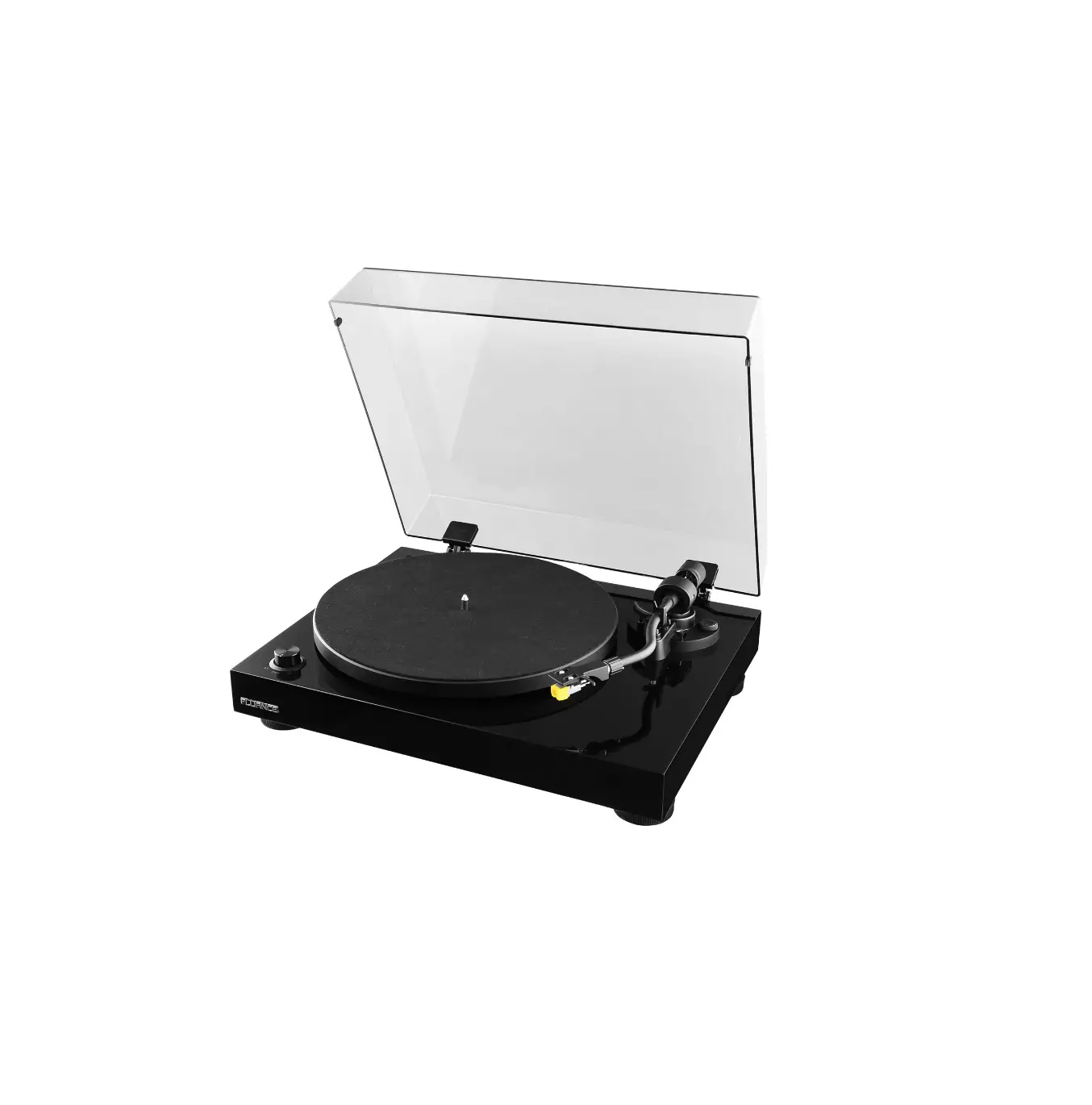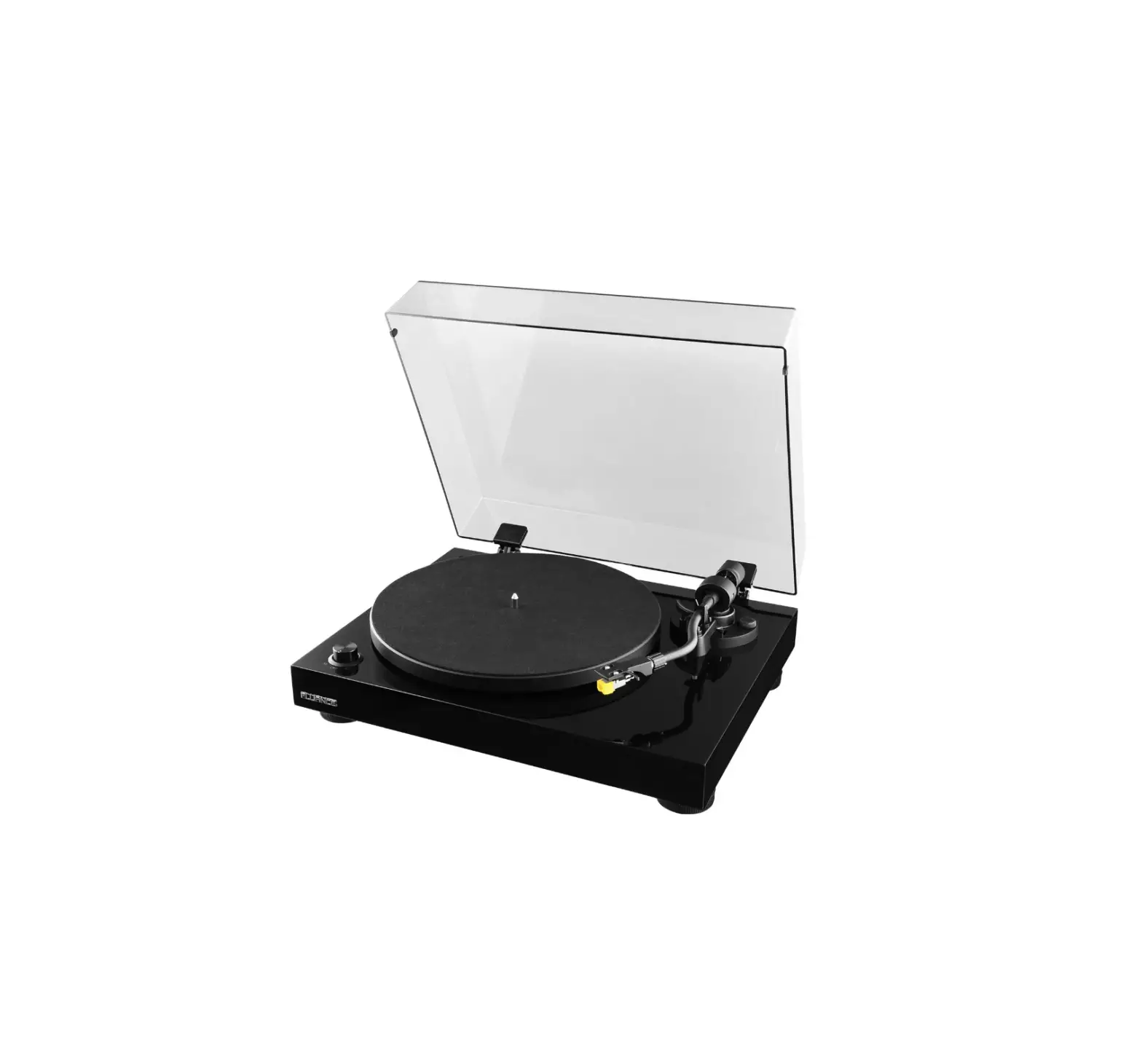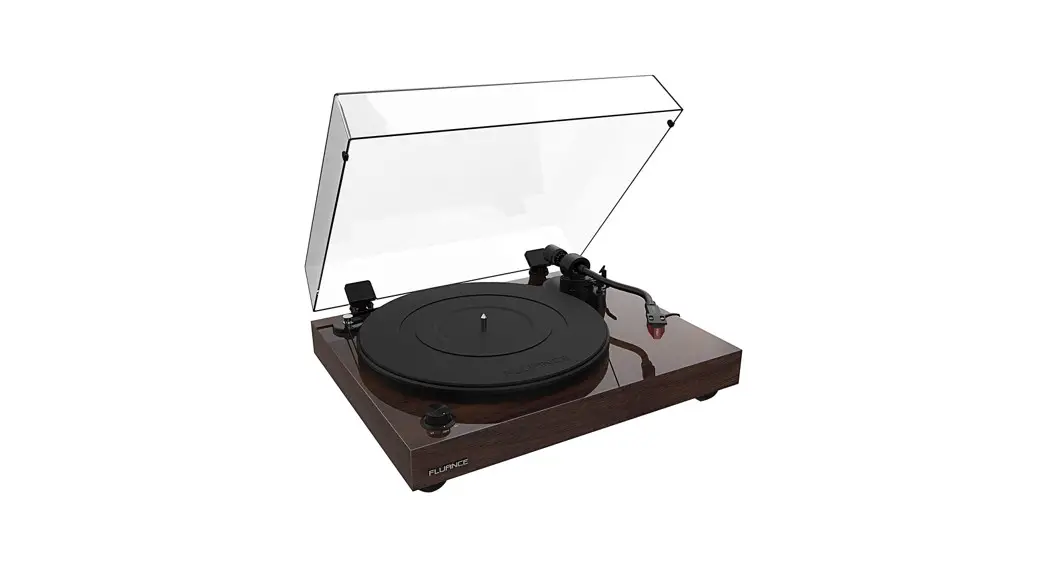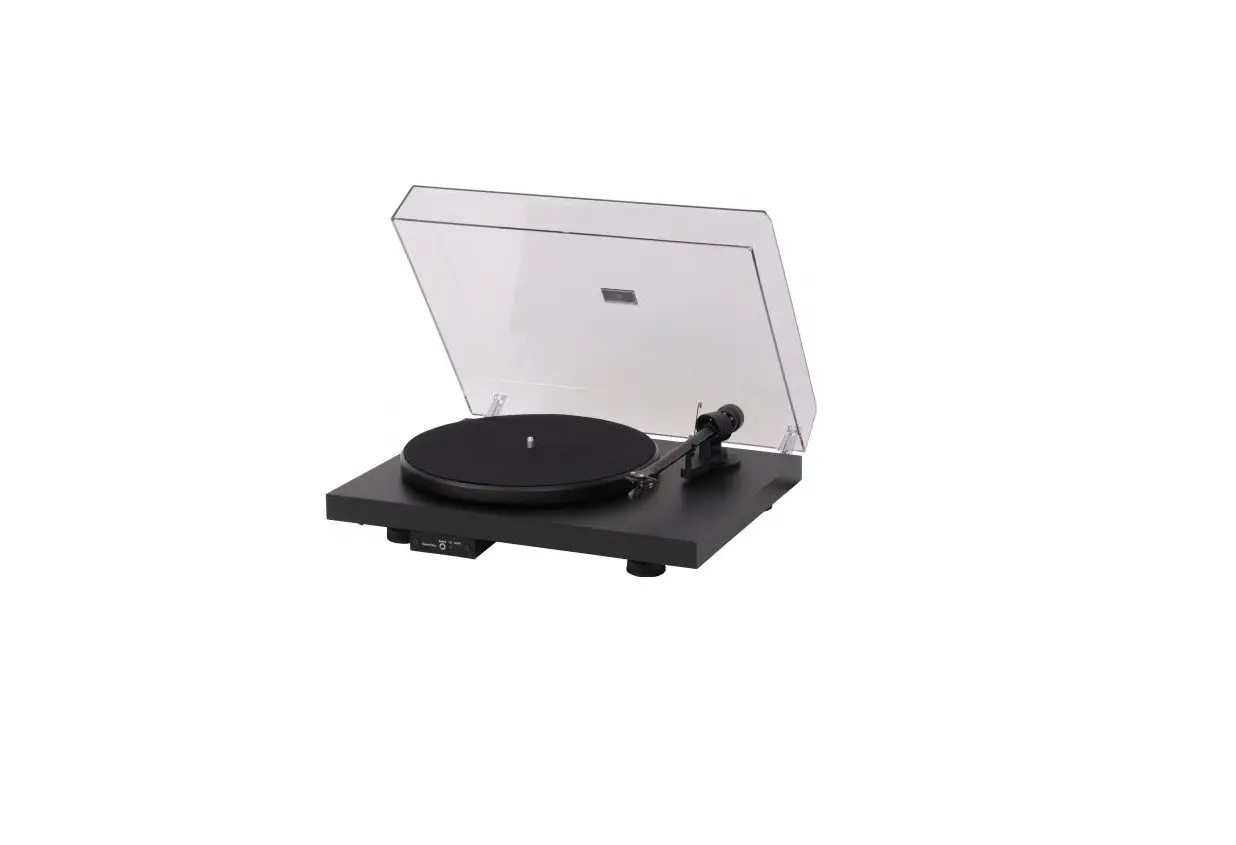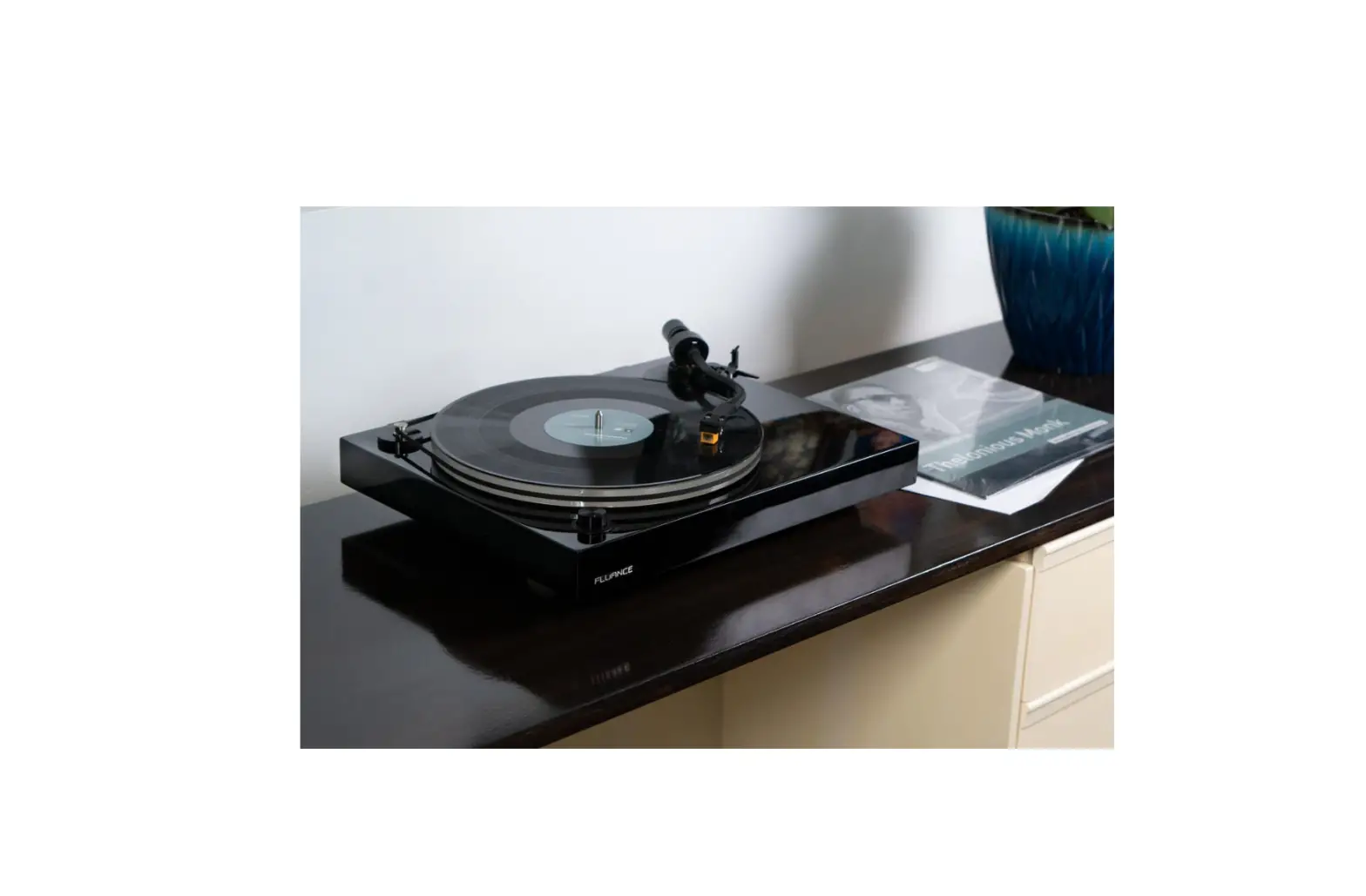
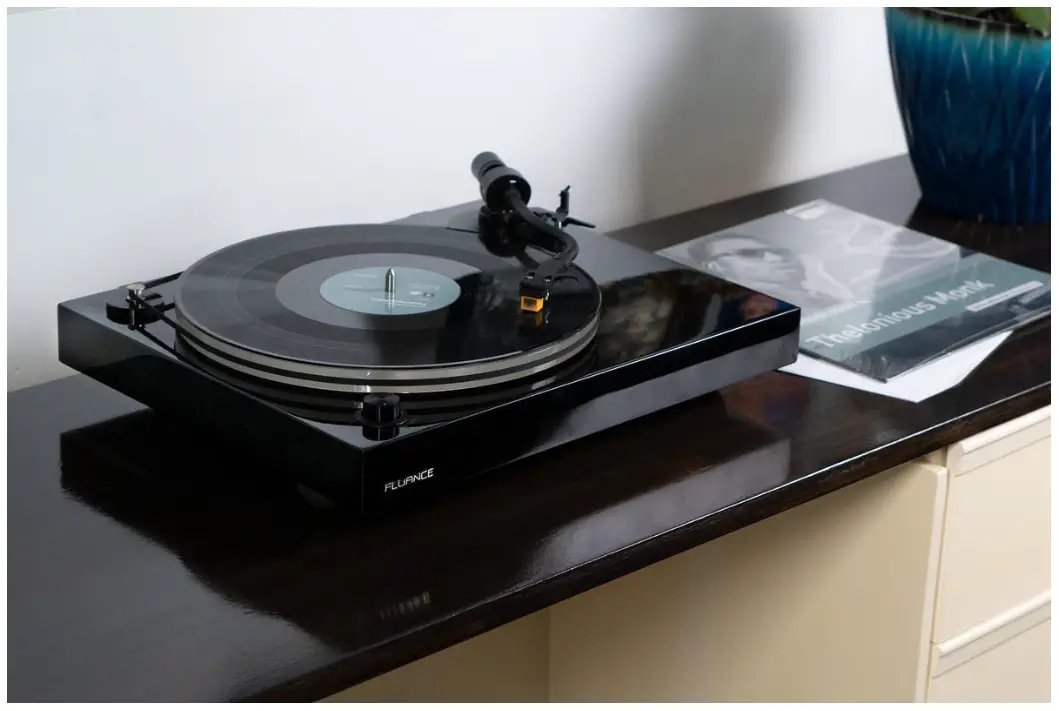
FLUANCE MP-110 Mid-Range Turntable With Nagaoka
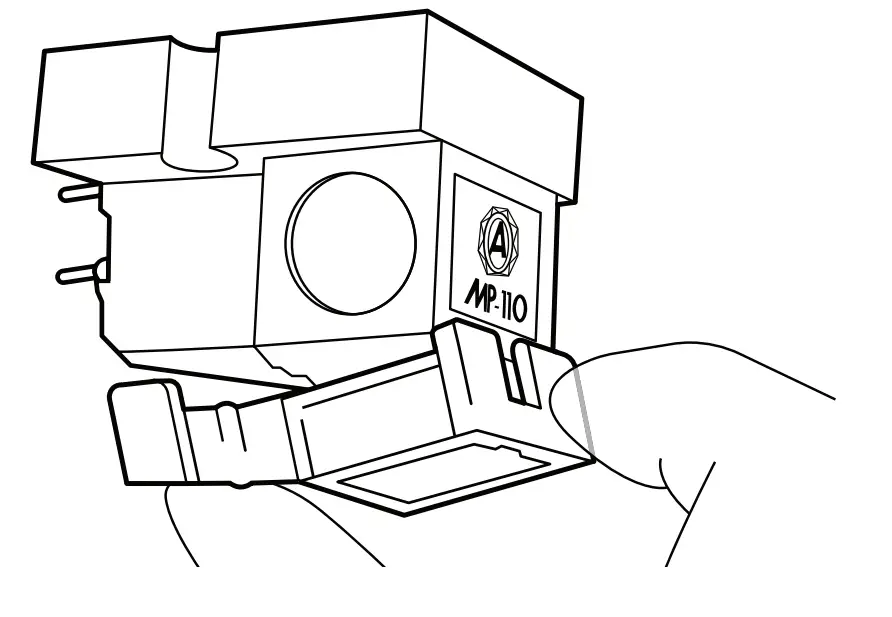
Removing the Stylus
- Install the Stylus protector

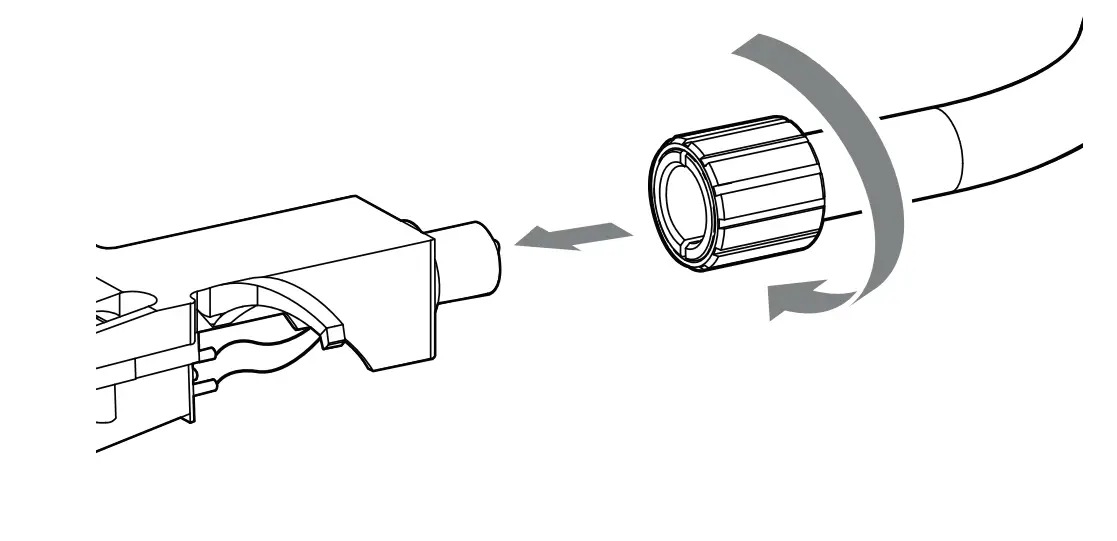
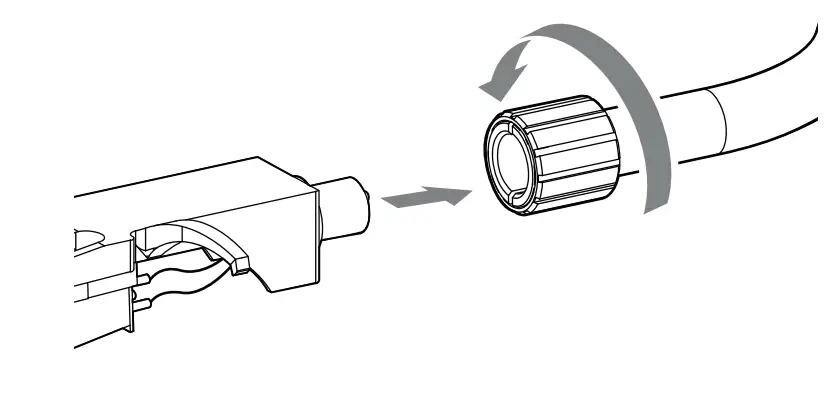
- Remove the Headshell

- Pull away on the Stylus to release and remove

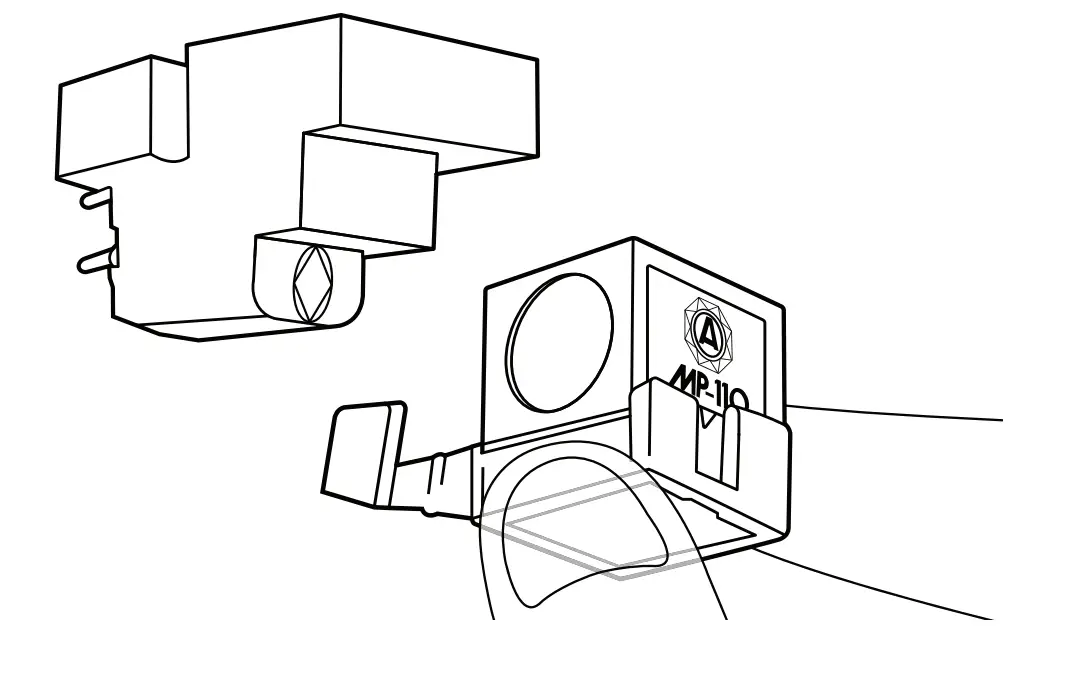
Installing the new Stylus
- Insert the new Stylus and press in to install

- Install the Headshell

- Enjoy!

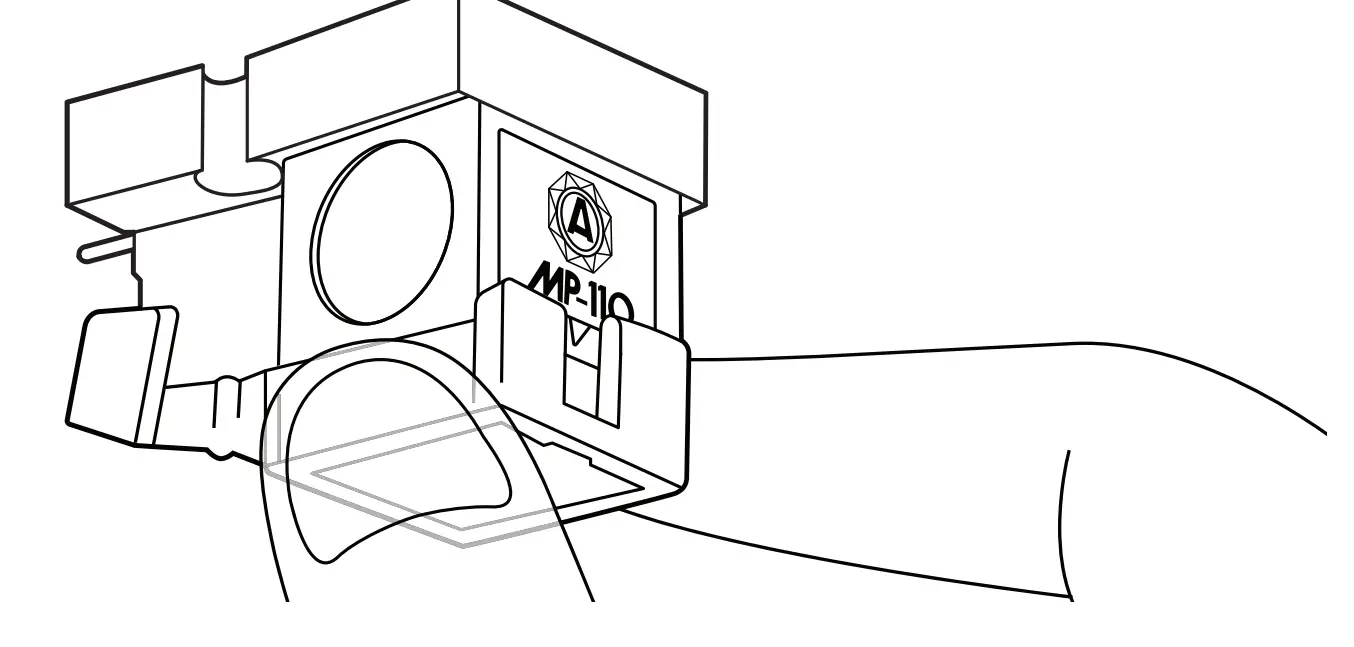
IMPORTANT!
Do not touch the tip of the Stylus itself when replacing. For additional assistance, please visit: www.fluance.com

 Turntables, Home Theater Surround Sound Speaker Systems and Home Audio Products | Fluance