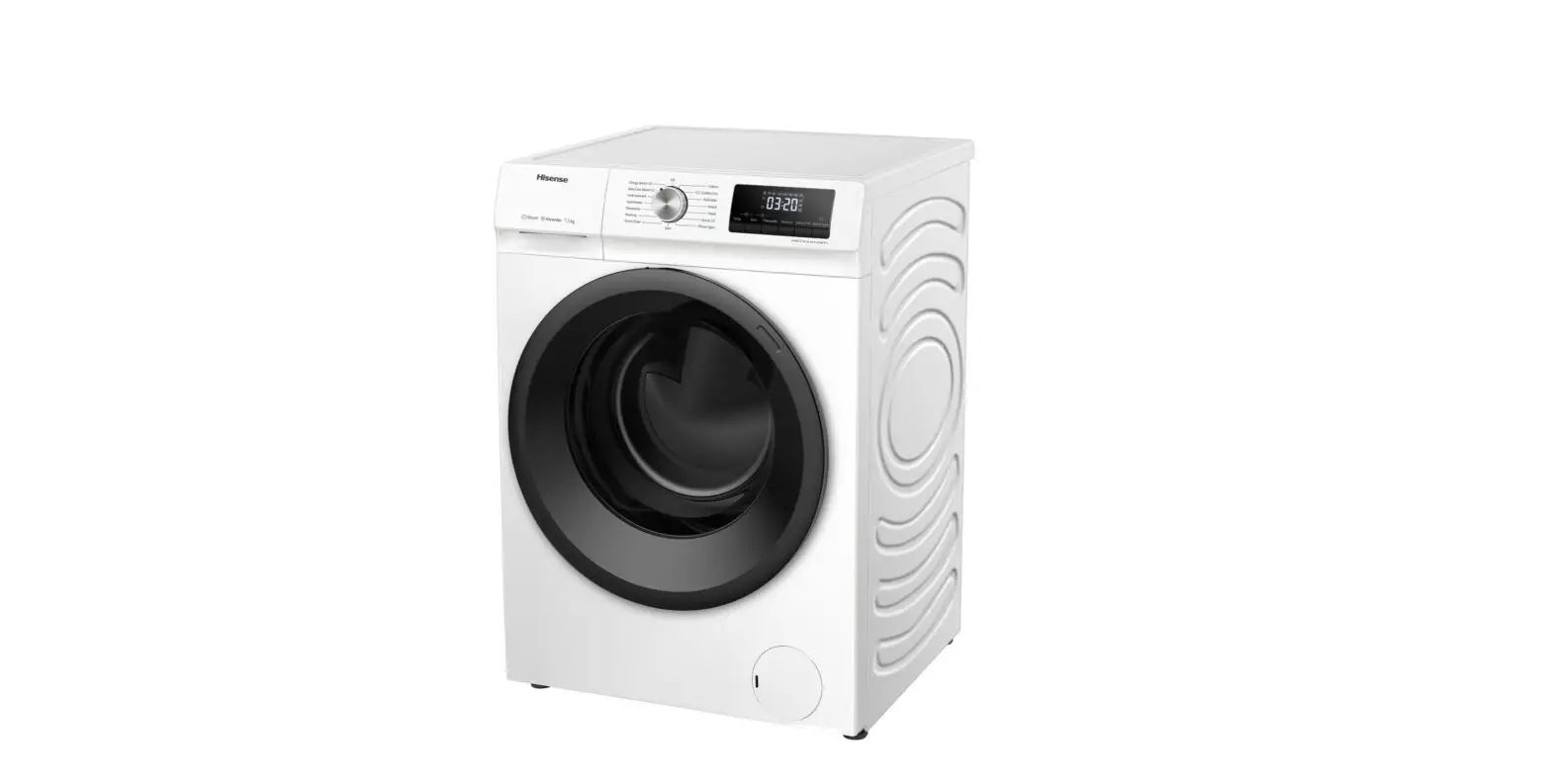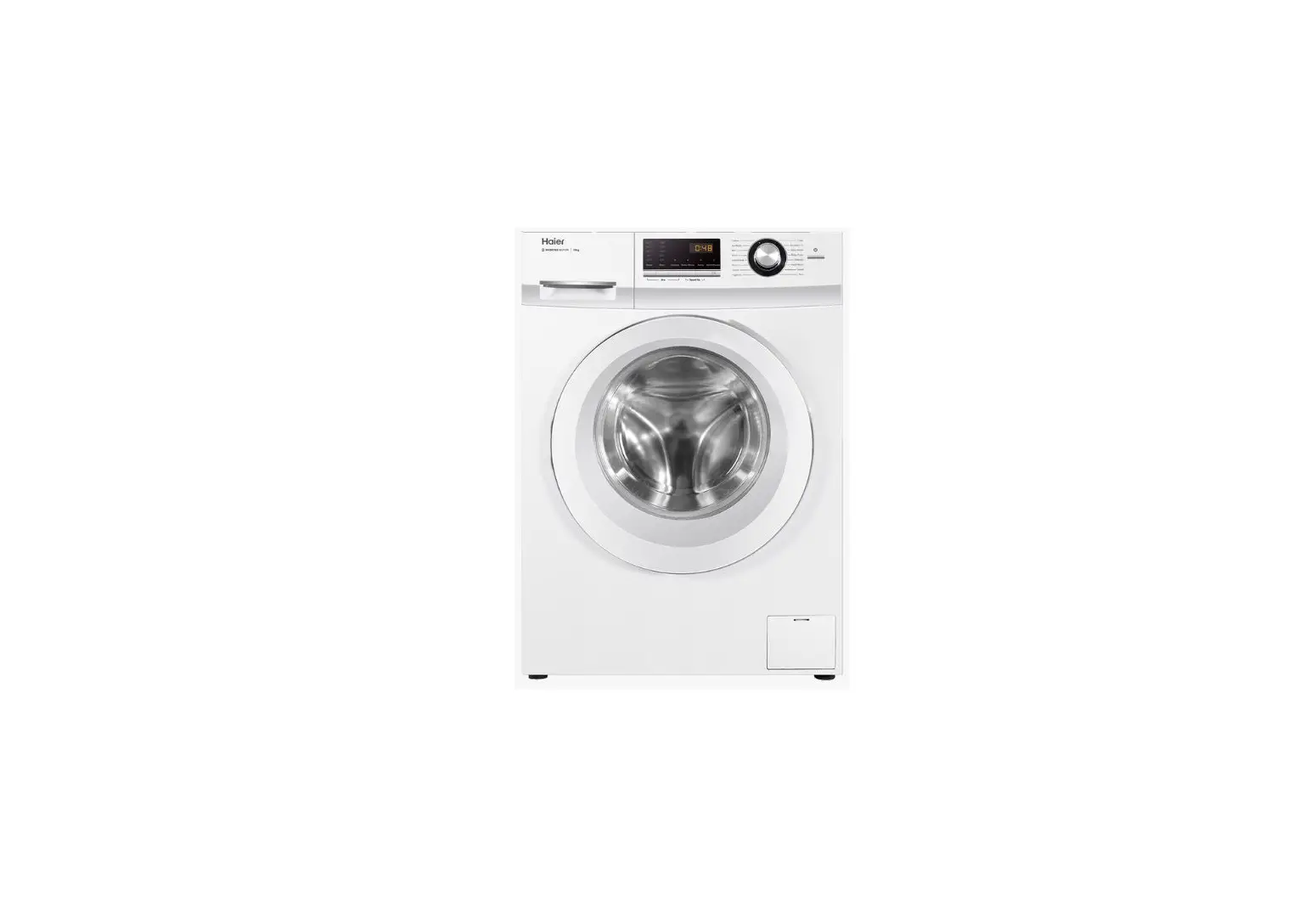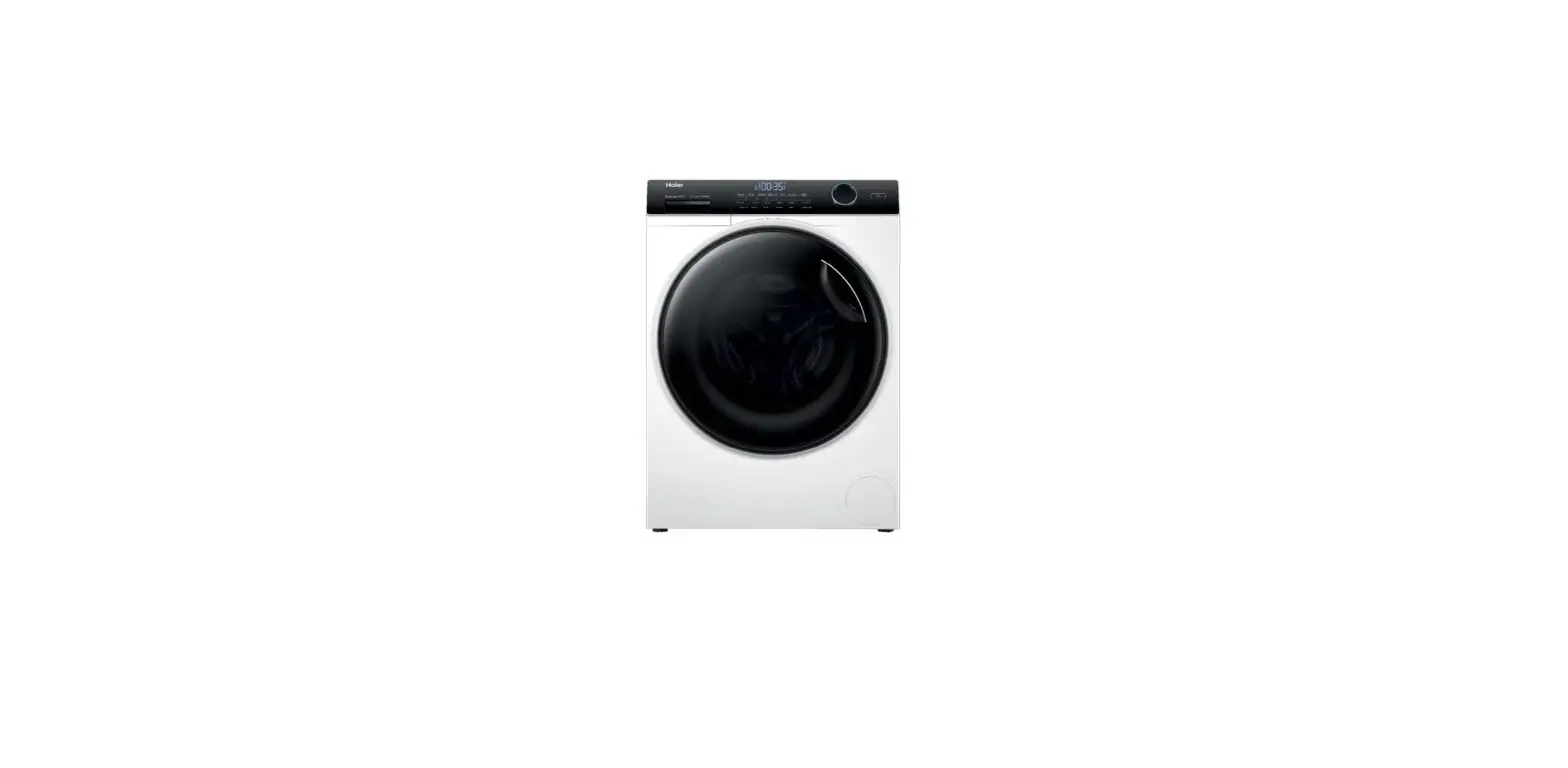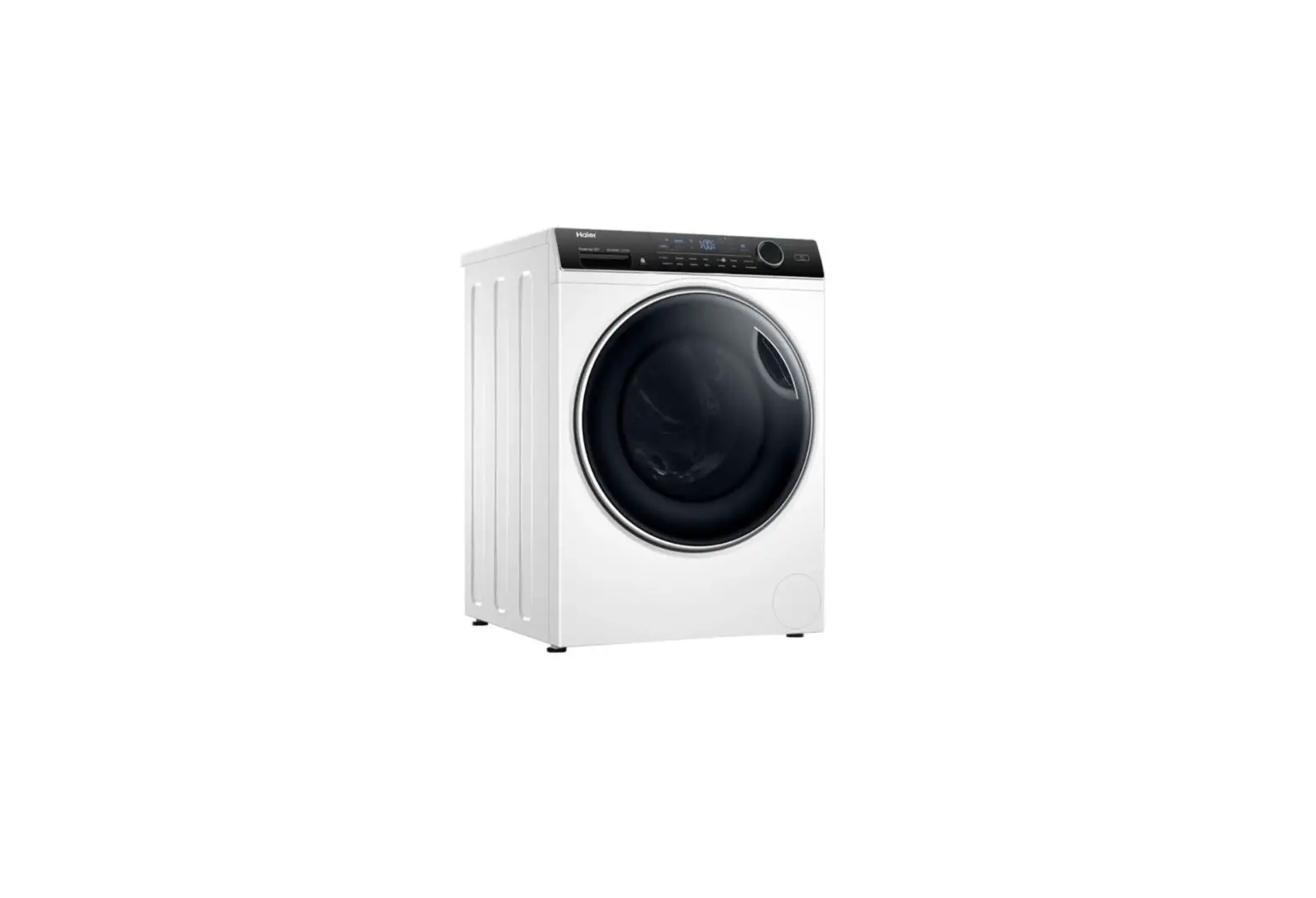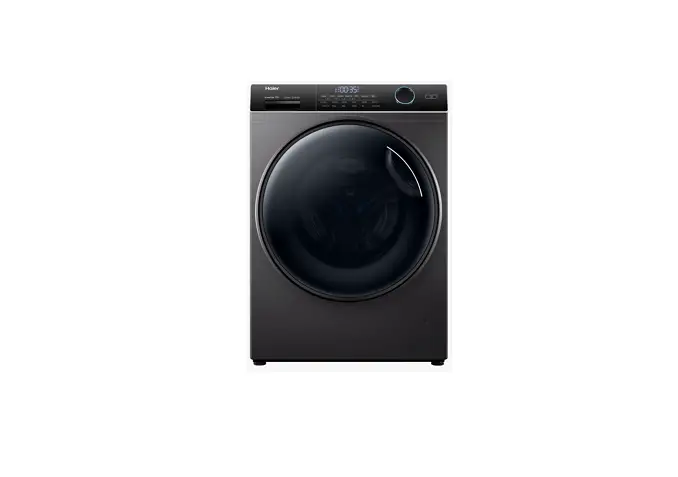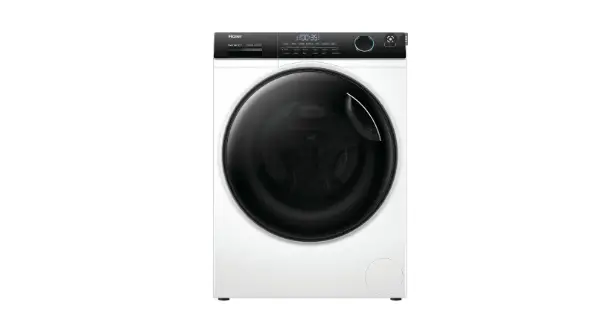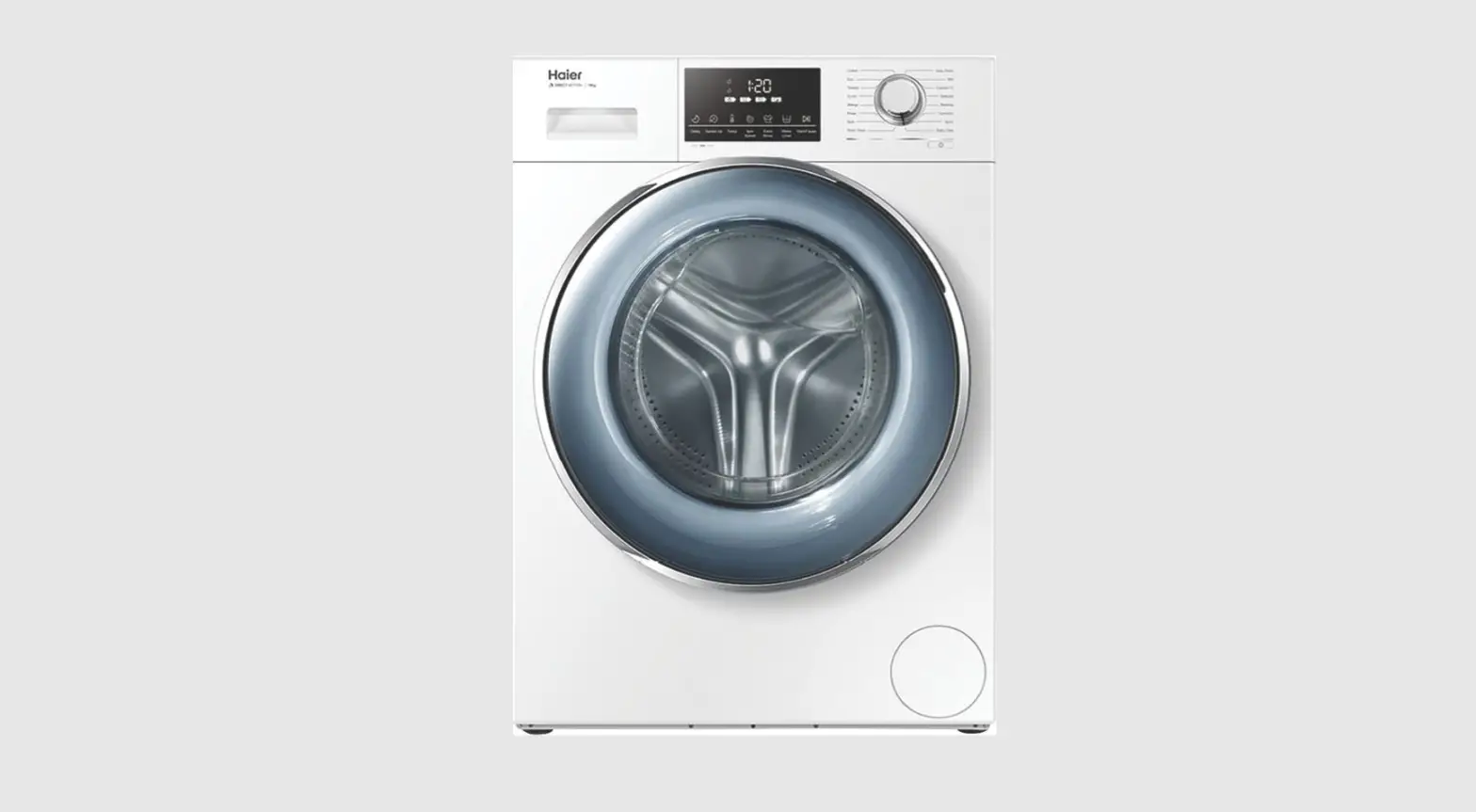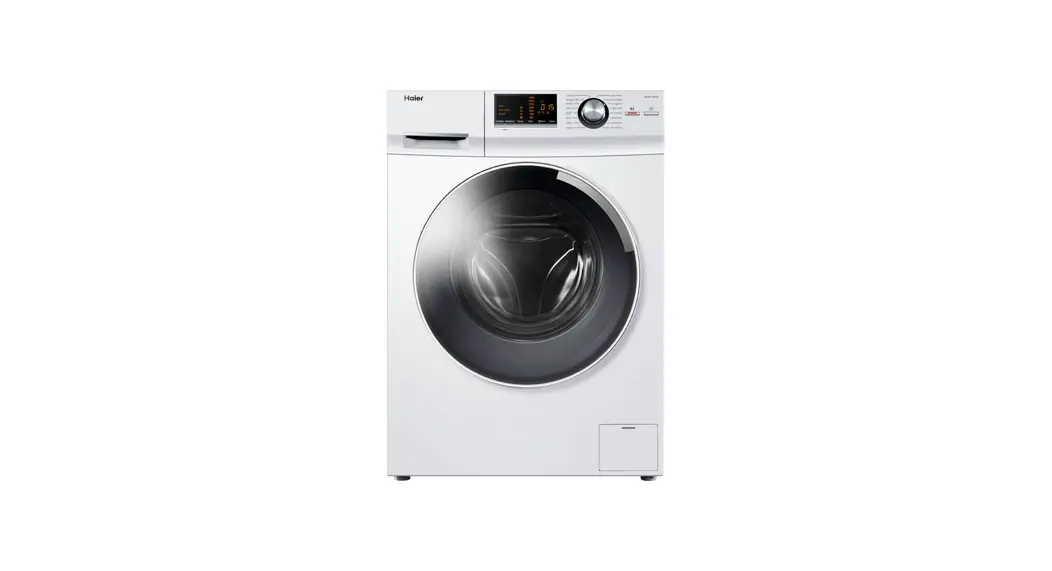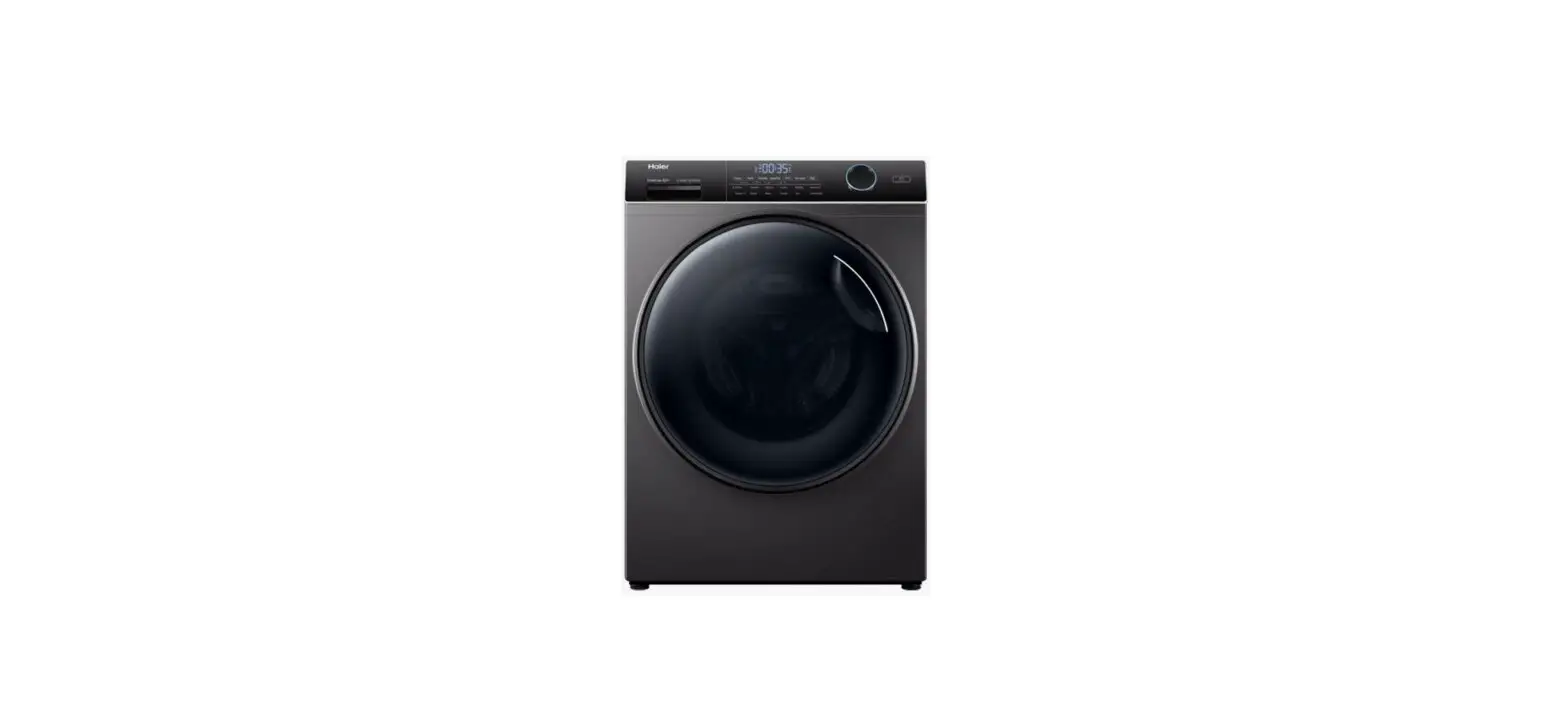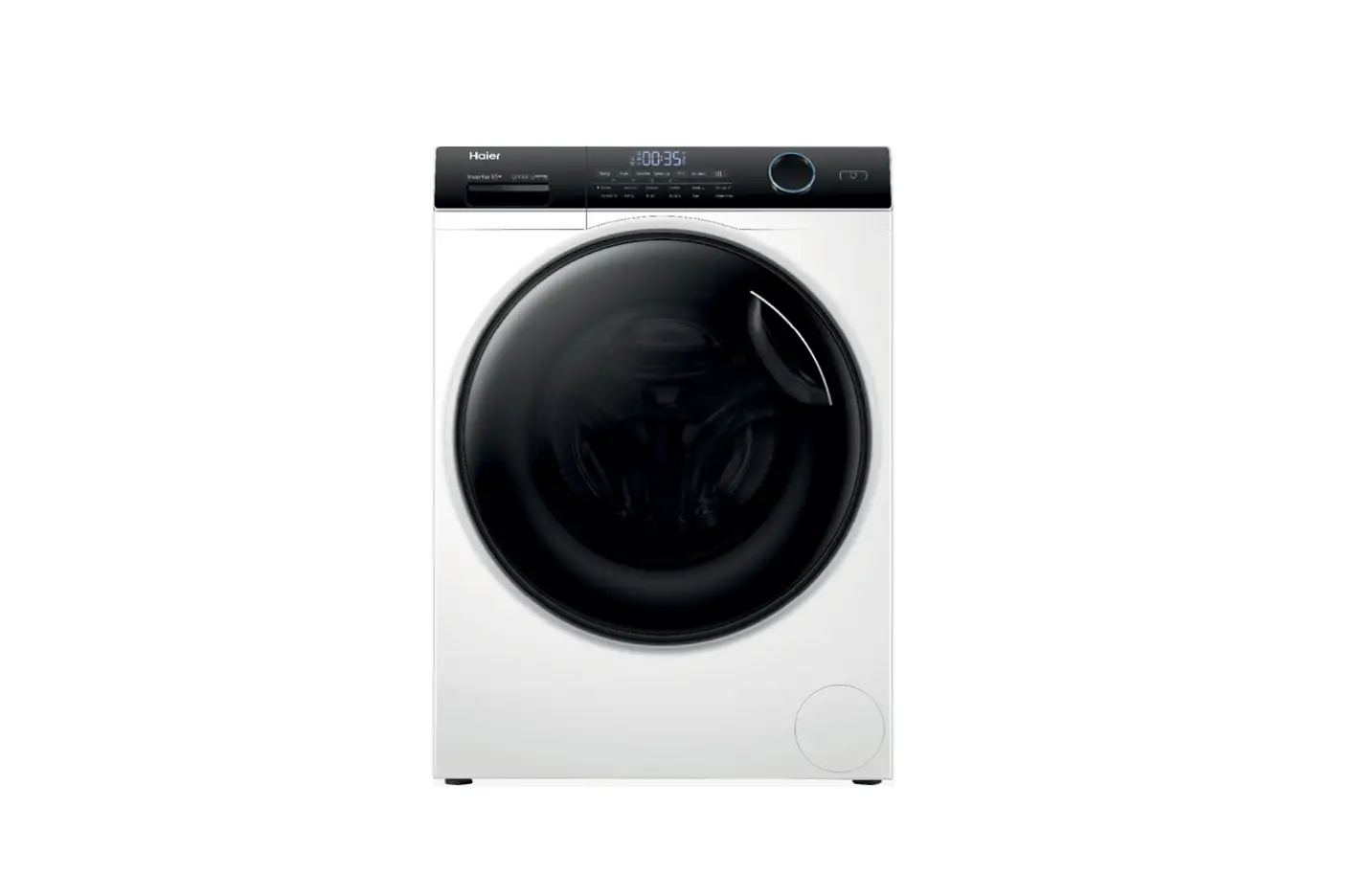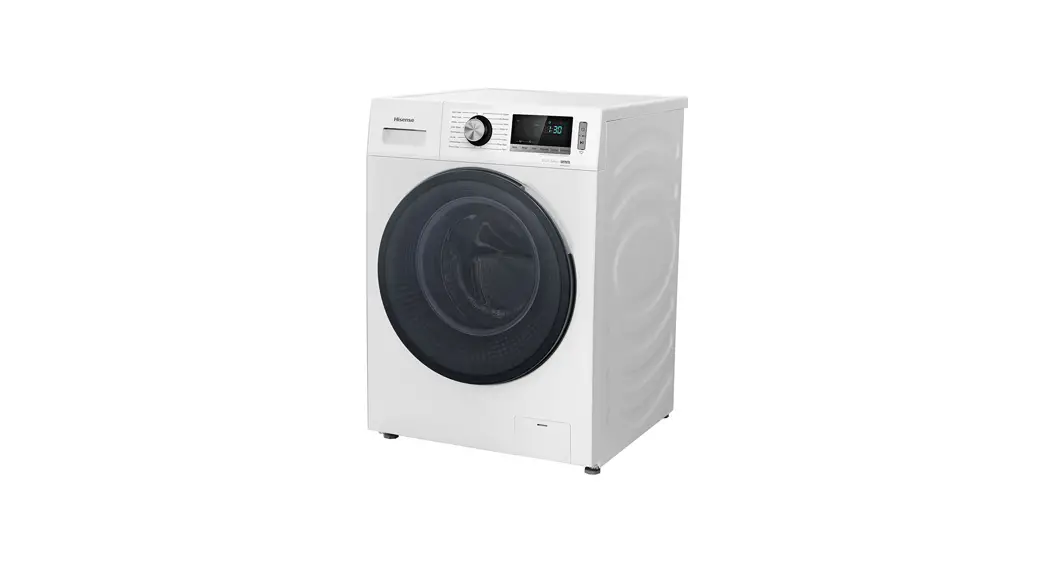

HWFS1015E 10kg Series 5 Front Load Washer
Installation Guide
Please install the washing machine in accordance with the following steps. For details, please refer to the Installation Guide.
Before use
- ‘Before use, the foam base and the foam inside the machine must be removed, and the rear transport bolts and sleeves should be removed; otherwise, noise and malfunction will occur.
- Do not connect any hot water source.
- The water injection test should be carried out on the washing machine before delivery. Therefore, if there is some residual water in the drum, it is normal. It is recommended to Ton a quick empty-drum washing program before the first use.
- Do not only wash a piece of clothing to prevent the unbalanced dewatering alarm.
Remove the transport bolts 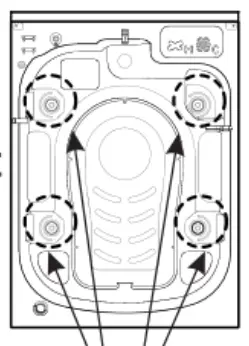 There are a total of 4 transport bolts.
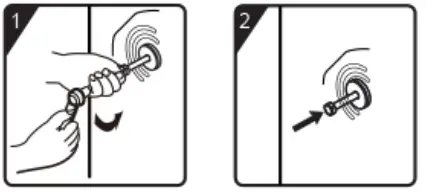 | |
| 1 Remove the bolts counterclockwise. | 2. Insert the bolts into the bolt holes again and tap the bolts to separate TT the sleeve from the rubber mat. |
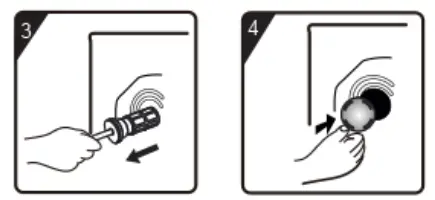 | |
| 3. Take out bolts rubber mat and sleeve | 4. Install the bolt hole cover |
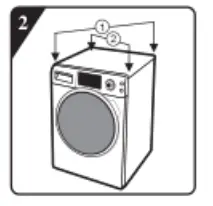
Level the washing machine 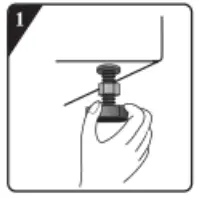
- Guarantee that the four bottom feet are in a tight state.

- Press the two diagonal lines at the top of the washing machine to inspect whether the machine is wobbling.

- Find out the foot that causes wobbling, and use a wrench to clockwise loosen the lock nut on the foot.

- Rotate the adjustable foot to the appropriate height and inspect whether the machine is wobbling again.

- After adjusting the height, lock the lock nut to the bottom of the box clockwise.
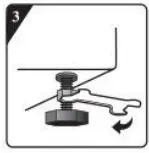
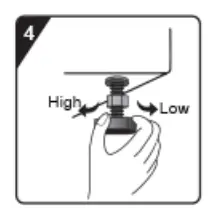
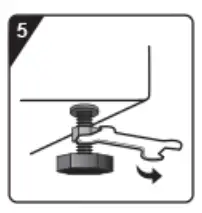
Connect the inlet pipe
Please use a stop tap for the water connection.
Screw the inlet hose nut onto the inlet valve connector, tighten the inlet hose nut and hose slightly leftwards and rightwards to confirm whether it is fastened in the inlet peace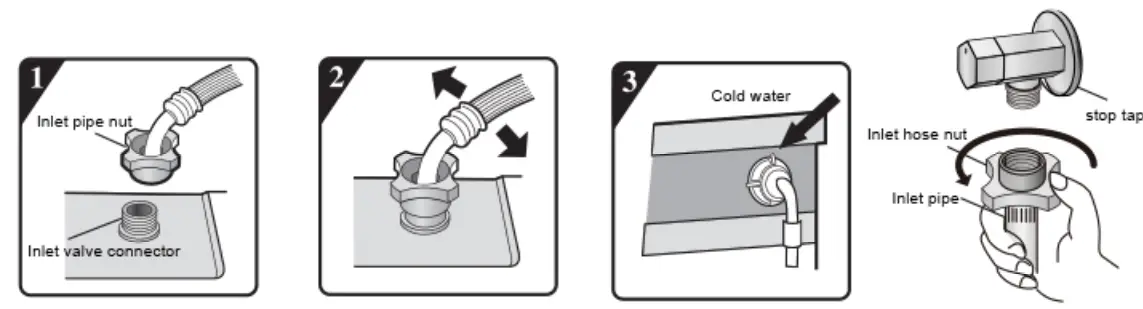 Screw the inlet hose nut onto the stop tap, tighten the nut , and turn the hose slightly leftwards and rightwards to confirm whether it is securely fastened in place.
Install the drain pipe
Hang the U-shaped support for the drain pipe on the water channel or drain pipeline, and fix the highest point of the drain pipe at the height of 70-125cm.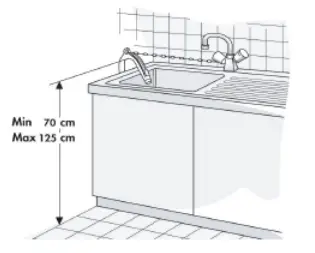 Control unit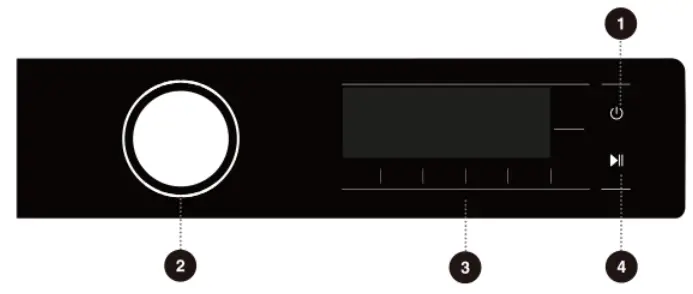
- Press the Power button.
- Select a cycle.
- Select desired option function.
- Press Start / Pause.
- Press and hold for 3 seconds to power off. (
 )
)
Wi-Fi connection
- Open Connect Life on your smartphone or tablet PC;
- Bind your device on Connect Life as follows:
A Click “Start here Add appliances” in “Home” page, or click “Add appliances” in “Devices” page, or click “+”
B. Select “Washing Machine” or click “Scan QR/BAR code” or “Manual entry” below.
C. Scan the QR/BAR code on the device or enter the AUID/SN manually. If you can not find it, click (2) for instructions.
D. Click “SET UP APPLICATION”
E. Read the instructions, operate the device into the Networking and Binding state, and click “NEXT”
F. At this time, the app starts to search for devices, and you can select the device to be connected to the network from the search list; If it is not found, check your bluetooth whether turn on. Bluetooth should be keep it on at all time. And then click “NEXT”.
G. Select your home Wi-Fi, enter the password, Then click the “CONNECT”. The appliance will start networking and binding
H. After binding successfully, you can set the device name and room
L. Now, the device can be control remotely by APP.
*When the ” ( )” display light on the display window is not on, you cannot remotely control the machine through the mobile phone. To enable this function, press the
  button on the dashboard.
Washing machine maintenance
After the completion of washing After the completion of washing program, please be sure to tum off the tap and unplug the power cord to avoid accidents.
Regularly clean the draining pump filter Clean the draining pump filter at least three to five times every year.
Tip: make sure that the water has cooled before operation to avoid burns.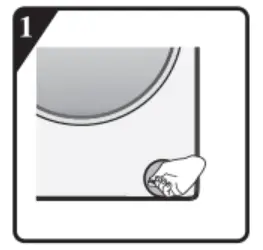 Under the condition that the water in the washing machine has been drained off and the power source has been disconnected. insert the slot type screwdriver (or a flat and hard key) into the small slot on the filter door to press to open the fitter door.
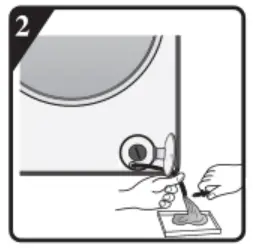 Place a flat container under the filter door, pull out the emergency drain pipe. place the end of the emergency drain pipe into the container. and unscrew the pipe plug until the water drains off naturally. Then. counterclockwise unscrew and take down the fitter. (For some types without the emergency drain pipe, drainage can be conducted through filer loosening).
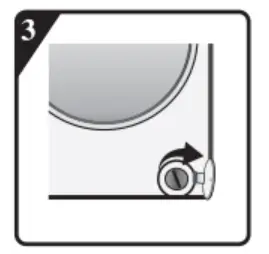 Clean the filter, remove sundries in the inner cavity of the draining pump, and then install the filter by clockwise rotation.
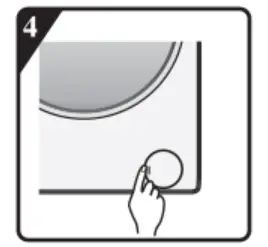 Inject 1 liter of water into the washing machine drum, check whether the filter is installed in place, whether water leakage exists, after confirmation, make the filter door return to its original position.
Regularly clean inlet filter screen (please reserve the inlet filter screen)
In case of slow water supply or water supply failure, please check and clean the inlet filter screen in time. The specific operation is as follows: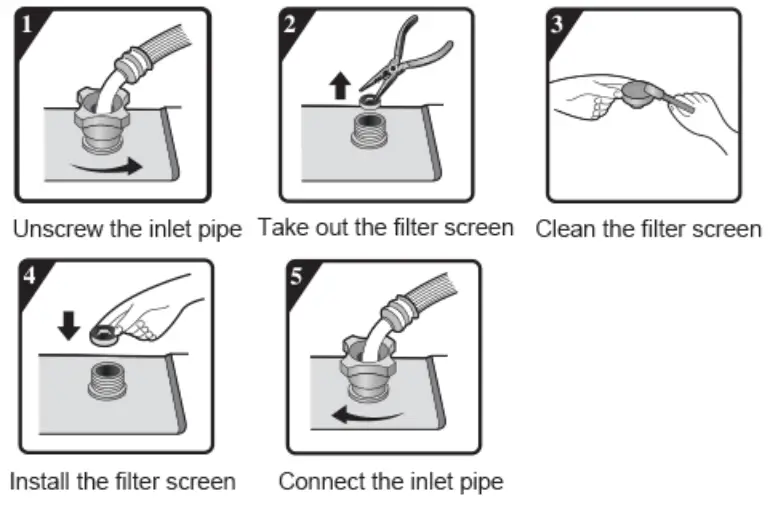
Common code and solution
When the washing machine is not working normally and the display shows the following code, it may not be a fault. Please carry out the corresponding treatment according to the followings.
| Displaycode | Abnormal phenomenon | Recommended solution |
 | Water supply abnormality | Whether the tap is fully open and has sufficient water pressure, whether the inlet pipe is frozen, knotted or blocked (refer to the “Maintenance” in the Manual). After eliminating the above fault. press “Start/Pause” to continue the operation. If the fault i occurs again, unplug the power cord and contact the after-sales service department. |
 | Water drainage abnormality | Water in the washing machine drum is not drained off. Shut down the machine for inspection: inspect whether the draining pump is blocked and whether the drain pipe is frozen or knotted. After eliminating the above fault, press “Start/Pause’ to continue the operation. If the fault occurs again, unplug the power cord and contact the after-sales service department. |
 | Lock abnormality | Normal locking or unlocking cannot be achieved. Inspect whether the door is closed or not Press “Start/Pause” to relieve the fault and open or lock the door again. If the fault occurs again, unplug the power cord and contact the after-sales service department. |
 | Too high water level | Press –Start/Pause” to relieve the fault and resume the water supply operation. If the fault occurs again, unplug the power cord and contact the after-sales service department. |
 | Soap box closing failure | After closing the soap box in place, press “Start/Pause to relieve the fault and resume program operation. If the fault occurs again, unplug the power cord and contact the after-sales service department (Note: this code applies to some automatic adding types) |
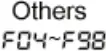 | Electronic module fault | Press the -10n/off ” for 3 seconds to shut down the machine, and then turn on the machine after 10 seconds to eliminate this fault. If the fault occurs again, unplug the power cord and contact the after-sales service department. |
 | Automatic weighing | Indicate that the washing machine is automatically weighing the clothing, and no user operation is required. |
 | Unbalanced dewatering alarm | Press the “On/off ” for 3 seconds to shut down the machine, open the machine door, untangle the tangled clothing, and select single dewatering program for dewatering. |
 | The end of the program | The screen displays ” “, indicating that the washing process is completed. |
If you have any question in use, please contact 1800 447 367