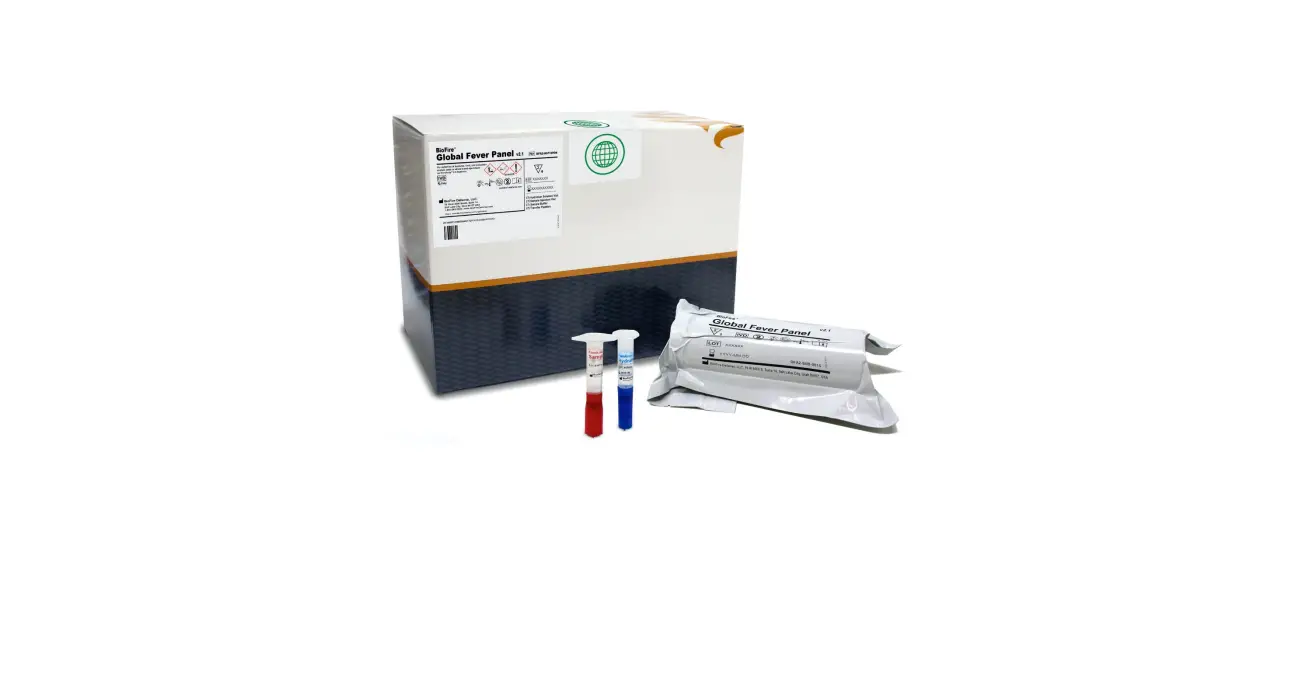
 BIOFIRE™ SHIELD Control Kit for the BioFire® Global Fever Panel – Quick Guide
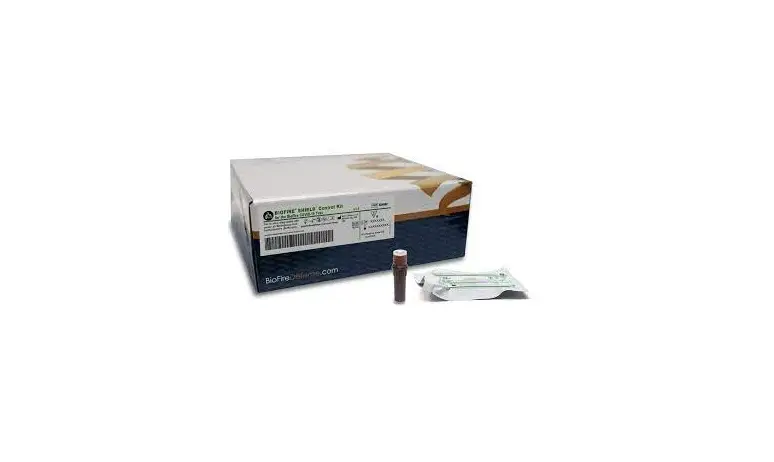
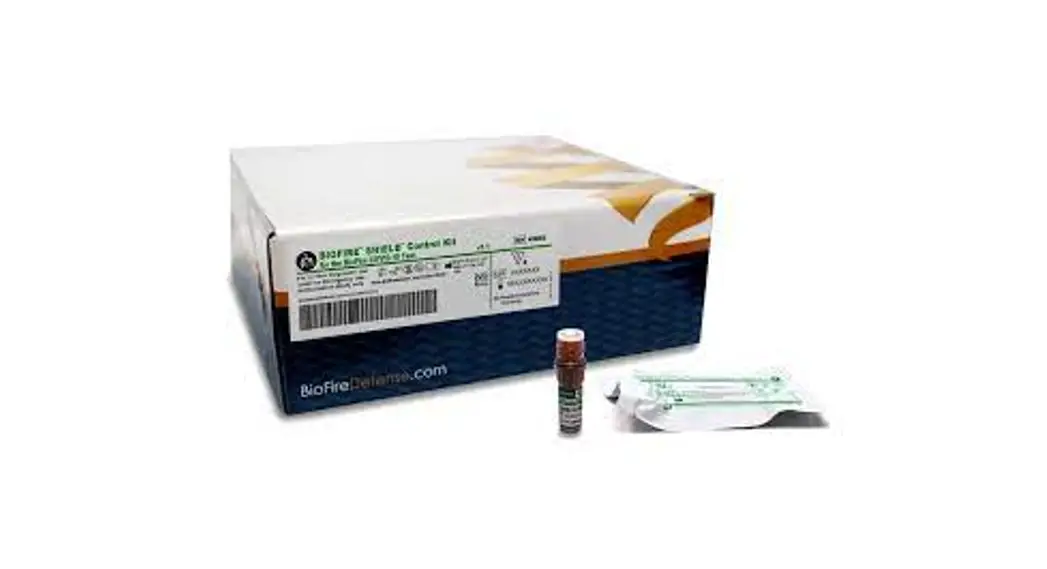
Shield Control Kit
For In Vitro Diagnostic Use.
NOTE: For use with BioFire Global Fever Panel (DFA2-ASY-0004) and should not be used with any other kit.
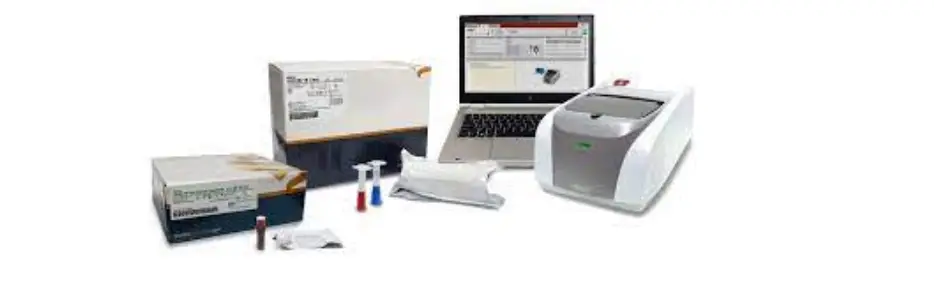
Control Injection Vials
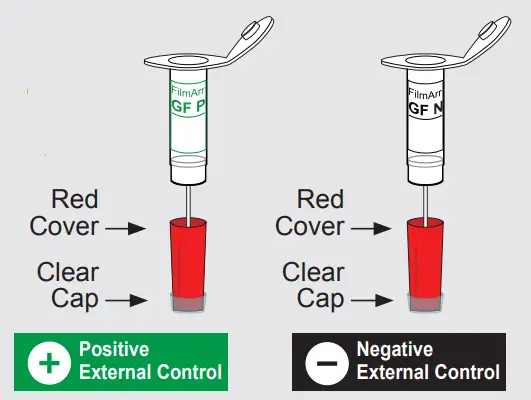
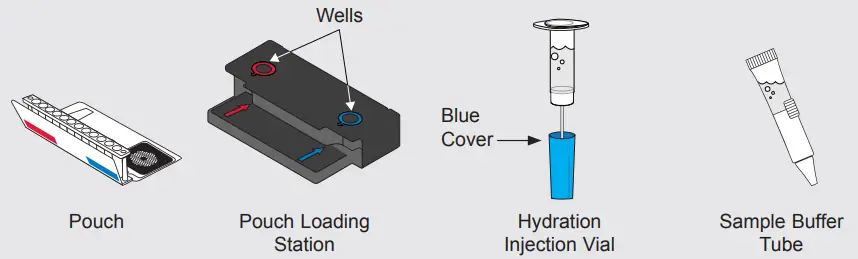
To avoid contamination, always wear clean gloves and work behind a protective shield.
Prepare Pouch
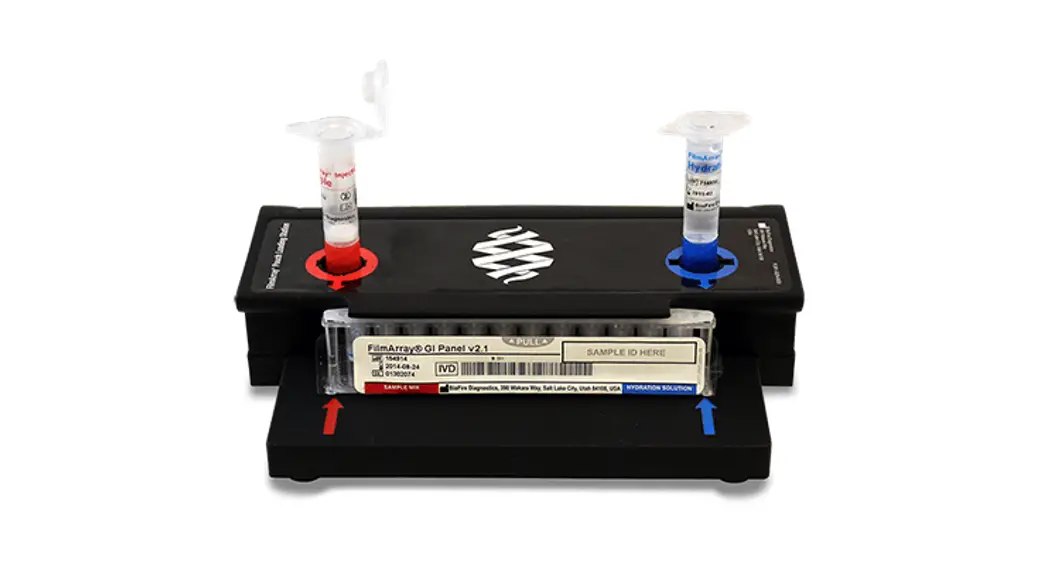
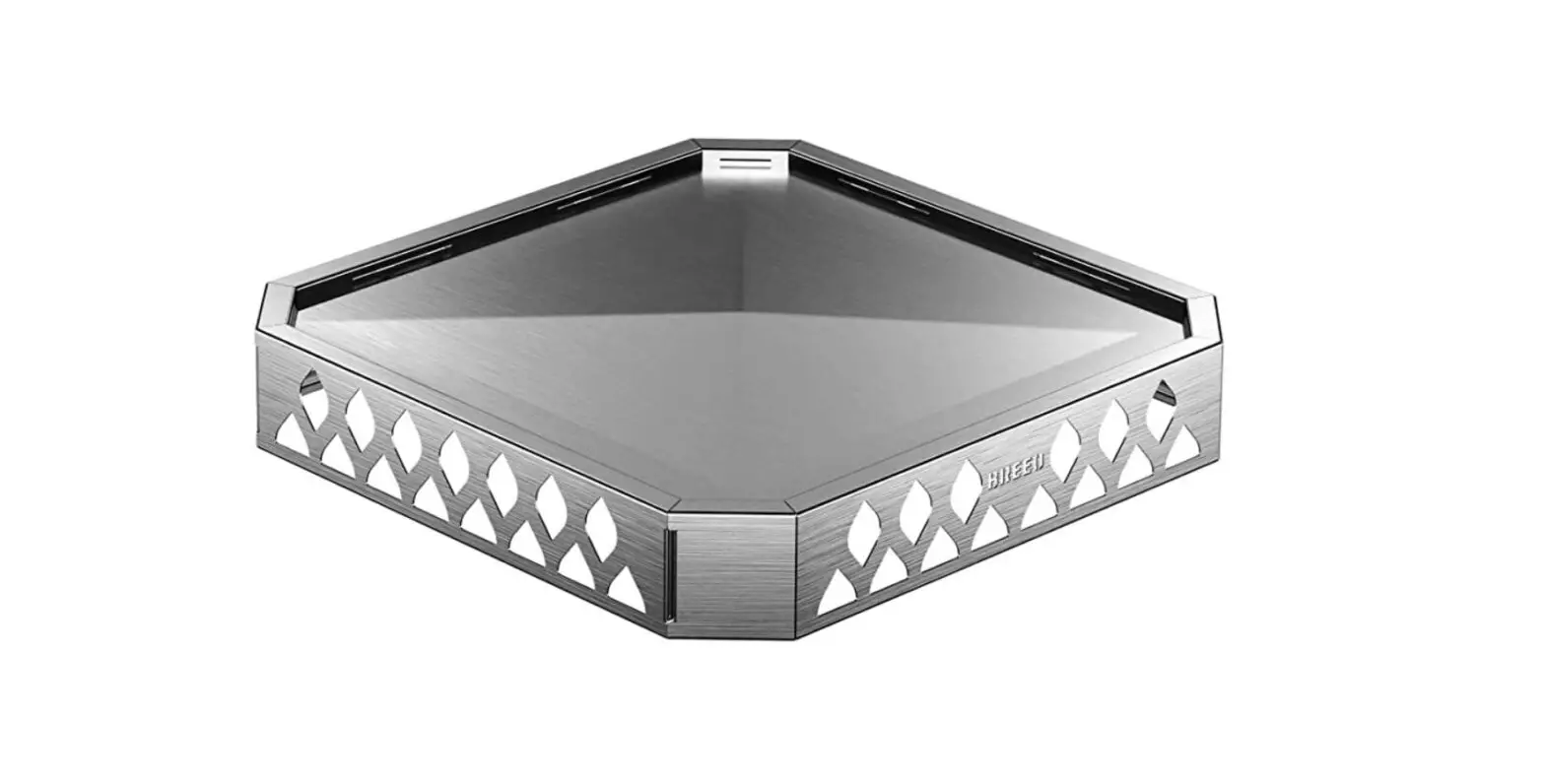
a. Insert pouch into Pouch Loading Station.
b. Remove clear cap from Sample Injection Vial and place into red well.
c. Place Hydration Injection Vial into blue well.
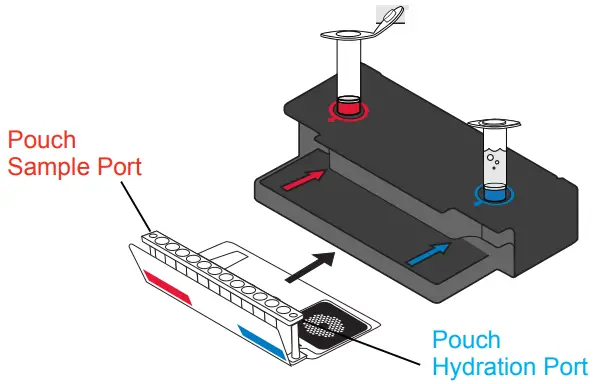
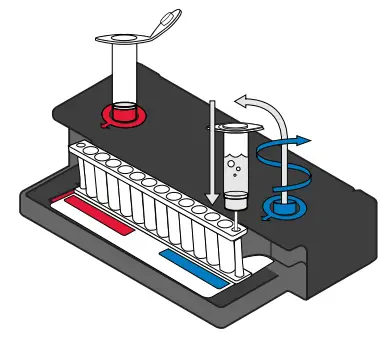
Hydrate Pouch
a. Unscrew Hydration Injection Vial from cover.
b. Remove Hydration Injection Vial, leaving blue cover in Pouch Loading Station.
c. Insert Hydration Injection Vial into hydration port.
d. Push down to puncture seal and wait as Hydration Solution is drawn into the pouch.
NOTE: Verify the pouch has been hydrated.
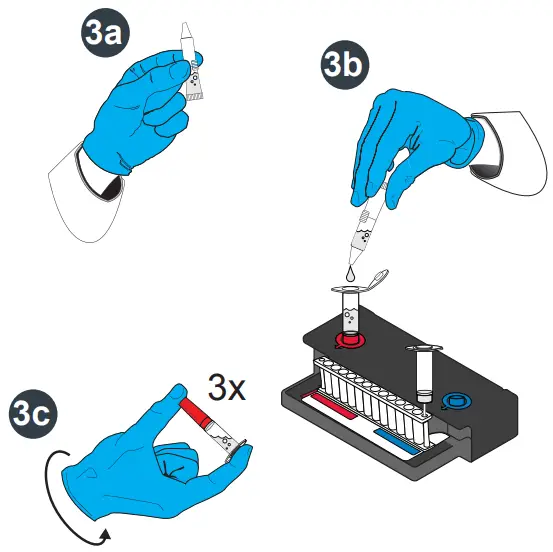
Prepare External Control
a. Hold the Sample Buffer Tube with the tip facing up and firmly pinch at textured plastic tab on side of tube until the seal snaps.
NOTE: Do not touch the tip of the tube.
b. Dispense Sample Buffer into Control Injection Vial using a slow, forceful squeeze, followed by a 2nd squeeze.
NOTE: Avoid generating excessive foam.
c. Tightly close lid and invert the Control Injection Vial 3 times.
d. Return Control Injection Vial to red well of Pouch Loading Station.
WARNING: Sample Buffer is harmful if swallowed and can cause serious eye damage and/or skin irritation.
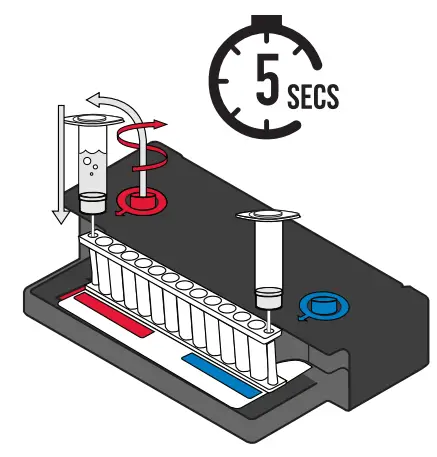
Load External Control
a. Unscrew Control Injection Vial from red cover.
b. Wait for 5 seconds, then remove Control Injection Vial, leaving red cover in Pouch Loading Station.
NOTE: Waiting 5 seconds decreases the contamination risk.
c. Insert Control Injection Vial into pouch sample port.
d. Push down to puncture seal, then wait as control material is drawn into the pouch.
Run Pouch
a. Screw vials back into covers in Pouch Loading Station before disposing of them in a biohazard container.
b. Remove pouch from Pouch Loading Station and load into the instrument.
c. Follow instructions on screen for starting a test.
NOTE: Select either Positive External Control or Negative External Control protocol.
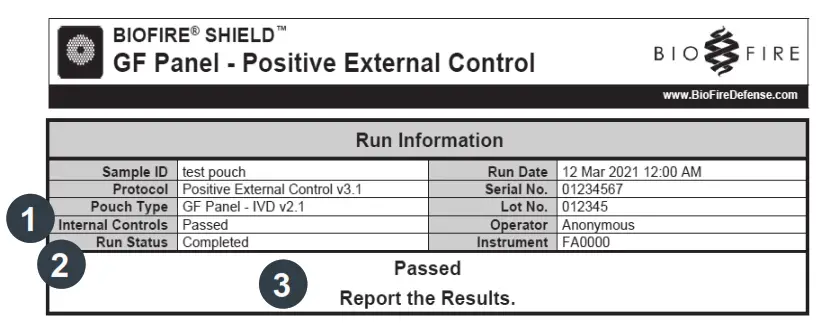
Review Report
Run Information – Displays information about the sample, protocol, pouch, instrument, run status, results, and recommended action.
- Internal Controls:
• If ‘Passed’, results are valid.
• If ‘Failed’ or ‘Invalid’, RETEST EXTERNAL CONTROL once. - Run Status:
• If ‘Completed’, run is complete.
• If ‘Incomplete’, ‘Aborted’, or any other error message,
RETEST EXTERNAL CONTROL once. - External Control Results:
• If ‘Passed’, report the results.
• If ‘Failed’:
– Positive External Control: RETEST EXTERNAL CONTROL once.
– Negative External Control: Decontaminate the area and
RETEST EXTERNAL CONTROL once.
• If ‘Invalid’, RETEST EXTERNAL CONTROL once.
NOTE: Refer to the BIOFIRE SHIELD Control Kit for the BioFire Global Fever Panel Instructions for Use for panel specific run reports and additional information. If repeated error messages are obtained, contact BioFire Defense Technical Support.
 BioFire Defense, LLC | 79 West 4500 South, Suite 14, Salt Lake City, Utah 84107 USA | 801-262-3592 | www.BioFireDefense.com
 DFA2-PRT-0033-03