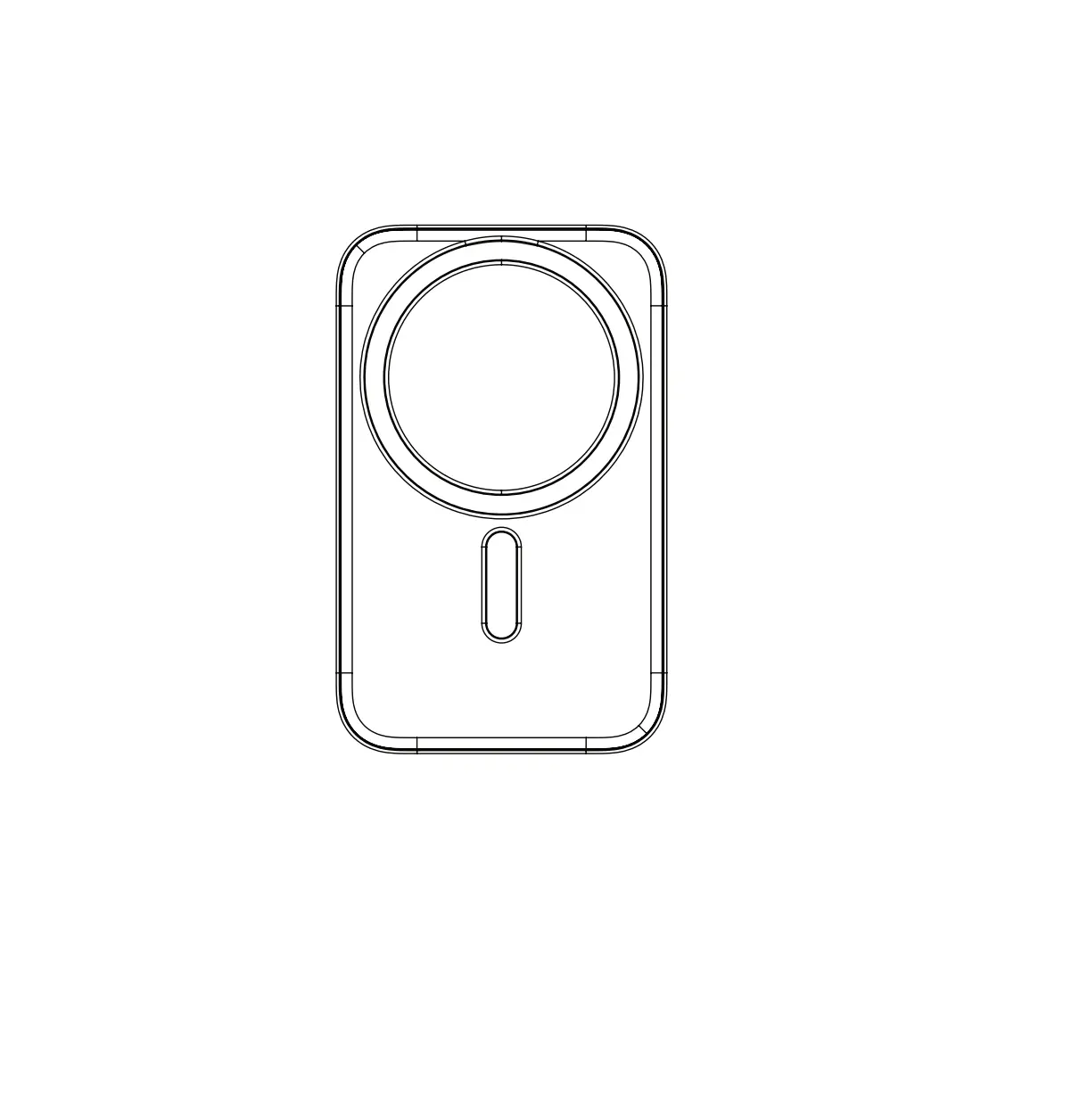
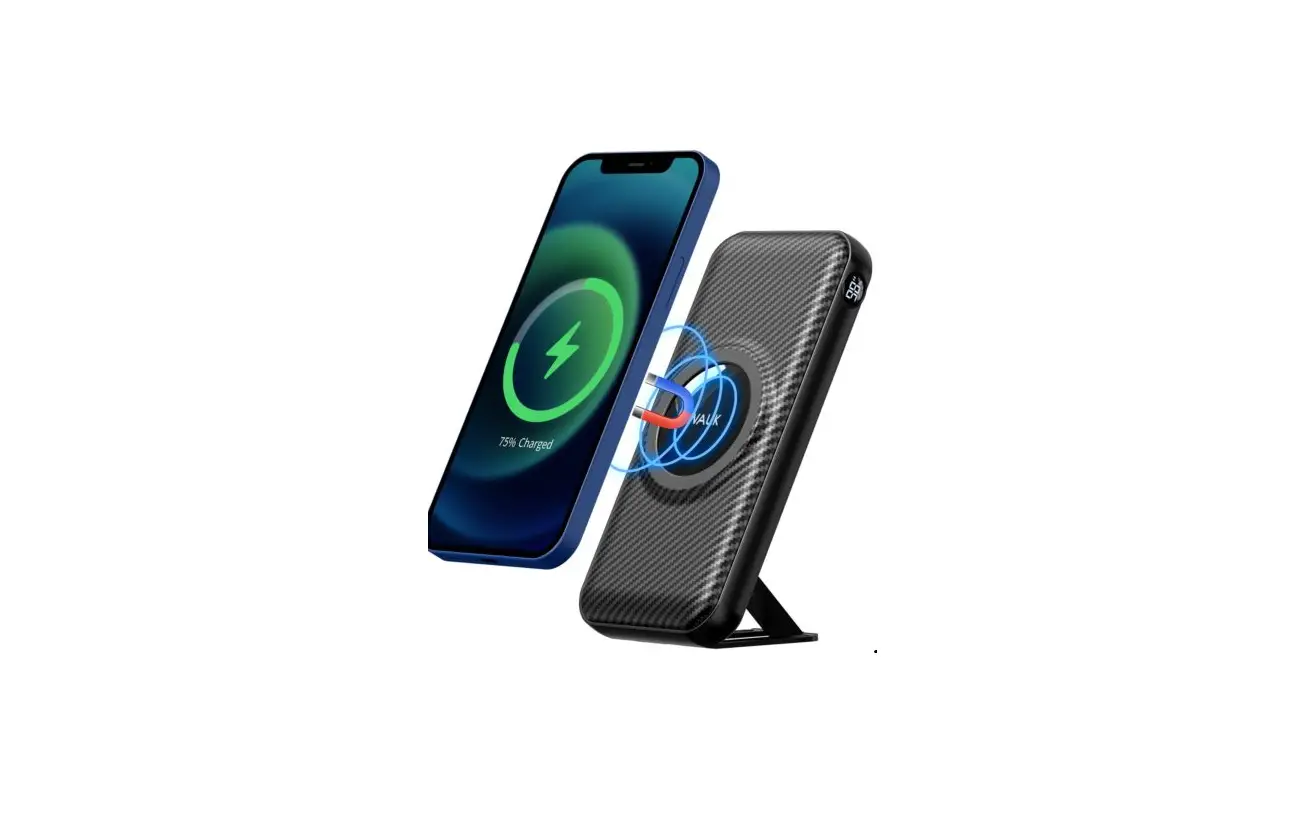
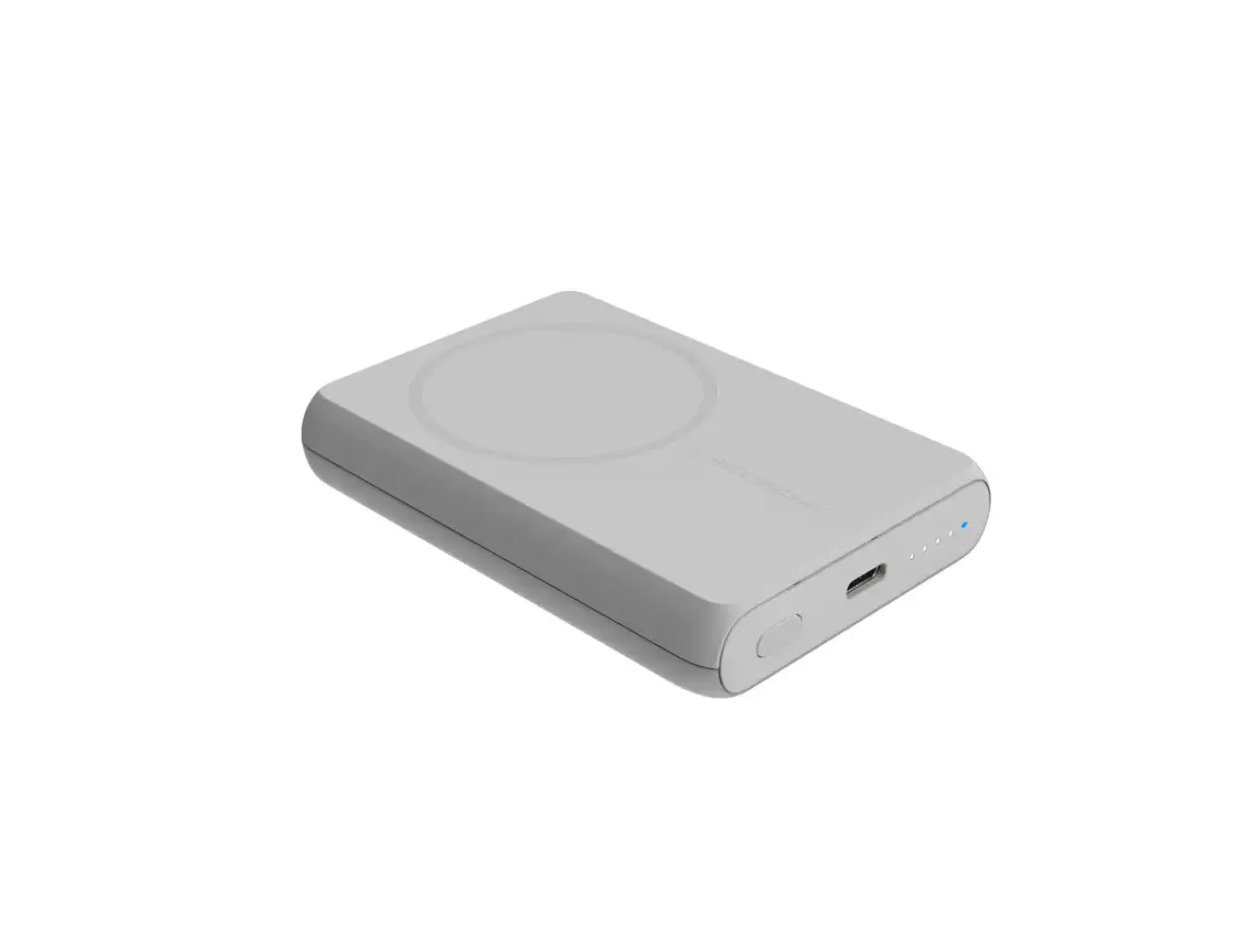
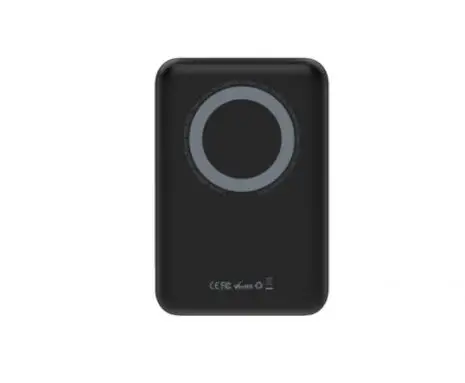
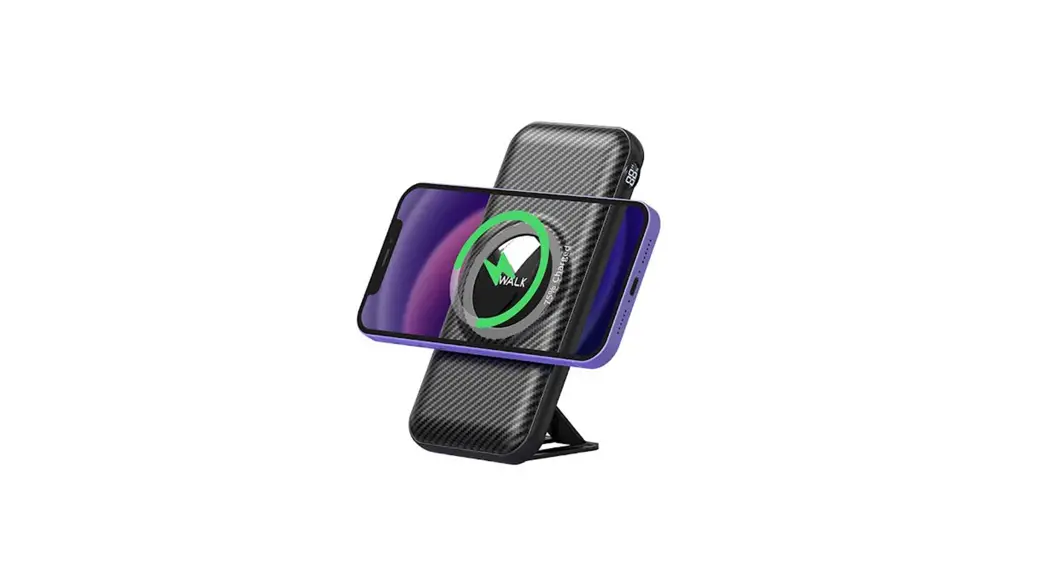
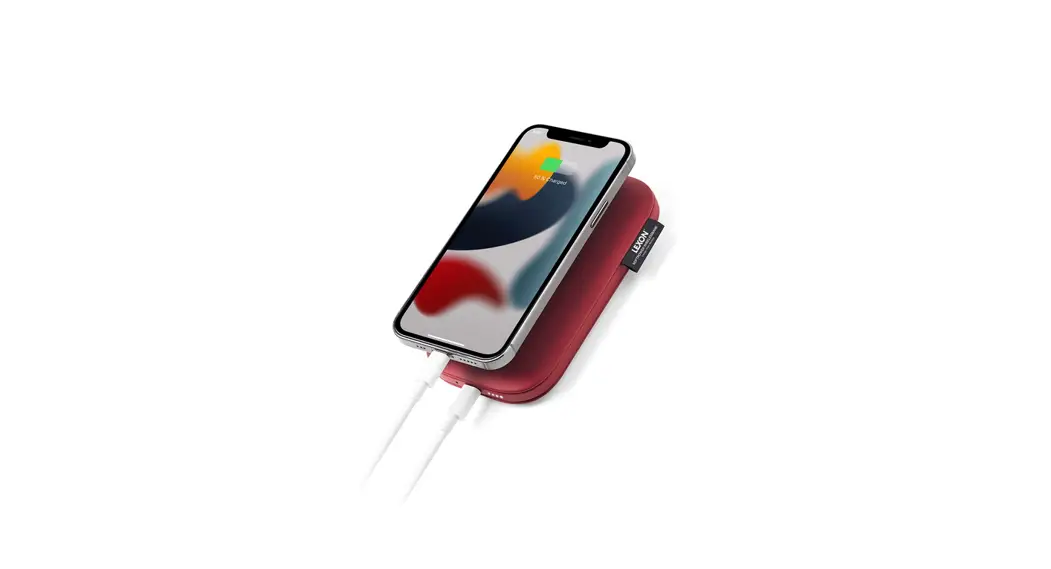
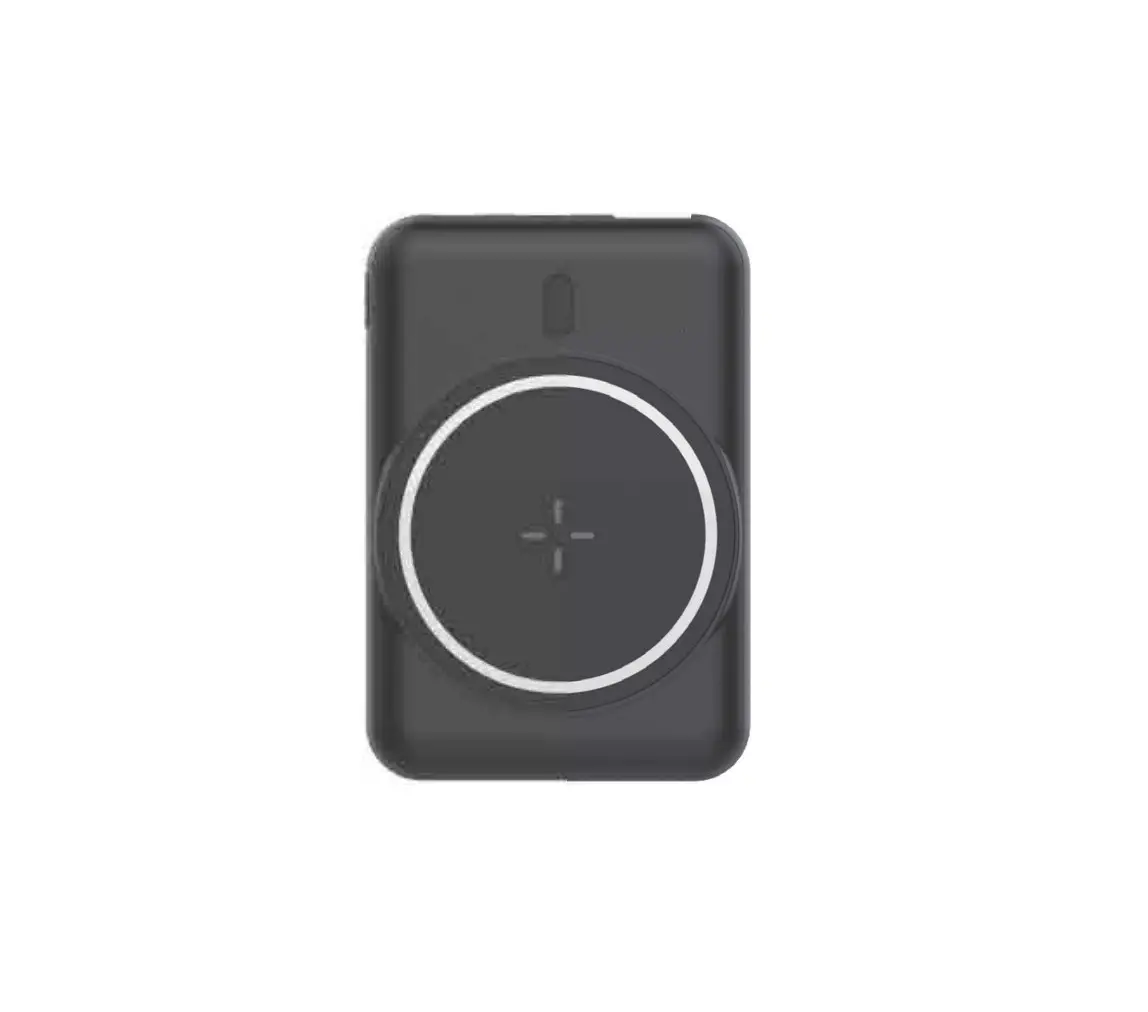
CTF-T-ATE-232039FREBLK PowerThru Power Bank MagSafe Compatible
Product Information:
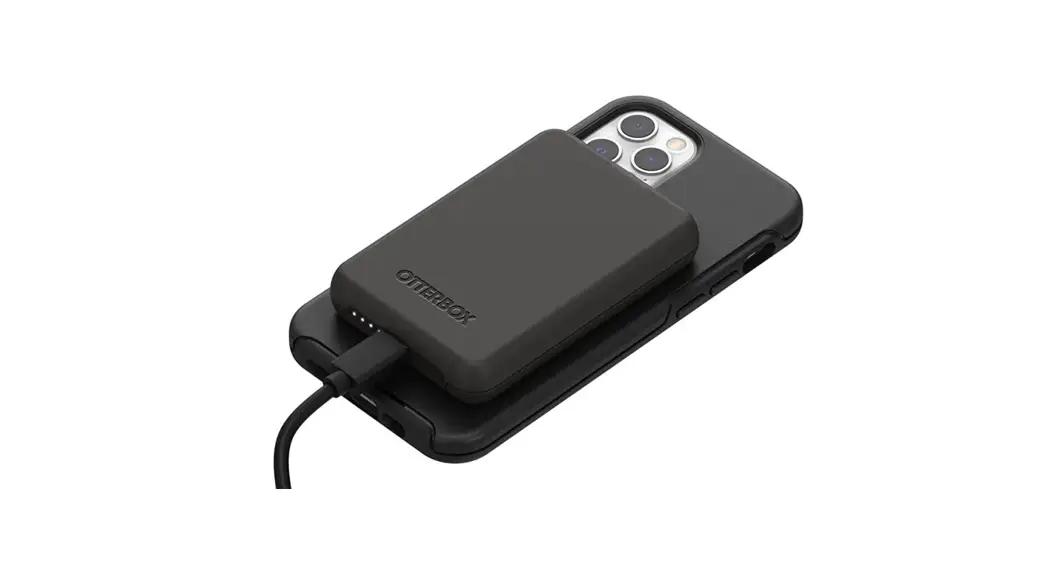
The CASETiFY PowerThruTM Power Bank is a portable power bank
that is MagSafe compatible. It comes with a 30cm charging cable and
a user guide. The power bank has a battery capacity, USB-C input
for charging, USB-C output for wired charging, and wireless output
for charging compatible devices. It has a compact size and
lightweight design, making it convenient to carry. The power bank
is optimized to work with iPhone 8 and later series and other
devices with Qi wireless charging technology. It also supports
MagSafe functions for iPhone models from the iPhone 12 and later
series.
Product Usage Instructions:
- Step 1 – Before Use: Make sure to charge your
CASETiFY PowerThruTM Power Bank using a USB-C adapter (not
included). - Step 2 – Wireless Charging: Simply place the
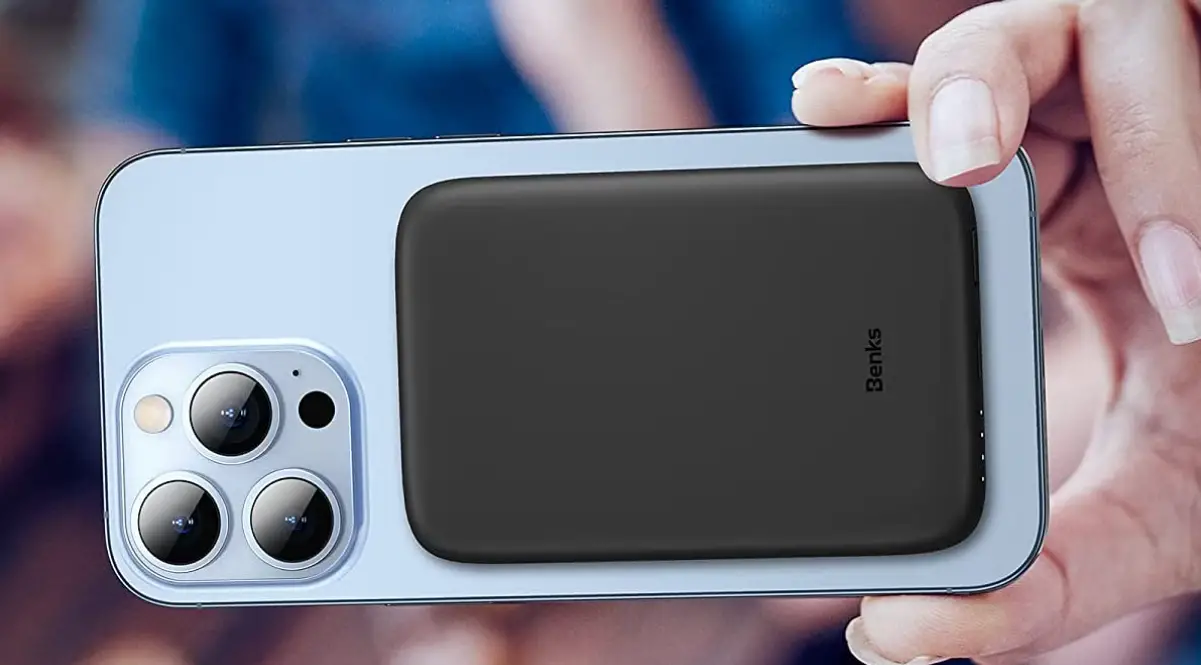
CASETiFY PowerThruTM Power Bank behind a MagSafe compatible mobile
device or phone case, and the device will charge
automatically. - Step 3 – Wired Charging: Connect the CASETiFY
PowerThruTM Power Bank to mobile devices using a charging
cable.
LED Indicator:
The power bank features an LED indicator that displays the
battery level:
- 25% – 1 LED blinking: Low battery level
- 50% – 2 LEDs on
- 75% – 3 LEDs on
- 100% – 4 LEDs on: Power bank fully charged
- LED off: Power bank power off
Troubleshooting:
If your Power Bank is not charging, please try the following
troubleshooting steps:
- Check the Power Bank battery level by pressing the power
button. If the battery level is low, charge the power bank. - Make sure your mobile device is MagSafe compatible.
- Check for foreign objects, such as metal items, between the
mobile device and Power Bank. - Ensure there is enough space for wireless charging. The maximum
distance between the mobile device and Power Bank should be
5mm. - Remove the magnetic power bank from the mobile device until all
LEDs are off, and then snap the Power Bank onto the mobile device
again.
Important Safety Instructions:
Please read all instructions and warnings carefully before using
this product. Improper use may result in product damage, excess
heat, toxic fumes, fire, or explosion, for which the purchaser and
manufacturer are responsible.
NOTE:
- Reorient or relocate the receiving antenna.
- Increase the separation between the equipment and
receiver. - Connect the equipment into an outlet on a circuit different
from that to which the receiver is connected. - Consult the dealer or an experienced radio/TV technician for
help.
Changes or modifications not expressly approved by the party
responsible for compliance could void the user’s authority to
operate the equipment.
This device complies with Part 15 of the FCC Rules. Operation is
subject to the following two conditions: (1) this device may not
cause harmful interference, and (2) this device must accept any
interference received, including interference that may cause
undesired operation.
FCC RF Exposure Warning Statement: This equipment complies with
FCC radiation exposure limits set forth for an uncontrolled
environment. This equipment can be used in portable exposure
conditions.
WARNING: CANCER & REPRODUCTIVE HARM
www.P65Warnings.ca.gov
POWERTHRUTM POWER BANK MAGSAFE COMPATIBLE
User Manual
PACKAGE CONTENTS 1 PowerThruTM Power Bank
MagSafe Compatible 1 30cm Charging Cable 1 User Guide
SPECIFICATIONS Model No Battery Capacity Input (USB-C) Output (USB-C) Output (Wireless) Size Weight Working Temperature Storage Temperature Frequency Band
CTF-T-ATE-232039FREBLK 5000mAh (19Wh) 5V 3A / 9V 2A / 12V 1.5A 5V 3A / 9V 2A / 12V 1.5A 5W/ 7.5W / 10W 103 x 64 x 13 (mm) 130g 0°C~ 40°C -20°C~ 45°C 110~148kHz
Compatibility This wireless charging base is optimized to work with iPhone 8 and later series, as well as other devices with Qi wireless charging technology. It is stable and secure, charging on contact. Additionally, the magnetic snap function is compatible with iPhone models from the iPhone 12 and later series that support MagSafe functions.
INSTRUCTIONS
Step 1
Before Use Make sure to charge your CASETiFY PowerThruTM Power Bank * Adapter not included
*USB-C
Step 2
Wireless Charging Simply place CASETiFY PowerThruTM Power Bank behind a MagSafe compatible mobile device or phone case, and the device will charge automatically.
Step 3
Wired Charging Connect the CASETiFY PowerThruTM Power Bank to mobile devices using a charging cable.
LED INDICATOR 25% 50% 75%
100%
Battery Level Indicator
4 LED on:
Power bank fully charged
1 LED blinking:
Low battery level
LED off:
Power bank power off
Status Indicator Breathing Light: Blinking Light:
Proceeding Wireless Charging Abnormal charging / foreign object detected
TROUBLESHOOTING
If your Power Bank is not charging, please try the following troubleshooting steps: 1. Check the Power Bank battery level by pressing the power button.
If the battery level is low, charge the power bank. 2. Make sure your mobile device is MagSafe compatible. 3. Check for foreign objects, such as metal items, between the
mobile device and Power Bank. 4. Ensure there is enough space for wireless charging.
The maximum distance between the mobile device and Power Bank should be 5mm. 5. Remove the magnetic power bank from the mobile device until all LEDs are off, and then snap the Power Bank onto the mobile device again.
IMPORTANT SAFETY INSTRUCTIONS
Please read all instructions and warnings carefully before using this product. Improper use may result in product damage, excess heat, toxic fumes, fire, or explosion, for which the purchaser and manufacturer are responsible.
Do not store the device in a high-temperature environment or near heat sources, intense sunlight, or fire. Do not expose the Power Bank to humid environments, including rain or snow. Do not exceed the Power Bank’s output rating. Overloading outputs above the rating may result in a risk of fire or injury to persons. Do not place metallic objects on the wireless charging spot that may affect inductive charging. Do not place phone cases with metallic portions on the charger. In rare cases, smaller metallic objects, such as foil logos on phone cases, may not be detectable, and the charger may continue to operate. In these cases, the metallic object will heat up and may cause damage to the device being charged over time. The Power Bank will generate heat when charging. Provide adequate ventilation and do not cover the device while in operation. Do not subject the Power Bank to mechanical shock, do not drop it, and do not put excessive weight on it. Do not disassemble or modify the product or attempt to replace any part of it. All products have undergone thorough quality assurance inspections. If your product is excessively hot, emitting an odor, deformed, abraded, cut, or experiencing an abnormal phenomenon, immediately stop using it and contact the manufacturer.
NOTE:
This equipment has been tested and found to comply with the limits for a Class B digital device, pursuant to part 15 of the FCC Rules. These limits are designed to provide reasonable protection against harmful interference in a residential installation. This equipment generates uses and can radiate radio frequency energy and, if not installed and used in accordance with the instructions, may cause harmful interference to radio communications. However, there is no guarantee that interference will not occur in a particular installation. If this equipment does cause harmful interference to radio or television reception, which can be determined by turning the equipment off and on, the user is encouraged to try to correct the interference by one or more of the following measures:
– Reorient or relocate the receiving antenna. – Increase the separation between the equipment and receiver. – Connect the equipment into an outlet on a circuit different from that to
which the receiver is connected. – Consult the dealer or an experienced radio/TV technician for help
Changes or modifications not expressly approved by the party responsible for compliance could void the user’s authority to operate the equipment.
This device complies with Part 15 of the FCC Rules. Operation is subject to the following two conditions: (1) this device may not cause harmful interference, and (2) this device must accept any interference received, including interference
that may cause undesired operation.
FCC RF Exposure Warning Statement: This equipment complies with FCC radiation exposure limits set forth for an uncontrolled environment. This equipment can be used in portable exposure conditions.
WARNING: CANCER & REPRODUCTIVE HARM www.P65Warnings.ca.gov
FCC ID: 2ASRV-232039FR
IC:
26753-232039FR
NCC: CCXXxxYYyyyZzW
CAN ICES-3 (B) / NMB-3 (B)
This Class B digital apparatus complies with Canadian ICES-003. (Cet appareil numérique de la Classe B conforme à la norme NMB-003 du Canada).
This device contains licence-exempt transmitter(s)/receiver(s) that comply with Innovation, Science and Economic Development Canada’s licenceexempt RSS(s). Operation is subject to the following two conditions: (1) This device may not cause interference. (2) This device must accept any interference, including interference that may cause undesired operation of the device.
L’émetteur/récepteur exempt de licence contenu dans le présent appareil est conforme aux CNR d’Innovation, Sciences et Développement économique Canada applicables aux appareils radio exempts de licence. L’exploitation est autorisée aux deux conditions suivantes:
(1) L’ appareil ne doit pas produire de brouillage; (2) L’ appareil doit accepter tout brouillage radioélectrique subi, même si le
brouillage est susceptible d’ en compromettre le fonctionnement.
Radio Frequency Exposure Statement for IC:
This equipment complies with IC exposure limits set forth for an uncontrolled environment. This equipment can be used in portable exposure conditions.
Déclaration d’exposition aux radiofréquences pour IC:
Cet équipement est conforme aux limites d’exposition IC établies pour un environnement non contrôlé. Cet équipement peut être utilisé dans des conditions d’exposition portables.
NCC :
NCC
Without permission granted by the NCC, any company, enterprise, or user is not allowed to change frequency, enhance transmitting power or alter original characteristic as well as performance to a approved low power radio-frequency devices. The low power radio-frequency devices shall not influence aircraft security and interfere legal communications; If found, the user shall cease operating immediately until no interference is achieved. The said legal communications means radio communications is operated in compliance with the Telecommunications Management Act. The low power radio-frequency devices must be susceptible with the interference from legal communications or ISM radio wave radiated devices.
 P65Warnings.ca.gov