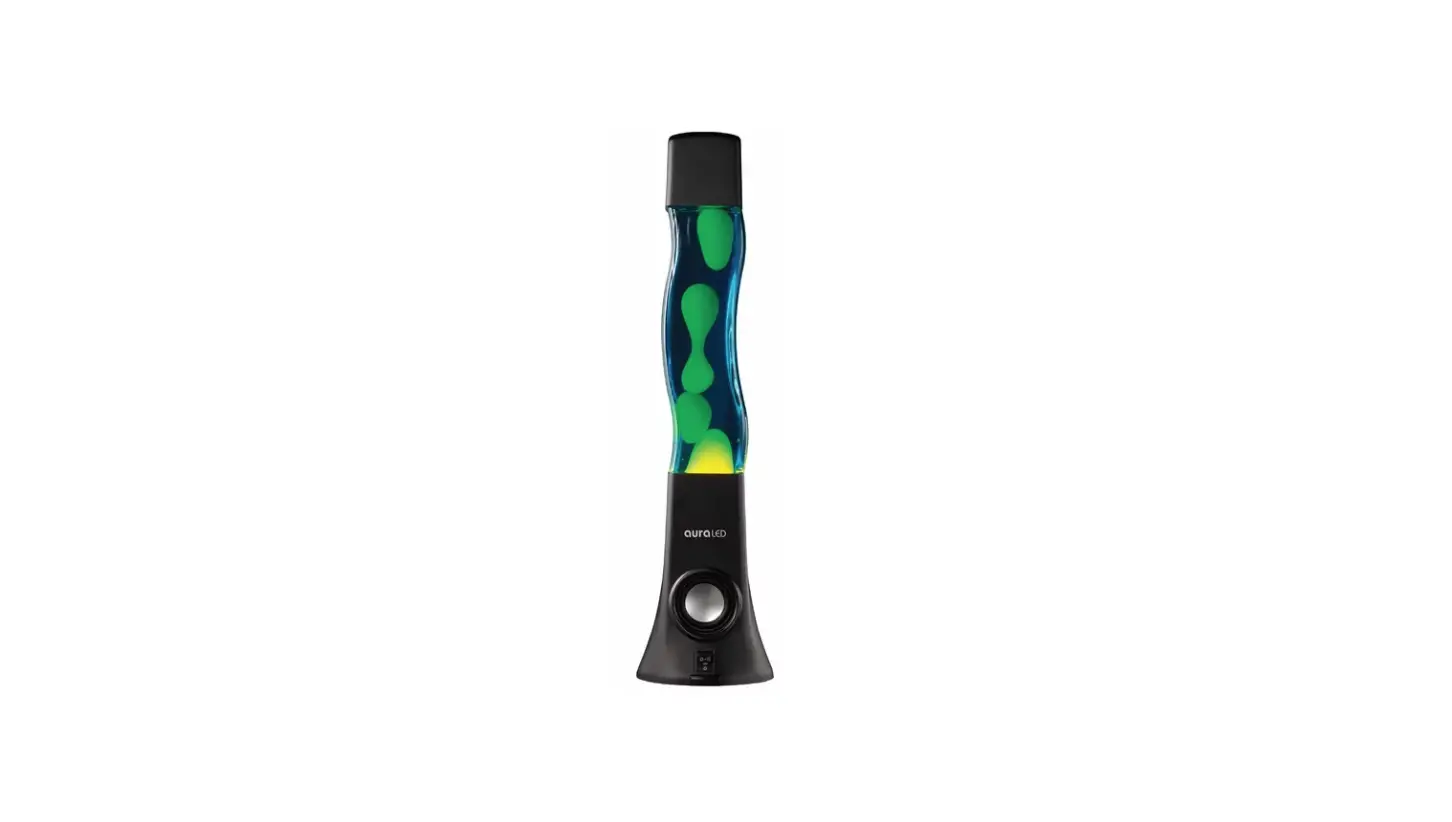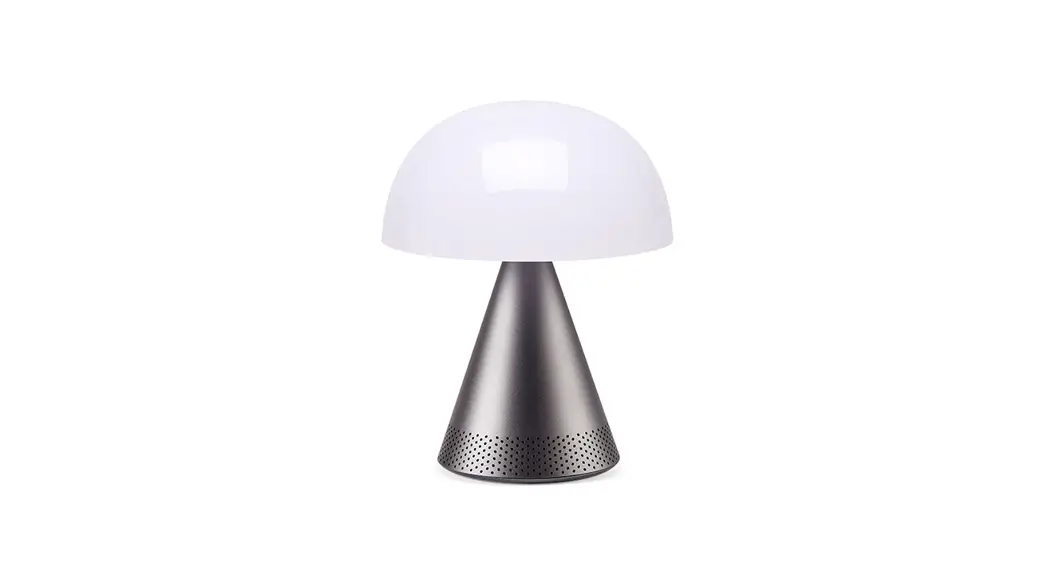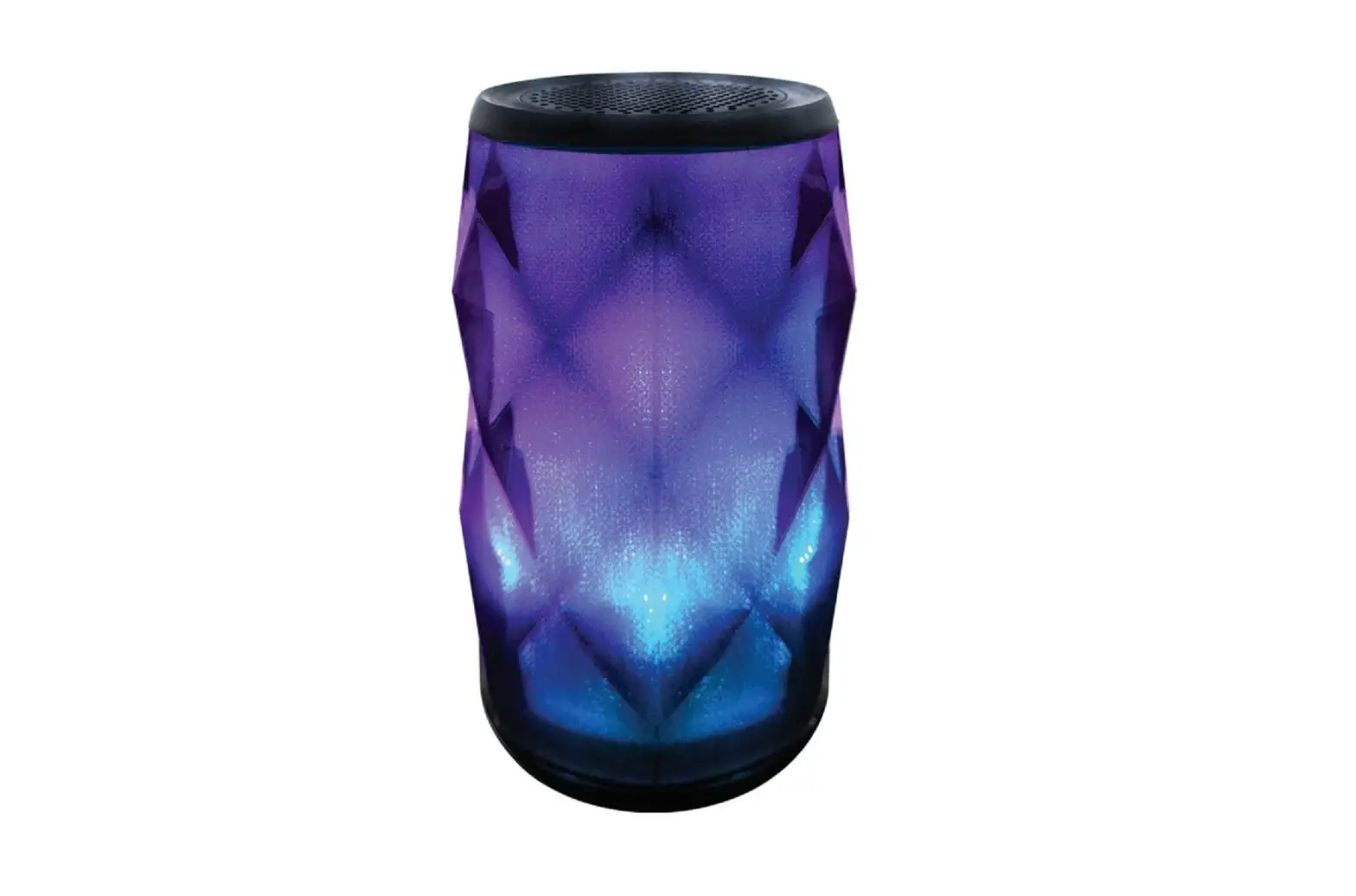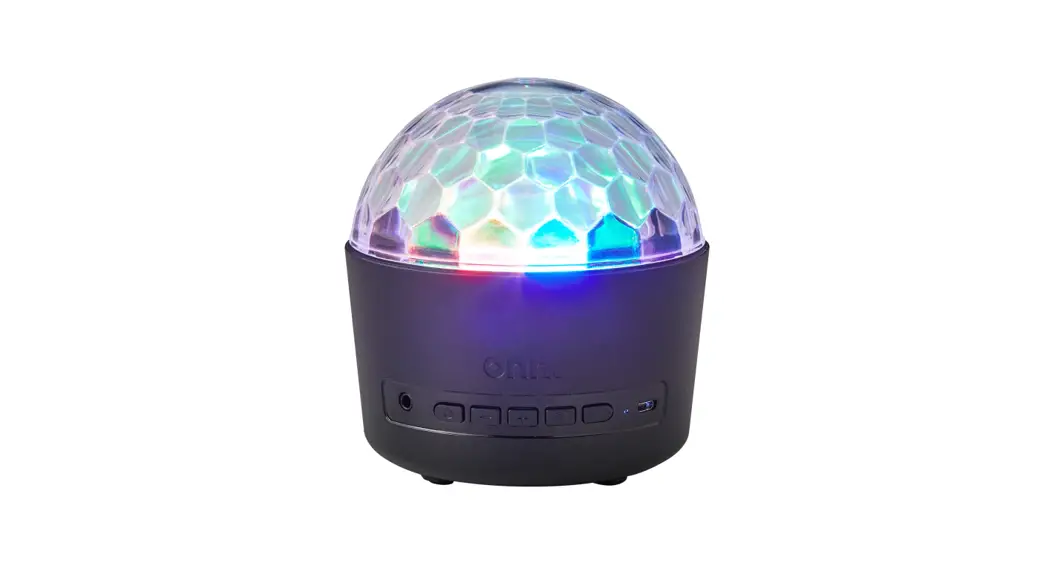
 onn. DISCO LAMP SPEAKER
WITH COLOR/WHITE LED LIGHTING
Model: 100025111
PRODUCT GUIDE
Need help?
We’re here for you every day from
7 a.m. – 9 p.m. CST.
Give us a call at 1-888-516-2630
We m‘d love to hear from you. Scan with your
Walmart app and let us know what you think.
PLEASE READ THIS MANUAL CAREFULLY BEFORE USE.
PRODUCT DIAGRAM
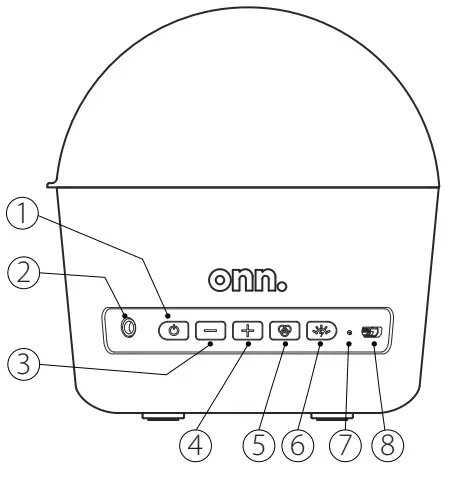
- Power Button
Long press it for 3-5 seconds to turn on; Short press remote control to turn on disco lamp speaker when it is in sleeping status; - 3. 5mm Audio Input Jack
- Volume-/Brightness- Button
Long press to volume down; Short press to dim night lamp; - Volume+/Brightness+ Button
Long press to volume up;
Short press to make light brighter; - Mode Button
1: Short press to switch 5 preset modes which set in sequential order :
Music +Disco lamp → Music + Night Lamp → Music → Disco lamp → Night Lamp.
2: Short press to answer the phone calls, long press to reject it when a call is ringing. - LED Light Button
Short press to switch the color of disco lamp and night lamp. - Light Indicator
- USB charging Port(5VDC/1A)
STANDARD ACCESSORIES
- Disco Lamp Speaker: 1 pc
- Lampshade/ dimming cover: 1pc
- Remote Control :1pc
- USB Charging Cable: 1pc
- Audio Cable: 1pc
- User Manual:1 pc
- 1 Bag hanging hardware: 1set
PRODUCT FEATURES
- Rechargeable Disco Lamp with Color/White LED lighting
- 5 Watt speaker with microphone for hands-free calling
- Bluetooth®
- Lampshade/dimming cover
- Built-in 1000 mAh rechargeable battery with up to 1.5 hours of playtime per charge
- Aux-in port
PLAYTIME
- 1:Battery Playback Time ( 50% volume on cell Phone.) : 2 hours
- 2: Battery playback (Under disco lamp) (default setting): 2.5 hours
- 3:Battery playback (Under Speaker + disco lamp) (default setting): 1.5 hours
BLUETOOTH PAIRING:
- Make sure that Bluetooth is enabled on your phone;
- Go to search and select Bluetooth name “ ONN DISCO BALL” to pair your disco lamp speaker;
- Voice prompt “ Bluetooth connected “will be heard once paired.
Have fun with your disco lamp speaker with 3 Bluetooth modes!
1: Music +Disco Lamp 2: Music + Night lamp 3: Music
AUX INTERFACE:
The Aux port can connect with an external audio source for music playing, however, the voice-controlled light mode is not workable while it connects with an external audio source for music playing.
Indicator:
- Red light is ON when charging
- Blue light is fashing when paring
- Blue light fxed when paired
- Lights of when disco ball lamp is of
CHARGING:
Tips: It is strongly suggested that charging the battery for up to 5 hours with a DC5V 1A power supply is the frst use of the product.
The battery is fully charged when the red light is of.
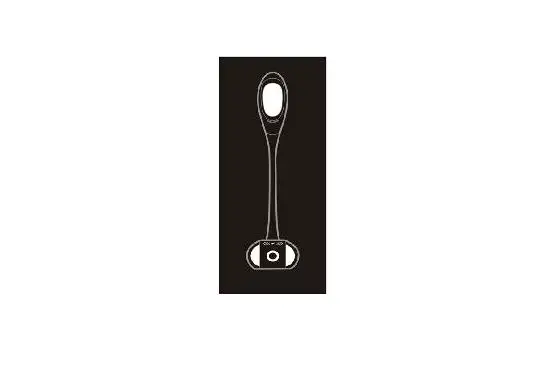
INSTALLATION DIAGRAM:
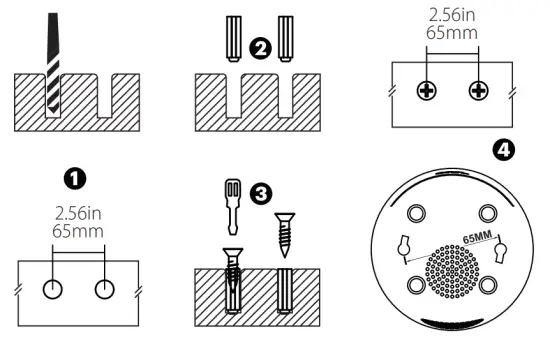
REMOTE CONTROL
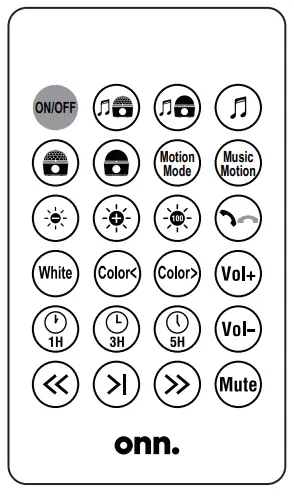
 WARNING: Do not ingest the battery, Chemical Burn Hazard (The remote control supplied with) This product contains a coin/button cell battery. If the coin/button cell battery is swallowed, it can cause severe internal burns in just 2 hours and can lead to death. Keep new and used batteries away from children. If the battery compartment does not close securely, stop using the product and keep it away from children. If you think batteries might have been swallowed or placed inside any part of the body, seek immediate medical attention. Make Light Brighter
| Icon | Function Name | Function Description |
ON/OFF | ON/OFF | Power On and Off |
 | Speaker + Disco Lamp | Short press for Music+Disco ball mode |
 | Speaker + Night Lamp | Short press for Music+Night light mode |
 | Speaker | Short press for Music mode |
 | Disco Lamp | Short press for Disco ball mode |
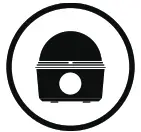 | Night Lamp | Short press for Night light mode |
Motion | Motion Mode | Disco ball mode switch key |
Music | Music Motion | Acoustic stroboscopic mode |
 | Make Light Dimmer | Reduce night light brightness |
 | Make Light Brighter | Increase night light brightness |
 | Brightest | Highest night light brightness |
 | Answer/Hang Up | Pick up/hang up the phone call |
White | Warm White Light | The white night light |
Color< | Previous Color | Night light mode switch back key |
Color> | Next Color | Night light mode switch forward key |
Vol+ | Volume Up | Increase volume key |
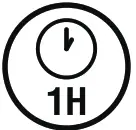 | 1 Hour Timer | One hour timer power off |
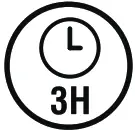 | 3 Hours Timer | Three hours timer power off |
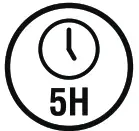 | 5 Hours Timer | Five hours timer power off |
Vol- | Volume Down | Decrease volume key |
 | Last Song/Backward | Back music key |
 | Pause | Music can be paused under Bluetooth mode |
 | Next Song/Forward | Forward music key |
Mute | Mute | Mute mode |
Note:
- Night lamp mode only
- Please press the remote control with your fingertips for higher sensitivity.
- The remote control On/ Of keys will work only when the Disco lamp speaker is turned on.
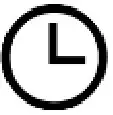 You can set the timer to 1 hour,3 hours or 5 hours when you hear
“Di” tone 1 time, 3 times, or 5 times respectively. Press again to cancel the timer
REMARK
Low battery warning:
The Disco lamp speaker will have a voice warning with “Battery Low” when the battery is running low and will shut down after a twice warning, please recharge it immediately. It should be recharged each month during storage to protect the battery and extend battery life.
Note: Disco lamp speaker will shut down automatically if no music is playing or no operation.
TROUBLESHOOTING
- Battery low: Please charge for 2 hours before use.
- Charging failure: Please use the original cable and please make sure the adaptor is 5V±0.2V, 1A.
- No sound from the speaker: Sound is played only under music, music + disco, Music + night lamp modes. Please check the mode setting. Please ensure Bluetooth or 3.5mm audio input is connected.
- No sound under Bluetooth mode: Make sure to power on the speaker first, and connect your cell phone with the speaker successfully under Bluetooth.
- Bluetooth not connected: Ensure no other Bluetooth devices are connected to the Disco Light. Unpair and re-pair your Bluetooth device to confrm a Bluetooth connection. Check the sound level on your Bluetooth device.
Thanks for choosing the one. Disco Lamp Speaker.
Play onn.
FCC information
This device complies with part 15 of the FCC rules. Operation is subject to the following two conditions:
(1) this device may not cause harmful interference, and
(2) this device must accept any interference received, including interference that may cause undesired operation.
NOTE: This equipment has been tested and found to comply with the limits for a Class B digital device, pursuant to Part 15 of the FCC Rules. These limits are designed to provide reasonable protection against harmful interference in a residential installation. This equipment generates, uses and can radiate radio frequency energy and, if not installed and used in accordance with the instructions may cause harmful interference to radio communications. However, there is no guarantee that interference will not occur in a particular installation. If this equipment does cause harmful interference to radio or television reception, which can be determined by turning the equipment o and on, the user is encouraged to try to correct the interference by one or more of the following measures:
- Reorient or relocate the receiving antenna.
- Increase the separation between the equipment and receiver.
- Connect the equipment into an outlet on a circuit different from that to which the receiver is connected.
- Consult the dealer or an experienced radio/TV technician for help.
CAUTION: Any changes or modifications not expressly approved by the party responsible for compliance could void the user’s authority to operate this equipment.
Wal-Mart Stores, Inc.,
Bentonville, AR 72716
Hotline: 1-888-516-2630