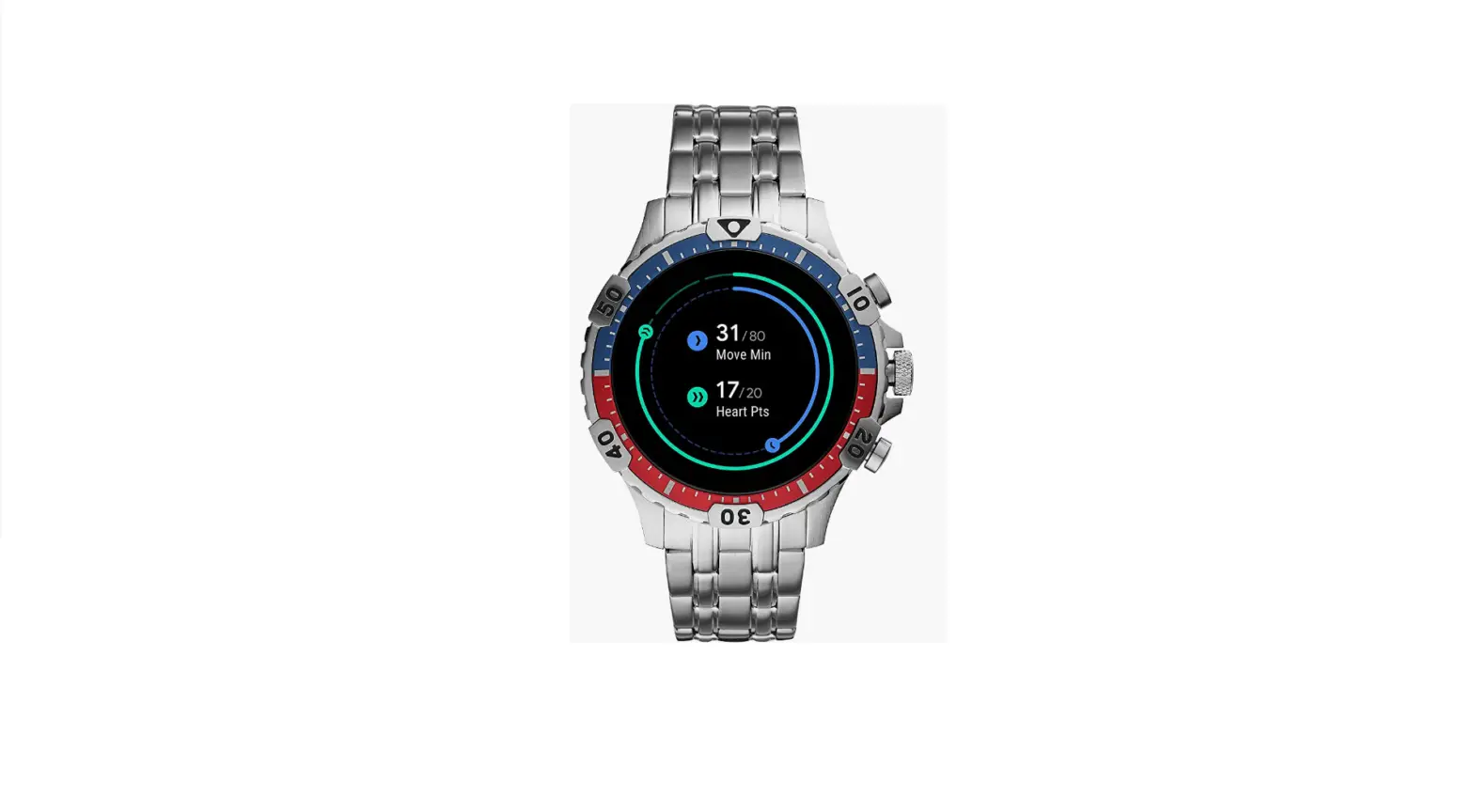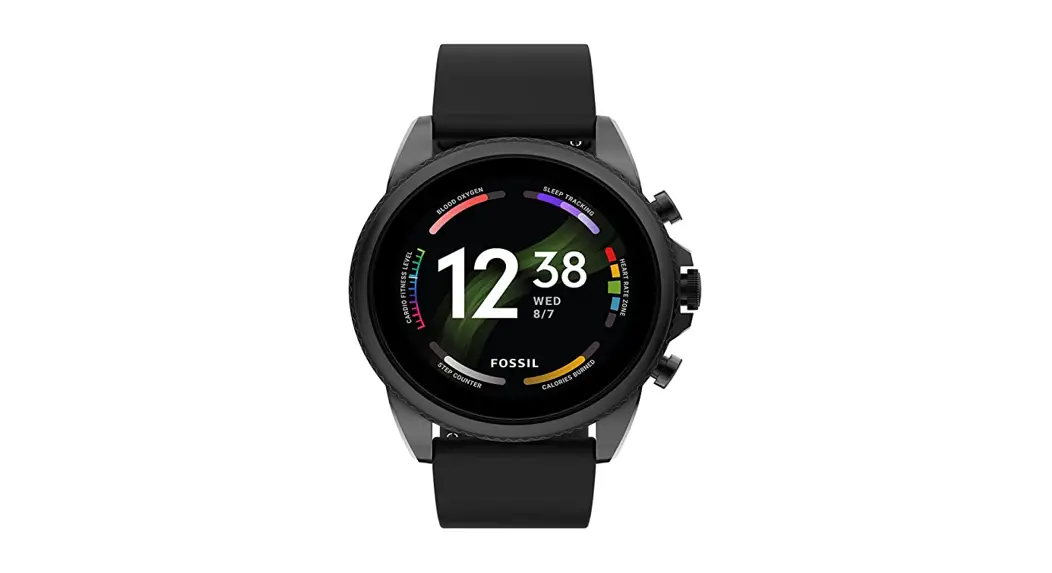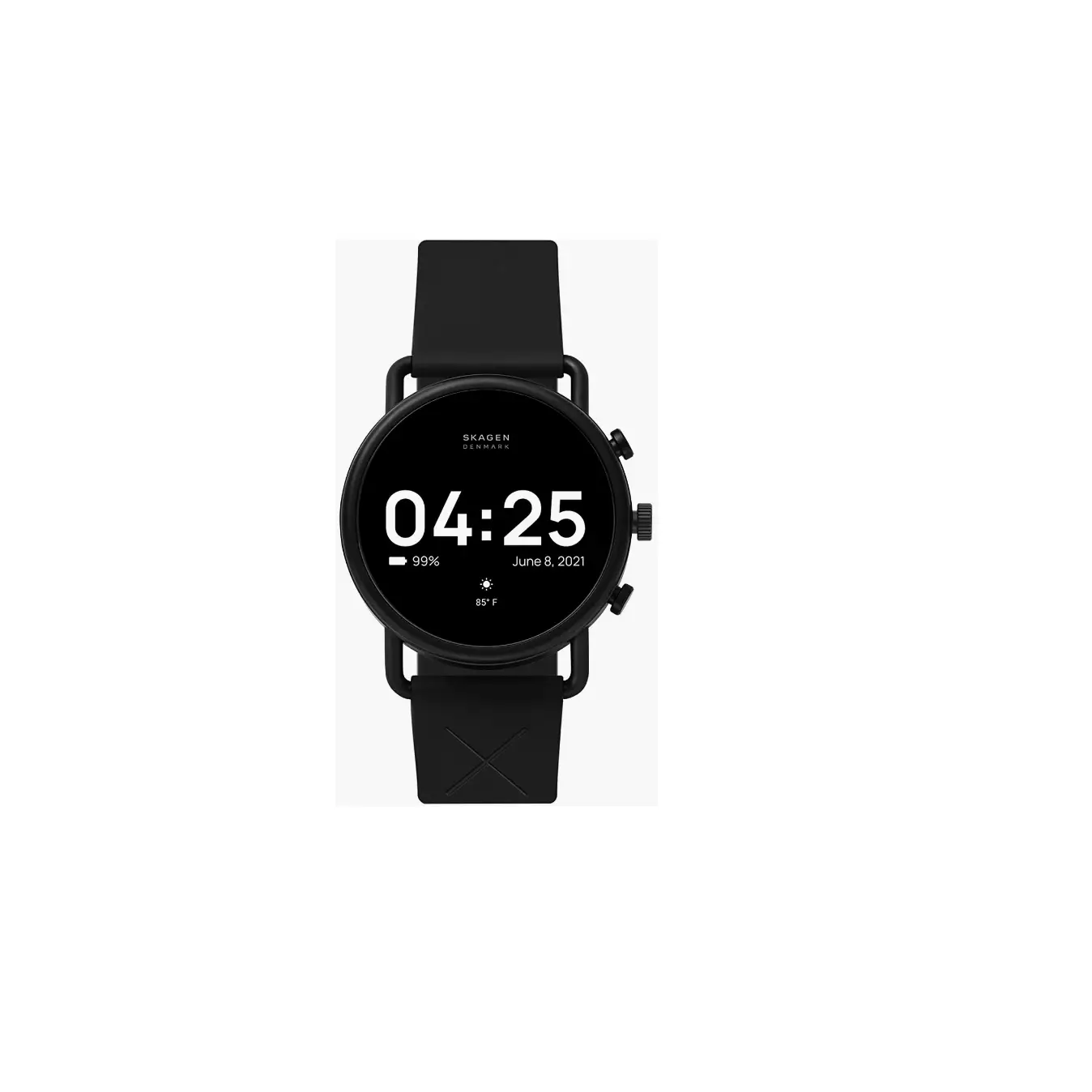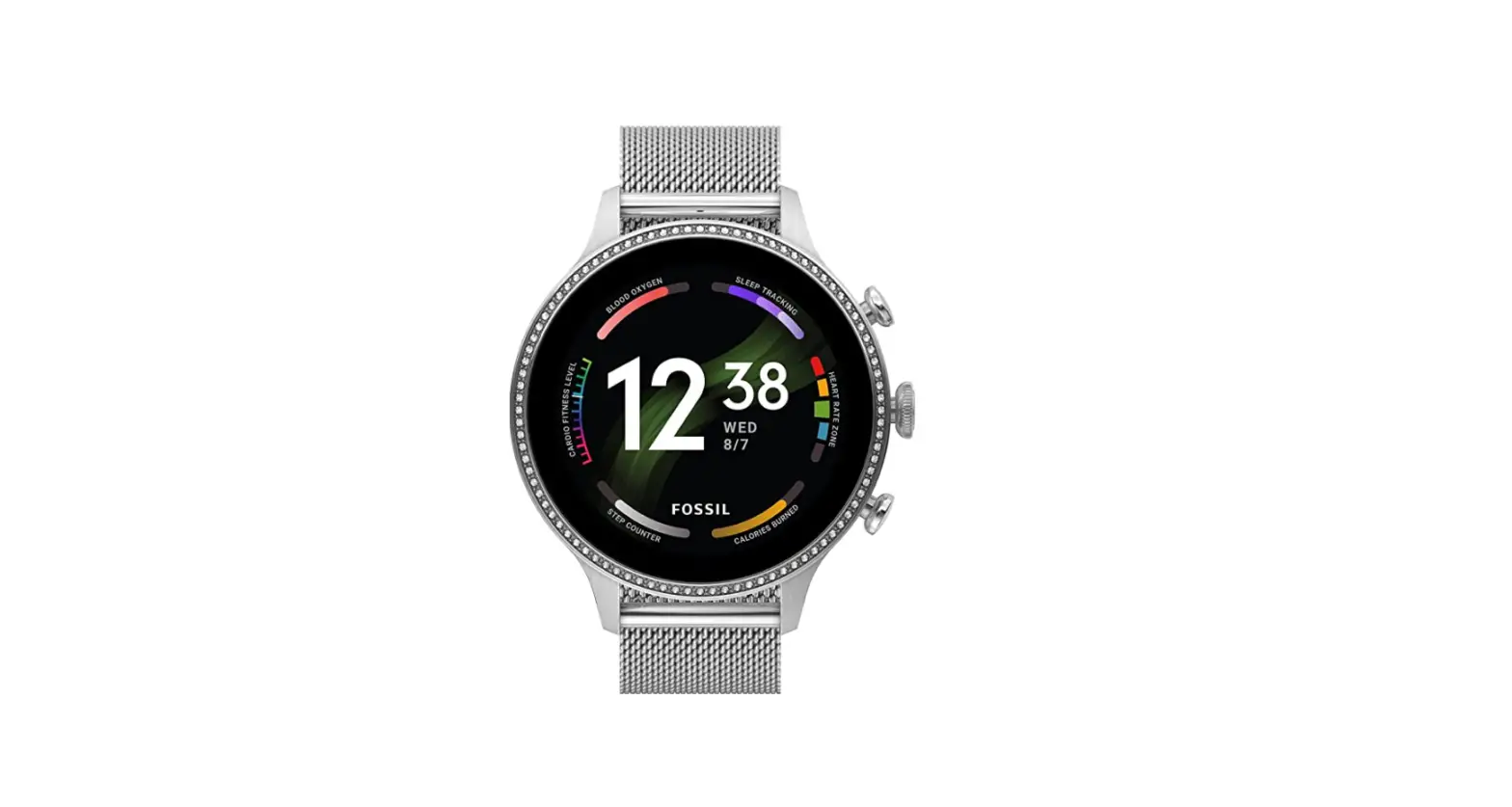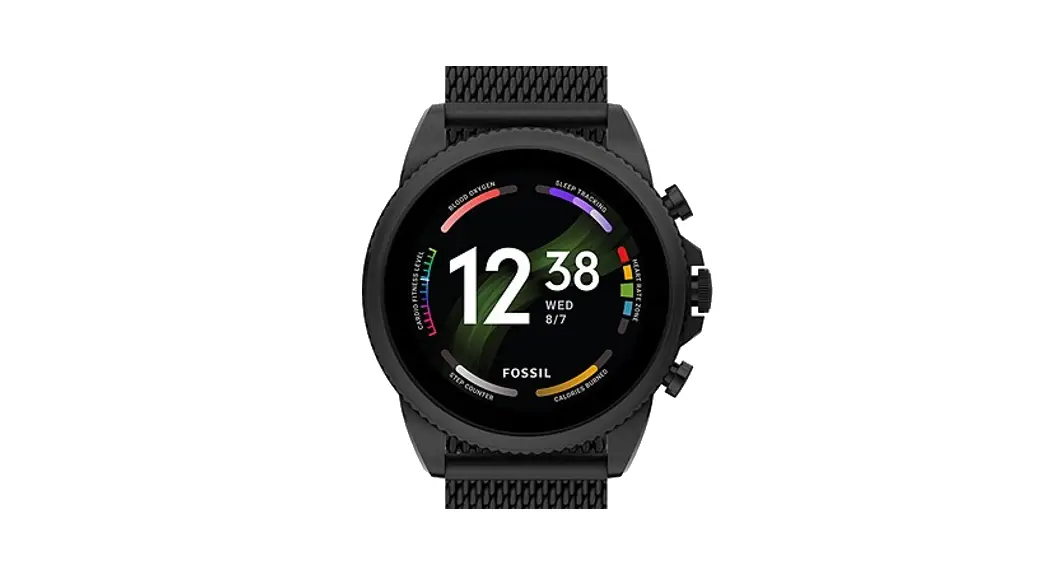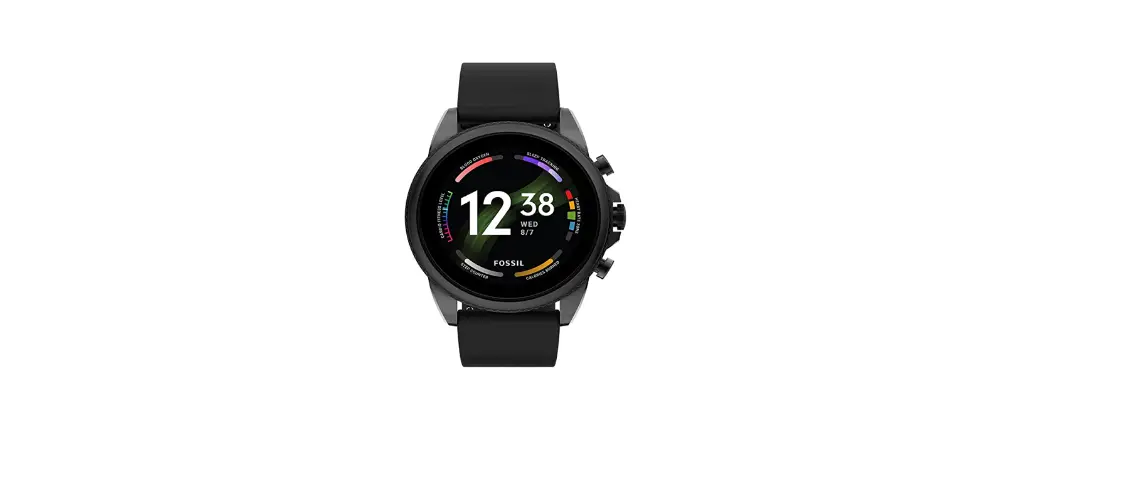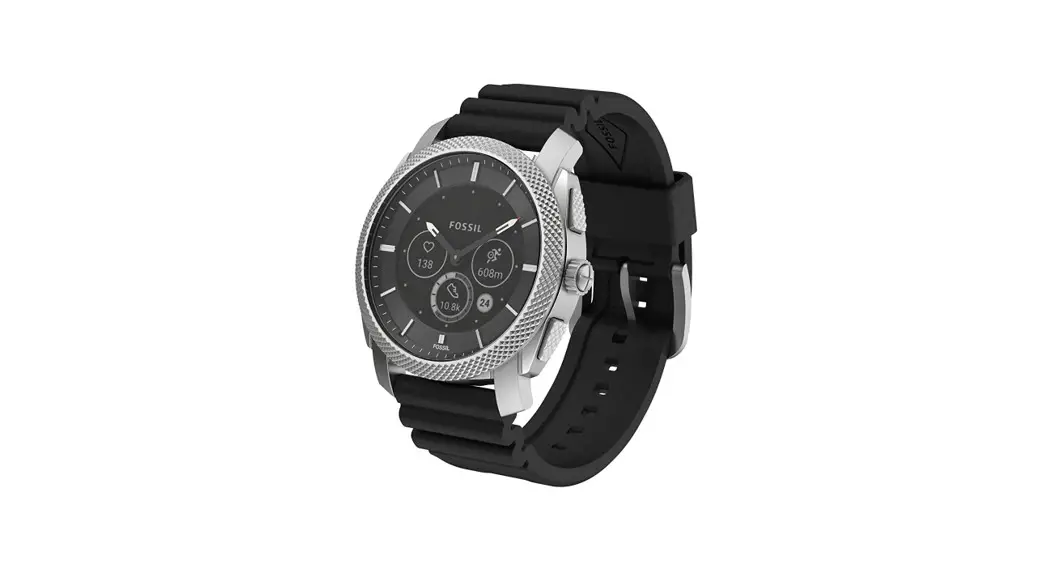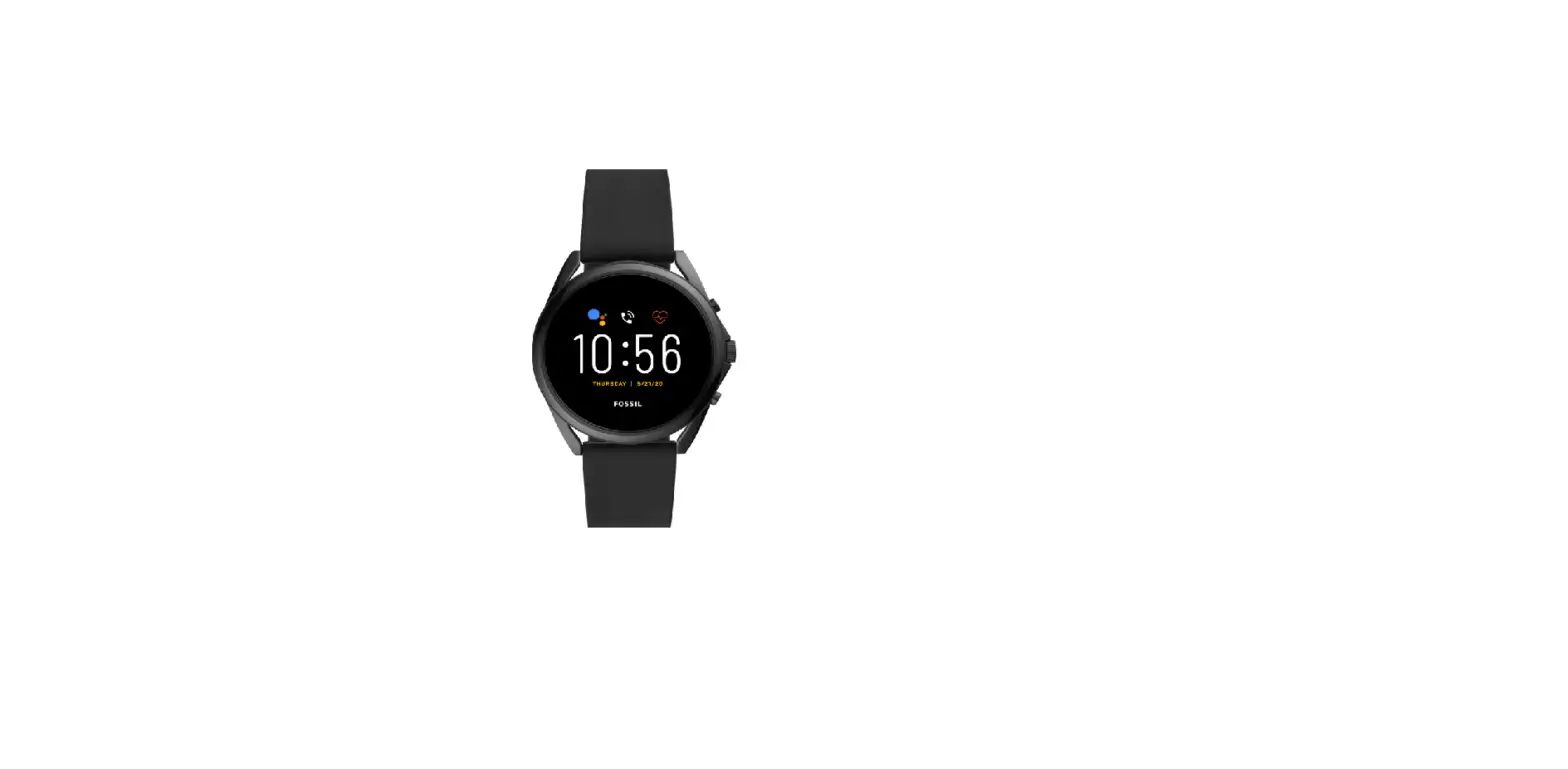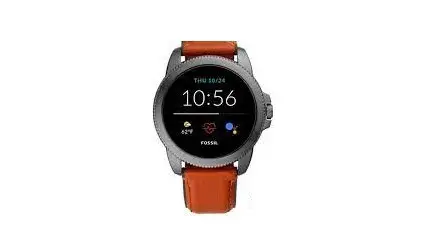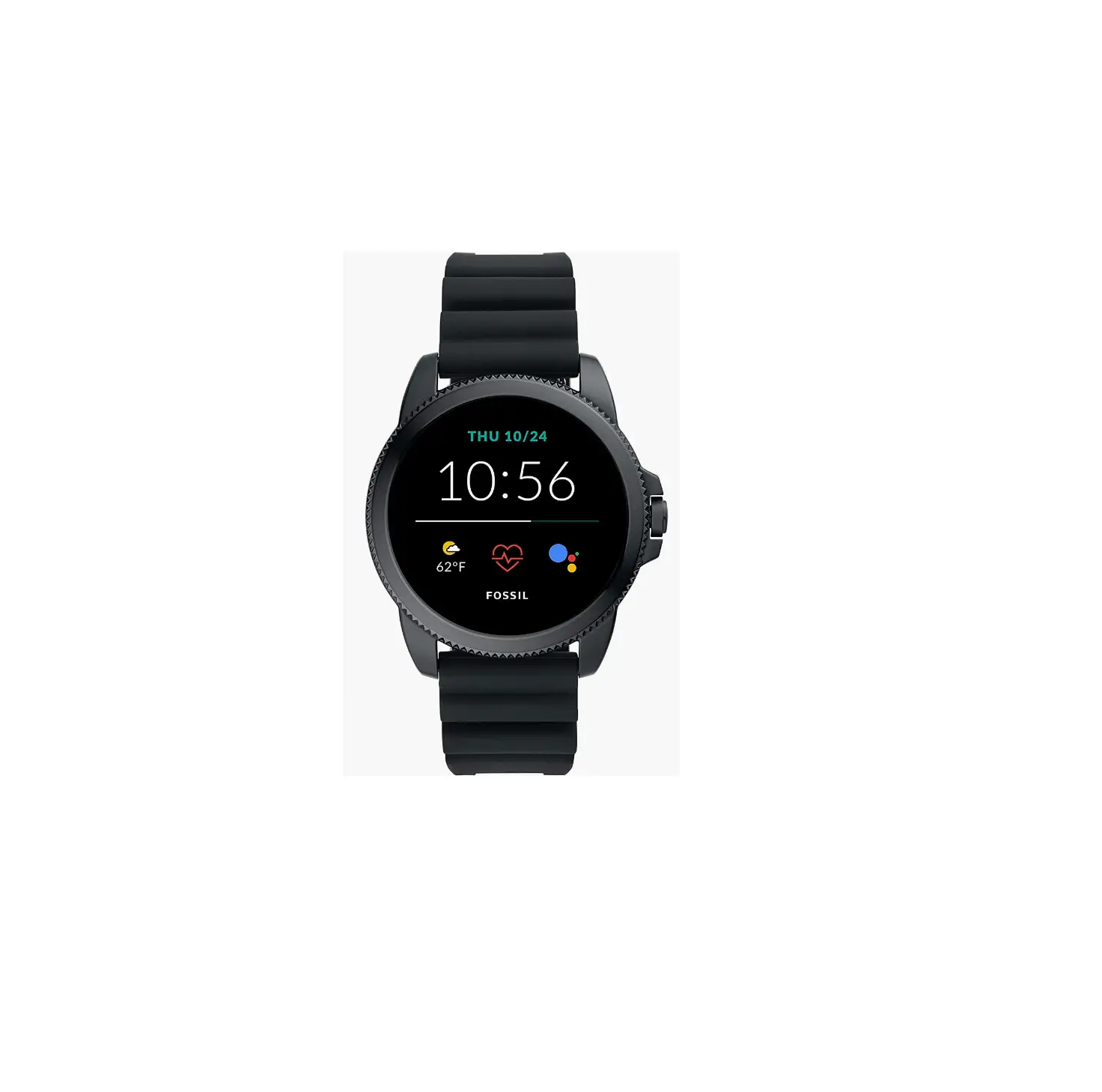
 Fossil FTW4047 Men’s Gen 5E Stainless Steel Touchscreen Smartwatch
 Fossil FTW4047 Men’s Gen 5E Stainless Steel Touchscreen Smartwatch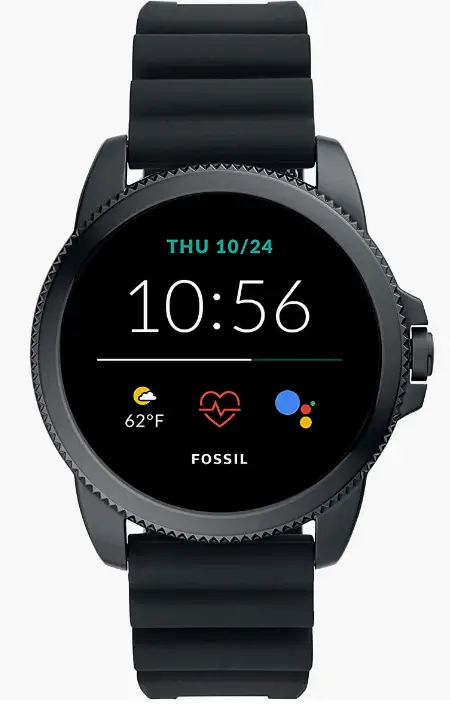
INTRODUCTION
This 44mm Gen 5E touchscreen wristwatch has three smart battery modes to extend battery life for several days, a black stainless steel bracelet, speaker capabilities, and 4GB of storage. Android and iPhone phones are compatible with smartwatches using Google’s Wear OS. Google’s Wear OS and other associated trademarks are the property of Google LLC. Features that are supported may differ between platforms. Use only the charger that came with your watch to prevent harm. Never charge a peripheral device using a USB hub, USB splitter, USB y-cable, battery pack, or another accessory. To reduce the possibility of RF interference, products should be kept more than 20 cm away from implanted medical devices. Details are provided in the package insert.
If you’ve ever worn a touchscreen smartwatch, you are aware of the strength and potential it can give your wrist. Let us introduce you to the wide spectrum of technological features that your smartwatch can power if you’re new to the smartwatch scene. The possibilities for what these watches can do to assist organize your busy life are virtually endless, from getting notifications to goal tracking and remotely operating your smartphone.
SPECIFICATION
- BRAND: Fossil
- COMPATIBILITY: iOS, Android
- BATTERY: 24 Hr.
- STORAGE CAPACITY: 4GB
- ITEM SHAPE: Round
- CASE DIAMETER: 44 millimeters
- CASE THICKNESS: 12 millimeters
- BAND WIDTH: 22 millimeters
- BAND COLOR: Black
- CALENDAR: Day Date Month And Year
- ITEM WEIGHT: 4.23 Ounces
- MOVEMENT: Digital
- WATER RESISTANT DEPTH: 50 Meters
GETTING SET UP
- STEP 1

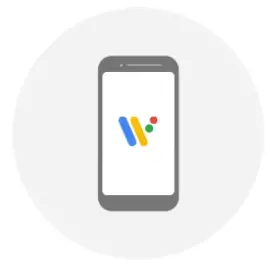
Connect your watch to the included charger. On your phone, download the Wear OS by GoogleTM app, open the app and tap Set It up. - STEP 2

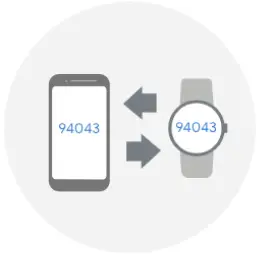
On your phone, tap the name of your watch and compare the Codes that appear on both screens - STEP 3
If the codes that appear are the same, tap Pair on your phone. Pairing can take a few minutes. If the two codes are not the same, restart your watch and try again. If the code still doesn’t match:- Check your Bluetooth connection.
- Restart both devices.
- Unpair and try again.
- STEP 4
On your phone, tap the name of your watch and compare the Codes that appear on both screens.
GETTING CONNECTED
CONNECT TO BLUETOOTH DEVICES:
- Set the Bluetooth device to pairing mode.
- Swipe down on your watch to open quick shade settings.
- Tap the Settings icon and go to Connectivity > Bluetooth > Available devices.
- Tap the name of the Bluetooth device to connect to it.
IF YOU’RE HAVING TROUBLE CONNECTING, TRY THESE STEPS:
- BLUETOOTH CONNECTION:
On your phone, go to Settings > Device connection > Bluetooth and check that it is toggled on. - RESTART YOUR WATCH:
Long hold the crown button and tap Restart to reboot your device. - CONNECT TO WIFI:
On your watch, go to Settings > Connectivity > WiFi to add a network.
GETTING AROUND
- SWIPE UP: to browse your notifications
- SWIPE DOWN: to access frequently used settings.
- SWIPE LEFT: to access Google Fit™.
- SWIPE RIGHT: to get proactive help from Google Assistant.
NOTIFICATIONS
- Scroll up and down to browse.
- Swipe left or right to dismiss.
- Tap to expand.
- TOP TIP
- Long press the screen and swipe left or right to browse the watch face styles available.
SEE WHAT YOU CAN DO
PROACTIVE HELP FROM GOOGLE ASSISTANT
Ask Google Assistant to manage daily tasks, check the weather, get answers, and more, all while on the go. Just press and hold the power button or say ‘Ok Google.’
FIND MY PHONE
Can’t find your phone? No problem. Swipe down and tap the Find my phone icon to ring your phone. It will work even if your phone is on silent.
PAY ON THE GO
Checkout made simple. Set up your card in the Google Pay™ app on your watch, then simply open and twist your wrist to turn your watch face near the terminal until you feel a vibration.
CONTROL YOUR MUSIC
Control your music right from your wrist. Pause or skip tracks and control the volume all with a tap.
GOOGLE FITGet healthy with Google Fit™. Track your progress with activity goals like Heart Points, based on recommendations from American Heart Association and World Health Organization.
STEP COUNTER
Tracks all activity, no matter what gets you moving.
HEART POINTS
Credit for activities that get your heart pumping harder.
MONITOR PROGRESS
Track steps and Heart Points throughout the day.
RECORD REPS
The strength training feature automatically counts reps while exercising.
TRACK STATS
Smart sensors record the essentials, like heart rate, speed, pace, route and more.
GUIDED BREATHING
Follow calming, dynamic visuals that take you through breathing exercises.
FAQs
Can you play run escape on it??
Yes.
Can I get outlook emails on this watch?
While Microsoft Outlook emails and other notifications will be received by your smartwatch, you can also download the Microsoft Outlook app from the Google Play store, on your smartwatch, for added features.
Can I download a golf app on the gen 5?
Yes, golf apps are available for download through the Play Store for Wear OS.
Does it have a find my phone feature so it will make your phone ring?
Yes this watch has find your phone feature when pressed make your phone ring.
Is this watch compatible with an iPhone?
The Gen 5E Smartwatch uses the Google WearOS app on your phone with Android™ 6.0+ (excluding Go edition) or iOS 12.0+.
Is the battery life really barely a day with a full charge or is it defective?
During my first week I found myself constantly messing around with my watch which drained the battery rather quickly, but after a month of owning it I can get my watch to last pretty well all day. I do have to charge it before bed and then top it up when I get out of bed for the day. So I technically charge it twice a day but I find that this system works well for me.
is this compatible with umx 693 android 8 phone
The Gen 5E is compatible with Android phones running Android™ 6.0+ (excluding Go edition).
Can this be used with any wireless charger?
No, the watch can be charged using a USB cable with magnetic charger.
How long is the band? My husband has big wrist and I’d like to get him the metal watch
We’re delighted that you’re thinking about getting our Gen 5E smartwatch for your husband. The inner circumference of our Gen 5E smartwatch’s strap is 200mm +/- 5mm. You may contact FG Services should you require additional links.
Is the watch waterproof?
The Fossil Gen 5E Smartwatch is swim-proof. In addition to being water resistant up to 30M, this device passes a 10,000-stroke swim test and can be worn while swimming in shallow water or showering. The microphone and touchscreen may not work properly while the watch is in water or not completely dry.
Please recommend a replacement pin for the watch band as mine broke.
Since the pin of the watch is already broken we may recommend contacting our Support team for further assistance. Please give us a call +1 855-322-6469 our team would be glad to assist.
do any fossil men’s watches do bp monitoring?
No, there is no bp monitoring on Fossil smartwatches.
Can you replace the band with a non-fossil band?
While we offer different kinds of straps or bands for this watch, if there’s a compatible strap with the watch, you may try doing so.
Does it work with the Udisc app?
The Disc app is able to be downloaded from the Google Play Store onto your Gen 5E Smartwatch.
Will it work with iPhone 11?
Yes, this watch works with phones that use the WearOS by Google app and are running the latest version of Android (excluding Go edition) or iOS.