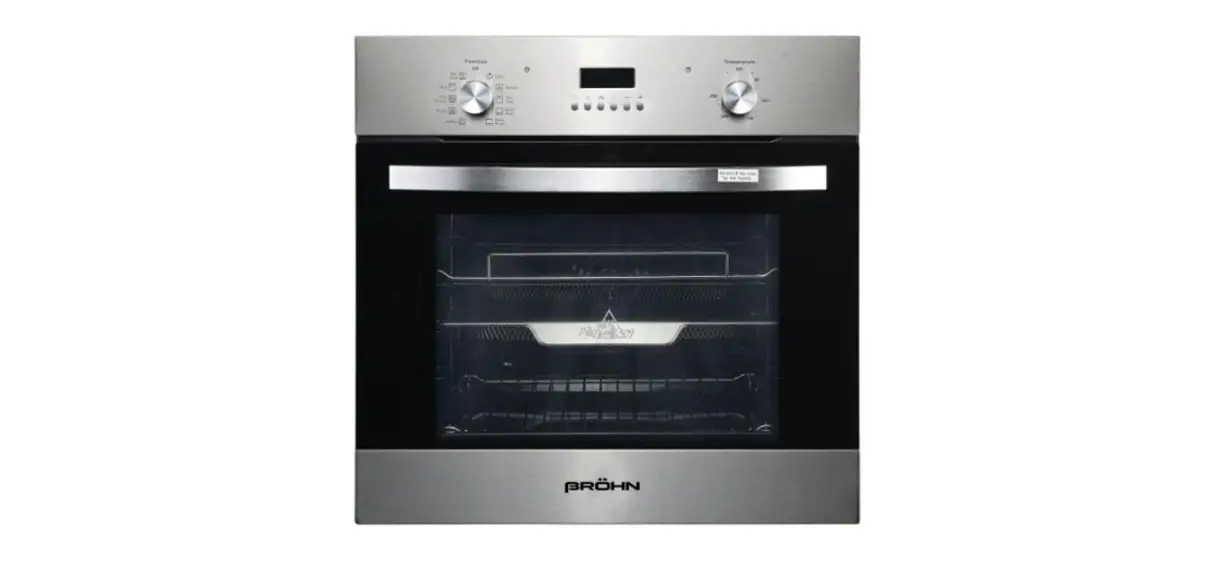
BROHN BRO6001 60cm Built-in Electric Oven User Guide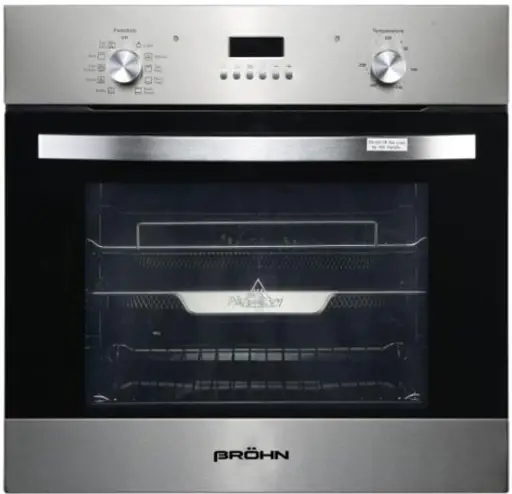
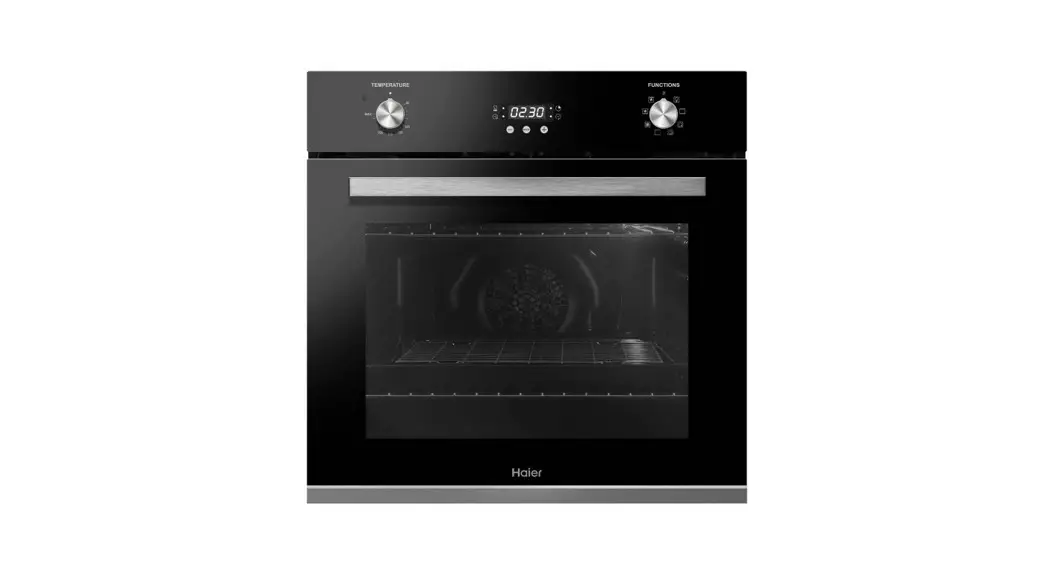
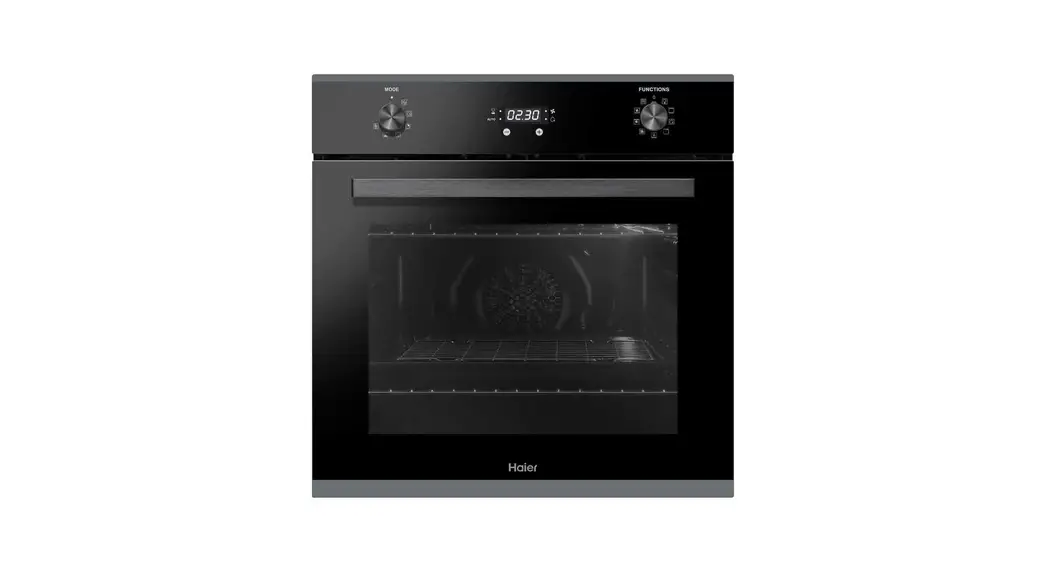
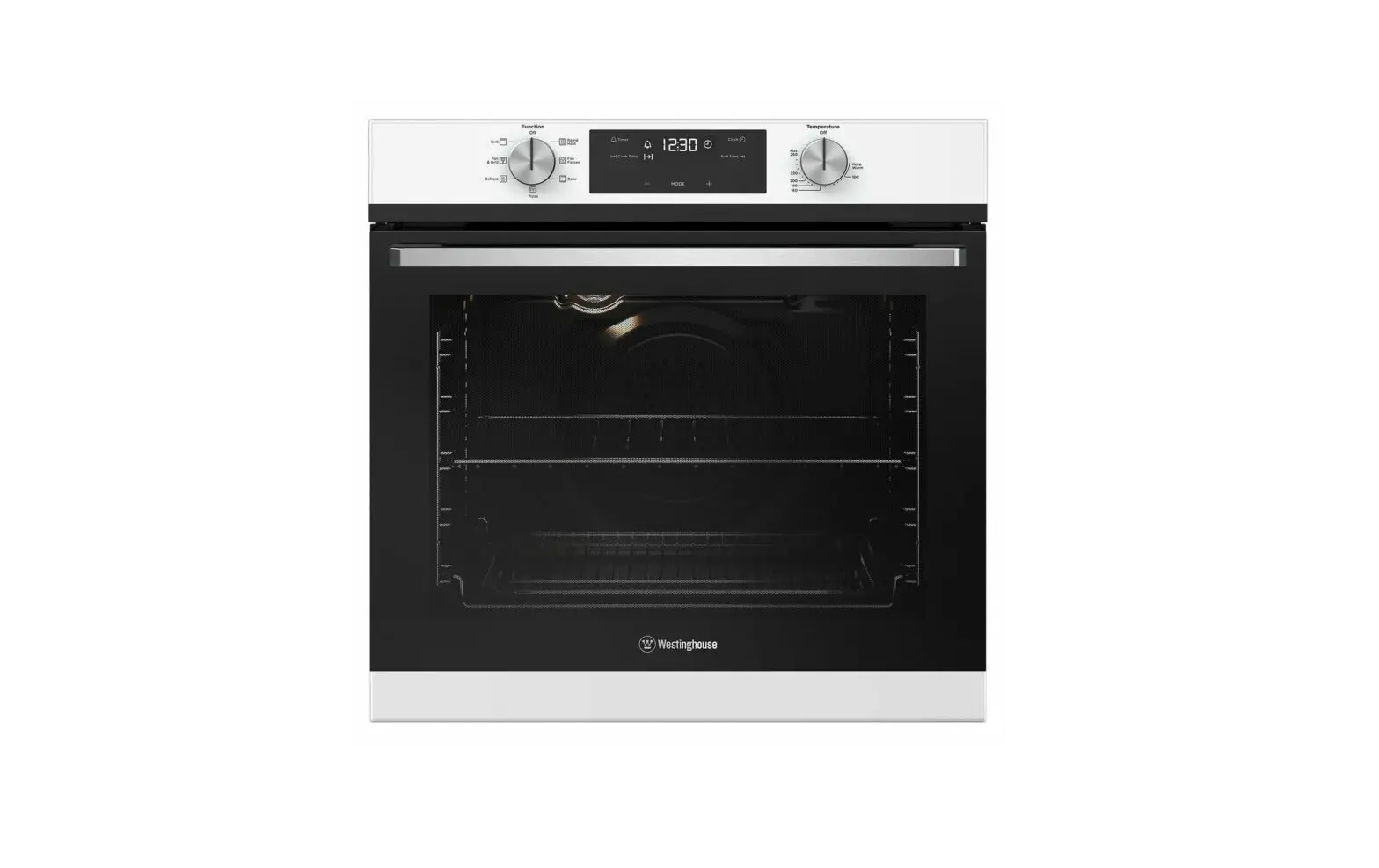
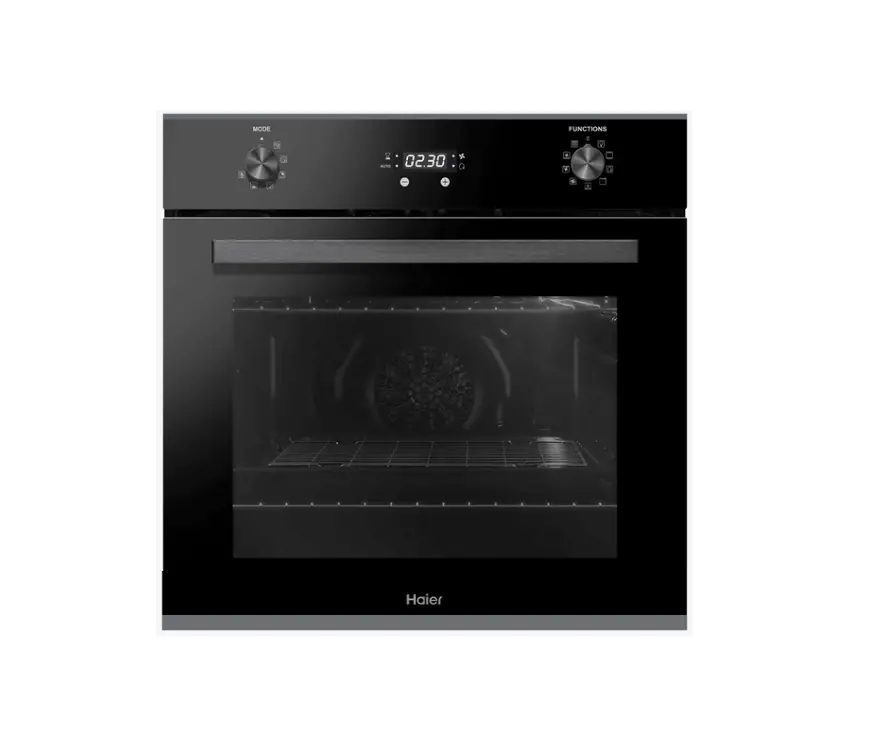
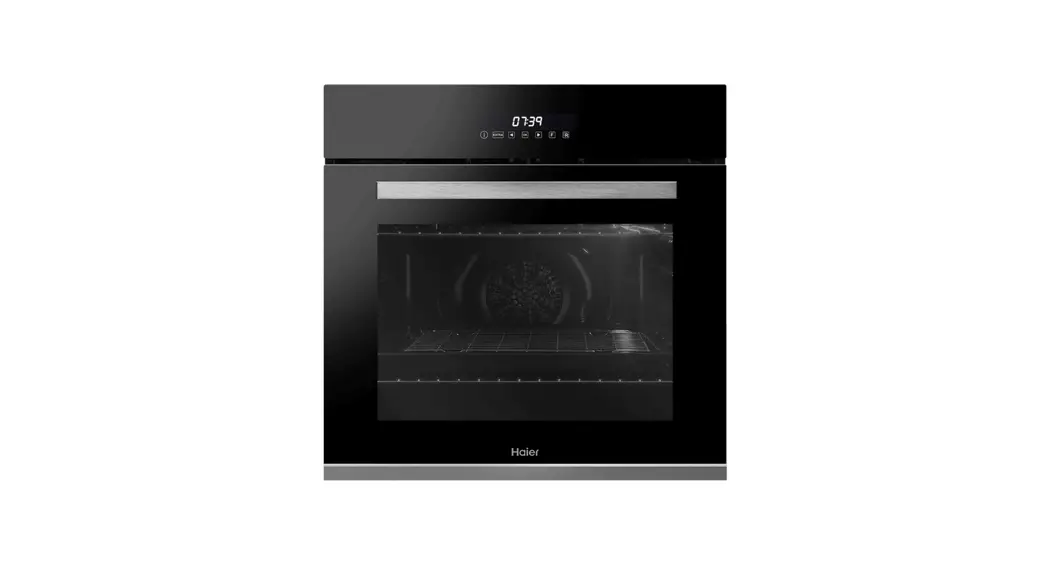
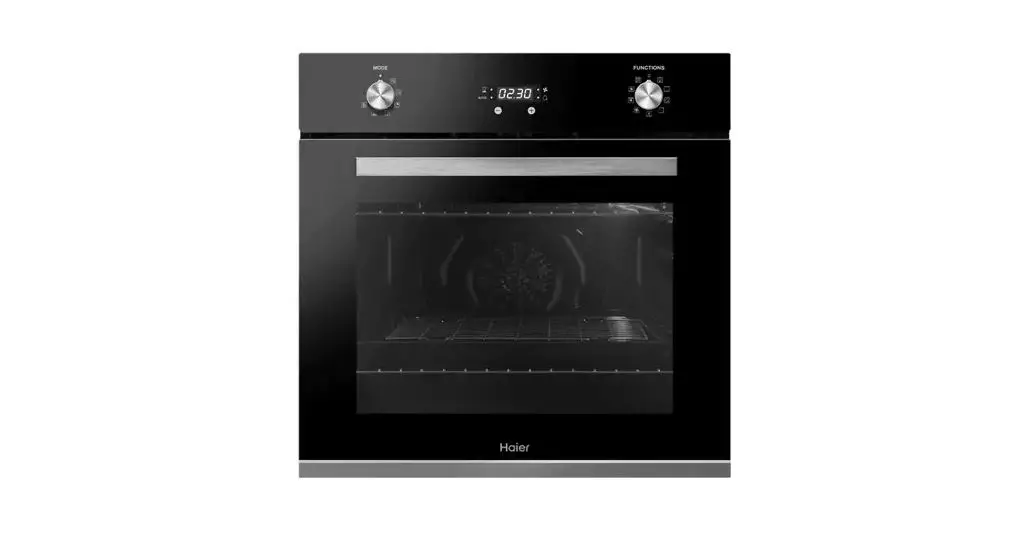
LED DISPLAY
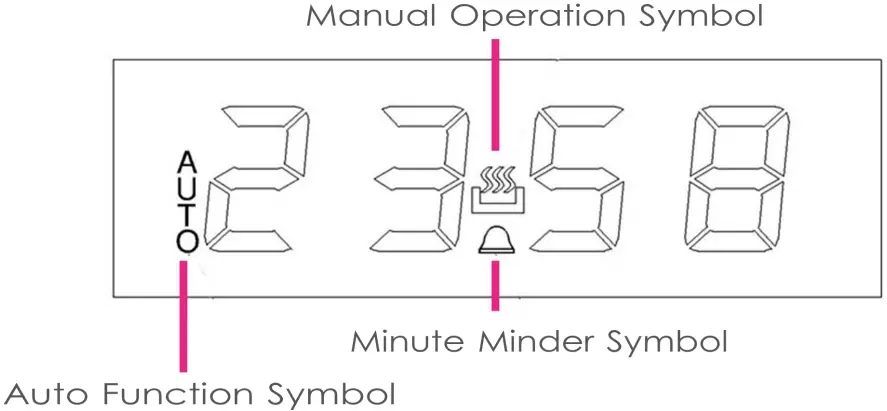
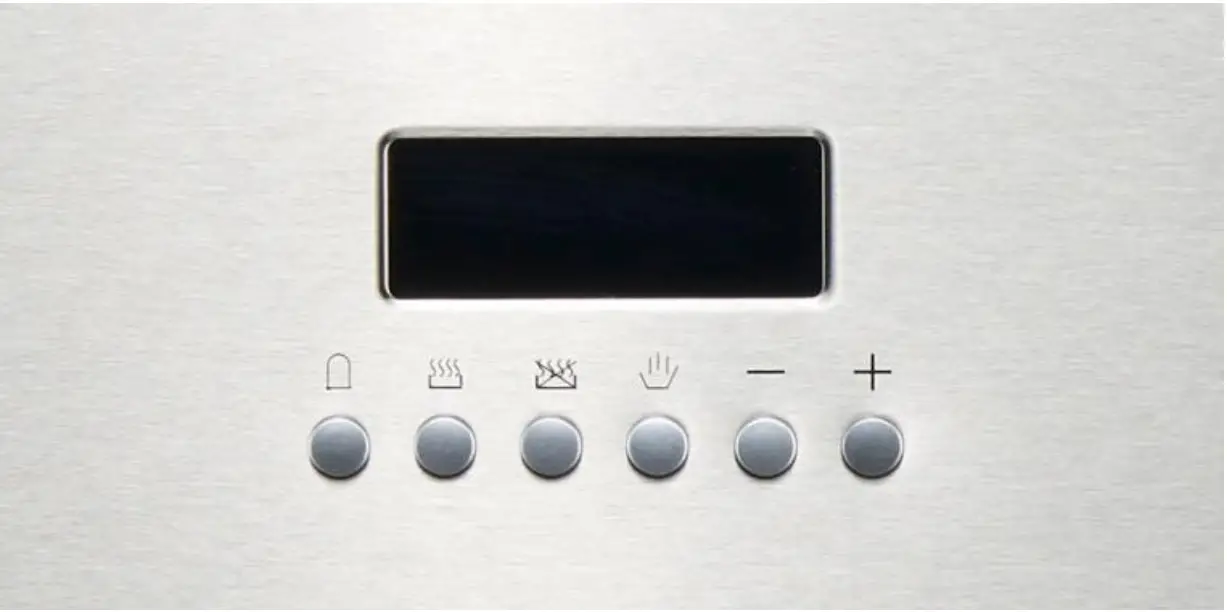
 Timer/Minute Minder Button
 Cooking Duration Button
 End of Cooking Button
 Manual Operation Button
 Decrease Button
 Increase Button
 Timer/Minute Minder Button
 End of Cooking Button
 Manual Operation Button
NOTE:
The “Manual Operation” symbol on the LED display and the icon for the “Manual Operation” button on the control panel look slightly different due to the specific LED display construction.
SELECTING MANUAL OPERATION/SIMPLE SETTING FOR EASY COOKING
When your appliance is connected to power supply for the first time, the numbers on the timer display will flash, confirming oven is ready to be set. Before selecting a cooking function or a temperature, you must set the oven into “Manual Operation” mode, to do that:
- Press the “Manual Operation”
 button 4 on the control panel;
 - Choose cooking function and temperature by using knobs to start cooking.
SETTING CLOCK / CURRENT TIME
To be able to use ovens functions fully the current time should be set
- Press the “Manual Operation” button 4 on the control panel to enter into adjustment selection mode, a small circle “Dot“
 icon will start flashing;
 - Use the “minus” and “plus” buttons to set the current time on the display. After the display shows the correct time, release the “minus” and “plus” buttons;
- 5 seconds after last change, a small circle “Dot“ icon will stop flashing in the middle of the display confirming the current time is set and oven is ready for use.
USING THE TIMER / MINUTE MINDER
You can use the timer at any time, even if you are not using the oven. You can set a period of time using the timer/minute minder function and an alarm will sound when that period of time has elapsed.
- Press the “Timer/Minute Minder” button 1, the display will show 00:00.
- Set a period of time that you wish the timer to countdown for, by using the “minus” and “plus” buttons;
- Once the display shows the countdown time, release “minus” and “plus” buttons;
- 5 seconds after last change, the timer symbol will stopflashing on the display confirming the count down timer is set;
- When a countdown is set, it is possible to shortenor leng then the time but using the “minus” and “plus” buttons, afte rentering into the function mode by pressing “Timer/Minute Minder” button;
- An alarm will sound when the countdown time hasela psed .Press the “Timer/Minute Minder” button to silence the alarm.
IMPORTANT! The timer does NOT turn the oven off. The oven will continue to heat once the alarmhas beensilenced. Ifcooking is finished, turn the oven function and temperatureknobsto0/OFF position, to switch OFF the oven.
SETTING OVEN IN COOKING MODE
USING COOKING DURATION / SWITCH OFF TIMER
This function will allow you to set a COOKIN Gcount down SWITCH OFF timer similar to the timer/minute minder function, however the oven will STOP heating, once the countdown period has elapsed.
- Use function and temperature knobs to select thecookingmode required;
- Press the “Cooking Duration” button2onthecontrolpanel and it will show 00:00. Set the period of time for the cooking duration by using the “minus” and “plus” buttons, sign “AUTO” will start flashing on the display;
- Once the display shows the cooking duration period you re quire, let go of the “minus” and “plus” buttonsand5seconds after the last change, the AUTO sign on the display will stop flashing confirming the oven operating and SWITCH OFF timer in use.
- Once a cooking duration countdown time has been set, it is possible to shorten or lengthen the time by using the “minus” and “plus” buttons, after entering into the function mode by pressing “Cooking Duration” button;
- An alarm will sound when the countdown time has elapsed and the oven will switch off. The “AUTO” sign will flash and “Manual Operation”
 symbol disappear from the LED display;
 - The alarm can be silenced by pressing the “End of Cooking” or “Cooking Duration” button.
- To return the oven to manual operation mode, after the cooking duration function has been used, press the “Manual Operation” button, the “AUTO” sign will disappear from the display and “Manual Operation” symbol will appear instead.
IMPORTANT: Turn the temperature and function selector knobs to 0/OFF to switch OFF the oven, otherwise it will continue to operate as soon as you press the “Manual Operation”  button.
SETTING DELAYED START AND COOKING DURATION TIMER
This function allows you to set a time in the future that the oven switches on and off at.
- Use function and temperature knobs to select the cooking mode required;
- Press the “Cooking Duration” button 2 on the display and it will show 00:00. Set the period of time that you wish to cook for by using the “minus” and “plus” buttons. The“ AUTO” sign will flash on the LED display;
- IMMEDIATELY press the “End of Cooking” button3andthetimer display will show current time or 00:00. Set the time of day that you want the oven to switch off at, using the“ minus” and “plus” buttons;
The oven’s timer will calculate at what time it needs to switch the oven on at so that your food will be cooked for the set length of time/“Cooking Duration” and finish cooking at the “End of Cooking” time you have selected;
- When the time of day reaches the set “End of the Cooking” time, the oven will switch off and alarm will sound. Tosilence the alarm, press the “End of Cooking” or “Cooking Duration ”button.
- The “AUTO” sign will flash and the“ Manual Operation” symbol will disappear from LE Ddisplay.
To return the oven to manual operation mode, after the delaye dcooking function has been used, press the “Manual Operation” button, the word AUTO will disappear from the LED display and“ Manual Operation” symbol will appear instead.
IMPORTANT: Turn the temperature and function selector knobsto0/OFF to switch OFF the oven, otherwise it will continue to operate as soon as you press the “Manual Operation” button.